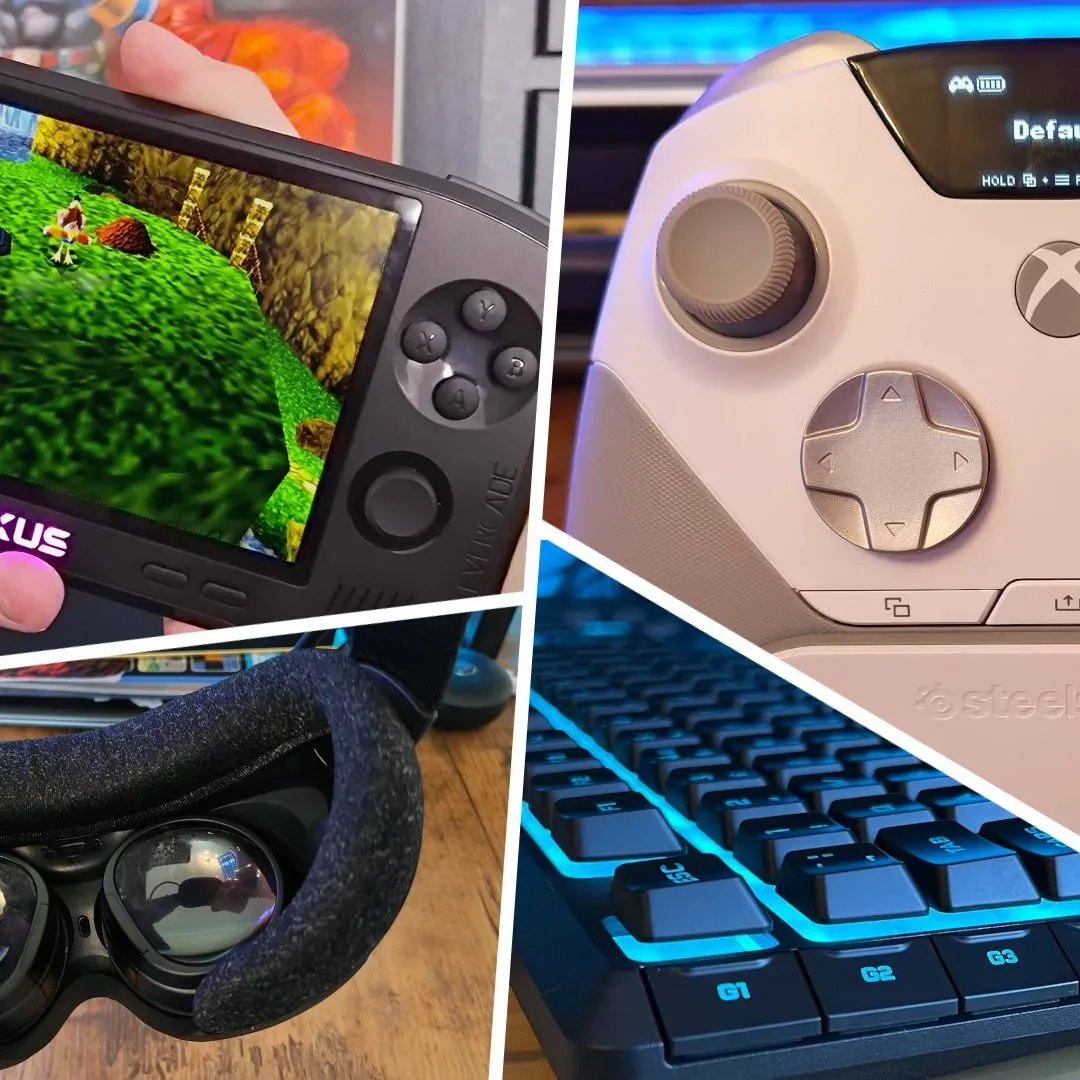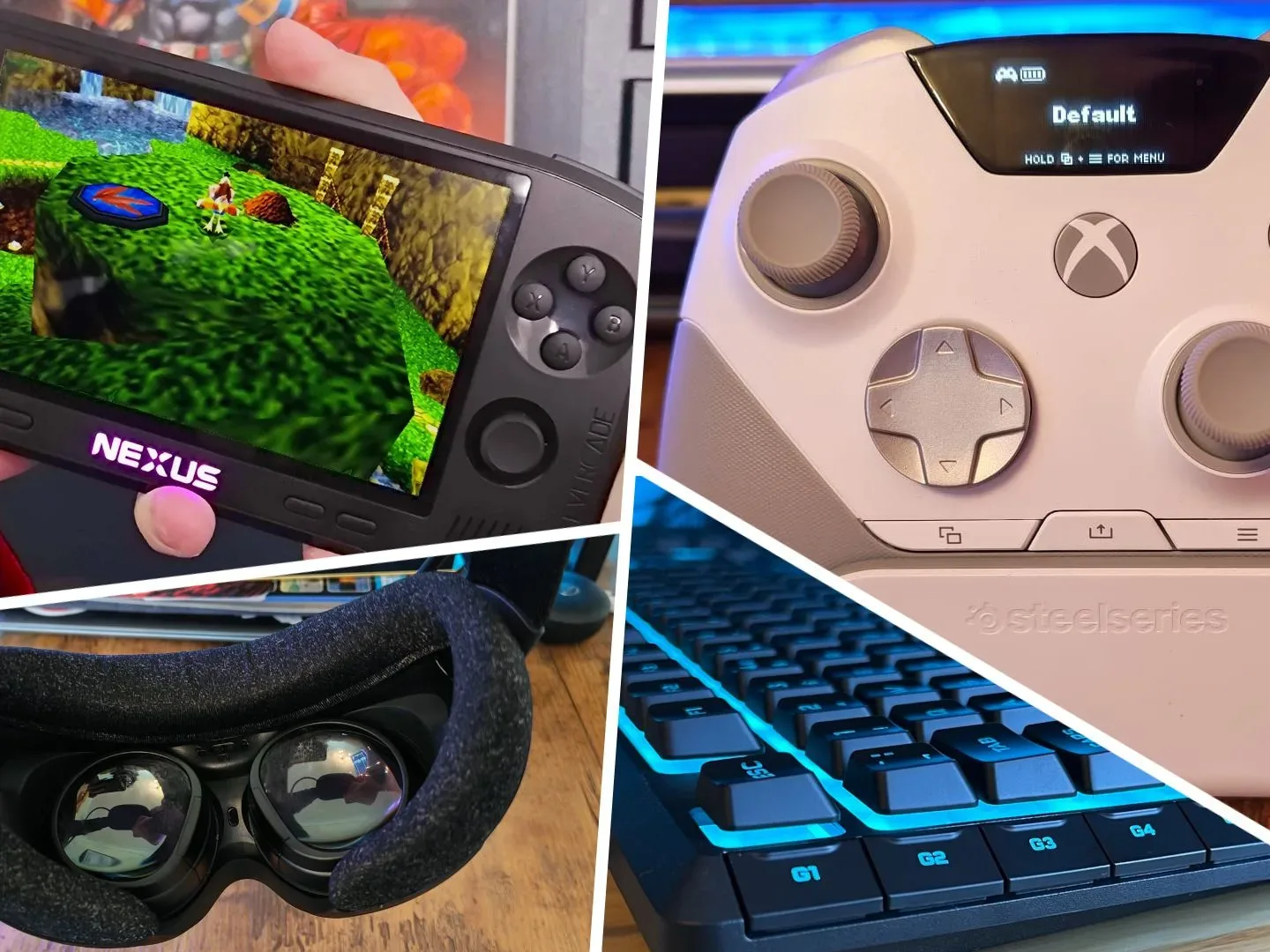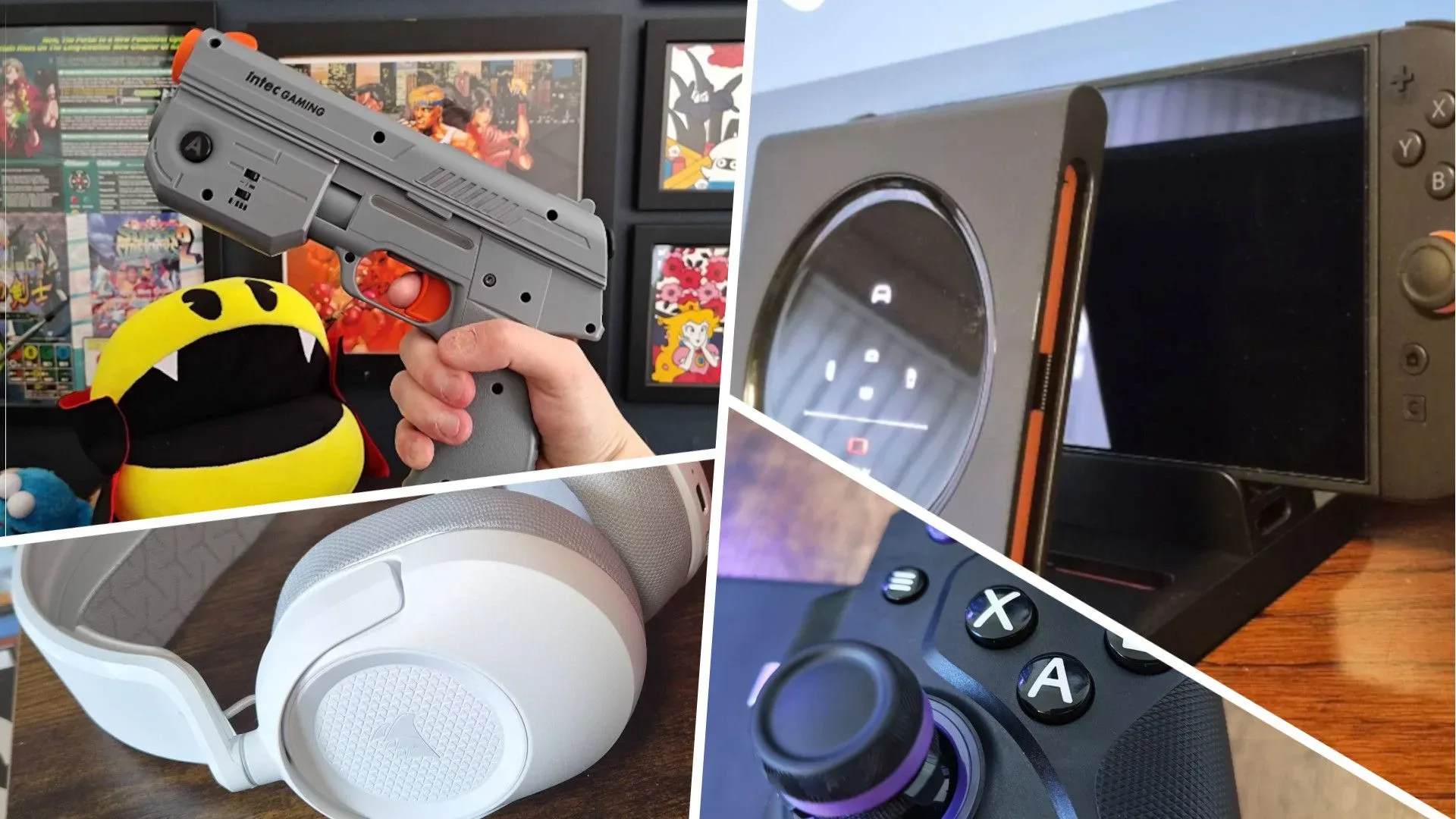
Gaming hardware’s monthly release pile rarely behaves itself. One minute it is a retro handheld courting cartridge-minded nostalgia; the next, a VR headset is trying to make comfort the main event; then a low-cost membrane keyboard appears and reminds the premium mechanical crowd that it cannot simply assume victory.
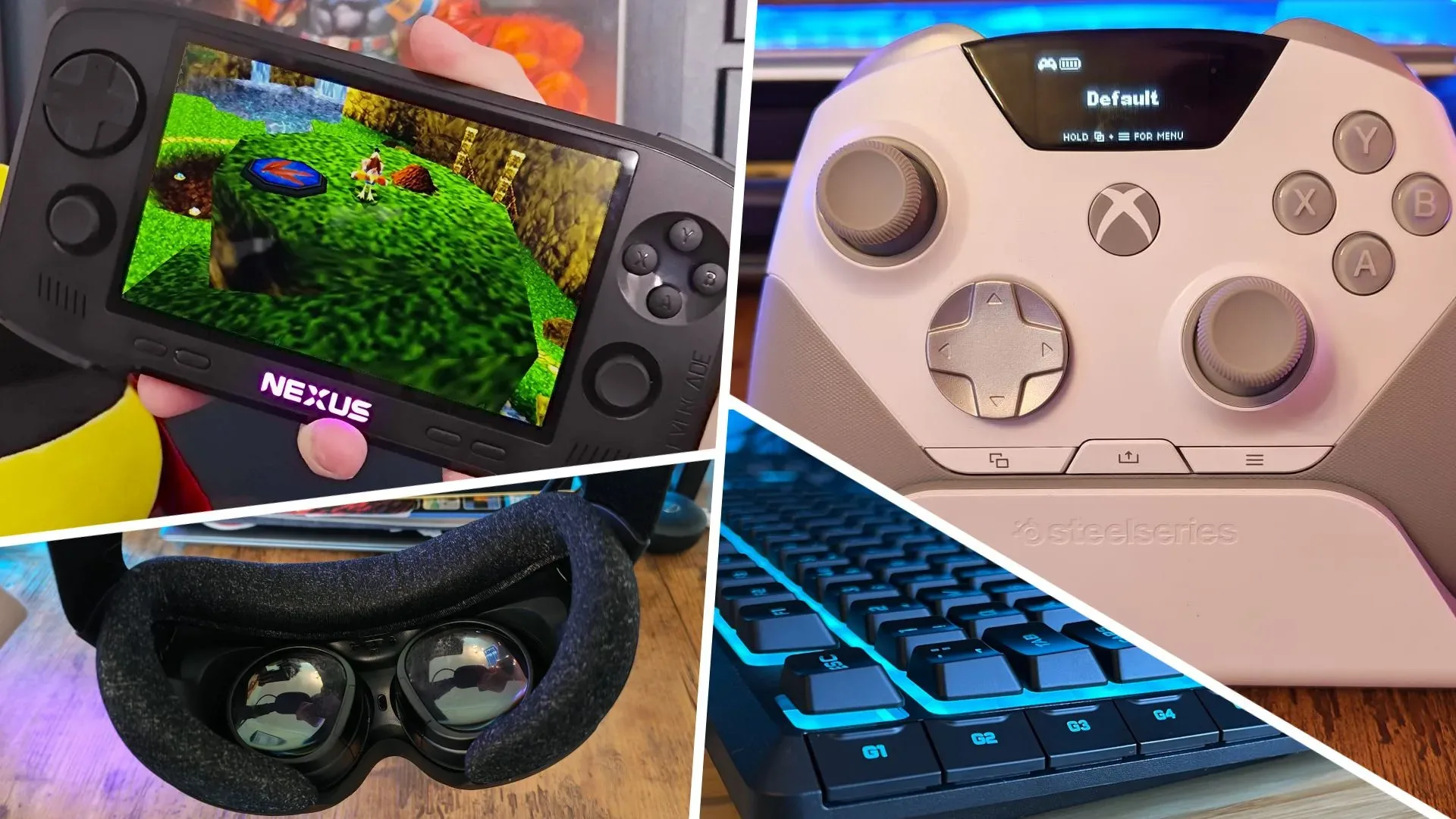
October 2026’s notable gaming-tech field spans that whole unruly range. The clearest verified standout is the Evercade Nexus, which earned a 4.5-star score and was positioned against retro handheld competition. The Steam Frame was a major point of attention for its attempt to challenge VR headsets on convenience and comfort. Meanwhile, Corsair’s Skiff 100 Plus was singled out as a lower-cost membrane keyboard with enough going for it to make the budget end of the keyboard market worth watching.
There are also products aimed at more specific setups and habits: the Razer Barracuda V2 Pro, with noise cancellation as a key point of interest; and the CRKD Nitro Deck 2, placed among Nintendo Switch 2 controller choices. In short, this was not a month with a single “best” gadget. It was a month where the practical question matters more: what part of playing games is currently annoying you?
The Evercade Nexus makes the retro-handheld case
The Evercade Nexus is the one device in this group with a stated 4.5-star score, and that matters because retro hardware is a category full of competing priorities. Some players want portability above all else. Others care about controls, screen presentation, physical media, menu simplicity, or whether a device earns a permanent place beside the television rather than in a drawer.
Its pairing with Banjo-Kazooie in a double pack makes the retro focus especially plain. The appeal is not merely the ability to play an old game; it is the proposition of playing older games through dedicated hardware rather than treating them as a forgotten folder on a modern machine.
Retro handheld is a broad label, not a guarantee of a particular experience. It generally refers to portable hardware built around older games or a nostalgia-led game library. Buyers should avoid assuming that two devices in the category have the same game support, control layout, display behavior, or approach to software. A strong score for the Nexus indicates it made a persuasive overall case, but the most useful reason to consider it remains personal: it is for players who want a purpose-built retro gaming device, not simply another way to access every game they own.
That distinction is easy to overlook during a shopping rush. “More games” and “better fit” are not the same thing. A focused device can be the smarter choice if it encourages someone to actually use the library they already care about.
Steam Frame’s bigger test is friction, not spectacle
The Steam Frame drew attention as a VR contender with an emphasis on convenience and comfort. That is a meaningful angle for virtual reality. Immersion may sell the dream, but friction determines whether a headset gets regular use after the first wave of excitement.
Related coverage includes October 2026's Top-Rated Gaming Tech: Steam Frame, Evercade Nexus and More.
VR, short for virtual reality, puts the player in a headset that presents a stereoscopic digital environment, generally tracked to head movement. The technology can create a strong sense of presence, but it also introduces practical concerns that traditional monitor gaming does not: putting the equipment on, adjusting it, ensuring it sits comfortably, and deciding whether a session feels worth the setup.
That is why “comfort” should not be read as a throwaway lifestyle feature. In VR, physical ease affects the entire proposition. A system can have exciting software potential, but it needs to feel sufficiently approachable for players to choose it on an ordinary evening. Likewise, convenience means reducing the small barriers between deciding to play and actually playing. It is less flashy than raw performance language, but it is often more relevant to a purchase.
The available information does not establish a score for Steam Frame or provide a full specification breakdown, so any direct claims about its technical performance would be premature. Still, its October positioning is revealing: the VR conversation is not only about selling a more elaborate virtual world. It is also about making the route into that world less cumbersome.
A budget membrane keyboard does not need to impersonate a luxury board
The Corsair Skiff 100 Plus was highlighted as an inexpensive membrane deck capable of showing what a budget keyboard can offer now. That is a useful corrective to the idea that a “serious” gaming keyboard must always be mechanical and expensive.
A membrane keyboard registers a press through flexible layers beneath the keys. A mechanical keyboard, by contrast, uses individual switches under keys. Neither term alone settles whether a keyboard will suit a particular player. Feel, layout, noise, the space available on a desk, and the tasks performed away from games all matter. Mechanical boards frequently dominate enthusiast discussions, but a membrane model can be entirely sensible for players who prefer a more modest outlay or simply want a straightforward keyboard for everyday use.
The Skiff 100 Plus should therefore be judged by the job it is presented as doing: offering a budget-friendly route into a gaming-oriented keyboard, rather than competing on the same terms as every premium mechanical board. That perspective makes comparisons healthier. A lower-cost product does not fail because it lacks every upscale feature; it succeeds if it handles the essential role without demanding the price of a flagship.
PC players considering any keyboard upgrade should begin with mundane but consequential questions. Do they need a compact layout or a numpad? Is shared-space noise a problem? Will the keyboard also carry work, school, chat, and browsing duties? Price is part of the answer, but it should not be the first question asked. Component costs can also shape the wider PC budget, as explored in this look at PC RAM pricing pressure.
Headsets and controllers solve very different problems
The Razer Barracuda V2 Pro is particularly relevant to players interested in noise cancellation, including people preparing for Grand Theft Auto VI. It is sensible to separate that feature from general audio quality rather than treat it as a universal upgrade.
Noise cancellation is designed to reduce unwanted outside sound, helping a listener concentrate in an environment that is not naturally quiet. For gaming, its value depends heavily on surroundings. A player in a calm room may prize a headset’s fit or microphone more. Someone dealing with household activity, travel noise, or a busy shared space may find outside-noise reduction much more important. The Barracuda V2 Pro’s appeal, based on the available details, is tied specifically to that latter concern.
For a broader explanation of the difference between cancellation and adaptive listening behavior, see our guide to noise cancellation and adaptive audio for players. The short version is that features with similar marketing language can serve different purposes, so buyers should match them to where and how they play.
The CRKD Nitro Deck 2 addresses a separate issue: controls for Nintendo Switch 2 players, particularly those with Zelda on the mind. A controller choice is not inherently about adding more buttons or making a setup look more elaborate. It is about finding an input method that fits the games being played and the circumstances in which they are played.
That context matters especially around a newer console ecosystem, where storage, portability, and accessory plans can all collide. Switch 2 owners weighing future game installs should also understand why the platform’s storage format matters; this Switch 2 microSD Express explainer lays out the issue. It will not decide whether a controller feels right in the hands, but it may prevent an accessory budget from ignoring a more immediate system need.
Not every new peripheral earns a recommendation
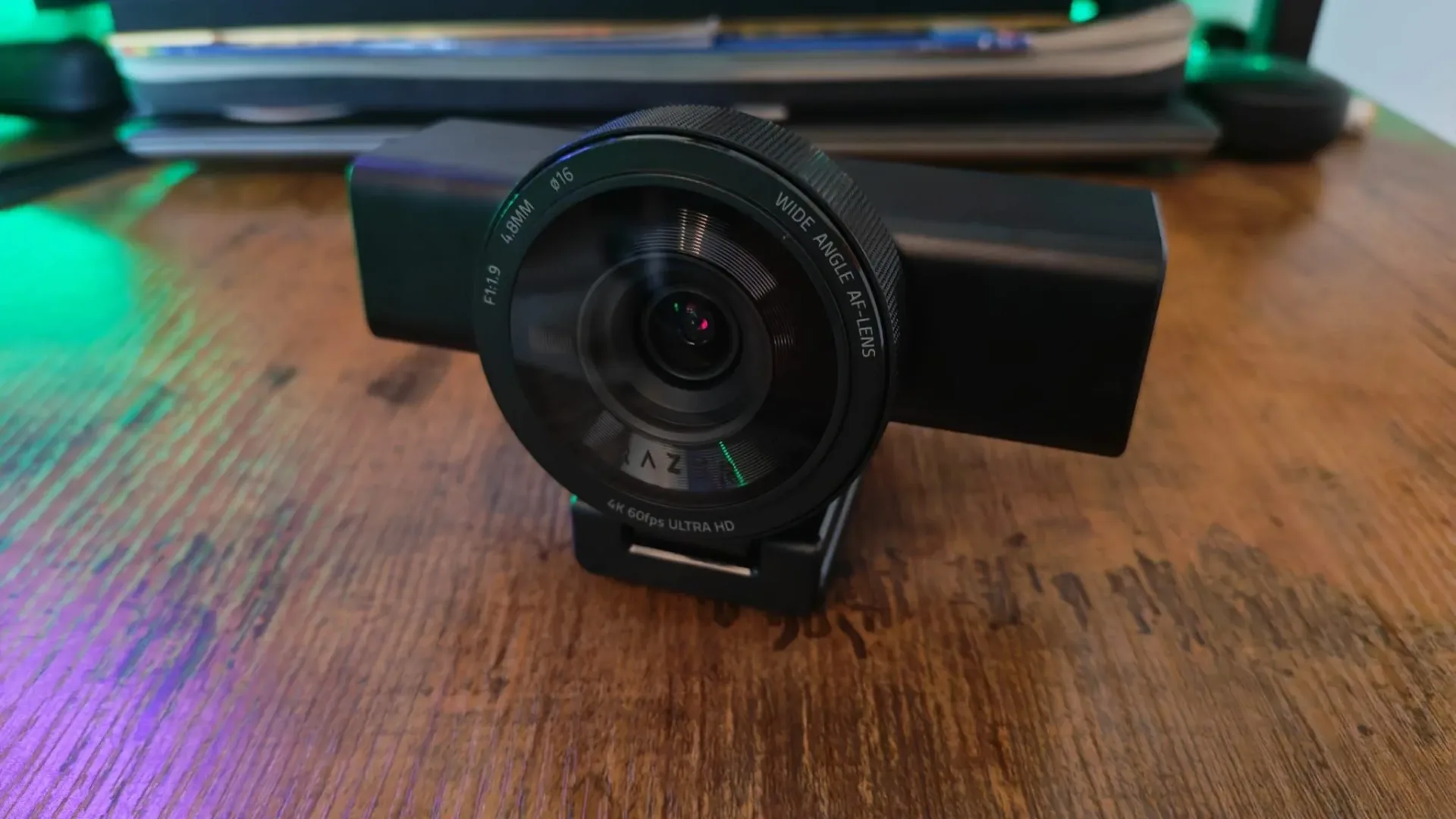
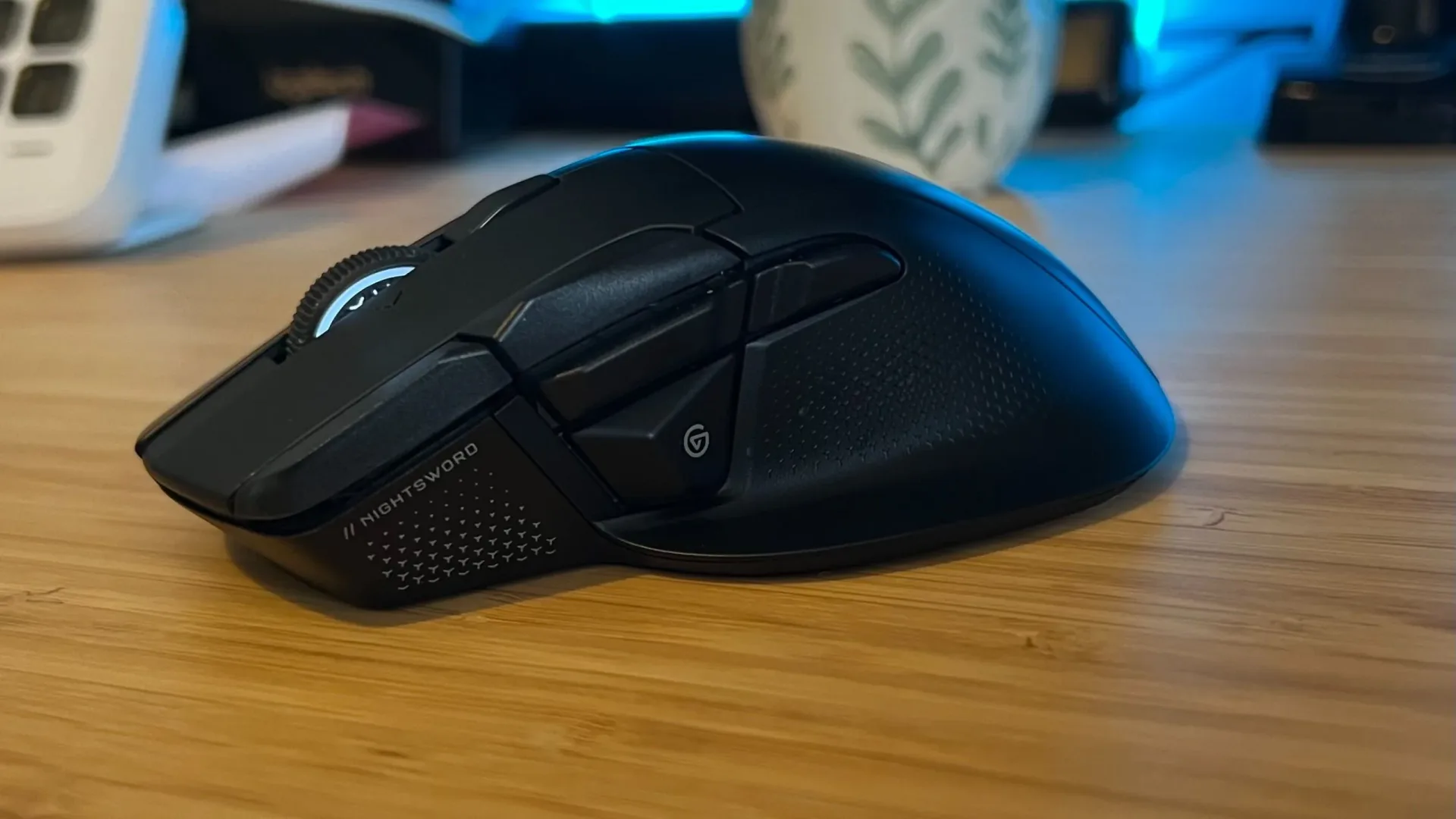
The October results also include useful negative signals. The Razer Kiyo V2 Pro webcam received 2 out of 5 stars. Corsair’s Nightsword V2 Wireless received 3 out of 5, while the Vanguard Air 99 Wireless was rated 2 out of 5.
Those scores do not explain every strength or weakness of each product by themselves, and the available material does not provide detailed criticism. They do, however, make one purchasing rule very clear: a new model name, a wireless label, or an established brand should not be treated as a substitute for product-by-product scrutiny.
For buyers, a middling or low score is not necessarily a command to ignore a device forever. Needs can be highly specific. But it is a reason to slow down before assuming a product is an automatic upgrade. The right purchase may be a highly rated retro handheld, a comfort-focused VR option, a sensible membrane keyboard, a noise-cancelling headset, or no replacement at all.
How to read October’s hardware mix
The common thread across these products is not a shared feature set. It is a shared pressure to justify space, money, and attention. The Evercade Nexus makes a strong case for dedicated retro play. Steam Frame puts the spotlight on the usability demands of VR. Skiff 100 Plus argues that budget keyboard shoppers should not be dismissed. Barracuda V2 Pro and Nitro Deck 2 target needs that are more situational: managing environmental noise and refining console controls.
That makes October’s best lesson pleasantly unglamorous. Start with the nuisance, then buy toward the solution. If old games are sitting untouched because the current setup is inconvenient, look at retro hardware. If VR has felt like an occasion rather than a habit, convenience and comfort deserve real weight. If a keyboard is simply doing its job, an expensive replacement may not be urgent. And if outside sound keeps intruding, noise cancellation may matter more than another marginal spec bump.
There is no single hardware champion for every player in this batch. There is, however, a more useful shortlist of questions—and that tends to be worth more than treating every new gadget as a mandatory quest reward.
Shop the products
Check current price, model and availability at the retailer.