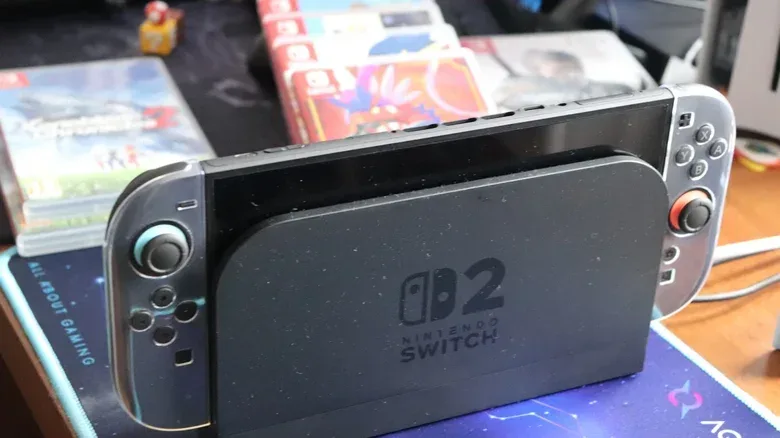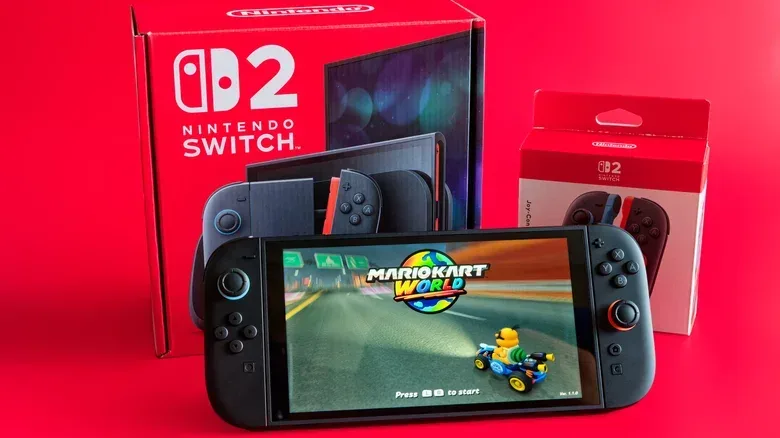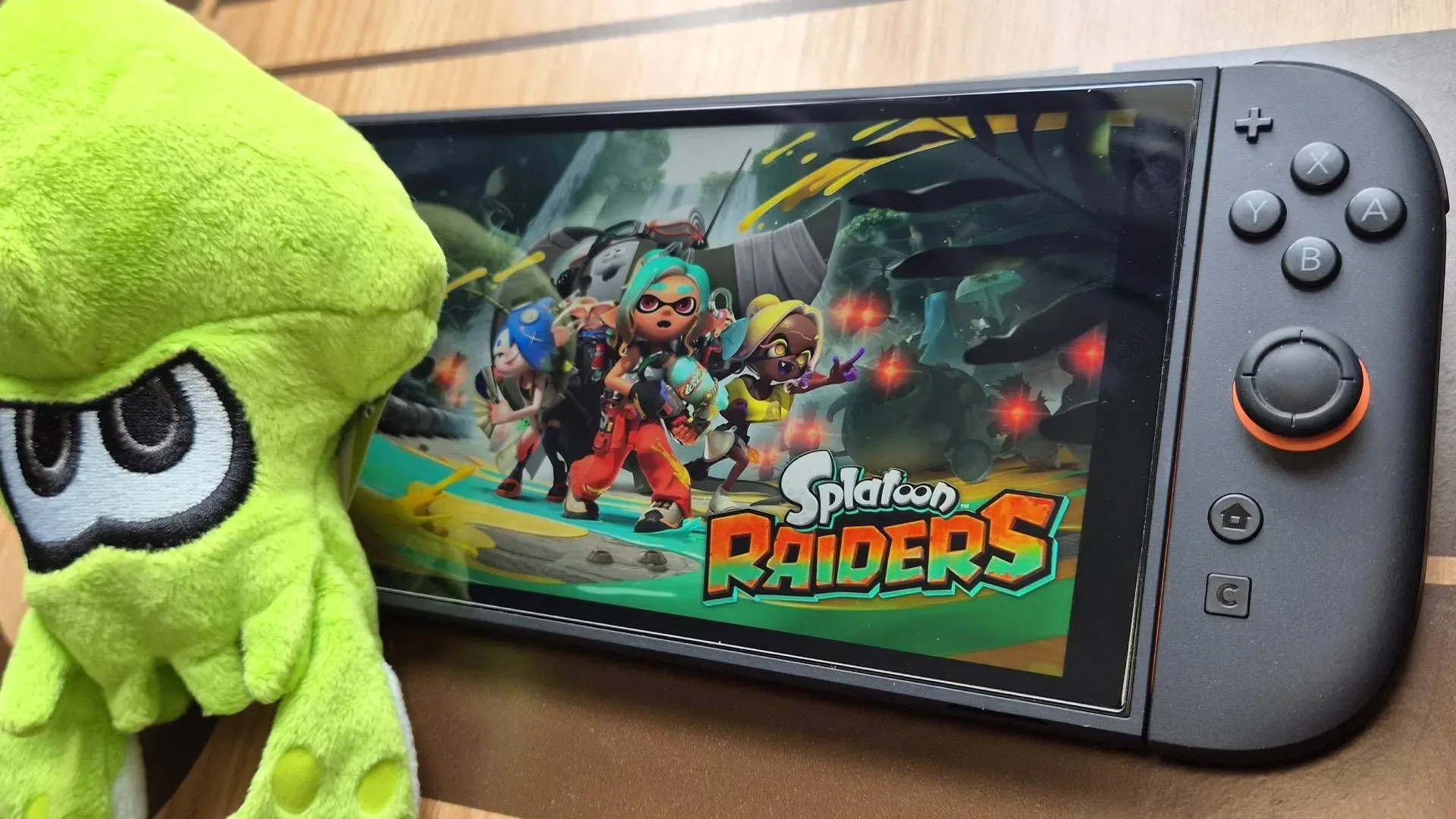
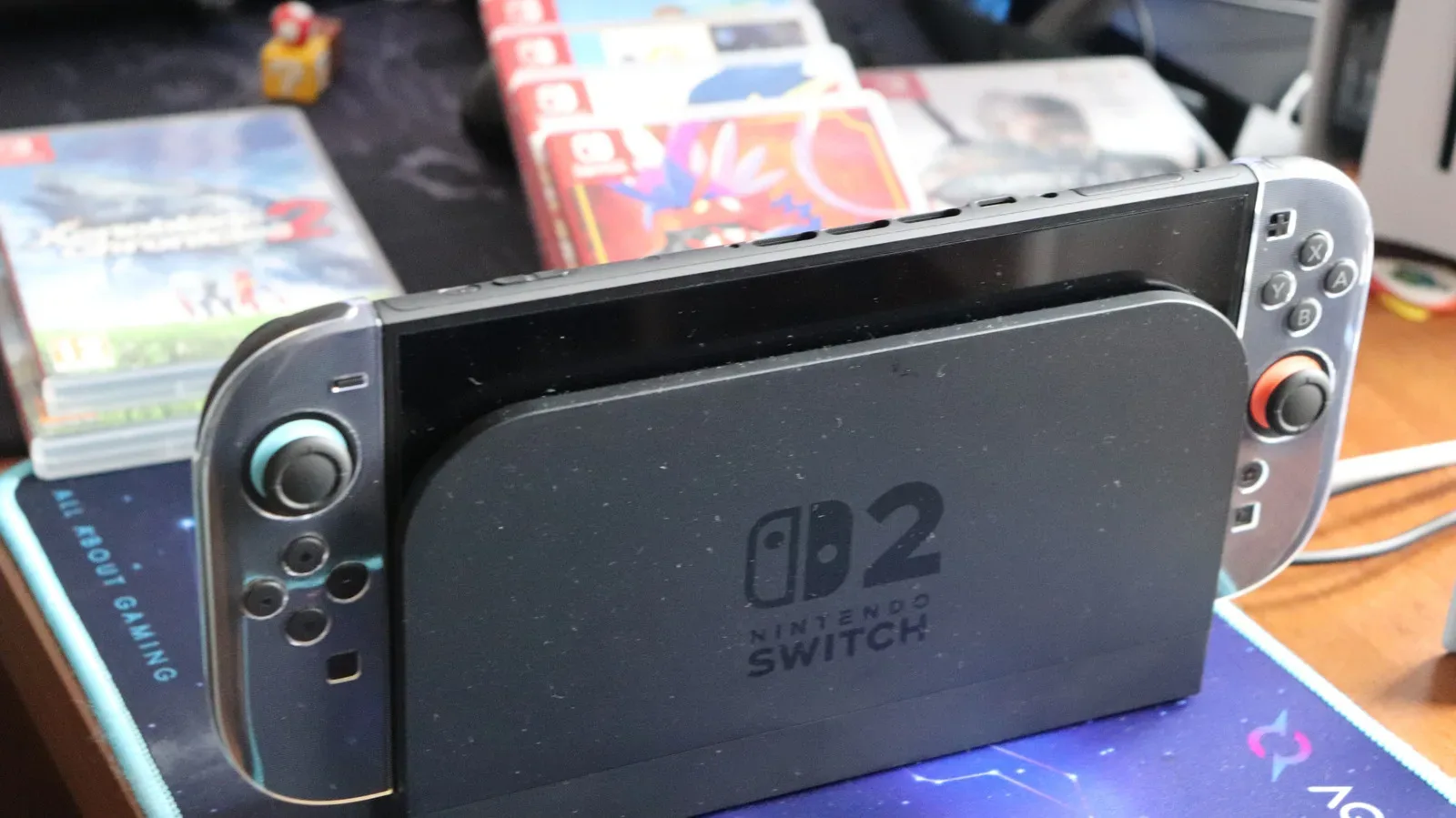
The Nintendo Switch 2 begins in a far healthier storage position than its predecessor, with 256GB built in. Once system software is accounted for, however, the usable figure is roughly 249GB. That is enough room to download games immediately and enjoy the console without making a memory-card purchase on day one. It is not, however, an enormous reserve once a library includes several modern big-budget releases, patches and downloadable content.
The important word in that sentence is library. Storage needs are not determined by whether someone buys games physically or digitally alone. They are determined by the number and size of games they want ready to play, plus the continuing data those games may require. For a player rotating among a few smaller independent games, or returning to a limited handful of favorites, the built-in capacity may be perfectly workable for some time. For someone who wants a broad installed catalog, a microSD Express card is less a luxury than a way to avoid repeatedly deciding what must be deleted.
The real limit is the usable space, not the number on the box
Thinking of the Switch 2 as having about 249GB available is a more useful starting point than treating all 256GB as game storage. That capacity sounds substantial until it is measured against individual installs. Final Fantasy VII Remake Intergrade takes 90.4GB. Assassin’s Creed Shadows requires 69GB. Split Fiction is 69.2GB, while Resident Evil Requiem comes in at nearly 29GB.
Those examples illustrate why a console can feel roomy at first and constrained later. Final Fantasy VII Remake Intergrade and Assassin’s Creed Shadows alone add up to 159.4GB. Add Resident Evil Requiem and that total reaches about 188.4GB before considering updates, DLC or any other downloads. Even a physical-game buyer cannot automatically assume the internal drive will remain untouched: some Switch 2 titles use Game-Key Cards, which require the game to be downloaded to the system rather than played directly from the card.
Game-Key Cards are central to the storage conversation because they complicate the old shorthand that physical media always saves drive space. A boxed purchase may still entail a significant download. Meanwhile, patches and DLC can steadily increase a game’s footprint after it enters a library. The practical question is therefore not simply, “Do I buy cartridges?” It is, “How many large games do I want installed at once?”
This does not mean every Switch 2 owner needs to rush out for the biggest supported card. Many independent games are relatively small, and Nintendo-made games are generally well optimized. A player whose routine centers on smaller releases and a few regular games has a very different storage profile from a player collecting large AAA releases. The sensible upgrade is the one that fits that profile with room to grow.
microSD Express is a requirement, not a performance-label suggestion
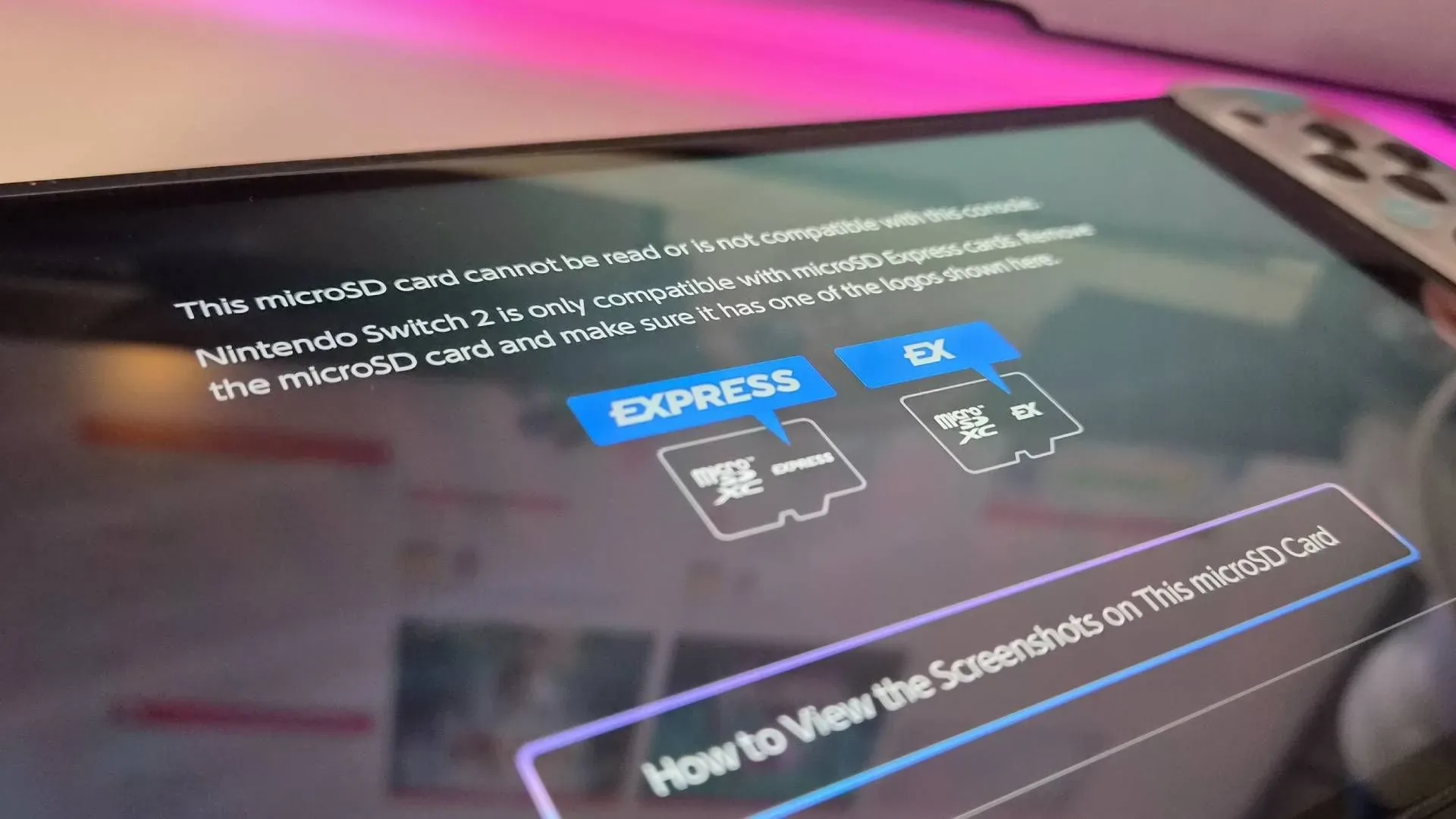
The Switch 2 does not use ordinary microSD cards for game storage. It requires microSD Express cards. That distinction matters especially to existing Switch owners, since taking the card from an original Switch and inserting it into a Switch 2 will not provide extra game storage.
When shopping, look for the word “Express” and/or the “EX” logo. The naming can be needlessly easy to misread: a card bearing SanDisk’s “Extreme” branding is not automatically a microSD Express card. “Extreme” and “Express” are not interchangeable terms. For Switch 2 compatibility, Express is the term that matters.
Related coverage includes Nintendo Switch 2 Storage Explained: Why microSD Express Matters.
The older card is not entirely useless. It can be used to import screenshots and captured video clips from the original Switch into the Switch 2’s internal memory. But it cannot be used to store Switch 2 games, and it cannot be used as a destination for save data.
What the Express standard means here
In this context, microSD Express refers to the compatible type of removable storage accepted by the Switch 2 for software. It should not be treated as a promise that every supported card will turn the console into a dramatically faster machine than its internal storage. The key benefit is capacity: keeping more compatible games installed and accessible.
That is welcome news for shoppers comparing brands. Cards from SanDisk, Lexar, Samsung and other makers reportedly show little meaningful separation in performance for this use. Instead of paying extra in the hope of a transformative loading-speed gain over internal storage, buyers should focus first on verified microSD Express compatibility, then choose a capacity that matches their habits.
Capacity planning beats buying twice
A 128GB card may look like a straightforward, affordable supplement, but its limits are easy to see with a single large game. Install Split Fiction at 69.2GB and more than half of that 128GB card is already spoken for. That may still be enough for a focused player, but it leaves less flexibility for another major release, updates and an expanding backlog.
A 256GB microSD Express card effectively adds another Switch 2-sized pool of storage. For many people, that is the practical middle ground: large enough to ease routine storage management without approaching the cost of top-end capacity. The Switch 2 supports cards up to 2TB, although 1TB is currently the largest microSD Express size available for sale.
Price remains the major caveat. A 256GB card can cost around $60, while 1TB models run to several hundred dollars, with the broader RAM shortage adding pressure to the market. That makes buying solely by the largest number a poor strategy for plenty of owners. The better approach is to estimate the kinds of games likely to stay installed, then leave headroom rather than buying exactly enough for today’s downloads.
- Stay with internal storage if you largely play smaller games or keep only a few titles installed.
- Consider 128GB carefully if your library is focused, but recognize that one 69GB-class game consumes much of it.
- Consider 256GB as a broad middle ground if you mix digital purchases, Game-Key Card downloads and larger releases.
- Look at 1TB only if your installed library is genuinely large and the higher cost makes sense for avoiding frequent space management.
There is a practical reason not to treat removable storage as a revolving door. Nintendo recommends using one card because software spread across multiple cards cannot later be combined onto a single card. In other words, repeatedly swapping smaller cards may create a fragmented setup that is less convenient to manage.
Save data follows a different rule
Games and save files do not have the same storage behavior on Switch 2. A microSD Express card can expand the space available for software, but save data remains in the console’s internal memory and cannot be copied or stored on the card. Buying more removable capacity therefore solves the installed-game problem; it does not turn the card into a general backup location for saves.
If a library outgrows its first microSD Express card, it is possible to move data from that card to a larger one. That is a more orderly upgrade path than constantly alternating among cards. It also reinforces the value of buying a little beyond immediate needs where the budget permits: the goal is not merely fitting the next download, but reducing the frequency of a future migration.
Who should buy one now?
The strongest case is for players who purchase downloads frequently, want multiple large games installed together, or expect to use Game-Key Card releases. Those habits make the 249GB of usable internal storage disappear faster than the headline 256GB figure suggests. A microSD Express card gives that audience a simpler console experience: more games remain ready, and fewer sessions begin with storage triage.
Conversely, an immediate expansion is not mandatory for every new Switch 2 owner. If smaller games dominate the library and only a few larger titles are kept at once, internal storage can be a sensible place to start. Waiting also lets a buyer learn their real usage instead of spending several hundred dollars on capacity that remains empty.
The one non-negotiable point is compatibility. When the time comes to expand, choose microSD Express, not a standard card left over from the original Switch. From there, capacity is a personal calculation shaped by game sizes, download habits, Game-Key Card use and tolerance for uninstalling titles. For more Nintendo coverage, see our report on the Ocarina of Time remake’s proposed fast-travel change.