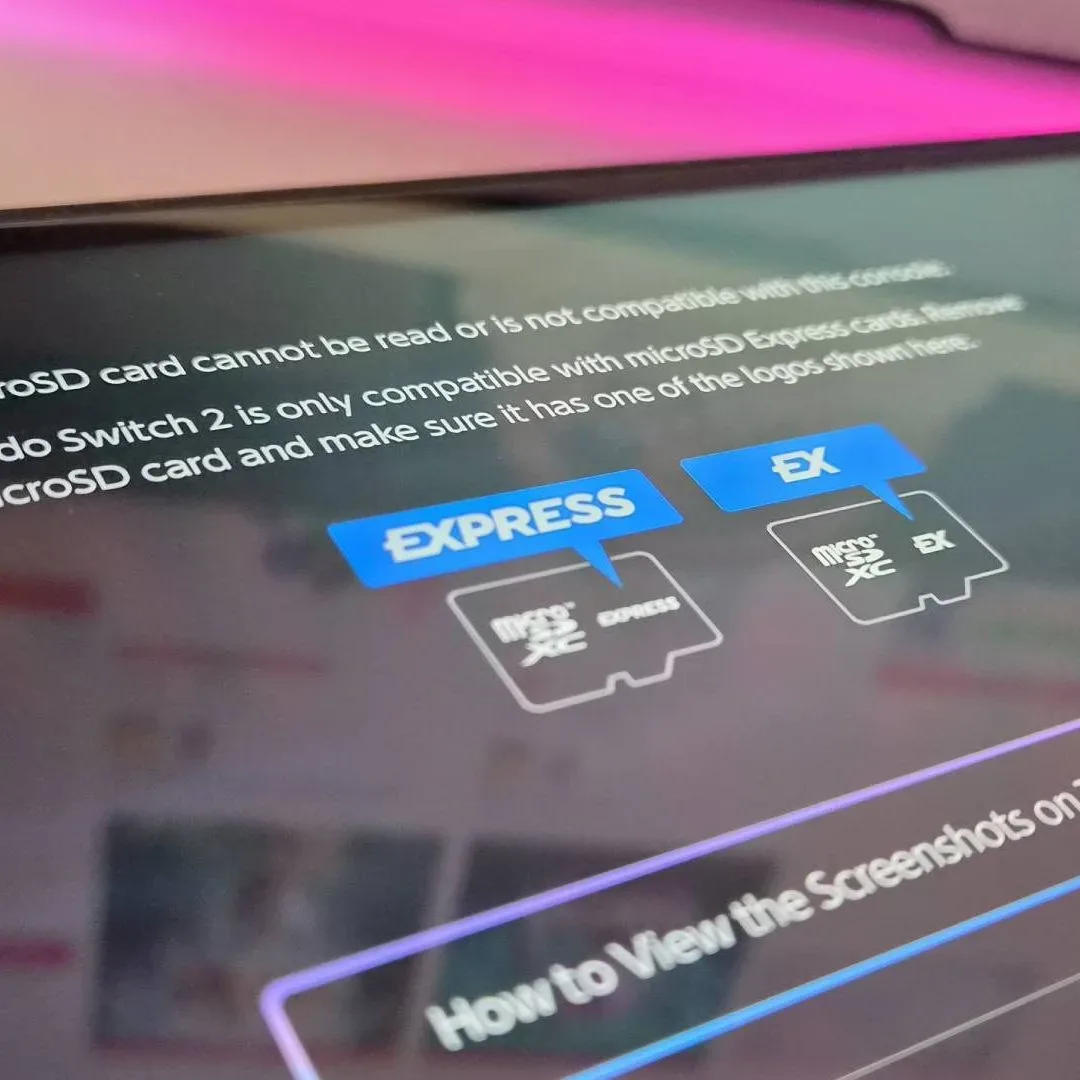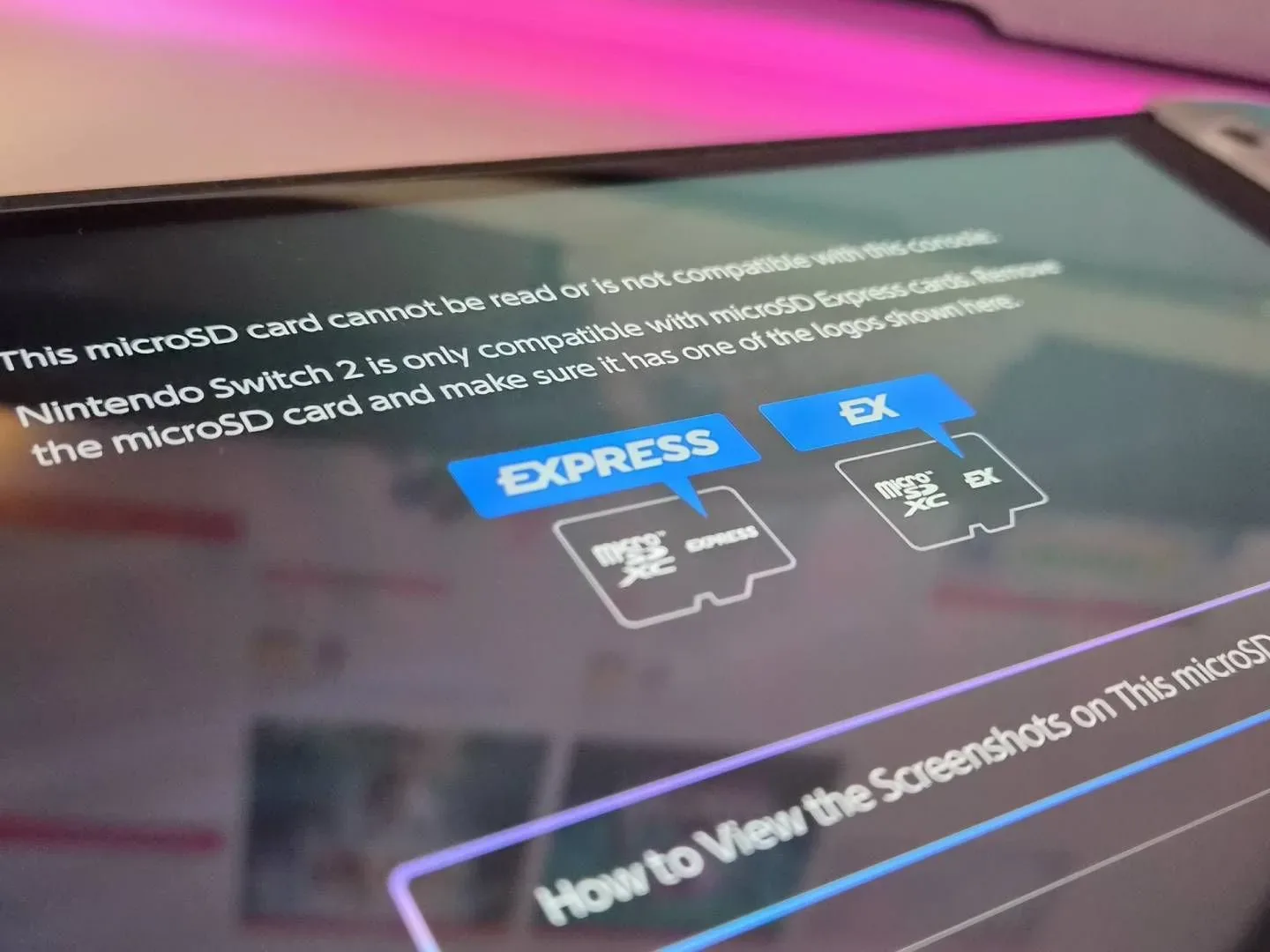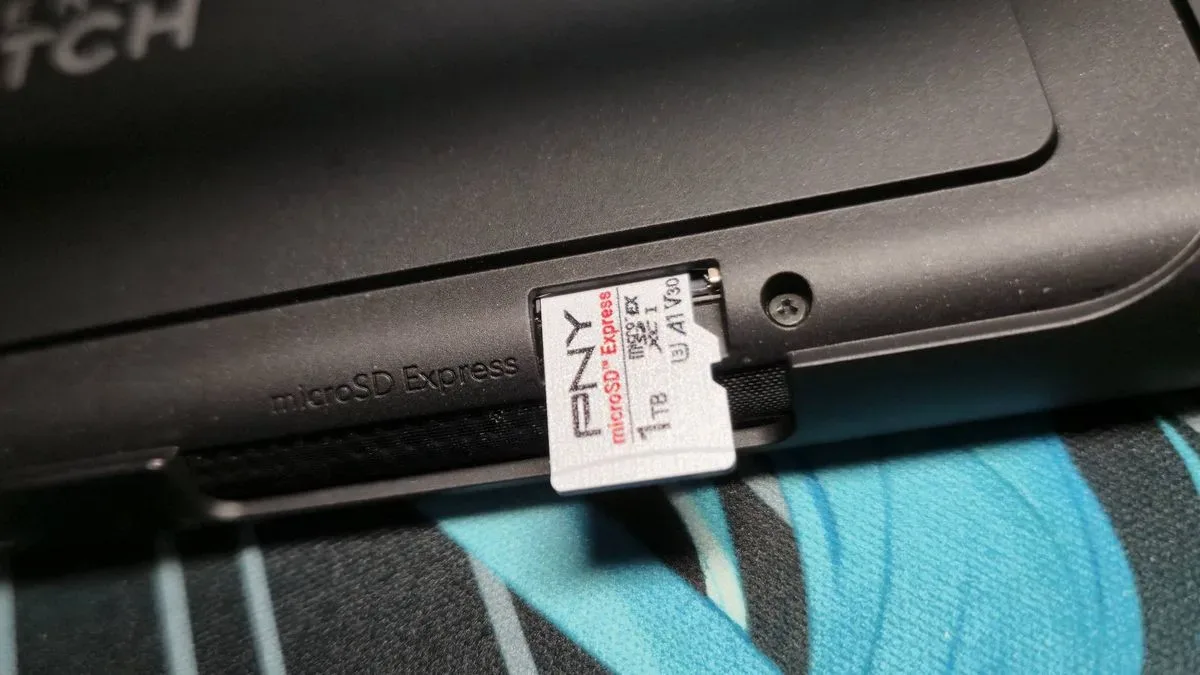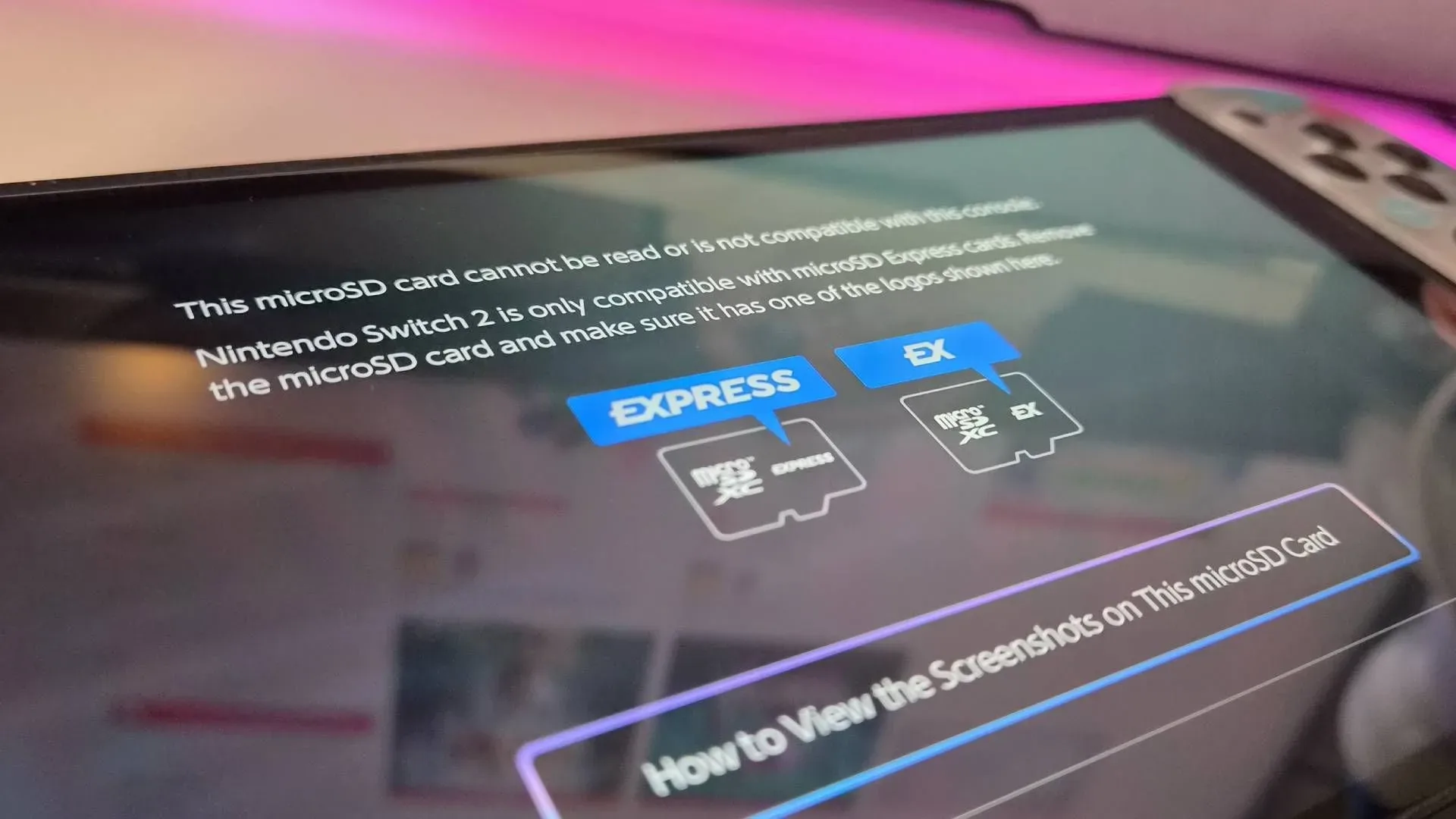
A Switch 2 storage card throwing up a compatibility warning is exactly the kind of tiny-message, enormous-panic situation handheld owners dread. One affected 1TB PNY microSD Express Card, used for large game files and a sizeable screenshot library, was suddenly rejected by the console with a message saying the card could not be read or was incompatible.
The useful news is that PNY has made a firmware update available for its microSD Express cards, and the reported result after applying it was reassuring: the card was usable again, with screenshots and save data intact. It is a reminder that removable storage is no longer purely passive hardware. Like a console, controller, or router, a modern card can carry firmware—embedded software that controls how the device operates and communicates with compatible hardware.
That does not establish a single confirmed explanation for every Switch 2 card-read error, and owners should not assume that every unreadable card has the same cause. But for a PNY microSD Express card that was previously working in Switch 2 and now produces this specific recognition warning, the manufacturer’s updater is the sensible first troubleshooting step.
What the PNY firmware update is designed to address
Firmware is low-level software stored on a hardware device. In this case, it governs part of the conversation between the microSD Express card, a PC card reader, and the Switch 2. Updating it is different from reinstalling a game or changing a console setting: the updater writes new firmware to the storage card itself.
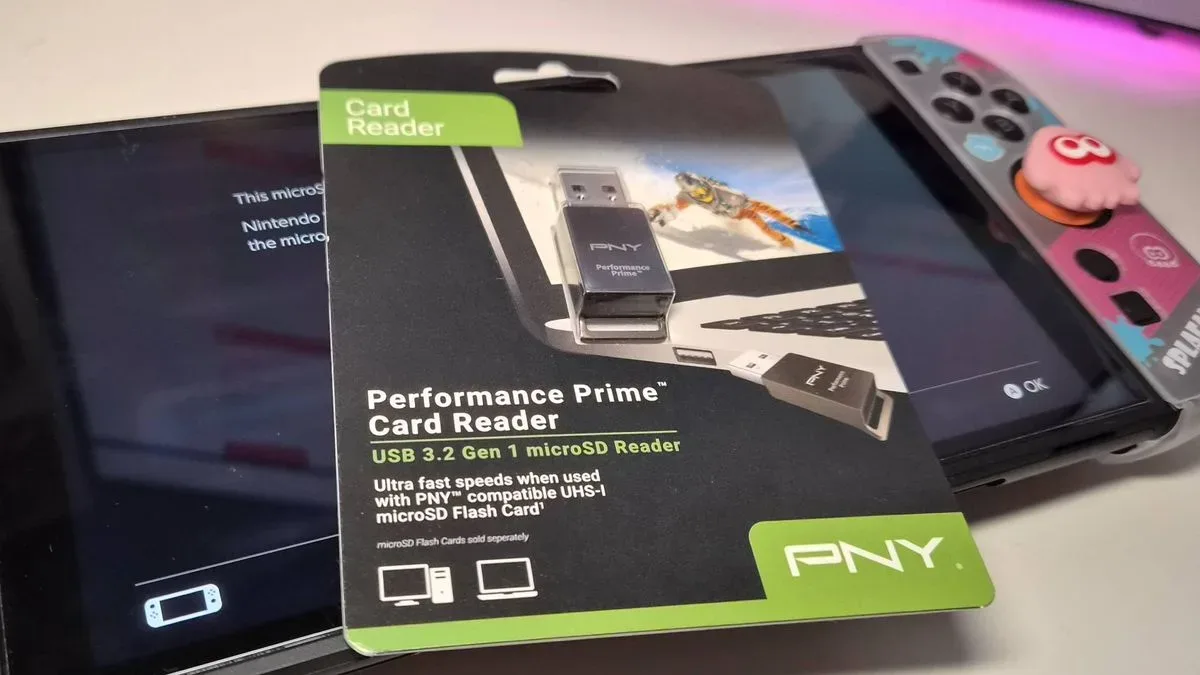
PNY’s official update was released on June 17. The available procedure uses a Windows PC or laptop and a microSD Express card reader. PNY recommends its Performance Prime Card Reader for the best and fastest experience, but the documented process indicates that another compatible reader can also be used.
The distinction matters. A conventional microSD reader is not necessarily a microSD Express reader. The update requires a reader compatible with the card format, so owners should verify that capability before assuming an older reader will do the job. The card reader is not an optional convenience here; it is the bridge that lets the PC run the updater against the card.
How to update an affected PNY microSD Express card
Before starting, remove the card from the Switch 2 and avoid repeatedly inserting and ejecting it while the console is powered on. The update process itself is straightforward, but firmware work should not be interrupted.
- Get a compatible microSD Express card reader for a PC or laptop.
- Insert the affected PNY microSD Express card into that reader, then connect it to the computer.
- Open PNY’s microSD Express firmware update page.
- Select the Firmware Update download or button offered there.
- Run the updater program on the PC.
- Choose Update FW within the updater.
- Once the process has completed, safely eject the microSD Express card from the computer before removing it.
Safe ejection is worth treating as a real step rather than an afterthought. The updater is changing the card’s onboard firmware, and removing the device before the computer has finished its work risks turning a recoverable recognition problem into a less predictable one.
Related coverage includes PNY Shares Firmware Fix for Switch 2 microSD Express Card Recognition Errors.
After the card has been safely ejected, reinsert it in Switch 2 and check whether the console recognizes it. The documented successful case restored access without losing the screenshots and save data held on the card. That is encouraging, but it is evidence from one affected card rather than a blanket guarantee for every card, console, or failure mode.
Why console updates are part of the discussion—but not a confirmed diagnosis
Reports from PNY card owners have raised the possibility that Switch 2 system software changes are involved. One community report said a 1TB PNY card became incompatible after console update 22.0.0, and replies indicated that other owners experienced similar recognition failures around that update.
There is also a separate account in which a card continued working through update 22.0.0 but failed after update 23.0.0, released September 10. That timing is notable, but it is not proof that update 23.0.0 caused the failure. Hardware problems can emerge after an update without being caused by it; card firmware versions, usage patterns, reader behavior, and the individual card itself may differ.
The careful takeaway is narrower: a firmware mismatch or compatibility issue is plausible enough that PNY provides an updater, and owners seeing the warning should try the official firmware route before declaring their files gone. Until PNY or Nintendo gives a detailed technical explanation, it would be premature to assign responsibility to a particular Switch 2 update.
What owners should do before the next storage scare
A recovered card is not the same thing as a backup. The practical lesson from this incident is to copy irreplaceable screenshots and other personal files regularly, rather than letting one removable card become the only home for months or years of captures.
- Back up screenshots on a schedule. Pick a routine that is realistic—after a long session, weekly, or before travel—and stick to it.
- Check the card after a major console update. A quick look at installed games and captures can reveal a recognition issue while there is time to deal with it calmly.
- Use the right reader. If a firmware update is needed, confirm that the reader supports microSD Express rather than assuming any microSD slot is equivalent.
- Keep firmware tools in mind. If a compatible card becomes unreadable on the console, check the card maker’s support resources before formatting the card or replacing it.
- Do not confuse recognition failure with data loss. The Switch 2 refusing to mount a card can be alarming, but the reported recovery shows that the files may still be there after compatibility is restored.
There is an additional practical point for people buying storage specifically for Switch 2: the price of the card is not the entire cost of ownership. If a PC does not already have a compatible microSD Express reader, one may be necessary for maintenance such as this firmware update. PNY’s recommended Performance Prime Card Reader was listed at $14.99, although any compatible reader may work.
Switch 2 accessory choices are becoming a little more software-dependent as the platform matures. That does not make microSD Express storage a bad idea; it does mean users should regard firmware support, recovery documentation, and backup habits as part of the purchase decision. For broader Switch 2 buying context, see our coverage of the Nintendo Switch 2 Sports Resort Bundle.
When the updater may not be enough
The PNY update is relevant to a PNY microSD Express card that had worked on Switch 2 and now displays a read or compatibility error. It should not be treated as a universal repair for every kind of storage problem. A card that is physically damaged, not detected by a compatible PC reader, or unable to complete the updater may require a different support path.
Likewise, users should be wary of drastic first moves. Formatting can erase accessible content, while repeated troubleshooting across multiple devices may complicate the situation. Where possible, first identify the card model, use the manufacturer’s official updater, complete the process without interruption, and only then assess whether the Switch 2 recognizes the card again.
For affected PNY owners, the immediate story is a positive one: an official fix exists and has restored a card that Switch 2 had labeled incompatible. The bigger lesson is less glamorous but more valuable. Keep a compatible reader available if possible, let hardware firmware updates finish cleanly, and make sure precious captures live somewhere other than a single tiny card tucked inside a handheld.