Great audio can make a game’s soundtrack, distant footsteps or chat dialogue easier to follow. It can also make the real world disappear a little too effectively. That is the essential trade-off behind active noise cancellation on AirPods: reducing unwanted sound can improve clarity at lower listening volumes, but it can leave the wearer less aware of voices, alarms and traffic.
Apple’s answer on select models is Adaptive Audio, a listening mode intended to sit between full-on noise cancellation and Transparency. It does not replace either setting, and it is not a promise that AirPods can reliably judge every sound that matters. It is instead a dynamic attempt to cut down the broader noise floor while admitting some nearby, attention-worthy sound.
For players who move between a noisy room, a commute and a quiet setup, the distinction is useful. The best mode is not simply the one that makes a game sound most isolated. It is the one that fits what is happening around the player and how much outside awareness is actually needed.
Active noise cancellation: the all-in focus option
Active noise cancellation, often shortened to ANC, uses one or more microphones to listen to sound in the environment. The earbuds then create an opposing sound signal, sometimes called anti-noise, designed to reduce the ambient sound reaching the ear.
This process is especially effective against steady, low-frequency noise. A fan-like hum or other consistent background rumble is a better target than irregular sound such as nearby conversation or music. ANC is therefore not a mute button for the world, even when it can feel impressively close in the right conditions.
Its value is straightforward for games, music and podcasts: less environmental noise can make quieter details intelligible without constantly turning up the volume. That matters because trying to overpower a loud environment by raising playback volume can become uncomfortable or unsafe. In a loud household or beside ongoing background noise, ANC can help dialogue remain clear and make extended listening less of a volume arms race.
But maximum isolation has a real cost. A player absorbed in a match may already be slow to notice someone speaking nearby. With strong cancellation enabled, that person is even easier to miss. Outside, the stakes are higher: isolating yourself while walking, cycling or near vehicles can reduce awareness of sirens, horns and other hazards.
Apple highlights particularly strong ANC on AirPods Max 2 and AirPods Pro 3. Standard ANC is also separate from a product’s physical sound blocking. That physical blocking is called passive noise cancellation: the earbud’s seal reduces some outside sound without electronically generating an opposing signal.
Transparency: choose awareness over isolation
Transparency takes the opposite approach. Rather than trying to block the outside environment, it uses the earbuds to blend ambient sound into what you are listening to. The practical benefit is obvious: it is easier to hear an announcement, a household question or a possible warning sound without removing an earbud.
For gaming, Transparency can be a sensible default when someone expects interruptions or needs to remain alert to their surroundings. It is also the more cautious choice outdoors. The compromise is fidelity. The same ambient sound ANC was reducing now becomes part of the listening experience, which can obscure quieter game details or dialogue.
There is no universal winner between the two modes. ANC prioritizes focus; Transparency prioritizes awareness. Choosing between them is less about declaring one technically superior and more about deciding whether the immediate environment demands attention.
Adaptive Audio attempts the middle route
Adaptive Audio is designed for the awkward space between those extremes. It aims to keep much of the ambient environment at bay while letting certain sounds, such as a nearby voice or horn, come through as conditions shift. In a simple example, the general traffic noise on a walk might remain subdued while a more immediate sound becomes easier to notice.
The important word is aims. Adaptive Audio changes its behavior based on changing noise conditions, but it cannot truly understand which noises are significant in every situation. A useful way to think about it is as an automatic balancing mode, not an all-knowing safety system.
That distinction is particularly important for people using AirPods while gaming on the move or listening between sessions. Adaptive Audio may be convenient when an environment changes frequently, but it should not be treated as permission to tune out in a place where awareness is critical. When personal safety could depend on hearing the world clearly, Transparency, bone-conducting headphones or no headphones are safer options.
All AirPods models with ANC can also reduce loud sound exposure. That capability may offer some hearing protection, but it is not a substitute for proper protection around extremely loud equipment, such as jackhammers. Earbuds should not be mistaken for industrial-grade hearing protection simply because they can cancel or suppress some sound.
What the “adaptive” label means in practice
Adaptive Audio is not merely ANC that switches itself off. The goal is a variable mix: quieter, less relevant background sound is reduced, while some more immediate sound can intrude. This may be useful to someone who wants a game, stream or podcast to remain intelligible but does not want to miss every interaction happening close by.
That convenience has limits. Whether a sound breaks through can depend on the surrounding audio conditions, and the feature cannot assign human meaning to every sound. If the situation calls for certainty—crossing roads, cycling around traffic, or operating in a potentially dangerous area—manual awareness is better than trusting an automated filter.
Conversation Awareness is about your own voice
Adaptive Audio can also include an optional feature called Conversation Awareness. The name can be misleading. It detects when you begin speaking, rather than simply reacting when another person talks nearby. When it detects your speech, it automatically lowers media volume so conversation is easier.
This can be handy for a player who briefly answers a question without reaching for an iPhone, pausing a game or removing an earbud. It is an automation convenience, though—not a replacement for a pause button or an always-reliable chat control. The volume should return automatically afterward. If it does not behave as expected, pressing and holding an earbud stem may help, or Conversation Awareness can be disabled entirely.
For competitive multiplayer, the feature’s suitability will depend on personal preference. Some players may appreciate the automatic dip when speaking in the room; others may consider any unexpected media-volume change a distraction. The practical takeaway is simple: try it in a low-stakes setting before relying on it during a focused session.
Which AirPods support Adaptive Audio?
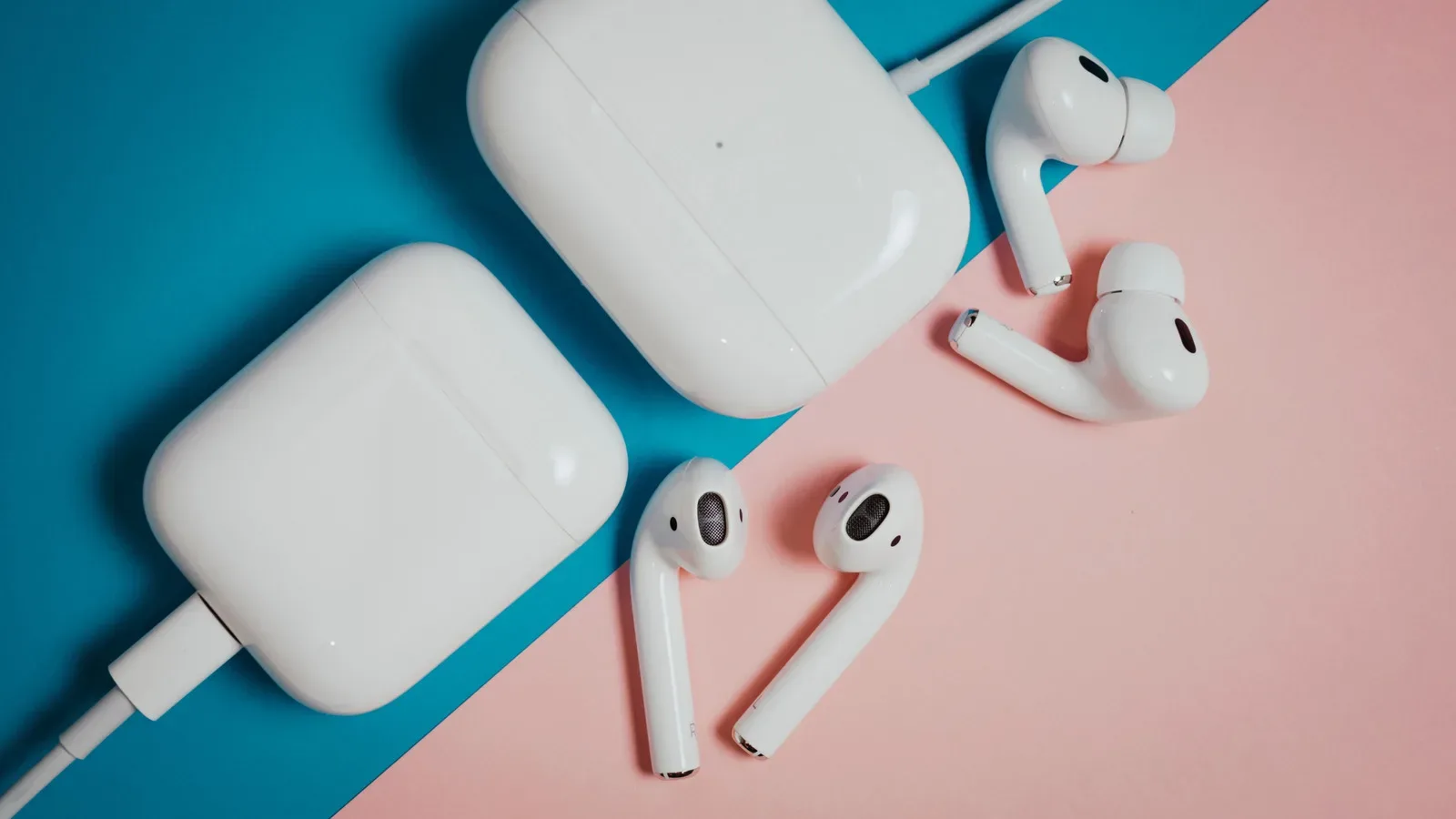
Adaptive Audio requires Apple’s H2 chip or a newer chip. It is supported by these models:
- AirPods 5
- AirPods 4 with ANC
- AirPods Pro 2
- AirPods Pro 3
- AirPods Max 2
Other AirPods are limited to their available standard ANC and Transparency options, or to passive noise reduction from the physical fit. That support list is worth checking before treating Adaptive Audio as a reason to upgrade. The AirPods 4 name alone is not enough; the relevant model is specifically the version with ANC.
Apple’s broader ecosystem integration may also matter to players already using its devices. AirPods can rapidly switch devices, support live translation and enable sharing with similarly equipped users. None of those features changes what Adaptive Audio does, but they help explain why someone invested in an iPhone, iPad or Mac might weigh AirPods against other wireless earbuds.
How to switch modes on iPhone, iPad and Mac
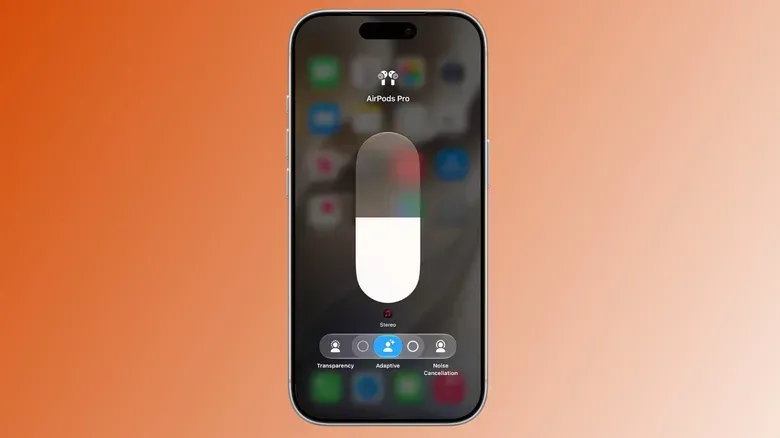
With compatible AirPods connected to an iPhone or iPad, open Control Center by swiping down from the top-right of the display. Then tap and hold the volume slider. This opens the available listening controls, including Adaptive Audio where supported. Conversation Awareness can be enabled from the same area, and an additional slider can make Adaptive Audio more or less sensitive.
On a Mac, open Control Center, select Sound, then select the connected AirPods by name to find the comparable options.
There is also a faster hardware-control route. On an iPhone, open Settings and select the AirPods entry near the top. Go to Controls & Gestures, set either Left or Right to Listening Mode, and select two or three of the modes offered. Squeezing the assigned AirPod then cycles through those chosen modes.
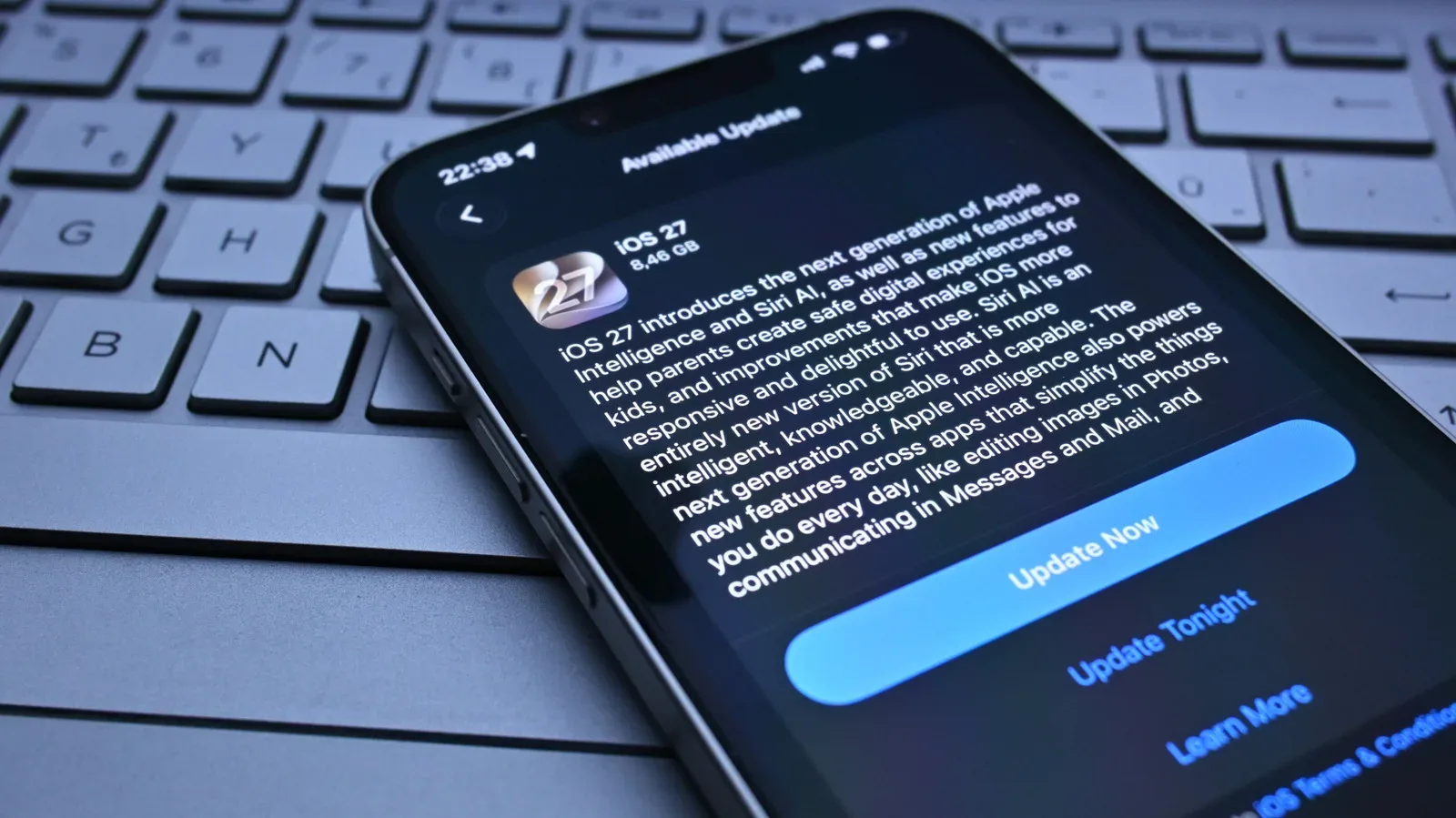
That shortcut is useful when moving between contexts: ANC for a noisy, stationary session; Transparency when someone needs to be heard; and Adaptive Audio for a changeable environment. The actual best setup is the one that does not cause the user to ignore their surroundings. Players looking more broadly at mobile-device comfort and performance can also review what mobile players should do first when a phone feels worse after an update.
A practical way to pick the mode
- Use ANC when sitting somewhere safe and you primarily need to reduce steady background noise for clearer audio at a sensible volume.
- Use Transparency when clear awareness is the priority, particularly around roads, cycling, announcements or people who may need your attention.
- Use Adaptive Audio when the environment is changing and you want less background distraction without committing fully to isolation.
- Disable Conversation Awareness if automatic volume reduction feels disruptive, or use it if brief spoken exchanges are common where you play or listen.
Adaptive Audio is valuable precisely because ANC and Transparency make opposing compromises. Still, it is not a safety guarantee, and it cannot decide what is important better than a listener can. The strongest feature choice remains situational awareness: choose focus when it is safe, choose clarity of surroundings when it is necessary, and do not ask a pair of earbuds to make a risky environment safe.