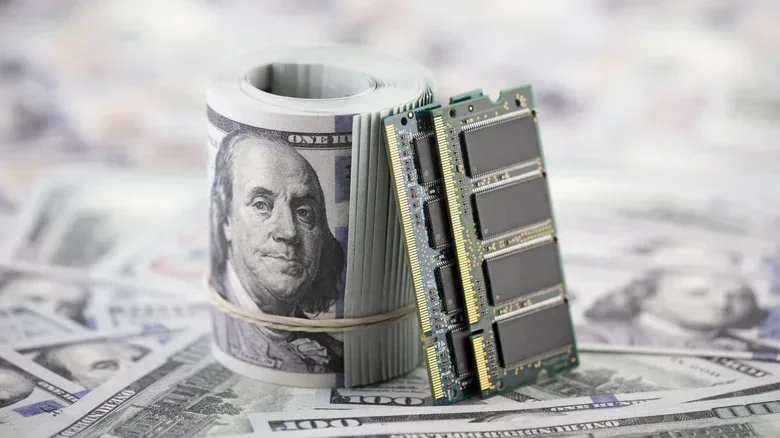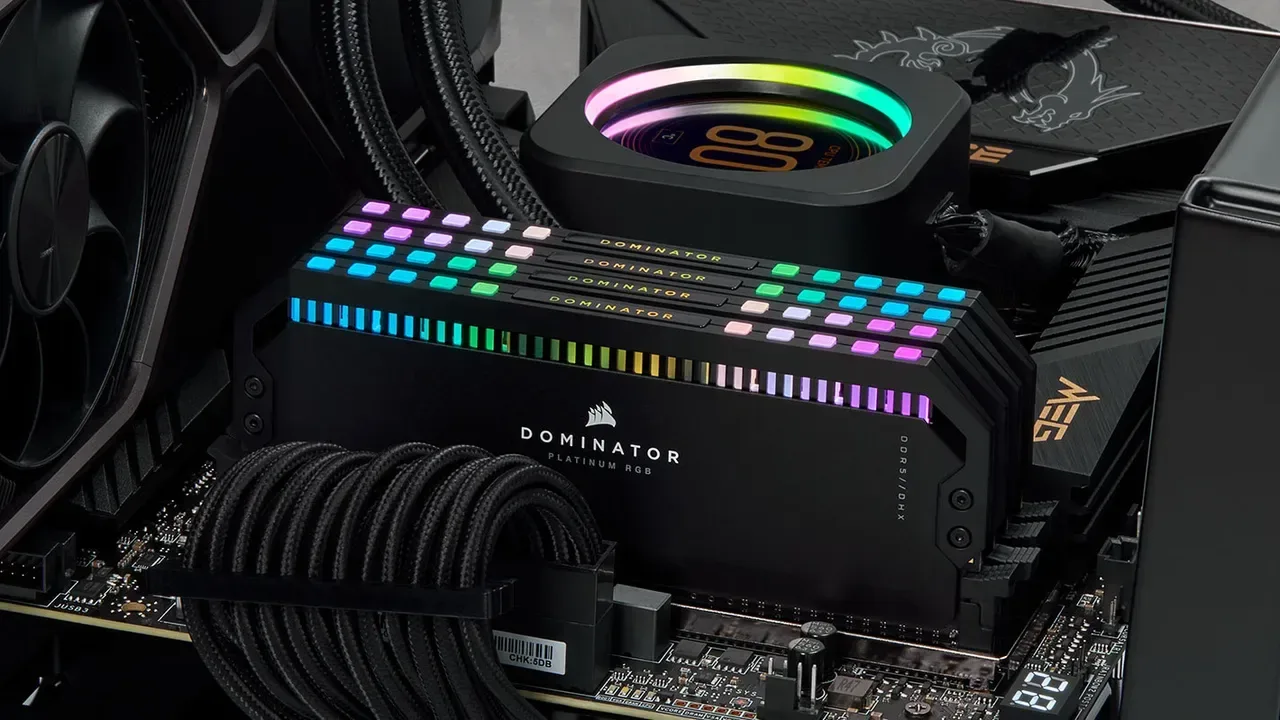
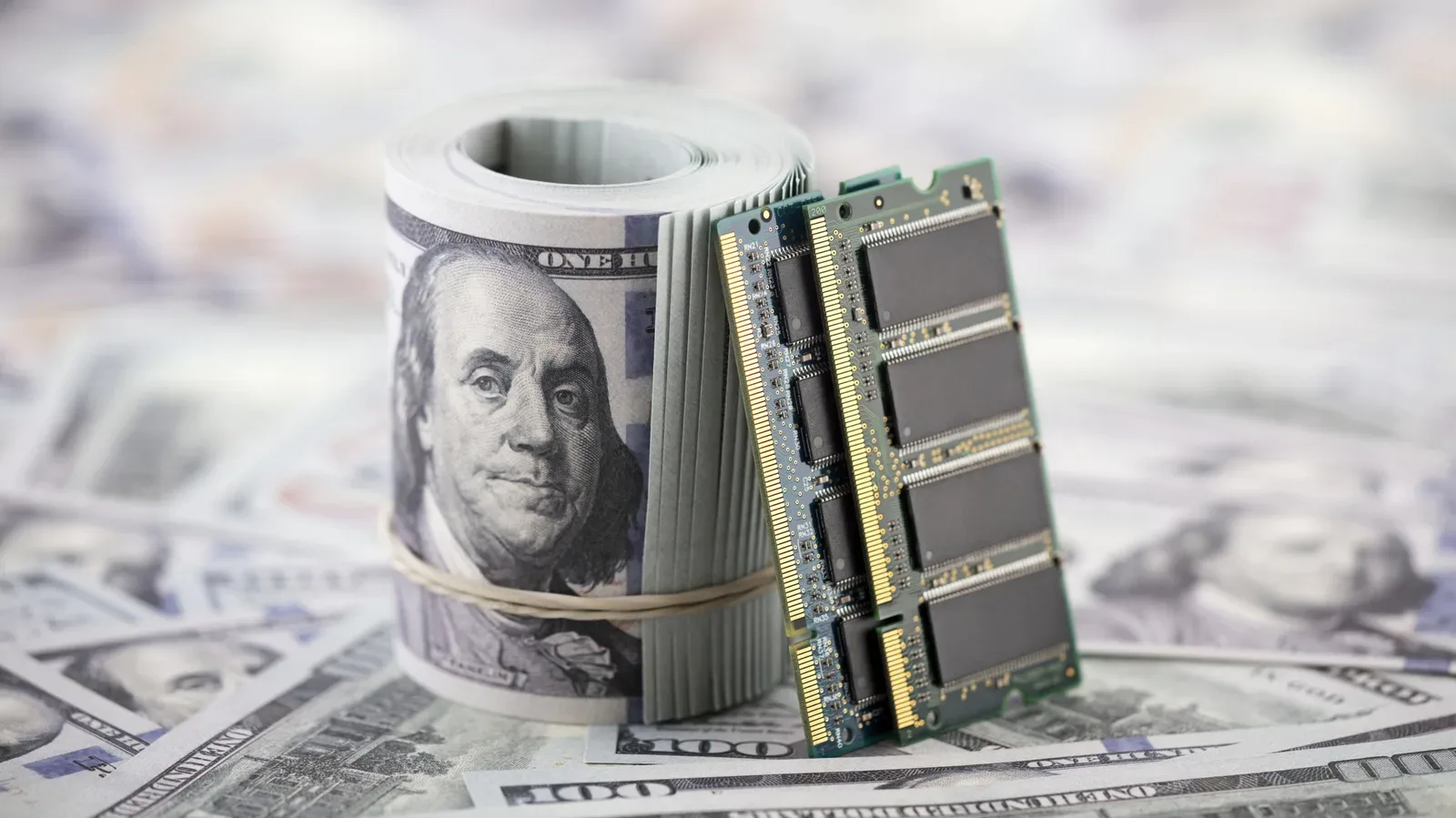
PC builders looking at a memory upgrade in 2026 may be wondering whether their browser has accidentally loaded a luxury-goods storefront. The sticker shock is real: a 32GB DDR4-3200 kit that could be bought for $94.99 during a November 2020 promotion was listed from $198 in October 2026. That is more than double the earlier price for matching capacity and advertised speed.
The squeeze is not confined to the current memory generation, either. DDR5, the newer desktop standard, is dramatically more expensive in the available October 2026 retail snapshots: the least-expensive 32GB DDR5-6000 kit was $454, while 64GB started at $915. A 32GB DDR5 kit had been available in the $100-to-$200 range in October 2025, making the change especially severe for anyone who delayed a platform upgrade by a year.
There are important caveats behind any price comparison. Promotions are not annual averages, individual brands and timings differ, and a single retailer listing cannot describe every market. But the capacities and advertised speeds line up closely enough to show the broad issue: conventional desktop memory has become substantially costlier, including DDR4 that was expected to be the budget-friendly option.
The numbers behind the RAM-price ambush
Archived retail promotions from 2020 provide a useful baseline for DDR4-3200 kits:
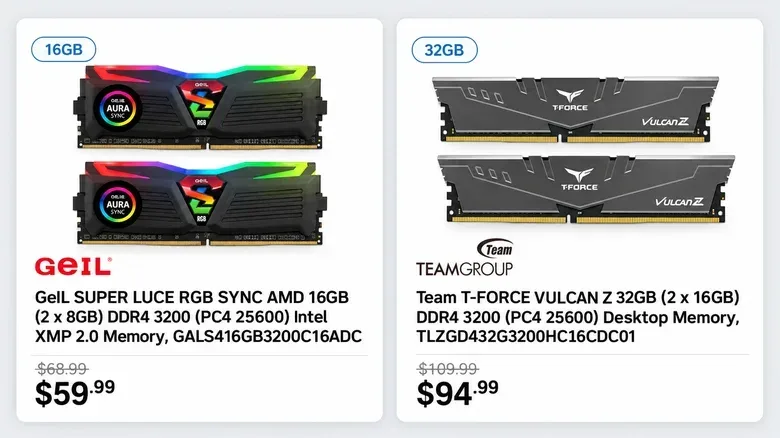
- 16GB GeIL DDR4-3200: $59.99 in October 2020
- 32GB Team T-FORCE VULCAN Z DDR4-3200: $94.99 in November 2020
- 64GB G.Skill DDR4-3200: $204.99 in October 2020
In an October 16, 2026 price snapshot, the cheapest available DDR4-3200 listings were $104 for 16GB, $198 for 32GB and $489 for 64GB. Measured against those 2020 reference points, that works out to increases of roughly 73%, 108% and 139%.
The pattern matters as much as the headline 32GB figure. The larger the capacity, the more painful the comparison becomes in this small set of examples. A builder who once viewed 64GB as a relatively reachable convenience for a system with demanding creative work, many simultaneous applications, or a long intended service life is now facing a memory bill that can fundamentally change the rest of a parts list.
For gaming specifically, RAM is not normally the component people expect to dominate the conversation. Graphics cards, processors and storage capacity tend to receive the dramatic budget arguments. Yet memory is a required foundation rather than an optional flourish. A new desktop has to be configured around what its motherboard supports, and a sharp increase in RAM cost can turn an otherwise sensible build into a much tougher value proposition before a GPU is even selected.
Storage costs are also rising, adding another constraint to the broader PC budget. Players weighing a new machine or a major refresh can find a useful related primer in this look at why storage standards matter when a game library outgrows its starting capacity. The hardware is different, but the purchasing lesson is similar: compatibility and capacity planning matter before clicking buy.
DDR4 and DDR5: the terms that matter when shopping
RAM, or random-access memory, is the fast working area a computer uses while programs and games are running. It is separate from an SSD or hard drive, which stores files long term. More RAM does not automatically make every game faster, but insufficient memory can force compromises and make a system less comfortable when several applications are open.
DDR4 and DDR5 are generations of mainstream desktop memory. They are not interchangeable: a motherboard designed for one does not simply accept the other. DDR4-3200 and DDR5-6000 use the number after the generation label to identify their advertised memory speed. Timing specifications also affect the exact product comparison, which is why the available retail data should be read as a directional snapshot rather than proof that every kit rose by precisely the same percentage.
DDR5 did not reach mainstream desktop PCs until late 2021, so there is no like-for-like 2020 DDR5 retail comparison. The more meaningful short-term contrast is October 2025, when ordinary 32GB DDR5 kits could be found for $100 to $200, versus October 2026, when the cheapest 32GB DDR5-6000 example cost $454.
That leaves shoppers in an awkward position. DDR4 is older but no longer reliably cheap. DDR5 is newer, but the provided 2026 prices show an even steeper entry cost. Choosing an older platform just because its RAM generation is older is not a guaranteed savings move when DDR4 supply and demand are moving in the wrong directions.
Why an older standard is getting more expensive
The core explanation is a collision between demand for memory and changing production priorities. AI data centers use conventional server RAM as well as specialized high-bandwidth memory. At the same time, major memory suppliers have scaled back some DDR4 production while continuing demand remains, with newer and more profitable products taking priority.
This is a useful distinction. The pressure is not simply that consumers suddenly decided to buy enormous quantities of old desktop memory. Data-center demand and manufacturer allocation decisions can reshape the availability of memory chips that eventually make their way into consumer modules. When supplies of an older standard tighten instead of gently fading into bargain-bin status, the usual expectation that last-generation parts will become inexpensive stops working.
Wholesale indicators underline the intensity of the move. Conventional DRAM contract prices rose by approximately 93% to 98% quarter over quarter in the first quarter of 2026. Contract pricing is the business-to-business side of the market, not a direct retail price tag, so it should not be treated as a promise that a specific RAM kit will double at a store. It does, however, help explain why consumer listings have been climbing rather than settling down.
One manufacturer also exited its consumer memory business in 2026, citing growing AI data-center demand and a focus on larger customers. The company did not specify how much manufacturing capacity would be redirected, so it would be a mistake to assign a precise impact to that decision. It is nevertheless another sign that consumer PC memory is competing for attention in a market with larger enterprise customers and lucrative AI infrastructure requirements.
The pressure reaches PC makers, not just do-it-yourself builders. One major PC company said memory and storage together would represent about 35% of its PC component costs in 2026, compared with 15% to 18% in the prior quarter, and warned that PC prices could increase. That does not establish the final price of every prebuilt computer, but it means a prebuilt is not automatically insulated from the same component problem.
What the used market can—and cannot—solve
Secondhand DDR4 can still reduce the immediate hit, but it is not a time machine back to 2020 pricing. A 32GB Corsair DDR4-3200 kit sold on eBay for $129.99 plus $9 shipping in September 2026, or $138.99 total. That was about $59 less than the October new-DDR4 comparison point, yet still roughly 46% above the $94.99 new 32GB kit referenced from 2020.
One completed sale cannot define an entire used market. It does demonstrate the relevant practical point: used RAM may provide relief, but shoppers should not assume an old standard is automatically cheap or that used listings will restore former retail prices.
Used memory can perform as well as new memory when it is compatible and functioning correctly. The risk calculation is different, though. Corsair’s limited lifetime warranty generally does not transfer to a secondhand buyer, reducing the protection a buyer may have if a module turns out to be unreliable. The seller’s return policy matters greatly, particularly because memory problems can be intermittent rather than instantly obvious.
A cautious used-RAM checklist
- Confirm motherboard compatibility before buying. Check the required DDR generation and make sure the kit’s advertised specifications suit the existing system.
- Read the seller’s return terms. A low price has less value if there is no realistic route to return a faulty module.
- Test promptly. Run MemTest86 before the return window closes. This is a memory-testing utility intended to help identify RAM errors.
- Do not confuse server RAM with standard desktop RAM. Low-cost registered ECC server memory is not a drop-in replacement for ordinary desktop RAM.
ECC means error-correcting code memory, a technology associated with detecting and correcting certain memory errors. Registered memory uses an additional register to help manage signaling and is commonly seen in server contexts. Those terms can make a listing look impressively technical—and potentially inexpensive—but they do not override the compatibility requirements of a typical consumer motherboard.
The least-wasteful paths for builders and upgraders
There is no universally cheap answer in the available data, but a few planning principles are clearer now. First, reusing compatible DDR4 already owned is likely to save more than replacing it with a fresh kit at current prices. That approach has a boundary: keeping DDR4 limits motherboard options. AMD’s AM5 platform, for example, requires DDR5.
Second, buyers should separate an upgrade within an existing system from a platform switch. Adding compatible memory to a DDR4 machine may be a different decision from replacing motherboard, processor and RAM together. The latter forces a choice of platform and, in the case of AM5, forces DDR5 into the budget.
Third, buyers should treat capacity, generation and compatibility as connected decisions. Seeing an inexpensive-looking server module, a bargain secondhand kit, or a fast DDR5 listing does not mean it will work in the intended computer. The correct questions are basic but essential: Which generation does the motherboard use? Does the kit match that generation? Is the seller’s return period sufficient to test it? Does the platform impose a newer standard?
The larger takeaway is unpleasantly simple. RAM has stopped behaving like the quietly affordable PC part in these snapshots. Anyone assembling a desktop, extending the life of an older system or considering a newer platform should verify current prices late in the planning process, rather than relying on what memory cost a year—or even a few months—ago.
Shop the products
Check current price, model and availability at the retailer.