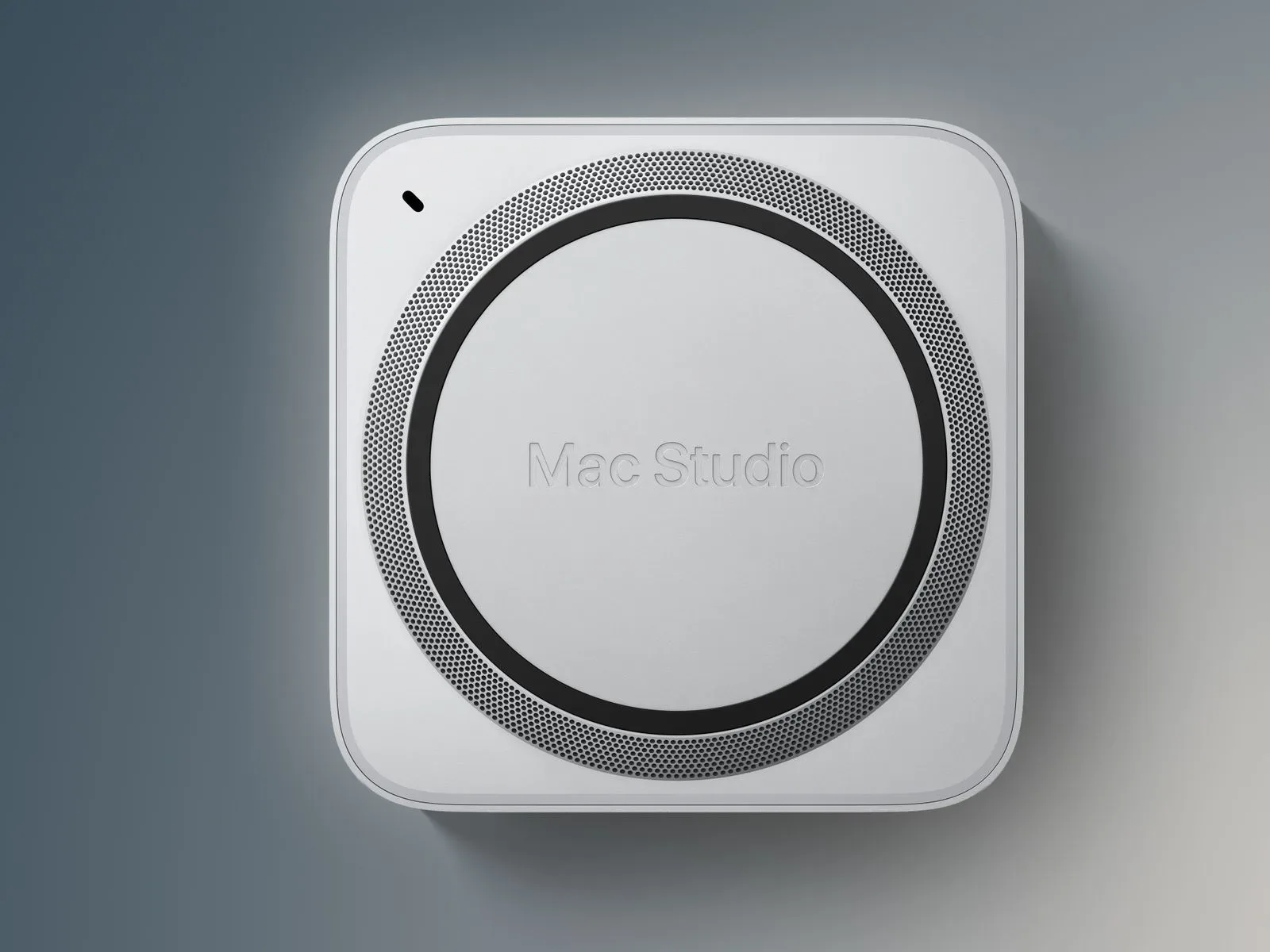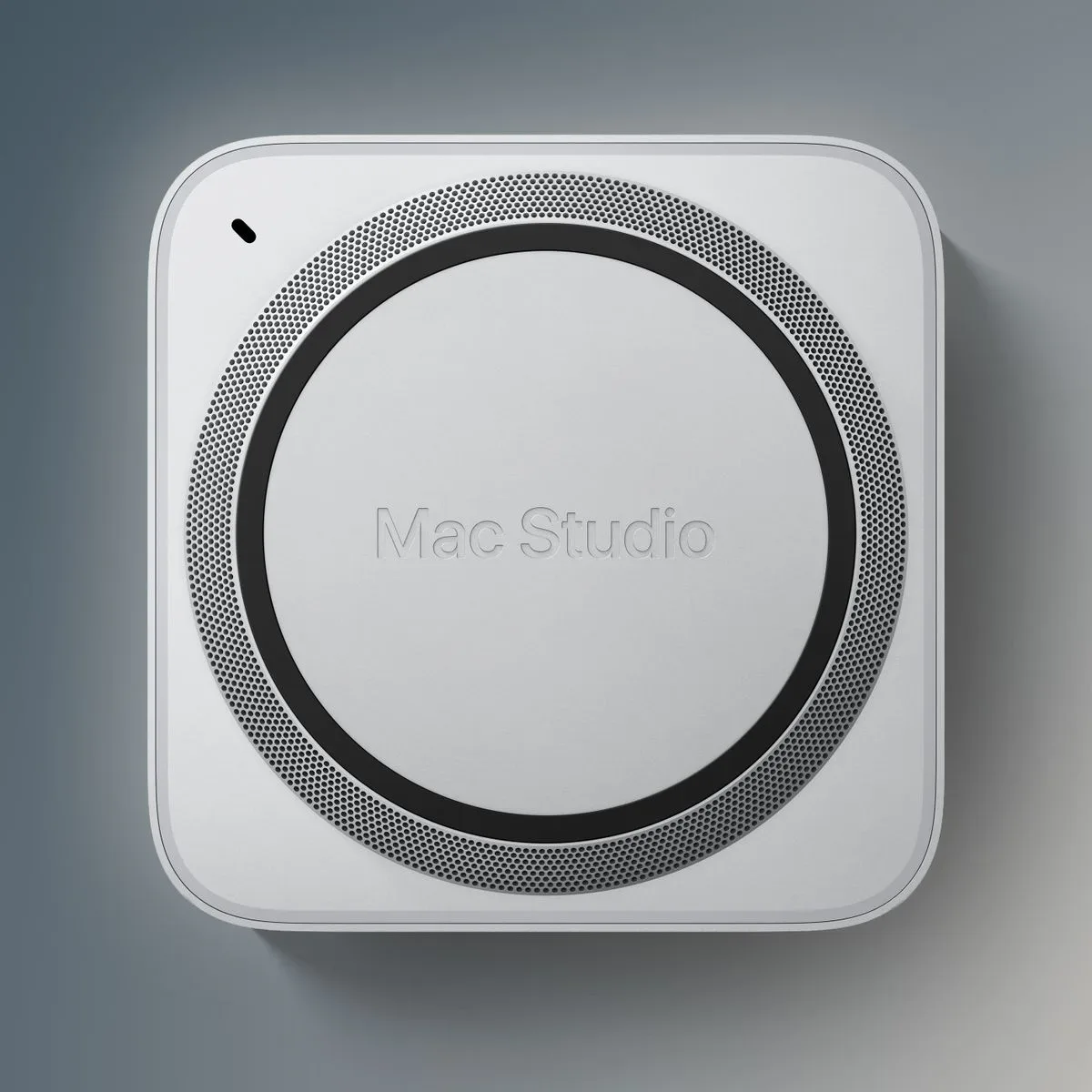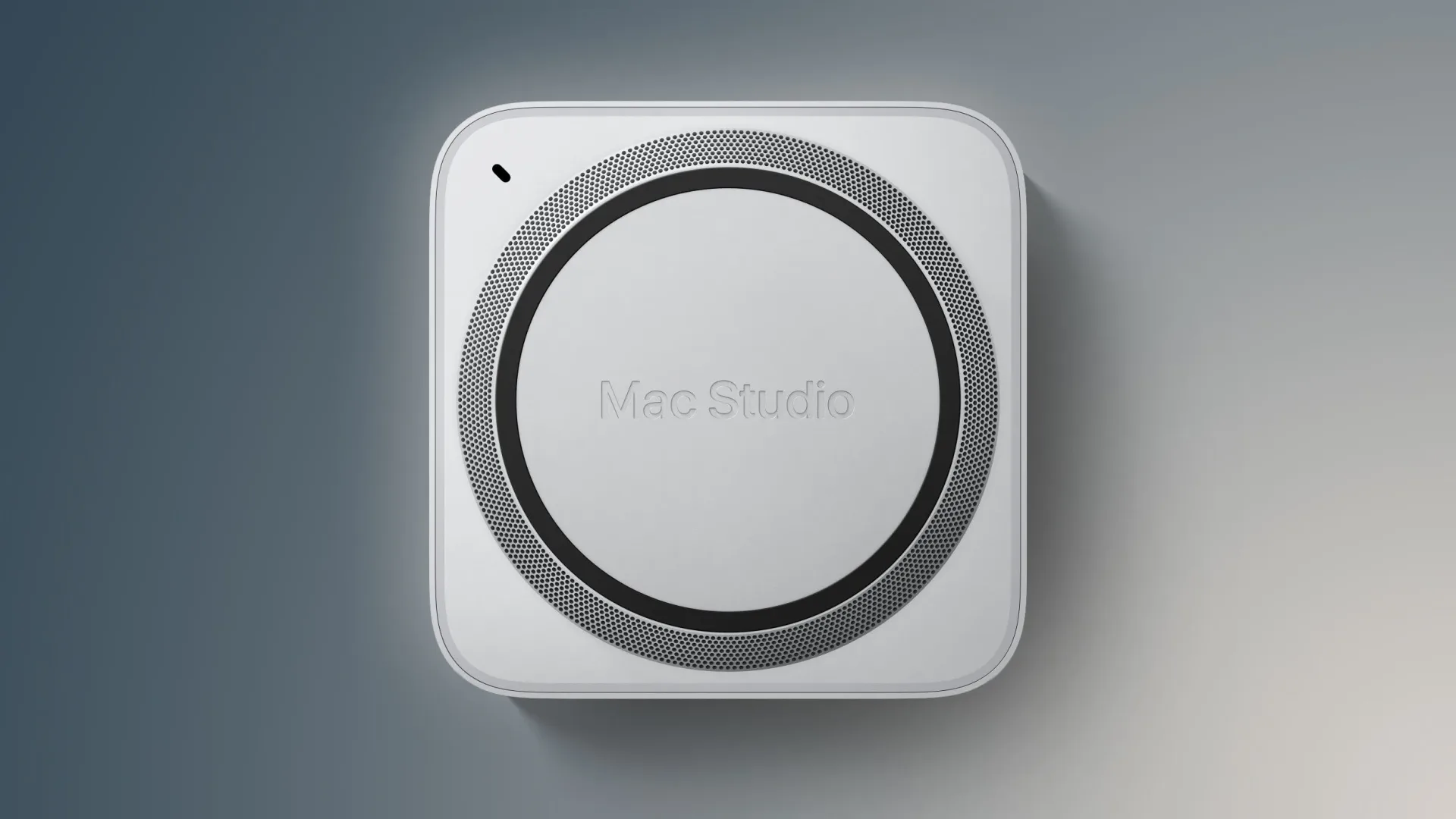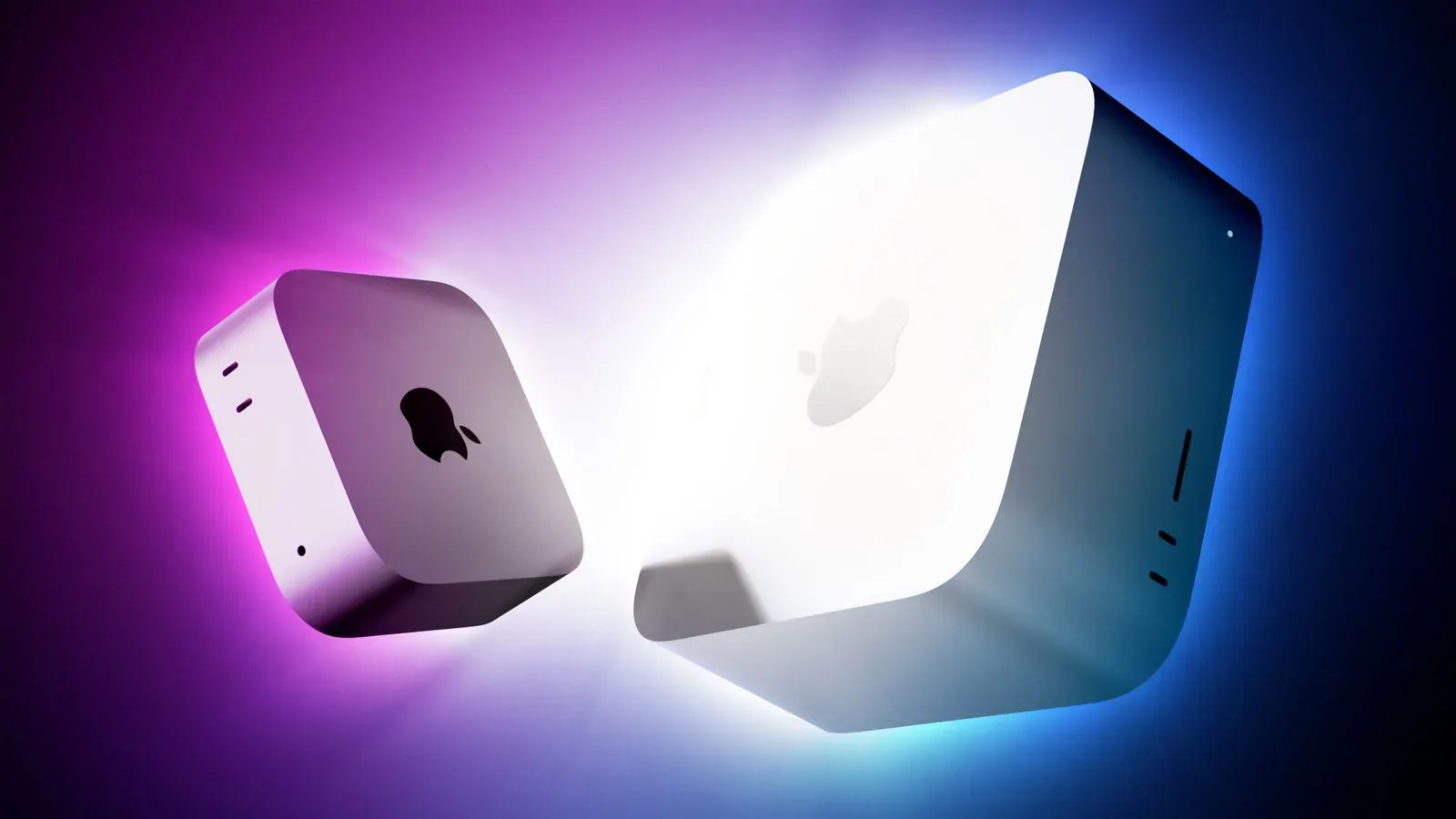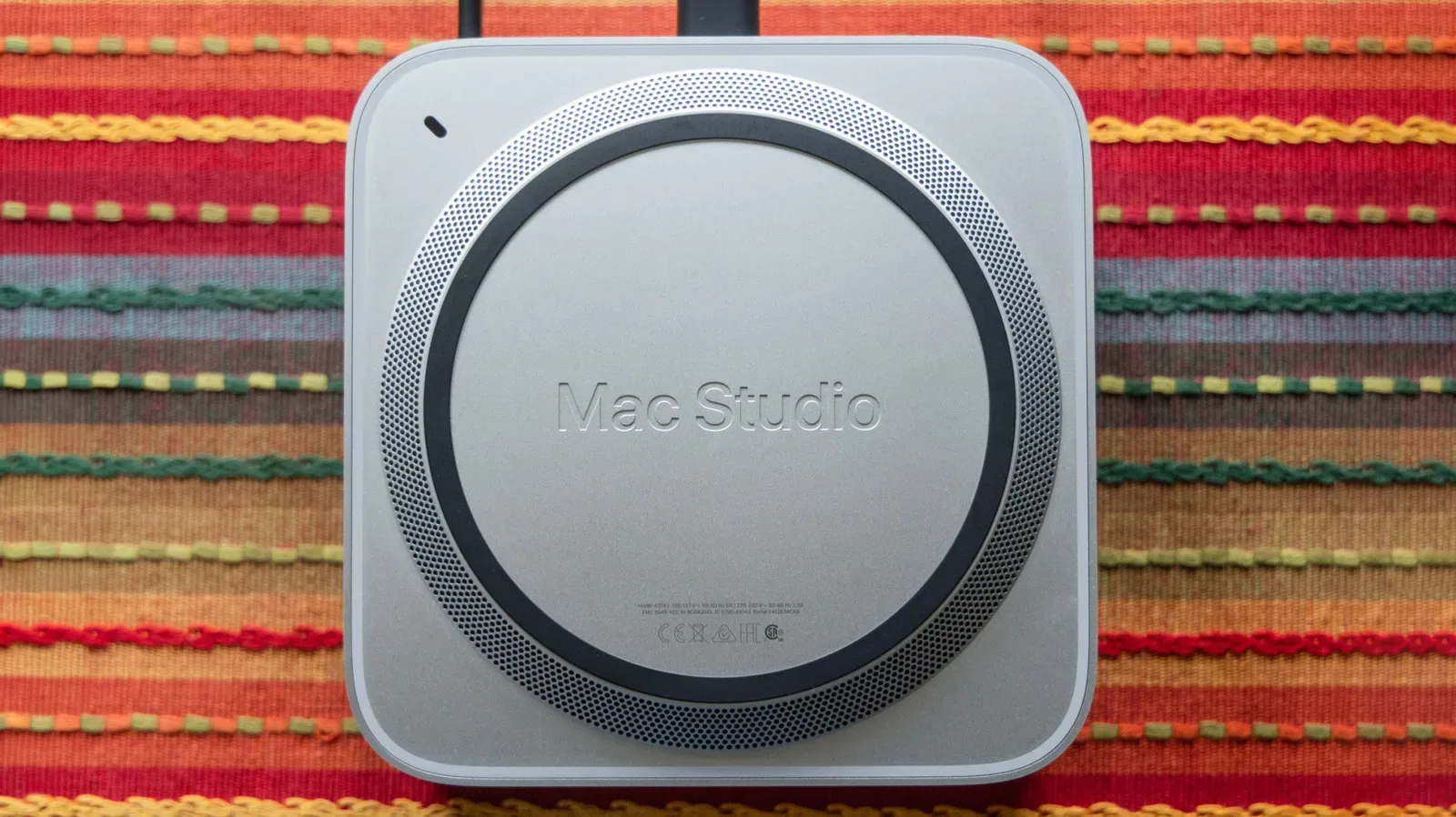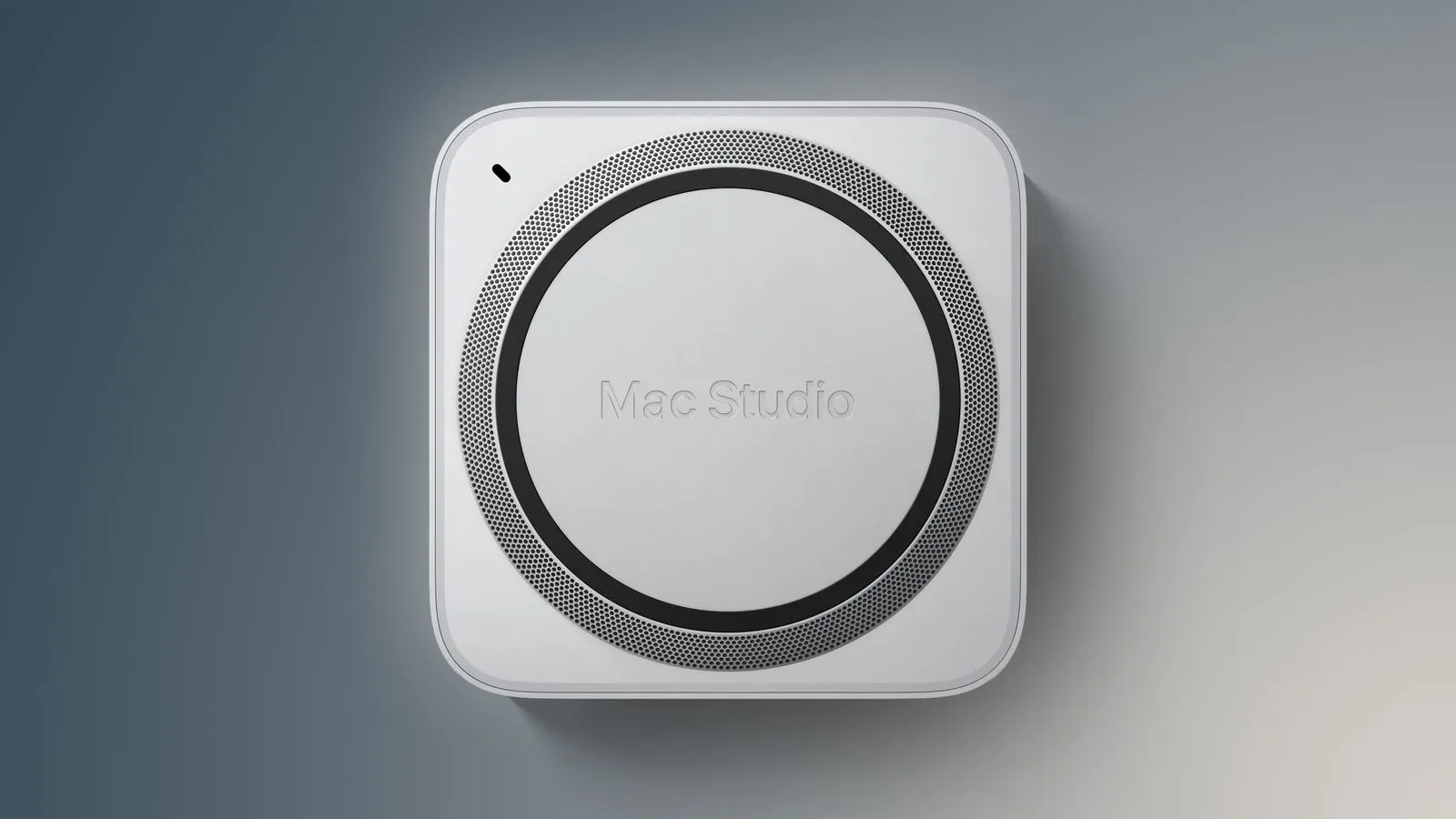
Apple’s Mac Studio now has a 512GB memory configuration, giving the M5 Ultra version of the desktop an extraordinarily high ceiling for a compact Mac. The new option is live on Apple’s U.S. online store, following a promise that it would arrive in late October.
The headline number is not subtle: a Mac Studio with 512GB of RAM starts at $22,299. That total is reached by first selecting the M5 Ultra model with a 36-core CPU and 80-core GPU, which starts at $6,799, then adding the 512GB memory configuration for another $15,500.
It is a configuration aimed far beyond a typical home-office machine, gaming PC alternative, or even the usual enthusiast workstation. Apple is making a very large memory pool available in the Mac Studio form factor, but has placed it behind its highest specified M5 Ultra configuration and an upgrade that alone costs more than many complete computers.
What is actually included in the $22,299 starting point?
The 512GB option is not a standalone choice that can be applied across the Mac Studio range. It requires the M5 Ultra configuration with a 36-core CPU and 80-core GPU. That model’s $6,799 starting price is the entry point before the $15,500 memory upgrade is selected.
- Required base system: Mac Studio with M5 Ultra, 36-core CPU, and 80-core GPU
- Starting price of that configuration: $6,799 in the U.S.
- Cost to select 512GB of RAM: $15,500
- Lowest stated price with 512GB of RAM: $22,299
The arithmetic highlights the unusual shape of this product tier. The memory selection costs substantially more than the already high-priced M5 Ultra base configuration. Buyers considering the maximum memory figure therefore need to assess the entire configured system, rather than treating 512GB as a simple incremental upgrade.
512GB RAM versus 16TB storage: two very different capacity figures
The Mac Studio can reach $29,799 when configured with both 512GB of RAM and 16TB of storage. While both figures are measured in gigabytes or terabytes, they serve fundamentally different purposes.
RAM, or random-access memory, is the high-speed working space a computer uses while software is running. Applications, active project data, and system processes depend on memory during use. More RAM can allow a machine to keep more data immediately accessible at once, particularly when demanding software or unusually large workloads need it.
Storage is the system’s longer-term space for files, applications, and the operating system. A 16TB storage option concerns how much can be kept on the Mac; 512GB of RAM concerns how much working data can be held in memory while the machine is operating. Neither is a substitute for the other, even though both capacities look enormous on a configuration page.
That distinction matters when looking at the fully specified $29,799 model. The extra cost is not paying for one vague idea of “more capacity.” It combines two separate decisions: a maximum memory allocation and a very large internal storage allocation. Prospective buyers should identify which limitation they expect to encounter—working memory, local file capacity, or both—before assuming that the highest configuration is inherently the best fit.
Why the M5 Ultra matters here
The new 512GB ceiling belongs to the M5 Ultra Mac Studio, not the M5 Max model. Apple continues to list a maximum of 128GB of RAM for Mac Studio configurations based on M5 Max.
That creates a straightforward, if expensive, split in the range. The M5 Max is capped at one quarter of the M5 Ultra model’s newly available 512GB maximum. The M5 Ultra path also begins with the named 36-core CPU and 80-core GPU configuration required for the 512GB selection.
In practical buying terms, the distinction means that someone whose work genuinely calls for more than 128GB cannot simply choose an M5 Max machine and add memory until it reaches the larger figure. The 512GB option is tied to a different chip tier and specific system configuration. That is the pivotal compatibility detail in this update.
For readers tracking Apple’s higher-end desktop hardware, the change also separates the questions of processor choice and memory capacity less than they might expect. Selecting 512GB is inseparable from selecting M5 Ultra and the specified CPU/GPU arrangement. The result is a sharply defined top-end system rather than a broadly configurable menu item.
Unified memory: the technical term behind the RAM option
Apple describes the capacity here as RAM, but the relevant architectural concept in Apple silicon systems is commonly called unified memory. Put simply, it is memory available across the system rather than a conventional setup in which the CPU and graphics processor each draw from completely separate pools.
The important takeaway is not that every task needs hundreds of gigabytes of memory. It plainly does not. The value of a large unified-memory configuration is its headroom: the machine can accommodate workloads that require a very large amount of active data in memory. Whether that is useful depends on the specific software and work being performed, not on an abstract desire to maximize specifications.
There is another purchasing implication: memory capacity deserves its own scrutiny alongside CPU core count, GPU core count, and storage. A system may have a powerful processor but not need the maximum available memory for a particular workflow. Conversely, a workload with a hard memory requirement may force a buyer to prioritize the 512GB option and, by extension, the necessary M5 Ultra system.
No performance claims beyond the supplied specifications are needed to see why Apple has made this a premium configuration. The 512GB selection is a capacity-focused option with a $15,500 premium, and its availability is limited to the top M5 Ultra route.
A workstation configuration, not a value-oriented upgrade
The word “value” can become unhelpfully broad around products this expensive. A $22,299 Mac Studio is not positioned as an economical way to obtain a desktop computer with plenty of memory. Its significance is that Apple now offers a 512GB option in Mac Studio, and that the company has attached a very clear cost and hardware prerequisite to it.
For organizations or professionals comparing configurations, the useful exercise is to separate requirements from maximums:
- Confirm whether the workload needs more than the M5 Max model’s 128GB limit.
- If it does, recognize that the M5 Ultra path is mandatory for the 512GB option.
- Budget from the $6,799 M5 Ultra configuration with the specified 36-core CPU and 80-core GPU, not from a lower Mac Studio starting point.
- Add the $15,500 memory charge before considering the separate question of internal storage capacity.
- Consider the 16TB storage choice independently; the combined 512GB-memory, 16TB-storage configuration is listed at $29,799.
This approach avoids a common configuration-page mistake: looking at a maximum specification first and discovering later that it depends on a higher base model. Here, Apple’s prerequisite is especially consequential because it sets the floor at $6,799 before the memory upgrade is even chosen.
How this fits Apple’s current high-end Mac conversation
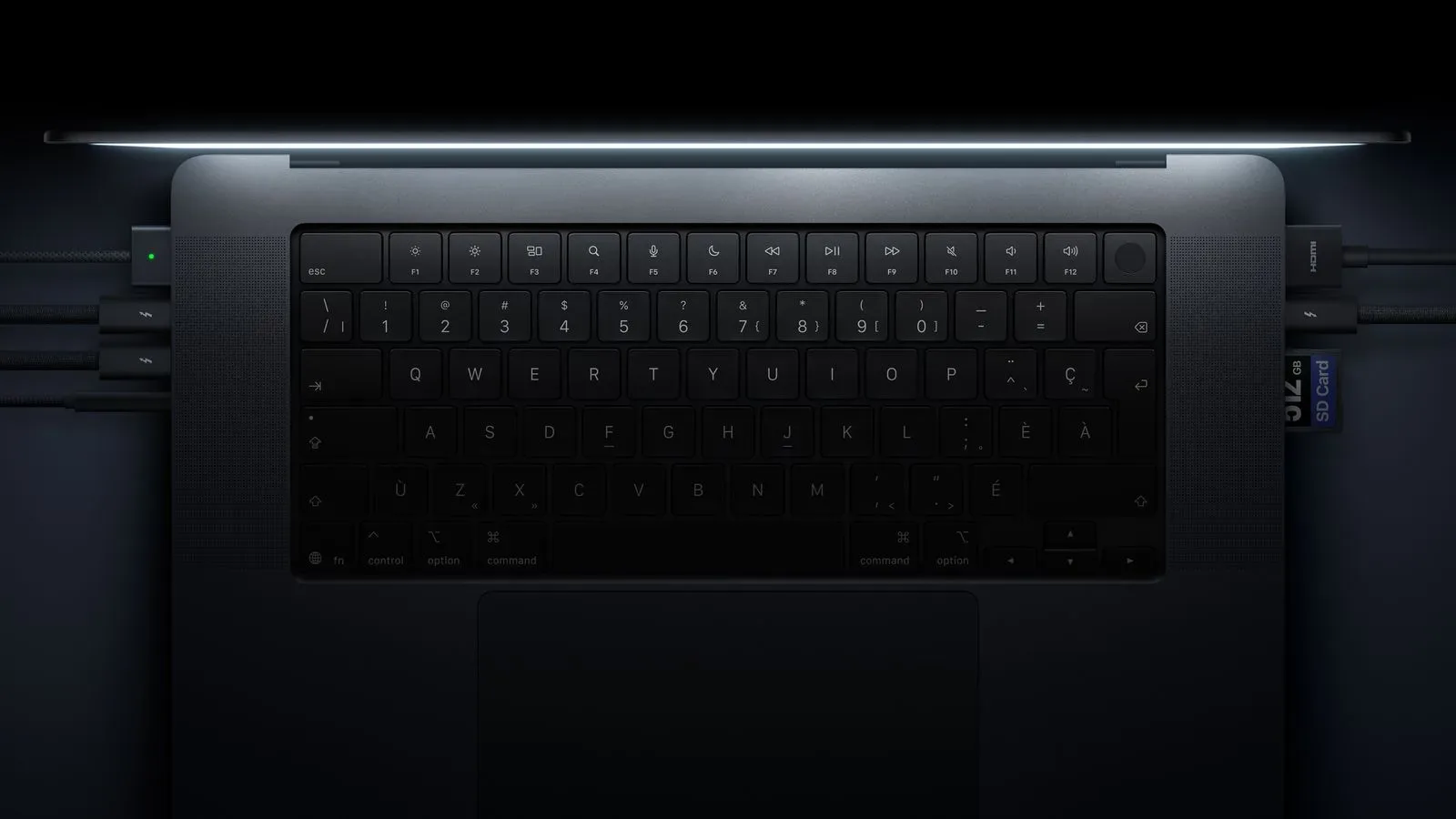
The arrival of the option lands in a period where internal capacity upgrades are drawing attention across Apple’s professional hardware. Apple has also been associated with a 16TB internal-storage ceiling in a MacBook Pro configuration, although the decision between a portable system and a desktop remains a separate one. For more on that storage-focused development, see the MacBook Pro’s 16TB storage configuration.
The Mac Studio’s new figure is specifically about memory. Its 512GB option broadens the top end of Apple’s desktop lineup while making the price of that expansion impossible to miss. The $22,299 starting point with 512GB of RAM is the key number, while $29,799 marks the stated level when that memory maximum is paired with 16TB of storage.
Apple delivered the memory option within the late-October timing it had indicated. For the relatively narrow group that needs this degree of memory capacity in a Mac Studio, the choice is now available. For everyone else, the more revealing detail may be the divide Apple has established: M5 Max configurations top out at 128GB, while the 512GB ceiling sits exclusively behind the M5 Ultra’s most costly specified configuration.