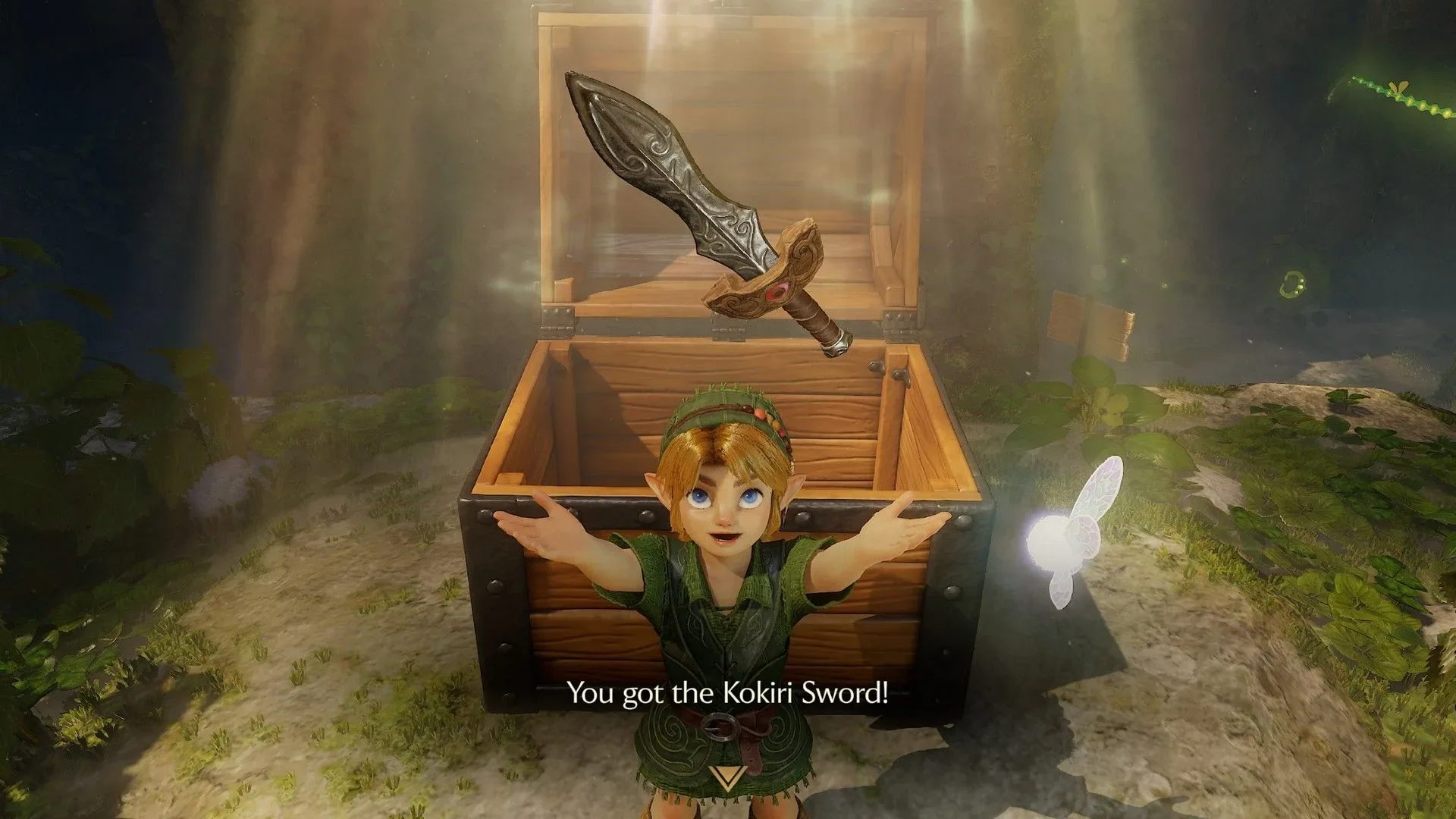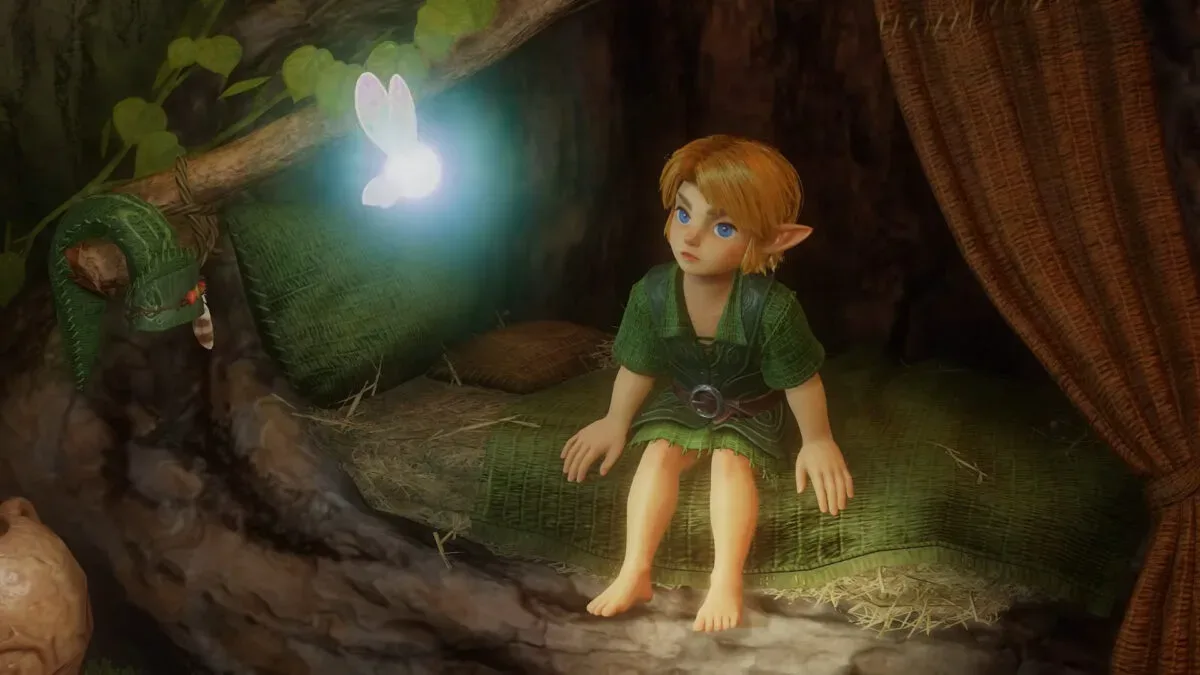
The Legend of Zelda: Ocarina of Time remake is set to offer players a choice that is deceptively simple but potentially transformative: how much of the game they want on the screen. Recent hands-on preview footage has shown three interface settings—Standard, Pro and Master. Standard retains the familiar assortment of health, magic, equipped-item, map and situational displays. Pro removes nearly all of that information. Master goes further still, eliminating the visible Z-targeting indicator while preserving the ability to target enemies.
It is a welcome option for a remake of a game whose original presentation was built around making a then-new kind of 3D adventure readable. Ocarina of Time’s interface had practical jobs to do: communicate Link’s health and magic, identify the active item, orient the player through the minimap, and make the lock-on system understandable in busy encounters. Those functions remain useful. The promising part is that the remake will not insist every player sees them every second.
The feature also carries forward a player-choice philosophy associated with Breath of the Wild and Tears of the Kingdom, where a reduced interface could make exploration feel more dependent on the world itself. In a game as visually and mechanically foundational as Ocarina of Time, that is more than a cosmetic toggle. It changes which information the player reads from a meter and which information they infer from the scene, sound, animation and companion behavior.
What each interface option changes
The three modes appear to establish a straightforward ladder from conventional information density to near-total visual minimalism.
- Standard: The conventional presentation, including health, magic, the currently equipped item, a minimap and context-sensitive information. This most closely resembles what players expect from the original game and from third-person action-adventure games generally.
- Pro: Removes virtually all persistent gameplay readouts, including the health meter. Save notifications and occasional dialogue pop-ups can still appear. The Z-targeting indicator remains visible when an enemy is locked on.
- Master: Removes the targeting reticle as well. Lock-on still works, but the visible cue becomes Navi hovering over the targeted enemy rather than an on-screen marker.
That distinction between Pro and Master matters. A “no HUD” setting can mean different things in different games. HUD is shorthand for heads-up display: the meters, icons, maps and prompts that sit over the game world. Pro is a minimal-HUD option, but it retains a combat-specific confirmation tool. Master removes that final persistent targeting cue, making it the more uncompromising mode.
Neither setting appears to turn Ocarina of Time into a game without feedback. Save notices and some dialogue still surface, and Master’s targeting feedback is relocated into the world through Navi. That is an important design compromise. The modes remove clutter without necessarily withholding every piece of information needed to understand what the game is doing.
Z-targeting remains the key mechanical question
Z-targeting is Ocarina of Time’s lock-on system: the player selects an enemy, allowing the camera and Link’s movement to behave around that target. It is central to combat readability, especially when positioning, dodging and aiming all compete for attention. In Standard and Pro, the targeting indicator makes the selected enemy explicit. In Master, the game preserves the mechanic but removes the reticle.
Instead, Navi’s position is the confirmation. If she is hovering over an enemy, that enemy is the current target. It is an especially fitting solution because it uses an existing character relationship rather than adding a replacement icon elsewhere on screen. The fairy stops being merely a voice or tutorial conduit and becomes a visual, in-world signal.
Related coverage includes Ocarina of Time Remake Adds Optional Minimal UI Modes Inspired by Modern Zelda.
Practical implication: Master mode is likely to demand more attention during fights. Players will need to notice Navi, rather than glance at a reticle, to confirm lock-on. That does not automatically make it harder in every circumstance—the lock-on remains available—but it does reduce the speed and directness of the information. For players who prize a cleaner screen, that trade may be worthwhile. For anyone learning combat, Standard or Pro should offer clearer feedback.
It is also why these modes are best understood as optional presentation choices rather than a blanket difficulty setting. The supplied details establish that HUD elements are being removed, but do not establish broader changes to enemy behavior, damage, timing or controls. A stripped interface may feel more demanding, yet it is not the same thing as confirmed difficulty rebalancing.
Why a sparse screen can change the mood of a familiar quest
Minimal interfaces are often described as “immersive,” but that word can be vague. Here, the useful meaning is concrete: fewer abstract symbols compete with the 3D world for the player’s attention. Without a minimap and continuous health display, players may spend more time looking at paths, structures, enemies and environmental landmarks. Without a targeting reticle, they may watch Navi and opponents more closely.
For a remake, this has a particular appeal. Returning players may know the broad route through Hyrule well enough that navigation overlays feel less essential. A Pro or Master run could provide a different visual rhythm without altering the core progression. Conversely, newcomers have the Standard option, which keeps vital status information and orientation aids plainly visible.
There is no reason to romanticize reduced information as universally superior. Health, magic and equipment are meaningful gameplay data, and some players simply prefer that data available at all times. Accessibility and comfort are personal, too: a clean screen is not automatically a clearer screen for every player. The value here is the presence of a menu choice. The remake appears to support both the traditional, information-rich approach and a more observational one.
A notable shift in guidance philosophy
Ocarina of Time is inseparable from Navi. Her prompts became one of the most recognizable symbols of guided design in 3D games, and later Zelda entries such as Twilight Princess and Skyward Sword are frequently associated with heavy tutorialization and persistent direction. The newer Zelda era moved toward giving players more room to investigate and determine a route for themselves.
The Pro and Master settings do not prove that every piece of guidance in the remake has changed. They do, however, show an interest in letting players dial back visual instruction. That is a meaningful fit for an adventure about discovery. A quest can still provide dialogue, narrative goals and necessary prompts while allowing its world to do more of the visual work.
Master mode’s use of Navi also puts an interesting twist on that history. The fairy remains a source of guidance, but in this setting she can become subtler than a bright, fixed reticle. The player is still receiving information; it is simply expressed through an object that belongs to the scene.
What else is known about the remake
The interface modes are not the only reported changes. The remake is also said to include new sidequests, more difficult minigames and subtle dungeon adjustments. Those additions suggest this is not being framed solely as a graphical revisit, though the supplied information does not detail the specific quests, minigames or dungeon revisions.
That limited detail is worth keeping in mind. “Subtle” dungeon tweaks could describe many kinds of revision, from altered layout touches to changed interactions, and no broader conclusions should be drawn until more is shown. Likewise, harder minigames point to additional challenge in those activities, not necessarily a harder main adventure as a whole.
Still, the combination is coherent. Optional minimal UI modes offer veterans a different way to experience familiar spaces, while sidequests, adjusted dungeons and tougher minigames could give them fresh reasons to pay attention. The balance between preservation and refinement is a major issue for any remake, as the discussion around how remakes retain an original game’s emotional landmarks makes clear.
Choosing between Standard, Pro and Master
Based on what has been shown, each setting serves a distinct audience rather than representing a simple “best” option.
- Choose Standard for continuous access to health, magic, item and map information, or when learning the game’s systems and spaces.
- Choose Pro for a less obstructed view while retaining the direct Z-targeting confirmation that can help combat stay immediately legible.
- Choose Master for the most screen-clearing approach, with Navi serving as the visible indication of the selected target.
The strongest idea is not that Ocarina of Time should discard its classic interface. It is that the remake can respect that interface while treating it as adjustable. Standard preserves the familiar language of the adventure. Pro pares it down. Master asks the player to trust the world—and a hovering fairy—just a little more.