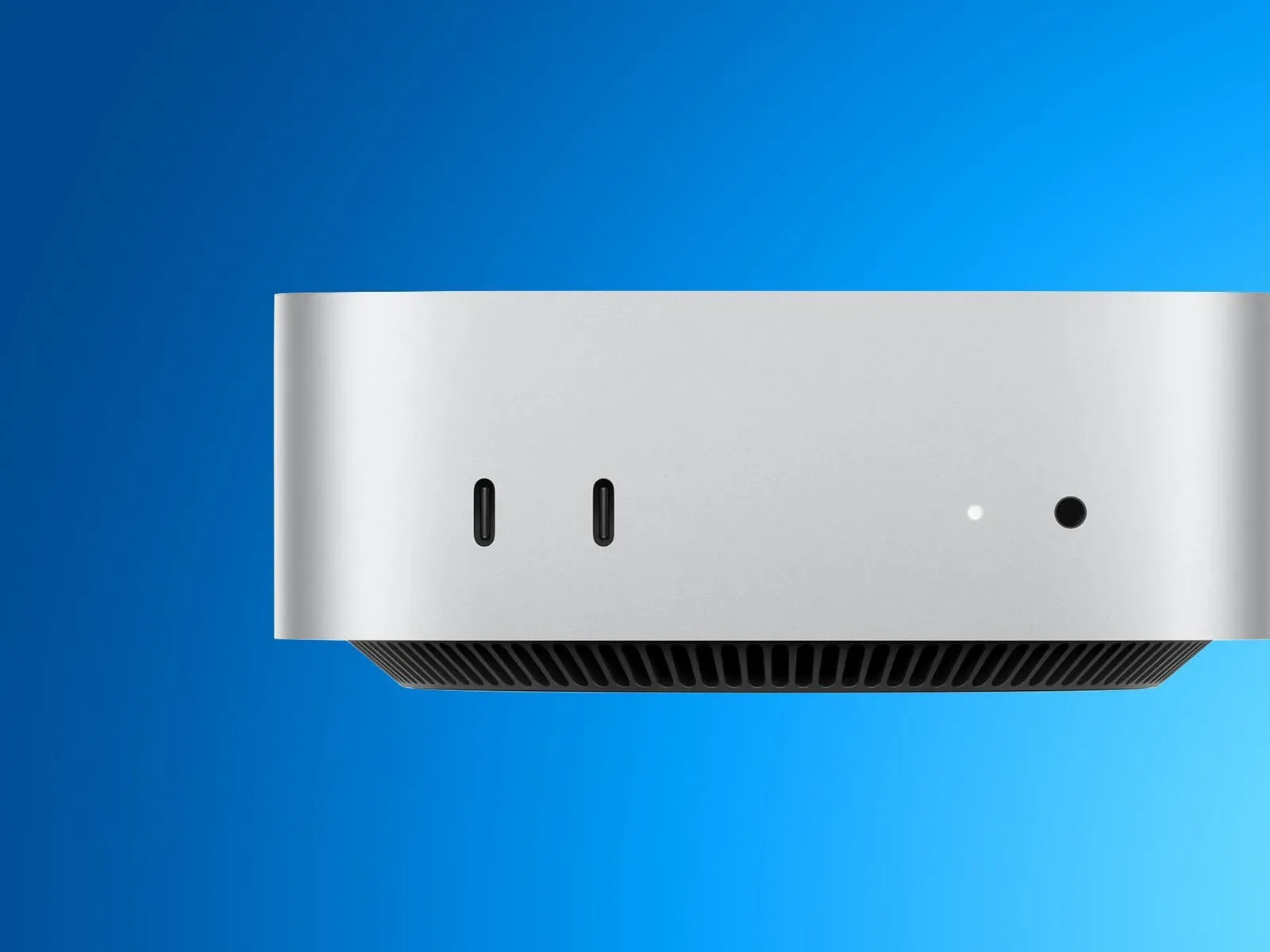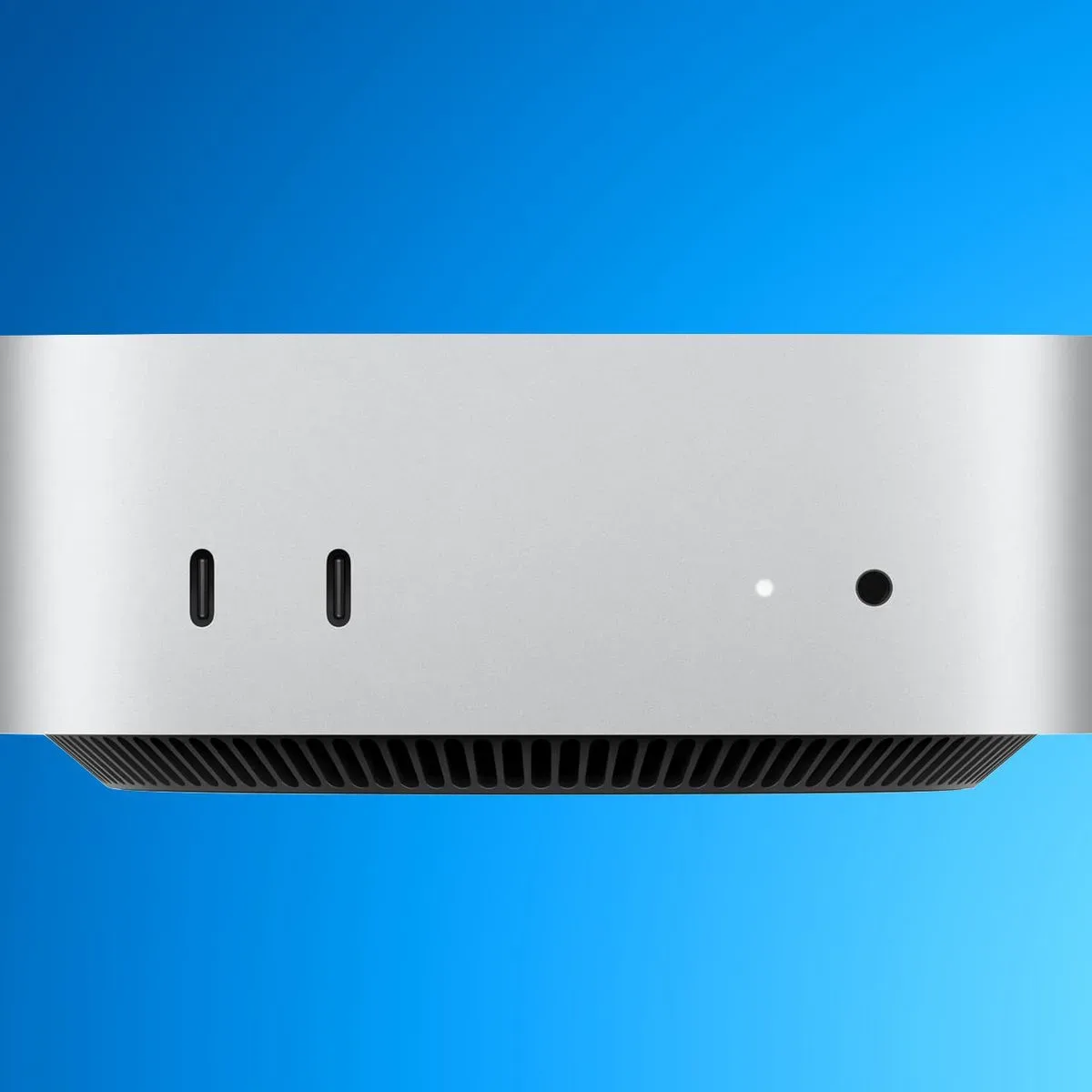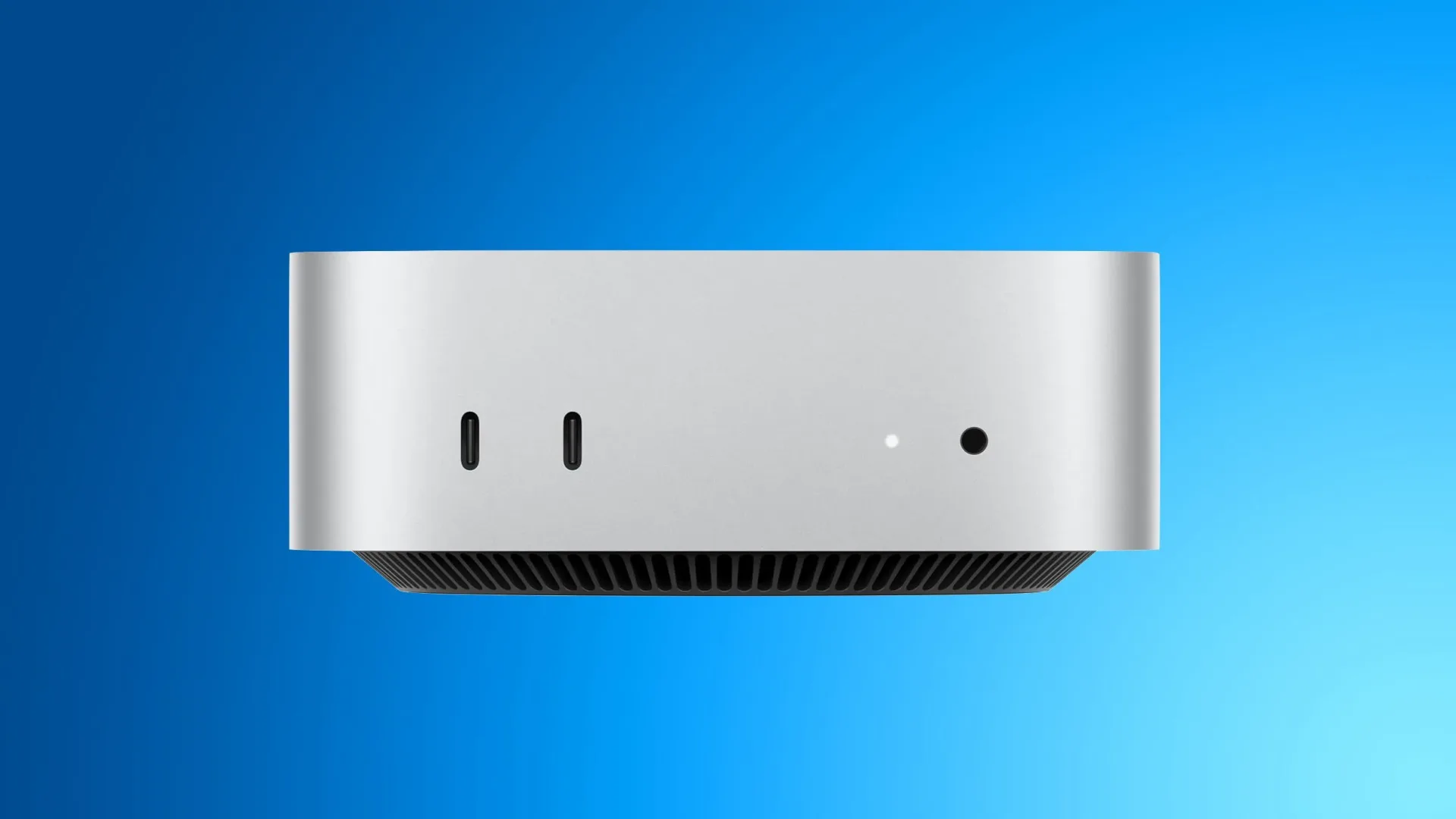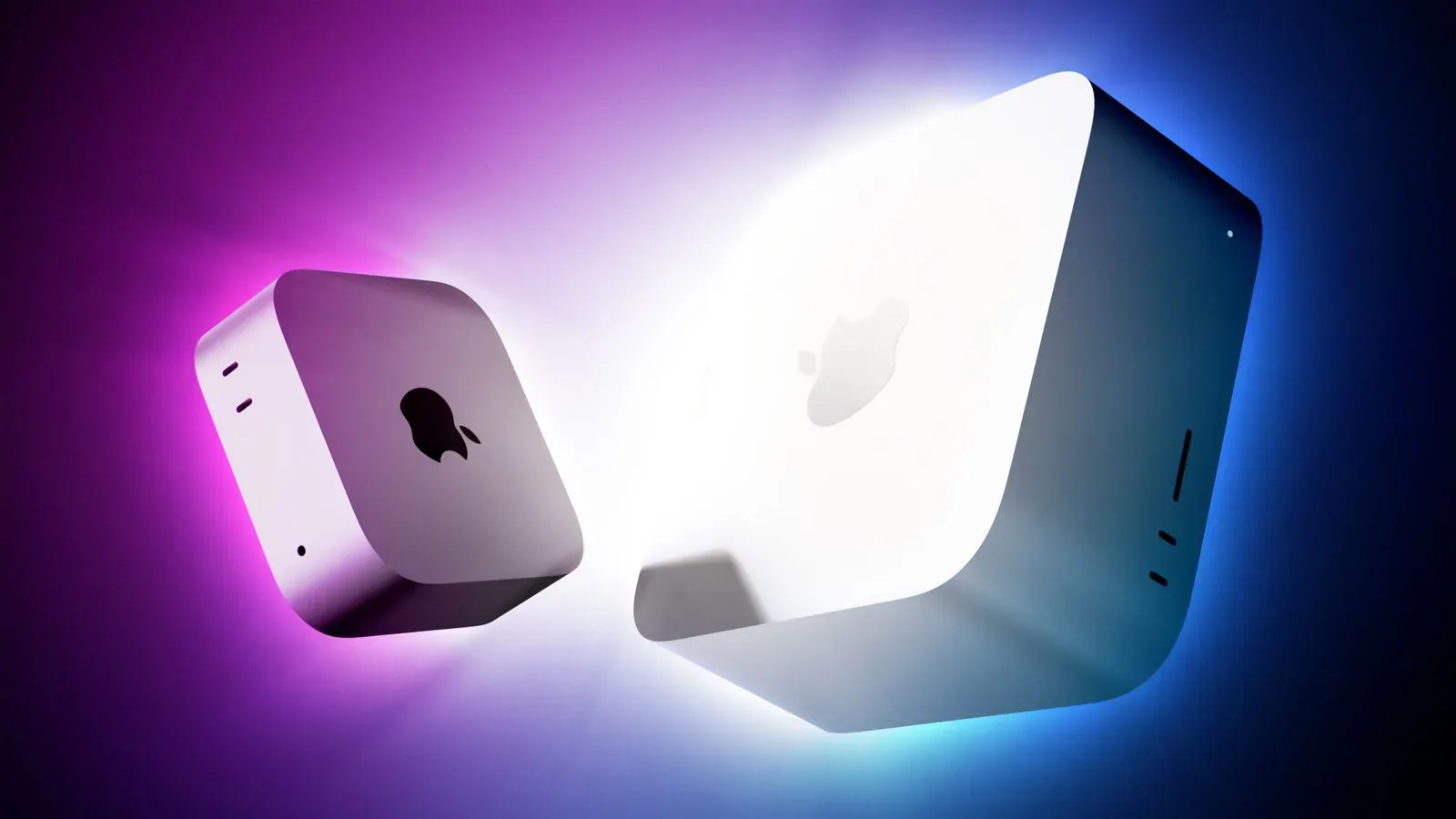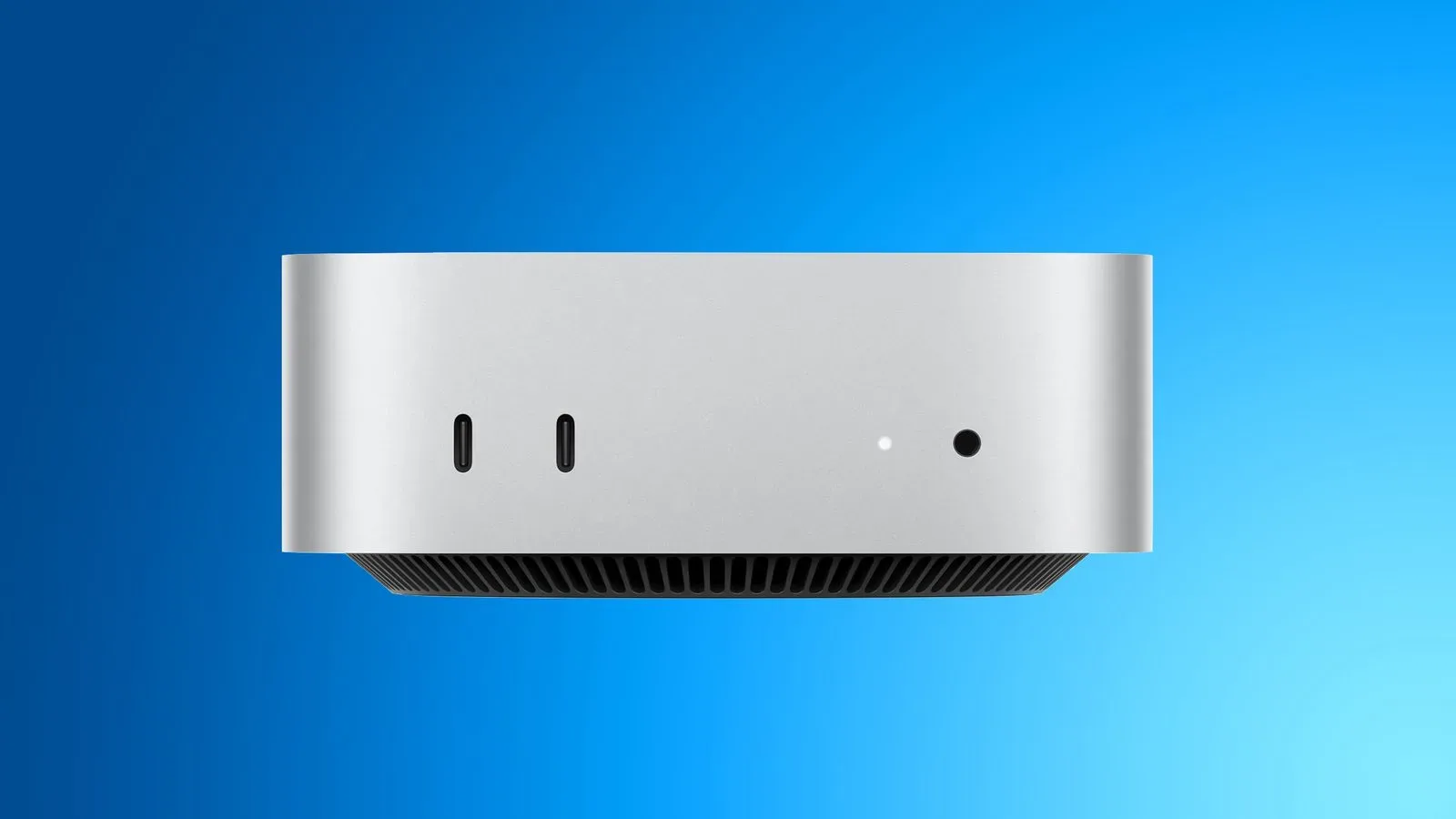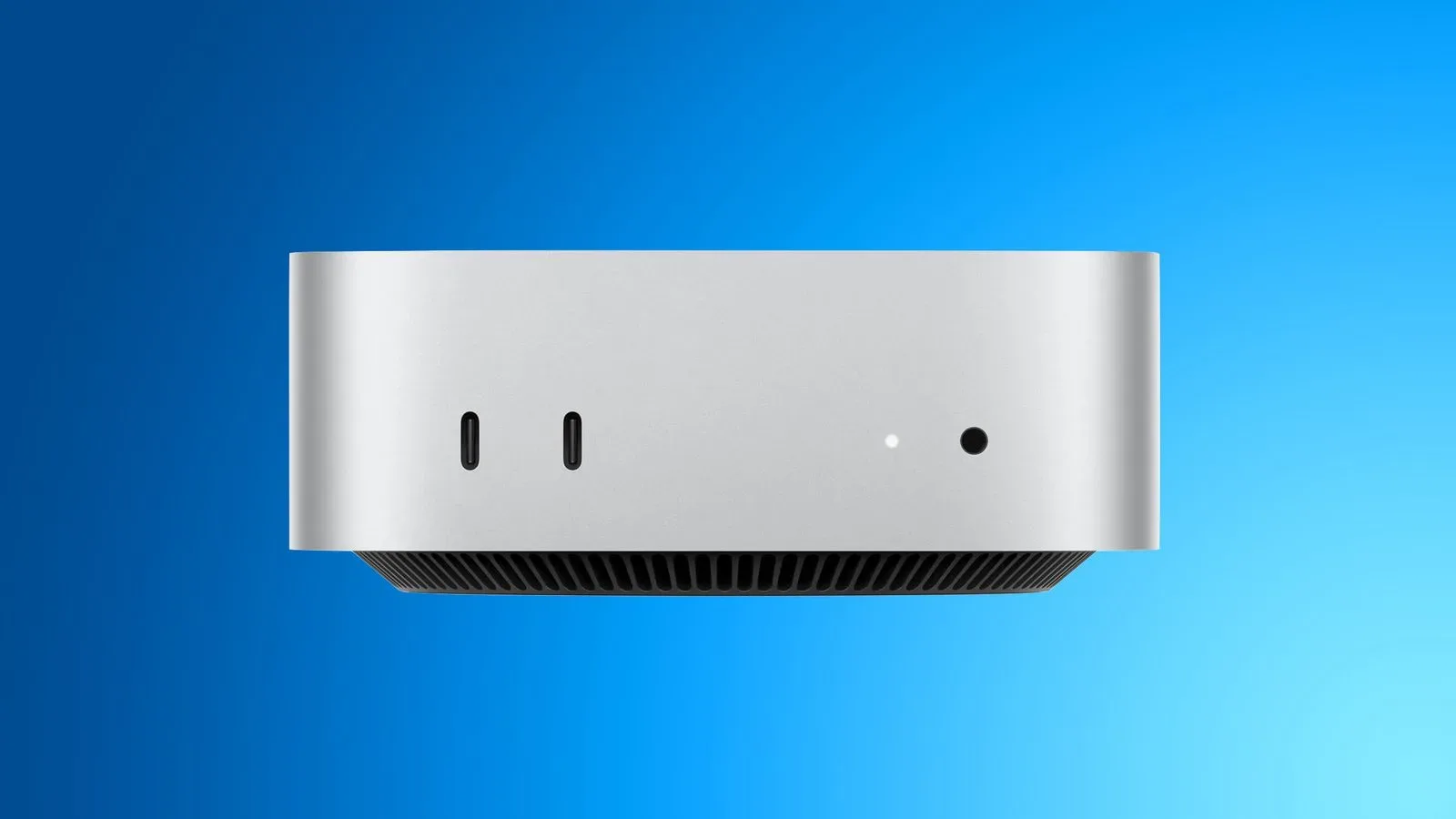
The newest Mac mini configurations powered by Apple’s M6 and M5 Pro chips reportedly bring back two storage limitations that buyers should factor in before ordering: the internal SSD storage is soldered to the logic board, and the entry-level 256GB configurations appear to be materially slower than versions with 512GB or more.
Neither point necessarily makes a 256GB Mac mini unusable. Reported testing indicates that even the new 256GB model is meaningfully faster than its predecessor with the same capacity. But the changes alter the value calculation for people who expected to start small and expand later, as well as for users whose work makes frequent, high-speed storage access more important.
The removable-storage exception appears to be over
Storage in the M6 and M5 Pro Mac mini models is reportedly soldered directly to the logic board. In practical terms, that means the SSD cannot be swapped for a larger aftermarket internal module after purchase.
That is a reversal from the immediately preceding M4 and M4 Pro Mac mini generation, which used removable proprietary storage modules. Those machines gave owners an unusual degree of flexibility in a compact Apple desktop: a buyer could choose the 256GB configuration initially, then fit a higher-capacity compatible module later.
Third-party plug-and-play modules had made that route particularly attractive. They were designed to function like Apple’s proprietary modules while costing hundreds of dollars less, allowing users to avoid paying for a high-capacity factory configuration at the point of purchase. That path no longer appears available for the current M6 and M5 Pro models.
A specialist Mac mini storage business says it will continue looking for a way to support the new machines, but presently considers compatibility unlikely. Apple has not commented on the reported shift.
The broader historical pattern matters here. M1 Mac mini models, along with M2 and M2 Pro versions, also used soldered NAND storage. The M4 and M4 Pro designs now look less like the start of a permanent upgrade-friendly direction and more like an exception between two generations of non-removable storage.
What soldered NAND means
NAND is the non-volatile flash memory used by SSDs. “Non-volatile” simply means it retains data without power. An SSD’s usable capacity, responsiveness, and sustained behavior are shaped by several components and design decisions, but the physical NAND arrangement is a major part of the picture.
When NAND storage is soldered to a logic board, it is physically attached rather than installed as a removable module. The immediate consumer consequence is straightforward: internal capacity is effectively fixed when the computer is bought. If 256GB is insufficient later, the owner cannot perform the same straightforward internal module replacement that was possible on M4 and M4 Pro Mac mini systems.
That does not prevent a Mac mini owner from using external storage. It does, however, make external storage a separate workflow choice rather than an internal upgrade. Buyers who expect their app library, local files, projects, or game installs to grow over the life of the computer may therefore want to decide their required internal capacity in advance.
For many ordinary desktop tasks, this will be manageable. Web browsing, documents, streaming, messaging, and light photo handling may not fill 256GB quickly for every person, nor will they necessarily expose a difference in storage benchmark results. The concern is more consequential for users who prefer keeping extensive local data, large applications, or active project files on the internal drive.
Why the 256GB model benchmarks slower
The second reported downside is about performance rather than upgradeability. All new 256GB Mac mini configurations reportedly use a single NAND chip. Models with 512GB of storage or more use two NAND chips instead.
Tests conducted with Blackmagic Disk Speed Test found the 256GB model scoring at roughly half the level of the higher-capacity variants. This is consistent with the key distinction between one flash chip and two: a storage controller can potentially access multiple chips in parallel, giving it more pathways for moving data than a single-chip arrangement.
That does not mean every action will take twice as long. Benchmark figures measure defined storage operations under a test tool’s conditions; they should not be treated as a universal stopwatch for launching any particular application or completing any single task. System memory, processor performance, the size and type of files involved, and the software itself also affect how a Mac feels in real use.
Still, the benchmark gap is useful purchasing information. Storage speed can matter more when handling large files, moving substantial data sets, or doing work that repeatedly reads from and writes to the drive. People buying a Mac mini for heavier creative or technical workloads are the most likely to care about the fastest internal storage configuration available.
Capacity is now tied more closely to speed
The notable implication is that 512GB is not only a capacity upgrade on these Mac mini models. It also appears to be the threshold for the dual-NAND layout and the stronger SSD benchmark performance.
That makes the decision less simple than “How much storage do I need today?” A buyer selecting 512GB may be paying for both additional space and a storage configuration with better tested throughput. Conversely, someone selecting 256GB is accepting two constraints at once: less room for data and lower tested SSD speed than the larger-capacity models.
- 256GB: one reported NAND chip, slower benchmark results, and no apparent internal aftermarket upgrade route.
- 512GB and above: two reported NAND chips and the fastest tested SSD performance among the configurations described.
- Any current internal capacity: should be treated as a long-term choice because storage is reportedly soldered to the board.
The performance gap is not necessarily a deal-breaker
It is important not to turn the reported benchmark comparison into a blanket warning against the base model. The average buyer is unlikely to notice the difference in typical day-to-day use. A system can remain perfectly capable for common workloads even when its storage configuration posts lower numbers than a higher-tier option.
There is also encouraging context for anyone considering the 256GB machine: its SSD is reportedly meaningfully faster than the previous 256GB Mac mini. So the current base configuration is not simply a regression in absolute performance. Rather, it is slower relative to the 512GB-and-higher options within the same generation.
That distinction is worth keeping clear. “Slower than the larger model” and “slow in every meaningful use case” are very different claims. The available benchmark information supports the former, not automatically the latter.
Who should think hardest about 512GB or more?
The practical case for starting at 512GB is strongest for buyers who want both more headroom and the faster dual-chip storage setup. Power users, in particular, have a concrete reason to treat 512GB as the more performance-oriented baseline rather than a luxury capacity selection.
Anyone who had planned to exploit the M4 generation’s removable-module approach should also reconsider their buying strategy. With M6 and M5 Pro storage reportedly fixed to the logic board, choosing 256GB with the expectation of an inexpensive internal expansion later is no longer a sound assumption.
Before finalizing a configuration, it is sensible to separate two questions:
- How much internal space is needed? Consider the files and applications that must remain on the Mac rather than on external storage.
- How important is maximum internal SSD speed? If sustained storage performance is part of the workload, 512GB or more is the reported route to the dual-NAND layout.
There is no single correct answer for every Mac mini buyer. The 256GB model may suit a person with modest local-storage needs and ordinary desktop tasks. But users prioritizing longevity, internal capacity, or the best tested SSD results should recognize that the current lineup provides fewer ways to change course after the purchase.
A familiar design choice with a sharper buying consequence
Soldered storage itself is not unprecedented in the Mac mini family. The M1, M2, and M2 Pro models used it as well. Likewise, a single NAND chip in the 256GB configuration has appeared before on M2 and M2 Pro machines. What made the M4 and M4 Pro generation stand out was that it departed from both of those patterns: it offered removable storage and avoided the one-chip 256GB arrangement.
The newest Mac mini lineup reportedly ends both exceptions. As a result, storage configuration deserves more scrutiny than a simple capacity checkbox. It can determine the amount of internal space available for the life of the machine, eliminate a prior aftermarket cost-saving option, and influence the SSD performance a buyer receives.
For readers tracking Apple’s current software changes alongside its desktop hardware decisions, iOS 27’s new iMessage audio-button options offer a separate example of how small design choices can shape everyday device use. In the Mac mini’s case, though, the choice is one buyers may need to make before the computer ever reaches their desk.