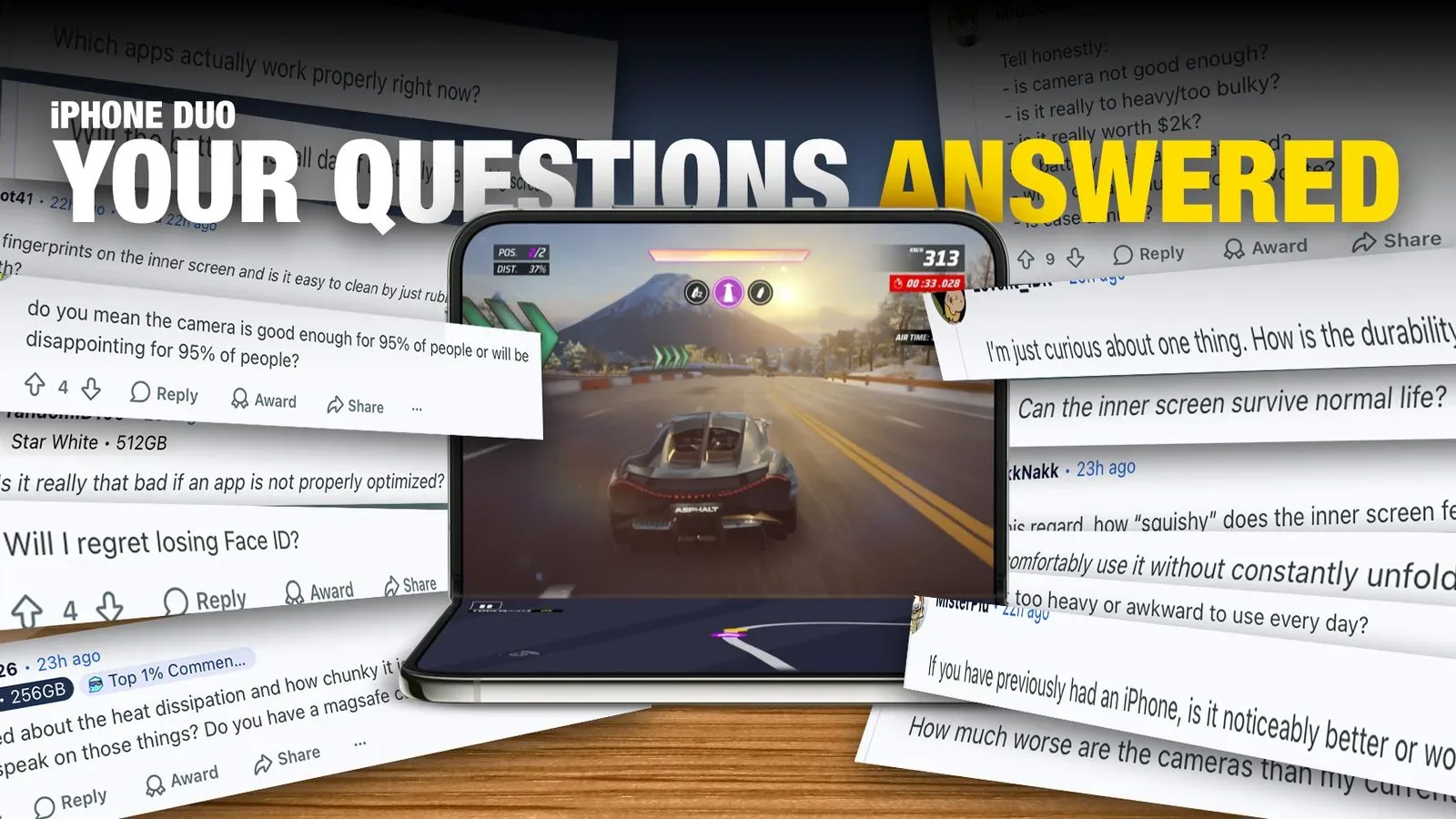
Apple’s iPhone Duo has arrived with a familiar first-generation-device proposition: a genuinely useful new form factor paired with compromises that buyers will notice immediately. At a starting price of $1,999, the key question is not simply whether the Duo can unfold into a larger workspace. It is whether that workspace, its apps, cameras and unlocking method fit a person’s daily priorities well enough to justify the cost.
Early answers suggest that the Duo is strongest when its expanded inner display is used for two things at once. Running two applications side by side makes practical sense, and a video can remain on screen while a person scrolls through a website. But the software experience is uneven at launch, with some apps still displaying thick black bars at the sides instead of properly using the available screen area.
That split defines much of the device’s appeal. The hardware makes room for a different way of using an iPhone, while the value of that room depends heavily on whether developers update their apps. Buyers also need to weigh a camera system that omits a telephoto lens, an under-display Face ID camera intended mainly for casual video calls, and Touch ID that requires a deliberate touch-and-hold action.
App updates are the immediate issue
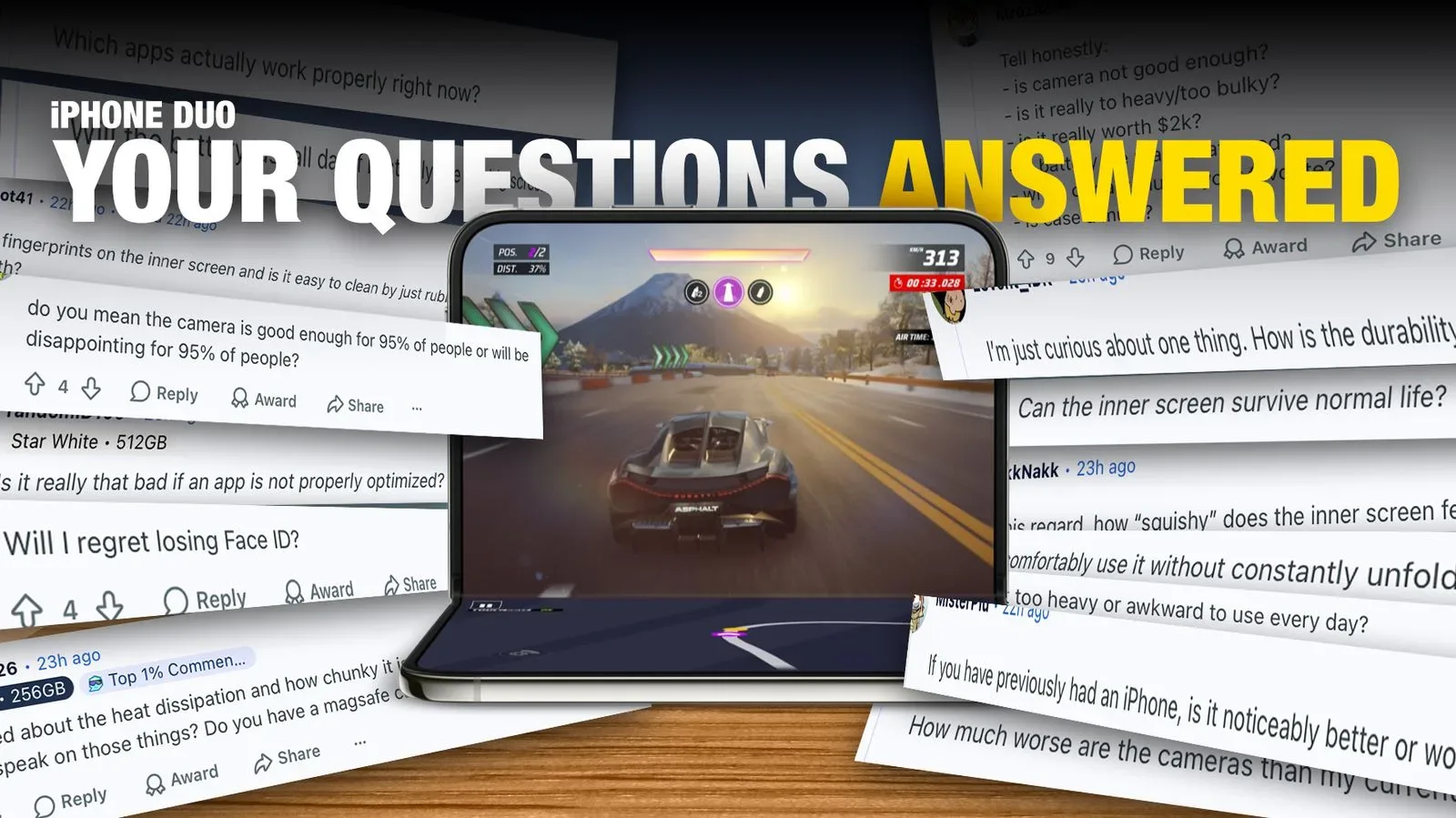
The most important launch-day limitation is compatibility with the Duo’s display layout. Applications that have not been updated can remain functional, but they may appear with large black bars at either side. In plain terms, the app is not adapting itself to the Duo’s available screen shape and width, so part of the display is going unused.
That distinction matters. A black-barred app is not necessarily broken; it can still open and perform its basic tasks. Yet it undermines the fundamental reason to own a device built around more visual space. A buyer paying $1,999 is unlikely to be satisfied with merely having apps work. They will reasonably expect the software to look designed for the hardware.
Updates to major applications are expected to begin arriving from the following day, so this is a changing situation rather than a final verdict on the Duo. Still, the early state of the app ecosystem is a useful reminder that a hardware launch and a fully mature software experience are not the same thing. The Duo’s day-to-day polish may improve as optimized versions become available, but the exact pace and breadth of those updates remain uncertain.
Why multitasking is the Duo’s clearest use case
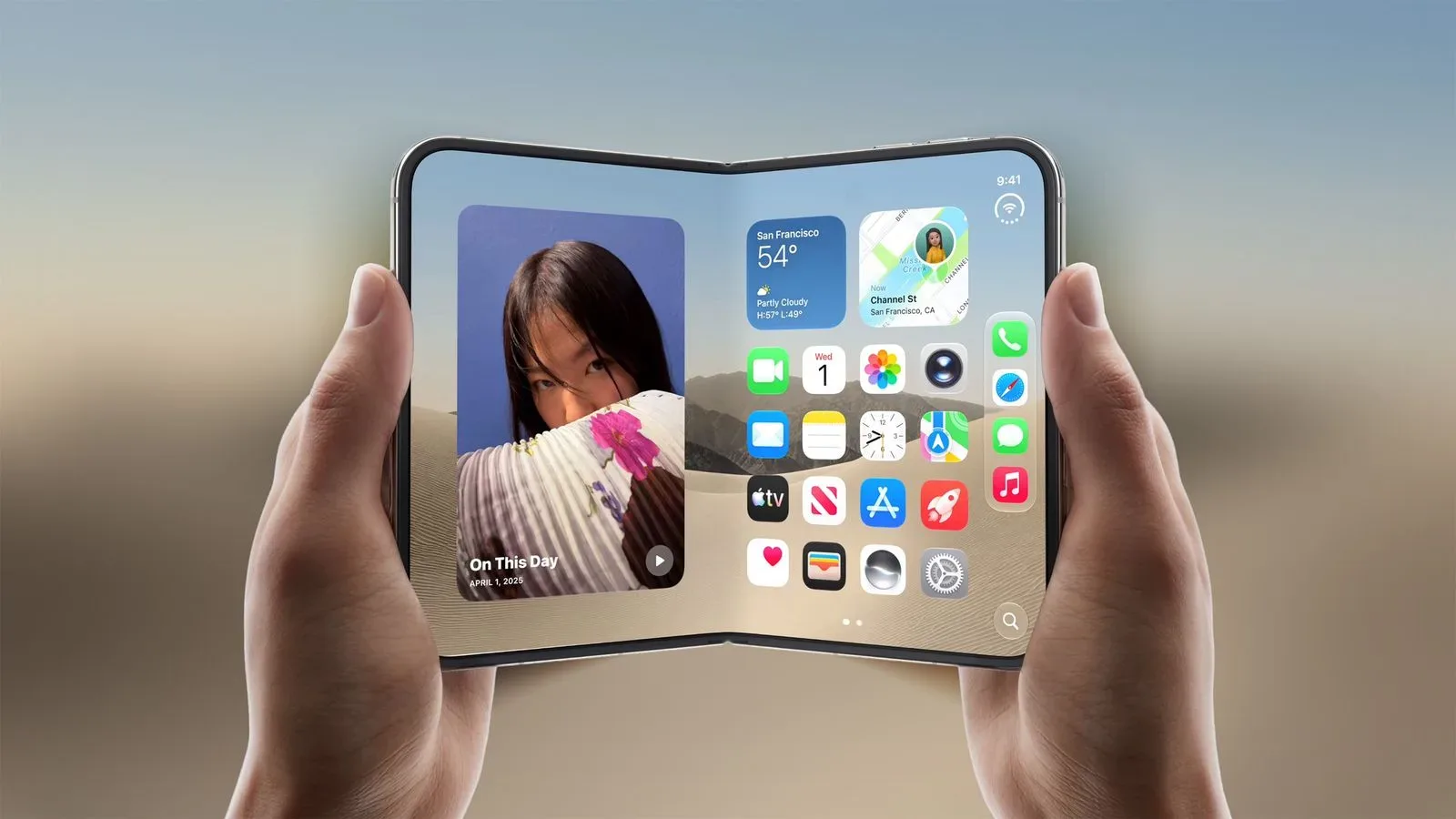
When applications do use the larger display effectively, side-by-side multitasking is the Duo’s most concrete advantage. Multitasking here means keeping two apps active and visible simultaneously rather than repeatedly switching between them. Watching a video while browsing a website is a straightforward example, but the broader point is reducing interruption: content can stay in view while another task happens next to it.
This is where the Duo’s concept is easiest to understand. Its larger interior screen is not just about making one app physically bigger. It can let two separate activities share the same workspace. That will be especially appealing to people who regularly reference one item while working through another, although the quality of the experience will naturally vary based on each app’s layout and optimization.
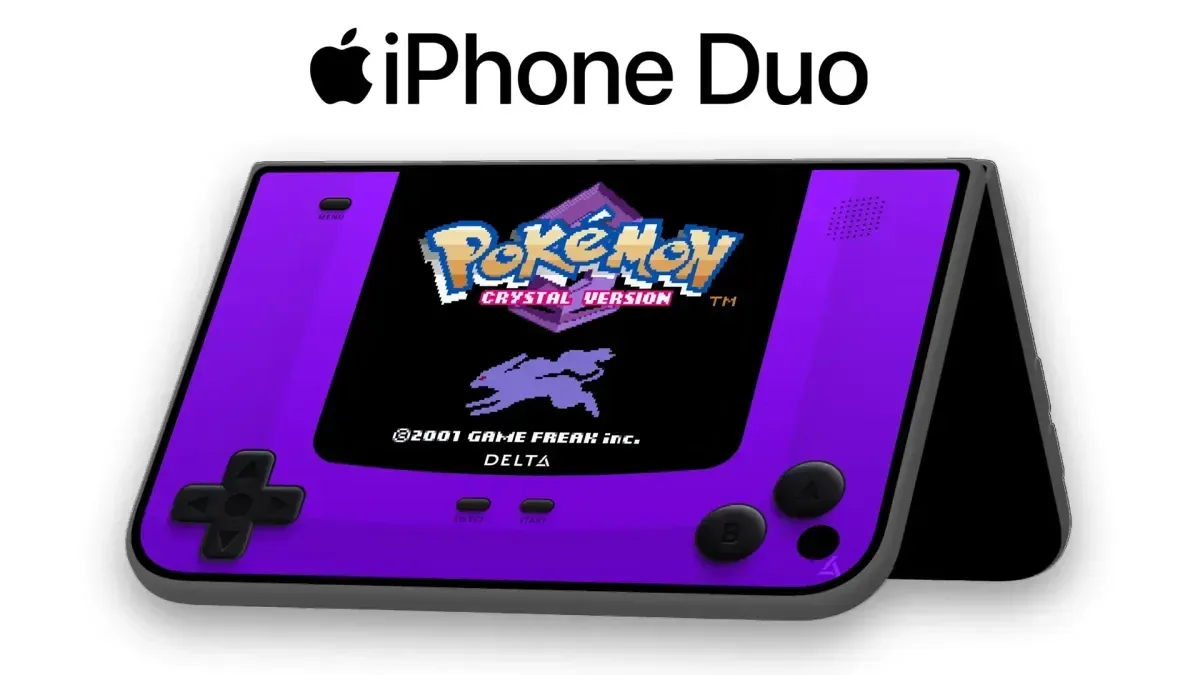
There is also a gaming-adjacent reason to watch software support closely. Large-screen mobile use can be valuable for emulation, streaming, guides, chat and media alongside play, but a device does not automatically make every app feel at home on that screen. Readers interested in software already being adapted for the platform can see how Delta 2.0’s iPhone Duo features and Genesis support fit into the broader launch picture.
The camera trade-offs are clear, not hidden
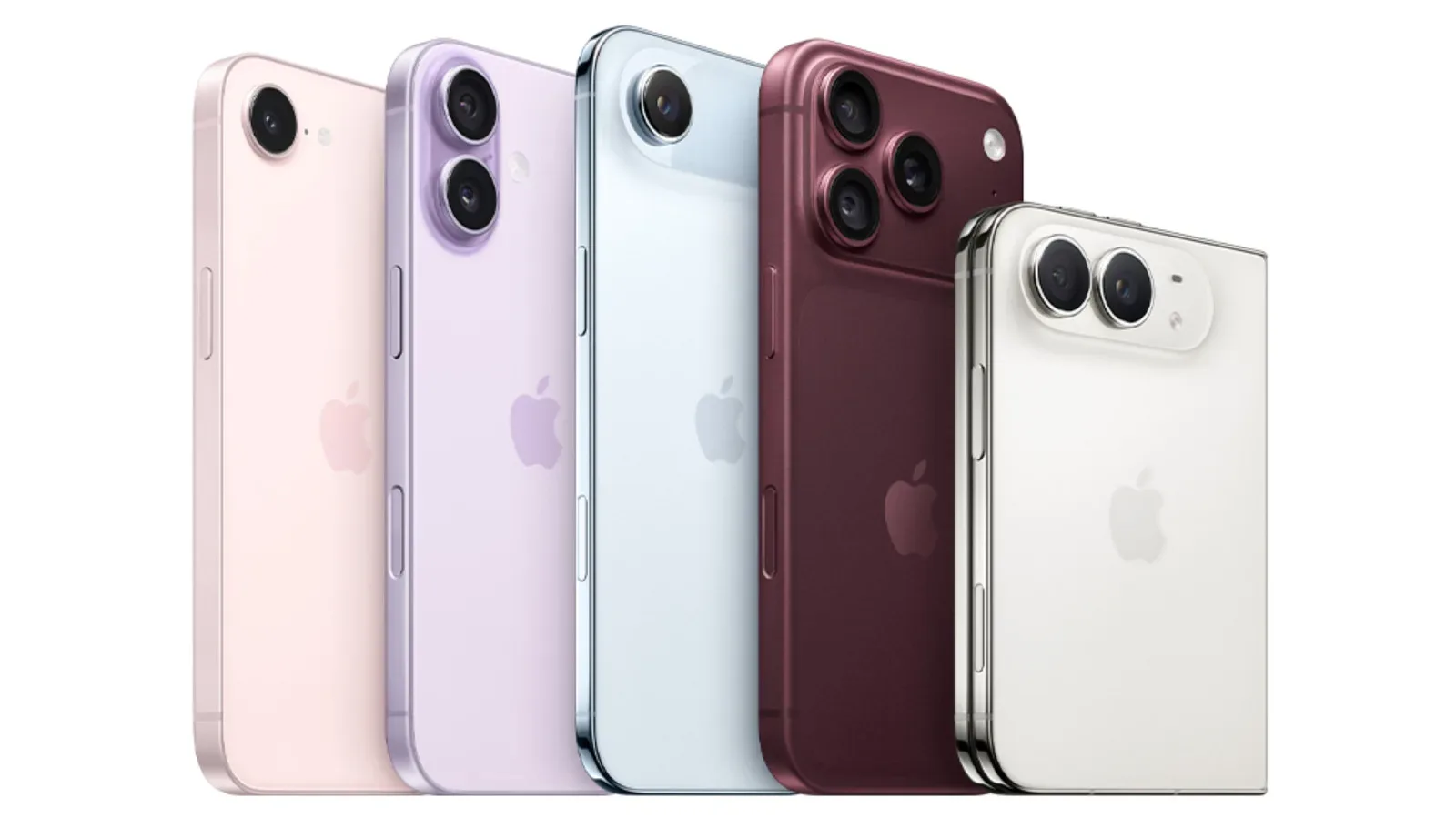
Camera quality is one of the Duo’s more explicit compromises. Its main camera performance is described as being in line with the iPhone 17 camera, rather than the iPhone 18 Pro system. The difference called out between those two reference points is the iPhone 18 Pro’s variable aperture.
An aperture is the opening through which a camera lens admits light. A variable aperture can change the size of that opening, giving a camera more flexibility across shooting conditions and image choices. The supplied comparison does not establish every practical consequence of that hardware difference, but it does place the Duo below the 18 Pro in Apple’s camera hierarchy.
More simply, anyone choosing between the Duo and a top-tier camera-focused iPhone should not assume that the foldable-style form factor includes the company’s highest camera specification. The Duo is said to produce camera results comparable to an iPhone 17, which is not framed as poor. But it is not the most advanced option in the comparison.
The omission of a telephoto lens is equally significant. A telephoto camera is the lens dedicated to bringing distant subjects closer optically. Without one, the Duo gives up a camera capability that may be central for people who frequently photograph faraway subjects. For buyers who treat their phone as their primary camera, this absence deserves more consideration than a spec-sheet footnote.
An under-display camera with a narrow comfort zone
The Duo’s under-display Face ID camera is considered adequate for casual FaceTime video, but comparatively poor for other uses. “Under-display” means the camera sits beneath the screen rather than in a more visibly separated opening. That design can help preserve the look of the display, but the early assessment indicates an image-quality trade-off.
This creates a practical dividing line. For a brief informal video conversation, the camera may be fine. For anything where front-camera image quality matters more—whether that is recording, taking selfies or producing video—the limitation becomes more consequential. The available information does not support a broad claim about every scenario, but it does clearly advise against treating the under-display camera as a premium all-purpose front camera.
Touch ID changes the pace of unlocking
The Duo also moves away from conventional Face ID as its main biometric interaction. Instead, it uses Touch ID, and unlocking requires a deliberate pause: the user needs to touch and hold rather than completing a quick, near-instant Face ID glance.
Biometric authentication is simply the use of a physical characteristic to verify identity. In this case, Face ID relies on facial recognition and Touch ID relies on a fingerprint sensor. Neither approach is just an abstract security choice; it changes the small motions a person repeats many times every day.
The early impression is that Touch ID is not as quick as Face ID on this device because of that intentional hold. That may sound minor, but repeated friction can have an outsized effect on how premium a phone feels. A device may be excellent once it is open, while still feeling less immediate each time its owner picks it up.
Apple Watch owners have another route: the watch can unlock the Duo, providing an experience that is said to feel closer to Face ID. That may reduce the inconvenience for people already in that ecosystem. It does not eliminate the distinction for everyone else, however. Prospective buyers should view the watch-based option as a useful convenience for compatible owners, not as a universal substitute for Face ID.
The inner screen inspires more confidence than its fingerprints suggest
For a device whose inner display is likely to draw attention, the durability impression is encouraging. The display feels durable and is compared to an iPad with a nano-texture display. It collects fingerprints, but it does not feel as though it will easily break or scratch.
Nano-texture refers to a display surface treatment, and the comparison here is about the tactile impression and apparent resilience rather than a detailed materials specification. No long-term durability conclusion should be drawn from this early observation alone. However, the reported feel is meaningful because concerns about vulnerable-looking inner screens are natural for a device that depends so heavily on one.
Fingerprint pickup remains the everyday counterpoint. A screen can feel sturdy while still requiring regular wiping to look clean. That is not necessarily a decisive flaw, but it belongs in the ownership calculation, especially for people who care about keeping a large display clear while watching video, reading, browsing or using two apps at once.
Size and control placement could matter more than expected
The Duo is heavier than other iPhones and can feel bulky. Whether it can be used one-handed depends partly on hand size, but left-handed use is specifically more difficult. The Touch ID button and the on-screen navigation bars are positioned on the right, creating a layout that is less accommodating when held in the left hand.
This is a good example of why broad descriptions such as “one-handed usable” are incomplete. A phone can technically be manageable in one hand while still placing important controls where they are inconvenient for a substantial group of users. The limitation is not only about reach; it is about the repeated interaction between a person’s preferred hand and where the device expects input to happen.
Anyone who normally uses a phone left-handed should therefore give this layout particular weight. Likewise, anyone sensitive to phone weight or pocket bulk should avoid assuming that a larger usable display comes without a physical cost. The Duo offers more working room, but it asks owners to carry and handle a heavier, bulkier device in return.
Who should wait, and who may find the compromise worthwhile?
The iPhone Duo’s $1,999 starting price leaves little room for indifference about its shortcomings. It makes the most sense for people who place a high value on a larger inner display and genuine two-app multitasking, and who are comfortable accepting a camera system below the iPhone 18 Pro level, no telephoto lens, a less polished front camera and a slower-feeling biometric unlock process.
It is less immediately persuasive for someone whose priorities are excellent cameras, quick Face ID-style unlocking, compact handling or dependable full-screen behavior across every app on day one. Those are not peripheral concerns; they are routine parts of phone ownership.
The most sensible variable to monitor is app optimization. The hardware’s central promise becomes much stronger when widely used apps make full use of the display. With updates expected to start arriving shortly after launch, the Duo’s software story may look different in the near future. For now, it is best understood as an ambitious premium device whose strongest feature—its expanded workspace—is real, useful and still dependent on the ecosystem catching up.