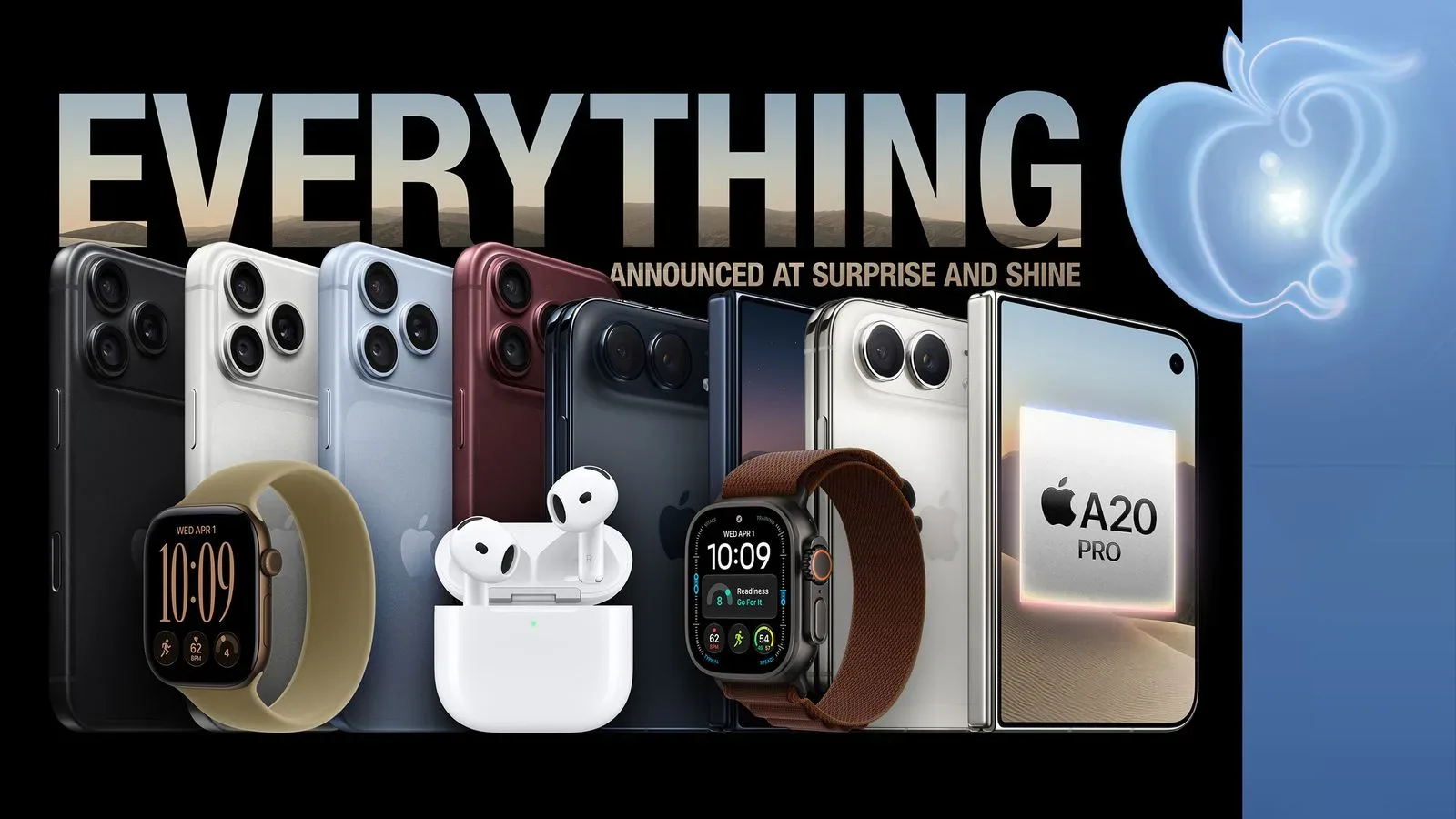
New hardware day is supposed to be the part where everything feels immediate: open the box, turn on the screen, sign in, and start setting up the shiny new device. For buyers of the iPhone 18 Pro, iPhone 18 Pro Max, Apple Watch Series 12, and Apple Watch Ultra 4, there is one extra item on that launch-day checklist: a software update.
The newly arriving iPhone Pro models are shipping with earlier iOS 27 build variants, while the new watches carry a watchOS 27 build that sits just behind the version identified as the platform’s launch release. That does not mean the devices are receiving a different operating system. It means the software loaded before shipment is not the same finalized build now designated for release.
In practical terms, iPhone 18 Pro and iPhone 18 Pro Max owners should expect an iOS update during setup. Apple Watch Series 12 and Apple Watch Ultra 4 owners should likewise plan to update watchOS shortly after getting their watches going. AirPods 5 may also receive a day-one firmware update, although that process is expected to occur over the air rather than as a conventional setup-screen installation.
Which devices are affected
The products launching Friday, September 18 are the iPhone 18 Pro, iPhone 18 Pro Max, Apple Watch Series 12, Apple Watch Ultra 4, and AirPods 5. The immediate-update situation is confirmed by the build numbers reported for the phones and watches:
- iPhone 18 Pro and iPhone 18 Pro Max: ship with iOS 27 variants numbered 24A427 or 24A8428. The iOS 27 launch build is 24A437.
- Apple Watch Series 12 and Apple Watch Ultra 4: ship with watchOS 27 build 24R359. The watchOS 27 launch build is 24R364.
- AirPods 5: are expected to receive a firmware update over the air. Firmware version 9A350 was recently released to add support for iOS 27 features.
Build numbers are the more precise labels behind the friendly names such as “iOS 27” and “watchOS 27.” An operating-system name can cover multiple development, release-candidate, launch, and subsequent maintenance builds. The number tells the device and support systems exactly which compiled version is installed.
That distinction matters here. A new iPhone can accurately say it is running iOS 27 and still not be on the particular iOS 27 build that Apple is treating as the launch version. Likewise, both watchOS 27 build 24R359 and build 24R364 belong to watchOS 27, but the latter is the release build new owners will want to install.
Why a day-one update is not necessarily a red flag
There is a difference between an update being necessary and an update being evidence of a dramatic problem. The available information establishes that these products ship with builds predating the launch versions; it does not specify what changes are contained in the newer builds. Buyers should avoid assuming a particular bug fix, security patch, performance change, or feature addition unless Apple identifies one.
The less dramatic explanation is logistical. Hardware must have software installed before it can move through packaging and distribution. The release software can be finalized after some units have already been prepared with a prior build. When that happens, a download at setup reconciles the retail device with the version being released publicly.
For an owner, the useful takeaway is simple: allocate time and a reliable internet connection before treating setup as finished. The update prompt is not an odd detour from the activation process; on these models, it is part of getting the new product onto its intended launch software.
What iPhone 18 Pro buyers should do
Anyone receiving an iPhone 18 Pro or iPhone 18 Pro Max should be ready for iOS 27 to request an update while the phone is being configured. Connect to Wi-Fi when prompted and, where possible, keep the iPhone connected to power. This is especially sensible on the first day, when the device may also be signing into an account, restoring data, downloading apps, syncing photos, and setting up cellular service.
The important technical point is that the iPhone’s out-of-box build could be either 24A427 or 24A8428, while the launch build is 24A437. The different identifiers are not something a buyer needs to troubleshoot manually. They explain why an iOS 27 update can appear even though the phone has already started on iOS 27.
People migrating from an older phone may find it easiest to regard the process as two related tasks: transferring personal data and bringing the new handset to the current launch software. A fresh update is worth completing before judging how the new device behaves in day-to-day use, because the software it initially boots with is explicitly not the launch build.
What changes for the new Apple Watches
Apple Watch Series 12 and Apple Watch Ultra 4 ship with watchOS 27 build 24R359, versus the launch build 24R364. The numerical gap is small, but the distinction is definitive: the new watches are not initially on the launch build.
Watch setup is connected to the iPhone ecosystem, so buyers should be particularly patient if they are setting up a new iPhone and a new watch in the same session. The supplied information does not establish a required order or special procedure beyond installing the available update. Still, a stable connection and enough time are practical priorities when several new devices need initial configuration at once.
It is also useful not to blur iOS and watchOS together. They are separate operating systems for separate products. The iPhone update is moving the handset to iOS 27 build 24A437; the watch update is moving the wearable to watchOS 27 build 24R364. Their build-number prefixes differ because they are different software lines.
AirPods 5 are a different kind of update
AirPods 5 may join the day-one update group, but their update experience is expected to be less visible. Unlike a phone or watch, the earbuds are expected to receive firmware over the air. Firmware is the embedded software that runs the hardware itself. In this case, the pertinent release is version 9A350, which adds support for iOS 27 features.
That wording is important. The available information says the AirPods firmware is expected to update and that 9A350 supports iOS 27 features. It does not list those features, promise a specific timing for every pair, or describe a manual installation screen. Owners should therefore not expect the same explicit update flow seen during iPhone or Apple Watch setup.
The most sensible approach is to let the AirPods remain part of the normal iPhone setup routine and give the over-the-air process time to occur. Since firmware updates are designed differently from full operating-system updates, the absence of a dramatic prompt does not by itself indicate that something has gone wrong.
A launch-day checklist that keeps expectations realistic
For buyers planning a multi-device upgrade, the update requirement chiefly affects timing. The products remain set for their September 18 launch, but the first usable session should include a download and installation window. That may be particularly relevant to anyone hoping to immediately move into games, media, or a new Apple Arcade session after activation. The wider Apple services angle is also relevant for eligible-device buyers considering the current Apple One trial tied to qualifying iPhone, iPad, and Mac purchases.
- Connect the iPhone or watch to a dependable internet connection during setup.
- Install the offered iOS 27 or watchOS 27 update rather than putting it off if time allows.
- Keep new devices powered during installation, particularly if other migration and download tasks are underway.
- For AirPods 5, allow time for the expected over-the-air firmware process instead of looking for a conventional full-screen updater.
- Do not infer undocumented fixes or new capabilities from the changed build number alone.
The core message is unusually straightforward: brand-new does not always mean fully current. iPhone 18 Pro and iPhone 18 Pro Max buyers will receive iOS 27, but in pre-launch-build variants; Series 12 and Ultra 4 watches begin one build behind watchOS 27’s launch version. A short update is therefore part of the opening ritual for this generation of Apple hardware.