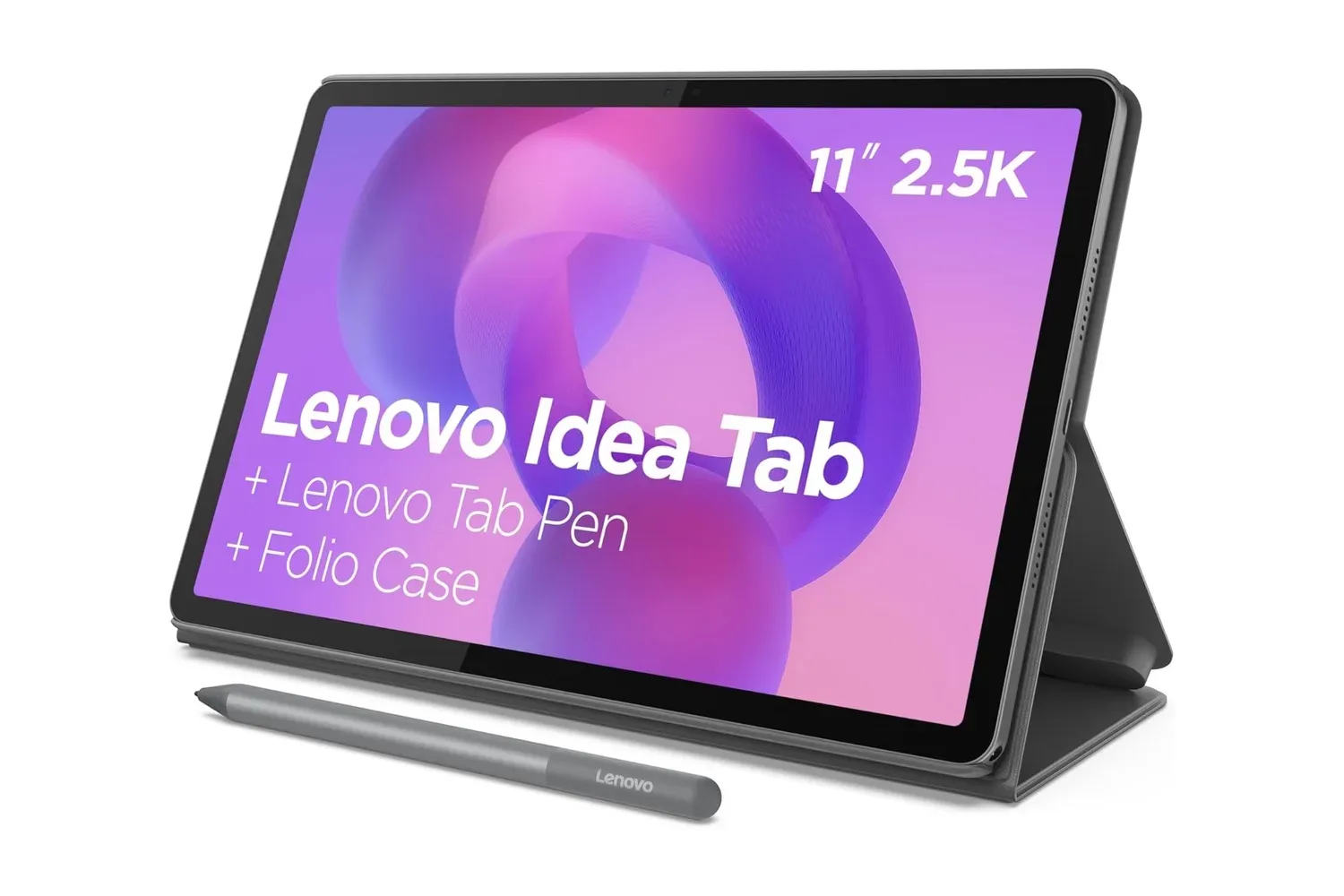
Lenovo’s Idea Tab is listed at $200, a $58 reduction from its stated $258 price. The tablet’s appeal is less about chasing the most demanding workloads and more about assembling a notably practical everyday package: an 11-inch 2.5K display, four speakers, a Lenovo Tab Pen in the box, expandable storage and an Android 15 software promise that reaches security support through 2029.
That makes the Idea Tab worth a closer look for people who want one portable screen for video, reading, web browsing, classroom material, video calls and handwritten notes. It is positioned as an affordable alternative to premium tablets, but the more useful question is whether its specific mix of components matches the jobs a buyer actually needs it to do.
The deal and the hardware in brief
The current listed price is $200, or 22% below the cited $258 regular price. The tablet uses a MediaTek Dimensity 6300 octa-core processor, has a 7,040mAh battery, measures 6.99mm thick, and charges over USB-C at up to 20W. Lenovo also includes a conventional 3.5mm headphone jack, a port that remains convenient for anyone with wired headphones who does not want to rely on adapters or wireless charging.
The specification list is particularly oriented toward media and study use:
- 11-inch IPS touchscreen with a 2560 x 1600, or 2.5K, resolution
- 90Hz refresh rate and an anti-fingerprint screen coating
- Four Dolby Atmos-tuned speakers
- Lenovo Tab Pen with 4,096 levels of pressure sensitivity
- microSD card slot supporting storage expansion of up to 2TB
- Android 15, Circle to Search, two additional major Android updates and security support through 2029
On paper, this is a balanced set of priorities. A big, sharp display alone does not guarantee a good portable media device if sound is weak, and a stylus is less useful if there is no place for notes, course files or downloads. Lenovo’s combination addresses each of those basic tablet roles, even if the processor description points toward routine work rather than high-end performance.
What a 2.5K, 90Hz screen means in normal use
The Idea Tab’s 2560 x 1600 display is its central feature. Resolution is the number of pixels used to form an image. More pixels can make small text, diagrams and fine image detail look cleaner, especially on an 11-inch panel where people may hold the screen relatively close while reading. That is a tangible benefit for e-books, articles, class notes and web pages, not solely for films.
The screen is also rated for a 90Hz refresh rate. Refresh rate describes how often a display updates each second. At 90Hz, motion such as page scrolling and interface transitions can appear smoother than on a 60Hz display. It should be understood as a presentation benefit, not a shortcut to more processor speed: smooth scrolling does not itself establish that every app or game will run at a similarly high frame rate.
The IPS designation refers to the display technology used by the panel. For a tablet expected to move between a desk, a sofa and a lecture setting, the practical point is the overall display specification supplied here: a large 11-inch canvas with a high pixel count. The anti-fingerprint coating adds a small but welcome usability detail. Touchscreens collect marks quickly, and a coating intended to reduce visible smudging can matter when the screen doubles as a reading surface and a pen-writing surface.
The pen gives the tablet a more specific purpose
Bundling the Lenovo Tab Pen changes the value calculation. Instead of asking buyers to treat note-taking as an optional accessory purchase, the device arrives prepared for annotation and sketching. The pen supports 4,096 pressure levels, meaning it can recognize a broad range of applied force. In practice, pressure sensitivity is most relevant to drawing and handwriting tools that use it: a lighter or firmer stroke can be interpreted differently by compatible software.
That does not mean pressure-level figures alone determine the quality of a digital writing experience. Software behavior, the user’s preferred note app and personal comfort all matter. Still, an included pen makes the Idea Tab an easier fit for marking up reading, taking class notes, making lists or drawing directly on the screen than a similarly priced slate that requires a separate stylus.
Circle to Search is another feature that can complement research and reading. It allows an item on screen to be circled with either a finger or stylus and then searched for or translated without leaving the current app. For a student reading an unfamiliar term, or someone browsing an image-heavy article, that could reduce the usual copying, switching and pasting steps. Its value is convenience rather than a replacement for evaluating search results carefully.
Audio and storage make the media case stronger
Tablets are frequently used without headphones, so the four-speaker configuration is important. Lenovo says the speakers are tuned with Dolby Atmos technology. Dolby Atmos is an audio format and processing ecosystem associated with a more spatial presentation of sound; here, the dependable takeaway is that the Idea Tab includes four speakers with Dolby Atmos tuning rather than a basic single-speaker setup.
That arrangement could be useful for streaming shows, playing music, listening to podcasts or following a lecture without immediately reaching for external audio gear. The 3.5mm jack remains a straightforward fallback for private listening, while USB-C handles charging.
Storage expansion is another practical advantage. The microSD slot accepts cards up to 2TB, allowing a user to add capacity for downloaded video, documents, media files or other supported content. A microSD card is removable flash storage; it is distinct from the tablet’s built-in storage and must be purchased separately. Expansion will not make the processor faster, but it can substantially change how viable a tablet is as a long-term offline media and document device.
Performance expectations should stay grounded
The Dimensity 6300 is described as suitable for browsing, streaming, video conferencing and light multitasking. Those are the workloads prospective buyers should use as their baseline. “Octa-core” simply means the processor has eight processing cores; it is not a standalone measure of how fast a device will feel in every program.
For the Idea Tab’s apparent role, that qualification is not a negative. Video calls, web tabs, a notes app and streaming are common tablet tasks. But someone shopping primarily for intensive creative work, demanding games or frequent heavy multitasking should avoid assuming that a high-resolution, 90Hz panel transforms this into a performance-focused device. The supplied specifications make a stronger case for a versatile general-purpose tablet than for a premium gaming machine.
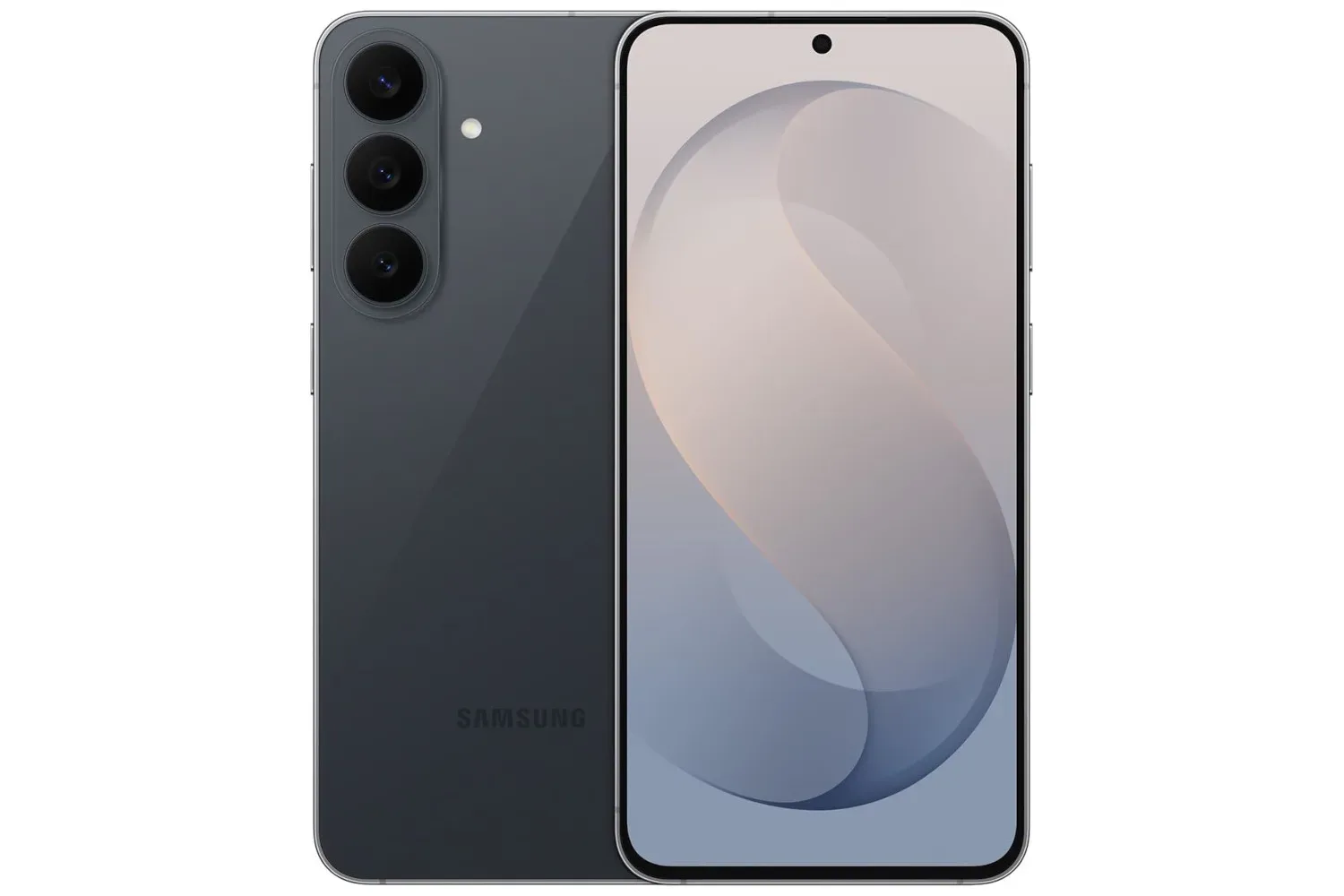
Buyers considering an Android device alongside other discounted mobile hardware may also want to compare the broader timing of current promotions, including this Samsung Galaxy S26 FE Prime member listing. The products serve different roles, but a sale period can be a sensible moment to decide whether a larger tablet screen or a phone upgrade is the more useful purchase.
Battery claims and charging details
Lenovo rates the 7,040mAh battery for up to 12 hours of video playback or up to 14 hours of internet browsing, depending on usage. “Up to” matters: battery life varies with brightness, speaker volume, network conditions, the apps being run and other settings. These are useful ceiling figures for comparing intended use cases, not a guarantee that every day will produce the same runtime.
The tablet supports 20W fast charging through USB-C. Charging speed can make a difference to a tablet that is picked up for class, a commute or an evening of streaming, though actual results can vary based on charging conditions and accessories. What is clear is that the device has a modern USB-C charging connection alongside the dedicated headphone jack.
Software support is a real part of the price equation
Android 15 comes preinstalled, and Lenovo promises two additional major software updates plus security support through 2029. Major updates generally bring new Android platform versions and features, while security support addresses vulnerabilities and helps a device remain safer to use over time. They are related commitments, but they are not the same thing.
For a $200 tablet, that stated support window is one of the more important details to consider because tablets tend to stay in households for years. Buyers who plan to use the Idea Tab for school notes, reading or casual entertainment can factor in the declared software runway rather than treating the launch-day version as the whole story.
Who the Idea Tab fits best
The clearest audience is someone who values screen quality, a bundled stylus and flexible storage over uncompromising processing power. It looks particularly suited to students, readers, streaming-focused users and people who want a light device for browsing and video calls. At 6.99mm thick, it is designed to be easily carried in a backpack or tote, which aligns with those use cases.
Its advantages are concrete rather than vague: the 2.5K 90Hz display gives reading and navigation a strong foundation; four speakers support no-headphone viewing; the Tab Pen opens up handwriting and drawing; and microSD expansion offers room to grow. Android 15 and the stated update policy add longevity to the package.
The $200 listing is therefore most compelling when those features are priorities. It is not necessary to frame every tablet as a direct stand-in for a much pricier model. The Lenovo Idea Tab stands on its own as an affordable Android option with a display-and-pen combination that is unusually useful for everyday media, study and light productivity tasks.
Shop the products
Check current price, model and availability at the retailer.