Apple’s second public betas for iOS 27.3, iPadOS 27.3, macOS Golden Gate 27.3, tvOS 27.3 and watchOS 27.3 are now available. The releases widen testing of a substantial iPhone and iPad update that touches Safari, Siri AI, Health, Apple Music and StandBy, while macOS and Apple Watch receive notable additions of their own.
The biggest theme is not one isolated feature but a growing set of interface and assistant changes. iOS 27.3 gives Safari a new Vertical Tabs layout option and Adaptive Dark Mode, expands what Siri AI can do within and across Apple apps, and allows developers to create actions for Siri to perform. The beta also includes hardware-specific work for the iPhone Duo, including front-camera facial unlock and a setting to lock the device when it is closed.
For people who prefer to wait for stable software, this remains a preview rather than a final release. Apple expects the finished updates to launch in December. Public beta access makes it possible to see the direction of the update early, but it does not turn the features into final guarantees: beta-period behavior, presentation and availability can still change before the release version.
Safari gets two visible interface choices
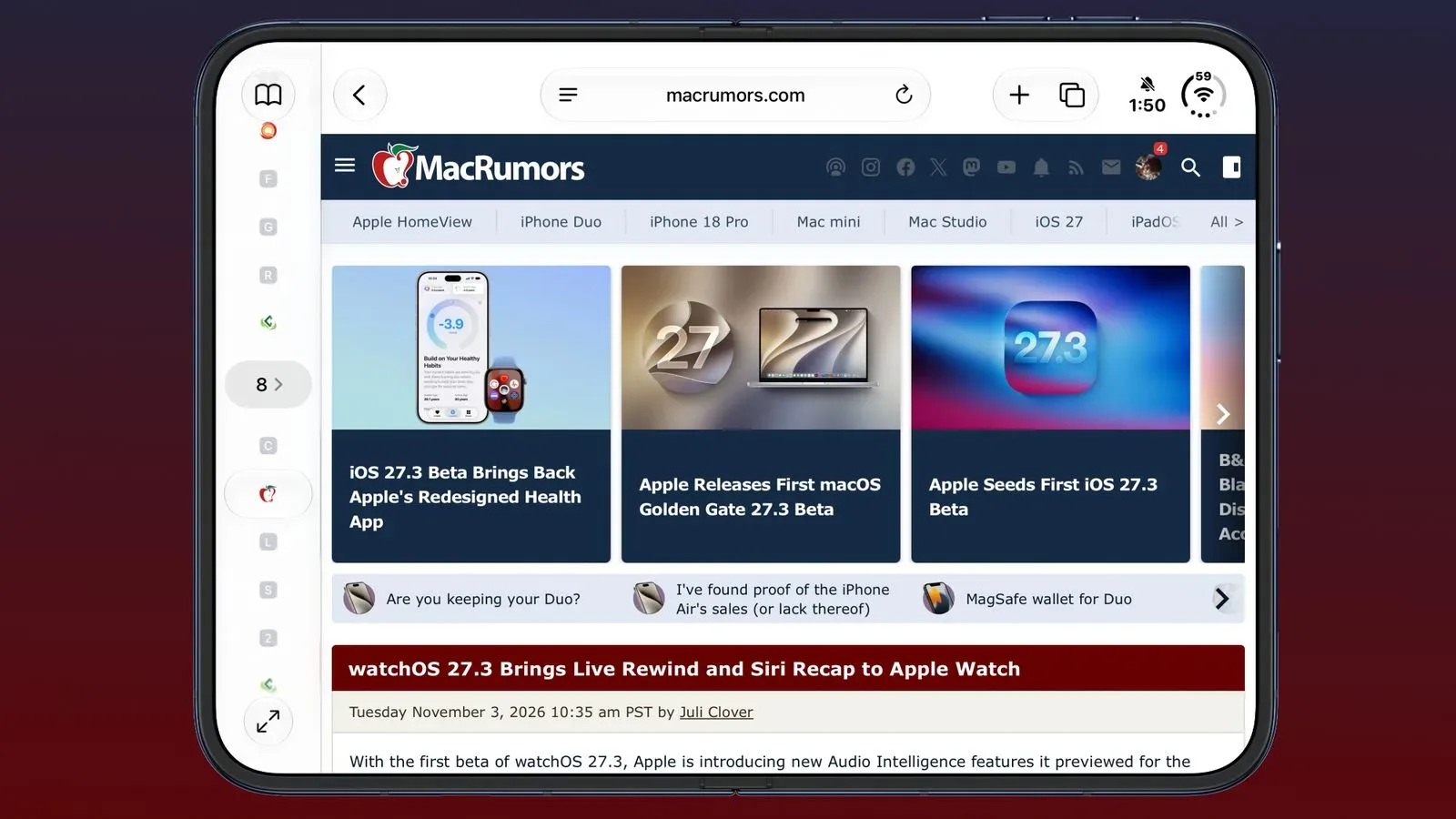
The Safari changes may be among the most immediately understandable additions in iOS 27.3. Vertical Tabs is a layout option that presents tabs in a vertical arrangement rather than the conventional horizontal treatment. Its value will depend on how someone browses: a person managing many pages at once may find a side-oriented list easier to scan, while someone who keeps only a handful of tabs open may see little need to change habits.
Adaptive Dark Mode is the other Safari addition. Dark mode generally uses darker interface colors to reduce the amount of bright UI visible on screen. The important word here is adaptive: it signals that Safari is gaining a mode intended to adjust its dark presentation rather than simply offering a fixed alternate color scheme. The beta description does not spell out every behavior or setting, so it is sensible to treat the name as the confirmed detail and wait for the final implementation before assuming exactly how it will respond in every situation.
Those Safari features are also coming to macOS Golden Gate 27.3. That cross-platform approach matters because browser habits increasingly move between phones, tablets and computers. A layout preference is small compared with a headline hardware change, but it can be the kind of improvement users notice repeatedly in daily use.
Siri AI is becoming more action-oriented
iOS 27.3 continues the broader Siri AI push by expanding what the assistant can do in and across Apple’s apps. Developers can now create actions for Siri to carry out. In plain terms, an action is a task an app can expose to the assistant, enabling a spoken or assistant-led request to initiate something the app supports.
That is a meaningful distinction from an assistant that only answers questions or opens an app. An action-oriented assistant can potentially connect a request to a concrete step in software. The supplied beta details do not identify particular third-party apps or individual actions, so the practical scale of this change will depend on what developers choose to build and on how the feature develops through testing.
Apple is also testing Apple Intelligence and Siri AI usage limits, with additional access tied to iCloud+ plans. This is an early test rather than a complete public explanation of how those limits will work. Users should therefore avoid reading it as a finalized list of entitlements, thresholds or plan rules. Still, it is an important signal that access management is being tested alongside the expanding AI features.
For gaming and entertainment app makers, the developer-action portion is the part worth watching, even though no game-specific Siri actions have been detailed. The route for developers to define Siri tasks could eventually matter anywhere an app has repeatable commands. For now, that is an implication of the platform direction—not confirmation that particular games or services already support it. Readers tracking the hardware and platform side of PC gaming can also see how another ecosystem is evolving in this Steam Machine availability update.
iPhone Duo additions focus on access and reach
The second developer beta introduced a facial unlock feature for iPhone Duo that uses the front camera. It also adds an option to lock iPhone Duo when the device is closed. These are device-specific features, so they should not be expected on other iPhones based on the current beta information.
The iPhone Duo also gains Reachability support. Reachability is an accessibility and one-handed-use feature designed to make upper portions of the screen easier to reach. Its addition is notable because device shape and screen arrangement can affect how comfortable it is to use interface elements near the top of a display. The release information confirms support, though it does not detail every gesture or visual behavior involved.
Elsewhere, StandBy is changing on non-Duo iPhones. StandBy is the iPhone mode that presents at-a-glance information while the device is positioned for viewing. No comprehensive description of the non-Duo changes has been provided in the beta notes here, so it is best not to presume a redesign or a specific new capability. The confirmed point is that the feature is being adjusted during the iOS 27.3 cycle.
Health and Apple Music receive new features
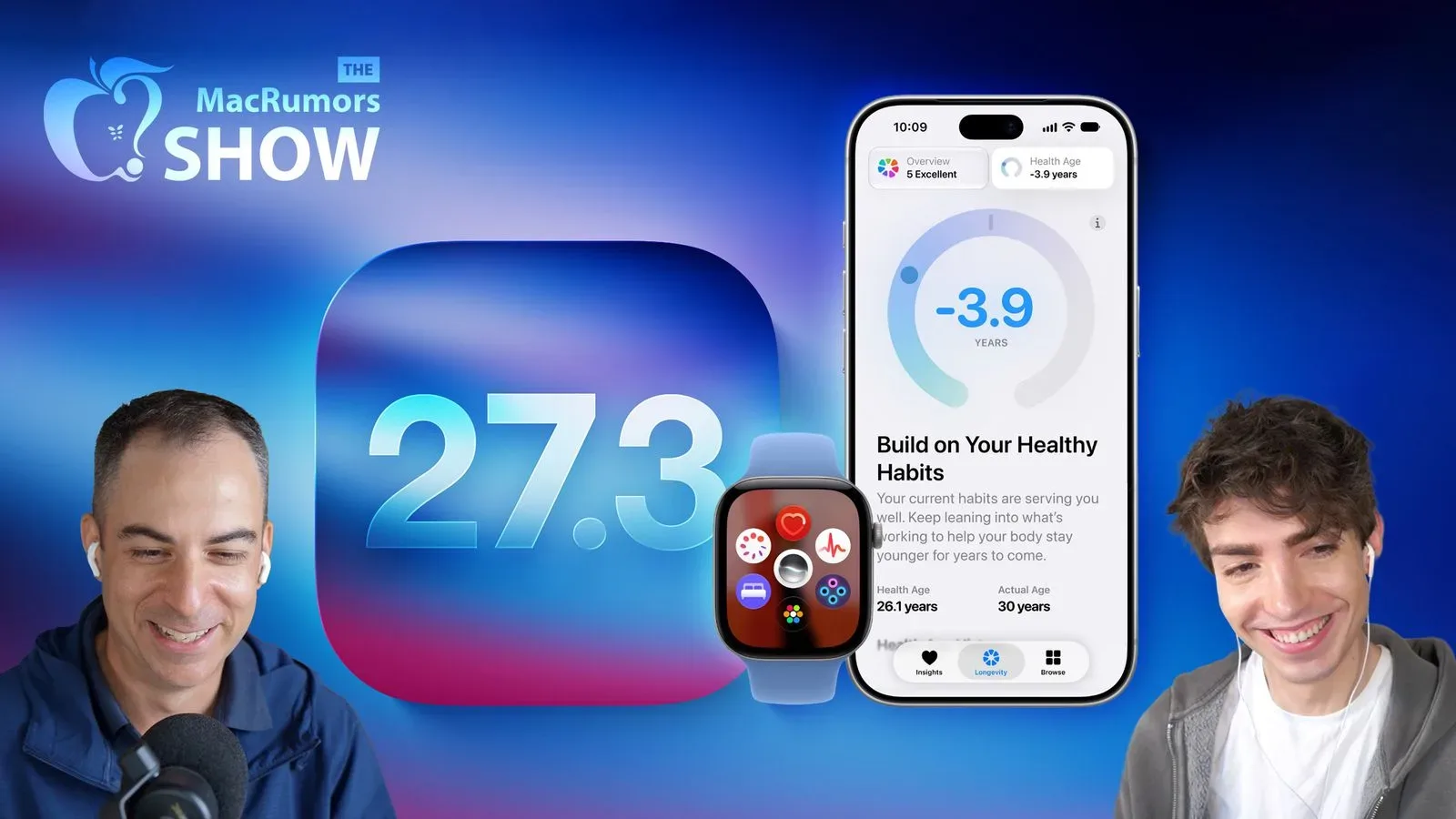
The redesigned Health app is available with custom Insights and Longevity information. “Insights” suggests personalized information generated from health-related data, while Longevity information points to a new framing around longer-term health context. The beta details establish the feature names and their presence, but they do not define the full scope of data, recommendations or regional availability. Health-related software is especially an area where users should distinguish informational app features from medical advice.
Apple Music gains a feature called Selfie Sing. The available description names the addition without explaining its complete feature set, so there is no basis to claim how it records, shares or processes a user’s image or performance. Its appearance nevertheless shows that the 27.3 update is not restricted to system utilities and assistant functions; it also reaches Apple’s entertainment software.
Apple Watch testing adds Audio Intelligence tools
On Apple Watch Series 12 and Apple Watch Ultra 4, the beta makes two Audio Intelligence features available for testing: Live Rewind and Siri Recap. Live Rewind creates a transcript of the preceding 15 seconds of speech. A transcript is written text generated from spoken words, meaning the feature is intended to help a user review what was just said rather than replaying an audio recording in the description provided.
Siri Recap, meanwhile, provides a high-level summary of conversations throughout the day. A high-level summary is a condensed overview rather than a word-for-word transcript. These are potentially consequential features because conversation-related tools are sensitive to context, accuracy and privacy expectations. The beta information confirms they are being tested on the two named watch models, but does not lay out all limitations, controls or final behavior.
The 15-second boundary on Live Rewind is one of the few precise operational details currently available. It defines a narrow retrospective window: the feature is meant for a recent missed line, not as an open-ended archive of a day’s speech. Siri Recap has a broader stated time frame—the day—but is described as a summary, not a complete record.
macOS adds Live Activities beyond Dynamic Island hardware
macOS Golden Gate 27.3 brings Live Activities to Macs without a Dynamic Island, in addition to receiving the Safari updates. Live Activities are ongoing, glanceable updates for time-sensitive events or tasks. The point of the Mac change is compatibility: the feature is being extended to Macs that do not have the Dynamic Island hardware interface.
That phrasing matters. It is not merely a visual addition for one new machine; it describes a broader availability change for Macs lacking that interface. The beta notes do not specify every supported Mac model, the exact placement of Live Activities, or which apps will use them. What is clear is that Apple is testing a way to surface this type of ongoing information on a wider group of Macs.
How to access the public beta—and what remains uncertain
Public beta testers can enroll through Apple’s beta testing website, then install the updates through the Software Update section in Settings on each supported device. Apple has also issued revised iOS 27.3 and iPadOS 27.3 betas for developers, separate from this public-beta release.
A beta is pre-release software offered for testing before the stable rollout. That makes it useful for people who want early access and can accommodate change, but the December expectation remains the more relevant milestone for anyone who wants the finalized version. The update’s confirmed feature list is already broad: Safari layouts and dark-mode behavior, expanded Siri AI capabilities, developer actions, Health additions, Apple Music’s Selfie Sing, iPhone Duo refinements, watch-based transcription and summaries, and wider Live Activities support on Mac.
The cautious way to read the release is feature by feature. Some changes are clearly named and described, such as Live Rewind’s 15-second transcription window. Others are announced at a higher level, including StandBy updates, Apple Intelligence usage-limit testing and the exact behavior of Adaptive Dark Mode. The second public beta offers a clearer picture of Apple’s direction, while the final December releases will determine which details become the everyday version of iOS 27.3 and its companion updates.