The first iOS 27.3 betas sketch out an unusually broad Apple update: Siri is being given a bigger action toolkit, developers are being invited to build custom integrations, and the Apple Watch is gaining tools intended to retrieve or condense spoken information. Elsewhere, the update touches Safari, Health, Fitness+, Apple Music, StandBy-style displays and the iPhone Duo interface. It is less one new headline feature than a crowded patch notes screen where several system apps have apparently decided to level up at once.
The important qualification is right in the build status: these are initial betas and a developer preview, not a finished public release. Features, interfaces and limitations can change before the software reaches a wider audience. That caveat matters especially for the most ambitious piece here: getting Siri to handle multi-step requests through third-party actions without becoming the digital equivalent of a party member who accepts the quest and then walks directly into a wall.
Siri’s proposed upgrade is about actions, not just answers
The developer preview allows third parties to provide custom actions and skills for Siri. In practical terms, an action is something Siri can ask an app or service to do, while a skill describes the capability the integration exposes. The stated aim is to let Siri coordinate multiple steps for more complicated requests.
That distinction is significant. A voice assistant answering a simple question is useful, but an assistant that can successfully string together related tasks is the more difficult proposition. The beta points toward an ecosystem in which a developer can tell Siri what its service is capable of, rather than forcing every request through a small, fixed set of built-in commands.
App submissions for these integrations are scheduled to open in the spring. Until that process opens and developers choose what to support, the practical catalogue of Siri tasks remains uncertain. The preview is a framework for future app participation, not evidence that every popular app has already gained a dependable hands-free command set.
For people who use phones alongside games, work, exercise or accessibility tools, the potential appeal is easy to understand. Multi-step coordination could reduce app-hopping for routine tasks if individual developers make useful actions available. But the quality of that experience will depend on implementation details that have not been established here: which actions apps expose, how clearly they are named, and how consistently Siri handles a request that spans more than one step.
In other words, this is a platform-facing change before it becomes a consumer-facing one. Apple is widening the lane; third-party developers still need to drive down it.
Apple Watch adds a short rewind and a longer recap
The Apple Watch portion is more concrete. Live Rewind provides a transcription of the previous 15 seconds, while Siri Recap generates detailed summaries of conversations. Siri Recap can be scheduled using time and location, offering control over when the feature is active.
Live Rewind is a narrowly scoped recovery tool: it is designed for the immediate “what was that?” moment, turning a very recent slice of speech into text. Siri Recap is the broader companion, positioned for detailed summaries that could be useful as meeting notes. They solve related but different problems. One tries to recover a missed fragment; the other attempts to reduce a larger conversation into something easier to revisit.
The time- and location-based scheduling may be as important as the summary itself. A transcript or recap function is not necessarily wanted in every setting. The ability to set when and where Siri Recap operates gives users a way to limit it to contexts where notes are useful, such as a scheduled work period or a chosen location, rather than treating every conversation as potential documentation.
There are obvious judgment calls left to users. A transcription is not identical to perfect understanding, and a generated summary is still a condensed account rather than the full conversation. For anything consequential, the sensible approach is to regard a recap as an aid for review, not a replacement for checking the actual details. The supplied information does not describe accuracy rates, storage behavior, language availability or privacy controls, so those remain open questions rather than facts to assume.
Fitness+ moves toward adaptable gym plans
Apple Fitness+ is adding Gym Strength, which creates personalized four-week plans using available equipment and workout preferences. The service is also adding short trainer videos that demonstrate form. This changes the shape of Fitness+ somewhat: instead of requiring users to follow a complete video workout, the form clips can provide a more focused reference for a movement.
That is a practical expansion for gym routines that do not neatly fit a fixed class. A person may want a structured plan but only need a quick check on technique before starting an exercise. Four-week planning also gives the feature a defined time horizon, rather than presenting recommendations as a loose, endless scroll of workouts.
Still, the initial beta reportedly leaves room for improvement in equipment selection and scheduling, particularly for routines that change from week to week. That is a useful warning against treating “personalized” as synonymous with “fully flexible.” A plan that reflects the equipment normally available can be helpful, but gym access and schedules are often variable. This early limitation is exactly the type of detail a beta should surface before a feature is treated as settled.
Health aims to turn measurements into guidance
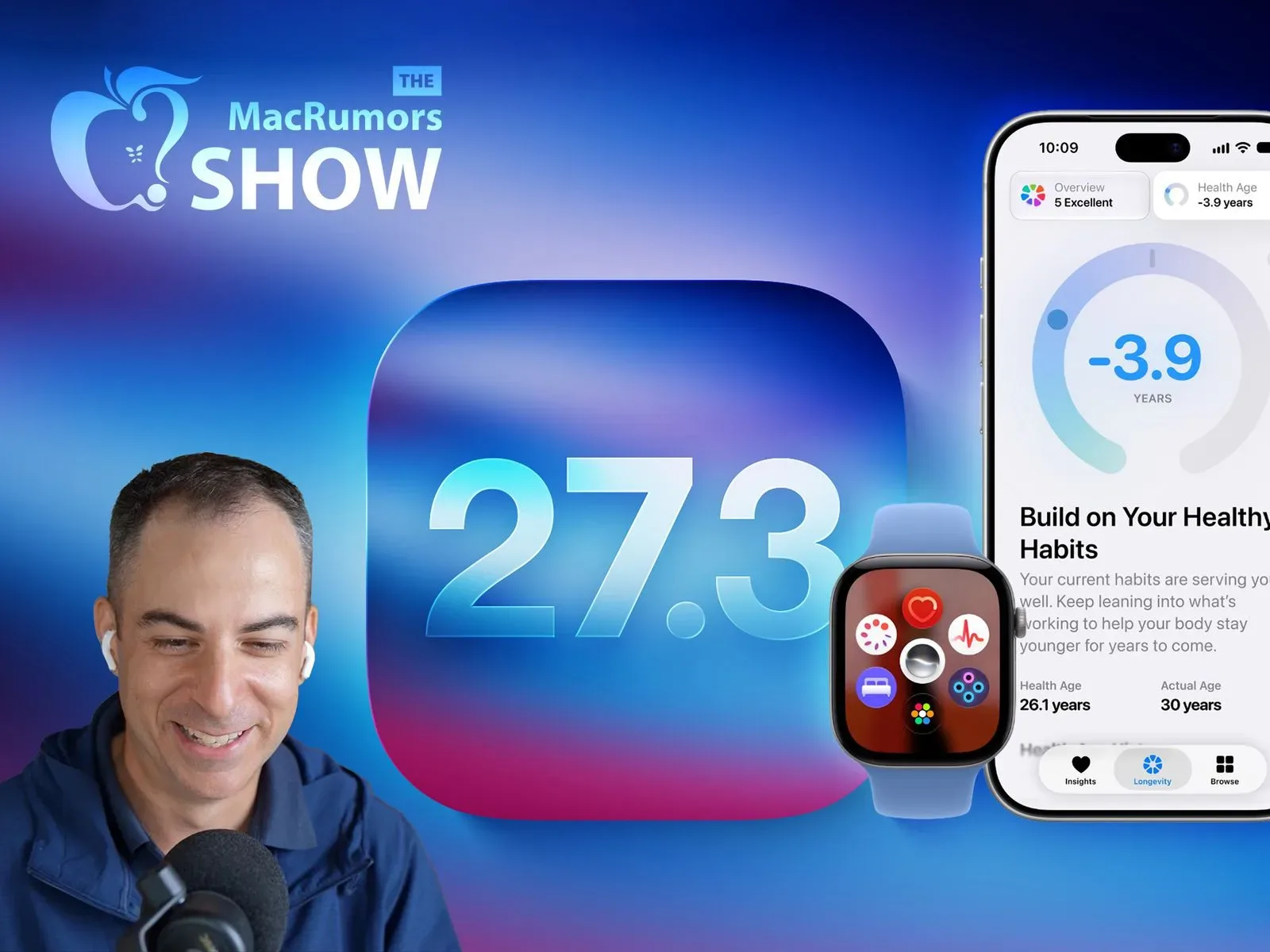
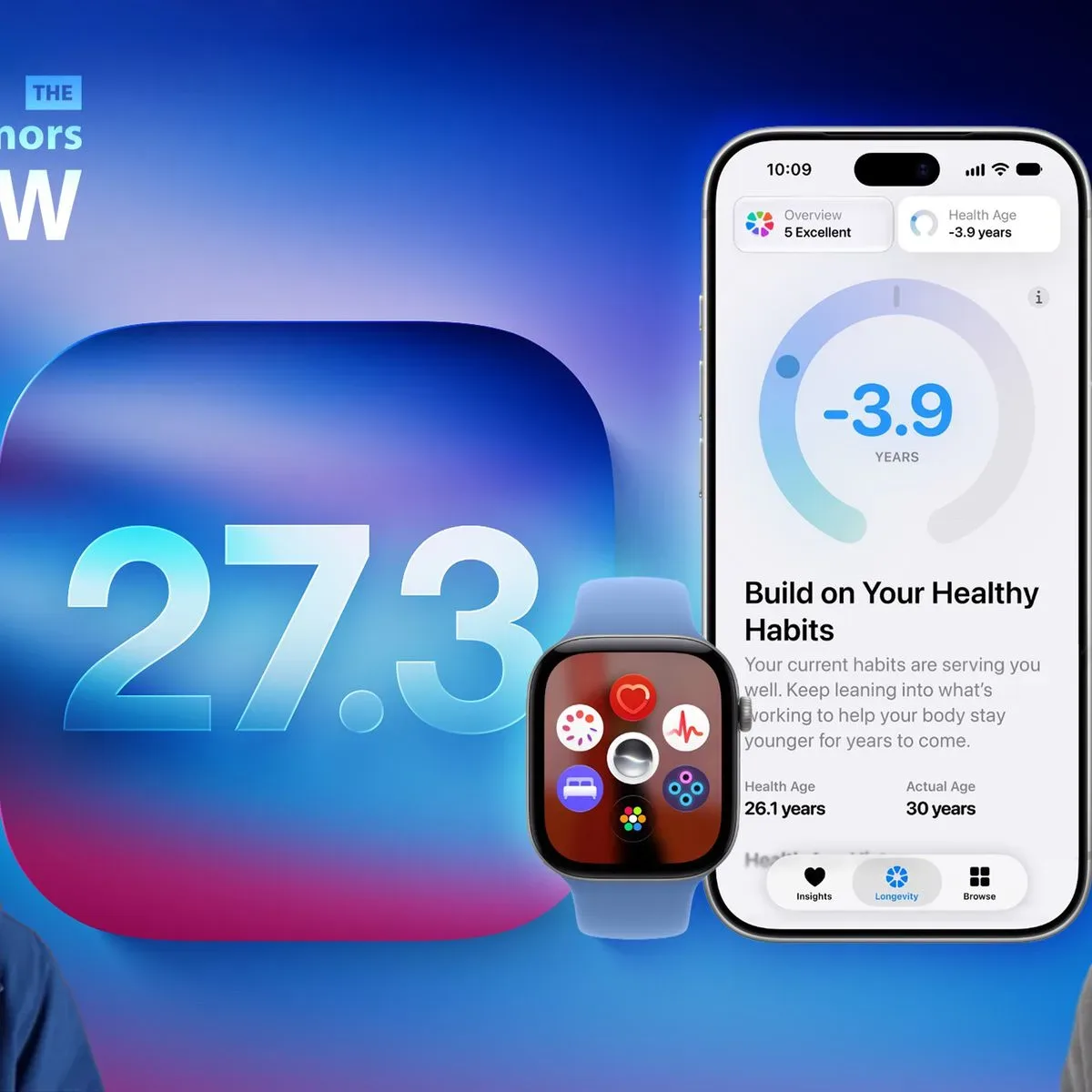
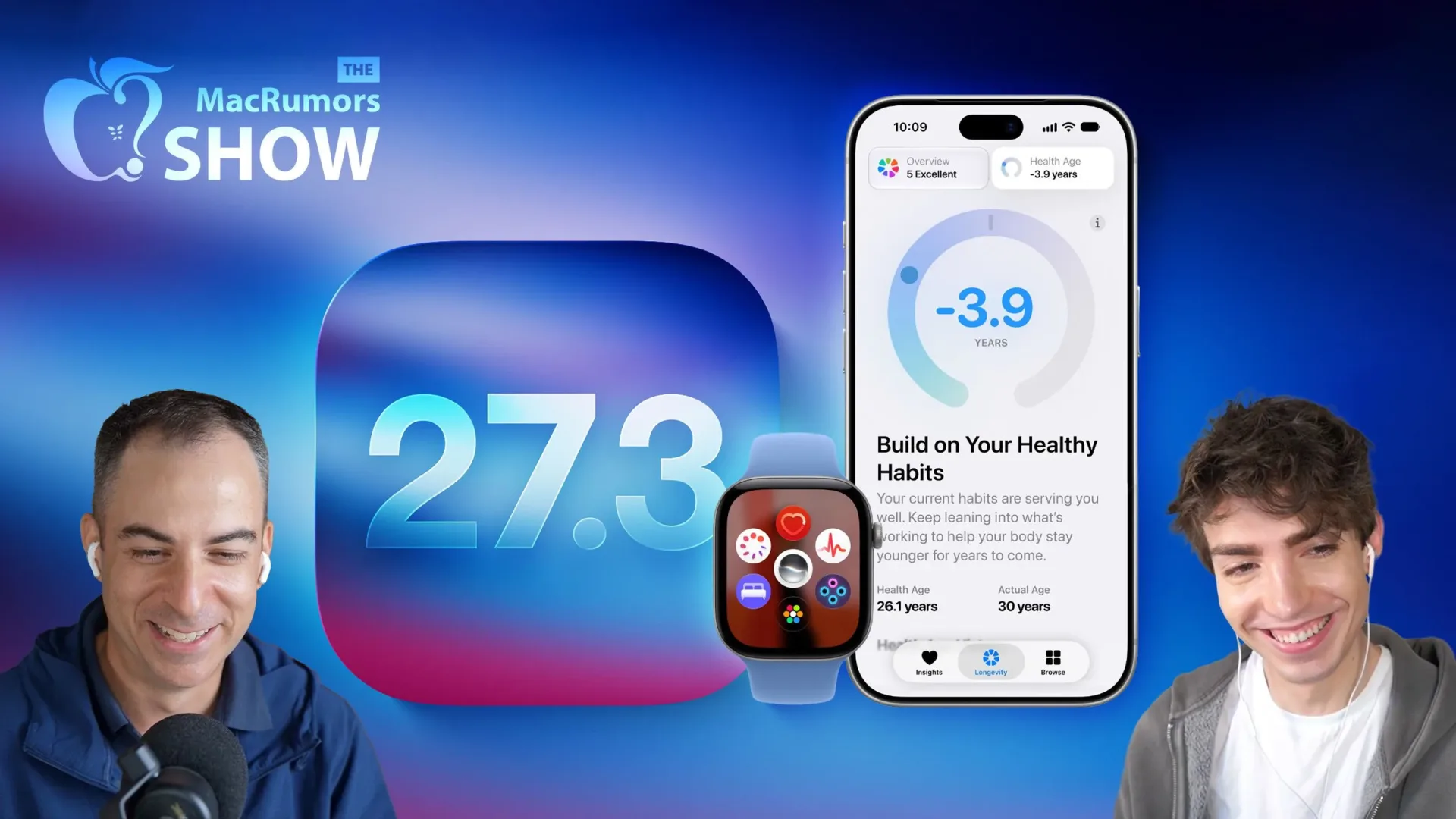
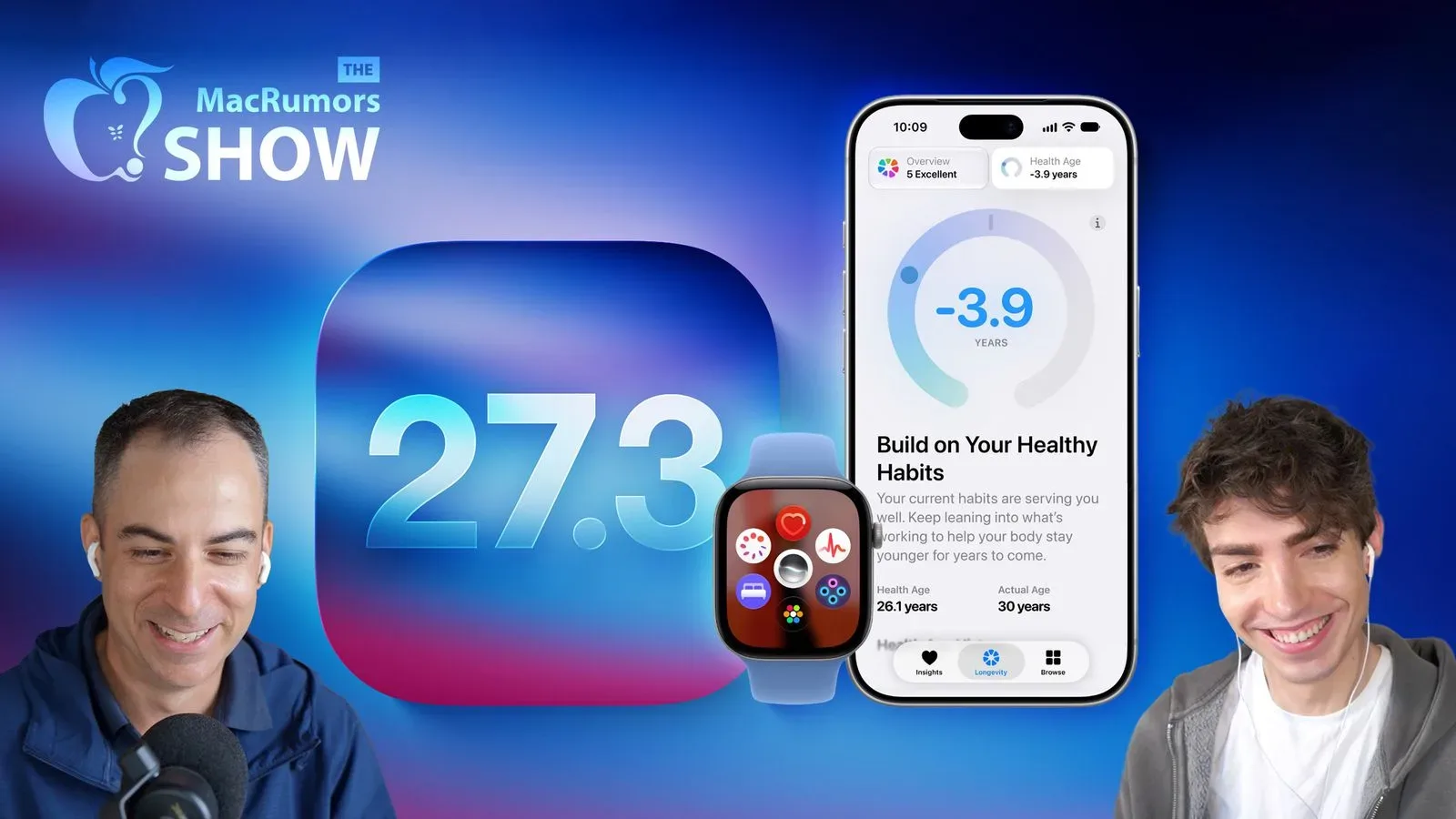
The redesigned Health app brings back Insights and Longevity sections. Their purpose is to make collected measurements easier to interpret as guidance and as longer-term health assessments. The framing matters: recording a measurement and understanding what it may mean are separate jobs. Health apps frequently accumulate data more easily than they help someone navigate it.
Insights appears to be the more accessible, guidance-oriented layer, while Longevity is intended to emphasize longer-term assessment. The available information does not define exactly which measurements feed either section or what recommendations will appear, so it would be premature to portray them as diagnosis tools or to assume particular medical capabilities. What is established is a redesign focused on making existing collected information more legible to the user.
That same restraint applies to the Fitness+ and Watch additions. These are tools for information, routines and summaries, not substitutes for professional advice or for careful human review when a situation calls for it. The iOS 27.3 beta’s theme is less “the device knows everything” than “the device is being asked to organize more of what it already encounters.”
Safari and iPhone Duo get interface quality-of-life changes
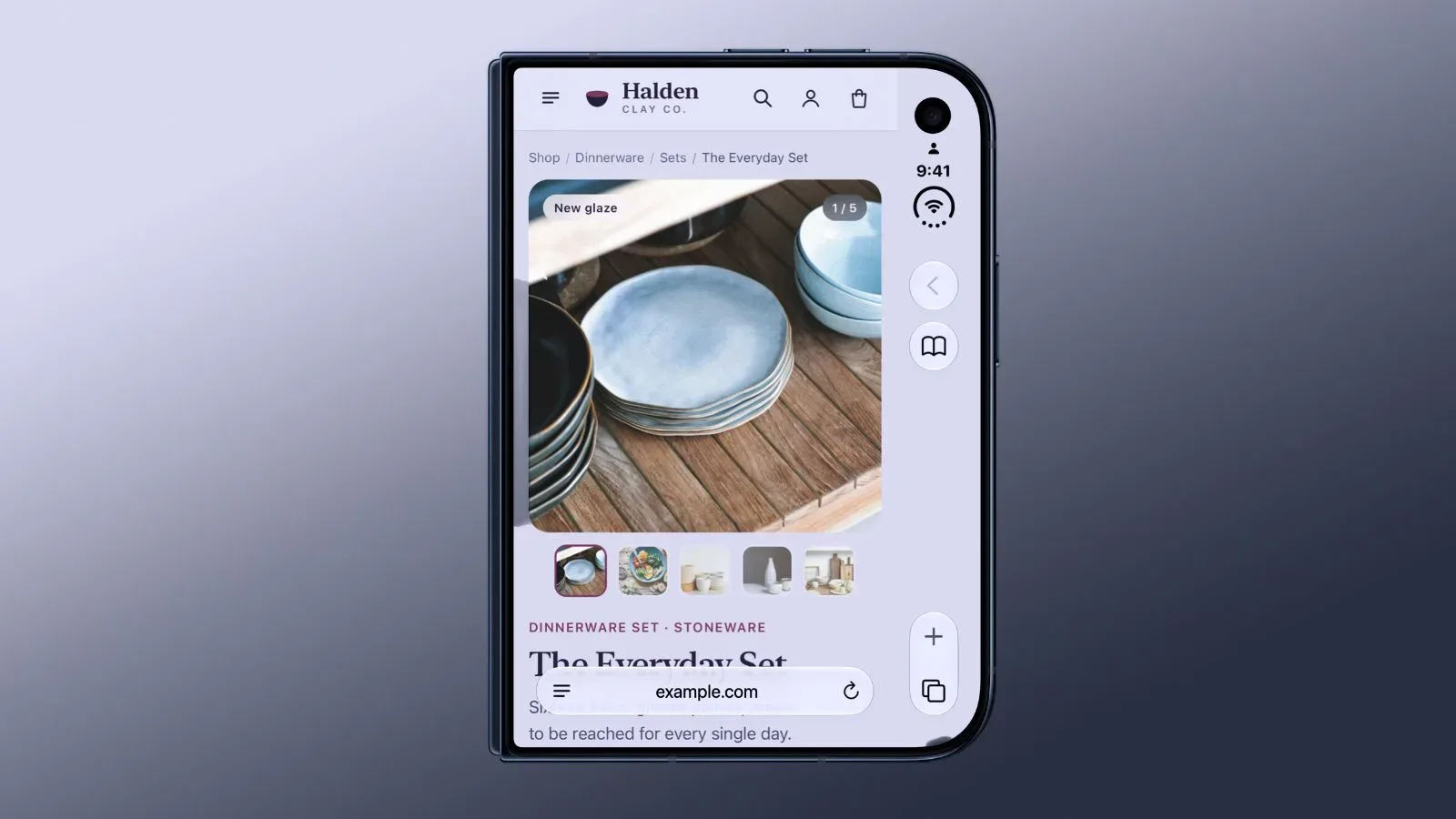
Safari gains vertical tabs and Adaptive Dark Mode. Vertical tabs move open-tab navigation to a side-oriented layout rather than the conventional horizontal strip. For people managing many tabs, that can change how quickly titles are scanned and selected, though personal preference will determine whether it feels like a tidy inventory list or simply a relocated inventory list.
Adaptive Dark Mode has a clearer stated purpose: a website without its own dark appearance can automatically adopt one. Dark mode generally refers to an interface using darker colors and lighter text, often chosen for comfort in low-light environments or visual consistency with a device-wide setting. The word adaptive is key here, because Safari is doing the work for sites that have not supplied a dark treatment themselves.
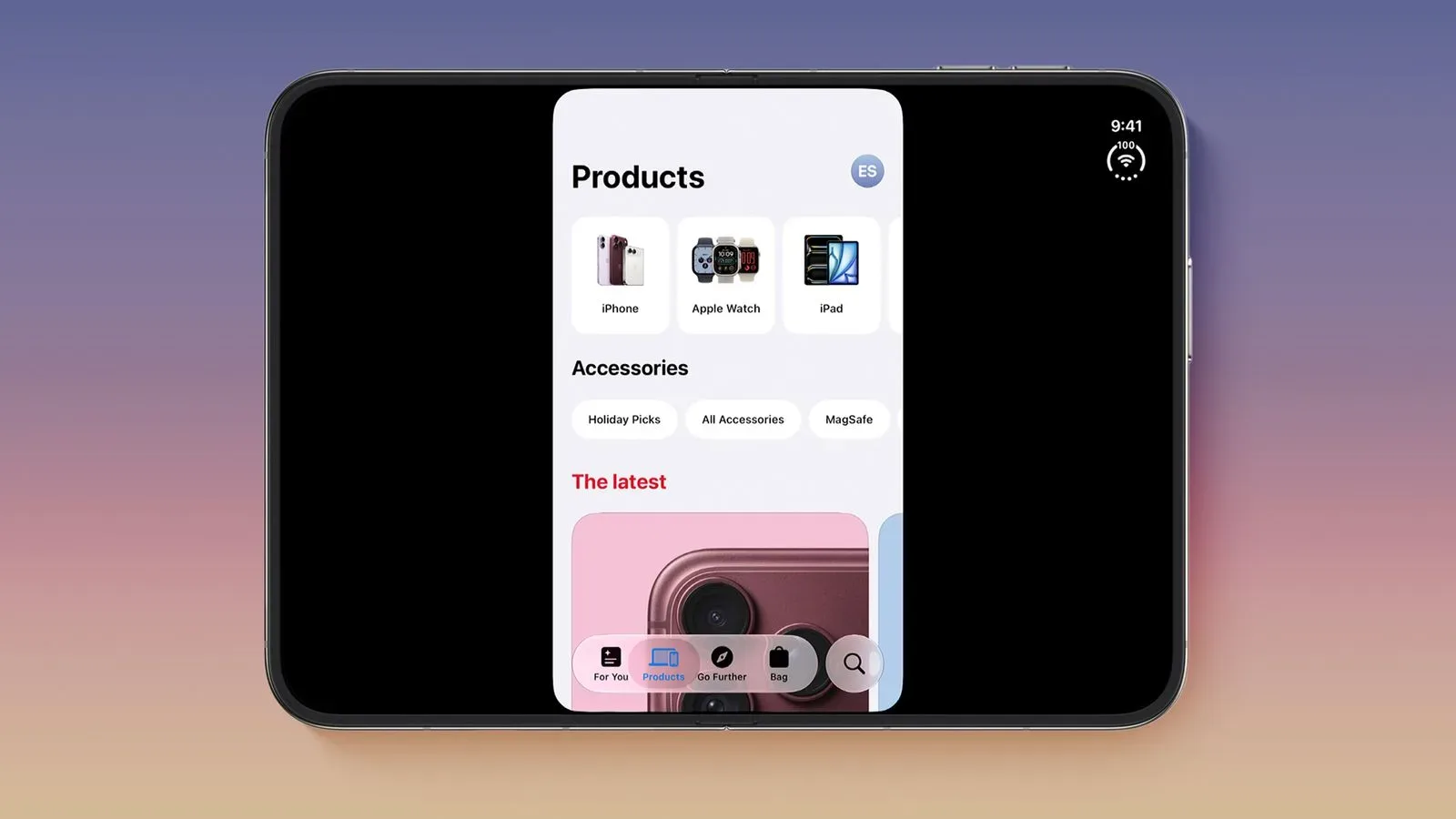
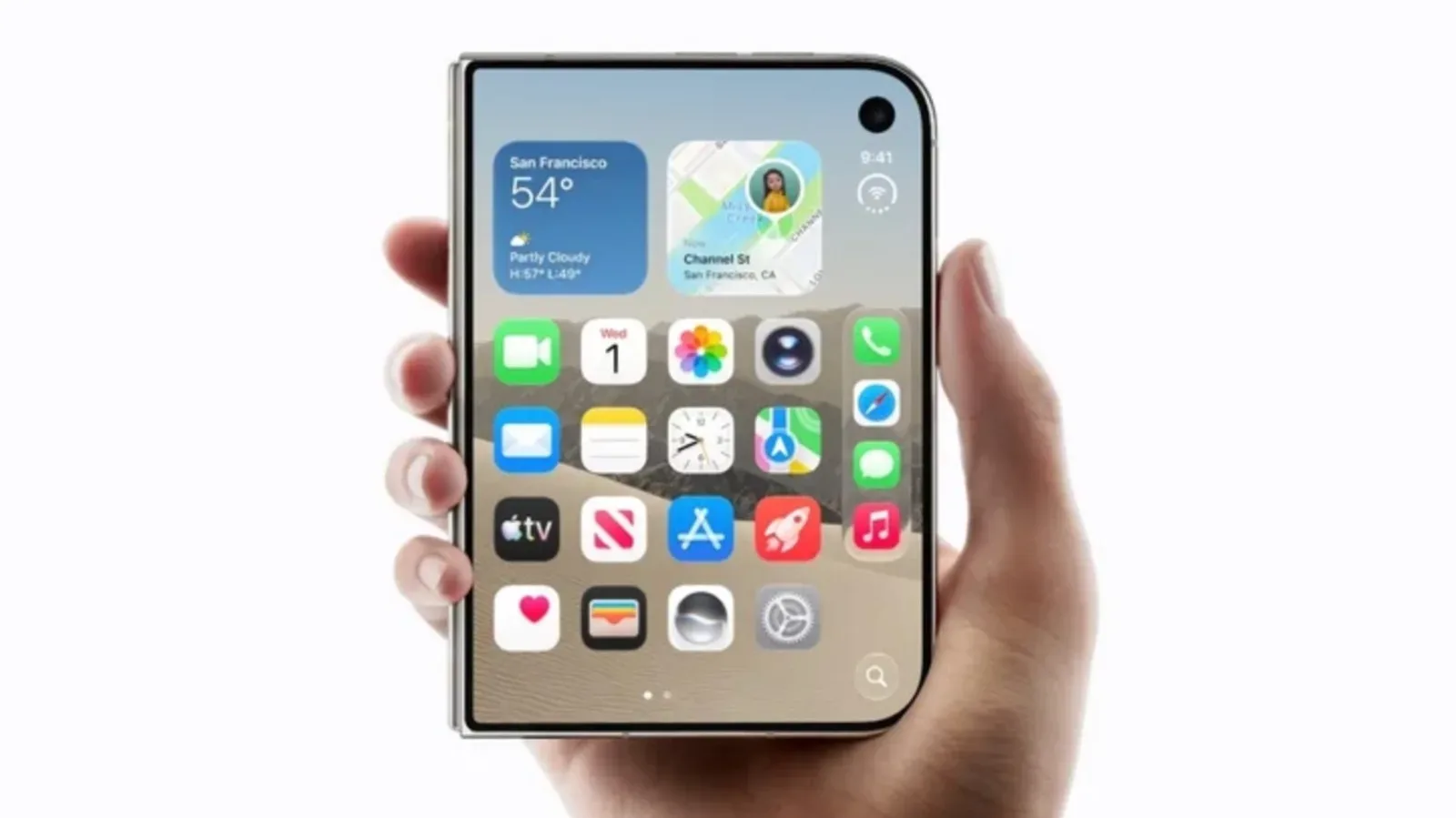
The iPhone Duo receives horizontal Reachability and a revised keyboard intended to make the wider outer display easier to use one-handed. Reachability is an interface accommodation that brings content into easier thumb range; the horizontal version reflects the different ergonomics of a wider screen. The change follows ongoing work around Duo-optimized apps, an area where some services have still had display work to do, as covered in our look at iPhone Duo’s optimized-app milestone.
Neither horizontal Reachability nor a redesigned keyboard sounds flashy in isolation. On a larger outer display, though, those are the features most likely to show their value dozens of times per day. An interface improvement does not need a launch trailer if it saves a user from awkward finger gymnastics.
Music and StandBy round out a wide-ranging beta
Apple Music is set to receive enhanced transitions, concert recommendations and Selfie Sing karaoke videos. The source material does not detail how the transitions work, what informs concert recommendations, or how Selfie Sing videos are created, so the safe reading is simply that each is an addition to the service’s listening, discovery and karaoke features.
Meanwhile, iPhone Duo-style StandBy displays are expanding to additional iPhones. StandBy is a display mode that presents glanceable information when the device is positioned for it. The incoming options include more customizable clocks, Calendar views and Weather information. The appeal is straightforward: a phone placed nearby can behave more like a compact information display without demanding constant interaction.
Across the 27.3 beta, Apple is pursuing two kinds of upgrades. Some are visible interface changes, such as vertical tabs and new StandBy choices. Others are attempts to make software take on more interpretive work, including Siri’s multi-step actions, Health’s guidance-oriented sections and Watch conversation summaries. The second category carries more promise and more unanswered questions, because its value depends on reliability, developer support and users retaining control over when automation is used.
For now, iOS 27.3 looks substantial because it spreads across so many parts of the ecosystem. The beta does not yet prove that every new feature will land perfectly. It does show an update focused on making Apple’s devices easier to operate, better at organizing information and, in Siri’s case, potentially more capable of completing a chain of tasks rather than merely narrating the quest log.