Apple says more than 100,000 apps are now optimized for iPhone Duo, only two weeks after the device’s release. It is a large early number, and one that gives the new dual-display hardware a rapidly expanding software library. But it does not mean the iPhone Duo compatibility question has been solved—especially for people whose daily app rotation includes services such as Steam, Microsoft Teams, Google Docs, transit apps, delivery apps or banking tools.
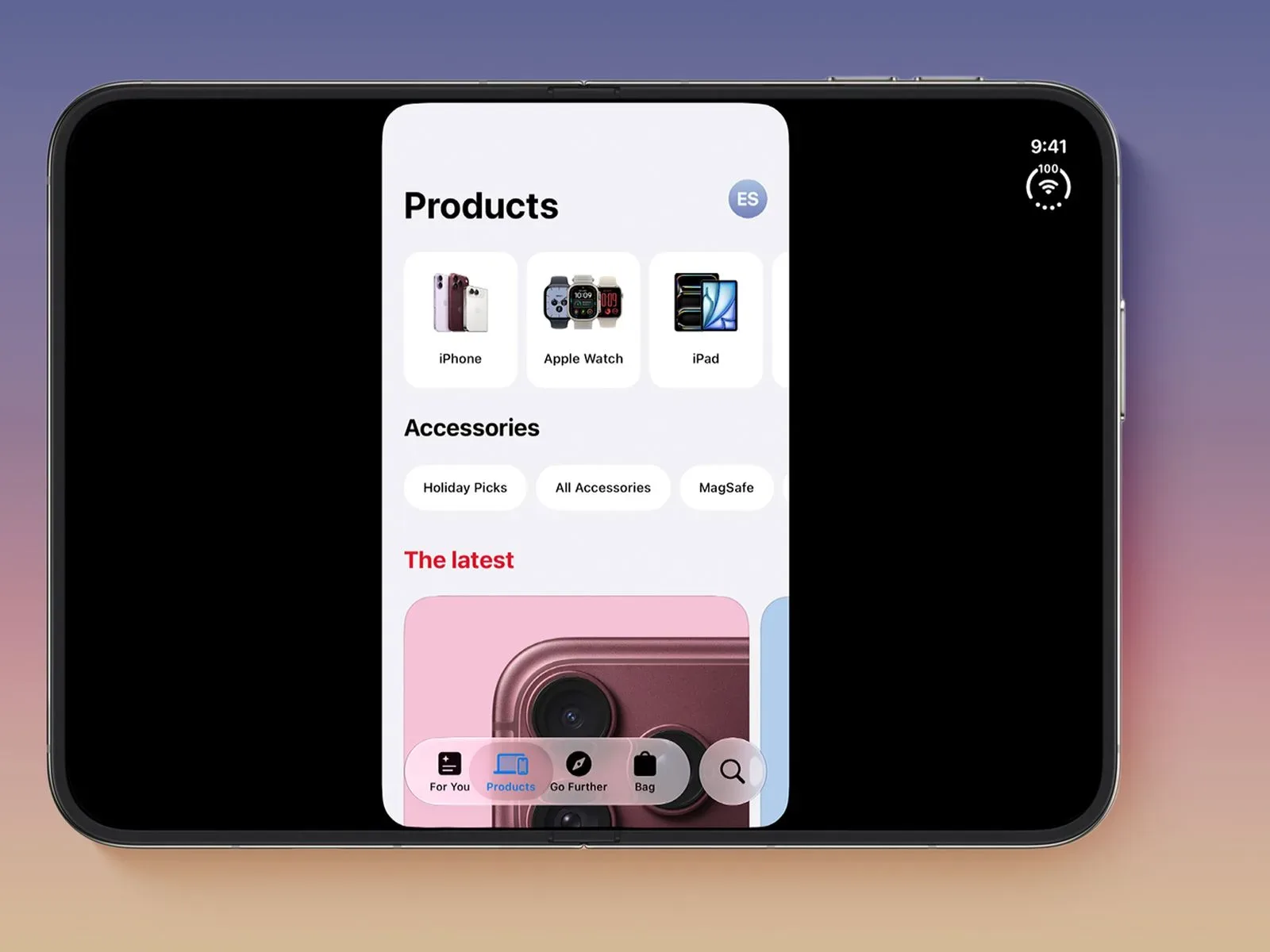
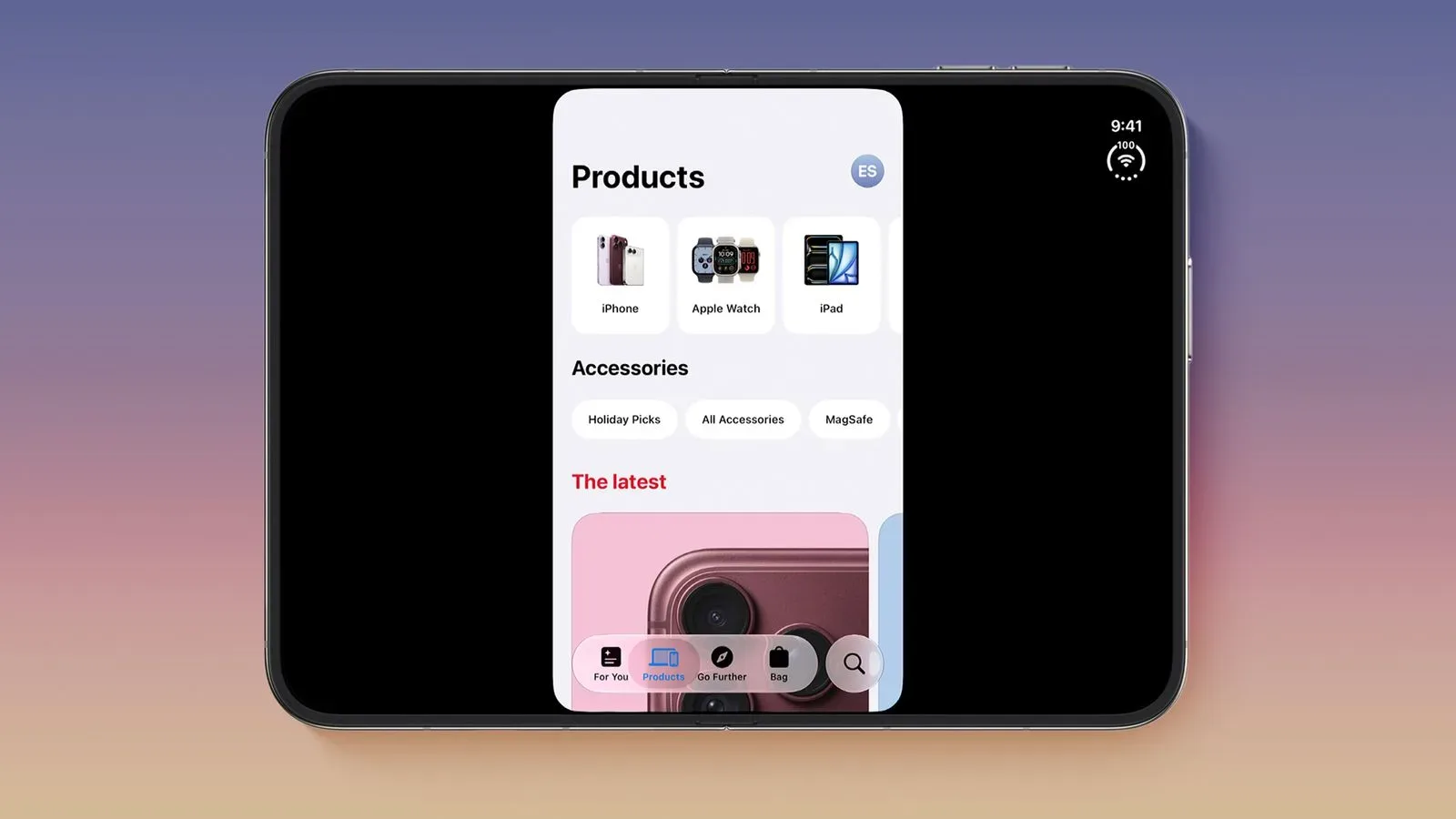
The important detail is what Apple counts as an optimized app. The figure refers to apps built using the iOS 27.1 software development kit (SDK) or later. These apps fill the full width of both the iPhone Duo’s inner and outer displays, while accommodating the device’s vertically arranged status-bar controls. In everyday terms, the app is deliberately designed around the Duo’s unusual screen geometry rather than merely being allowed to run on it.
For a device that invites people to treat screen space as part of its pitch, that distinction is more meaningful than a simple yes-or-no compatibility label. An app can launch successfully and still look like it arrived wearing the wrong armor set.
What “optimized” means on iPhone Duo
An SDK is the package of software tools and technical frameworks developers use to build or update an app for a platform. Apple’s threshold here—iOS 27.1 SDK or newer—matters because it indicates that an app has adopted the specific layout behavior needed for iPhone Duo. Optimized apps use the available display width and place their interface around the status bar at the right edge.
That produces three practical tiers of iPhone Duo behavior:
- iOS 27.1 SDK or later: apps are counted as optimized, fill the complete inner and outer display widths, and have vertical status-bar controls.
- iOS 27 SDK: apps resize to use most of the inner display, but leave the right-side status-bar area clear.
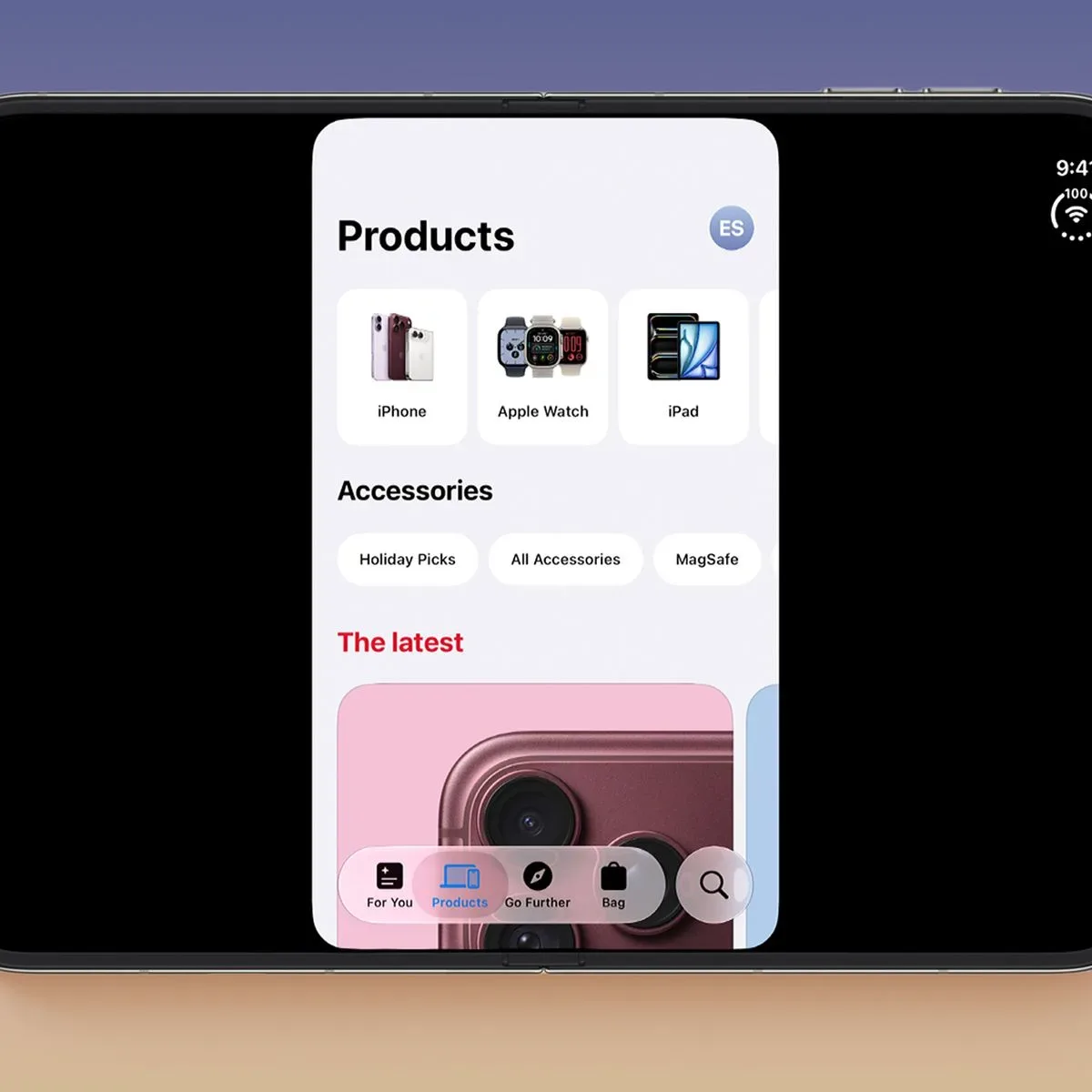
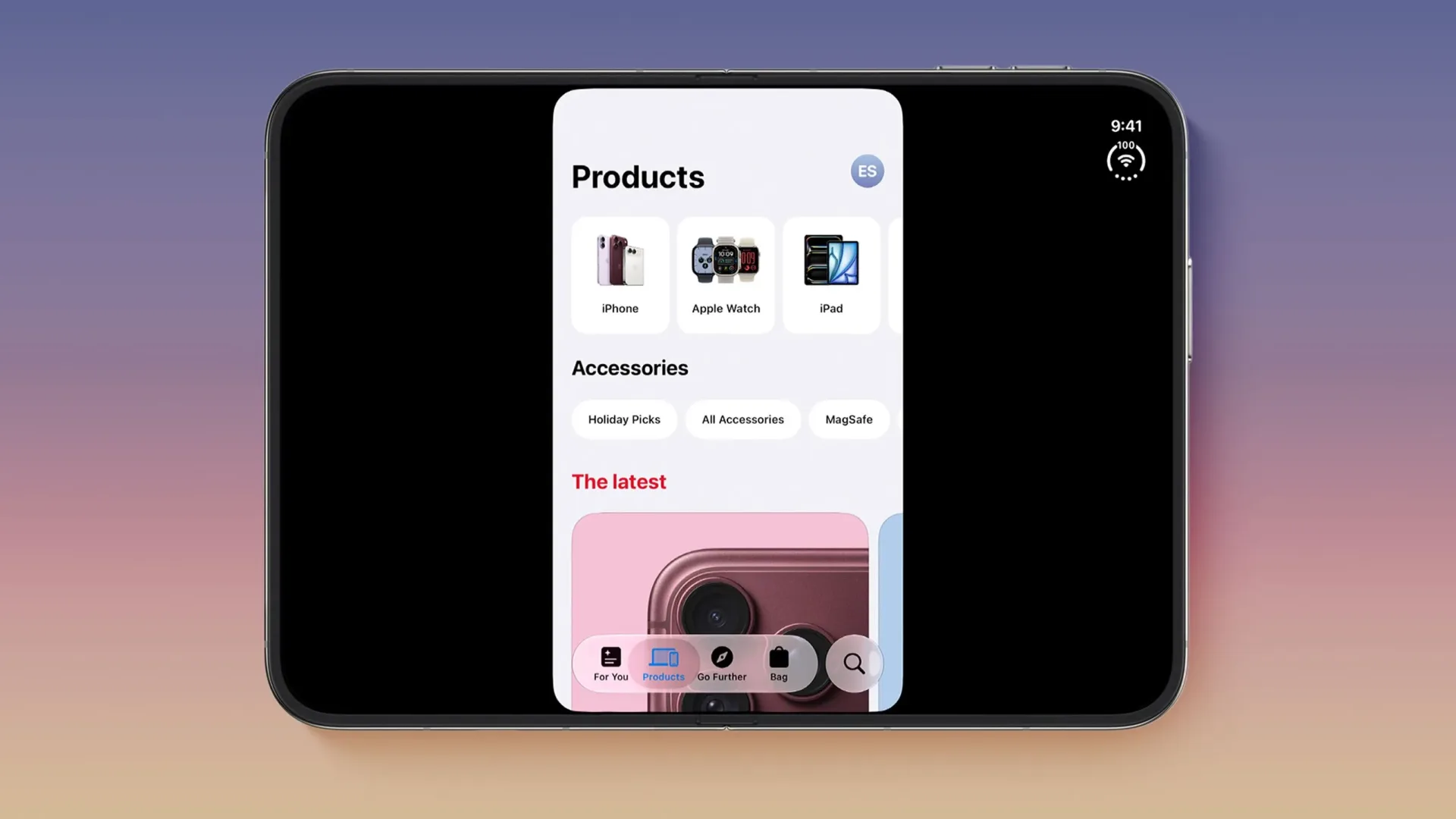
- iOS 26 SDK or earlier: apps still run, but sit in the middle of the inner display with substantial black space on either side.
That last category is the clearest reason the debate has persisted. “Runs” is a low bar for a new form factor; “uses the hardware comfortably” is the experience buyers are actually evaluating. A centered legacy app with black margins may remain functional, but it makes the inner display feel less like a workspace and more like an exceptionally expensive backdrop.
Apple has also made discovery simpler for prospective users. Optimized titles carry a Made for iPhone Duo badge in the App Store on the device. It is a helpful shorthand, particularly because broad app-store totals cannot tell someone whether the handful of apps they rely on every morning are ready.
The growing ready-to-use list
The list of apps Apple identifies as optimized covers several categories that benefit from more room: productivity, video, messaging, photography, sports and travel. Recent additions include Microsoft Excel, OneNote, PowerPoint and Word, plus Etsy, Goodnotes, Halide Mark III, NBA, NHL and Zoom.
Other examples already adapted for iPhone Duo include Amazon Prime Video, Fantastical, Flighty, Instagram, MLB, Netflix, SmartGym, WhatsApp and YouTube. The presence of office apps is particularly notable for a device whose display layout could otherwise be read chiefly as a media feature. Spreadsheets, presentations, documents and note-taking tools are all interfaces where available width can influence how much information is visible at once and how cramped controls feel.
Apple Pencil (USB-C) support arrived on iPhone Duo with iOS 27.2, adding another reason the optimized-app count is only part of the story. The update enables drawing in Procreate Pocket, note-taking in Apple Notes, Fineliner and TypeDraw, and document markup in Preview. Pencil compatibility does not automatically mean every app is optimized, but it expands what the device can do when an app is prepared for the larger canvas.
For players and PC-gaming communities, Steam is among the prominent apps still not listed as optimized. That does not imply the Steam app is unusable on iPhone Duo; it falls into the distinction between running and receiving the full device-specific layout. It is also a reminder that a launch library looks different depending on which apps a user considers essential. Someone primarily living in Netflix, YouTube, WhatsApp and Microsoft Office sees a very different readiness picture from someone who frequently opens Steam, Teams, Google Sheets or a carrier account app.
That everyday software context is part of why mobile-platform changes can spill into gaming routines. A gaming app is not the only app that needs to fit a player’s day. Voice calls, authentication, calendars, delivery tracking, travel, financial services and storefronts all share the same pocket device. The transition to a new display design is smooth only when those surrounding utilities keep pace as well. For more PC-platform reading, see our coverage of Steam’s review-score changes around Dead by Daylight.
The conspicuous apps that have not made the jump
Apple’s own examples of apps not yet optimized underscore the mixed state of the rollout. The list spans entertainment, retail, social networks, airline and logistics apps, productivity services, payments, food delivery, mobile carriers and home controls.
Named apps that remain unoptimized include AMC Theaters, Amazon Fire TV, Apple Store, Best Buy, Bluesky, Delta, DoorDash, Duolingo, Fandango, FedEx, Goodreads, Google Docs, Google Home, Google Sheets, Google Slides, GrubHub, JetBlue, Libby, Microsoft Authenticator, Microsoft Teams, MTA, Nike, PayPal, PictureThis, Ring, Southwest, Spectrum TV, Starbucks, Steam, Uber Eats, UPS, USPS, Venmo, Verizon, Wells Fargo, Whole Foods and YouTube Music.
This is not a small or obscure set of omissions. It includes apps that are central to work, travel, shopping, delivery, messaging-adjacent account security and entertainment. Yet it also needs to be placed beside the scale of the App Store, which contains millions of apps. A list of familiar holdouts can feel definitive on social media because these are recognizable brands; a 100,000-app total can sound definitive because it is so large. Neither figure alone answers whether iPhone Duo is adequately supported for a particular person.
The useful way to assess it is narrower: check the apps that matter to you, look for the Duo badge in the App Store, and distinguish an app that has a dedicated full-width presentation from one that simply launches with compromises. The current answer will vary by user, and it may change quickly as updates arrive.
Why the number is moving quickly
Apple says thousands of optimized apps are being added each day. The company has supported that effort with more than 50 in-person iPhone Duo workshops across 19 cities worldwide, as well as online resources including its Developer Forums. Susan Prescott, Apple’s vice president of Worldwide Developer Relations, said thousands of developers attended workshops during the last month to experience the device and update their apps.
“Today there are well over 100,000 apps built for iPhone Duo already live on the App Store, and thousands of optimized apps are being added to the store each day,” Prescott said.
The workshops are relevant because adapting to a display shape is not solely a question of removing empty margins. Developers need to consider how a layout responds across both screens, how controls and content avoid the vertical status-bar area, and whether the extra width improves clarity rather than just stretching an existing interface. The technical goal is adaptation: making the app feel designed for the screen rather than enlarged onto it.
Apple’s current description suggests that transition is happening at several speeds. Teams that have updated with the newer SDK can claim the full-width, status-bar-aware design. Teams using the iOS 27 SDK gain a partial resize behavior. Older builds retain basic compatibility but can look visibly letterboxed on the inner display. That layered fallback protects basic access, but it also makes the optimized badge valuable: it distinguishes a deliberately updated experience from a merely functional one.
A strong start, not a finished ecosystem
There has been active disagreement online over how much the remaining gap matters. Some attention has focused on every high-profile app that has not been updated; others argue that the missing apps are being overemphasized. The available picture supports a less dramatic answer: iPhone Duo app support is substantial, uneven and improving.
More than 100,000 optimized apps so soon after release is genuine momentum, reinforced by recognizable names in video, social, office software, photography and communication. At the same time, the unoptimized list contains enough frequently used services that no one should assume a clean sweep. The question is not whether iPhone Duo has apps. It plainly does. The question is whether its full-screen advantage extends to the particular mix of software a buyer expects to use.
For now, Apple’s badge and the SDK distinctions provide a clearer way to read the situation than broad claims from either side. A fully optimized app uses the Duo display as intended. A newer but not fully adapted app uses most of it. An older app works with conspicuous empty space. With developers adding updates daily, that is a moving spectrum—not a permanent verdict on the hardware.