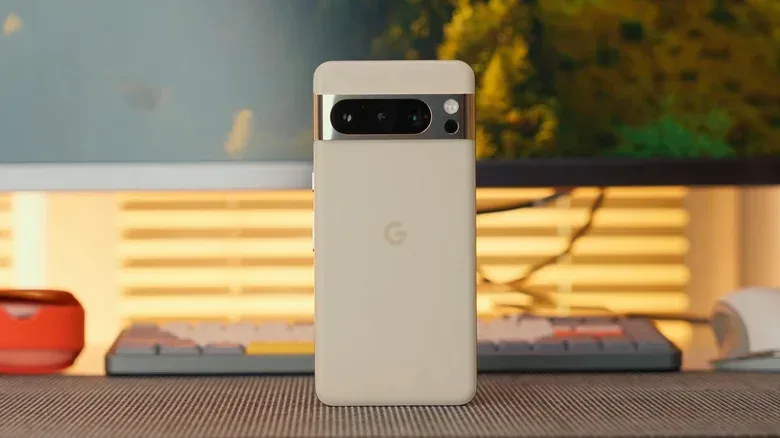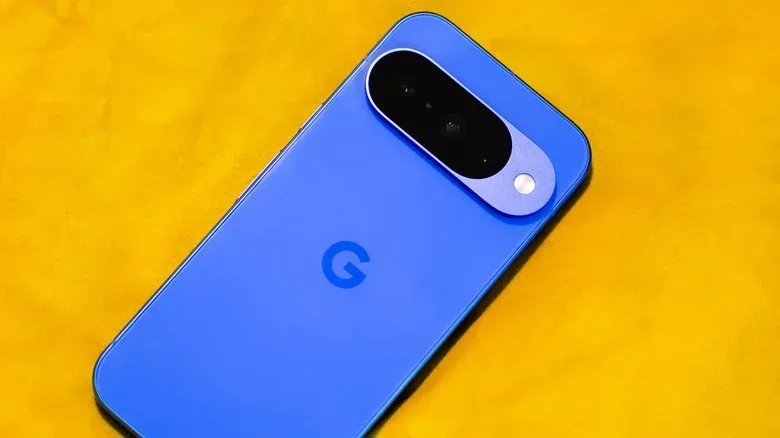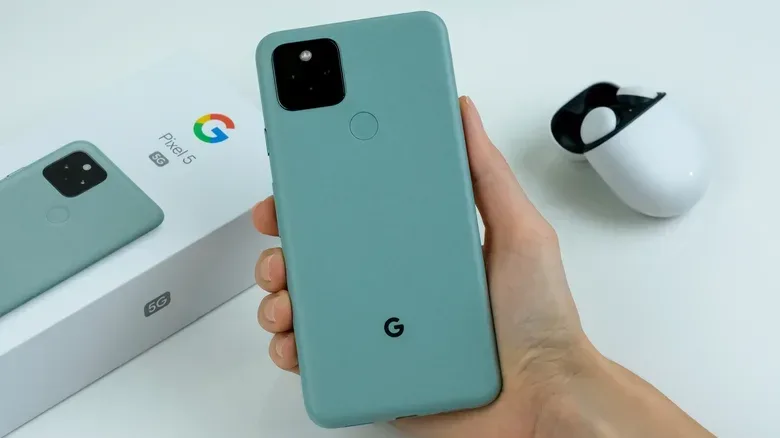
Software support is one of the least glamorous specs on a phone box, but it is increasingly one of the most useful. A Pixel can still switch on, take photos and run plenty of apps after its official update window ends. That does not mean it remains a sensible device for every job. Security fixes stop, newly discovered vulnerabilities are no longer addressed by the manufacturer, and some high-security apps can become a poor fit for a device running unofficial software.
Google’s current Pixel policy has a meaningful dividing line. The Pixel 8 family and later models are covered by a seven-year commitment that includes major operating-system upgrades as well as routine security updates. Pixel 6 and Pixel 7 devices, plus the original Pixel Fold, instead use a five-year window. Earlier Pixels through the Pixel 5a are already out of support.
The important detail is how the clock is measured: Google counts from the month a model first became available to buy on the US Google Store. It is not simply a matter of subtracting five or seven years from the calendar year printed on a handset’s launch material. That distinction matters especially for the A-series, which arrives on a different schedule from the flagship phones.
The Pixel support timetable at a glance
For owners deciding whether a current phone has another year or several years left, these are the reported end points for the models covered by the current schedules.
- Original Pixel through Pixel 5a: no longer receiving updates.
- Pixel 6 and Pixel 6 Pro: support reaches its end in October 2026.
- Pixel 6a: updates stop after July 2027.
- Pixel 7 and Pixel 7 Pro: final updates are due by the end of October 2027.
- Pixel 7a: updates end after May 2028.
- Original Pixel Fold: falls under the five-year policy, alongside the Pixel 6 and 7 families.
- Pixel 8 and Pixel 8 Pro: covered through October 2030.
- Pixel 8a: covered through May 2031.
- Pixel 9 and Pixel 9 Pro: scheduled through their respective August and September 2031 endpoints.
- Pixel 9a: support ends after April 2032.
- Pixel 10 and Pixel 10 Pro: scheduled through August 2032.
- Pixel 10a: final support is expected around March 2033.
- Pixel 11 and Pixel 11 Pro: scheduled through August 2033.
There is a practical buying lesson in that list. A discount is not automatically a bargain if the phone is close to losing updates, but an older model with years remaining can still be a viable option. Pixel 8 and Pixel 8 Pro, for example, retain support through October 2030 under the seven-year promise. That remaining runway is more meaningful than a model name alone.
What “seven years of updates” actually includes
The policy is stronger than a promise of occasional bug fixes. Google’s seven-year pledge for the Pixel 8 generation and newer covers both major OS upgrades and security updates. Those are separate categories with different roles.
A major OS upgrade is the large version-to-version update to Android. It can alter system behavior, introduce platform features and keep the device moving with the current operating-system generation. A security patch is narrower: it addresses security issues found after the software shipped. Android security patches are generally issued monthly.
For day-to-day use, the latter can be the more urgent category. A phone can feel perfectly fast and familiar while falling behind on security maintenance. Once official support ends, flaws discovered later will not receive a manufacturer fix for that device. This is why an unsupported phone is not merely “old”; it has entered a different risk category.
Related coverage includes Google Pixel Software Support: Update Deadlines From Pixel 6 to Pixel 11.
Long support windows also change how people should judge a handset’s longevity. Hardware condition still matters, of course, but support policy creates a firm boundary that battery health and storage capacity cannot overcome. The safest long-term plan is to know that boundary before a phone becomes critical for personal accounts, payment services or work authentication.
Why Pixel 6 and Pixel 7 owners should check the date closely
Pixel 6 and Pixel 6 Pro owners are at the sharpest point of the transition, with October 2026 marking the end of their five-year schedule. Pixel 7 and 7 Pro have roughly an additional year, ending in October 2027. The A-series dates differ: the Pixel 6a runs to July 2027, while the Pixel 7a runs to May 2028.
That staggered timing is an easy detail to miss. “Pixel 7” does not describe one uniform support date across every device bearing the number. The standard and Pro models share the October 2027 endpoint, but the 7a’s release cadence puts its date later. Equally, a buyer considering an A-series handset should look up that specific model rather than assuming it matches the flagship timeline.
The original Pixel Fold belongs on the five-year side of the divide as well. In other words, the arrival of foldable hardware did not by itself place that first Fold into the newer seven-year group. The policy is tied to the relevant product generation, not to whether a Pixel is a conventional slab phone or a folding device.
What changes when official support stops
Nothing necessarily breaks on the final day of support. The phone remains usable with the final version it received. The change is that future vulnerabilities will accumulate without Google-issued fixes for the device. For someone using an old handset as a low-stakes media player or a Wi-Fi-only spare, that may be an accepted compromise. For a primary phone containing account access, payment credentials and sensitive messages, it is much harder to dismiss.
The practical first choice is also the straightforward one: move to a phone that remains in its security-update period. That does not require buying the newest model, but it does mean checking the exact model and deadline. A supported older Pixel may be preferable to a newer-looking device whose update window is nearly exhausted.
Support status is also worth considering beside other phone-care issues. Hardware accessories can bring their own complications; for example, strong magnetic accessories can interfere with rear camera stabilization on iPhones. The broader point is that a phone’s useful life depends on more than whether its screen still lights up: physical condition, accessory choices and continuing software maintenance all affect the experience.
Can a custom ROM make an old Pixel secure again?
Installing an alternative operating system can extend the functional life of a deprecated Pixel, but it is not equivalent to restoring full manufacturer support. This is the crucial caveat behind the appealing idea of simply flashing a new ROM and carrying on.
A custom ROM is a community-developed Android-based operating system image installed in place of the manufacturer’s standard software. Two prominent options illustrate the trade-offs. GrapheneOS is a privacy-focused platform that uses a locked bootloader. LineageOS is a broadly supported alternative that uses an unlocked bootloader.
The limitation is not that these projects provide no updates. LineageOS, for instance, continues to support the original 2016 Pixel and nearly every Pixel model since, delivering patches for the Linux kernel and framework security. Those updates can cover meaningful ground. But they cannot deliver the original equipment manufacturer firmware, kernel and vendor code updates that an officially supported Pixel would receive. Put plainly, community maintenance can reduce some exposure, but it does not recreate every layer of the original security chain.
Firmware is low-level software that helps hardware components operate. Vendor code refers to software components supplied for specific hardware. These pieces sit below the familiar app and interface layer, which is why keeping Android itself updated is not the whole story. When the manufacturer stops maintaining that foundation, a replacement OS has boundaries it cannot simply erase.
Bootloaders, verified boot and app compatibility
The bootloader is software involved in starting the device and loading its operating system. A locked bootloader helps preserve a verified boot state, meaning the phone can check the integrity of the software it is starting. Unlocking it is often necessary for custom-ROM installation, but it changes the security posture of the device.
That difference has a practical consequence beyond theory. Apps that demand stringent device integrity can refuse to run on an unlocked-bootloader phone. The affected group may include banking apps, mobile wallets and games with anti-cheat systems. For players, that final category matters: an older Pixel repurposed with LineageOS may remain useful for many tasks, yet fail the security checks required by certain games. It is not a universal guarantee that every game will stop working, but it is a compatibility risk users should expect rather than discover after committing to a new setup.
GrapheneOS and LineageOS therefore answer different needs, and neither should be described as a universal escape hatch from an expired update schedule. A custom ROM can be a deliberate hobbyist or secondary-device choice. It is less convincing as a way to preserve the full security assurances and broad app compatibility of an officially maintained primary phone.
A sensible checklist before buying, keeping or repurposing a Pixel
- Identify the exact model. “Pixel 7” and “Pixel 7a” have different support end dates, so check the name on the device rather than relying on family resemblance.
- Use the first US Google Store availability month. That is the basis for the support window, not merely the year of release.
- Separate operating-system novelty from security needs. Major Android upgrades are useful, but continuing security patches are the more important baseline for a primary handset.
- Assess what the phone protects. A device handling banking, wallets and essential accounts deserves a higher security standard than a limited-use spare.
- Treat custom-ROM plans realistically. They may extend functionality and provide some patches, but they cannot replace all OEM-level maintenance, and an unlocked bootloader can affect protected apps and anti-cheat checks.
Google’s seven-year policy has made the Pixel 8 era notably easier to plan around. For older generations, the key is not panic on an arbitrary date but clarity about what support ending means. An unsupported Pixel can still have uses. It should simply no longer be mistaken for a fully maintained modern phone.