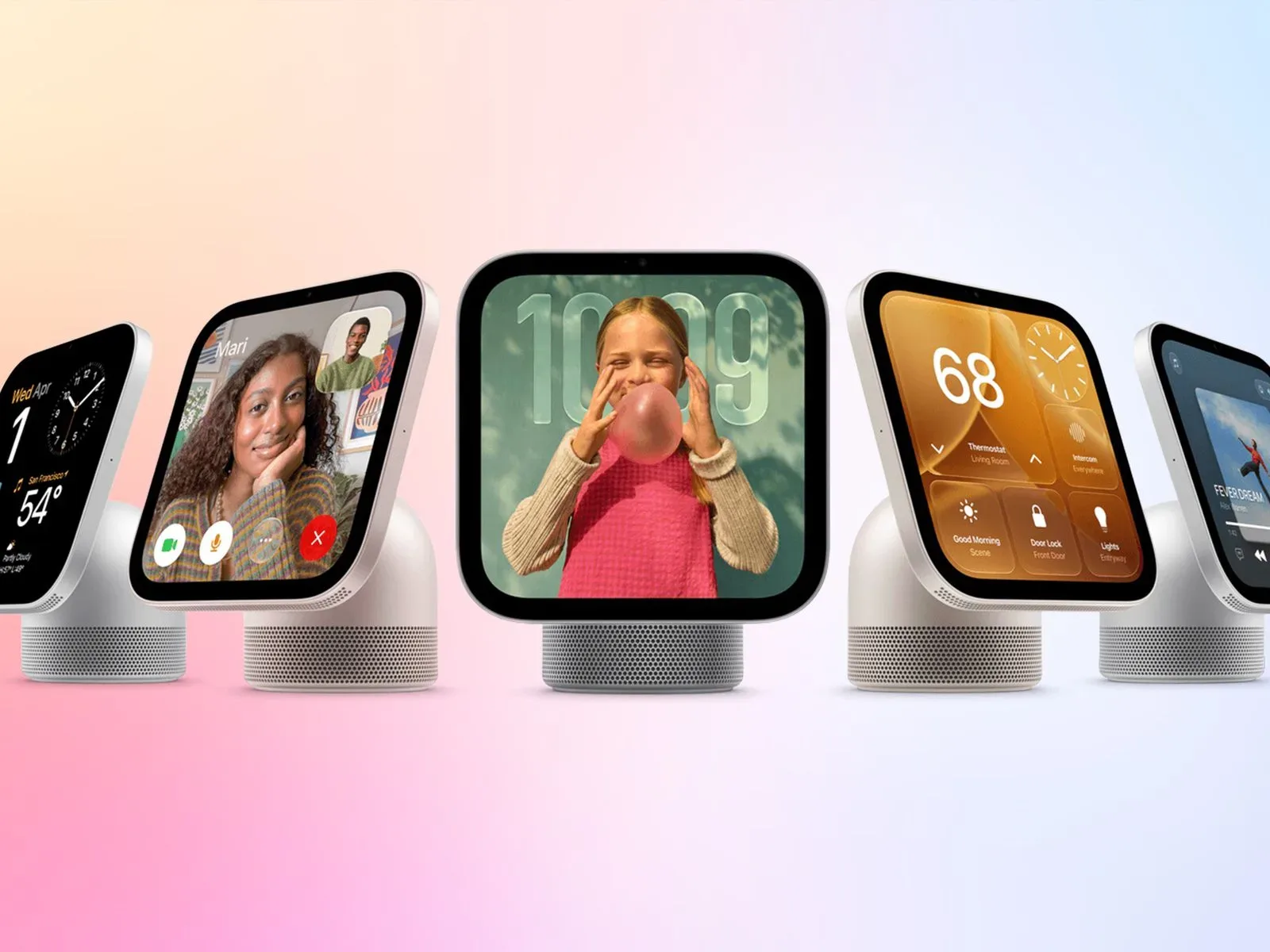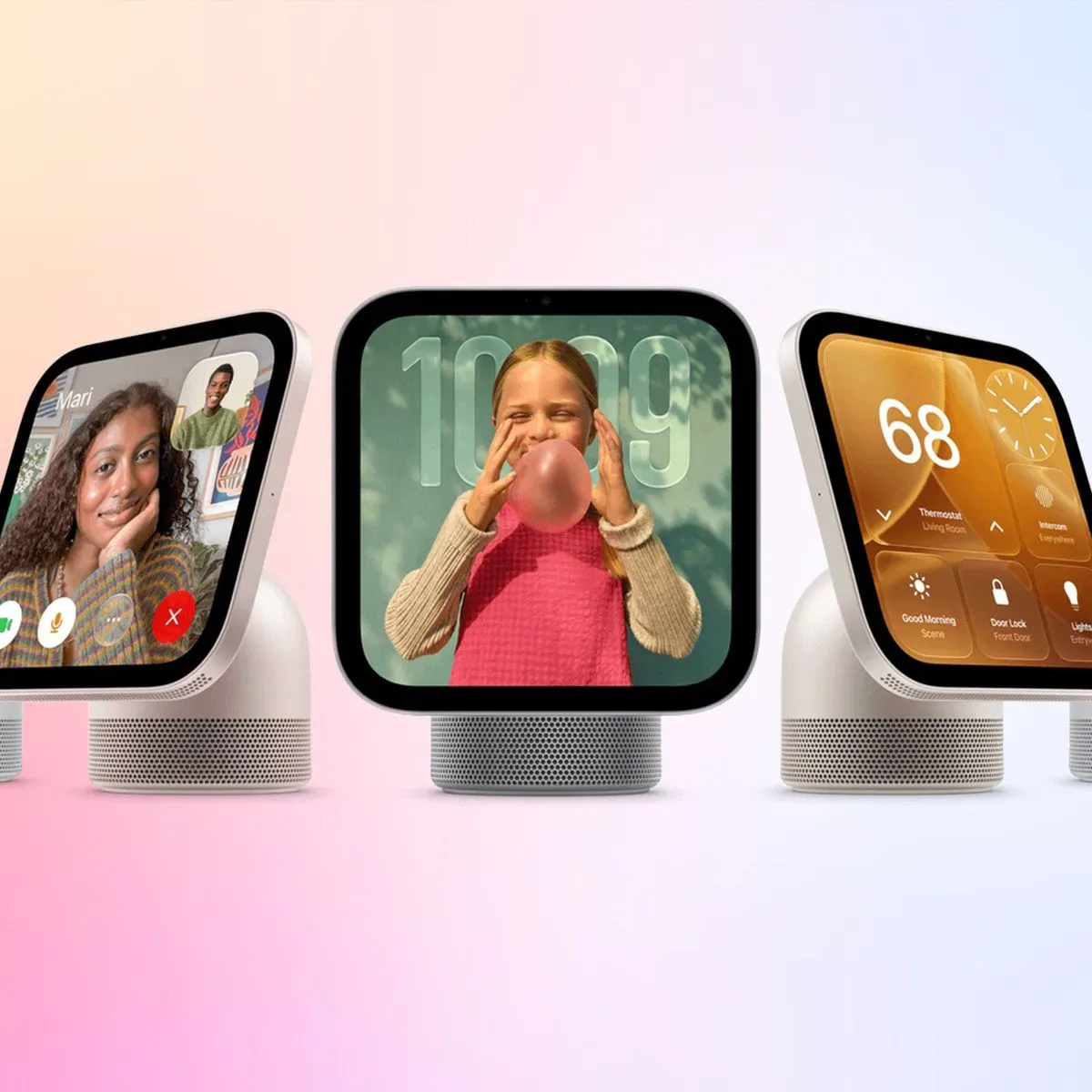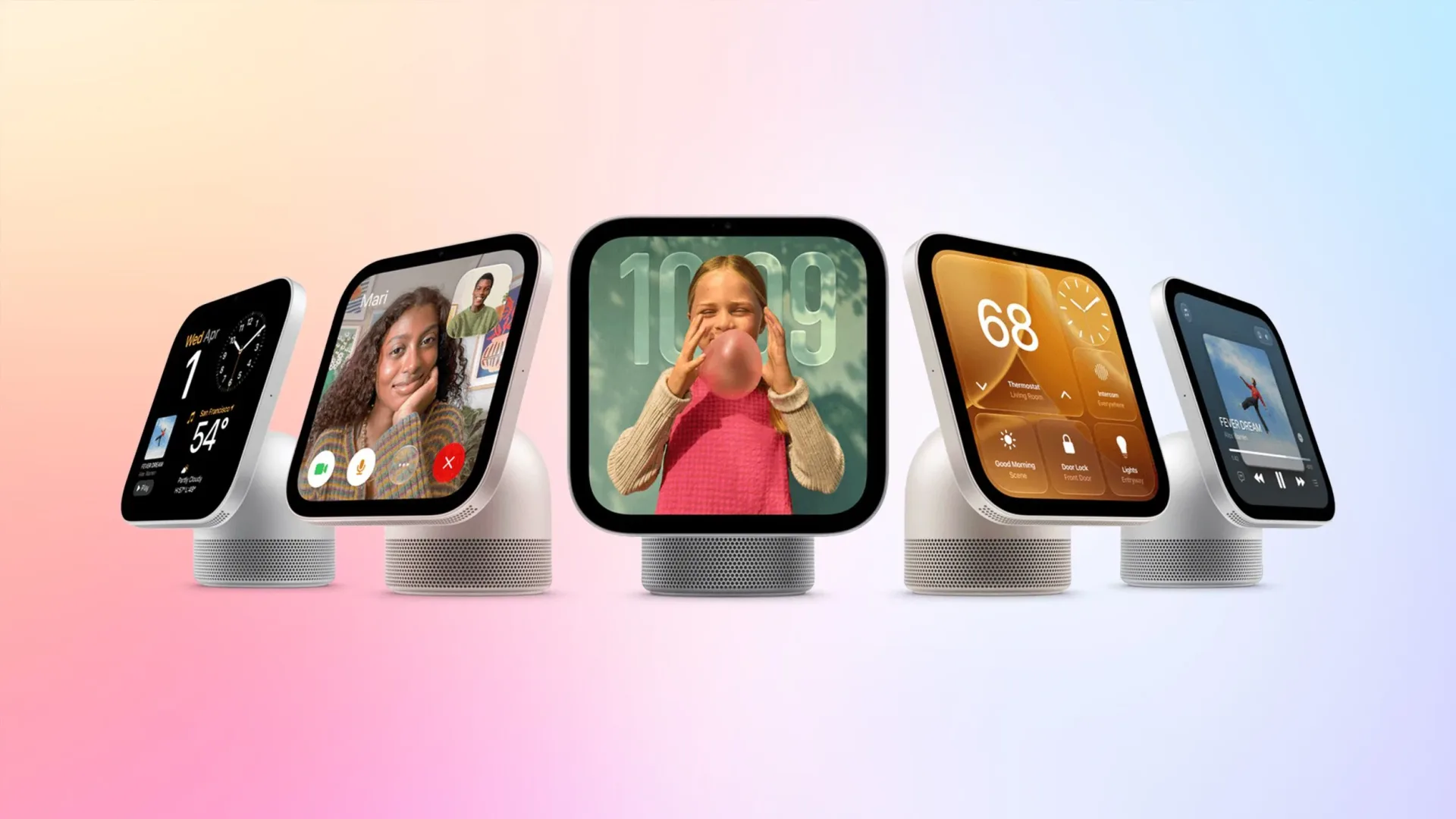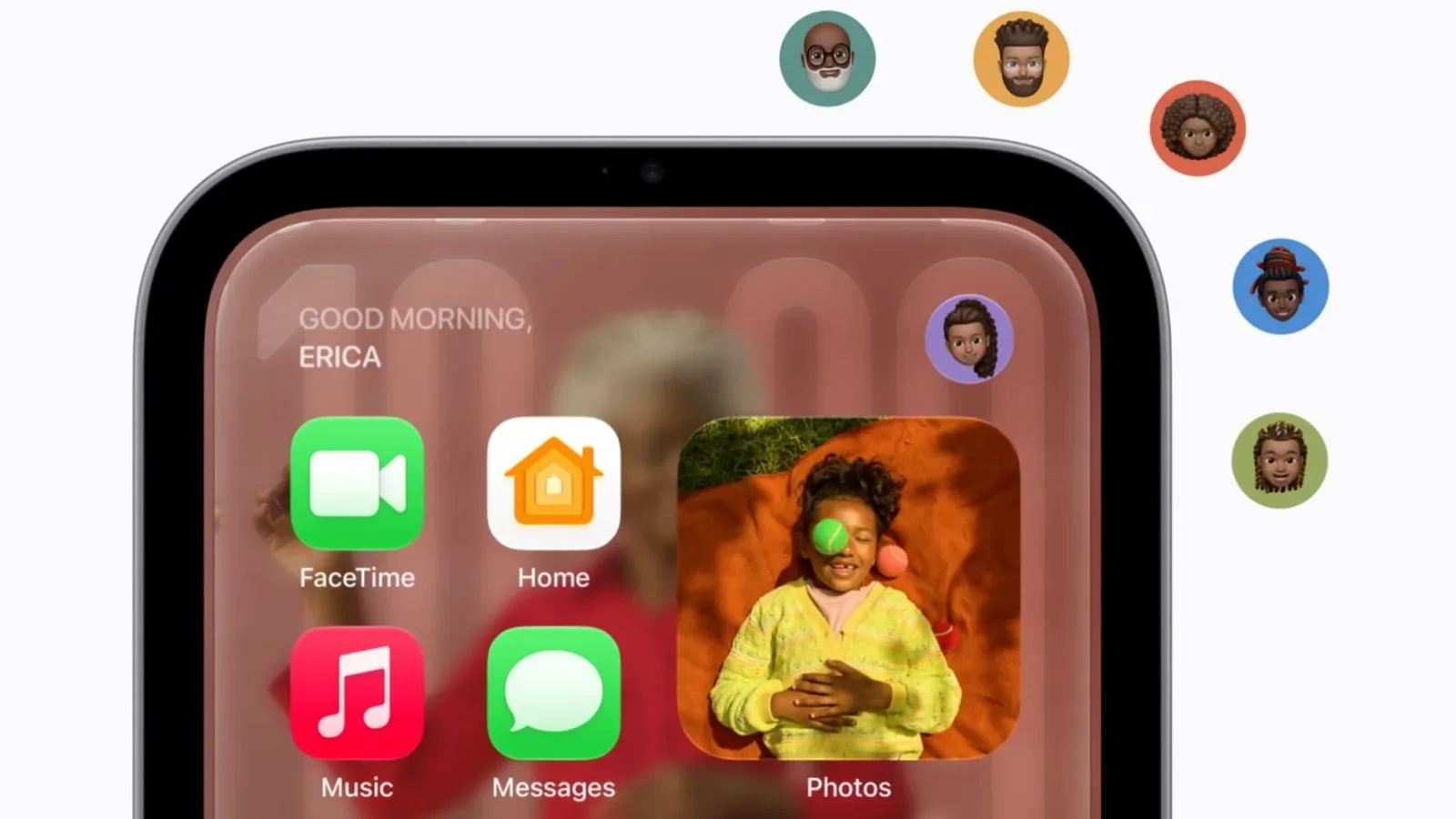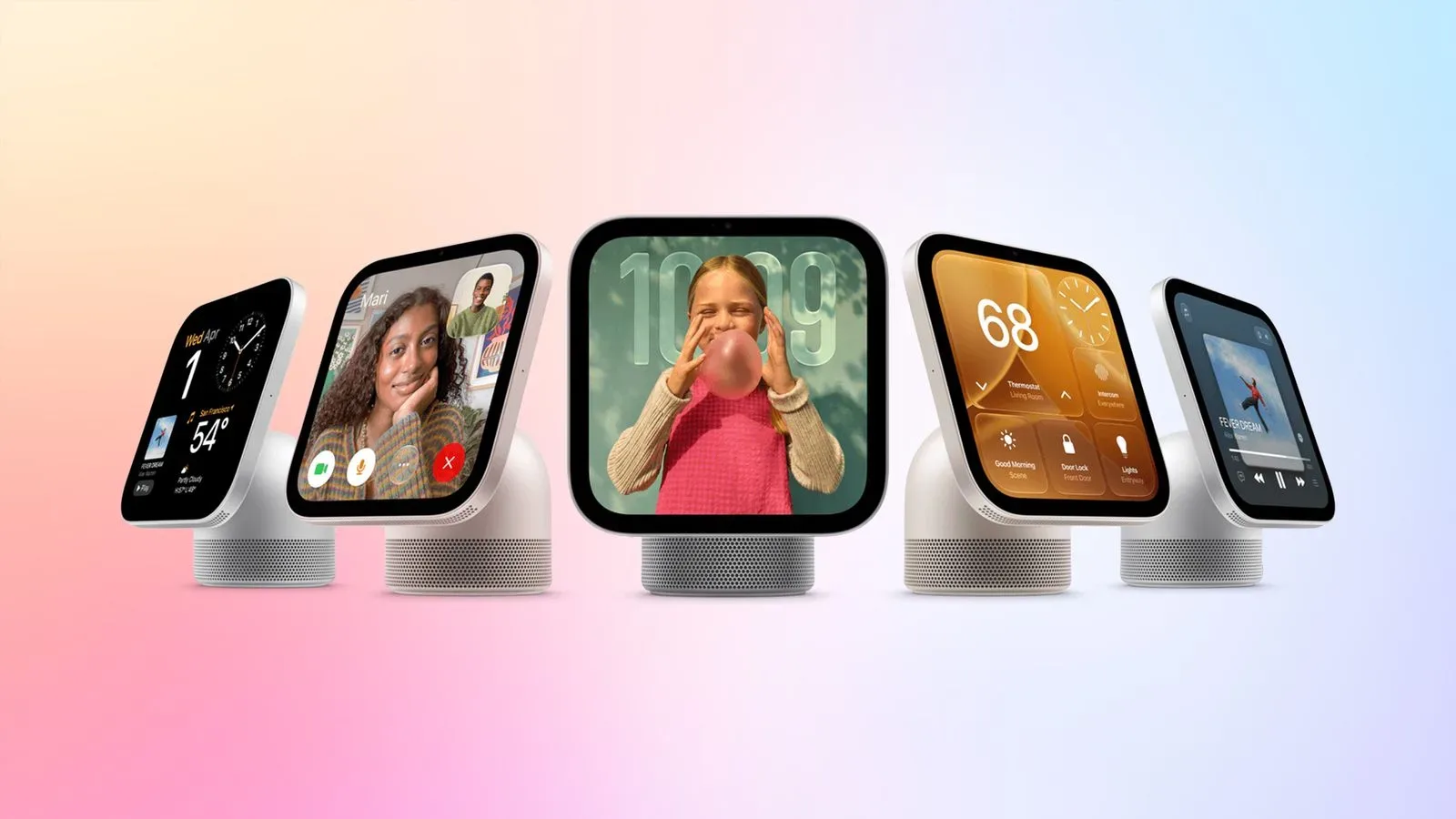
Apple’s newly detailed HomeView smart home hub is taking a deliberately controlled approach to software. The device has no App Store, yet it is not limited solely to Apple’s own built-in tools. Its technical specifications list 15 preloaded Apple apps, while selected CarPlay-enabled audio and video apps can appear through a paired iPhone. Certain CarPlay widgets are supported, too.
That is an important distinction. HomeView is not being presented as a miniature general-purpose tablet on which people download an unlimited catalogue of software. Instead, it appears to be a shared home display with a defined native set of utilities, plus a narrower pathway to compatible iPhone experiences.
For prospective buyers, the question is less “which apps can I install?” and more “does HomeView already cover the shared-screen jobs I want it to handle?” On the confirmed list, the answer spans household communication, smart-home controls, scheduling, clocks and timers, weather, personal-device location, browsing, and several kinds of media.
The 15 Apple apps built into HomeView
HomeView’s included applications are:
- Alarms
- Calendar
- FaceTime
- Find My
- Home
- Intercom
- Messages
- Music
- Podcasts
- Reminders
- Safari
- Settings
- Timers
- Weather
- World Clock
The shape of that list matters as much as its length. It is centered on quick, recurring tasks that make sense on a device situated in a communal room: checking what is next on the calendar, running a kitchen timer, controlling connected-home accessories, seeing the weather, or placing a call. Calendar, Reminders, Messages and Intercom also point to HomeView serving as a household coordination surface rather than just a smart-home control panel.
Intercom deserves to be separated from Messages in that reading. Messages is a personal communication app, while Intercom’s name signals an in-home communication role. The supplied details do not specify precisely how either app works on HomeView, so buyers should not assume feature parity with another Apple screen. Still, their presence makes communication a core part of the device’s software identity.
Home, similarly, is the app with the most direct connection to the product category. A smart home hub needs a clear place for connected-home management and control, and HomeView includes it from the outset. The information available does not enumerate supported accessories, automations or control methods, so the app list should not be treated as a complete compatibility chart. It does establish that Home is native to the product rather than an add-on.
No App Store does not mean no outside apps
HomeView does not have an App Store. That removes the usual expectation that users can browse, buy and install standalone software directly on the hub. It also establishes a hard boundary: a service being available on an iPhone does not, by itself, mean it will be available on HomeView.
However, Apple is using CarPlay compatibility as a bridge for a selected group of paired-iPhone applications. CarPlay is Apple’s software environment for bringing suitable iPhone apps and functions to a vehicle interface. On HomeView, the same compatibility framework is being used for limited audio, video and widget support—not as evidence that the product is literally a car interface.
The confirmed CarPlay-enabled items available from a paired iPhone are:
- Apple Music Classical
- Apple News
- Apple TV
- Audiobooks
- Supported third-party audio and video apps, including Spotify
This arrangement gives HomeView a meaningful media layer without turning it into an open application platform. Apple Music and Podcasts are already part of the device’s built-in lineup. Apple Music Classical, Apple News, Apple TV and Audiobooks instead sit on the paired-iPhone side of the divide. That split is useful to understand because it implies that not every Apple service has the same relationship with the hub.
What “paired iPhone” changes
The phrase paired iPhone is doing real work here. The additional CarPlay-enabled apps are described as being displayed from an iPhone connected to HomeView, rather than being independently installed on the hub. In practical terms, that makes the iPhone part of the experience for those particular services.
There is no supplied information about setup steps, account handoff, which iPhone models are eligible, whether apps work when the paired phone is absent, or how controls are divided between phone and hub. Those are meaningful questions, but they remain unanswered in the available details. It would be premature to describe HomeView as a replacement for an iPhone, Apple TV hardware, or any other Apple device.
What can be said is that the strategy is narrower and more curated than a conventional app marketplace. Native apps provide the foundational, everyday functions. The connected iPhone extends that set through a compatibility channel already associated with audio, video and widgets. The outcome is potentially simpler for a shared household screen: fewer unknown apps, but also less freedom to customize the device around every service a family uses.
Media is the clearest expansion area
The CarPlay-enabled selection is particularly relevant to anyone evaluating HomeView as a casual entertainment screen. Apple TV adds Apple’s video service to the compatibility list. Apple News adds news content, Audiobooks broadens spoken-word listening, and Apple Music Classical provides a distinct music destination beyond the standard Music app. Spotify is the named third-party example.
Spotify’s inclusion is significant because it demonstrates that the paired-iPhone route is not restricted to Apple’s own services. But the wording remains limited: it refers to supported third-party audio and video apps, such as Spotify. It does not provide a full third-party app roster, nor does it say that every CarPlay-capable app will be automatically available. People who rely on a specific service should therefore wait for explicit compatibility confirmation rather than infer support from Spotify alone.
There is another practical nuance. “Audio and video apps” describes a content category, not necessarily a promise about every feature within those apps. The current information confirms their availability on HomeView through the paired-iPhone arrangement. It does not spell out playback quality, interface variations, background behavior, subscriptions, parental controls, or whether every feature found on a phone is presented on the hub.
Widgets widen the idea of a home display
The latest Apple Developer Program agreement confirms that certain CarPlay apps and widgets are available on HomeView. A widget is generally a compact interface element designed to surface useful information or quick actions without requiring a person to enter a full app. On a shared home display, that could be especially fitting: glanceable information is often more valuable than a deep, individual workflow.
The confirmation is notable, but the boundaries are still important. “Certain” widgets is not a complete list. The provided material does not name the supported widgets, explain how developers enable them, or identify whether a particular app’s existing CarPlay widget will appear. For now, it is best understood as a signal that HomeView can expose more than full-screen app destinations while maintaining a curated compatibility model.
This can be read as Apple trying to balance two competing needs. A home hub benefits from being approachable: a person should be able to glance at a screen and get useful information quickly. At the same time, a fully open app ecosystem can make a shared device feel cluttered, inconsistent or difficult to manage. Built-in apps, approved CarPlay experiences and selected widgets represent one way to keep the interface bounded.
What the list says about HomeView’s role
Viewed as a whole, the app inventory creates three functional groups.
Household organization and communication
Calendar, Reminders, Alarms, Timers, World Clock, Messages, FaceTime and Intercom all revolve around time, contact and coordination. A device that remains in a central location can make these functions easier to notice than they are on a phone living in somebody’s pocket. That does not mean HomeView is confirmed to offer new communication features; it means the installed software prioritizes the kinds of activity a shared screen can make more visible.
Connected-home and device awareness
Home and Find My cover two different kinds of awareness. Home is for the smart-home side of the product, while Find My is listed as a native app for locating associated devices or items within that service’s scope. Exact HomeView functionality has not been detailed, so users should avoid assuming that every capability they associate with those names will be present. Their inclusion nevertheless suggests that the device is meant to be a useful household reference point, not simply a media display.
Information and entertainment
Weather and Safari handle general information at the native level. Music and Podcasts handle core listening. Then the paired-iPhone CarPlay layer adds Apple Music Classical, Apple News, Apple TV, Audiobooks and eligible third-party audio or video apps. It is a sensible division on paper: essential services live on the hub, while a selected set of richer content experiences arrives via the phone connection.
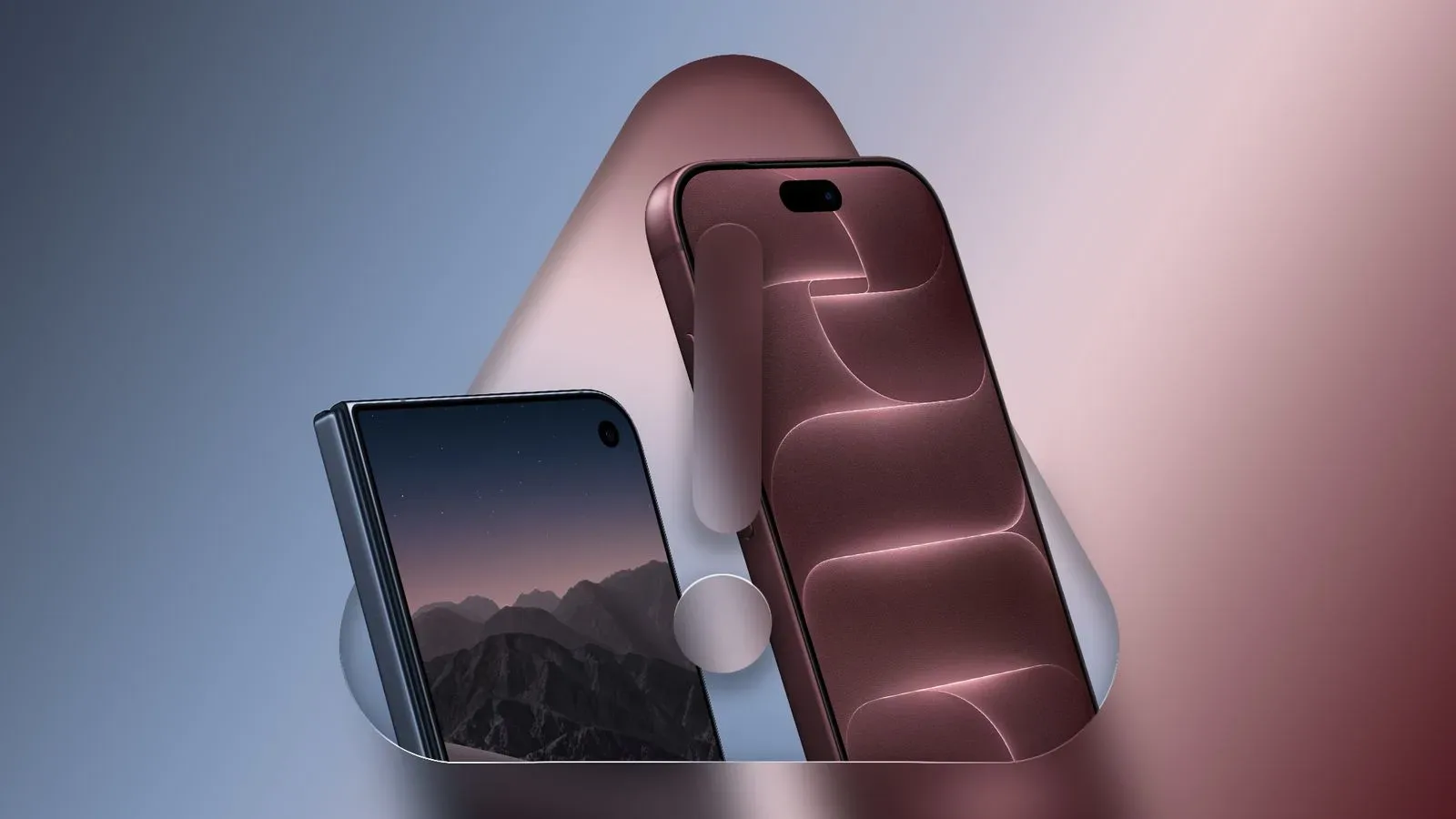
Apple’s broader device direction is also worth watching alongside this launch. The company is simultaneously associated with more personal, portable form factors, including the folding-screen trade-offs discussed in this look at iPhone Duo’s camera, cost and convenience questions. HomeView heads in the other direction: a fixed screen intended to contribute to a room and, potentially, a whole household. The supplied app list reinforces that contrast.
Questions that remain before launch
There is enough information to describe HomeView’s software foundation, but not enough to settle every purchase decision. Apple has confirmed the native apps, the lack of an App Store, the paired-iPhone route for specified CarPlay-enabled services, support for certain CarPlay apps and widgets, and Spotify as an example of a supported third-party service.
Still unknown from the available material are the complete third-party compatibility list, the exact widget selection, the detailed requirements for pairing, and the individual feature sets exposed for each app. Those omissions do not mean the capabilities are absent; they simply have not been established here.
HomeView is available to pre-order now and is scheduled to launch on Friday, November 13. For buyers, the safest approach is to assess the confirmed app list against daily needs first. If Home, Calendar, timers, communication tools and the named media options fit the intended use, the device’s deliberately limited software model may be a strength. If its appeal depends on one unlisted service or a highly customized app setup, waiting for specific compatibility details is the more cautious choice.