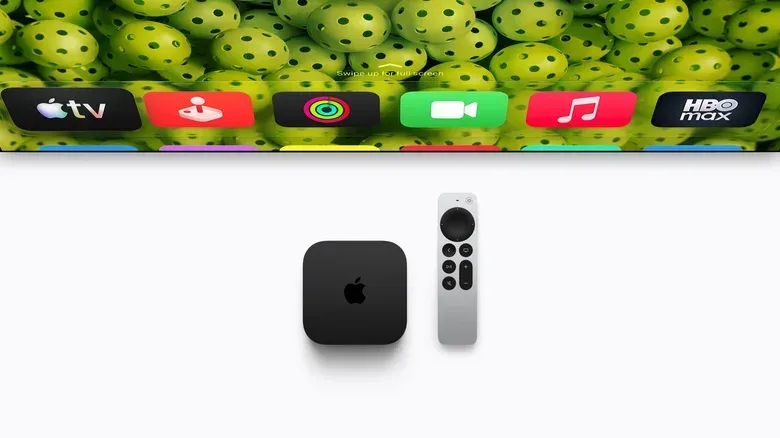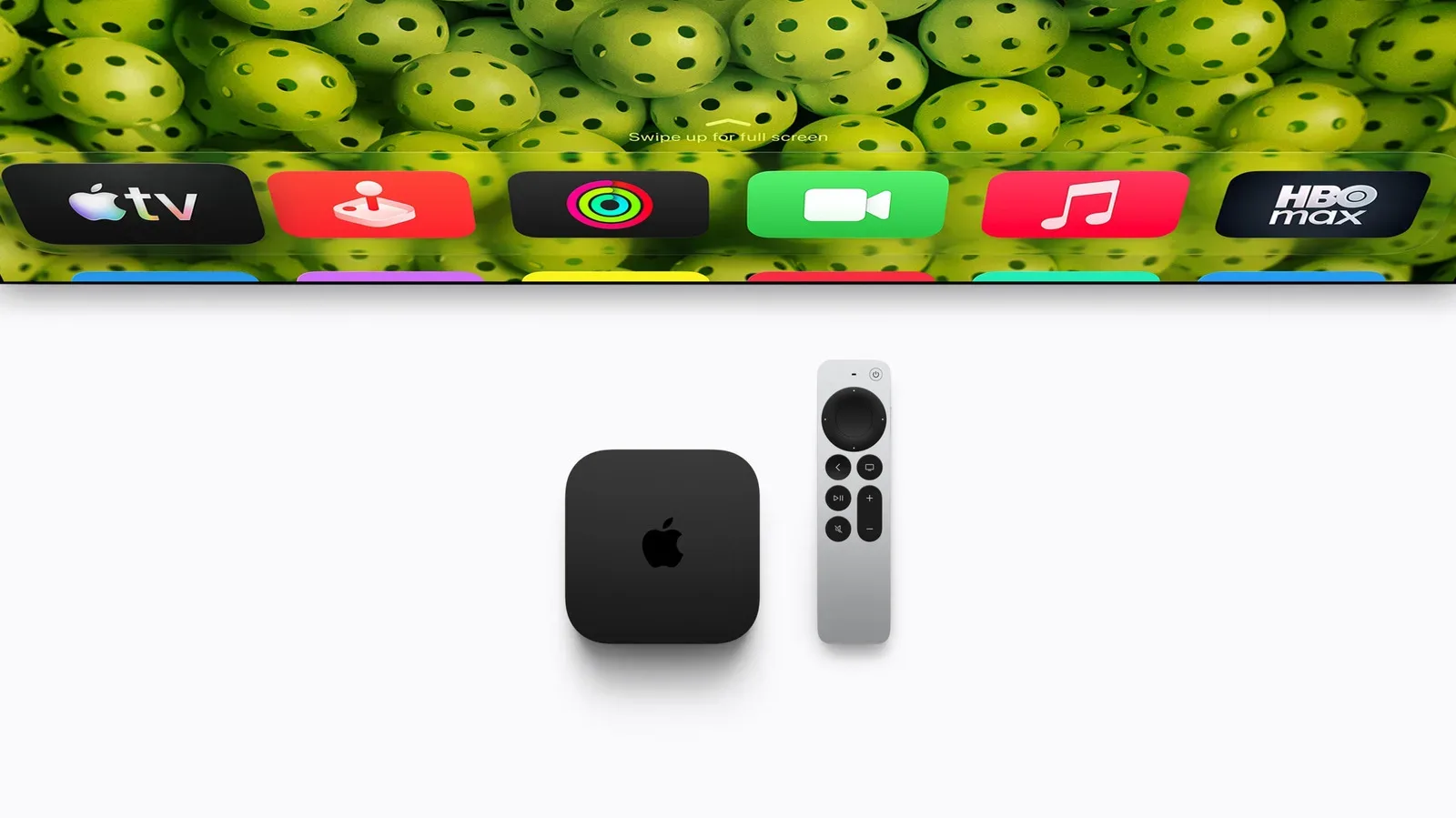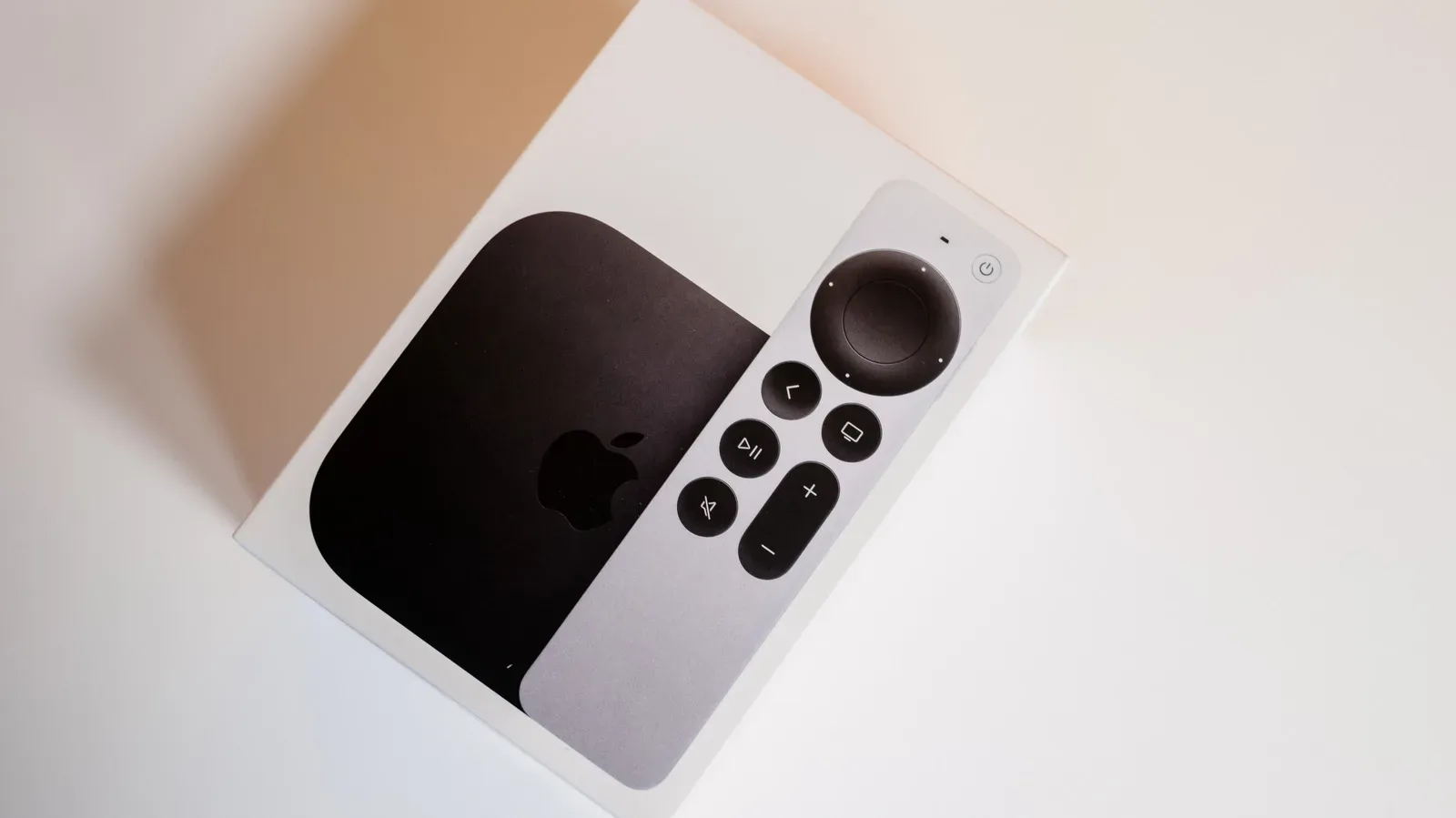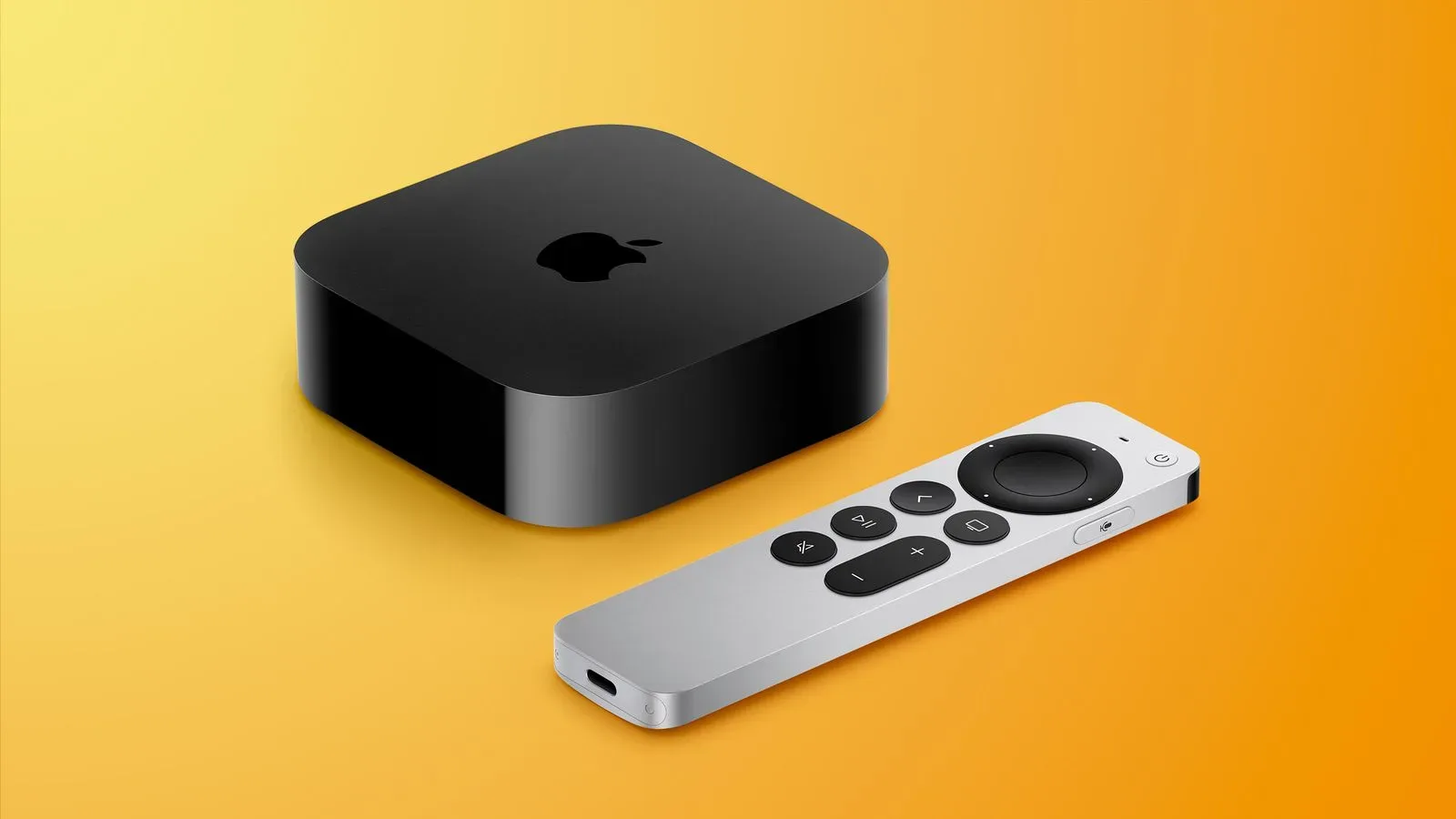

Apple’s fourth-generation Apple TV 4K arrives with a familiar-looking Siri Remote that makes one very practical promise: it should be substantially easier to find after it disappears into the furniture. The new remote keeps the silver-and-black aluminum styling, USB-C charging, touch-enabled clickpad and voice recognition of the prior model. Its meaningful addition is Precision Finding, a more exact location feature in the Find My app, along with the option to make the remote play a sound.
That sounds like a modest refinement rather than a reason to rebuild a living-room setup. In fact, the compatibility picture makes it potentially more useful as an upgrade for people who already own a recent Apple TV. The $59 remote is compatible with all four generations of Apple TV 4K and Apple TV HD. Apple TV hardware from before 2015 is outside that support list.
There is an important asterisk: buying the remote and owning a supported Apple TV does not automatically provide the most precise finding experience. Precision Finding also requires a qualifying newer iPhone and iOS 27. For buyers deciding whether to spend $59 on the remote or $299 on the new Apple TV 4K, that distinction is central. The remote can bring one of the new model’s most tangible day-to-day conveniences to older compatible boxes, but only if the phone in the household meets the additional requirements.
What is actually new on the Siri Remote?
The physical fundamentals remain largely consistent with the third-generation Siri Remote. It has a touch-enabled clickpad, voice recognition and a USB-C port for charging. Its enclosure uses 100% recycled aluminum. For someone content with the existing button layout and navigation method, this continuity means there is no stated change in basic operation to learn.
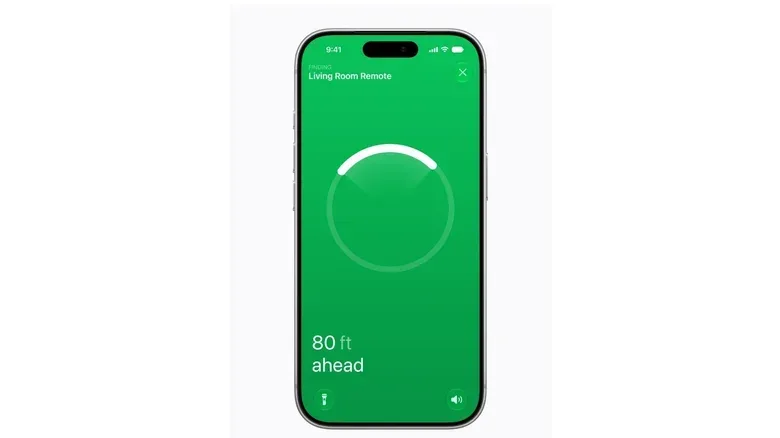
The standout change is the Find My implementation. Find My is Apple’s device-location system. In this context, it can help an owner locate a missing Siri Remote. The new model adds two layers to that task:
- Precision Finding: a more exact, on-phone aid intended to point the user to the remote’s location.
- Sound playback: the ability to have the remote make a noise during a search.
The difference matters. A conventional location result can be enough to indicate that an item is at home or somewhere nearby. Precision Finding is intended for the frustrating final stretch: identifying which side of the room, which seat, or which pile of blankets has claimed the remote. Sound playback offers a second route when visual direction is not enough, such as when the remote is wedged beneath a cushion.
Apple TV 4K owners using older iPhones are not left with nothing. They can still use Find My without Precision Finding, much as users of second- and third-generation Siri Remotes can. But the feature that turns the search from a broad hunt into a more directed one is gated by the phone and software requirements.
Compatibility: the short version
The fourth-generation Siri Remote is supported by the following Apple streaming devices:
Related coverage includes Apple TV 4K’s New Siri Remote: Compatibility, Precision Finding and Siri AI.
- All four generations of Apple TV 4K
- Apple TV HD
Apple TV models released before 2015 are not compatible. That is the key cut-off for anyone looking at an older box and hoping a remote replacement might modernize it.
The remote is included with the fourth-generation Apple TV 4K and is also available separately for $59 through Apple’s retail channels. This makes the choice relatively straightforward for owners of a compatible Apple TV: replacing a lost or worn remote, or adding better location tools, does not require buying a new streaming box.
The separate Precision Finding requirements
To use Precision Finding specifically, Apple says the new Siri Remote must be paired with an iPhone Duo, iPhone Air, or iPhone 17 or later, with the exception of the iPhone 17e. The iPhone must also be running iOS 27.
Those requirements deserve attention before treating the feature as a guaranteed benefit. A household may have a compatible Apple TV 4K and the latest remote while still lacking an eligible phone. In that case, Find My remains available, but the more exact directional feature does not.
It is also notable that iPhone 15 and iPhone 16 models can use Precision Finding with products including AirTag 2, yet are not listed here for Siri Remote Precision Finding. The supplied information does not establish a definitive technical reason. One possibility that has been raised is a shift in this use of Find My from Ultra Wideband technology to Bluetooth 6. That remains speculation, not a confirmed explanation.
Ultra Wideband is a short-range wireless technology often associated with fine-grained device location. Bluetooth is a widely used wireless connection standard. The practical takeaway is simpler than the standards discussion: shoppers should rely on Apple’s stated supported-iPhone list rather than assuming that support for Precision Finding with one Apple accessory means support with every accessory.
Why the remote may be the sensible upgrade for existing owners
Apple’s new Apple TV 4K has broader changes beyond the remote, including its Siri AI experience, a new A19 chip, three far-field microphones and an AV1 decoder. But not all of the software appeal is exclusive to the fourth-generation streaming box. Siri AI features are also being pushed to second- and third-generation Apple TV 4K hardware.
That creates a more nuanced upgrade calculation than “new box equals new assistant.” If a second- or third-generation Apple TV 4K already handles a viewer’s streaming needs, it may receive the new conversational Siri capabilities without requiring the $299 hardware purchase. In that situation, the $59 remote is a lower-cost way to obtain its new hardware-specific convenience, assuming the owner has a supported iPhone for Precision Finding.
The arithmetic is plain: choosing the separately sold remote instead of the new $299 Apple TV 4K leaves a $240 difference. That does not mean the two purchases are interchangeable. The new box has its own claimed performance and hardware advantages. It does mean buyers should separate the benefits into two questions: “Do I need a faster streaming box?” and “Do I mainly want a remote that is easier to recover?”
For homes where the television remote is routinely misplaced, the second question may matter more than benchmark-style improvements. The new remote is not described as adding a radically different control scheme. Its value is in solving a small but recurring domestic problem without forcing a full platform replacement.
Siri AI on Apple TV: what Apple says it can do
Apple describes the new Siri AI experience as more conversational, able to use personal context, draw on broader world knowledge and take more systemwide app actions. On Apple TV, the intended role is to make discovery and viewing questions less disruptive. Responses can appear as an overlay in a corner of the screen rather than taking over the entire program.
Examples of the types of requests described include asking who won a comedy award at that year’s Emmy Awards, asking about filming locations, identifying why an actor looks familiar, and checking whether a movie is suitable for children. These examples suggest a shift from simple playback commands toward contextual questions about whatever a household is watching.
That is a useful distinction. A voice control command tells the box to perform a direct action, such as playing or pausing content. A conversational assistant is intended to interpret a question and supply information. Apple’s promised corner-screen presentation is significant because entertainment viewing is sensitive to interruption: an answer is more useful if it does not force viewers to leave the scene or open a separate app.
The new Apple TV 4K also has three far-field microphones. “Far-field” means microphones designed to pick up a voice from across a room rather than requiring the speaker to hold a device directly in front of their mouth. Apple says advanced echo cancellation helps the box distinguish a user’s voice from surrounding sound. In ordinary use, that means Siri requests can be made without speaking into the Siri Remote itself.
This approach does not make the remote irrelevant. It remains the primary physical control and the place to turn when touch navigation is preferable. Instead, the box’s microphones expand the situations in which a voice request can work—particularly when the remote is misplaced, which is also precisely the situation Precision Finding is designed to address.
What the new Apple TV 4K adds beyond Siri
For buyers considering the full hardware upgrade, Apple says the fourth-generation Apple TV 4K’s A19 chip provides 50% faster CPU performance and up to twice the GPU performance compared with the third-generation model. CPU, or central processing unit, refers broadly to the processor capacity used for general system tasks. GPU, or graphics processing unit, handles graphics-focused work. Apple’s figures are company claims relative to the prior third-generation hardware, rather than a guarantee that every streaming app will feel twice as fast.
The box also includes an AV1 decoder. AV1 is a video format designed to deliver video more efficiently. Apple’s stated benefit is more bandwidth-efficient streaming, which can improve visual quality without placing as much demand on a network. That may be particularly relevant in homes where several people are using the internet while someone is streaming, though actual results will depend on the service and network conditions.
Apple also highlights an Ethernet port, built-in microphones and support for its best surround-sound experience when connected to four compatible HomePods. The streaming box can additionally serve smart-home duties, with AI-generated camera activity descriptions, doorbell notifications and expanded control for select accessories. Readers interested in the company’s wider home-screen direction can also see how Apple HomeView uses an iPhone or iPad for a shared, personalized display setup.
A practical buying checklist
- Identify the Apple TV model. Apple TV HD and every Apple TV 4K generation are supported; models from before 2015 are not.
- Decide whether the remote is the real need. If the current Apple TV is otherwise satisfactory, the $59 Siri Remote may be a more targeted purchase than the $299 new box.
- Check the iPhone model and operating system. Precision Finding requires iOS 27 and the stated eligible iPhone models, excluding iPhone 17e.
- Do not confuse Find My with Precision Finding. Older iPhones can still use Find My, but they do not get the feature’s stated precise-location capability for this remote.
- Consider the box separately for performance or hands-free use. The A19 chip, AV1 decoder, far-field microphones, Ethernet and HomePod-related features are reasons to evaluate the new Apple TV 4K on their own merits.
The fourth-generation Siri Remote is therefore a small hardware update with an unusually clear practical purpose. It maintains the controls existing Apple TV users already know, works across a broad range of relatively modern Apple TV hardware, and adds an answer to the perennial missing-remote problem. The catch is not hidden: the best version of that answer depends as much on the iPhone in a viewer’s pocket as on the Apple TV beneath the television.