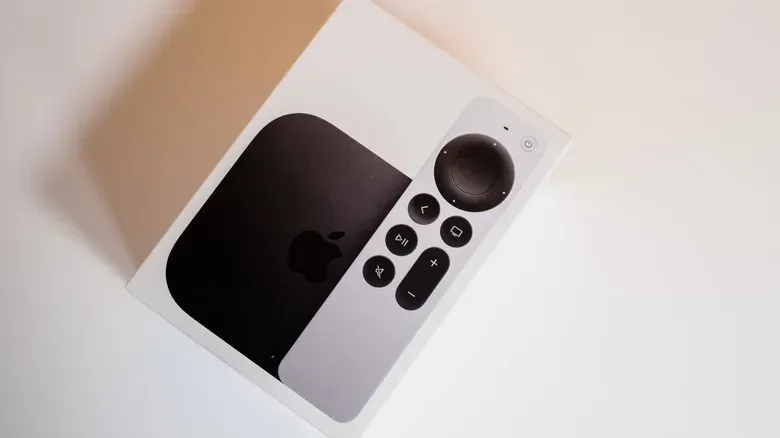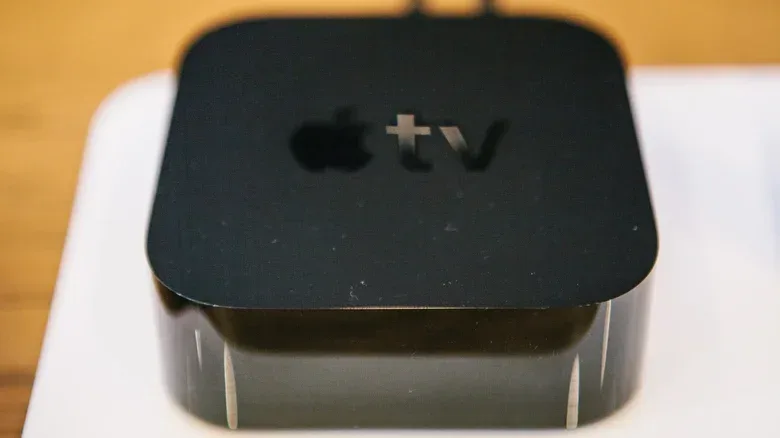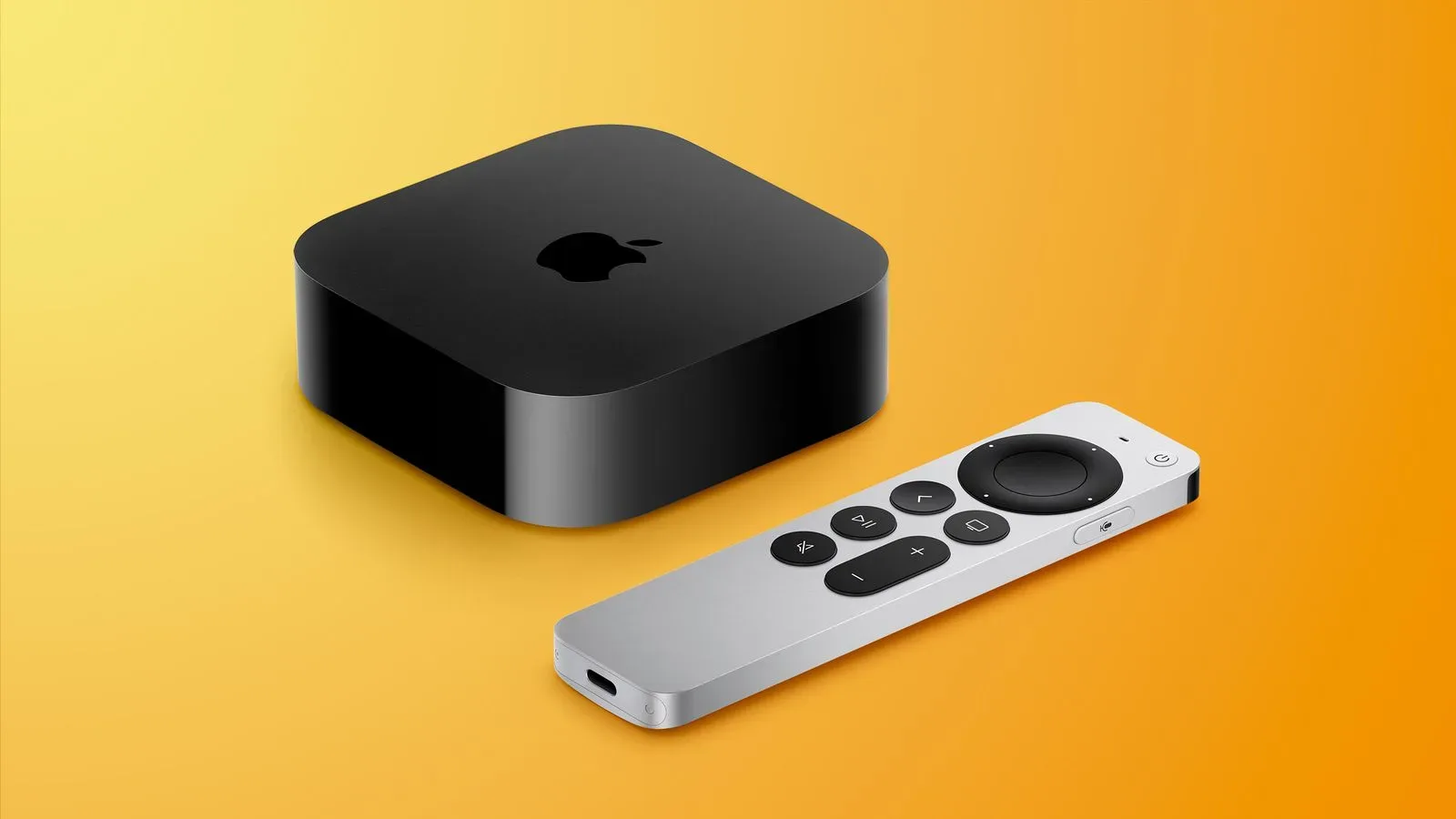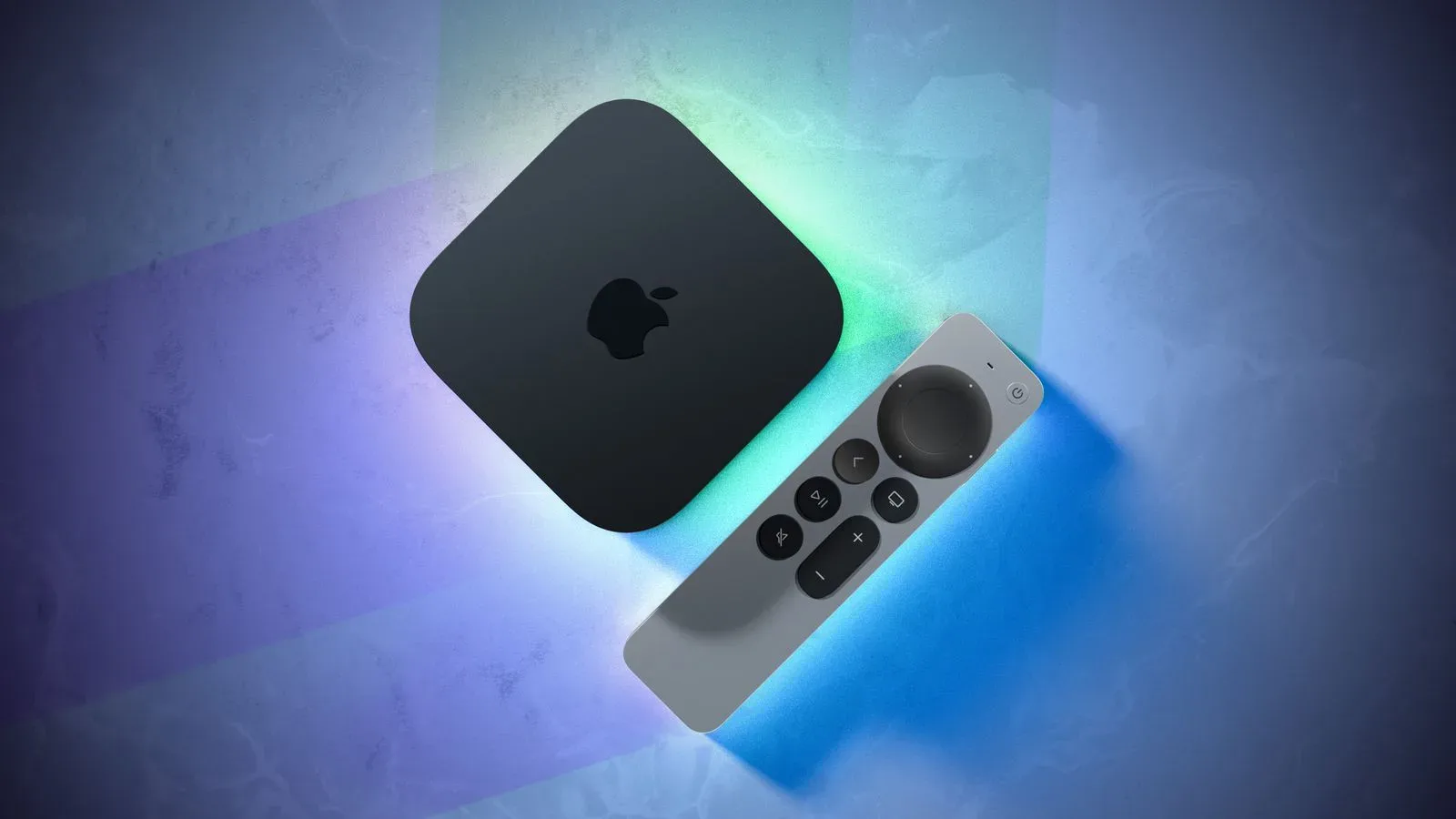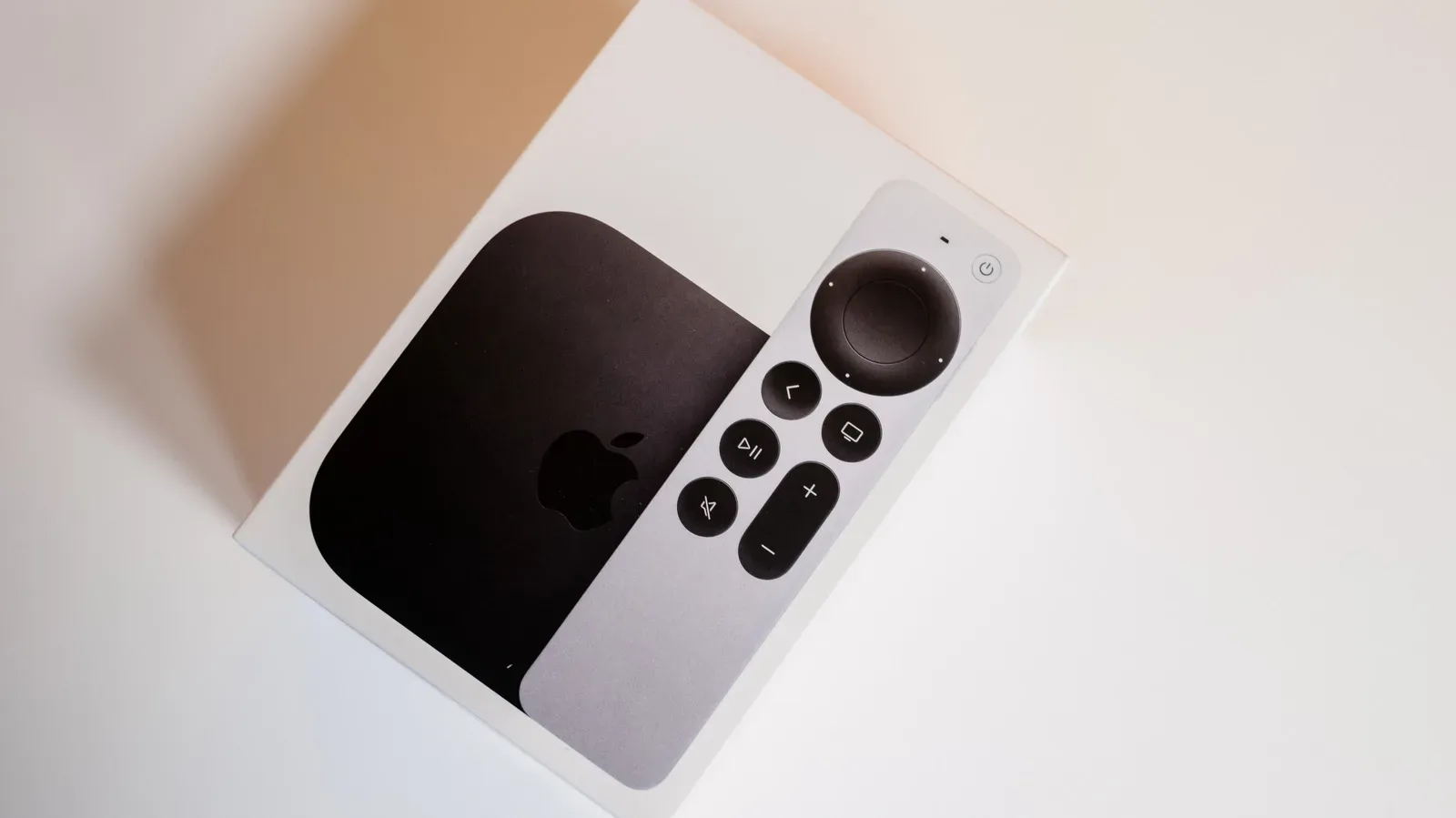
The fourth-generation Apple TV 4K arrives November 13 at $299, and that price naturally makes longevity part of the buying decision. A streaming box does not become useless merely because a newer model reaches the shelf, but its useful life depends on more than whether it can still switch on and open a familiar app.
Apple does not publish a guaranteed number of years for tvOS upgrades or security support on Apple TV hardware. That leaves buyers without a formal end date. Still, its past support for two older devices offers a useful, if non-binding, reference point: the Apple TV HD released in 2015 and the first Apple TV 4K released in 2017 both received tvOS 26 in 2025. They also received tvOS 26.6 security patches in July 2026.
That amounts to roughly a decade of major operating-system support for the Apple TV HD and around eight years for the original 4K model, followed by at least some later security maintenance. It is an encouraging record, but it is not a promise that the new $299 box will receive the same duration. The sensible expectation is not a precise countdown; it is that Apple’s history makes a multi-year run plausible while leaving the actual cutoff entirely in Apple’s hands.
The important distinction: software support is not the same as a working box
Streaming-device discussions can get muddled because “support” covers several separate things. An Apple TV can remain perfectly capable of turning on and playing content even after it loses eligibility for the newest tvOS release. Conversely, a device with an intact HDMI connection and responsive remote can become inconvenient long before the hardware physically fails if an important app no longer updates.
Major operating-system updates are the annual or otherwise substantial tvOS releases that can add platform features, interface changes and compatibility improvements. Security patches are narrower updates intended to address security issues. App compatibility is a separate decision made by each developer, which may set a minimum tvOS version for installing, updating or running its service.
The line between these matters for the older models. The 2015 Apple TV HD and 2017 first-generation Apple TV 4K are not on the tvOS 27 compatibility list, which begins with the second-generation Apple TV 4K from 2021. Yet Netflix still supports both older boxes. Missing tvOS 27 therefore does not turn either device into a black plastic paperweight; it means their platform-level upgrade path has stopped.
That remaining usefulness can be meaningful. Many households use an Apple TV primarily for a small group of streaming apps. If those apps continue to work, playback is stable and menus remain responsive, the absence of a headline operating-system feature may have little effect on an evening’s viewing. The eventual pressure to replace the device is more likely to come when a needed service raises its software requirements, performance becomes frustrating, or security maintenance ends for a box serving a broader role in the home.
What Apple’s recent compatibility change tells us
The arrival of tvOS 27 in September 2026 provides the clearest current boundary. The Apple TV HD and original Apple TV 4K, despite making it through tvOS 26, cannot install tvOS 27. Apple has not confirmed whether either will receive further security patches.
Related coverage includes How Long a New Apple TV 4K May Stay Useful.
It is tempting to treat that history as a firm formula: buy an Apple TV and expect eight to 10 years. That would overstate the evidence. The two legacy models demonstrate what Apple has done, not what it contractually commits to doing next. Future tvOS releases could have different technical demands, and Apple has not offered a support estimate for the fourth-generation Apple TV 4K.
There is nevertheless a consumer-friendly lesson in the record. Apple’s older hardware has not been abandoned the instant newer silicon appeared. The Apple TV HD was still receiving a major release roughly 10 years after its introduction, while the first 4K unit reached that release around eight years after its own debut. For buyers who dislike replacing living-room hardware frequently, that is more relevant than a yearly model comparison.
Amazon’s stated Fire TV policy illustrates a different approach. It promises at least four years of security updates for Fire TV devices purchased new directly from Amazon, or through a model’s published support date if that date falls later. That is not a pledge of major operating-system upgrades, but it does put a minimum security timeframe in writing. Apple’s approach offers no comparable published floor, even though its demonstrated tvOS track record on these examples runs longer.
When should an Apple TV be replaced?
Age is a weak upgrade signal by itself. A better checklist starts with the experience the device actually delivers. An upgrade becomes easier to justify when the Apple TV is plainly failing at the job it was bought to do, rather than simply existing on an older version number.
- Menus have become persistently slow. A pause before every basic navigation action can make a device feel old even when streaming eventually works.
- Apps crash or fail regularly. Occasional service trouble is not necessarily a hardware problem, but recurrent instability is a practical reason to reassess the setup.
- A service you rely on no longer works. This is the most direct consequence of app compatibility changing over time. A box that cannot install or update a crucial app has lost a core part of its value.
- Security patches have stopped on a smart-home hub. Security deserves more weight if the Apple TV also functions as part of a smart-home arrangement, not merely a playback device.
- A new feature solves a real, repeated annoyance. Features matter most when they change the way a household uses the device, rather than when they are simply newer.
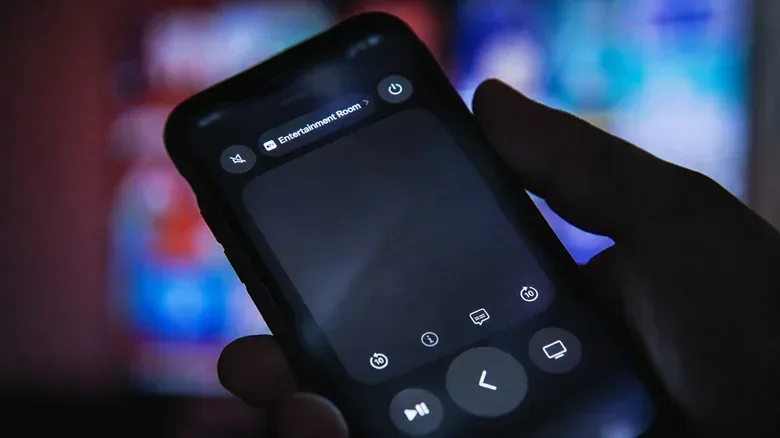
These criteria also help avoid spending $299 to cure a smaller problem. A misplaced or broken remote, for example, is not automatically a reason to replace the Apple TV itself. An iPhone can be used as a TV remote. Apple’s latest Siri Remote also works with every Apple TV 4K model and the 2015 Apple TV HD, and costs $59 as a replacement.
That distinction is especially useful for a device hidden below a television, where the remote is often the component that gets lost in sofa cushions or wears out through constant handling. Replacing the control accessory may restore the day-to-day experience at far less cost than a complete hardware swap.
What the 2026 model adds—and what it does not require
The fourth-generation Apple TV 4K has a faster A19 processor, built-in microphones for hands-free control and an improved Siri Remote. Those are concrete changes over the 2022 model, and the processor matters because it provides more performance headroom for the interface and apps. “Performance headroom” simply means the device has more processing capacity than its present tasks require, which can help it remain comfortable to use as software becomes more demanding.
Hands-free Siri is also a change that could matter more to some homes than others. Built-in microphones mean voice control does not depend solely on holding or locating the remote. For someone who often uses voice controls, that can be a meaningful quality-of-life improvement. For someone who mainly presses play and browses a few apps, it may not outweigh the cost of replacing a still-responsive 2022 box.
The availability of Siri AI beta further complicates any assumption that the newest hardware is compulsory. It will also be available on second-generation Apple TV 4K models and newer, provided the Home administrator has an Apple Intelligence-enabled iPhone or iPad. In other words, a second-generation Apple TV 4K owner does not need the 2026 model solely to access Siri AI beta.
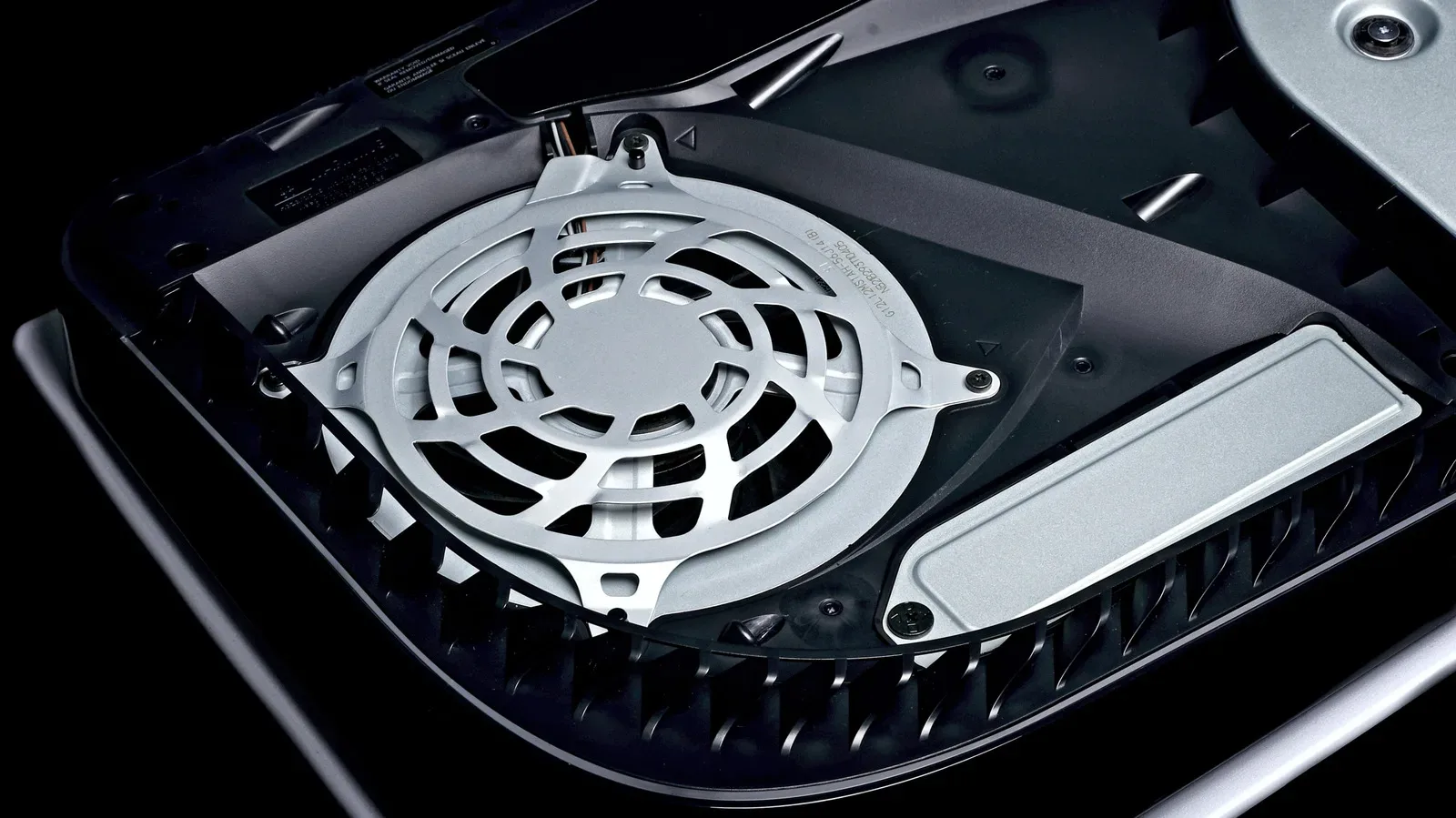
That is a useful buying filter. The latest Apple TV 4K is the appropriate choice for buyers who want its faster A19 chip, hands-free controls or the revised remote as part of a new purchase. It is less obviously essential for people whose existing compatible Apple TV performs well and already meets their streaming needs. Keeping functional electronics in service also makes basic care worthwhile; the same principles behind this practical guide to cleaning a PS5 safely—thoughtful placement and attention to vents—are relevant habits for home entertainment hardware generally.
A practical way to judge the $299 decision
For a first-time buyer, the $299 price should be considered alongside the absence of an official support promise. Apple’s eight-to-10-year examples are strong evidence that its streaming boxes can enjoy long software lives, but they are historical evidence rather than an entitlement. A buyer who needs a written minimum security commitment will find Apple’s position less specific than Amazon’s stated Fire TV policy.
For an existing owner, the decision is simpler: measure the current experience, not the calendar. The 2015 Apple TV HD and 2017 first-generation Apple TV 4K show that an older device can remain viable after it falls off the latest tvOS list, at least while the apps that matter continue supporting it. Their situation also shows why it pays to watch app compatibility and security status instead of assuming that any device with a picture on screen is equally suitable forever.
The most reasonable expectation for the new Apple TV 4K is therefore conditional. It may remain useful for many years, and Apple’s prior support pattern gives buyers a solid reason to think in long stretches rather than annual replacements. But the practical end of its life will probably arrive through one of three routes: software compatibility, declining performance, or a security concern tied to smart-home use. Until one of those appears, a well-functioning Apple TV is doing exactly what a streaming box should do—quietly staying out of the way until it is time to watch something.