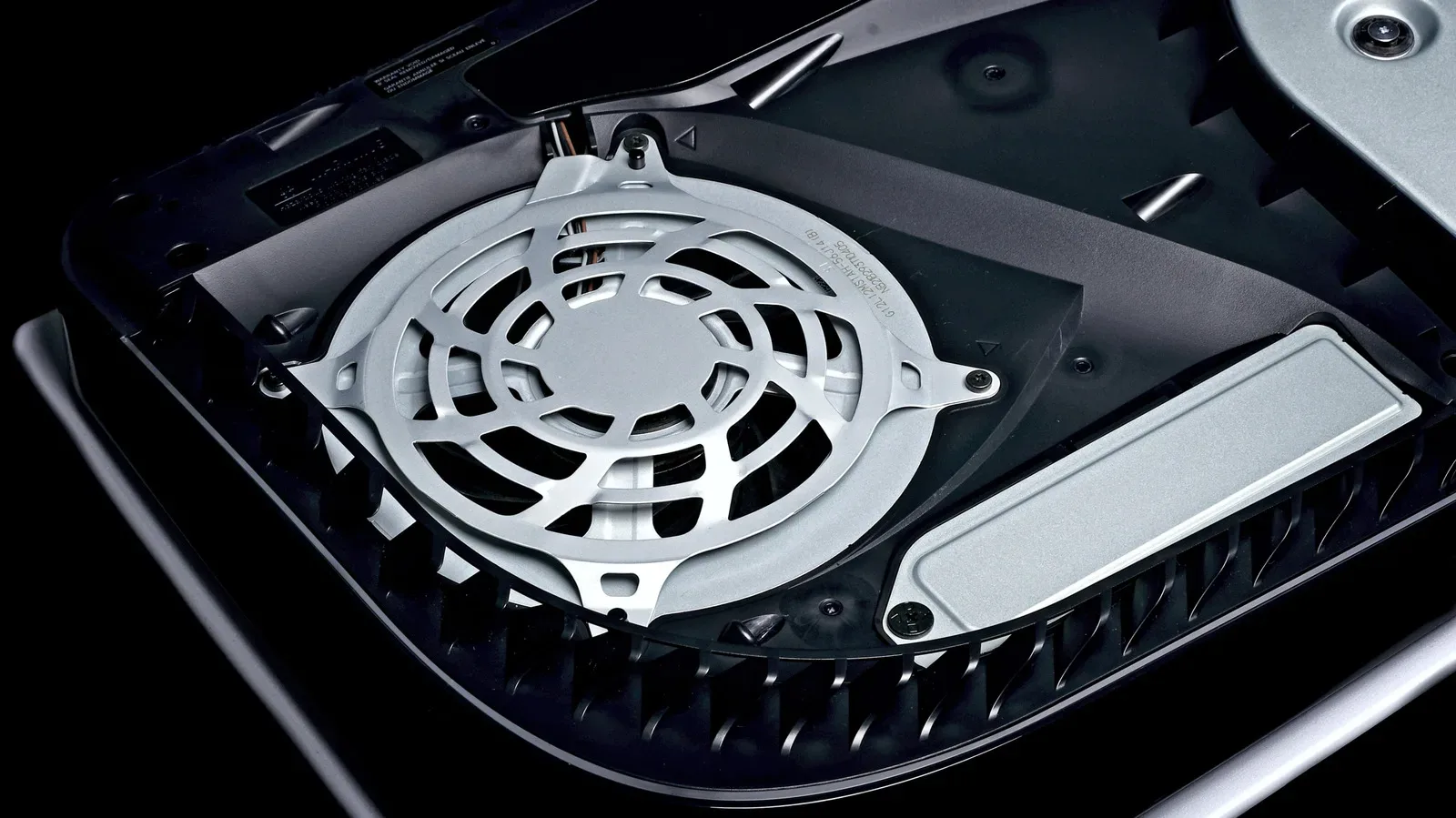
Cleaning a PlayStation 5 is not the glamorous side of gaming, but it is one of the simplest ways to support the console’s cooling setup over time. Dust can gather around vents and accessible interior areas, restricting the movement of air. When airflow is restricted, the system has to work harder to cool itself.
The useful distinction is between basic maintenance and a full internal teardown. A basic clean does not require disconnecting the fan, removing internal screws or dismantling components. It focuses on visible dust, exterior vents, removable covers and the accessible debris-collection areas Sony built into the console. That approach addresses ordinary buildup while avoiding many of the hazards created by going deeper than necessary.
It is also worth resisting the urge to treat a console like a piece of workshop equipment. Strong chemicals, excessive force, oversized vacuums and uncontrolled canned air can all create avoidable problems. The goal is not to make every internal surface spotless; it is to remove reachable dust carefully, restore the covers correctly and make sure the PS5 has room to breathe once it is back where it belongs.
Start with a cool, disconnected console
Never begin immediately after a play session. Shut the PS5 down, unplug its cables and allow it to cool before moving it to a flat, clean work surface. This is the sensible starting point for any cleaning job: it prevents cleaning around a powered device and avoids handling a console that has just been generating heat.
Before removing anything, give the exterior a light wipe with a clean, soft cloth. A microfiber cloth is a practical choice for lifting loose dust and grit from the outside surfaces without needing aggressive pressure. The exterior pass is modest by design. Do not scrub hard in pursuit of a cosmetic-perfect finish, especially around openings and seams.
There are several products that should stay away from the job:
- Bleach
- Chemically treated cloths
- Rubbing alcohol and other alcohol-based cleaners
- Heavy-duty industrial or shop vacuums
Alcohol is particularly important to avoid. The PS5 uses materials including ABS, polycarbonate, often shortened to PC, and PC-ABS, a blend of the two. These plastics have different chemical vulnerabilities, and alcohol may discolor the console or degrade its materials. A soft dry cloth may sound less dramatic than a cabinet full of cleaners, but it is the safer route for routine exterior care.
Clear exterior vents without overpowering them
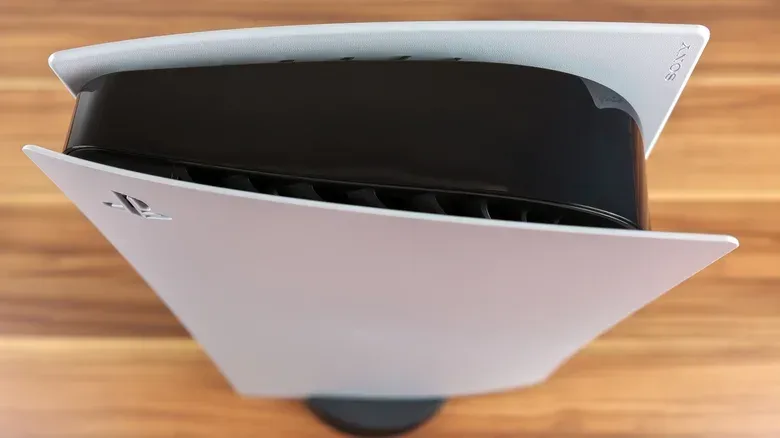
The vents are the natural next focus because they are part of the route air takes through the system. A small handheld vacuum can be used to remove dust from these areas. A combined compressed-air-and-vacuum approach can also be useful, provided it is handled cautiously. What matters is controlled cleaning rather than maximum suction.
An industrial shop vacuum is not the right tool here. Its power is unnecessary for a console and raises the risk of rough handling around more delicate plastic surfaces and openings. Work patiently instead. A cotton swab can pick up dust that the vacuum does not catch, while a soft brush—an old toothbrush is one option—can help loosen dirt that has accumulated on the exterior.
Think of this step as a first pass, not an invitation to force a tool into every gap. The aim is to remove loose debris from the vents and surrounding surfaces while leaving the console intact. If the visible dust is minor, this simple surface-and-vent clean may be all the maintenance needed at that time.
Removing the covers: the useful middle ground
If more cleaning is necessary, the PS5 covers can be removed to reach dust that is not accessible from the outside. This is the most substantial part of a normal cleaning routine, but it is still not the same thing as opening up the console’s internals. The covers are intended to be removable, although they are relatively flimsy, so patience matters.
The removal process is not identical across every PS5 model. The original PlayStation 5 differs from the Slim and PS5 Pro systems, so owners should use the correct illustrated cover-removal instructions for their particular console. Do not assume that a method demonstrated for one version will transfer exactly to another.
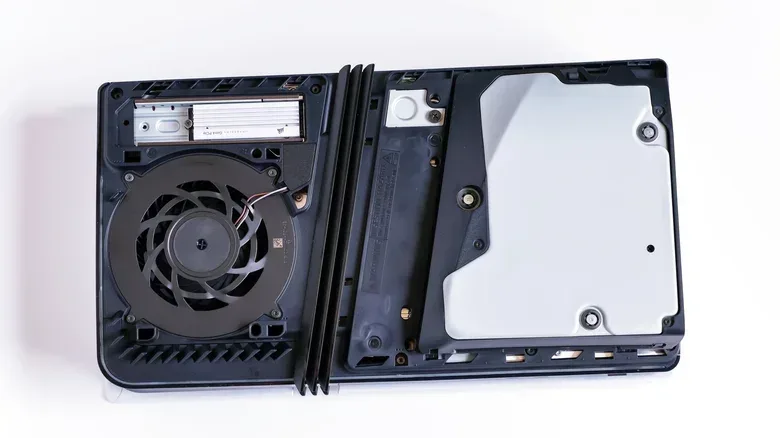
Once the covers are off and safely set aside, use the microfiber cloth and a small handheld vacuum to collect accessible dust on both sides. There is no need at this stage to disconnect the fan or remove screws. The value comes from clearing what can be safely reached, not escalating the task merely because the covers are already off.
Find the dust catchers
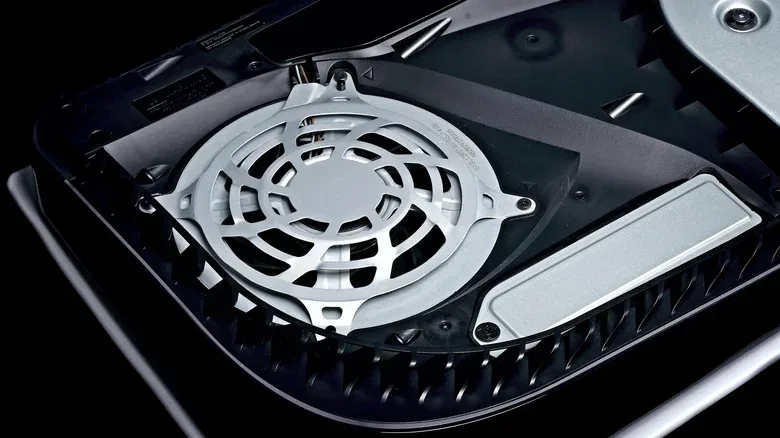
Look for the triangular areas designed to collect debris for removal. These dust catchers are deliberately placed collection points, making them the most logical target once the covers are removed. Vacuum accessible material from these areas, then use the cloth or a cotton swab where appropriate for remaining dust.
This is a better maintenance strategy than chasing inaccessible debris through a deeper teardown. It makes use of the console’s own design while limiting the number of components handled. For most owners, that is the balance to aim for: meaningful cleaning with minimal disassembly.
Be exceptionally careful with canned air and the fan
Compressed or canned air needs a specific precaution. Do not allow the airflow to spin the fan freely. A spinning fan can generate an electric charge that may damage the system. If canned air is being used near the fan, hold the fan blades still with a cotton swab before directing air toward them.
That small detail changes the task from a potentially careless blast of air into a controlled cleaning step. It is also a reminder that “more force” is not inherently better. The console needs dust removed; it does not need its components driven by a powerful stream of air.
There is a clear line beyond cover removal and accessible dust catchers. Deeper work can expose internal components to damage, and damage caused by unauthorized opening or work inside the PS5 is excluded from Sony’s warranty. Removing fan screws requires a TR8 Torx Security screwdriver, but having the tool does not make deeper disassembly necessary for a basic clean.
For a standard upkeep session, it is reasonable to stop before that point. Going further should be treated as a decision with genuine risk, not a required stage in maintaining a console.
Reassembly is part of the maintenance job
Cleaning is not finished the moment the dust is gone. Reinstall the covers by reversing the removal process, then reattach the stand before reconnecting cables and returning the console to its normal setup. Take the time to make sure the covers are aligned and properly connected.
That is not merely a cosmetic concern. Improperly reconnected covers can affect airflow, which could shorten the PS5’s life. The same system that benefits from a cleaner route for air can lose that benefit if its outer panels are not seated correctly afterward.
A cautious reassembly checklist is short:
- Confirm both covers are aligned and securely connected.
- Reattach the appropriate stand before placing the console back in position.
- Reconnect cables only after the console is reassembled.
- Check that the final location leaves open space around the system.
This final check is especially worthwhile after moving the console to a table or floor for cleaning. It is easy to return it to a cramped shelf out of habit, undoing much of the practical benefit of the maintenance work.
Placement matters as much as dust removal
Both vertical and horizontal orientations are valid because the PS5 is designed to operate in either position. The important requirement is to use a stand regardless of orientation. A vertically placed console without its stand is easier to tip over, and putting it on the floor also makes it more exposed to dust.
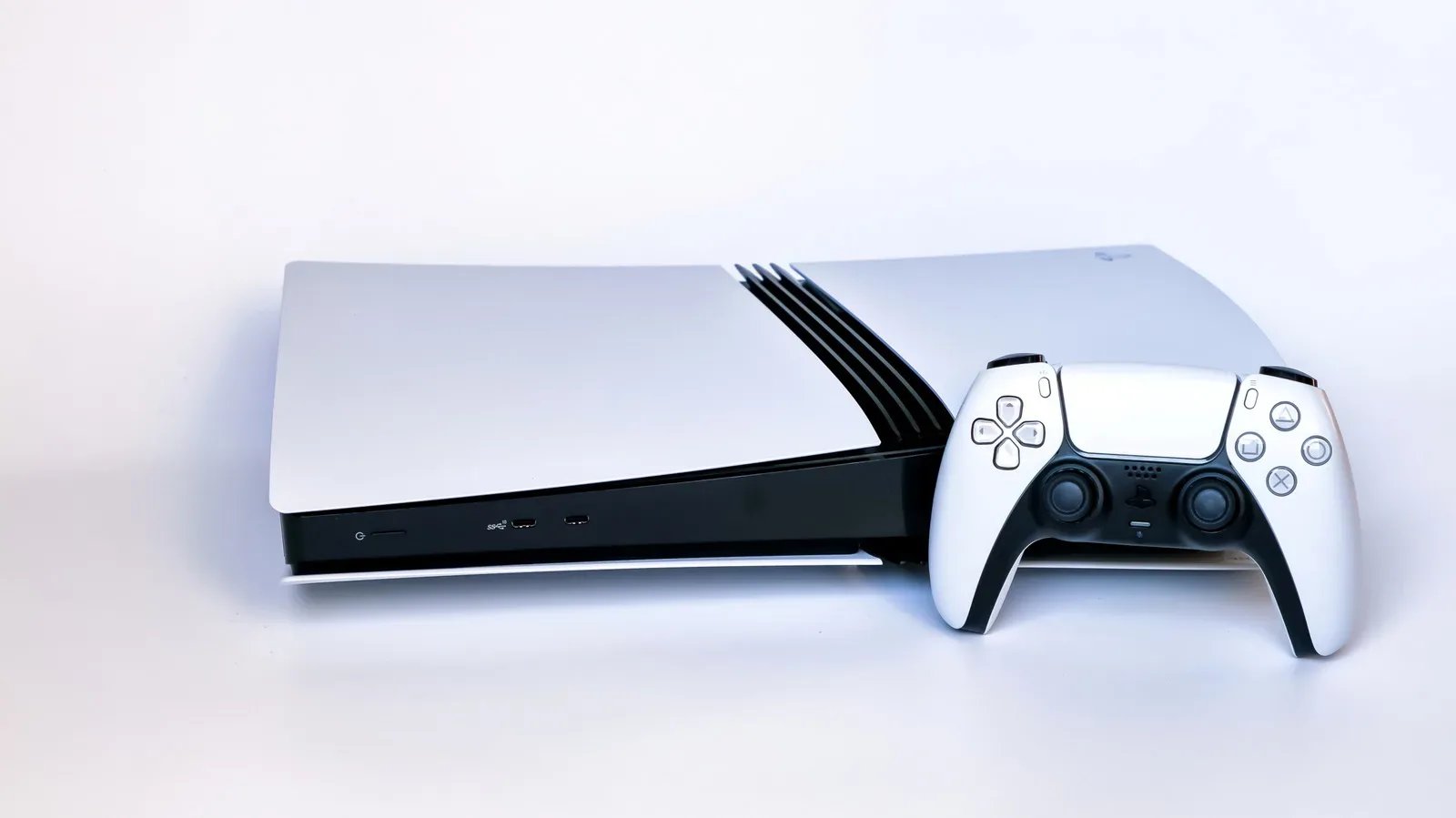
The stand situation depends on the hardware version. The original PS5 includes an adjustable base that works for vertical and horizontal positioning. PS5 Slim and PS5 Pro systems include horizontal stands, while their vertical stands are sold separately for $30.
Whatever model is in use, leave at least four inches of space between the console and walls, with nothing overhead where possible. Avoid placing it inside a cramped entertainment center. Air needs room to circulate around the console, and a clean vent cannot do much if it faces a nearby wall or sits beneath a low obstruction.
The surrounding area deserves attention, too. Wipe dust from the surface where the PS5 sits and vacuum the nearby space. This is one of the most practical ways to reduce how often dust is drawn toward the console in the first place. In other words, console maintenance is partly a room-maintenance habit.
A sensible routine beats an aggressive teardown
The safest PS5 cleaning strategy is uncomplicated: power down, unplug, cool the system, wipe its exterior gently, clean reachable vent dust with restrained tools, and remove the covers only when a deeper accessible clean is useful. Leave internal screws, fan removal and further disassembly alone unless accepting the associated risks.
That approach keeps the task proportionate. It supports airflow without putting plastic materials, fan components or warranty coverage in unnecessary jeopardy. And once the console is clean and correctly positioned, the most rewarding next step is getting back to games—perhaps by lining up a group session with these GameCube party-game picks while the PS5 has a well-earned break.