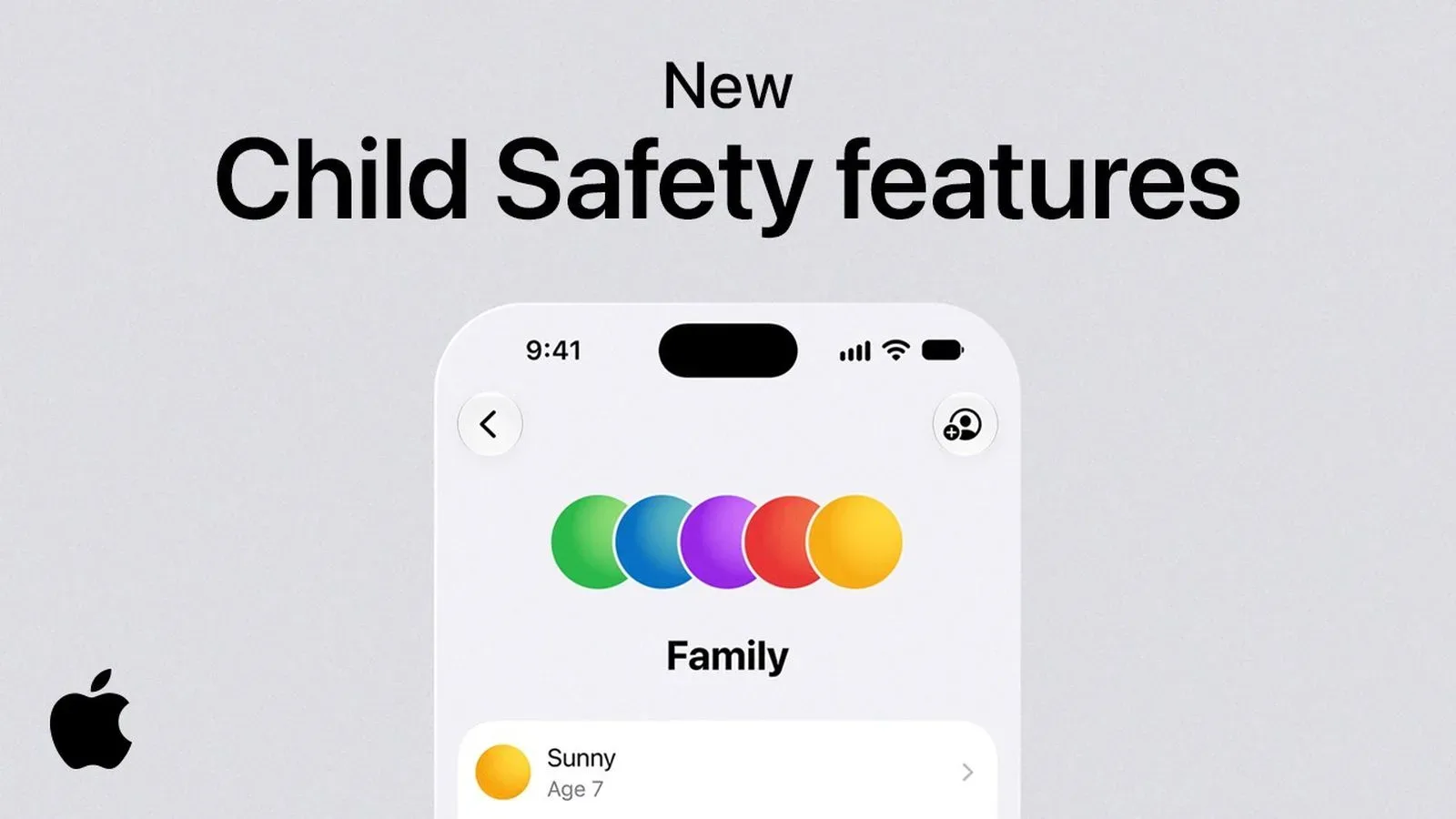
Apple has released Building Healthy Digital Habits: A Guide for Families, a six-step resource intended to help parents use child-safety features in iOS 27, iPadOS 27 and macOS Golden Gate. Developed in partnership with the American Academy of Pediatrics (AAP), the guide frames parental controls as part of an ongoing family plan rather than a one-time exercise in hunting through Settings while somebody asks why the Wi-Fi has “died.”
That emphasis matters. The tools described by Apple can restrict access, require approval, manage contacts and set time-based schedules, but the guide’s structure begins and ends with communication. Parents are encouraged to establish expectations with children, then revisit those expectations as the child gets older. In practical terms, the company is presenting controls as guardrails for routines involving sleep, schoolwork, physical activity, friends and family—not simply a digital padlock placed on every app icon.
The guide arrives alongside an overhauled Screen Time experience and expanded parental-control options in iOS 27. Apple says families can decide which apps a child may use, supervise web access, review approved contacts and create different schedules depending on the time of day. The new system comes with an important all-devices requirement, though: every device in a Family Sharing group must be running iOS 27, iPadOS 27, macOS 27, watchOS 27 or visionOS 27 to use the updated Screen Time setup.
The guide’s six steps, explained
Apple’s first instruction is not “turn on restrictions.” It is to start a conversation about screen time. That ordering is a useful recognition that a limit can be technically simple but socially complicated. A child who understands what a household rule is trying to protect—sleep, a homework window, dinner, an activity outside the house—has more context than a child who merely encounters an unexplained countdown.
The guide encourages parents to include children in setting expectations. Inclusion does not mean children make every decision, or that a bedtime becomes an open-world side quest with no objective marker. It does mean a household can talk through when devices are useful, when they are distracting, and what should happen when plans change. Apple positions that conversation as the foundation for the controls that follow.
Step two is creating a Child Account. Apple says a Child Account enables age-based safeguards and gives parents access to parental controls that manage the child’s experience. “Age-based safeguards” is the key idea here: the account is the mechanism that tells Apple’s family tools that the person using the device is a child and should receive the family’s selected protections.
The third step focuses on safety settings for websites and apps. Apple specifically identifies Ask to Buy and Ask to Browse as features that let families review new apps and websites together. Ask to Buy is an approval layer for acquiring apps, while Ask to Browse applies the same review-minded approach to websites. The shared theme is not just blocking or permitting something in isolation; it is giving a parent an opportunity to see a request and discuss it before access is granted.
That could be particularly useful for households where an app request is really several questions wearing one trench coat. Is the app appropriate? Is it needed? Does it pull attention away from schoolwork? Is a website a reasonable destination for research, entertainment or a game community? The announced guide appears designed to make those discussions part of the process rather than an afterthought.
Step four is making a device-use schedule. Apple refers to Time Allowances and Schedules, tools meant to balance online activity with offline parts of a day. A time allowance is, plainly, a limit on the amount of time available for use. A schedule is a calendar-based rule that can distinguish one period from another. Apple says families can set different screen-time schedules by time of day, which is more flexible than treating every hour as identical.
This distinction is important because a family’s needs are rarely identical at every moment. A schedule can reflect the difference between school hours, homework time, sleep, meals and time with friends or family. Apple’s framing does not prescribe a single correct timetable; instead, it puts the emphasis on balancing device use against other parts of daily life. The guide also includes AAP screen-time recommendations organized by age group, from infants through teens, alongside habit-building strategies.
Communication controls are about more than a contact list
The fifth step concerns communication. Apple says parents can decide who their child is able to communicate with, while Communication Safety is enabled by default for users under 18. Apple describes Communication Safety as a protection that helps prevent children from viewing or sharing sensitive content.
It is useful to separate the two concepts. Managing communications concerns the people a child can contact or hear from. Communication Safety concerns sensitive content within those exchanges. They address related but different risks: one is about the boundaries around contacts, and the other is an added safety measure for what may be sent or received. Together, they signal that parental controls are not only about total time spent on a device. They can also be about the quality and safety of particular interactions.
That broader approach is reflected in Apple’s new Screen Time controls as well. Parents can monitor and control website access, keep track of approved contacts, and select which apps children may access. None of those choices automatically produces a perfect household policy. They do, however, give a family more specific options than a single all-or-nothing switch.
For parents, the practical takeaway is that setting up a Child Account and screen-time limits is only the start. A review of web settings may be appropriate separately from a review of contacts. An app permission may call for a different decision from a schedule around bedtime. Treating every digital concern as the same problem can make rules blunt; the features Apple lists are designed to let families use more targeted settings.
Why the compatibility rule deserves attention
The most concrete setup detail in Apple’s announcement is the operating-system requirement for the redesigned Screen Time system. To use it, all devices associated with the Family Sharing group need to run the current generation of Apple software: iOS 27, iPadOS 27, macOS 27, watchOS 27 and visionOS 27, as applicable.
Family Sharing is Apple’s framework for connecting family members and sharing selected services and purchases, and it is also central to coordinating family controls. The all-device requirement means a household should consider its device mix before expecting the upgraded Screen Time controls to work across the group. A parent may use more than one Apple device, a child may use another, and the wider family group may include still more hardware. The stated rule applies to the group rather than just the device used to configure the settings.
Apple’s guide can therefore be read as both a family-habits resource and a companion to a software transition. The controls may be more capable, but a family needs the relevant software versions in place across its Family Sharing devices to use the revised Screen Time experience. That is a technical prerequisite, not a behavioral recommendation—and it is worth keeping distinct from the guide’s broader advice about routines and discussions.
Healthy habits are meant to change as children do
The sixth and final step is to continue the conversation as children grow. It is arguably the part of the guide least likely to fit neatly into a settings menu, but it may be the one that explains why Apple begins with dialogue. A policy that suits a younger child may not make sense for a teen, just as the apps, sites and contacts a family wants to review can change over time.
Apple’s stated model is adjustment rather than a permanent, unchanging rulebook. Parents can revisit the plan, reassess limits and use the available controls to reflect new circumstances. That does not require predicting every future app, website or social situation. It requires recognizing that a family’s approach to technology needs maintenance, much like the devices themselves.
The guide also lands while Apple faces child-safety regulatory pressure in the UK, the United States and Australia. The announcement does not claim that a family guide or a refreshed Screen Time system resolves every policy debate. What it does show is Apple placing its account controls, app and web approvals, communication protections and scheduling tools inside a health-and-habits framework developed with the AAP.
For families already using Apple devices, the immediate message is relatively clear: begin with an account structure that enables child protections, choose focused safeguards for apps, websites and communications, build schedules around real-life obligations, and keep talking about why those settings exist. The software can enforce selected boundaries. The guide’s larger argument is that families still have to decide what those boundaries should be—and revisit them as life changes.
Apple has also been expanding safety-oriented features elsewhere in its ecosystem, including an on-device warning layer for scam pressure described in its impersonation-risk detection work. The new family guide sits in a different part of that wider safety conversation: not just identifying a risky moment, but helping parents establish the everyday routines and permissions around a child’s connected devices.