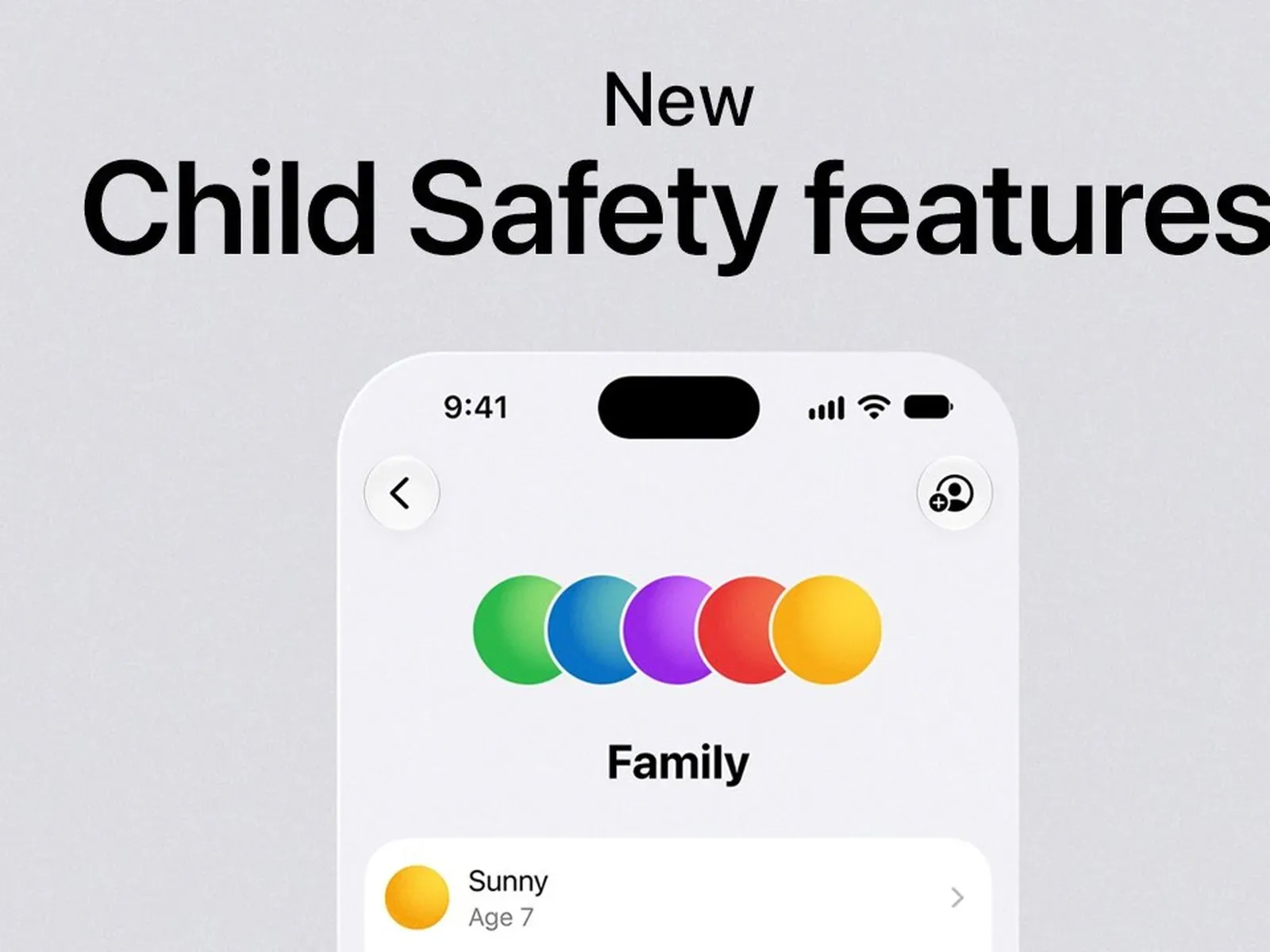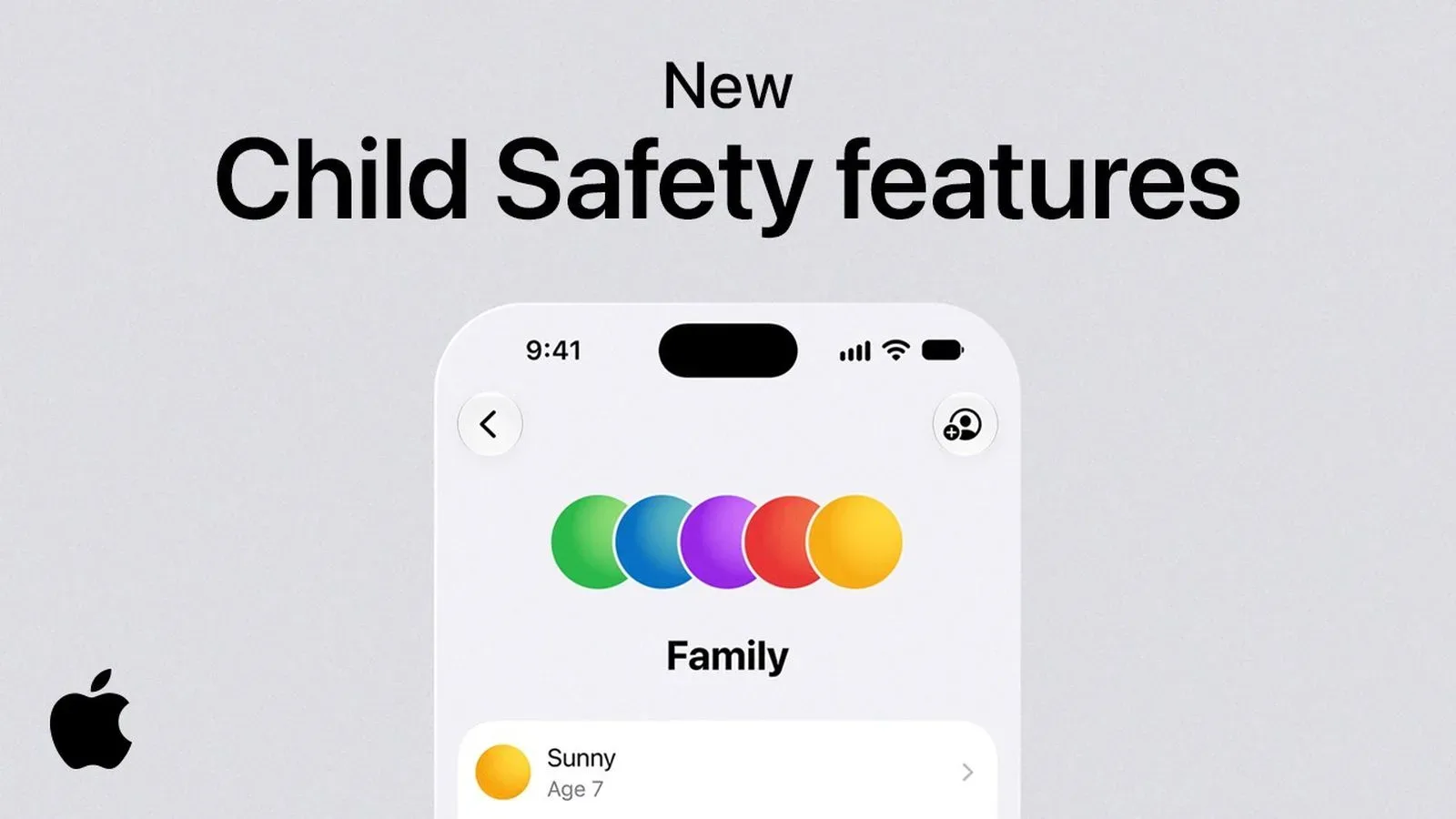
Apple has released a new video focused on the expanded parental-control tools included with iOS 27. The update is built around a straightforward idea: families may need different guardrails for web browsing, communication and device use, rather than a single all-or-nothing screen-time switch.
The new options cover website approval in Safari, controls over who a child can call or message, image and video protections in Messages and FaceTime, and more granular schedules for apps and access. The tools arrived on September 14 alongside iOS 27, iPadOS 27 and macOS Golden Gate.
What the iOS 27 family tools are designed to do
One headline addition is Ask to Browse. It gives parents a way to allow or block the websites a child attempts to visit in Safari. That framing matters: it is not merely a broad time restriction on the browser. It concerns the destination itself, letting a parent make a decision about individual browsing attempts.
Apple has also tied communication management into this wider child-safety set. Parents can determine who children are able to call and message. In practical terms, this places contact access alongside web access and app time as a separate category of family-device management. The controls acknowledge that a device is not just an entertainment screen; it is also a channel for direct communication.
Communication Safety in Messages and FaceTime is another key part of the update. It detects and blocks images and videos involving both nudity and violence. The inclusion of video is notable because it applies the safety focus beyond still images, while support in FaceTime means the feature is not limited to conventional text-message exchanges.
The supplied details do not specify exactly how detection operates, what circumstances trigger a block, or how a parent is notified. Families should therefore distinguish the confirmed capability—detection and blocking of violent or nude images and videos in the named apps—from assumptions about its implementation or every possible outcome.
Schedules move beyond a daily screen-time total
Apple’s new Time Allowances and Schedules aim to make access rules more specific. Parents can customize what children can use by day, hour and activity. The available example is limiting apps during school hours, which illustrates the intended distinction: a child may be permitted to use a device at one point in the day without every app being equally available throughout it.
That is a more flexible approach than treating screen time as one undifferentiated number. “Time allowances” refers to the amount of access permitted, while “schedules” refers to the time windows in which access rules apply. Together, those concepts let a family adapt controls to a routine instead of relying on a permanent blanket restriction.
Apple also lists one-tap options at both ends of the restriction spectrum. A parent can pause access altogether for an event such as dinnertime, or permit unlimited screen time. The value of having both is practical: a family can respond to a particular moment without having to rebuild its broader set of rules.
For households where games, chat apps, web research and calls all share the same phone, tablet or computer, the more detailed structure could be especially useful. A parent might want school-hour limits without automatically applying the same condition to every evening or weekend. The announcement establishes that scheduling can be based on day, hour and activity, though it does not provide a full list of activities or app categories.
A Family Sharing update means every device matters
There is one important setup requirement for the Screen Time changes: every device in the Family Sharing group must run the latest software. That includes the newly released iOS 27, iPadOS 27 and macOS Golden Gate where applicable.
This is the sort of condition that can affect a family’s experience more than any individual setting. A household with a mix of iPhones, iPads and Macs cannot assume the revised Screen Time behavior will work properly if one device remains on older software. Before relying on the updated controls, the sensible first check is whether each device attached to the Family Sharing group has been updated.
That requirement also reinforces what these are: ecosystem-level family features, not isolated phone settings. When children move between a phone, tablet and computer, consistent rules depend on the relevant devices being current. It is an administrative step, but it is central to the update described here.
Why the focus is on devices as well as apps
Apple’s parental-controls campaign arrives amid heightened policy attention to child safety in the UK, the United States and Australia. The UK has called for device-level controls intended to prevent children from viewing and sharing inappropriate images. In the United States, the Kids Internet and Digital Safety Act is now in the Senate. Australia has already barred children under 16 from creating accounts on certain social-media apps.
These are different approaches. An account-creation prohibition concentrates on whether a young person can join certain social platforms. A device-level control focuses on what can happen on the hardware and software a child uses. Apple’s iOS 27 additions sit most clearly in the latter area: Safari browsing, direct communications, image and video safety, and timed access are all handled from the family-device environment.
That does not make device controls a complete answer to every online-safety issue. The announced tools have specific scopes: Safari for Ask to Browse, Messages and FaceTime for Communication Safety, and scheduling-based restrictions for access management. But their breadth suggests Apple is presenting parental control as a collection of distinct tools, each intended for a different kind of decision.
What parents can take from the update
The useful takeaway is not that every family should configure the same degree of restriction. It is that iOS 27 provides more choices for families whose rules vary by context. Website approval may be useful where browsing needs individual oversight. Communication contact controls address a different concern. Image and video safeguards address sensitive media. Schedules handle the recurring question of when particular apps or access should be available.
- For browsing: Ask to Browse can be used to approve or block Safari sites a child wants to visit.
- For communications: parents can decide who a child may call and message.
- For sensitive media: Communication Safety detects and blocks violent and nude images and videos in Messages and FaceTime.
- For routines: Time Allowances and Schedules can tailor access by day, hour and activity, including school-hour app limits.
- For exceptions: one-tap controls can pause access for occasions such as dinner or permit unlimited screen time.
- For setup: the Screen Time update requires all devices in the Family Sharing group to be on the latest software.
The wider conversation around safety tools also overlaps with privacy-minded features elsewhere on consumer devices. For example, Google Photos has introduced a way to pixelate sensitive details in images; its Redact rollout illustrates another device-software approach to handling sensitive visual information. The goals and tools are different, but both reflect the growing importance of controls around what people see, share and preserve digitally.
Apple’s video puts the emphasis on the revised family features rather than promising a single cure-all. The significant change is the availability of more targeted controls in iOS 27, iPadOS 27 and macOS Golden Gate: tools that let families make separate choices about the web, contacts, sensitive media and the timing of device access.