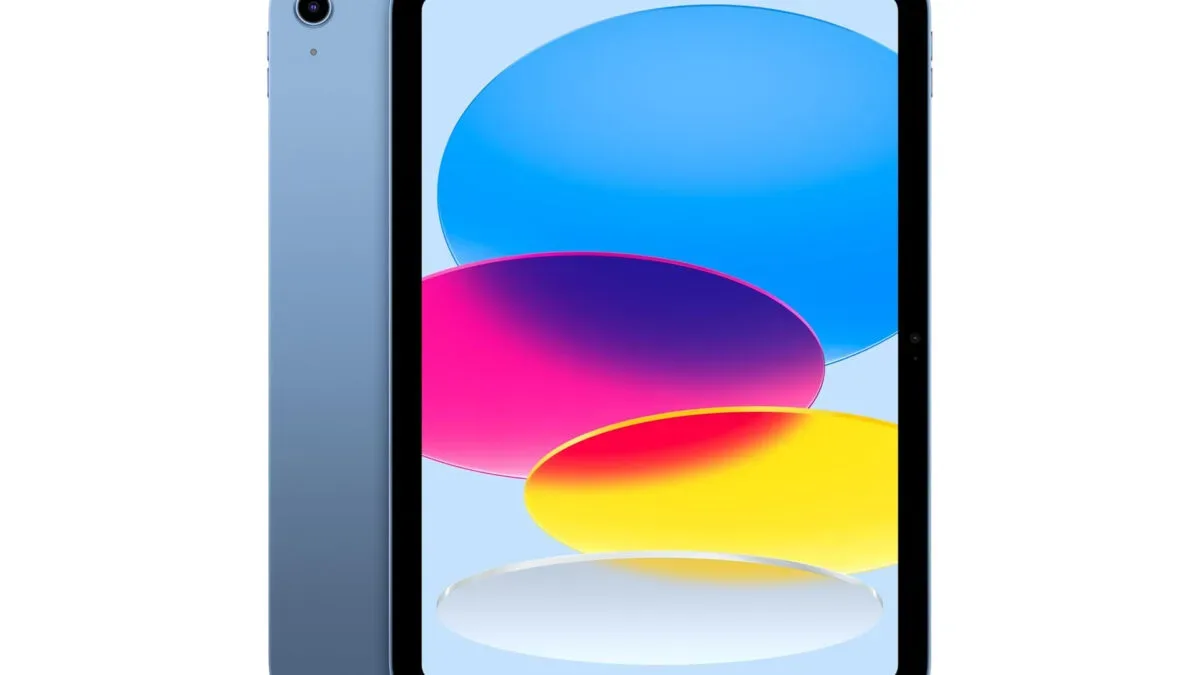
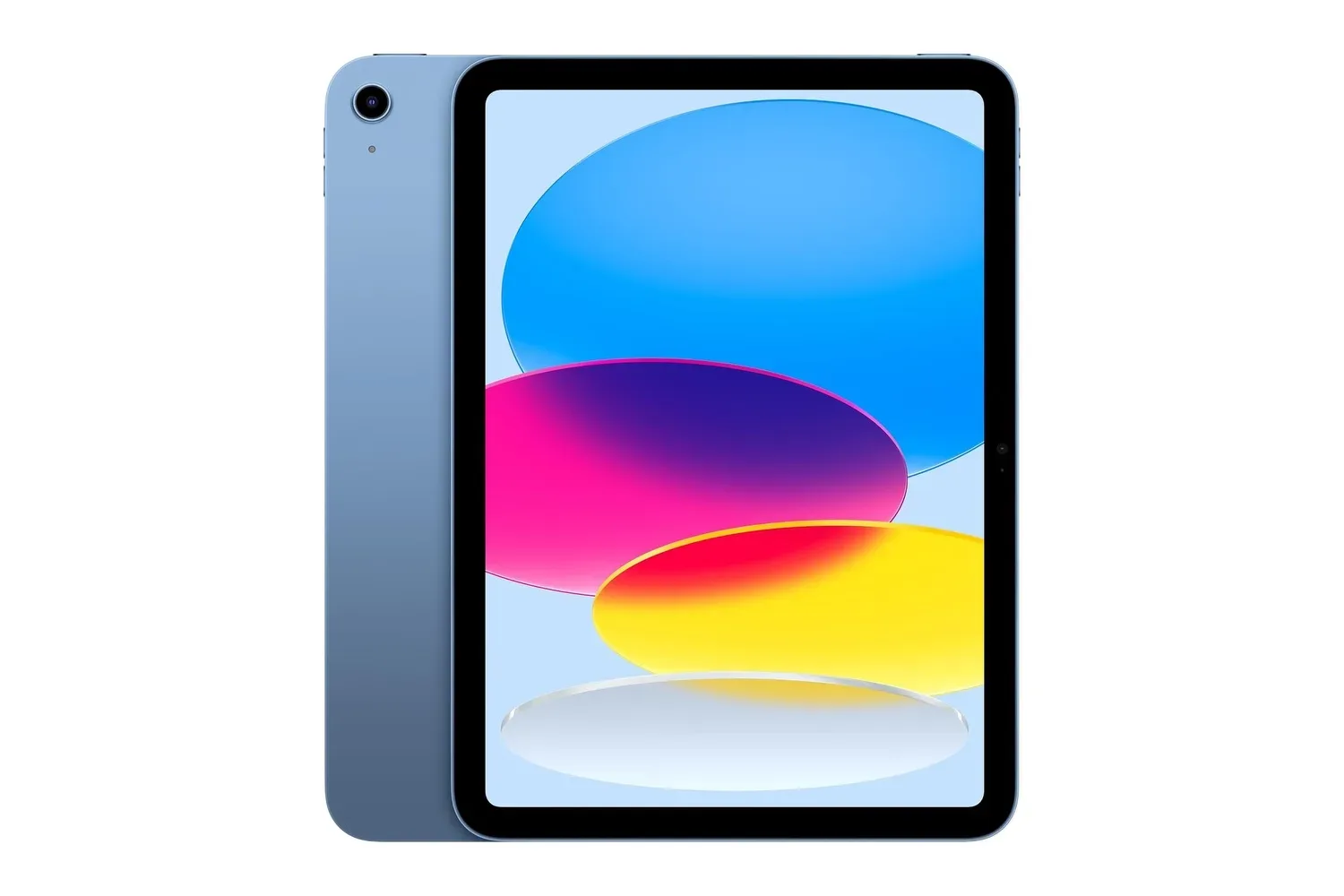
Apple’s 11-inch iPad with an A16 chip and 128GB of storage is listed for $379, down $70 from $449. That is a 16% reduction on a tablet positioned for broad everyday use: streaming, web browsing, video calls, handwritten notes, light creative work and, importantly for this site’s audience, the many games available through the App Store.
The price is the immediate headline, but the more useful question is what the hardware actually provides. This is not merely a large screen attached to a browser. The iPad combines Apple’s A16 processor, an 11-inch Liquid Retina display, Wi-Fi 6, Bluetooth 5.3 and USB-C in a thin, roughly 1.05-pound device. Its specifications point to a flexible portable screen for touch-driven games and media, while optional keyboard and stylus accessories can make it more practical away from the couch as well.
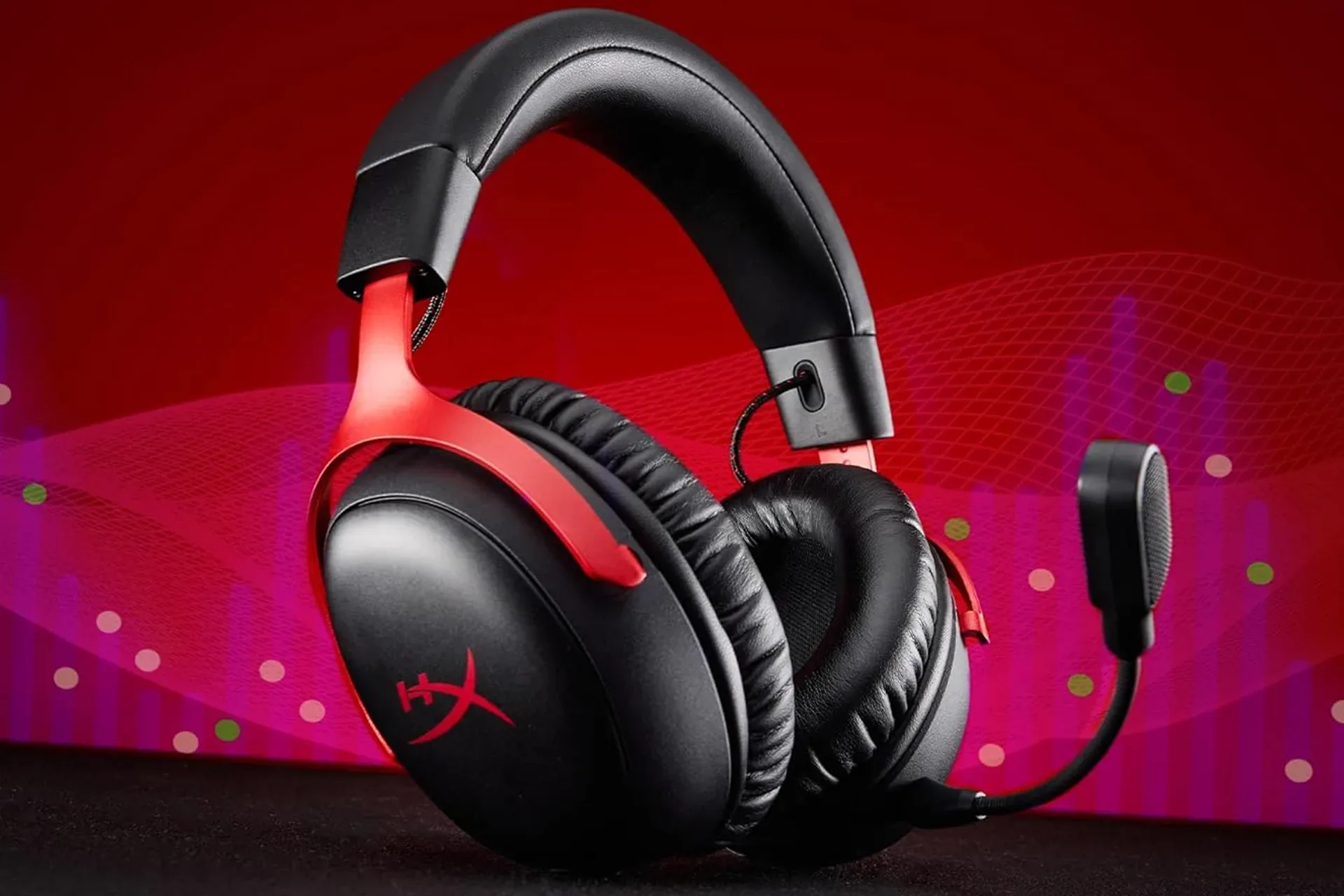
Anyone comparing gaming-adjacent gear during the sale period may also want to weigh where a tablet fits in their setup. A headset upgrade, for example, serves a very different purpose; the HyperX Cloud III S Wireless deal is aimed at audio, while this iPad is primarily a self-contained display and computing device. The distinction matters when deciding whether portability, games, video and general productivity are worth more than a single-purpose peripheral.
What the $379 iPad configuration includes
The discounted model has 128GB of storage and Apple’s A16 chip. Storage is one of the first details worth checking on a tablet intended for games, downloaded video, photos and creative apps, because all of those can compete for local space. The supplied information does not establish how much capacity individual games consume or how much of the 128GB is available after system software, so buyers should not assume it will accommodate an unlimited library. Still, the listed configuration is specifically 128GB rather than a smaller capacity.
The A16 is the processor that handles the iPad’s general computing workloads. In practical terms, it is described as capable of running many App Store games as well as handling general tasks, smooth scrolling through large photo collections and web pages, and photo and video editing at resolutions up to 4K. That does not mean every game or workload will perform identically, and it is not a promise about a particular title’s frame rate. It does, however, establish that the iPad is built for more than basic playback and messaging.
For people who split a screen between a game guide, chat, video or other apps, the iPad can have two applications open at once. The evidence here supports the multitasking capability, but not every possible way a particular game will behave alongside another app. It is best viewed as a convenience for surrounding activities: following a walkthrough, replying to messages, looking at a recipe, or keeping a call open rather than constantly closing and reopening applications.
The display and connections in plain language
The 11-inch Liquid Retina display has a 2360-by-1640 resolution, up to 500 nits of brightness and True Tone. Resolution describes the number of pixels used to form the image; more pixels across the panel help preserve detail in game interfaces, text, web pages and video. Brightness, measured in nits, is a measure of the screen’s light output. The listed 500-nit figure is useful context when comparing screen specifications, although viewing conditions and a user’s own preferences remain important.
True Tone is Apple’s name for a display behavior that adjusts the screen’s color temperature to match ambient lighting. In simple terms, the screen can look warmer or cooler depending on the room. That may be welcome during reading or casual browsing, though users working with color-sensitive imagery may prefer to consider how display adjustments affect their viewing preference. No gaming-specific display features beyond the stated screen specifications are claimed here.
Wi-Fi 6 and Bluetooth 5.3 cover the tablet’s listed wireless connections. Wi-Fi is relevant to downloading games, online play where supported by the game, video streaming and web access. Bluetooth is the wireless standard commonly used by accessories, though the available information does not promise compatibility with every controller, headset or other device. The sensible approach is to verify any must-have accessory directly before making a purchase decision.
The iPad has one USB-C port. USB-C is the reversible connector used here for charging and for attaching an external monitor. The port supports an external display at up to 4K resolution and 60Hz. “4K” refers to a high-resolution display signal, while 60Hz means the screen can refresh up to 60 times per second. That functionality may be relevant to a desk setup, but it should not be confused with a blanket claim that every application or game will render in 4K or run at 60 frames per second. The stated fact is external-monitor support up to those limits.
Portable design, cameras and battery expectations
At approximately 0.28 inches thick and 1.05 pounds, the iPad is designed to travel more easily than a laptop. Its landscape stereo speakers and dual microphones address the basics for watching video, listening to music and participating in calls. For casual gaming, the compact form factor and integrated screen are the core appeal: no desk is required, though touch controls and a tablet-sized device will not suit every genre or every player.
Apple rates the battery for up to 10 hours of Wi-Fi web browsing or video watching. That is a useful benchmark, but it is not a universal battery-life promise for games. Gaming workload, display brightness, wireless activity and background tasks can all change usage patterns; the supplied rating applies specifically to web browsing on Wi-Fi or video viewing. Buyers considering long trips should treat it as an advertised reference point, not a guarantee of ten hours in any particular game.
There are two 12MP cameras. The rear 12MP Wide camera can capture still images with Smart HDR 4, scan documents, and record 4K video at up to 60fps. Smart HDR 4 is a computational photography feature intended to improve image capture in varied lighting; the supplied details do not establish specific results in particular scenes. The rear camera’s document-scanning function is a practical addition for school, work or keeping digital copies of paperwork.
On the front, the landscape-oriented 12MP Center Stage camera sits on the iPad’s long edge. That placement is particularly meaningful when the tablet is horizontal in a stand or keyboard case, since the camera remains in the natural position above the display rather than off to one side. Center Stage adjusts framing to keep the caller centered as they move during video chats. It is a straightforward quality-of-life feature for FaceTime calls and other video-call use, especially for people who expect to use the iPad in landscape orientation.
Apple Pencil and keyboard accessories are optional costs
The iPad supports both the USB-C Apple Pencil and the original first-generation Apple Pencil. The latter requires Apple’s USB-C to Apple Pencil Adapter. Either stylus can be used for handwritten notes, sketching and annotating PDFs. This could make the tablet appealing for players who also want a screen for drawing, note-taking or marking up documents, but neither Pencil is included in the stated $379 price.
The Magic Keyboard Folio is likewise sold separately. It connects through the iPad’s Smart Connector and adds a full keyboard and trackpad. A Smart Connector is a physical connection on the tablet’s side that lets the compatible keyboard attach without relying on Bluetooth pairing for that connection. For extended typing, that can turn the tablet into a more laptop-like writing device. It does not transform the iPad into a conventional gaming PC, nor does the provided information claim it will; its clearest benefit is making longer emails and other typing tasks easier.
Those accessory costs are the central practical caveat to the deal. A buyer who only wants a touch tablet for media and App Store games can assess the $379 device on its own. Someone planning to write extensively, use a stylus, or prop it up in a more fixed workspace should factor in separately sold accessories before treating the sale price as the complete setup cost.
Everyday Apple features round out the package
Touch ID is integrated into the top button. It can unlock the tablet and authenticate App Store and Apple Pay purchases with a fingerprint. For shared or frequently used devices, that offers a quick route back into the iPad without entering a passcode each time, subject to the user’s own security preferences.
For people already using an iPhone or Mac, AirDrop can transfer files between Apple devices, while Handoff lets users continue supported tasks across them. These ecosystem features are not necessary to use the iPad, but they are part of the value proposition for existing Apple households. A person moving screenshots, documents or other files between devices may find them more consequential than a shopper starting without other Apple hardware.
At $379, this A16 iPad’s appeal is its balance rather than one narrowly specialized trick. The 11-inch, 2360-by-1640 display provides a substantial portable canvas; the A16 is positioned for responsive everyday work and many App Store games; USB-C adds charging and external-display flexibility; and the landscape front camera makes sense for calls from a stand. The important limits are equally clear: the 10-hour figure is an advertised web-and-video estimate, accessories cost extra, and suitability for a favorite game or accessory should be checked individually. For a buyer who wants one tablet to cover entertainment, communication, basic creative work and mobile gaming, the current $70 price cut gives that general-purpose package a more compelling entry point.
Shop the products
Check current price, model and availability at the retailer.