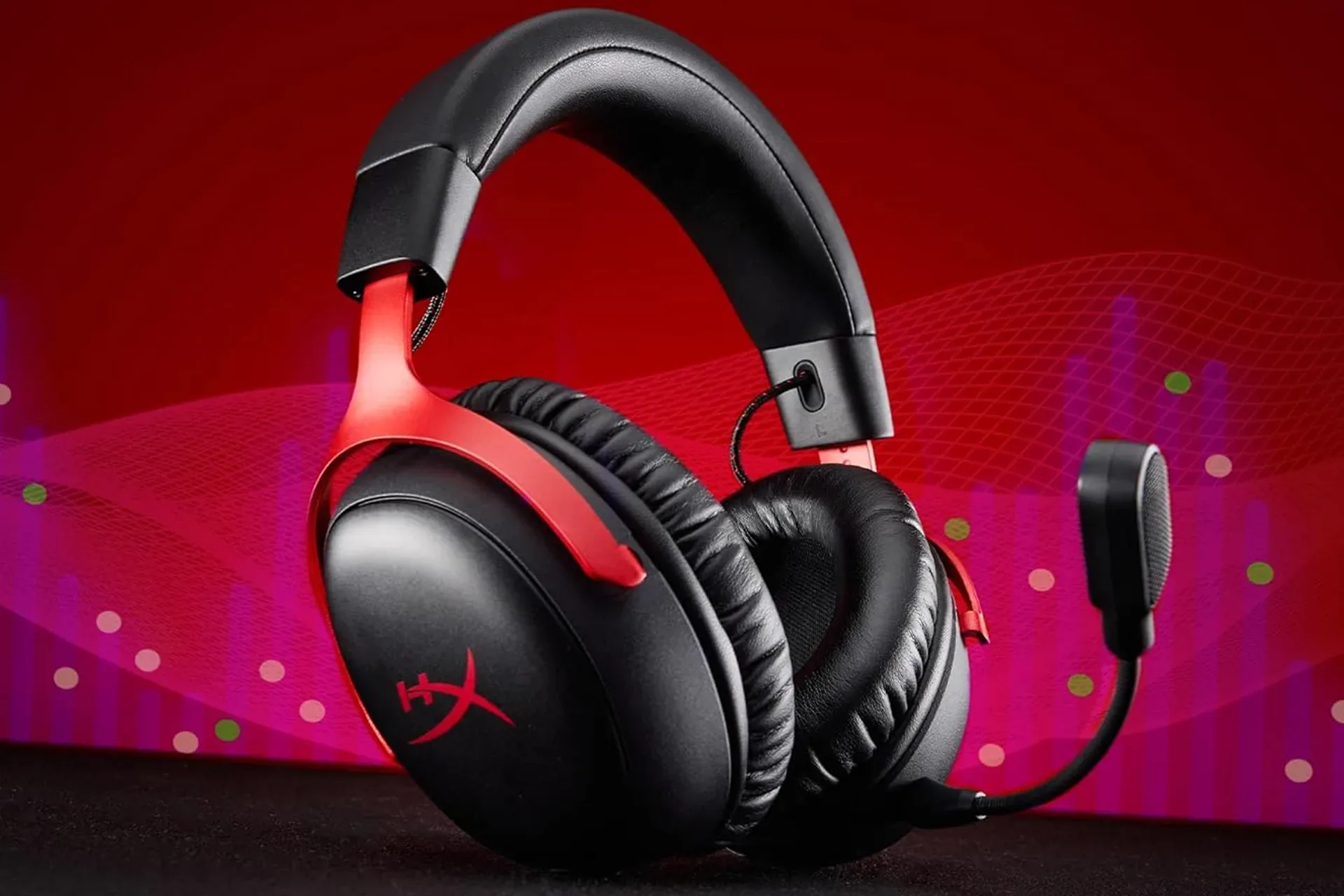
Ahead of Black Friday, the HyperX Cloud III S Wireless gaming headset has appeared at a substantially lower listed price than its usual $180. The all-black model is listed at $100, a reduction of $80 or 45%. A black-and-red version is listed at $110, down $70, which works out to 39% off.
That makes the buying decision less about a minor technical difference—none is identified between the two color options—and more about appearance. Shoppers who prefer the red-accented finish would effectively pay an additional $10 based on the listed offers. Anyone primarily trying to reach the lowest price should look to the black model.
As with any seasonal promotion, a listed price and stock can change. The useful comparison here is straightforward: $100 versus the stated $180 regular price, with the important caveat that a deal is only worthwhile if the headset fits the platforms and wireless setup a player actually uses.
Platform support is broad, but Xbox is the exception
The Cloud III S Wireless is stated to work with PlayStation 4, PlayStation 5, PC, Mac, mobile devices and Nintendo Switch. That covers a considerable range of households where a single headset may move between a console, a computer and a portable device.
Xbox is not included in the stated compatibility list. That is the first thing prospective buyers should check, especially for players shopping for somebody else. A low price cannot compensate for buying hardware that does not support the recipient’s main console.
For a multi-platform player, the supported list has practical value. A PlayStation owner who also uses a PC does not necessarily need to think of the headset as tied to only one gaming space. Likewise, Switch and mobile support can matter for people who split their time between a television, desk and portable play. The exact use case still matters: platform compatibility answers whether a device is supported, while the available connection method determines how it will be paired in a given setup.
Three connection methods, explained
The headset is described as supporting 2.4GHz wireless, Bluetooth and Instant Pair. These are different ways to establish a wireless connection, not merely different labels for the same mode.
- 2.4GHz wireless refers to a wireless connection in the 2.4GHz radio band. The supplied information associates this mode with up to 120 hours of battery life.
- Bluetooth is the other stated wireless option and carries the longer quoted endurance figure: up to 200 hours.
- Instant Pair is identified as a feature exclusive to select OMEN gaming laptops. Buyers without one of those specified laptops should not treat it as a universal PC pairing feature.
The distinction is especially relevant for PC and mobile users. The headset provides two broadly stated wireless routes—2.4GHz and Bluetooth—while Instant Pair is a narrower convenience option for a particular group of laptops. Someone choosing the Cloud III S Wireless for a desktop, a Mac, a console or a phone should focus on the first two modes rather than base their purchase on Instant Pair.
Related coverage includes HyperX Cloud III S Wireless Headset Drops to $100 Ahead of Black Friday.
It is also worth reading the battery claims as mode-specific. The up-to-120-hour figure applies to 2.4GHz operation, while the up-to-200-hour figure applies to Bluetooth mode. Those are manufacturer-stated maximums rather than a promise that every setup will yield the same result. The available information does not specify the conditions behind either estimate, so it would be unwise to assume an identical result across every device and listening pattern.
What the battery figures mean in everyday terms
Even the lower of the two stated figures, 120 hours, points to a headset intended to go for extended stretches between charges. Bluetooth’s stated maximum of 200 hours is higher still. For buyers frustrated by peripherals that need frequent charging, those claims are likely the product’s most notable practical feature alongside the price reduction.
Battery life is not just a specification to compare in a product listing. It affects where a headset makes sense in a routine. A player who keeps a headset at a PC desk may care less about charging intervals than someone moving between a Switch, a phone and a PlayStation. Conversely, a person who has already settled on 2.4GHz connectivity should judge the product against the 120-hour claim, not the larger Bluetooth headline figure.
The difference also makes it sensible to identify the preferred connection before purchase. There is no need to choose a mode based only on the largest number. Compatibility with the intended device, the desired pairing process and the player’s own use pattern are more meaningful than chasing a maximum that belongs to a different wireless mode.
Comfort details supplied for the design
The Cloud III S Wireless is described as using memory foam in its headband and soft, premium faux-leather around its ear cushions. Memory foam is a material designed to conform under pressure, and here it is positioned as part of an effort to make the headband fit different head shapes snugly. Faux leather means a leather-like synthetic covering rather than animal leather.
Those materials describe the intended feel and construction, but comfort remains personal. Head size, sensitivity to clamping pressure, preferred ear-cup feel and session length all vary. The provided details establish that cushioning is a stated priority; they do not establish that the fit will be ideal for every user. That distinction matters when a headset is a gift, since sound and connection preferences may be easy to identify while fit is harder to predict.
A practical pre-purchase checklist
- Start with the main platform. PlayStation 4, PlayStation 5, PC, Mac, mobile and Nintendo Switch are in the stated support list. Xbox is not.
- Decide whether the black finish is enough. It is the lower-priced listed option at $100. The black-and-red version costs $10 more at the stated $110 price.
- Match battery expectations to the wireless mode. The quoted maximum is up to 120 hours on 2.4GHz and up to 200 hours on Bluetooth.
- Do not overvalue Instant Pair unless it applies. It is limited to select OMEN gaming laptops.
- Treat the comfort materials as a useful clue, not a guaranteed fit. The headset has a memory-foam headband and faux-leather ear cushions, but individual preference still decides comfort.
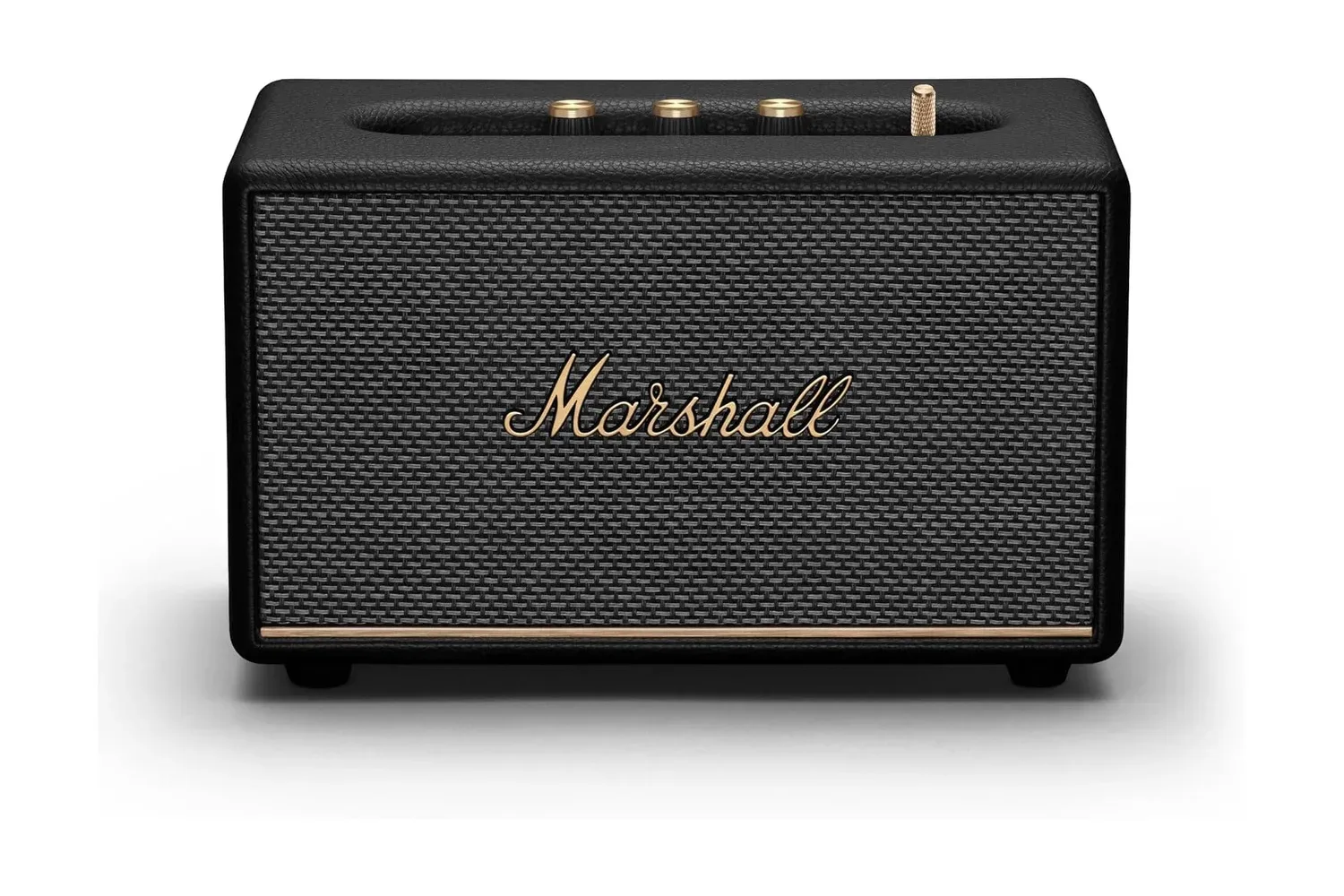
The timing also puts the headset in the wider seasonal shopping rush, when peripheral listings can move quickly and comparison shopping becomes more valuable. Buyers building out a desk may also want to consider how audio hardware fits with other setup purchases; for instance, a discounted Bluetooth speaker for a gaming setup serves a completely different role from a closed, personal headset.
At the currently stated figures, the Cloud III S Wireless offer is clearest for a non-Xbox player who wants broad device support, has use for Bluetooth or 2.4GHz wireless, and prefers the black model’s $100 price. The red-accented alternative remains discounted, but its appeal is principally aesthetic based on the available details. Verify the current listing, the exact supported platform needed and the final checkout price before committing.
Shop the products
Check current price, model and availability at the retailer.