Adobe Premiere’s mobile editing app is now available on Android through Google Play, extending the app beyond the iOS release that arrived more than a year earlier. The Android edition follows the same broad model: the essential editing toolkit is free, including unlimited exports of 4K video without watermarks, while generative AI tools are accessed through in-app purchases.
That distinction matters for anyone making short gameplay clips, social videos, trailers, highlight reels or voiceover-led explainers from a phone. The app’s basic workflow does not appear to put a payment wall between an editor and a finished high-resolution file. Users can split, trim, crop and merge footage; change video speed; and add text, effects and audio layers, including voiceovers, without paying for those core capabilities.
There are hardware requirements to keep in mind. Adobe Premiere on Android requires a device running Android 13 or later and at least 5GB of RAM. Those requirements may exclude older phones and lower-spec devices, so checking both the operating-system version and available memory is an important first step before planning a mobile editing workflow around the app.
What is free in Adobe Premiere on Android?
The free version covers the practical building blocks of a video edit. Splitting footage lets an editor cut a recording into separate pieces, which is useful for removing a pause, isolating a reaction or tightening the opening of a clip. Trimming changes where a piece of video begins or ends. Cropping reframes an image, while merging combines clips into a single sequence.
Speed adjustment is another included tool. In straightforward terms, it changes how quickly footage plays. That can be useful when a long setup needs to be condensed, when a moment needs emphasis, or when clips shot at different paces need to fit into one edit. Text, effects and layered audio provide the means to add labels, visual treatment, music or narration without leaving the app.
Most notably, Adobe says users can export an unlimited number of 4K videos, with no watermark, and choose the size they need for the platform where the video will be posted. A watermark is a visible brand mark imposed on an exported video by some editing apps. Its absence means a free export can be used without an Adobe logo placed over the finished footage.
“4K” refers to a high-resolution video format. It does not automatically make every clip look better: the final result also depends on the source footage, framing, lighting, compression and the platform used to share it. Still, access to watermark-free 4K export means the Android app is positioned as more than a basic clip trimmer. It can serve as an end-to-end editor for users whose needs remain within the listed editing tools.
Where the paid AI features begin
The paid portion of the app is focused on generative AI. Adobe offers credits that can be purchased and spent on relevant features, including creating sound effects and accessing AI-generated assets through Adobe Firefly. Additional cloud storage can also be bought through the app.
Generative AI describes systems that produce new material from a request rather than merely applying a conventional edit to an existing file. In this case, the supplied details point to two uses: generated sound effects and Firefly assets. These are separate from the ordinary editing functions such as cutting clips, recording voiceover or placing text on a timeline.
For an editor deciding whether the app is useful without extra spending, the key takeaway is simple: routine assembly and export are in the free tier, while AI-assisted creation consumes purchased credits. That makes it sensible to separate needs from curiosities. If the job is to clean up a recording, add captions manually, include narration and render it in 4K, the listed free tools may be enough. If the plan relies on generated audio or Firefly material, credit purchases become part of the process.
Cloud storage is a separate consideration. Video files can be large, especially at higher resolutions and across multiple takes. Users should understand what they are purchasing and why, rather than assuming generative credits and additional storage solve the same problem. Credits are for the specified AI capabilities; extra cloud storage concerns file capacity.
Why the Android release is significant
Android users now have access to the same general Premiere mobile proposition that had previously arrived on iOS: free core editing, no-watermark 4K exports and optional purchases for AI features. In practical terms, it gives creators who work primarily from Android phones an Adobe-branded editing option without requiring a subscription merely to make basic edits or export finished videos.
The release is particularly relevant to creators who capture material on a phone and want to edit it before moving to another device, as well as people who prefer to finish a short project entirely on mobile. But it is important not to overstate what has been confirmed. Adobe has said more features are coming, rather than saying they are already present in this Android release.
Those planned additions include Adobe Fonts, enhanced captions and a continued, seamless editing experience with Premiere desktop. Adobe Fonts would expand typography choices. Enhanced captions suggest improvements to the text used to represent spoken dialogue or other audio in a video. A seamless desktop connection would matter for projects that begin on a phone but need to continue in a desktop editing environment. Until those features arrive, users should treat them as forthcoming rather than current Android capabilities.
A practical checklist before installing
- Check Android version: The app requires Android 13 or newer.
- Check memory: A minimum of 5GB of RAM is required.
- Define the edit: Free tools cover core cuts, speed changes, crop, text, effects, audio layers and exports.
- Identify AI dependencies: Generated sound effects and Firefly assets require generative AI credits.
- Plan storage carefully: Larger video projects can create substantial file-management needs; Adobe also offers purchasable extra cloud storage.
- Confirm delivery needs: The app supports unlimited 4K exports without watermarks and lets users choose an export size for their target platform.
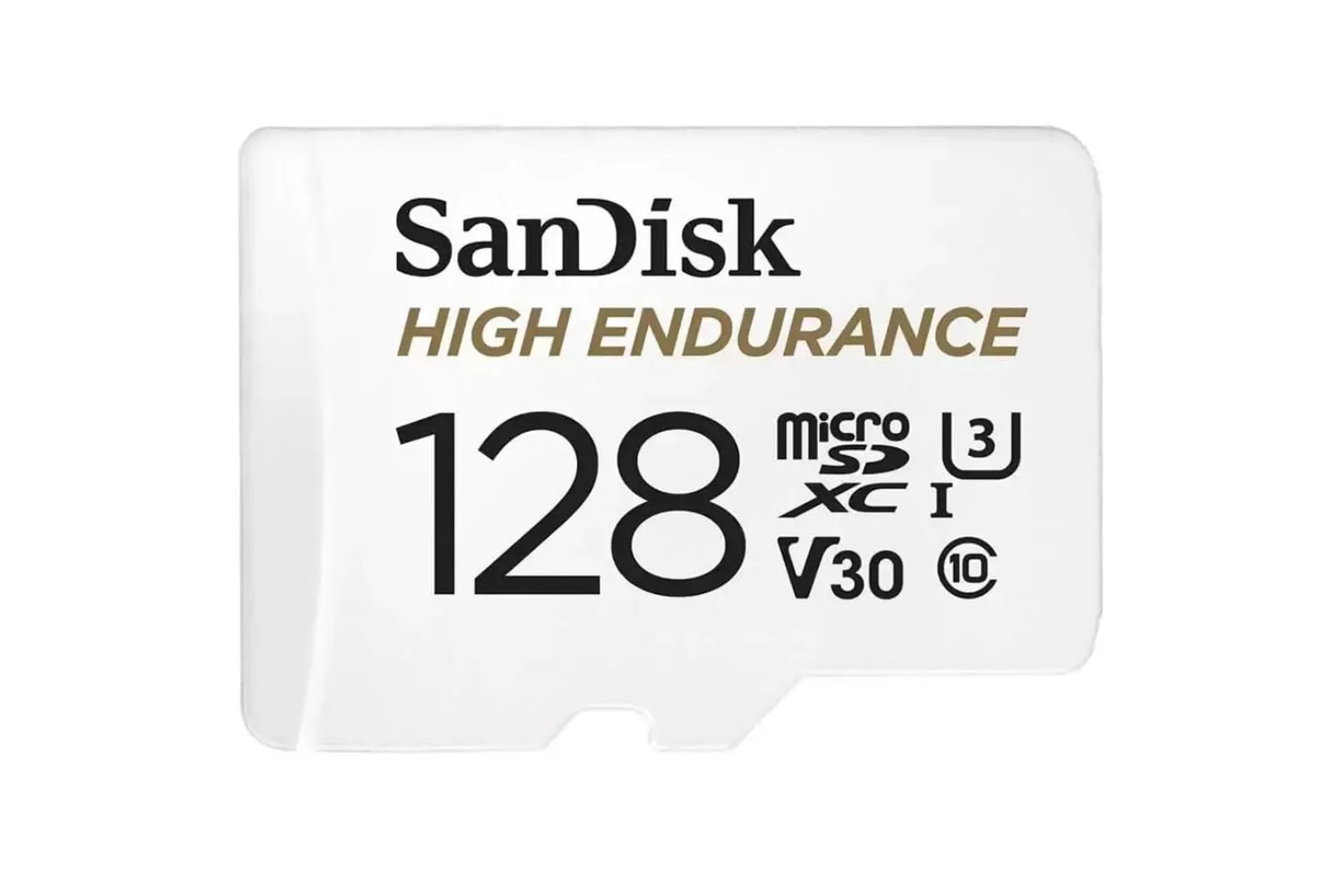
Creators regularly moving large media files may also want to think carefully about storage hardware and transfer habits. For example, a 128GB High Endurance microSDXC card with an SD adapter is one current storage option to consider separately, though compatibility and workflow needs should always be checked before buying any accessory.
What Android editors should take from the launch
The most concrete benefit is the pricing boundary around the main editor. Adobe Premiere on Android is free to download, and its listed baseline capabilities include the operations most people associate with editing a short video: arranging footage, shortening it, changing framing and pace, adding visual and audio elements, and exporting the finished project in 4K without a watermark.
That is different from saying every part of the app is free. AI-generated sound effects, Firefly assets and added cloud storage are all tied to purchases. Editors who want a conventional phone-based video editor can begin without those extras; editors who want Adobe’s generative features should budget for credits based on actual use.
With the Google Play release live, the remaining question is less about Android availability and more about fit. A supported Android device, adequate RAM and a realistic approach to storage are the basic technical prerequisites. From there, the free tools appear designed to handle the core edit, while the paid options are aimed at people who want generative additions to that workflow.