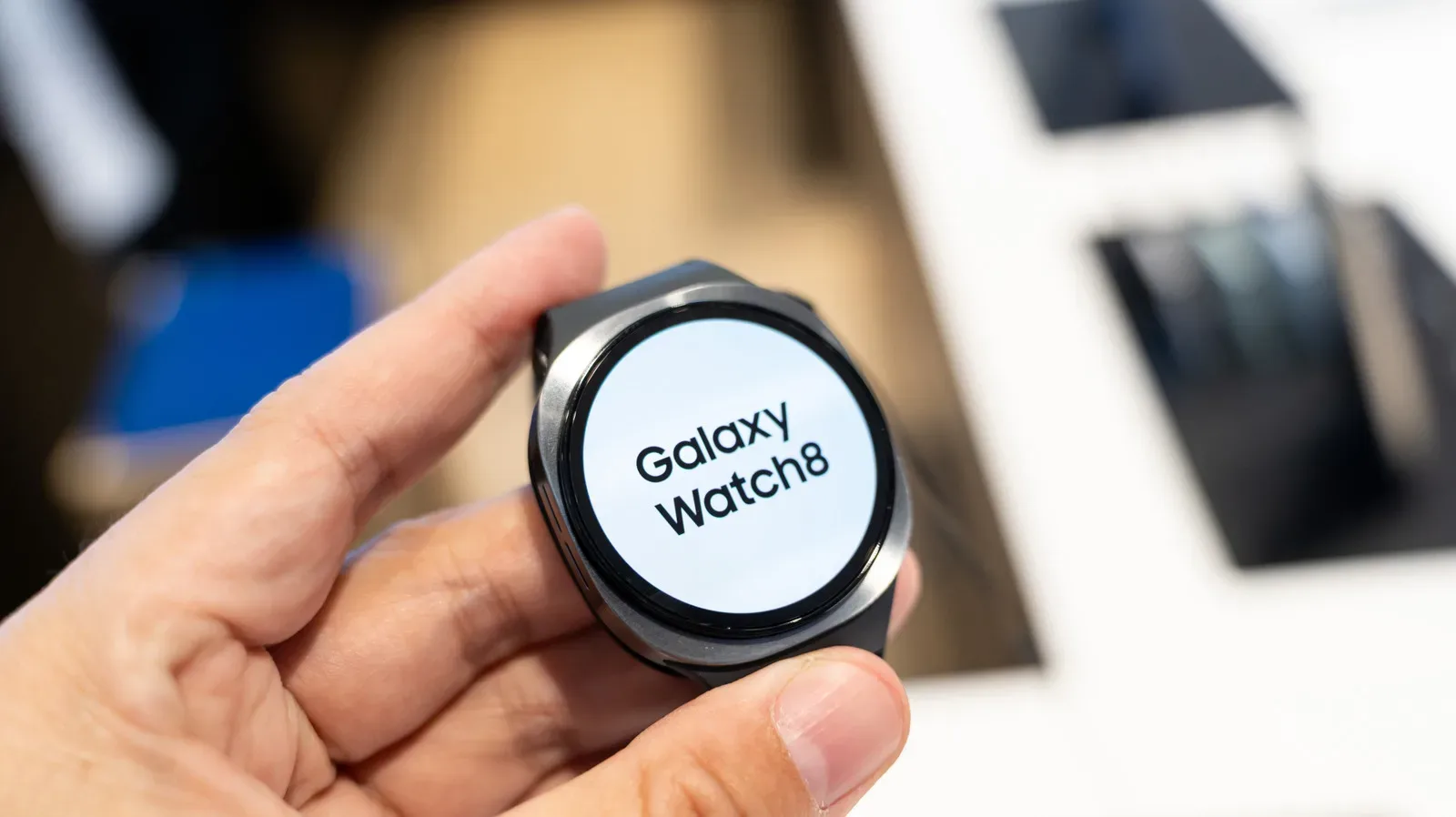
A Samsung Galaxy Watch is most useful when it is on your wrist: it can track vitals and physical activity, show the time, and surface notifications. That creates a simple but easily overlooked charging problem. The ideal time to charge is not a universal hour on the clock. It is the stretch of your routine where losing those watch functions costs you the least.
For many people, that means charging during predictable downtime rather than automatically leaving the watch on its charger every night. The approach is especially helpful for anyone who values sleep tracking, since an overnight charge and overnight wear are competing choices. It also creates room to think about battery health, not merely whether the watch reaches 100% before leaving the house.
There is no need to turn this into an anxious battery-management mini-game. The useful goal is a routine that preserves the tracking that matters to you, gives the watch enough power for the next active period, and avoids making charging an afterthought when the battery is already very low.
The first question is: when is your Galaxy Watch least important?
A good charge window is a period when you are not depending on the watch to record something you want saved. The details vary from person to person, because watch use varies from person to person.
If your exercise and busiest hours happen in the evening, a morning charge may be the logical fit. If mornings are when you are most active, an evening or daytime top-up could be better. Someone who spends the middle of the day seated at a desk may have a convenient charging opportunity near the start of the workday. The central idea is to place charging in a lull, rather than in the middle of the part of the day the watch is meant to document.
- Morning-active routine: Consider charging later, after the period you want to track has passed.
- Evening-active routine: A morning charge can prepare the watch for the day without sacrificing the evening session.
- Desk-based daytime routine: A planned top-up while sitting down may be less disruptive than charging overnight.
- Sleep-tracking routine: Preserve the overnight wear window and find a daytime charge period instead.
This is more practical than treating the charger as a nightly parking spot. It recognizes that battery percentage is only one resource. The other resource is continuity: every time the watch is off your wrist, it cannot collect the data you might have wanted from that period.
Measure your own charge time before designing a schedule
A broad estimate is useful, but a personal measurement is better. A Galaxy Watch full charge can take more than an hour, and the precise time can differ between individual devices and models. That makes assumptions risky when you are trying to fit charging around work, workouts, commuting, or sleep.
For several days, note when the watch goes onto its charger and when you remove it. Then calculate the average duration. This does not require elaborate tracking software; the point is simply to establish a realistic time block for your own watch.
- Pick a few ordinary days rather than unusual travel or event days.
- Write down the time charging begins.
- Write down the time the watch comes off the charger.
- Compare the sessions and find a rough average.
- Reserve that amount of downtime in your usual routine.
The result is a more reliable planning tool than guessing. If your available window is only a small break, you may decide a partial charge is all that is practical. If you have a longer desk-bound period, you may have room for a more substantial recharge without giving up activity or sleep data. The important part is matching a real charge duration to a real gap in wrist time.
Why a partial charge can be a sensible target
Galaxy Watches use lithium-ion batteries. In practical terms, that means the battery is a component with a finite useful life, not a permanently unchanged power tank. Repeated strain can reduce efficiency and can ultimately lead to battery replacement.
A commonly suggested approach is the 20–80 rule: begin charging at roughly 20% and stop at roughly 80%, rather than routinely draining the battery very low or taking it to 100%. The logic is straightforward. Avoiding the lower end reduces deep cell drain, while avoiding the very highest end reduces strain associated with full charging.
This is a guideline, not a requirement to obsess over every percentage point. Newer Galaxy Watch 8 models and later have built-in battery protection, so reaching a full charge is not something owners need to treat as a disaster. Still, when a partial charge conveniently meets the day’s needs, it can be a reasonable habit for people focused on long-term battery health.
That decision also depends on expected use. The Galaxy Watch 8 is described as offering roughly 30 to 40 hours on a full charge. That gives some users enough flexibility to stop short of 100% and still cover the period that matters. A person about to enter an unusually long day away from a charger may reasonably value additional capacity more than maintaining a usual partial-charge routine. Battery care should support the way the watch is used, not prevent it.
Think in usable time, not just percentage
A charge percentage looks precise, but it is not necessarily the best way to decide whether the watch is ready. The more useful question is whether the remaining power will cover the next interval in which wearing the watch matters: an evening workout, a workday, a night of sleep tracking, or a combination of those activities.
In that sense, 80% is a planning target rather than a score to chase. If it gives you sufficient time until your next convenient charging window, it may be the better stopping point. If it does not, the schedule needs adjusting. That may mean starting the charge earlier, finding a different downtime window, or, when necessary, charging longer.
Overnight charging is a trade-off, not an automatic best practice
Overnight charging can be useful when the morning is rushed and early afternoon is equally busy. It may be the most convenient option for someone who does not care about sleep data and has no other predictable chance to charge.
But it is not the best fit for everyone. Wearing the watch overnight is necessary if sleep tracking is part of the reason you own it. Placing it on a charger instead means choosing charging convenience over that data. Overnight charging also does not naturally align with an 80% target, since you are less likely to be around to remove the watch when it reaches a preferred partial level.
So the decision can be reduced to a pair of honest questions:
- Do you want the watch to record your sleep?
- Do you have a dependable daytime or evening period in which you do not need it?
If the answer to the first is yes and the second is also yes, daytime charging is usually the cleaner choice. If sleep tracking is unimportant and other time windows do not exist, an overnight charge remains a practical solution. The right routine is based on what you are actually willing to give up, not on a one-size-fits-all rule.
A simple charging plan for different priorities
Priority: exercise records. Identify the part of the day in which you do not train and use it for charging. Evening exercisers may favor the morning; morning exercisers may do the reverse. The objective is to make sure the watch is available for the activity you care about recording.
Priority: sleep data. Keep the device on your wrist overnight and make a daytime session routine. A workday lull can be particularly useful if it is consistent. Measure your usual charge time so you know whether that window is enough.
Priority: long-term battery care. Where practical, aim to charge around 20% and stop around 80%. Built-in battery protection on Galaxy Watch 8 and newer models reduces the need for rigid micromanagement, but a partial-charge routine can still reduce exposure to the lower and upper extremes.
Priority: simplicity. Choose one repeatable downtime period and stick to it. A routine you can maintain is more valuable than a technically ideal plan that does not fit your life. It is better to charge consistently during a daily quiet period than to repeatedly run the watch down while waiting for a perfect moment.
The practical cost of ignoring battery wear
Battery degradation is not merely an abstract concern. If the battery ultimately needs replacing, a do-it-yourself replacement involving the battery and tools may cost around $50 to $70. Repair through Samsung without warranty coverage, or through a third-party shop, can cost more. That does not mean every full charge creates an immediate problem; it means a sensible charging habit can help avoid putting unnecessary strain on a wearable component that may eventually require service.
The broader lesson applies especially well to devices designed to disappear into a daily routine. A smartwatch is easy to leave charging by habit because it is small and because it rarely demands much attention. Yet its value comes from the moments it is present: during movement, throughout a workday, and potentially while sleeping. Scheduling charging around those moments lets the watch do its main job while still giving battery health some consideration.
Samsung’s broader device lineup is also part of a larger mobile hardware picture; for related context, see how Apple and Samsung are gaining smartphone share as memory costs affect the market. For Galaxy Watch owners, though, the immediate takeaway is refreshingly low-tech: observe your own routine, measure your own charging time, and charge when the missing data will matter least.