Google’s Fitbit Edge can look, at first glance, like a Fitbit Air that went to finishing school and came back with a display. That is an understandable read: both are wrist-worn Fitbit trackers, both are positioned below the Pixel Watch 5, and both bring newer AI-powered health tools to a lower-priced tier. But the $179 Edge and $99 Air are designed around two very different ideas of what a wearable should do during the day.
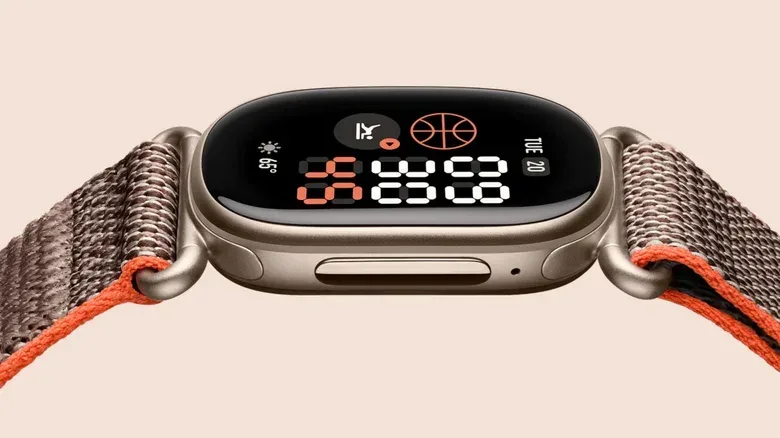
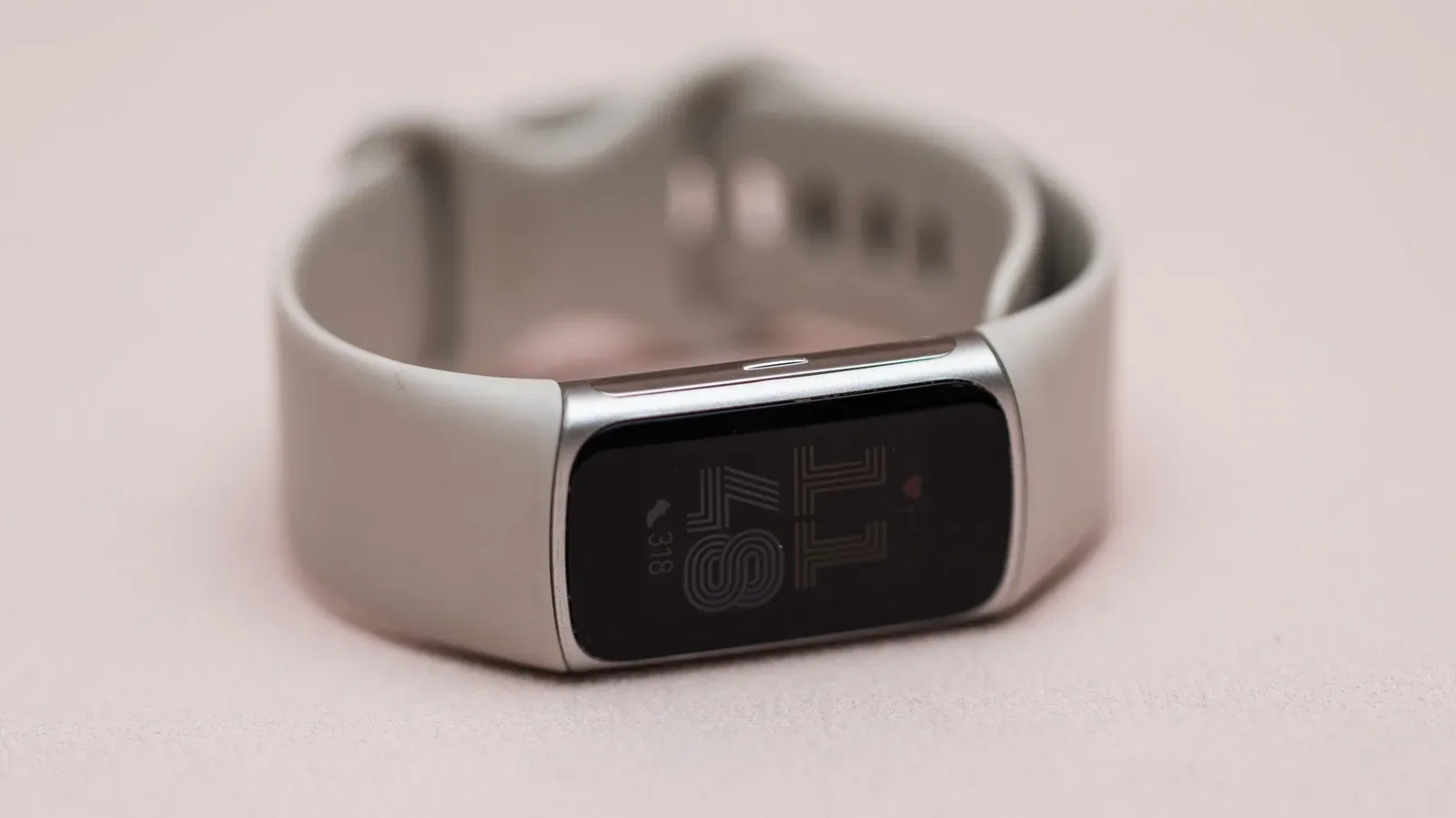
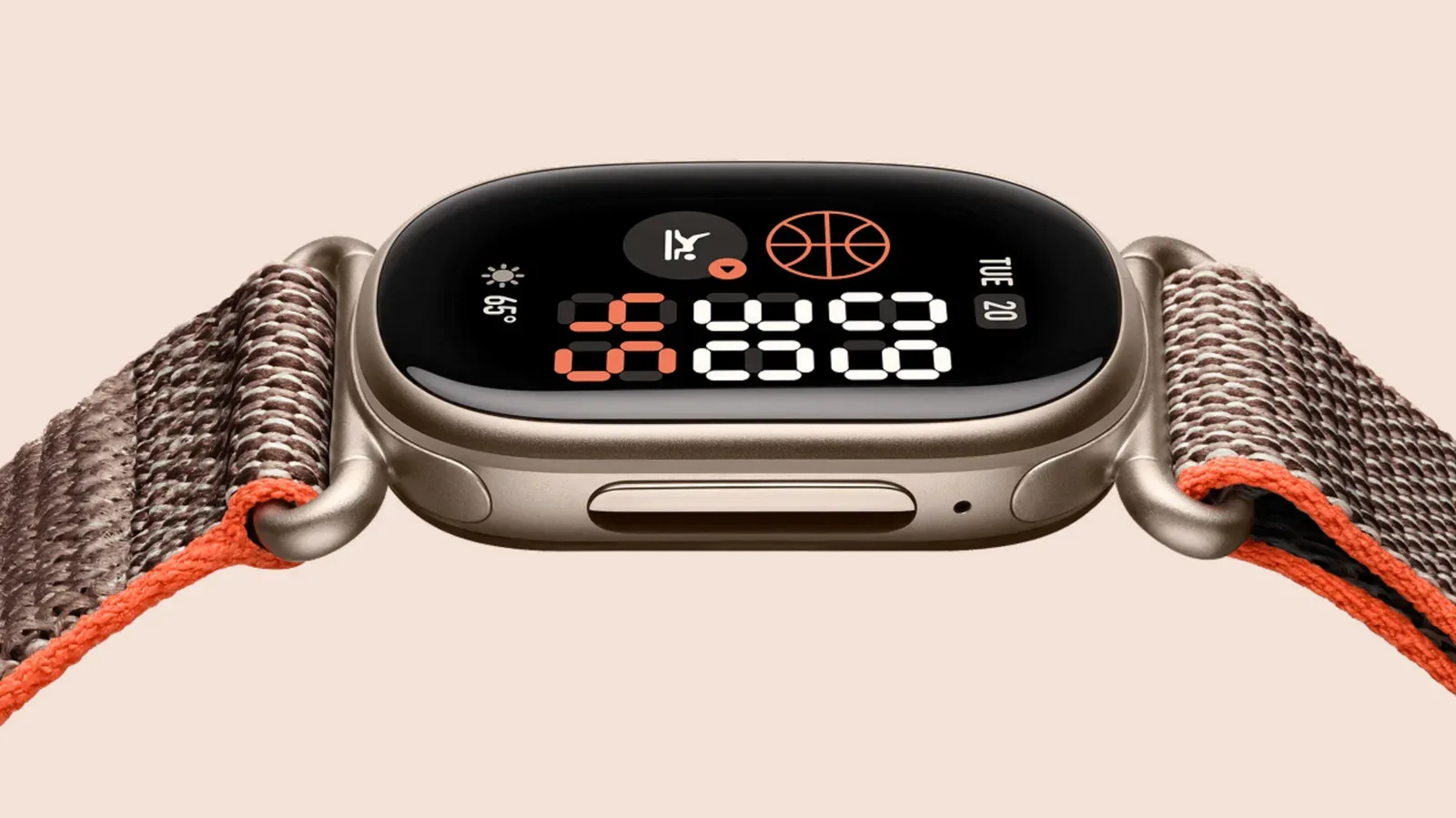
The Fitbit Air is deliberately quiet. It is a screen-free sensor device whose data and settings live primarily in the Google Health app. The Fitbit Edge, by contrast, has a 1.34-inch oval AMOLED touchscreen, a physical side button, on-device workout information, phone notifications and a pared-back Google Maps experience. It also adds hardware that affects the health information it can collect, including electrical sensors for ECG readings and an altimeter for elevation.
So the useful comparison is not simply screen versus no screen. It is an argument between a tracker that aims to disappear into a routine and one that makes health data available at a glance without becoming a full smartwatch. For anyone who wants to avoid spending hundreds on a smartwatch, the distinction is likely more meaningful than the familiar spec-sheet showdown.
The shared Fitbit foundation
There is substantial overlap. Both devices offer activity tracking, step tracking, continuous heart-rate monitoring, sleep tracking, irregular heart rhythm notifications, cardio-load insights, a daily readiness score and a resilience score intended to approximate stress. Each is rated for IP68 resistance to dust and water, alongside protection up to 5ATM. In practical terms, neither model has an advantage over the other in the supplied durability ratings.
Both are also advertised with up to seven days of battery life, although the conditions behind that number are much more favorable to the display-free Air. Google is bringing its Health Guardian tools, introduced on the Pixel Watch 5, to both devices. Those features cover areas including heart health and insulin trends. The wider point is that some of the newer intelligence is not solely a reward for buying the model with more sensors; it can draw on accumulated health data rather than requiring a particular piece of hardware.
That shared software direction matters in a wearable category increasingly shaped by interpretation, not only measurement. A heart-rate sensor supplies readings; a readiness or resilience score attempts to turn a group of readings into an understandable prompt about recovery, exertion or stress. Such summaries can be handy, but they are still summaries rather than a replacement for clinical advice. The same caution applies to AI-supported health insights: the useful question is what information a feature can help organize, not whether an algorithm makes a consumer tracker medically all-knowing.
Google Health Premium is required to use the trackers to their fullest. That is an important buying consideration because the headline hardware price does not necessarily represent the complete long-term cost of using the most advanced capabilities. The Edge and Air do not require the buyer to join the Android ecosystem, however, which makes the choice less about phone-platform loyalty and more about the experience a person wants from their wrist.
AI features are also becoming a broader consumer-tech theme, including efforts to identify AI-made media such as YouTube Music’s labeling of AI-generated tracks. Health wearables present a separate and more personal version of that shift: the software is not merely sorting a library or labeling content, but interpreting signals related to the wearer’s body. That makes clarity about what a feature measures especially valuable.
Related coverage includes Fitbit Edge vs. Fitbit Air: Screen, Sensors and Battery Differences.
Fitbit Air: designed to stay out of the way
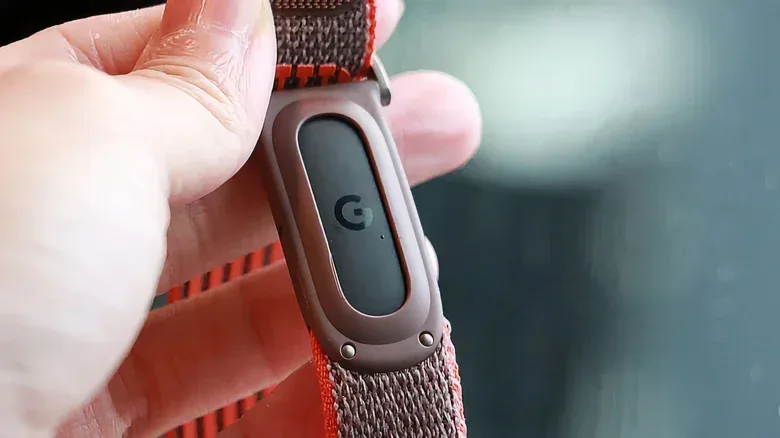
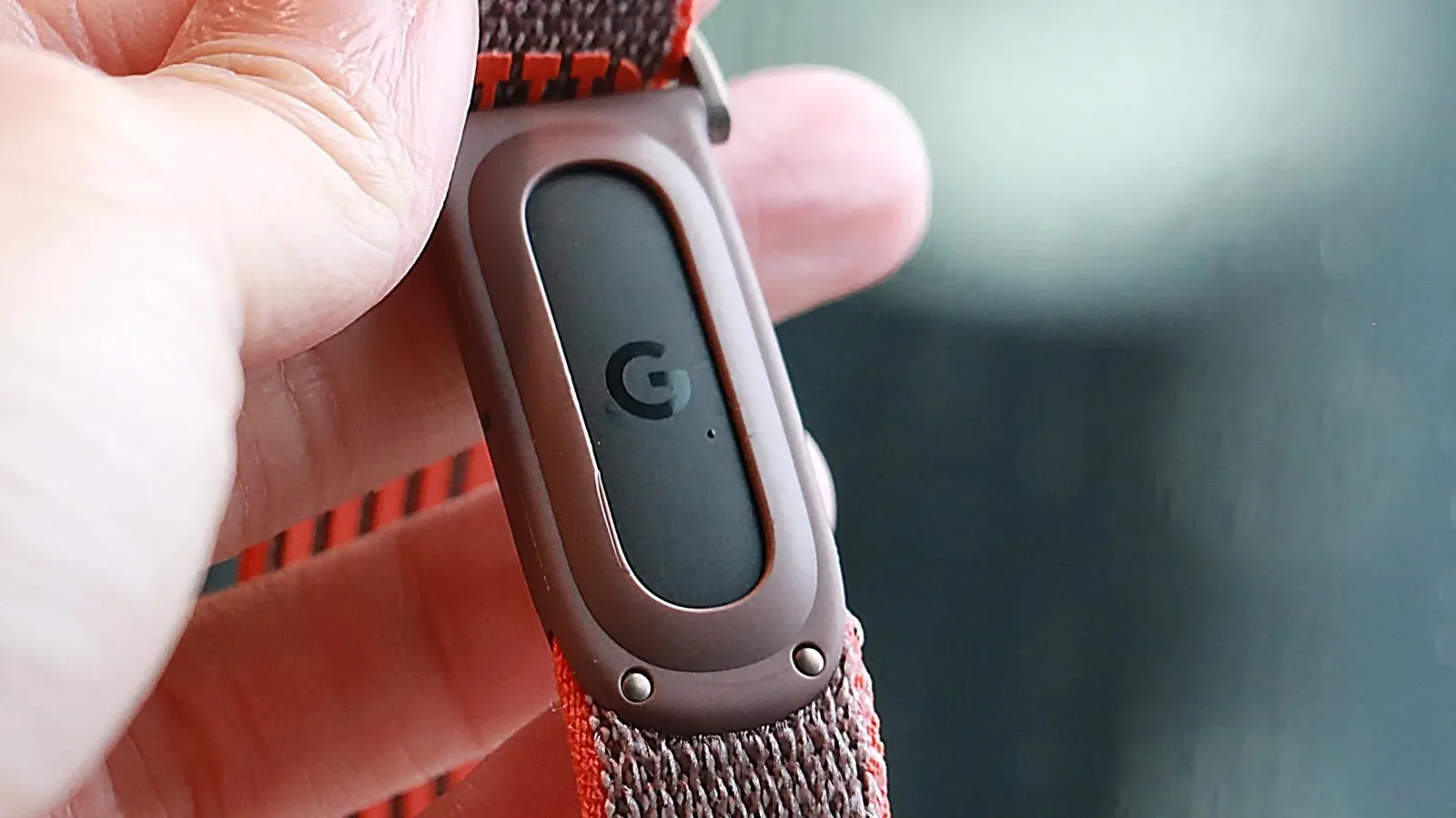
The Air’s central appeal is restraint. Without its band, its sensor puck measures 1.37 by 0.66 by 0.32 inches. It has no display to tap through, no on-device notifications and no maps view calling for attention. Most interaction takes place in the Google Health app; handling the physical tracker is mainly a matter of wearing it, charging it or swapping bands.
This setup has a practical benefit beyond minimalism. A tracker with no screen does not continually ask to be checked. Someone can collect sleep, activity and heart-rate data throughout the day, then decide when to review it. For people who find smartwatch alerts distracting, or who simply do not want another bright rectangle competing for attention, that separation is a feature rather than a missing capability.
The Air still covers the basic fitness-tracking picture. It can monitor heart rate continuously, count steps, follow activity and sleep, and contribute to the shared readiness, cardio-load and resilience insights. Its optical heart-rate sensor works by using light to assess blood-flow changes beneath the skin, providing the foundation for many consumer wearable measurements. The absence of a screen does not mean an absence of meaningful data collection; it means the data is reviewed away from the wrist.
Its battery estimate also comes with fewer compromises. The Air is rated for seven days, while the Edge reaches that same figure only when its always-on display mode is disabled. For a buyer who wants the least frequent charging burden without thinking about display settings, the Air has the simpler proposition.
Fitbit Edge: more than a visible Air
The Edge is larger than the Air at 1.54 by 1.01 by 0.46 inches, and it makes its presence known. The 1.34-inch AMOLED touchscreen can be used for live workout metrics, health-data views and phone notifications, while a new mechanical side button provides another means of control. AMOLED is a display technology known for pixels that emit their own light, making it well suited to vivid on-wrist information. Here, though, the important consequence is basic: the Edge can show the information as it happens instead of waiting for the companion app.
That can be valuable during a workout. Live metrics mean a wearer can check information from the tracker directly rather than reach for a phone. The Edge also runs a lightweight Fitbit OS and can operate a stripped-down version of Google Maps. It is not framed as a miniature Pixel Watch or a full phone substitute. Instead, it occupies a middle position: more immediately useful than a passive tracker, but less overtly smartwatch-like than the Pixel Watch line.
The Edge’s added sensors create a clearer functional split. Both trackers use optical heart-rate sensors, but the Edge alone has the electrical sensors needed for ECG readings. ECG, short for electrocardiogram, records electrical activity associated with the heart; in this comparison, the key purchasing fact is simple: the Air does not provide that capability. The Edge additionally has an altimeter, which enables it to calculate elevation and track floors climbed. An ambient-light sensor helps manage screen brightness based on surrounding light.
Those details are not cosmetic upgrades. They explain why the Edge can report a few things the Air cannot: ECG readings, floors climbed and on-screen live workout metrics. A buyer who actively wants those measurements, or wants direct visibility into their data while exercising, has a concrete reason to pay the extra $80. A buyer who mainly wants shared fundamentals such as sleep, steps, ongoing heart rate and readiness may not.
The battery trade-off is a choice, not a flaw
The display is the Edge’s most obvious advantage and its clearest battery complication. Google rates the Edge for seven days when always-on mode is off. Turn always-on on, so that its display behaves more like that of a current smartwatch, and the estimate falls to about two days. That is a major behavioral difference, not a minor footnote.
Always-on mode keeps useful information visible without requiring the wearer to wake the screen first, but a lit display consumes more power. Buyers considering the Edge should therefore think about how they expect to use it. If they want a screen available only when they deliberately interact with it, the advertised week-long target may suit them. If the point is having the time and information persistently visible, charging becomes much more frequent.
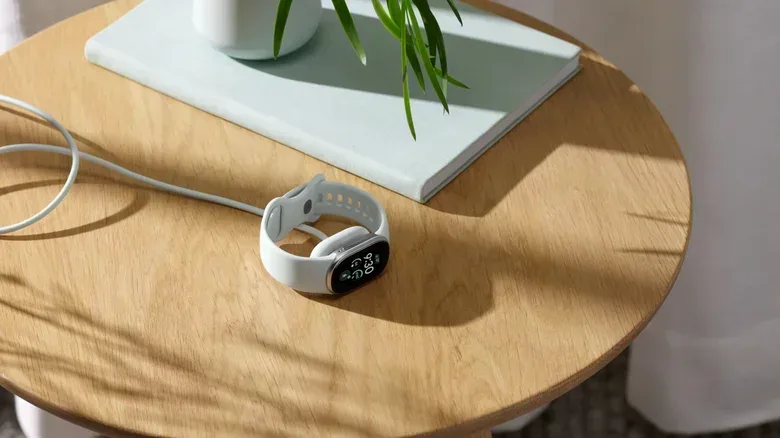
Google says the Edge can reach a full charge in 90 minutes. It also says a 15-minute charge from low battery can provide a day of use. Those figures may ease the routine for users who accept the always-on trade-off, but they do not erase it. The Air has no comparable display setting to manage, which makes it the less complicated fit for someone prioritizing a long, predictable interval between charges.
Which tracker fits which routine?
The Fitbit Air is the more logical option for a person who wants health tracking with minimal on-wrist interruption. It costs $99, offers the core monitoring and scoring features shared with the Edge, carries the same stated IP68 and 5ATM protection, and is built around app-based review. Its lack of visible alerts is not a shortcoming for someone who specifically wants fewer digital prompts.
- Choose the Air for: a lower entry price, a screen-free wearable, app-first data review and a simpler seven-day battery expectation.
- Choose the Edge for: ECG readings, floors-climbed tracking, elevation calculations, immediate workout information, notifications, lightweight maps and more health data available on the wrist.
The Fitbit Edge is the better match for someone who wants their wearable to answer quick questions in the moment: how is this workout going, what is my current metric, or what notification just arrived? It is also the only one of the two for people who consider ECG functionality or elevation-related tracking necessary. Its $179 price reflects not only the AMOLED panel but also that extra sensor package and the operating system experience enabled by the display.
Neither device is automatically the “better” tracker in every situation. The Air’s chief strength is intentional limitation. The Edge’s chief strength is access: more readings, more controls and more information without immediately stepping up to a more expensive smartwatch. The real divide is whether a wearable should wait quietly in the background or earn a place in the wearer’s line of sight.