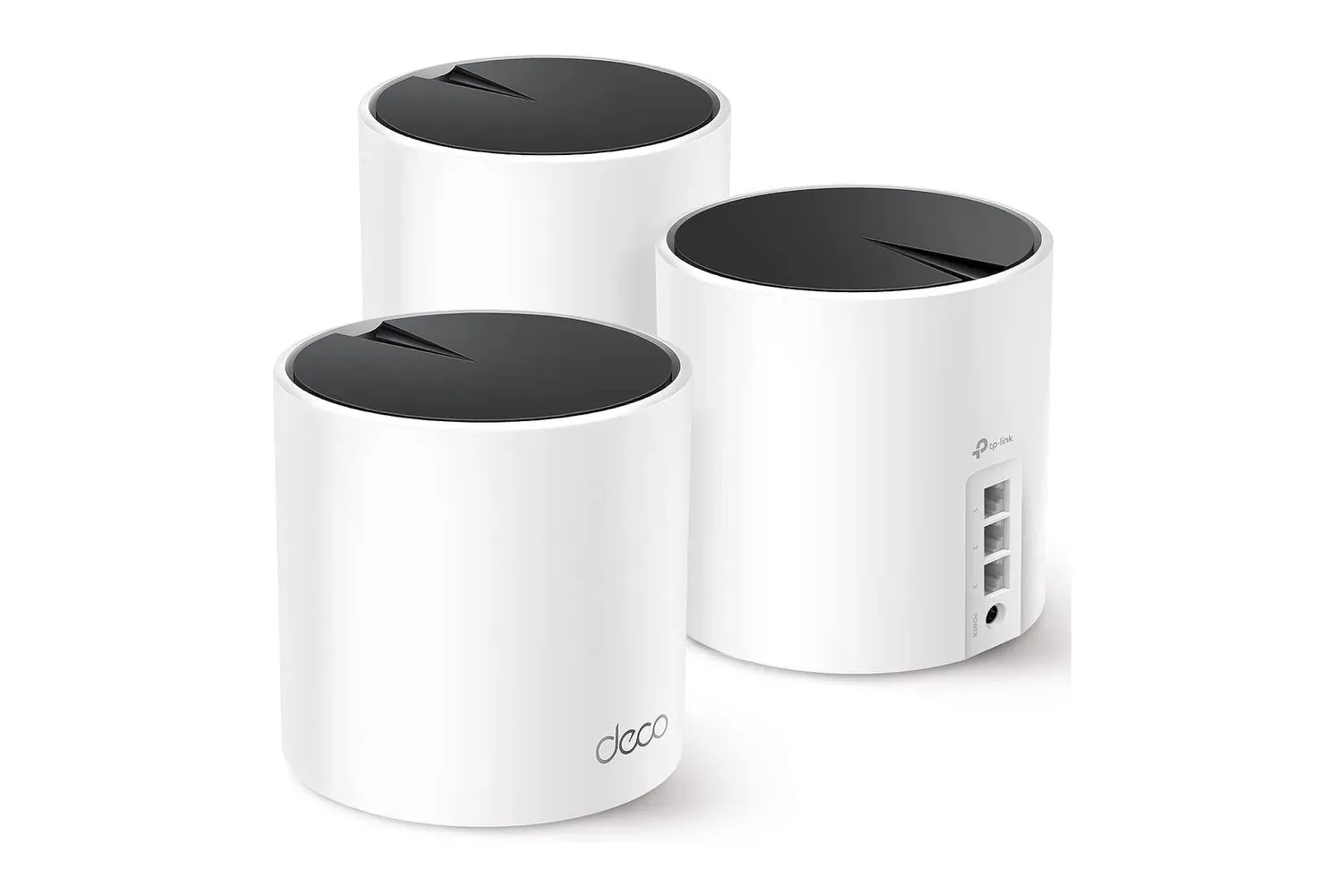
A three-pack of TP-Link Deco X55 AX3000 Wi-Fi 6 mesh units is listed at $150, reduced by $45 from a stated regular price of $195. That is a 23% discount for a kit intended to spread one home network across a larger or multi-level space rather than relying on a lone router to do every job from one room.
The package includes three Deco X55 units. TP-Link rates the full three-unit arrangement for up to 6,500 square feet of coverage and as many as 150 connected devices. Those are manufacturer capacity claims, not a promise that every room, wall material, device mix and internet service will produce identical results. Still, the layout is relevant for homes where a console, PC, streaming box or handheld is used well away from the modem.
For gaming households, the basic appeal is straightforward: a mesh system gives the network more places from which to provide a signal. A bedroom setup, basement television or an upstairs PC does not have to depend solely on a wireless signal travelling through the entire house from the primary router. The Deco X55 units operate together as one network and can move a device between units as its location changes.
What the $150 Deco X55 package includes
Each unit combines Wi-Fi 6 support with three Gigabit Ethernet ports. The system uses dual-band Wi-Fi and has a quoted combined wireless speed of up to 3 Gbps. TP-Link lists maximum Wi-Fi 6 rates of up to 2,402 Mbps on the 5 GHz band and up to 574 Mbps on the 2.4 GHz band.
Those wireless numbers need a little context. They describe the potential link rates of the hardware and bands, rather than a guaranteed internet-download result. A home’s internet plan, distance from a node, interference and the capabilities of the connected phone, console or PC all affect the speed a person actually sees. A 3 Gbps combined rating also should not be read as a single device automatically receiving 3 Gbps.
That does not make the specifications meaningless. The more practical part of Wi-Fi 6 for a busy home is its approach to serving many active devices. TP-Link highlights OFDMA and MU-MIMO, two Wi-Fi technologies designed to make communication among multiple connected devices more efficient. In plain terms, the aim is to make a crowded network less wasteful when people are streaming 4K video, joining video calls, gaming online and using other connected devices at the same time.
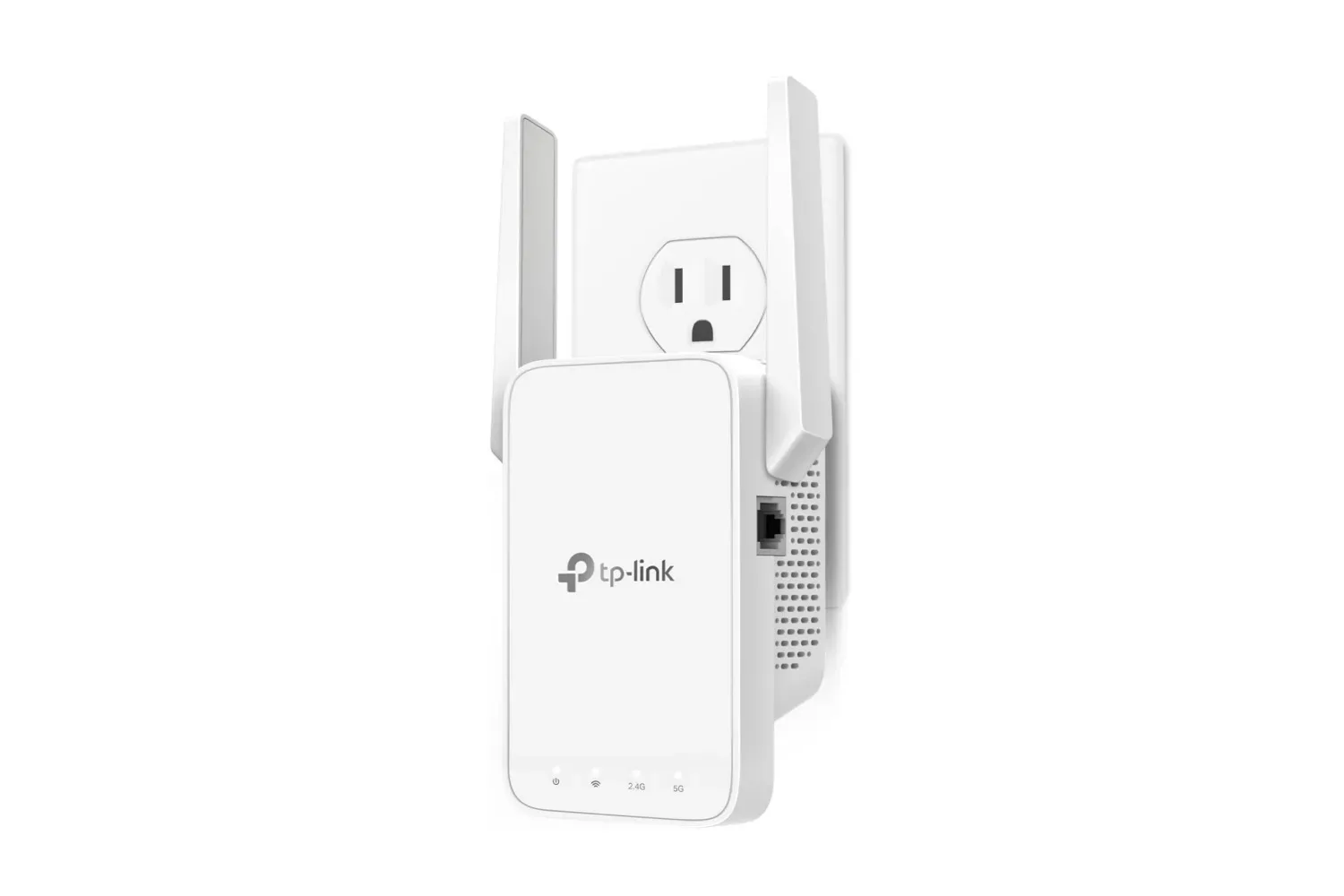
A home with a small number of lightly used devices may not need a three-node system. The stronger case is a home where coverage is inconsistent across floors or at the outer edges of the property, or one where many devices are competing for wireless attention. For a lower-cost approach focused on one trouble spot, it may also be useful to compare this setup with a TP-Link AC1200 Wi-Fi extender listed for gaming dead zones. An extender and a mesh kit solve related coverage problems, but the Deco package is built around three coordinated nodes on a single network.
Mesh networking, explained without the buzzwords
A traditional single-router setup places one wireless access point beside the modem. That can be entirely adequate in a compact space. In a larger house, however, the router’s signal must travel farther and through more obstacles to reach a far-off device. A mesh system instead distributes wireless nodes around the home. One Deco unit is placed next to the modem, while the others can be positioned on other floors or in areas where reception is weaker.
Related coverage includes TP-Link Deco X55 3-Pack Is Listed at $150 on Amazon.
All three Deco X55 units are part of the same network. The system supports smooth roaming, meaning it can hand a connected device from one unit to another depending on where it is located. That matters most to devices moving around the home, but it also means users are not expected to treat every node as a separate Wi-Fi destination.
TP-Link calls its management feature AI-Driven Mesh. The system monitors changes in the network environment and adjusts to maintain what it determines is the best connection. The useful takeaway is not that a network becomes magically immune to signal problems; it is that the nodes are designed to coordinate rather than operate as isolated routers.
Placement remains important. The supplied setup flow in the Deco app guides users through putting the nodes in suitable locations. The most sensible starting arrangement described for this package is one unit by the modem, then one each in other areas needing stronger coverage. A node placed where it cannot establish a healthy connection back to the rest of the system cannot provide the same benefits as one located in a more viable spot.
Why the Ethernet ports may matter more than headline Wi-Fi speeds
Every Deco X55 unit has three Gigabit Ethernet ports. These ports offer an option many gaming setups should consider: connecting stationary hardware by cable. A smart TV, console or computer can be plugged directly into a nearby Deco unit with Ethernet rather than communicating with that node over Wi-Fi.
That does not raise an internet connection beyond the limits of the home’s service, and it cannot fix every issue affecting online games. It can, however, reduce the number of wireless steps between a nearby device and the mesh node. For a console permanently stationed in a den or a desktop PC in an office, that is a practical flexibility benefit of having ports on each unit rather than only on the primary one.
The same wired option applies between the Deco units themselves when Ethernet cabling already exists in the home. TP-Link notes that linking the units by Ethernet can provide an additional performance boost. This is often described as wired backhaul: the connection carrying data between mesh nodes uses cable instead of relying entirely on wireless communication. It is an especially relevant possibility for a multi-floor home that already has useful Ethernet runs, though it is not a requirement for creating the mesh network.
Security controls and household management
The Deco X55 includes TP-Link HomeShield tools for managing the network. The available controls include content filtering and blocking, usage-time limits and a view of connected devices. For families, those functions can be helpful for understanding what is on the network and setting boundaries around access times. For any household, simply being able to check connected devices is a useful management feature when the claimed support level extends to 150 devices.
The system also uses WPA3 encryption. WPA3 is a Wi-Fi security standard intended to protect the wireless network. It is not a substitute for sound account security on every device, but it is part of the protection built into the network setup. Configuration and network management are handled through the Deco app, which is also used for the guided installation process.
Amazon Alexa compatibility is included as an additional convenience feature. The three compact units are intended to fit into ordinary home spaces without demanding the visual footprint of larger networking equipment.
Who should consider this three-pack
At the listed $150 price, the Deco X55 three-pack is most clearly aimed at a household with a genuine coverage problem, several floors, many simultaneous connections or a mix of gaming and streaming devices spread across rooms. The value is in receiving three Wi-Fi 6 nodes, each with three Gigabit Ethernet ports, along with mesh roaming and app-based management.
- Consider it for: multi-level homes, rooms with recurring weak signal, several players or streamers online at once, and setups where a console or PC can be wired into a nearby node.
- Pay attention to: node placement, the limits of the home internet service, and whether existing Ethernet wiring can be used to connect nodes.
- Do not assume: that the 6,500-square-foot and 150-device figures guarantee identical performance in every property, or that maximum wireless link rates equal real-world internet throughput.
The key distinction is between solving a coverage issue and simply buying a faster-sounding specification. The Deco X55 is designed to address the former by placing three coordinated access points around the home. Its Wi-Fi 6 device-handling features, roaming behavior and wired ports give it practical relevance to connected gaming setups, particularly where a single-router arrangement leaves parts of the house on the wrong side of a dead zone.
Shop the products
Check current price, model and availability at the retailer.