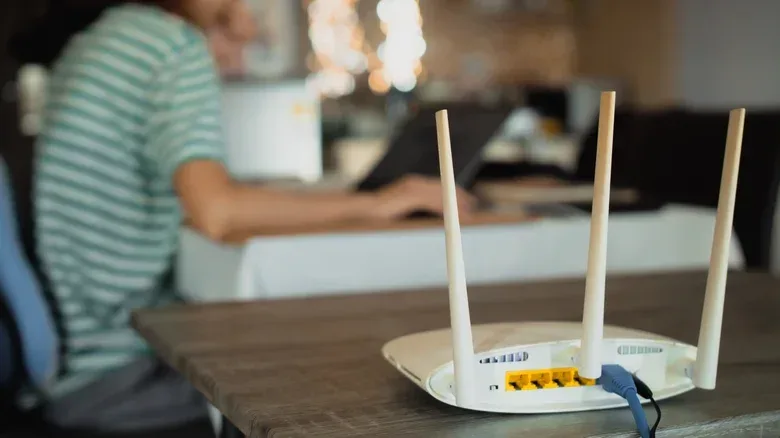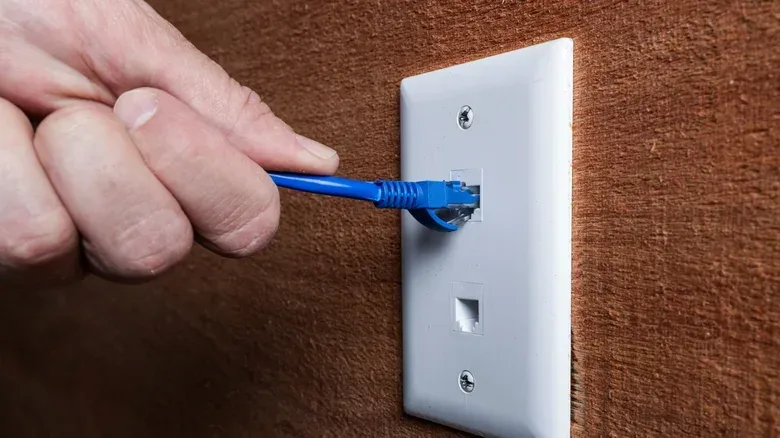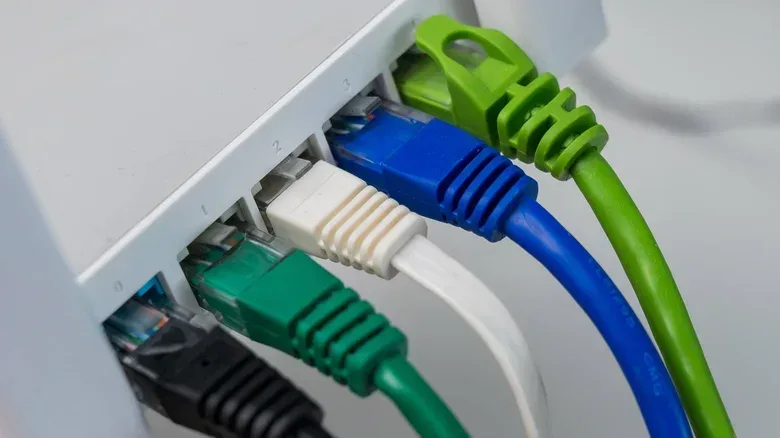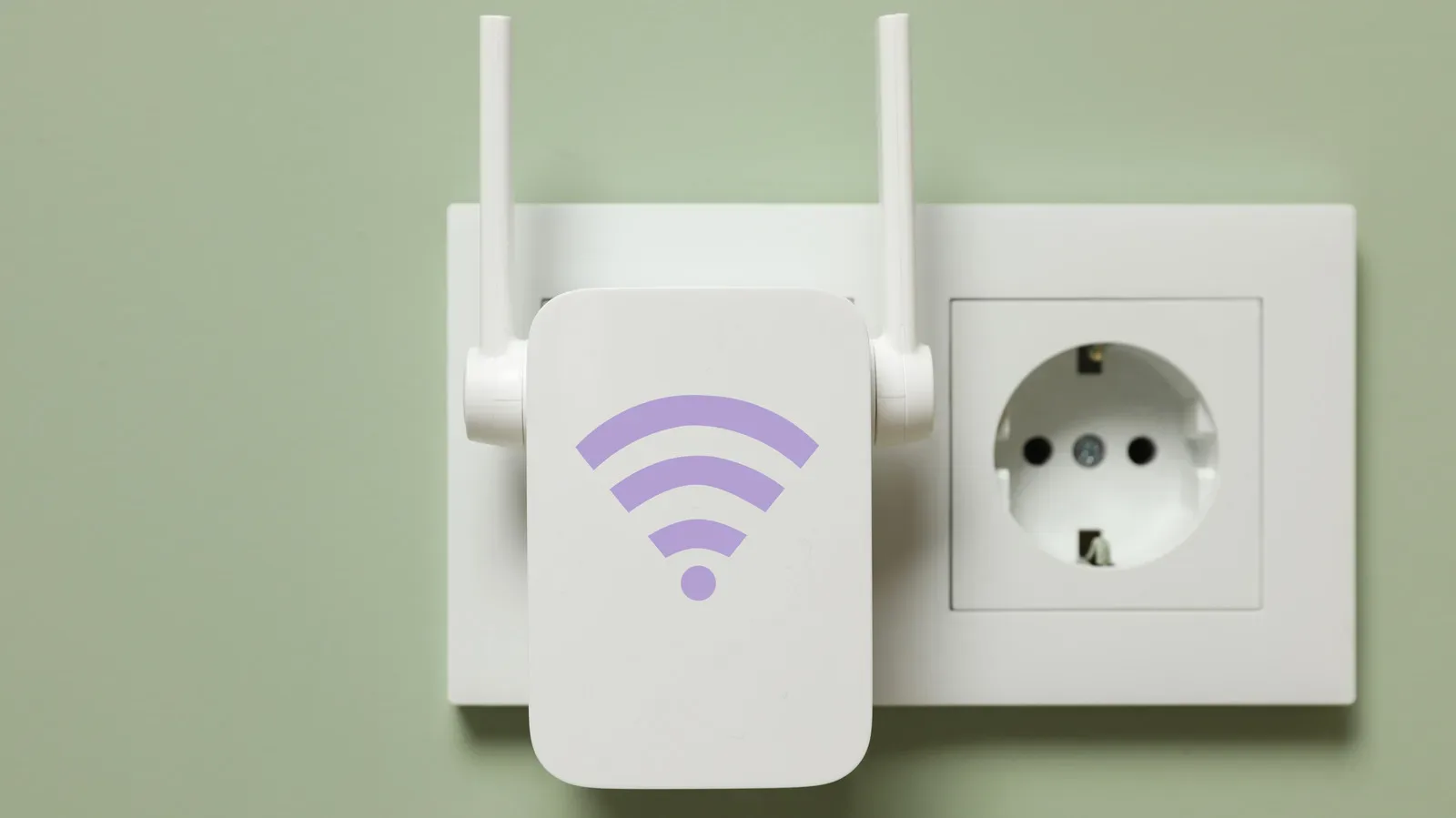
The Ethernet-versus-Wi-Fi question is framed too often as a fight to the death, as though a good home network must pledge allegiance to either cables or radio waves. For most households—and particularly for households that play online games—the more useful answer is to use both deliberately.
Wi-Fi supplies the flexibility that modern homes need. Phones, tablets, smart plugs, cameras, appliances and roaming laptops are not practical candidates for a permanent cable run, and many have no Ethernet port to begin with. Ethernet, meanwhile, is the dependable direct route for hardware that benefits from consistent performance: a gaming PC, a desktop used for large uploads, a console that plays competitive online games, or a fixed media device.
The distinction is not simply “wireless is slow, wired is fast.” A well-placed modern Wi-Fi setup can be perfectly adequate for plenty of gaming and entertainment. But a cable removes several variables at once: distance from the router, walls, nearby networks and other wireless interference. The strongest setup is generally not the one with the most cables or the flashiest wireless standard. It is the one that puts each device on the connection type that suits how it is used.
Why a hybrid network makes sense
Convenience matters. A phone used around the house should join Wi-Fi. So should a tablet, smart-home device or laptop that changes rooms regularly. For everyday browsing and video viewing, a minor difference in download speed or latency is often not noticeable.
Wireless also solves a genuine physical problem: it is unrealistic to expect every smart camera, plug, appliance and portable device to be connected back to a router with Ethernet. Mesh Wi-Fi can be especially helpful where thick walls limit coverage from a single router.
That does not make Wi-Fi interchangeable with a wire. Wireless signals lose strength as they travel and can struggle with dense materials such as concrete or metal walls. Older 2.4GHz connections are also more vulnerable to interference from nearby devices, including microwaves and baby monitors, as well as neighboring Wi-Fi networks. A busy household adds another complication because multiple devices must share wireless capacity.
Ethernet avoids interference traveling through the air. It provides a direct connection from the router or a network switch to the device, which usually means speeds closer to what the internet provider delivers and a more stable connection under load. That is why it is a practical complement to Wi-Fi rather than an outdated replacement for it.
For gaming, latency matters as much as headline speed
Internet packages are often discussed in megabits or gigabits per second, but raw download speed is only part of a gaming connection. The other major factor is latency, commonly shown as ping. Latency is the time it takes for data to travel between a player’s device and a game server. A high ping means the action displayed on screen can be behind what is happening on that server.
Related coverage includes Ethernet and Wi-Fi Work Best Together in a Home Network.
Ethernet is valuable because it tends to reduce the local network problems that can make latency inconsistent. Interference, packet loss and brief Wi-Fi dropouts can all disrupt online play, even if a speed test looks impressive. Packet loss means some pieces of transmitted data do not arrive as intended; in an online game, that can contribute to stutters, delayed actions or a disconnect.
There is also a technical advantage in how the connections communicate. Ethernet is full-duplex, meaning it can send and receive data at the same time. Wi-Fi is half-duplex, so it sends or receives at a given moment. This is not a reason to panic about every wireless match, but it helps explain why a wired connection remains preferable for fixed devices where responsiveness and consistency matter.
A sensible priority list is straightforward:
- Wire a desktop gaming PC when it is near the router or a cable route is practical.
- Wire a fixed console used regularly for online multiplayer if possible.
- Consider wiring a desktop or laptop doing large cloud syncs, video calls or substantial downloads.
- Leave phones, tablets, smart-home hardware and mobile laptops on Wi-Fi.
This approach also leaves more wireless capacity available to the devices that have no reasonable wired alternative. It is less about declaring Wi-Fi inadequate and more about not making it carry work a cable can handle more predictably.
Wi-Fi bands: range, speed and interference
Router labels can be dense, but the basic choices are useful to understand. Wi-Fi traditionally uses the 2.4GHz and 5GHz bands, while newer standards can also use 6GHz. A band is a portion of radio spectrum used for the wireless connection; it affects range, congestion and potential speed.
2.4GHz travels farther but is slower and more susceptible to interference. It remains useful for devices farther from the router, especially smart-home gear that does not need huge bandwidth. 5GHz has less range, but is faster and generally encounters less interference. It is often a better fit for nearer laptops, consoles and streaming devices.
6GHz, offered by newer Wi-Fi hardware, can support faster connections with much less interference for compatible devices. Its effective range is the shortest of the three, so its benefits are most meaningful for devices relatively near the router or mesh node. Compatibility matters: a router broadcasting 6GHz does not automatically grant the band to every device. Among PlayStation 5 models, the PS5 Pro is the one compatible with 6GHz Wi-Fi.
Wi-Fi 6E and Wi-Fi 7 are relevant here because both include 6GHz support. Wi-Fi 6E is otherwise aligned with Wi-Fi 6 in the distinction described here, but adds the 6GHz band. Wi-Fi 7 uses 6GHz as well, alongside further speed and performance improvements. A router alone is not the entire upgrade; client devices need appropriate support to take advantage of a newer band.
Dual-band, tri-band and mesh backhaul
A dual-band router uses 2.4GHz and 5GHz. The phrase “tri-band” needs a closer look because its meaning depends on the Wi-Fi generation. For some Wi-Fi 6 equipment, it can mean one 2.4GHz band and two 5GHz bands. With Wi-Fi 6E and Wi-Fi 7 gear, it can instead mean 2.4GHz, 5GHz and 6GHz.
Some higher-end routers add a second 5GHz band alongside 6GHz. That extra 5GHz band can provide a dedicated connection between mesh nodes. This node-to-node link is called a backhaul. Keeping it separate from devices such as phones and consoles can reduce congestion; without a dedicated line, the same wireless capacity has to carry both mesh traffic and client traffic.
For a home that relies heavily on Wi-Fi, better coverage and the right band can improve the experience more than chasing a single maximum-speed figure. But a mesh system does not erase the core logic of a hybrid network. If a console or desktop has a convenient Ethernet route, wiring it can still be the cleaner solution.
Smart-home devices deserve their own practical consideration. Their bandwidth needs are usually modest, but they depend on stable access. Keeping them on Wi-Fi is normal, while improving router placement or mesh coverage may be more productive than attempting to wire equipment designed without Ethernet ports. Households troubleshooting voice assistants, wrong speaker selection or connectivity oddities may also find this Alexa troubleshooting guide useful.
Ethernet numbers explained without the cable-category panic
Before buying a cable or switch, check the network capability of both endpoints: the router and the connected device. The slowest part of the connection establishes the practical ceiling. A device limited to 1 Gbps will not form a 10 Gbps connection merely because it is connected with a higher-rated cable.
Fast Ethernet is 100 Mbps and is now outdated, though it still appears in some smart TVs and security cameras. A 1 Gbps Ethernet port is common and is sufficient when an internet plan is 1 Gbps or slower. Faster Ethernet standards include 2.5 Gbps, 5 Gbps and 10 Gbps, with higher speeds beyond them.
Cables can impose their own limits, particularly across longer distances. Cat5e is the oldest widely used option and is officially rated for 1 Gbps up to 330 feet, though it can perform faster under ideal conditions. Cat6 can reach 10 Gbps at up to 180 feet, or support Cat5e-class speeds over longer runs. Cat6a supports 10 Gbps at the 330-foot distance.
Cat7 is not a recognized official standard in the same way as the major categories around it. Cat8 is the latest category mentioned here, capable of up to 40 Gbps over roughly 100 feet or less and intended for data-center scenarios. That makes it a poor default answer to a simple console-to-router question. The cable needs should match the network hardware, the internet plan and the distance involved.
For a normal console connection, Cat6a is more than capable. If cable is being installed through walls, choosing a current standard can make sense as a future-facing decision. But buying the most extreme category does not compensate for a 1 Gbps router port, a slower device port or an internet plan below that capacity.
A practical way to plan the network
- Identify fixed, high-priority devices. Start with the gaming PC, console, work desktop or other hardware that benefits from dependable throughput and lower latency.
- Check ports and limits. Look up the Ethernet standard supported by the router and each device. Do not assume every port is faster than 1 Gbps or that every connected product has Ethernet at all.
- Use Wi-Fi intentionally. Put portable devices and smart-home products on wireless, choosing 5GHz or 6GHz for compatible nearby devices when appropriate and retaining 2.4GHz where its range helps.
- Expand ports if necessary. If the router does not have enough Ethernet ports, a network switch is a simple way to add connections.
- Account for the building. In a large home, long cable routes may be inconvenient, while walls can make a single wireless router ineffective. Mesh coverage and selected Ethernet runs can coexist.
There is no need to turn a home into a cable showcase to gain the benefits of Ethernet. One well-placed cable to a main gaming device can remove a meaningful source of uncertainty from online play. At the same time, forcing every lightweight or portable gadget onto a wire would sacrifice the main advantage Wi-Fi was built to provide.
In short, Wi-Fi is the convenient default and Ethernet is the performance-focused option for stationary gear. Using both makes the network more adaptable: wireless devices can move freely, while the machines that need the most stable connection get a direct path.