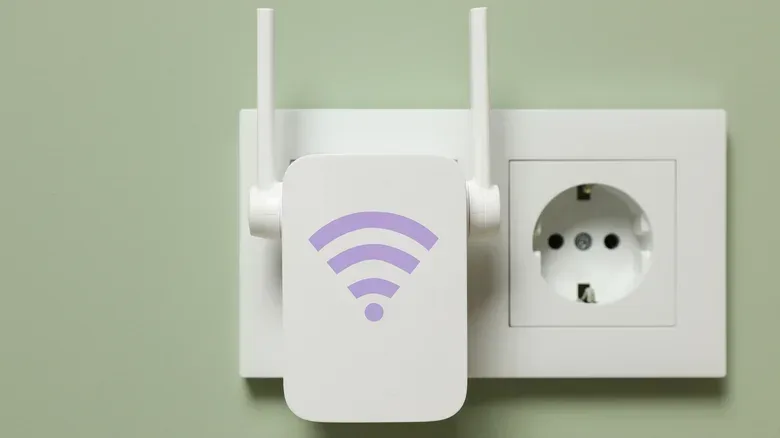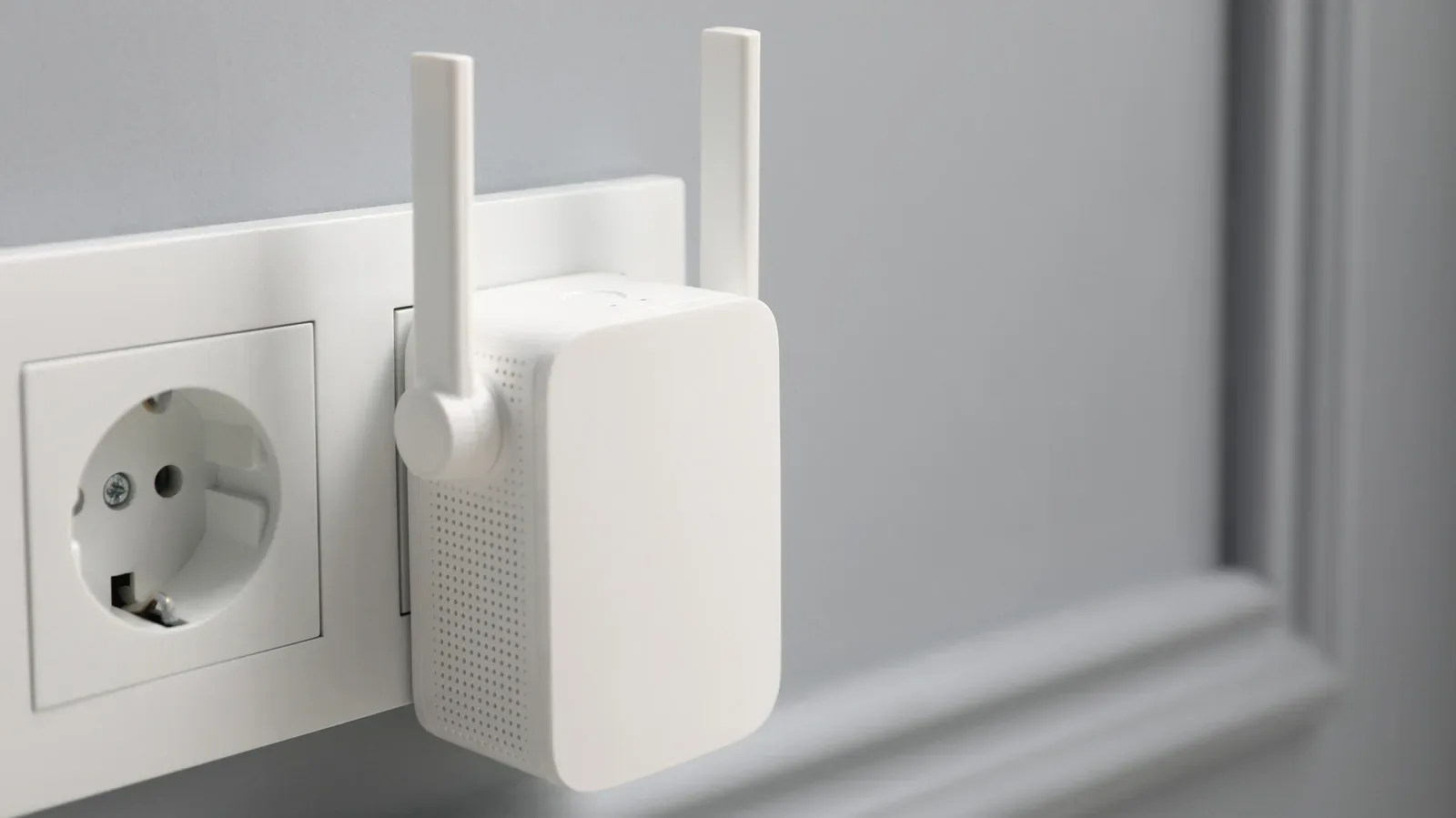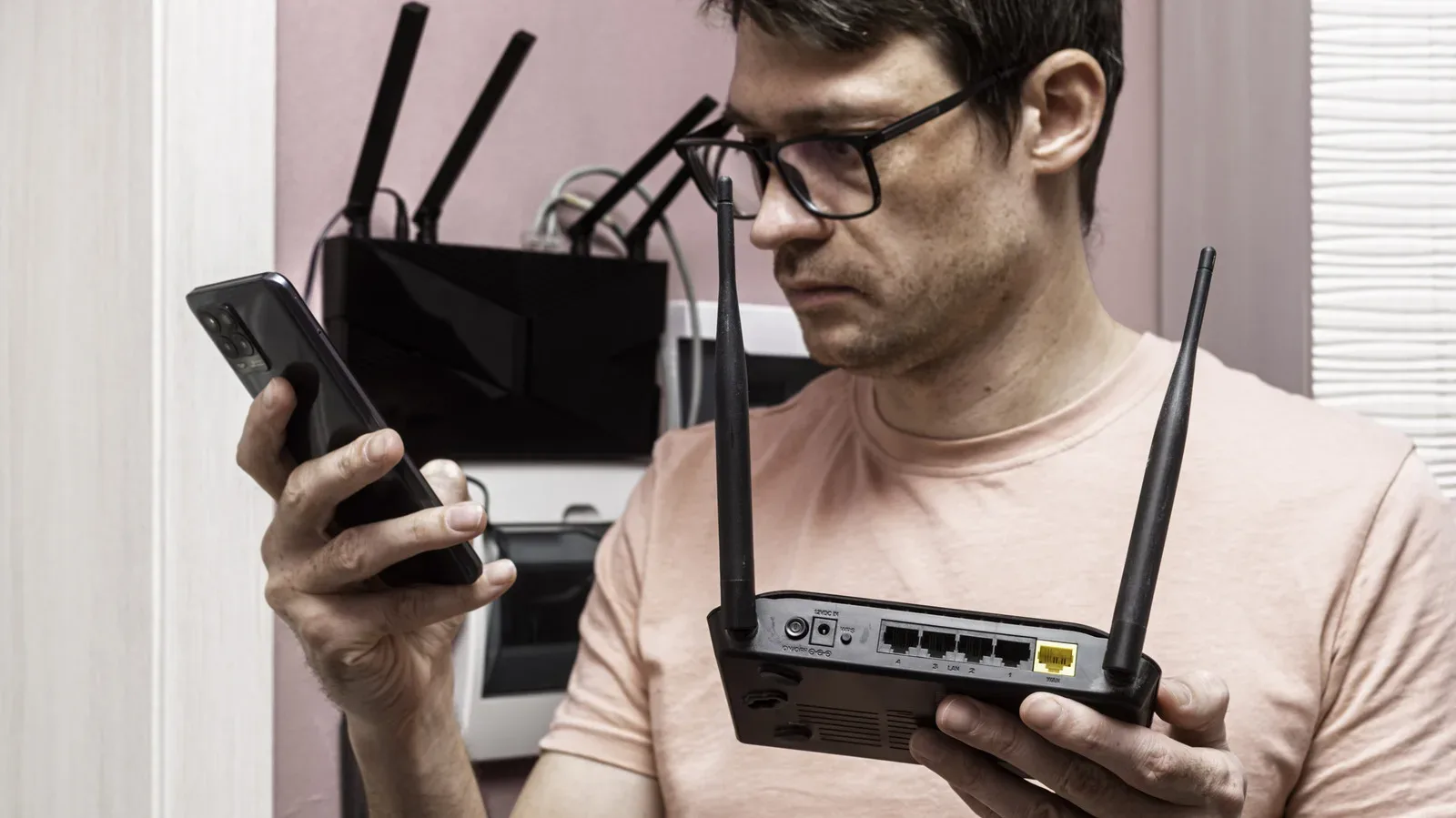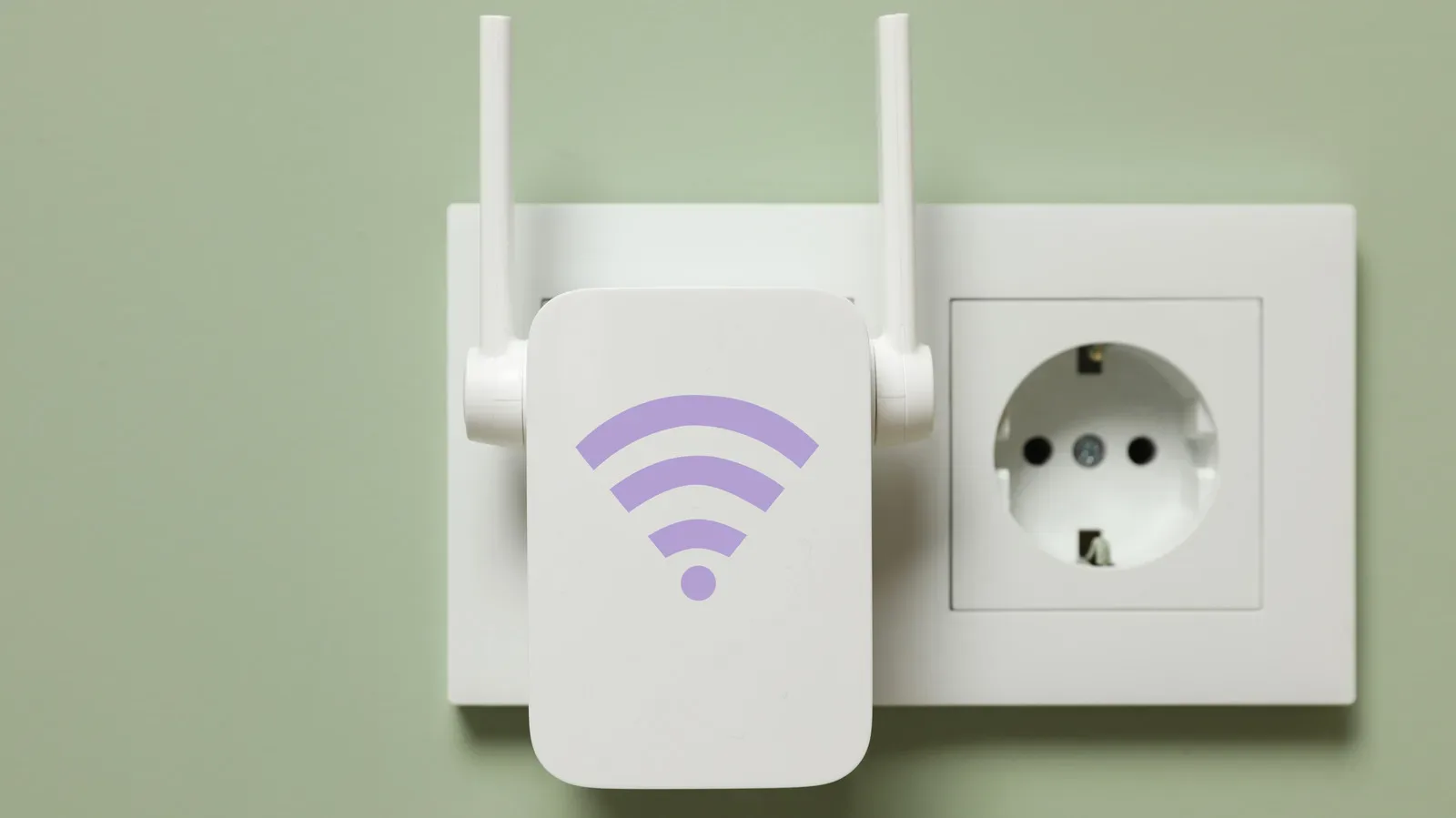
A Wi-Fi extender is often bought with one simple mission: make the room where you actually play games stop behaving like it exists outside civilization. But an extender cannot create a strong connection out of a weak one. It receives the router’s Wi-Fi signal and broadcasts it onward, so putting it inside the dead zone itself is usually the wrong move.
The practical answer to how far an extender can sit from a router is far enough to reach the problem area, but close enough to maintain a solid link back to the router. In an unobstructed setup with a strong original signal, that can mean roughly 25 to 40 feet for a model with external antennas, or around 20 to 35 feet for one with internal antennas. Those are placement starting points, not promises. A concrete wall, brick partition, floor, metal surface, microwave, or baby monitor can change the equation quickly.
For players, the distinction matters. A connection that technically reaches a console, PC, handheld, or phone is not automatically a connection that feels good in an online match. Stable communication to the router is the part an extender needs before it can do anything useful for the device on the other end.
An extender needs a good signal before it can extend one
Think of the router-to-extender connection as the first leg of a relay. The extender’s second leg runs from itself to your gaming device. If the first leg is poor, the second one cannot repair it. An extender placed at the edge of the router’s usable range may light up and offer a network, but it is retransmitting a compromised connection.
That is why the familiar advice to place an extender halfway between the router and a dead zone is broadly sensible. It positions the device where it can still hear the router reliably while pushing coverage toward the room that needs it. In an ideal open space, the distance guidelines give that midpoint some shape:
- External-antenna extender: approximately 25 to 40 feet from the router.
- Internal-antenna extender: approximately 20 to 35 feet from the router.
These ranges assume a strong router signal and relatively few obstructions. Homes are rarely ideal open spaces. If the route between router and gaming space crosses a brick wall or a floor, moving the extender closer to the router than the apparent midpoint is likely to be the smarter choice. The most important distance is not the measurement on a tape measure; it is the quality of the wireless path between the two networking devices.
That makes “as close as possible to the dead zone” a misleading goal. The extender must be close enough to serve the dead zone, certainly, but it has to be installed before the router’s signal becomes marginal. In a difficult layout, the best compromise may feel noticeably closer to the router than to the desk, TV, or sofa where coverage is wanted.
Why placement can affect bandwidth as well as coverage
Coverage and performance are related, but they are not identical. A Wi-Fi extender has an extra task compared with a router: it must receive data and then send it again. Many extenders use the same wireless channel for both jobs. Because they cannot receive and transmit at the same moment on that channel, the available bandwidth can be cut in half.
Bandwidth is the amount of data a connection can carry over a period of time. It is not the same thing as responsiveness, but reduced bandwidth can still matter when a home connection is handling game downloads, updates, voice chat, streaming, or multiple devices at once. A badly positioned extender adds poor signal quality to a setup that already has this receive-and-repeat limitation.
For gaming, it helps to treat an extender as a coverage tool first, rather than assuming it is a universal performance upgrade. It may turn an unusable room into a usable one. Yet if the router-to-extender signal is weak, the game system is being handed an unstable foundation. Getting a strong indicator light on the extender’s router-facing link is more valuable than gaining a few extra feet of apparent coverage.
Players concerned with mobile play should also separate network issues from device heat. Wi-Fi placement can affect connection quality, while thermal limits are a different problem entirely; our guide to phone coolers and mobile gaming performance covers that separate consideration.
Walls, floors and household electronics are part of the network map
The straight-line distance between a router and an extender can be deceptively reassuring. Wireless signals travel through a real home, not a floor-plan diagram. Thick concrete, brick, floors, and metal surfaces can weaken a signal. Microwaves and baby monitors can introduce interference as well.
This means two rooms the same apparent distance from a router can be radically different extender candidates. A nearby upstairs room separated by a floor may be harder to reach than a more distant room with a clearer path. A gaming setup behind a brick wall may need the extender on the router side of that obstacle, rather than beyond it.
Interference is a useful term here. It refers to unwanted disruption that makes wireless communication less reliable. The important practical takeaway is not that every household device will ruin Wi-Fi; it is that placement needs to reflect the objects and construction materials on the actual route. An extender sitting next to an obstacle or source of interference has less room to do its job.
Height and orientation are also part of that physical setup. For the best reception, place the extender about four feet above the floor, roughly level with the router. If the unit has adjustable antennas, point them straight upward, perpendicular to the floor. This is a modest adjustment, but it is one worth making before deciding the extender itself has failed.
A practical way to find the right spot
The most reliable approach is gradual and empirical: let the extender show whether it has a healthy connection rather than trying to solve every variable by guessing. Most models include signal LEDs that indicate the strength of the signal received from the router.
- Set up the extender near the router first, where it can obtain a strong connection.
- Identify the room or location where Wi-Fi is weak or absent.
- Move the extender toward that dead zone in small stages.
- At each position, check the device’s signal indicator for the router connection.
- Stop at the point that still shows a solid incoming signal while extending coverage toward the problem area.
- Place it around four feet off the ground, approximately level with the router, and keep external antennas vertical.
This process is especially useful when the “halfway” point lands inside a wall-heavy hallway, behind a large metal surface, or at another obviously unfriendly spot. The balanced point may not be visually neat, and it may not be centered. It is simply the location where the extender has enough quality signal to redistribute.
There is also an important expectation to set before moving hardware around: the result may be a compromise. If the dead zone is extremely far away, or separated by several hostile barriers, there might be no location that both receives the router adequately and delivers the desired improvement at the destination. That is not a matter of finding a more magical outlet.
When an Ethernet-fed access point is the better answer
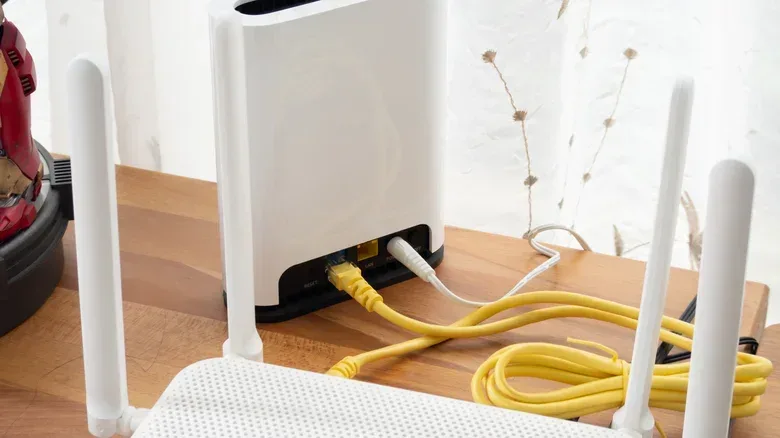
If no wireless extender location offers satisfying performance, a wired link changes the setup fundamentally. An extender that supports access point mode can connect to the router by Ethernet cable instead of relying on Wi-Fi for its backhaul—the connection from the added network device back to the main router.
With the cable providing that backhaul, the access point can be positioned directly in the dead zone. It avoids the wireless signal degradation and interference that plague a poorly placed extender, while keeping the router’s wireless bandwidth intact. For a distant game room, this can be the decisive difference between an improvised reach extender and an access point installed where coverage is genuinely needed.
There are constraints. Not every extender has an Ethernet port, and not every one supports access point mode. Ethernet also has a maximum effective cable length of 100 meters, or 328 feet. Those limitations should be checked before treating a cable run as the automatic solution.
Still, the basic trade-off is straightforward: a conventional extender uses Wi-Fi to get Wi-Fi farther away, whereas an Ethernet-connected access point carries the signal by cable to the problem area and then provides Wi-Fi there. In a large or obstacle-heavy space, removing the vulnerable wireless hop back to the router is often more meaningful than trying to stretch that hop farther.
Why mesh may beat adding more extenders
A second extender can sound like the natural response when one does not cover enough ground. In larger homes, however, a mesh Wi-Fi system is often the more coherent option. A mesh system uses multiple nodes placed around the home to broaden coverage.
The user-facing advantage is simpler roaming. Traditional extenders can create a separate network with an “EXT” label, requiring devices to connect to that extended network. Mesh systems keep devices on one network and use smart routing to connect them to the strongest node. That is useful for anyone moving around the home with a handheld, phone, or laptop, and it reduces the annoyance of deciding which similarly named network to join.
Mesh nodes are also designed to deal better with challenging interior surfaces and layouts than a basic extender arrangement. Tri-band mesh systems have an additional advantage: they can avoid the bandwidth-halving behavior associated with extenders that use the same channel for receiving and transmitting.
The catch is cost. Mesh systems are more expensive than extenders. For a small home with one isolated weak spot, an appropriately placed extender remains a simple and cost-conscious fix. When the home is large, barriers are numerous, or a first extender has no good placement, paying for mesh—or using a wired access point where cable is possible—becomes easier to justify.
What gamers should take from the range numbers
Do not read 20, 35, or 40 feet as a guarantee that an extender will work across that exact span in every home. Treat those numbers as a useful initial zone under favorable conditions. Start near the router, walk the extender toward the weak area, and use its signal light to protect the crucial router-to-extender link.
If the midway outlet has a strong signal and the dead zone improves, the extender is doing the job it was bought to do. If that link turns weak before the dead zone is reached, pushing farther will usually make the experience worse, not better. At that point, Ethernet access point mode, if supported, or a mesh setup are the practical next paths.