Phone coolers are not a gimmick in the strictest sense: under a sustained heavy load, they can help a handset hold performance more consistently. The catch is that a cooler addresses a specific problem—heat-driven throttling—and plenty of people never encounter that problem often enough to justify another accessory attached to their phone.
For mobile players, that distinction matters. A phone can feel hot during a game and still deliver a perfectly acceptable experience. Conversely, a game can start smoothly, then lose performance after the device has spent a long stretch processing graphics, maintaining a bright display, communicating over a network, and perhaps charging at the same time. In the latter situation, external cooling may be useful. In the former, it is mostly extra bulk and fan noise in search of a crisis.
The sensible question is not, “Can a phone cooler lower temperature?” It can. The question is whether temperature is the reason a particular phone is struggling.
What throttling is, and why it changes a long gaming session
A phone’s CPU, or central processing unit, handles general computational work. Its GPU, or graphics processing unit, is responsible for much of the graphical work games demand. When those components are busy for an extended period, they create heat. Phones have safeguards designed to reduce that heat before it becomes unsafe for the device.
One of those safeguards is thermal throttling. In plain terms, the phone cuts back performance to protect itself when temperatures become too high. That can turn a stable opening stretch of a game into a less consistent later stretch. Players may perceive this as falling frame rates, reduced responsiveness, or more frequent stutters after the phone has been working hard for some time.
Throttling is therefore about sustained behavior, not the first few minutes after launching a game. A short match that runs well does not prove a phone will run equally well after a much longer session, especially if conditions add heat from elsewhere.
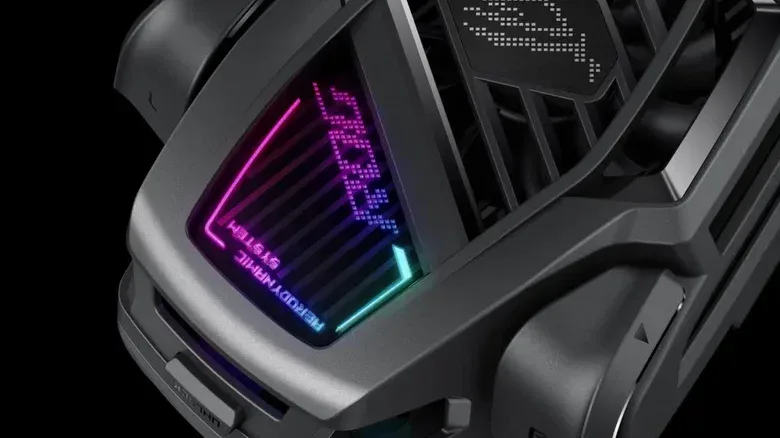
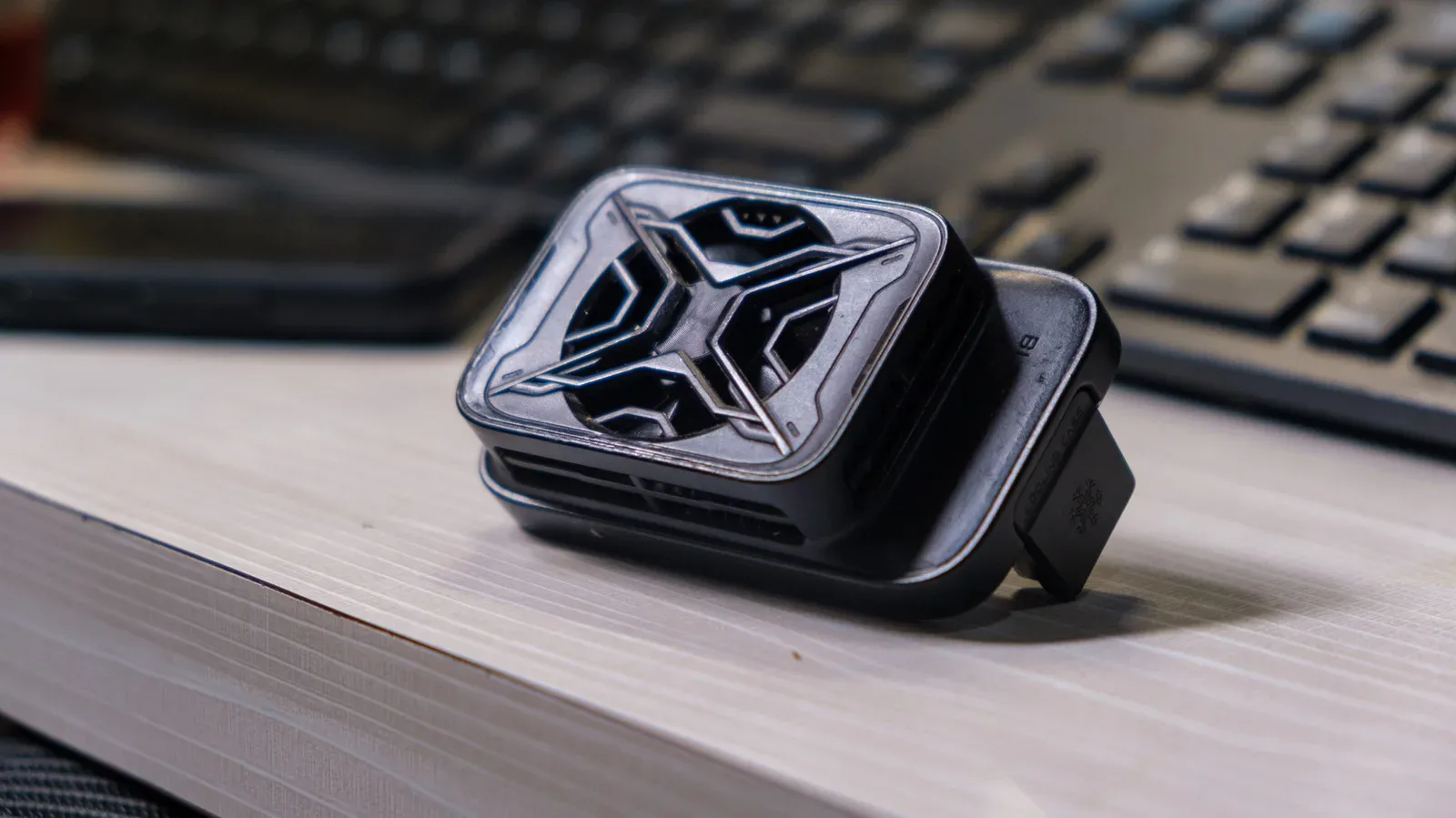
External cooling can help preserve performance precisely because it gives the handset another path to shed heat. A test of the ASUS ROG Phone 8 Pro illustrates the potential difference: its 3DMark stability results were 77% and 79.2% without the AeroActive Cooler X, versus 92.7% and 90.8% with the cooler. Higher stability percentages in this context indicate more consistent frame rates as the device heats up.
Those figures do not mean every phone owner needs a cooler, or that every game will gain the same amount. They do demonstrate the underlying point: when heat is the limiting factor, active cooling can materially improve sustained consistency.
“Phone cooler” describes several very different products
Not every accessory marketed as phone cooling works in the same way, and the differences are important.
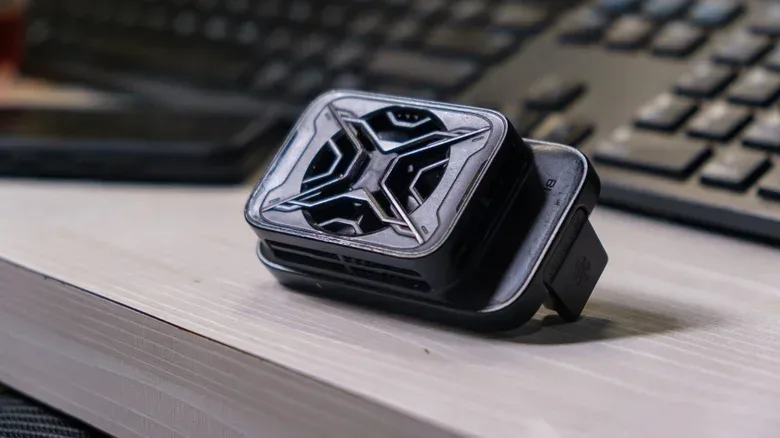
- Fan-based coolers move air across the back of the phone. Their objective is to improve heat dissipation from the handset’s exterior.
- Thermoelectric or Peltier coolers use a cold plate to draw heat away from the phone. These are the more aggressive active-cooling approach described here.
- Passive cooling cases aim to distribute heat across a larger area. They can help manage heat but do not actively pull it from the phone as a powered cooler does.
- “Cooling apps” cannot physically remove heat from the hardware. They may reduce workloads or change performance-related settings, but software alone cannot create an external route for heat to leave the device.
That last point is useful for avoiding a misleading expectation. Software can potentially make a phone do less work, which can reduce heat production. But that is not the same thing as cooling hardware with airflow or a cold plate. A powered external accessory is solving a physical heat-transfer problem; an app is, at most, attempting to manage demand.
Cooling will not solve every kind of lag
“Lag” is often used to describe almost any bad game experience, but it can come from several unrelated causes. A cooler only has a chance of helping when a device is reducing performance because of heat.
It will not repair weak Wi-Fi. It cannot reduce the delay caused by a remote game server being physically far away. And it cannot transform a game that a phone is fundamentally unable to run well into a smooth experience. If the connection is the bottleneck, lowering the handset’s temperature does not change that connection. If a game performs poorly immediately rather than after extended use, heat may not be the primary issue.
A practical way to separate these possibilities is to look for a pattern. Does a game begin well and worsen only after sustained play? Does performance recover after the phone has had time to cool? Does the same slowdown appear during other long, demanding activities? Those signs make a heat-related explanation more plausible than an instant purchase based on a warm back panel alone.
Who is most likely to benefit from a dedicated cooler?
Long mobile gaming sessions are the clearest use case, particularly when the device repeatedly loses consistency after it has been under load for a while. The same heat issue can arise in activities that keep a phone working hard continuously: livestreaming, video processing, and extended outdoor photography in summer conditions are all plausible examples.
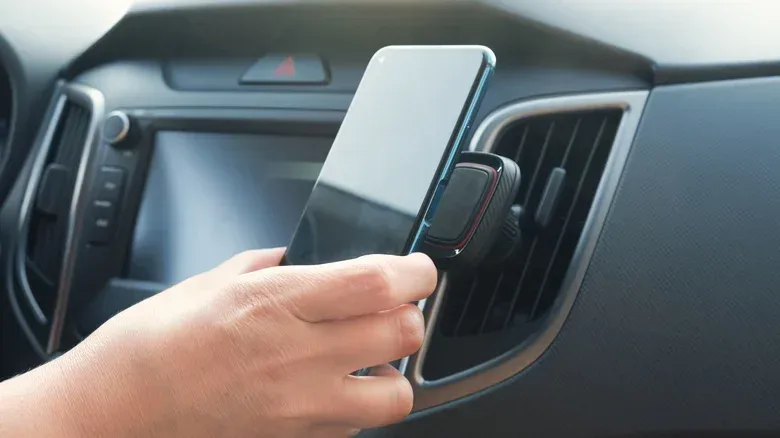
Cars can create a surprisingly harsh combination of factors as well. Navigation keeps the display active; high brightness adds demand; charging adds heat; and direct sunlight raises the temperature around the phone. A dashboard-mounted phone dealing with all of those at once is facing a more demanding situation than a handset used briefly indoors.
That does not automatically make a cooler the first answer for a car setup. Positioning the phone near an air-conditioning vent, when comfortable and appropriate, may be enough. A mount that permits air to circulate around the device, instead of pressing it against an insulating surface, can also make a meaningful difference.
For gamers weighing broader hardware purchases, cooling is best treated as a targeted fix rather than a default upgrade. It belongs below essentials such as a device that can run the desired game reliably, sensible charging habits, and a usable setup. The same buy-what-solves-the-real-problem approach applies to larger gaming purchases, as outlined in this guide to prioritizing a GTA 6 setup.
Try the no-cost fixes before buying hardware
Many common heat problems can be reduced without putting a fan, clip, cable, or cold plate on the phone. First, remove a thick case during a demanding session if it is safe and convenient to do so. A bulky case can make it harder for the handset to shed the heat it is generating.
Next, get the device out of direct sunlight where possible. This is especially relevant outdoors and in vehicles, where the surrounding environment can push temperatures up before the phone’s CPU and GPU have even begun their hardest work.
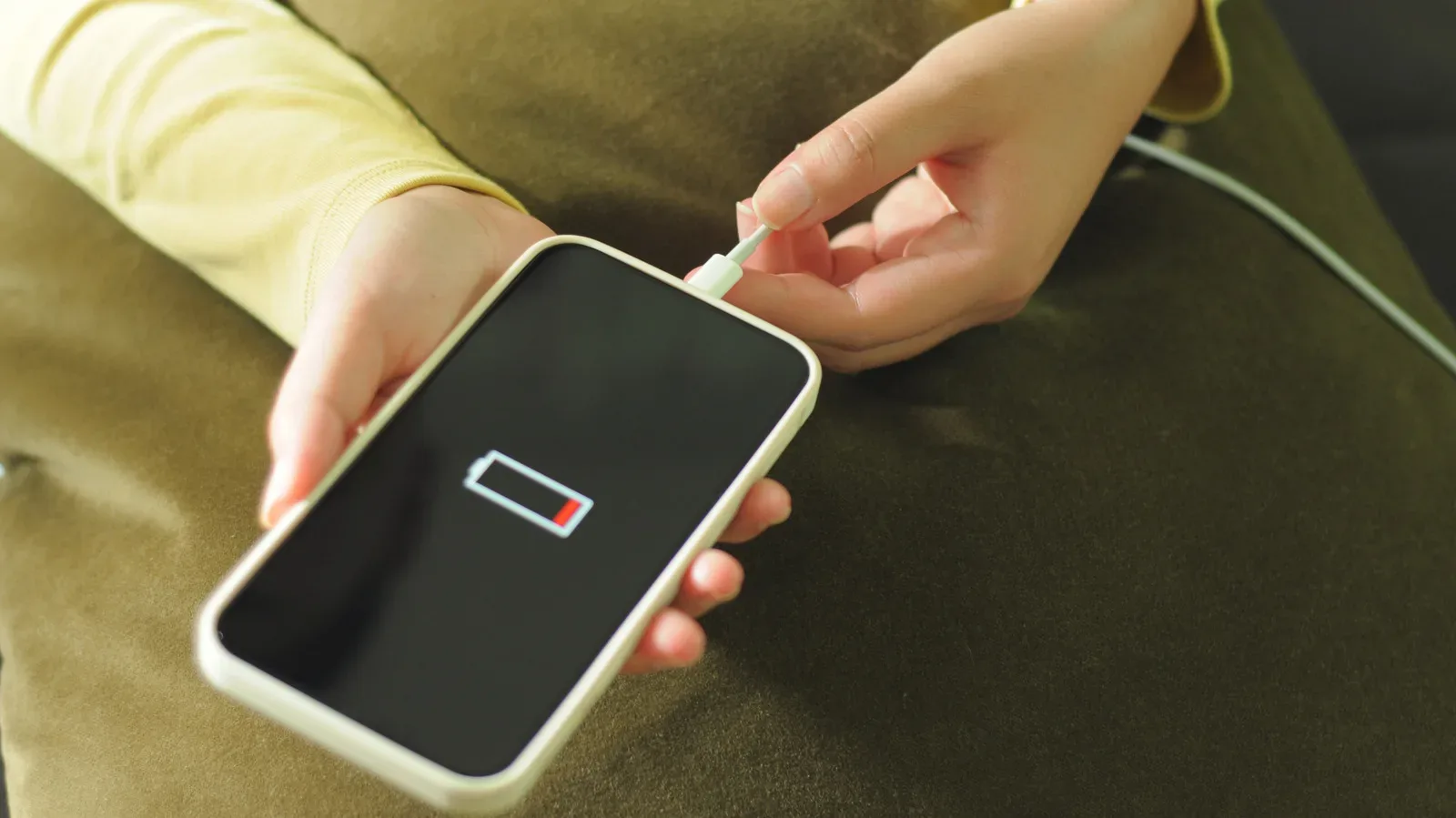
It also helps to avoid pairing demanding tasks with charging when there is no need to do both. Charging generates additional heat. Wireless charging runs hotter than standard cable charging, so it is a poor match for a phone already working hard in a game or another sustained task.
Some compatible Galaxy phones offer a gaming option that pauses USB Power Delivery charging. Rather than continually charging the battery during play, that feature can power the device while gaming. It addresses one component of the overall heat load before an external cooler is considered. Compatibility matters here, so it should not be assumed to exist on every Galaxy phone or every setup.
- Check whether the performance issue emerges only after sustained play or processing.
- Remove a thick case and keep the handset out of direct sun.
- Use cable charging rather than wireless charging during demanding activity, or avoid charging while playing when practical.
- Improve airflow around the phone, including in a vehicle mount.
- Consider a dedicated cooler only if throttling continues under the workloads that actually matter to you.
The trade-offs are real, even when a cooler works
A phone cooler is not invisible equipment. Depending on the design, it can add weight, produce fan noise, require another cable, and interfere with how the phone feels in the hand. For touch-heavy games, comfort and grip are not trivial concerns; an accessory that makes a phone unwieldy may solve one issue while creating another.
That is why “it works” is only half of a buying decision. A player who experiences throttling only occasionally may reasonably prefer a few habits—shade, airflow, a thinner case, and smarter charging—to carrying another powered accessory. Someone whose phone repeatedly throttles through the long sessions they care about has a much stronger case for accepting those compromises.
The practical verdict for mobile players
Phone coolers have a genuine technical purpose. They can reduce heat-related performance drops, and the ASUS ROG Phone 8 Pro stability results show that active cooling can make a substantial difference under the right workload. They are not universal performance boosters, however, and they do not cure network trouble, server latency, or insufficient hardware capability.
Buy one when there is repeatable evidence that prolonged gaming or another sustained task makes the phone throttle after basic heat-management steps have failed. Skip one when the device merely gets warm, when performance stays stable, or when the suspected “lag” is actually a connectivity or game-requirements problem. The best cooler is useful hardware for a narrow job—not mandatory gear for everyone with a smartphone.