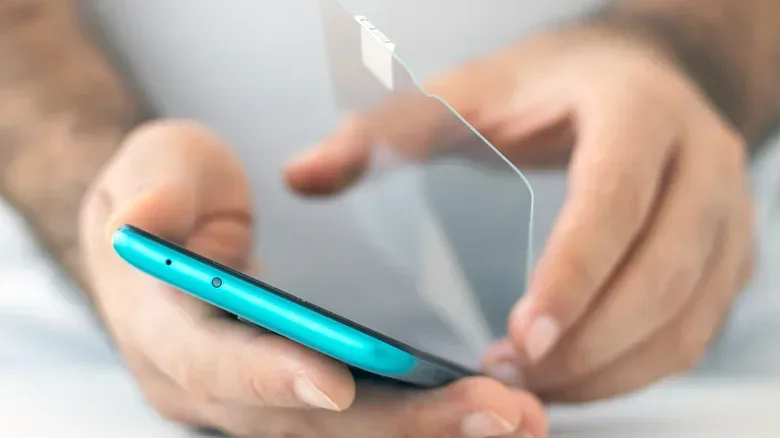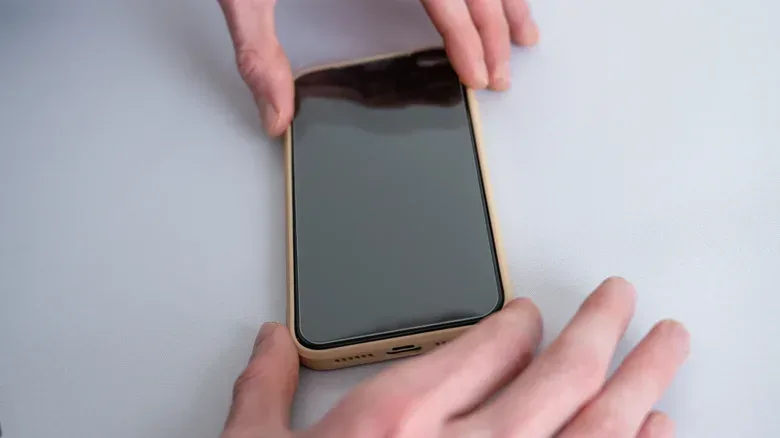
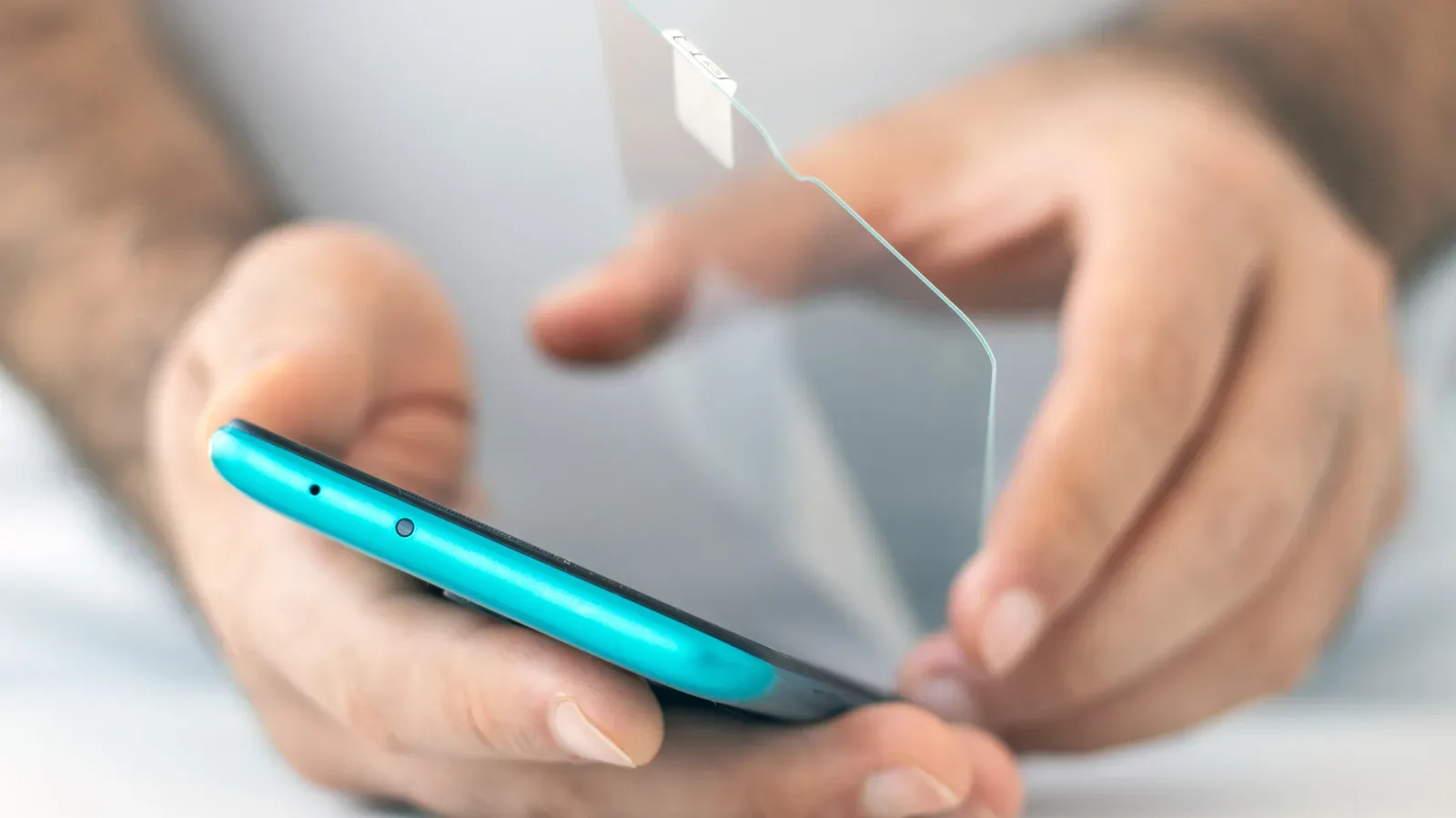
A phone screen protector is supposed to take the everyday punishment that would otherwise land on the display beneath it: contact with keys, trips through bags and pockets, hard desk surfaces, fingerprints, and the occasional encounter with the floor. That does not mean the protector should remain on the phone indefinitely. It is a protective layer that wears down, and eventually that wear can make the screen harder to see, less pleasant to use and less well defended against further damage.
The useful question is not whether a protector looks factory-fresh. A few ordinary marks may be tolerable. The important question is whether it is still sitting securely, keeping the display clear and allowing the phone to respond normally. Cracks, lifting edges, persistent grime and a cloudy appearance are all practical reasons to replace it rather than simply living with it.
There is no universal replacement schedule. Longevity depends on the protector’s material and quality, how the phone is carried and handled, exposure to pressure or temperature extremes, and the kind of cleaning it receives. A protector that spends its life rubbing against other objects will age differently from one on a carefully handled phone. Condition, rather than a date on the calendar, is the more useful test.
The clearest signs a protector has reached the end
Cracks and obvious scratches
Visible damage is the simplest signal. A cracked protector has already absorbed some kind of impact or pressure, which is precisely the job many people bought it to do. But it is no longer in ideal shape to continue as a sacrificial barrier. Deep scratches can also interfere with visibility and make ordinary swiping feel rough or uneven.
Not every tiny surface mark demands immediate action. The distinction is practical: if damage distracts from the display, catches a finger, spreads, or makes it difficult to judge what is on screen, replacement is sensible. Leaving a visibly damaged layer in place does not restore its original condition or protective role.
Peeling, lifting, bubbles and loose corners
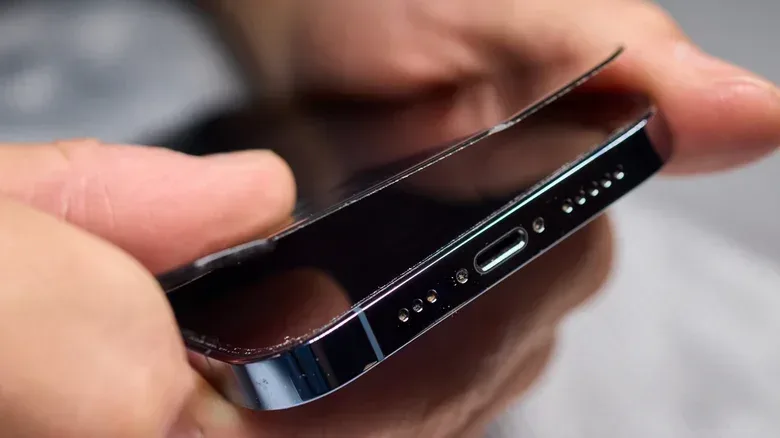
A protector should lie flat against the display. Once an edge begins to peel or a corner comes loose, the bond is no longer doing what it should. Bubbles and lifting can be more than a cosmetic irritation: they break up the clear viewing surface and create places where grime can become noticeable.
Installation matters here. Improper application can contribute to poor adhesion, and excess pressure or extreme temperatures can also lead to cracking or other issues over time. A loose protector is therefore a condition problem worth addressing, even if the underlying phone screen appears intact.
Yellowing, haze or diminished clarity
Discoloration is another clear reason to retire a protector. Yellowing changes the way a screen looks, while haze can make a display seem less sharp or less clear. Since a phone’s screen is used for everything from messages to maps to games, a worn transparent layer can become an unnecessary quality-of-life penalty.
Related coverage includes When to Replace a Phone Screen Protector and How to Care for It.
This can be easy to miss because it happens gradually. If the phone suddenly seems duller than expected, or if cleaning no longer restores the crisp look it once had, inspect the protector rather than assuming the display itself is the problem. A deteriorating protector may be responsible for the change in appearance.
Fingerprints that no longer wipe away easily
Many protectors use an oleophobic coating. “Oleophobic” means resistant to oils, including the natural oils transferred by fingertips during normal use. The coating helps smudges lift more easily and can make the surface feel cleaner between wipes.
When fingerprints begin to cling stubbornly or smears return almost immediately, the coating may be wearing away. That does not necessarily mean the phone’s display has failed; it may mean the protector’s surface treatment is no longer performing as intended. It is a subtle form of wear, but a meaningful one for anyone who spends a lot of time tapping and swiping.
Touch input feels less reliable
A protector should not turn everyday navigation into a negotiation with the screen. If touch sensitivity seems reduced or interactions feel inconsistent, the protector is one possible factor to consider. It is especially worth examining when that behavior appears alongside peeling, bubbling, cracks or other visible deterioration.
Do not jump straight to the conclusion that the phone itself is at fault. Check the protective layer first. If it is visibly compromised and the display feels less responsive, replacing it is a reasonable maintenance step before treating the issue as a larger device problem.
Protection comes in different forms
Scratch and crack resistance are not the only reasons people choose a screen protector. Some options are intended to reduce glare or blue-light exposure, while privacy-focused versions are designed to make the screen harder for people nearby to view. Those are separate functions from basic impact and scratch protection, and they also mean that a protector’s usable life is not judged only by whether it has cracked.
A privacy or anti-glare protector that has become hazy is no longer delivering a clear viewing experience. Likewise, a protector with a particular coating needs cleaning care that does not strip or degrade that surface. Before cleaning or replacing one, it helps to know what it is made of and whether it uses treatments such as an oleophobic or anti-blue-light coating.
One important exception applies to foldable phones: do not add a screen protector to the foldable display. That screen already has a factory-applied protector, and adding another layer can cause problems instead of preventing them. The standard advice to replace a worn protector should not be treated as permission to layer an aftermarket protector onto a foldable screen.
How to clean a protector without wearing it out faster
Routine cleaning can improve day-to-day use, but aggressive cleaning can do the opposite. The safest basic tool described here is a microfiber cloth. It is suitable for wiping the screen protector without the abrasion associated with rougher materials. Paper towels, for example, should be avoided because they are abrasive.
For more stubborn marks, lightly dampening the microfiber cloth is enough. The key point is to apply moisture to the cloth rather than spraying anything directly onto the phone. Direct spraying risks sending liquid into places it does not belong, while a damp cloth gives more control over what touches the screen.
Be careful with cleaning products. Harsh chemicals, including ammonia and bleach, can strip protective coatings. Higher-concentration alcohol can also be a problem, and even a disinfectant wipe may damage a coating despite seeming like a mild, convenient option. The practical result is straightforward: a protector can look cleaner immediately after an overly harsh wipe but perform worse later because its oil-resistant or other surface layer has been degraded.
- Use a microfiber cloth for normal cleaning.
- Avoid abrasive paper towels.
- Dampen the cloth rather than spraying liquid onto the phone.
- Avoid ammonia, bleach and other harsh chemicals.
- Be cautious with high-concentration alcohol and disinfectant wipes, particularly when the protector has a specialized coating.
When a replacement is better than more cleaning
Cleaning addresses residue on a protector; it cannot reverse physical wear. A microfiber cloth can remove fresh fingerprints, but it cannot repair a crack, reattach a lifting corner, erase yellowing or rebuild a worn oleophobic layer. Repeatedly scrubbing a protector that has become hazy or smudge-prone is therefore unlikely to solve the underlying problem.
That distinction can save time and prevent accidental damage. If the surface is simply dirty, clean it gently. If the surface itself is compromised, replace it. Treating a worn accessory as though it only needs more vigorous cleaning risks degrading it further.
For players who use their phone for touch-heavy games, this is more than an aesthetic concern. A clear, smooth, responsive screen is part of basic usability. If a worn protector makes taps feel less dependable or makes on-screen details harder to see, it is reasonable to remove that friction from the setup. For a separate check on device trouble that can interrupt play, see why an iPhone may randomly shut down during your next game.
A practical inspection routine
There is no need to obsess over every small imperfection. Instead, inspect the protector whenever you notice a change in use: the display looks cloudy, a corner feels raised, fingerprints seem unusually persistent, or touch input does not seem as natural as before. Look at it with the display off and then with it on. The first view can reveal scratches, bubbles and oily residue; the second makes it easier to judge whether clarity is being affected.
- Check for cracks, deep scratches, loose edges, peeling and bubbles.
- Look for yellowing or a haze that affects readability.
- Wipe gently with a microfiber cloth and see whether smudges clear normally.
- Notice whether the phone responds as expected to taps and swipes.
- If the problem is physical wear rather than removable dirt, replace the protector.
The goal is not to preserve the protector forever. It is to let it do its job while it remains useful, then replace it once it becomes the weak point. A clean, intact layer can help reduce ordinary wear on a phone; a cracked, cloudy, peeling or unresponsive one is a reminder that protective accessories have their own maintenance cycle.