A physical SIM-card swap is a small phone-maintenance job that can feel far more dramatic than it is. The tray comes out, the card changes, the phone reconnects, and ideally nobody has to stare at a “network error” message while a download, group chat or mobile game match waits in the balance.
The reassuring part: most current smartphones with external SIM trays are designed to tolerate a swap while they are switched on. In other words, shutting the handset down is generally not mandatory. The more cautious advice is still sensible, though. If there is no urgency, power the phone off first. If powering down is inconvenient, use airplane mode, wait briefly, change the card, then turn airplane mode off after the tray is back in place.
That extra minute is not a mystical ritual for appeasing the tiny plastic rectangle. It is simply a low-effort way to make the phone refresh its connection and carrier information cleanly. The benefit is modest, but it may reduce the chance of a temporary software-side connection problem—and restarting a phone in the middle of something is usually more annoying than taking the precaution before the swap.
First, know whether the phone uses a physical SIM or eSIM
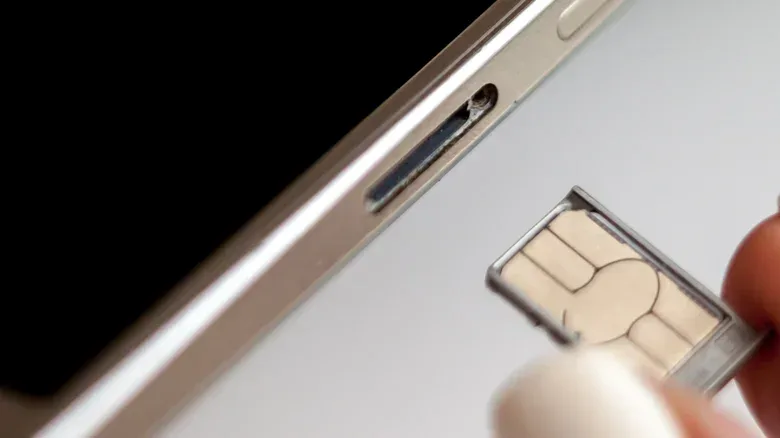
This guidance applies to a physical SIM: the removable card held in a tray that is opened with a SIM-eject tool or, carefully, a paperclip. It is still useful for several everyday scenarios. Someone might move to an MVNO, meaning a mobile provider that uses another carrier’s network, replace a damaged card sent by their carrier, or use a local pay-as-you-go card while travelling.
An eSIM is different. It is a digital subscriber identity installed through a carrier app, a QR code or a direct transfer process between phones. eSIM-compatible devices can typically retain several eSIM profiles, although only a limited number can be active at the same time. There is no tray, card or pinhole involved, so the physical-care advice below does not apply in the same way.
Physical cards remain appealing precisely because they are tangible and easy to move. They can also support over-the-counter pay-as-you-go accounts. eSIMs eliminate moving parts, while a physical SIM gives the owner a small, portable item that can be inserted where needed. Neither format changes the basic rule that service ultimately depends on the account being set up correctly.
The low-drama SIM-swap checklist
Before beginning, take a moment to confirm which slot and which card you mean to change. This matters especially on a dual-SIM handset that accepts two physical cards. Removing the wrong card is not catastrophic, but it is an unnecessary detour when the point was to get connected quickly.
- Power the phone down if practical. It is optional on many modern phones, but it gives the device a clean start with the new card in place.
- Alternatively, enable airplane mode. Wait around 30 seconds before opening the tray. This stops cellular activity without a full shutdown.
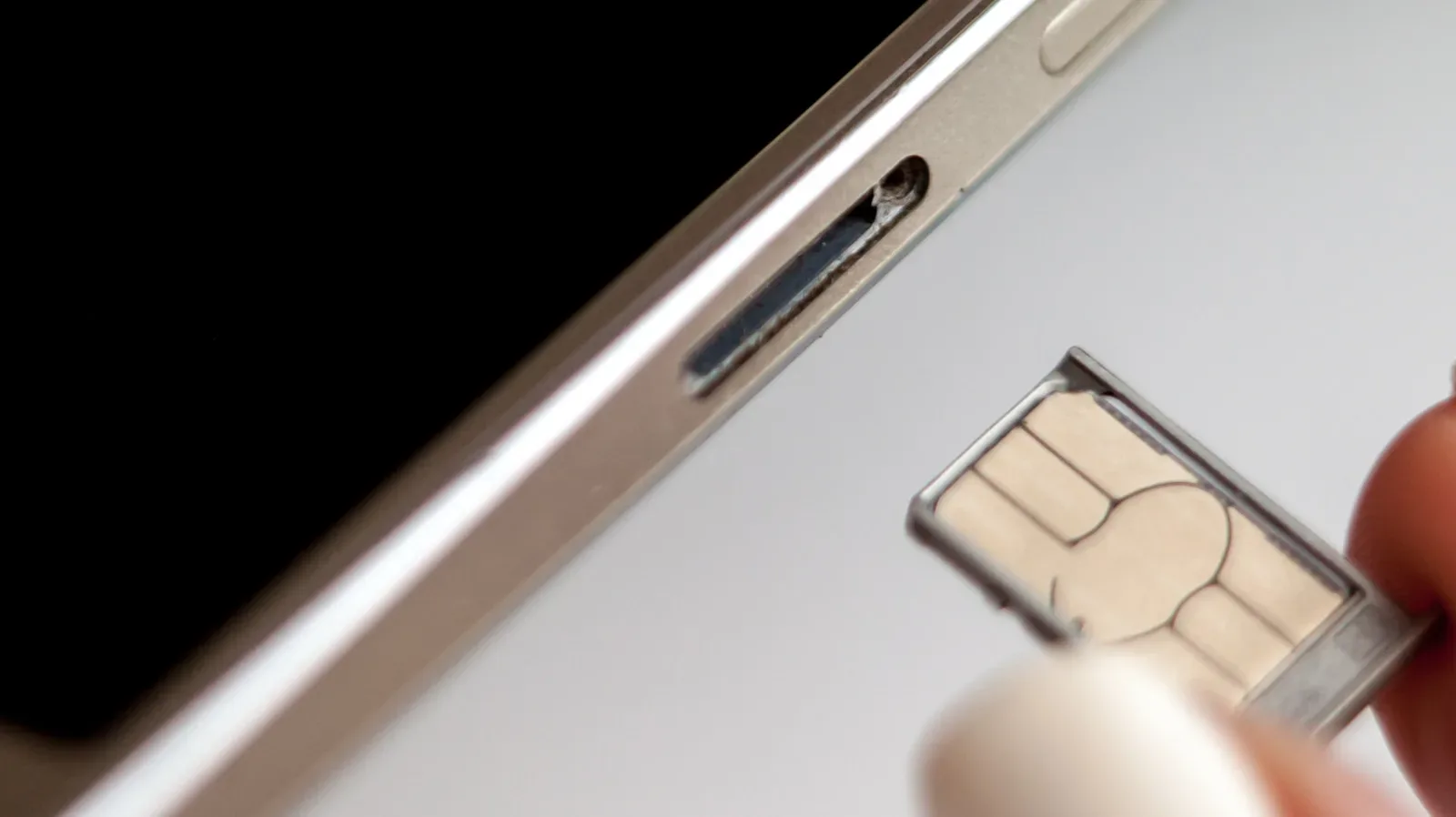
- Use the ejector pinhole gently. Insert a SIM tool or paperclip into the intended pinhole with measured pressure. Do not force it.
- Remove the tray and inspect it. Keep dirt, moisture and loose debris away from the opening and card contacts.
- Fit the correct card in the correct orientation. The tray is shaped to show how the card sits. Do not try to force a card that does not fit.
- Slide the tray back in carefully. It should align and seat normally; resistance is a reason to stop and check rather than push harder.
- Turn the phone on, or disable airplane mode. Enter a PIN if requested, then give the handset a moment to read the card and find its network.
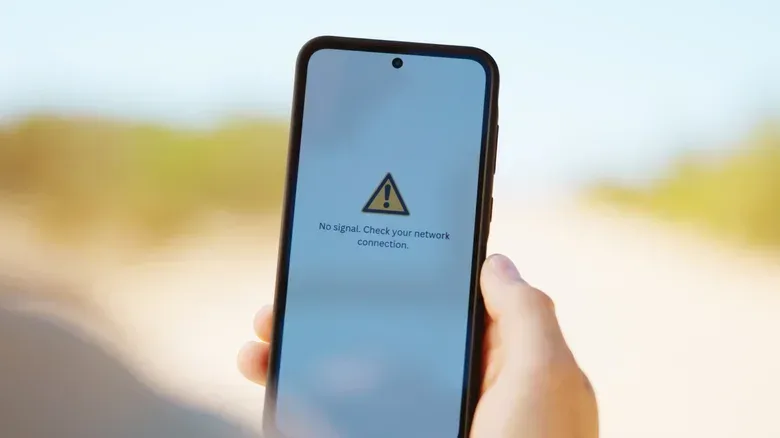
If the handset asks for a restart, follow that prompt. If it instead displays a network error after the swap, restarting is the first sensible recovery step.
Related coverage includes Should You Turn Off Your Phone Before Switching a SIM Card?.
Why shutdown or airplane mode can help
External SIM trays did not always behave as smoothly as they do today. Older designs could produce network errors when a card was changed with the phone running. Handsets have since become effectively hot-swappable: capable of handling a component change without first being completely shut down.
That does not mean every transition will be flawless. A phone has to read the new SIM and attempt to register with the appropriate network. Starting the device after the new card is fitted, or temporarily interrupting its radios with airplane mode, prompts it to consider the card’s fresh information when reconnecting.
For someone relying on mobile data to game, this is mostly about avoiding a self-inflicted interruption. A SIM swap will naturally interrupt cellular service while the phone transitions to the new network. If the change is unavoidable, make sure a game has saved its progress where possible and do not expect a live match, voice chat or cloud-connected session to survive the carrier handoff. The practical goal is not to guarantee zero downtime; it is to keep a routine card replacement from becoming an extended troubleshooting session.
There is a related phone-care lesson in checking background processes before a gaming session: brief preparation often prevents a longer interruption later. In this case, the preparation is simply preventing the phone from trying to maintain an old cellular connection while its identity card is being removed.
The real risks are usually physical, not technical
Most people who change a SIM never face a serious issue. The process becomes risky when it is rushed or forced. Dirt, moisture or grime can get into the tray opening. A tray can be bent or damaged so it no longer lines up correctly. A card can be harmed, or a larger card can be pushed into a slot incorrectly.
Those problems can have knock-on effects. If a SIM is damaged or seated incorrectly, a phone may repeatedly attempt and fail to connect to a mobile network. That can consume battery power and may cause the device to become warm as it keeps searching for service. Careful handling is therefore more valuable than obsessing over whether the power button was pressed first.
Use the tray’s cutout as the authority on card placement. Physical SIM formats vary in size, and a card should sit flush in the tray rather than being improvised into place. Keep the removed card somewhere clean and dry if it might be needed again. And if the tray does not return smoothly, do not treat it as a strength challenge. Pull it back out and reassess the card’s alignment.
Do not overlook a shared microSD tray
Some Android phones include microSD storage, occasionally in the same tray arrangement as the SIM. That changes the job. A microSD card is storage, and removing it while the phone is still treating it as mounted can risk data loss.
Unmounting tells the phone to stop using the card before it is physically removed—the mobile equivalent of safely ejecting an external drive from a computer. Check the phone’s Settings app or its documentation if the storage controls are not obvious.
On Samsung devices, the available route is to open My Files, find the SD Card, tap the three-dot menu next to it and select Unmount. Only then should the shared tray be removed. Placement differs between models, so it is worth identifying what is on the tray before pushing the ejector tool into the phone.
What to expect after the new card goes in
Once the tray is secure and the phone is active again, it may take a moment to recognize the SIM and locate the network. Service can also depend on account setup requirements, so the appearance of the card alone does not guarantee immediate connectivity.
If all is well, the phone reconnects and the task is over. If it is not, begin with the unglamorous fix: restart the device. A restart forces another attempt to read the SIM and register with the carrier. It is a more proportionate first response than repeatedly ejecting the tray, which creates more chances to misalign or damage something.
So, can a physical SIM be changed while a modern phone remains on? Usually, yes. Should it be? It can be, but there is little downside to powering off when time allows. Airplane mode is the useful middle route when a full shutdown is undesirable. Handle the tray gently, verify the card’s position, unmount any microSD card sharing the tray, and let the phone complete its connection process before jumping back into whatever was interrupted.