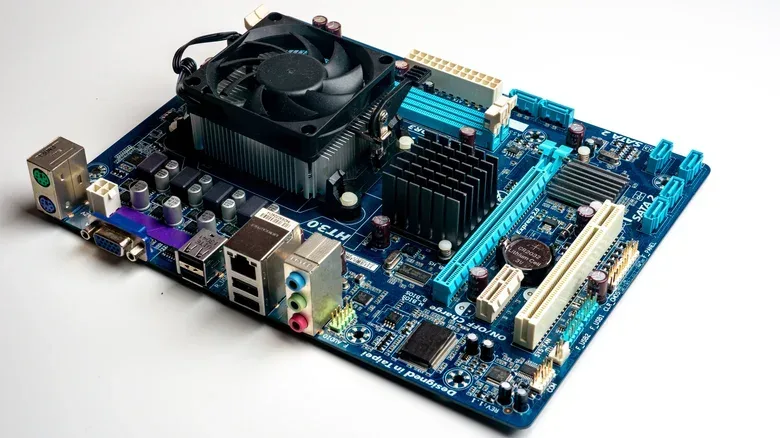
A motherboard is the least glamorous component in a gaming PC right up until it prevents every other component from doing its job. It is the board that ties together the CPU, memory, graphics expansion, storage and power delivery. That central role makes a suspected motherboard failure feel expensive and final—especially when replacement PC hardware is already a daunting prospect.
But “the motherboard is broken” is often a conclusion, not a diagnosis. The sensible decision is not to immediately order a new board or immediately reach for a soldering iron. It is to identify what the PC is actually doing, understand which parts of the board are implicated, and distinguish a narrowly repairable issue from a fault that makes replacement the practical route.
For PC players, that distinction matters. A healthy motherboard can be a long-lived foundation for a custom build, potentially lasting up to a decade. Meanwhile, a board with a failing memory slot, PCIe slot or recurring instability can turn a gaming machine into an unpredictable troubleshooting project. The right answer depends on severity, usability and whether the suspected problem is truly on the board rather than in software or another component.
Start with the boot process: what POST means
One of the clearest warning signs is a failure during POST, short for power-on self-test. This is the check a motherboard performs when a PC starts. It verifies the status of connected hardware before the system continues toward the operating system.
A computer that fails to POST is not necessarily proving that its motherboard has failed; POST trouble is generally associated with hardware not behaving correctly. The important escalation is when that failure arrives with beeps or other signals from the machine. Those alarms tell you that the system has encountered a problem before it can complete its normal startup sequence.
That makes POST behavior useful evidence, not a replacement order. It narrows the stage at which the failure occurs and tells the owner to investigate the hardware path rather than treating every startup problem as an operating-system issue. A PC that cannot reliably get through its initial hardware checks is in a very different position from one that boots normally but occasionally behaves oddly once the operating system is loaded.
This is also a reminder that a motherboard is not just a passive slab beneath the rest of the build. Its sockets, slots and electrical components must work together. A defect in one of those areas can look like a more dramatic system-wide collapse because the board is where so many parts communicate.
When replacement becomes the more credible option
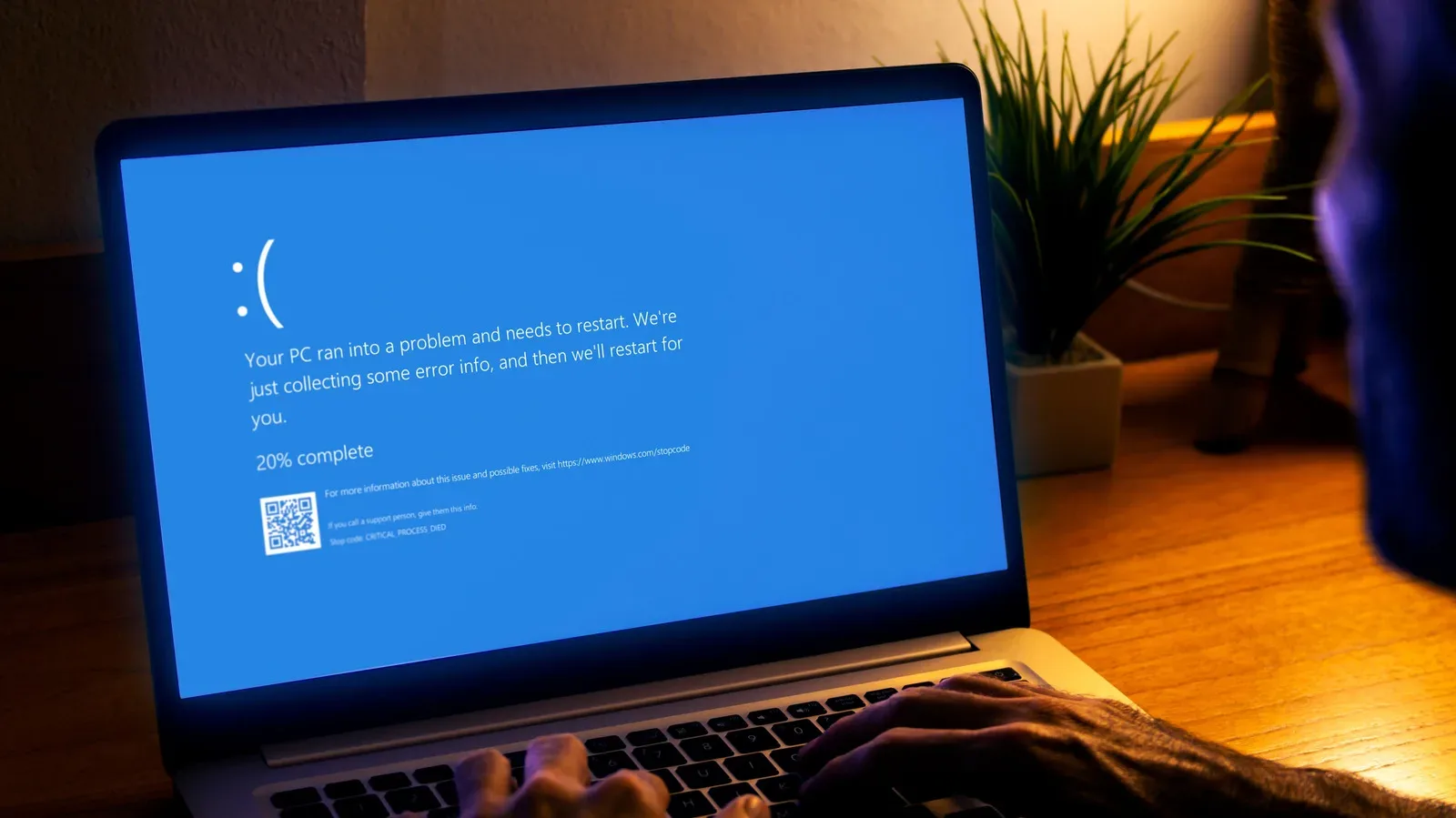
Repeated difficulty reaching the operating system and random blue-screen crashes are serious symptoms, but they are not uniquely motherboard symptoms. They can indicate a software problem or a board-level problem. The key point is that persistent instability deserves investigation rather than a guess. Replacing the motherboard without establishing the cause could leave the underlying issue untouched.
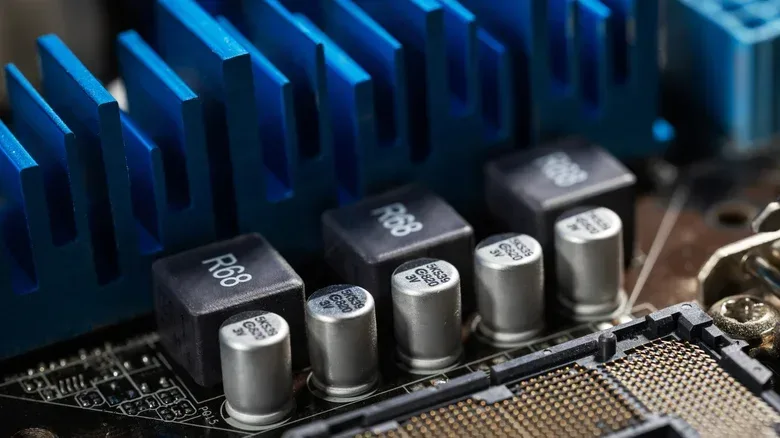
There are, however, situations where the board itself becomes a much stronger suspect. Damaged capacitors can contribute to overheating and eventual internal board damage. Thermal paste applied poorly can also lead to overheating, with consequences that extend beyond the CPU. In those circumstances, cleaning up the surrounding situation may not undo damage that has already occurred on the motherboard.
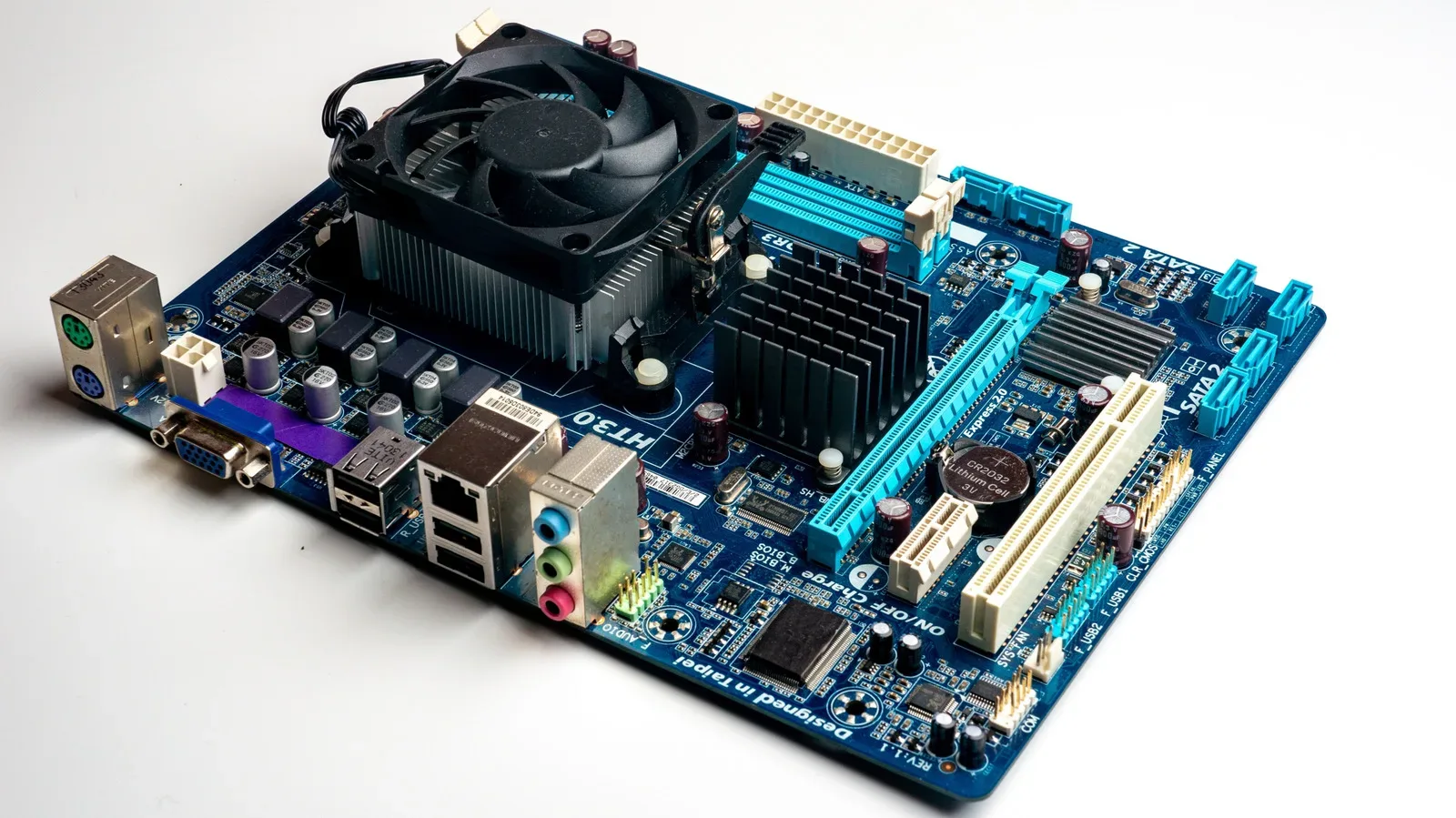
Slot failures are another dividing line. RAM slots and PCIe slots are basic infrastructure for a modern PC: memory needs the former, while a graphics card commonly relies on the latter. If those slots are going bad, a motherboard replacement may be the only workable path. A board that cannot reliably host the components required for ordinary use is not merely showing cosmetic age; it is interfering with the machine’s purpose.
That practical threshold is more useful than trying to declare every board fault “repairable” or “terminal.” If an issue stops the owner from using the computer as intended, replacement is likely overdue. A gaming PC cannot deliver much value if its memory connection is unreliable or its graphics expansion path has failed, regardless of how capable the CPU or GPU may be.
The graphics card may be the headline component in a gaming build—an idea with plenty of history behind it, as the GeForce 256’s place in PC gaming illustrates—but the motherboard is what gives that component a place to operate. A failing PCIe slot makes that relationship painfully obvious.
Repairable problems are usually specific and contained
The case for repair is strongest when the issue can be isolated to a small, replaceable part or a limited physical defect. Capacitors are an example. They supply voltage and current to the board’s individual parts, and they can fail in multiple ways. Someone who has both the equipment and the soldering skill may be able to replace a bad capacitor instead of discarding the entire board.
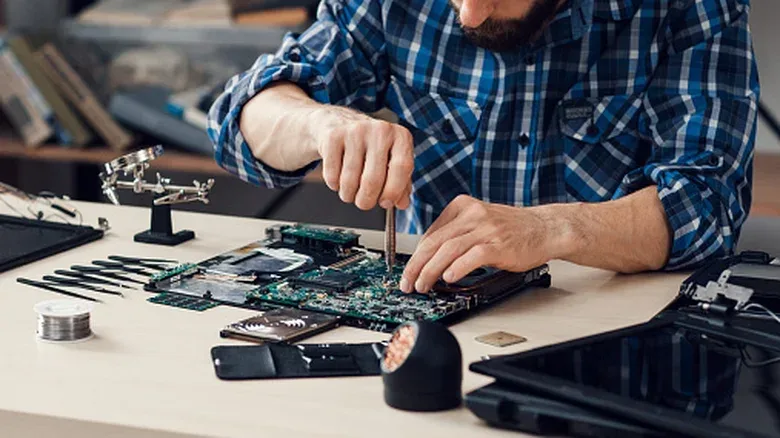
That qualification matters. Soldering is a capability, not a casual first step. The appeal is understandable: a component-level repair can be far cheaper than a whole board. But a repair is only as sound as the diagnosis and the work. The fact that a capacitor is replaceable does not mean every instability has been proven to be a capacitor fault.
A multimeter can be valuable in this kind of troubleshooting. It is a tool used to test electrical conditions, and it can help establish whether a fuse or power coil has burned out. In other words, it moves the process away from speculation. Before replacing a board because it appears dead, testing can help reveal whether a smaller electrical part is responsible.
A bent CPU-socket pin can also be a repair candidate when the socket design places pins on the motherboard. Slightly bent pins may be smoothed back into position with patience. This is not a reason to treat the socket casually; it is a delicate area and demands care. Still, the presence of a bent pin does not automatically mean the entire board has become e-waste.
The CMOS battery is perhaps the most straightforward example of a small part with outsized consequences. A bad battery can create anything from limited problems to more severe ones, yet replacing it can take only minutes. It should sit near the top of any “check the inexpensive possibility first” list when the symptoms fit.
Cooling maintenance can be a fix—or create a new problem
Thermal paste deserves special attention because it occupies both sides of this decision. Cleaning or reapplying paste to the CPU may help address heat-related trouble, but an improper application can adversely affect the motherboard. The useful lesson is not that thermal paste is inherently risky; it is that cooling work should be treated as precision maintenance rather than an excuse to apply more material without care.
Overheating can be the bridge between a manageable maintenance task and genuine board damage. If the heat issue is caught before it harms the board, a basic service may be enough. If capacitors or the board itself have already been damaged, the cost-benefit calculation changes. That is why owners should resist interpreting every overheating symptom as proof of one particular failed part.
Replacement can also be an upgrade decision
A motherboard does not need to be broken for replacement to make sense. An older but functioning board can be swapped as part of a broader upgrade plan. Since the motherboard establishes much of a custom PC’s identity, a newer board may have value even when the existing one remains operational.
That does not require chasing the most expensive option. Higher-end boards can raise the bill quickly, but capable boards can also be available at relatively low cost. The better framing is to decide whether newer hardware would meaningfully serve the build, rather than assuming a working board must be kept indefinitely or that an upgrade must mean buying the premium model.
For an owner balancing repairs, replacement and gaming priorities, the question becomes simple: is this board’s issue small, identifiable and contained, or is it undermining the machine’s core operation? A dead CMOS battery, a bad capacitor that can be competently replaced, or slightly bent pins may justify repair. Repeated POST trouble with alarms, persistent access problems, overheating-related board damage, and failed RAM or PCIe slots are stronger arguments for a new motherboard.
That approach will not make component failures less annoying. It does prevent the worst response to an expensive PC problem: treating a cheap, specific fix and a fundamentally unreliable platform as if they were the same thing.