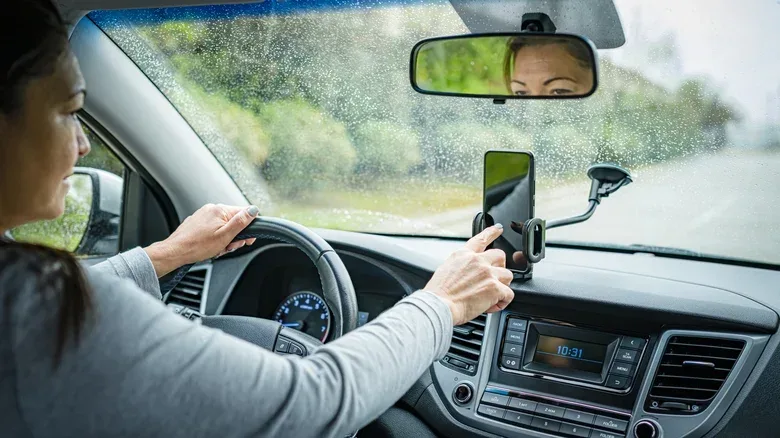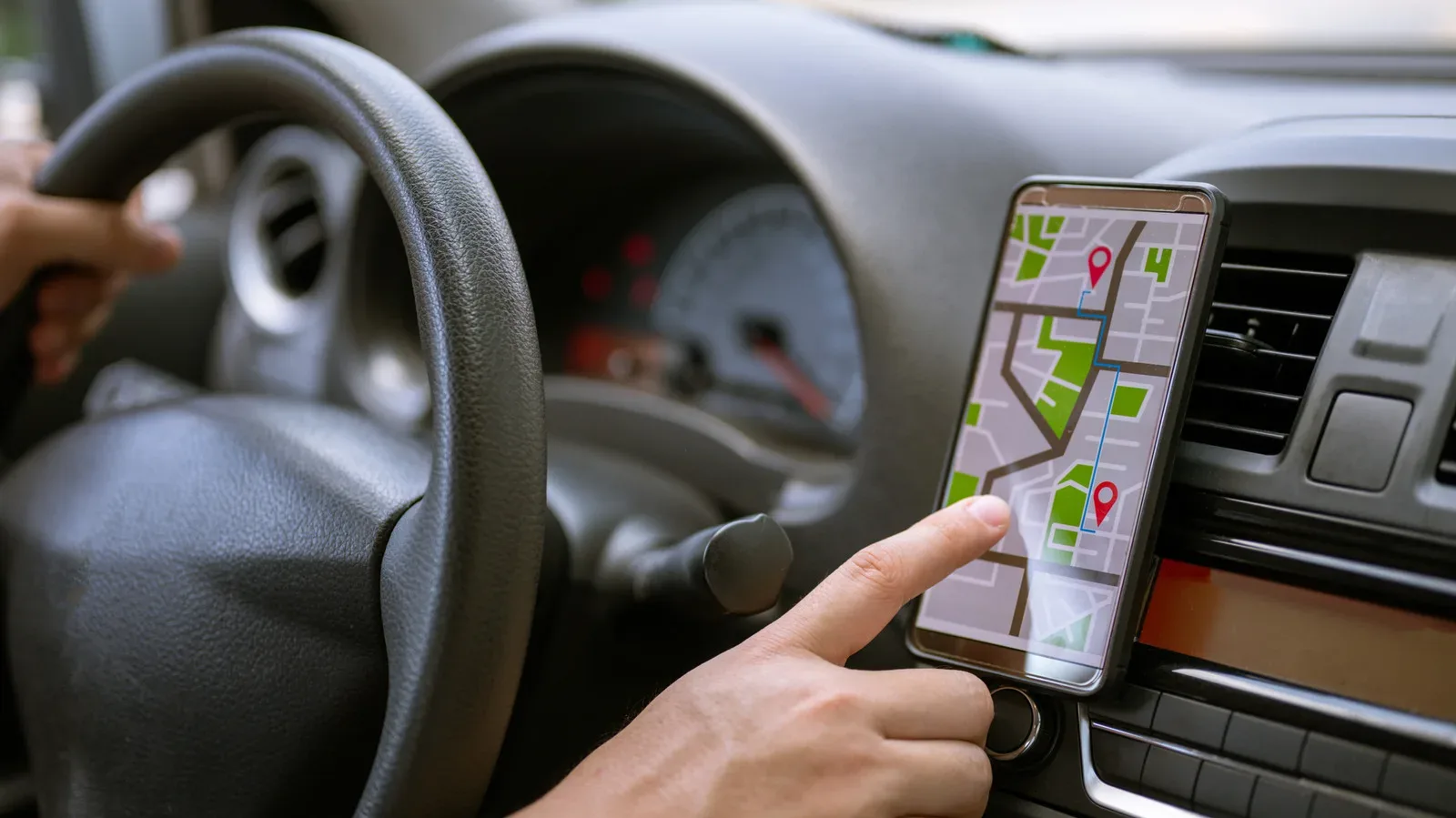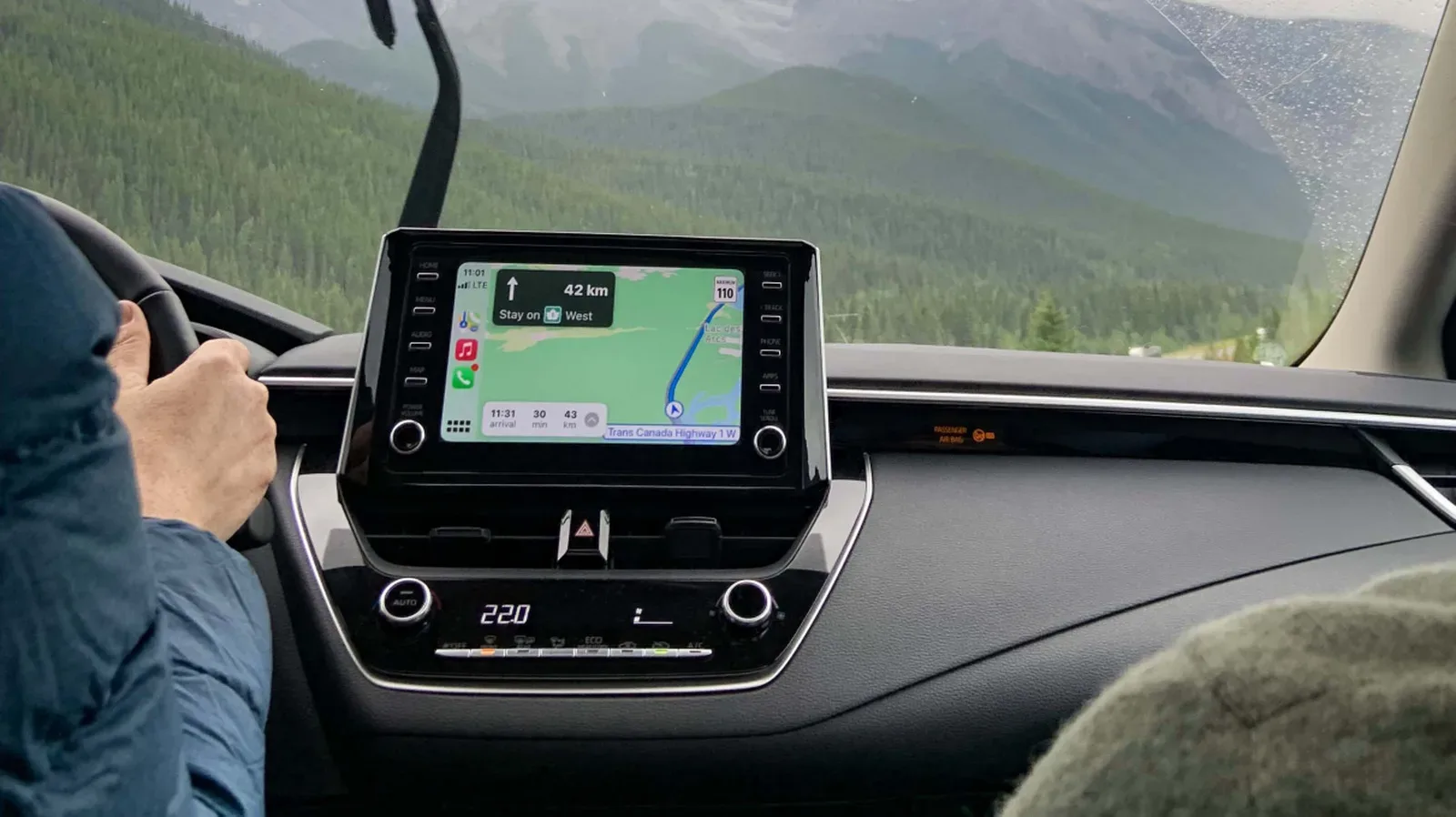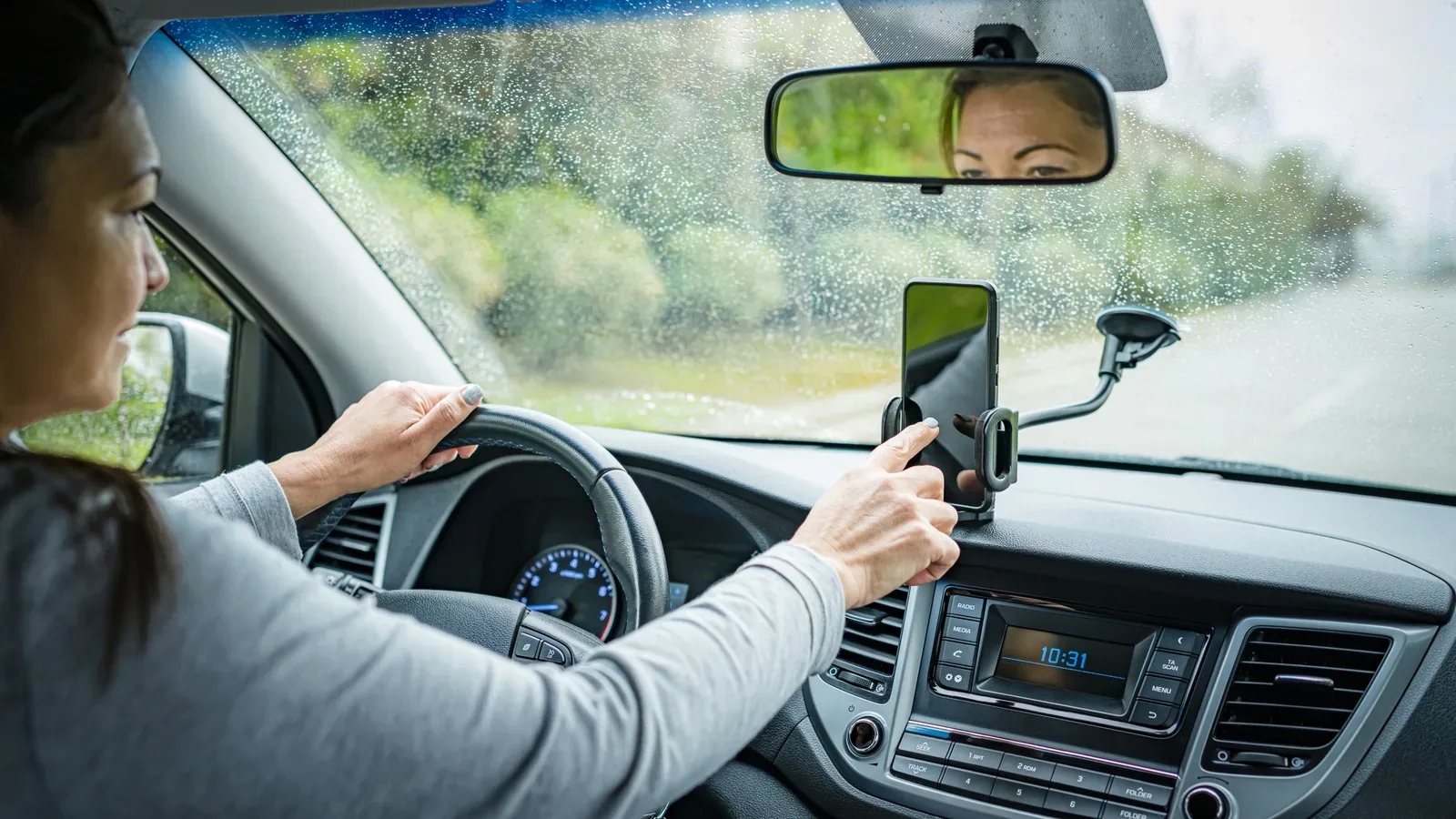
A rental-car infotainment system is meant to make an unfamiliar drive easier: pair a phone, pull up navigation, put on a playlist, and get moving. The problem is that the setup can outlast the trip. A car that is returned to the rental fleet may retain information from its previous driver, potentially leaving personal data for the next person who uses it.
For anyone who treats their phone as a portable gaming library, social hub, music player and travel planner, that data can be more revealing than the quick Bluetooth prompt suggests. A paired device may expose a name, stored contacts, music-service sign-in traces and, most importantly, location information. Navigation history can reveal a hotel or temporary accommodation, a workplace, regular stops, or other saved destinations.
The key point is not that every connection automatically empties a phone into the vehicle. The risk depends on what permissions are granted during setup, how the vehicle handles its stored data, and whether the driver removes that information at the end of the rental. That makes this a very manageable privacy problem—but only if cleanup is part of the return process rather than an afterthought in the parking lot.
Why a simple pairing can leave a long tail of data
Bluetooth pairing creates a trusted connection between a phone and the car’s entertainment system. It is convenient for hands-free calling, audio playback and, in some cases, navigation-related functions. During that process, a phone or dashboard display may ask whether the car can sync contacts. Saying yes can make calling easier while driving, but it can also put names and numbers into the vehicle’s system.
That distinction matters. The car usually does not need a full address book merely to play audio. If the goal is music or basic navigation support, declining a contacts-sync request limits what is shared while retaining much of the convenience. It is a small choice at setup with a potentially large privacy payoff.
Account and device labels deserve attention as well. A phone name or music account name can be personally identifying, even when it does not display a full legal name. In one 2015 example, a stolen car was traced to teenagers after a phone name matched a publicly visible Instagram handle. The lesson is broader than that single incident: an apparently casual identifier can be enough to connect a device in a car to a public online identity.
Navigation records are often the bigger concern. Addresses are context. A saved destination can say where a traveller stayed, worked, met someone or intended to go. Even a list of recent searches can sketch out a trip far more clearly than a lone contact name. If in-car navigation was used without connecting a phone, its history still needs to be cleared because those addresses may have been entered directly into the dashboard.
Bluetooth, USB and the meaning of encrypted
There are two common ways to connect a phone to a modern car: Bluetooth or a USB cable. Bluetooth is the option that warrants more caution because it can prompt for data-sharing permissions, including contact syncing. It is possible to use Bluetooth more carefully by refusing unnecessary permissions, but doing so requires paying attention to prompts rather than tapping through them.
Related coverage includes Rental Car Phone Pairing Can Leave Your Data Behind.
Connecting by USB can enable Apple CarPlay or Android Auto. These systems are encrypted, meaning information transmitted between the phone and vehicle is protected from outside access. That is a useful safeguard for the connection itself. It should not be treated as a magic promise that no trace can ever exist in a rental car, though. The practical rule remains the same: understand what the car is asking to access, and remove connections and histories before returning it.
This is also a helpful reminder that “connected” does not mean one single thing. There is the information sent between phone and car, which encryption is designed to protect from outside access. There is also information a vehicle interface may store locally, such as paired-device entries, call-related data, navigation searches or saved locations. A good rental-car privacy routine considers both.
Bluetooth can also be part of a broader wireless environment crowded by other devices. That is a separate issue from data retention, but it is worth understanding if a vehicle connection feels unreliable. The same general habit applies in either case: identify what is connecting, what it is allowed to do and what remains after disconnecting. For more on wireless clutter around USB devices, see our look at USB gear and 2.4GHz Wi-Fi pileup.
Rental terms place the burden on the driver
Rental-company privacy language can be blunt on this issue. Avis states that connected vehicles may automatically send data to the manufacturer. It also warns that information placed in an infotainment center after a device is synced can remain there indefinitely by default. Its policy tells customers to unpair their devices and take the steps needed to remove their information when the rental ends, and says the company is not responsible for data left in the vehicle through the customer’s use.
That allocation of responsibility is important in practical terms. Do not assume a rental agency will clear a car between every customer, or that a return attendant will know which menus to inspect. A car may be moved, cleaned and assigned to another driver quickly. Your safest opportunity to delete your own information is while you are still sitting in the vehicle with your phone and access to the dashboard.
It also means a privacy-minded driver should avoid making the return process dependent on memory alone. If the rental is part of a hectic trip—airport traffic, luggage, a charging stop, a delayed flight—it is easy to leave the car with a paired phone still listed on screen. Build the check into the final parking step instead.
A practical rental-car data cleanup checklist
The following routine is based on the recommended approach for Bluetooth security and the settings discussed above. It is deliberately ordered so that the phone and vehicle are both addressed. Deleting only one side of the relationship may not clear the other.
- Disconnect while still in the car. Open the Bluetooth settings on the phone, disconnect from the rental vehicle, and remove the car from the list of paired devices.
- Remove the phone from the dashboard. Enter the car’s Bluetooth or device-management menu and delete the handset from the vehicle’s paired-device history. This is separate from forgetting the car on the phone.
- Clear navigation history. In the car’s navigation system, delete recent destinations, searches and saved addresses. Do this even if no phone was connected, because the destinations may have been typed directly into the vehicle.
- Review apps and accounts. If the interface shows a music service, profile or account-related entry, sign out or remove it if the system offers that option. The objective is to leave no account trace behind.
- Use a factory reset when appropriate. Many cars offer a factory-reset process that wipes information associated with a driver’s time in the vehicle. Consult the vehicle manual to find the relevant option and follow its instructions.
A factory reset is the most comprehensive option described here, but it should not replace checking that the phone itself has forgotten the vehicle. Removing the car from the phone’s Bluetooth list helps avoid automatic reconnection if the same vehicle is encountered again, while clearing the car’s device record protects the next renter from seeing the prior pairing.
Make safer choices before the first drive
The best time to reduce the risk is at the initial pairing screen. If Bluetooth asks to sync all contacts, choose no unless that feature is genuinely necessary. This allows a driver to use the connection for music and navigation without volunteering an entire contact list. It is the privacy equivalent of declining an optional side quest instead of accidentally unlocking a map full of personal information.
USB-based CarPlay or Android Auto is another route when a phone must be integrated with the dashboard. Their encrypted connection protects data in transit from outside access, while the driver should still stay aware of the vehicle’s prompts and cleanup options. Convenience and caution are not opposites here; they simply require a little menu literacy.
The most conservative approach is not to connect at all. Navigation can remain on the phone, avoiding the vehicle’s pairing and infotainment systems entirely. That may mean giving up dashboard audio control or the car’s larger navigation display, but it also sharply limits the chance of leaving information in the vehicle.
There is no need to treat every rental-car connection as a catastrophe waiting to happen. The realistic takeaway is narrower and more useful: rental vehicles are temporary, but their stored settings may not be. Decline unnecessary sharing, think carefully about location records, unpair from both sides, clear navigation data, and use a reset when the car supports it. Those steps turn a routine return into a clean handoff rather than an accidental donation of contacts, account clues and travel history to whoever drives next.