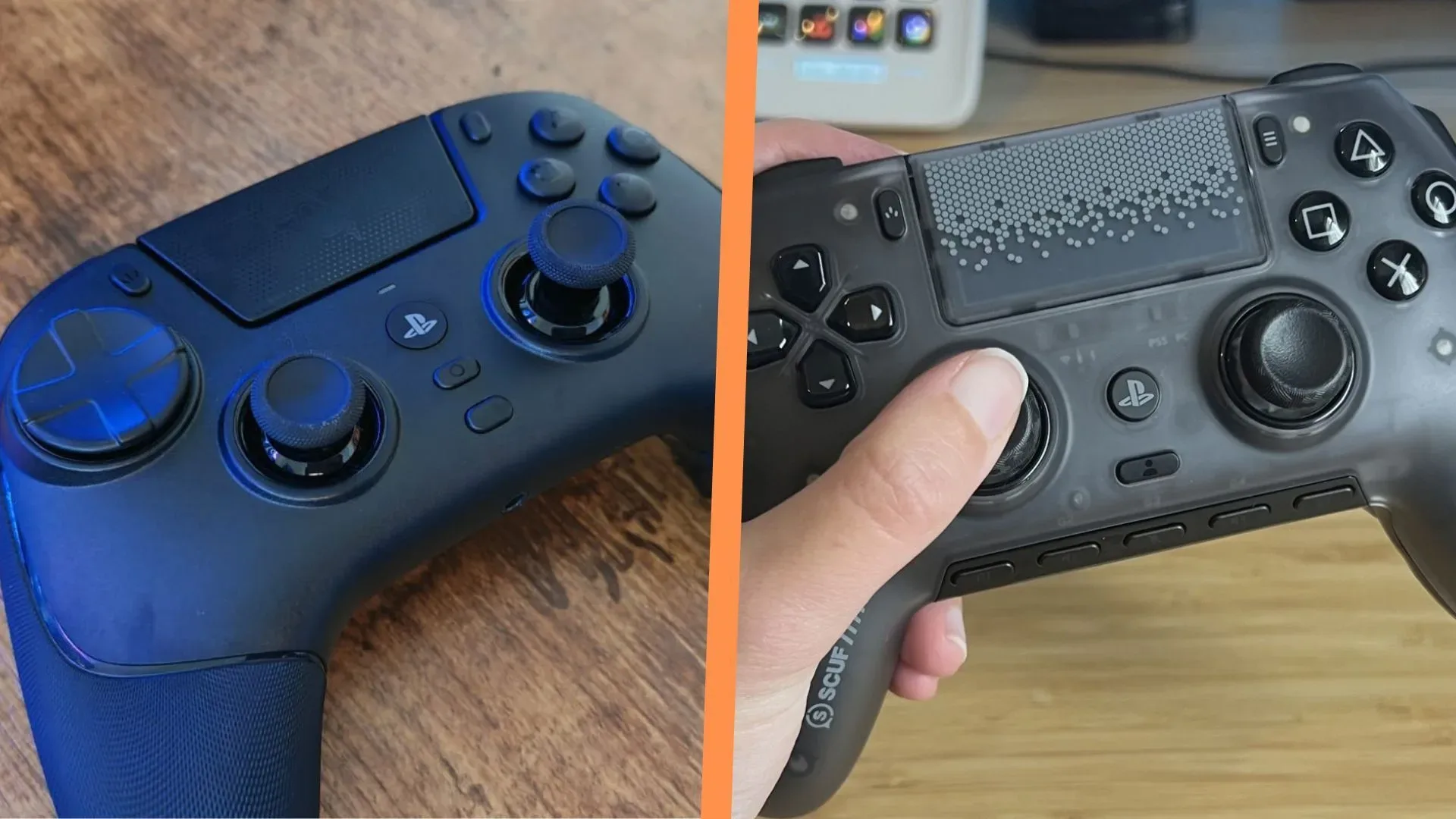
The Scuf Omega and Razer Raiju V3 Pro are unusually close rivals on paper. Each is an officially licensed wireless PS5 controller, each adds six inputs beyond the standard PlayStation layout, and each offers a PC app for detailed configuration. They also share symmetrical stick placement, clicky microswitch-style face controls and TMR thumbsticks.
That makes this less a contest of who checked the longer feature-list box and more a question of whether those features stay useful when a match becomes hectic. On that point, the Razer Raiju V3 Pro has the more convincing control layout. Its extra buttons are more deliberately placed, its trigger-stop controls are easier to reach, and its sticks offer a surer surface for the fine adjustments competitive games demand.
The Omega still has a clear audience: players already comfortable with Scuf’s signature rear-button arrangement, or those who place a high value on Scuf’s custom colour options. But the evidence available from hands-on comparisons points to a practical recommendation for most buyers: choose the Raiju V3 Pro.
They agree on the core brief
It is worth stressing how much the two controllers have in common before focusing on the differences. Both are designed as performance-oriented alternatives to a conventional PS5 pad. Their six extra buttons are intended to let players move frequently used commands away from the face buttons, reducing the need to take a thumb off the right stick. That is particularly relevant in fast multiplayer games, where jumping, reloading, switching equipment or activating an ability can compete with aiming and camera control.
Both pads also use TMR thumbsticks. TMR, short for tunneling magnetoresistance, describes a magnetic sensing approach used for stick input. In practical terms here, the important point is not a blanket promise of better performance; it is that both controllers offer this same headline stick technology. Neither has an automatic advantage simply by listing TMR.
Likewise, both use a symmetrical stick arrangement familiar to PlayStation players and feature clicky microswitch controls. A microswitch is a physical switching mechanism that produces a crisp tactile click at actuation. That immediate sensation can make it easier to tell when a button press has registered, particularly compared with softer, more cushioned button designs.
The shared official licensing terms also bring the same limitation: neither controller includes PS5 haptic feedback or adaptive triggers. Buyers who consider those DualSense-specific features essential should treat that as a significant common trade-off rather than something one of these premium controllers solves better than the other.
The Omega’s side buttons create a risk its feature count cannot erase
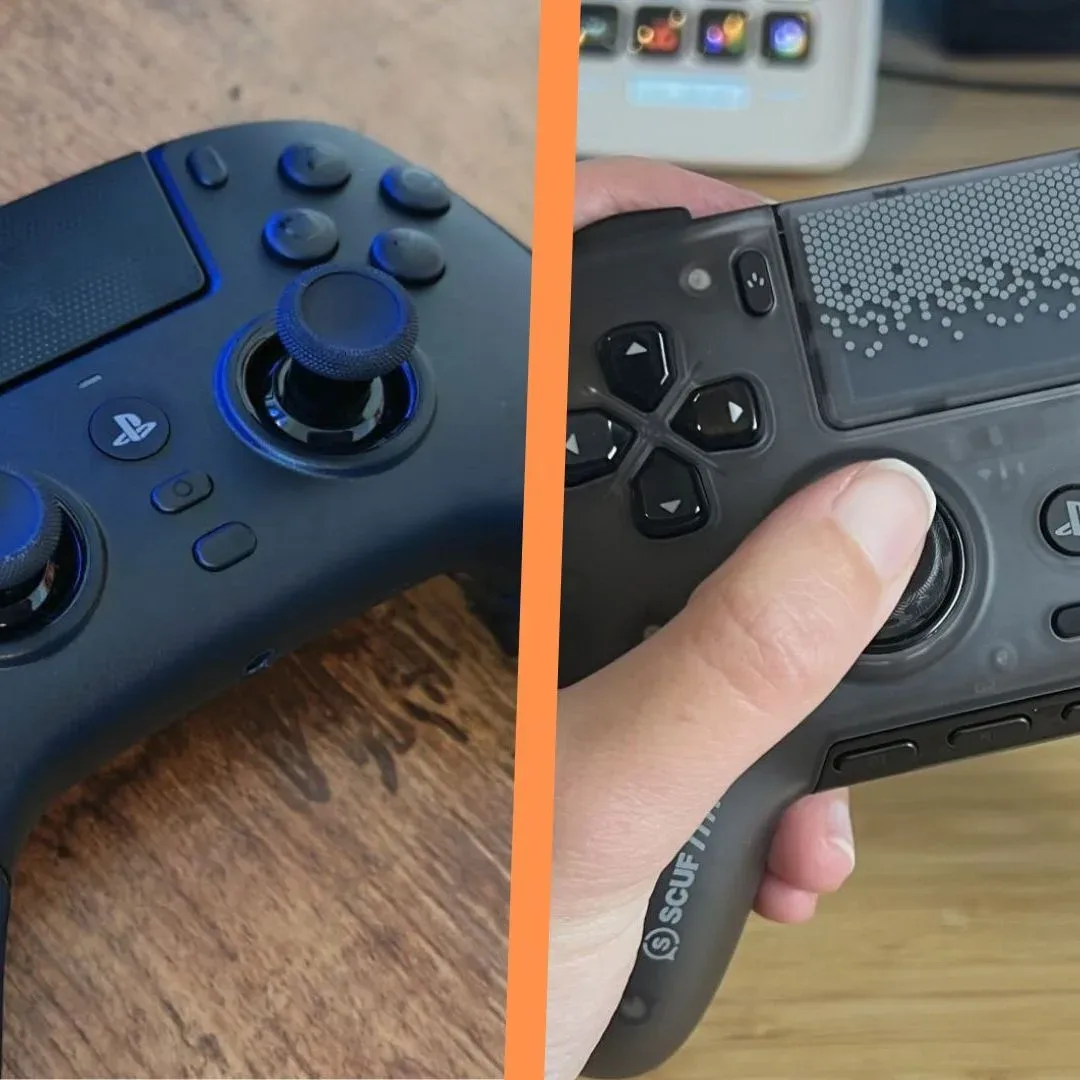
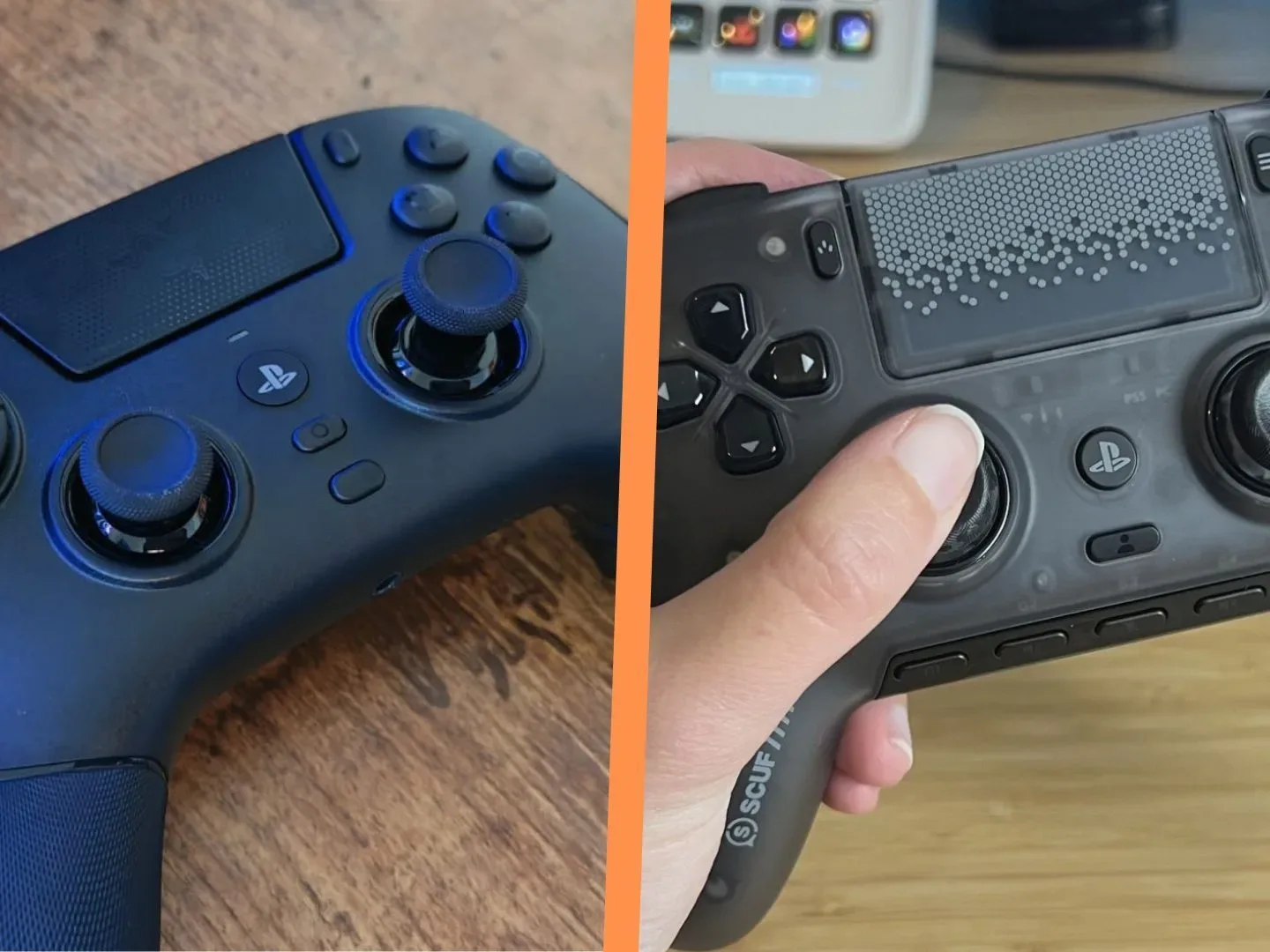
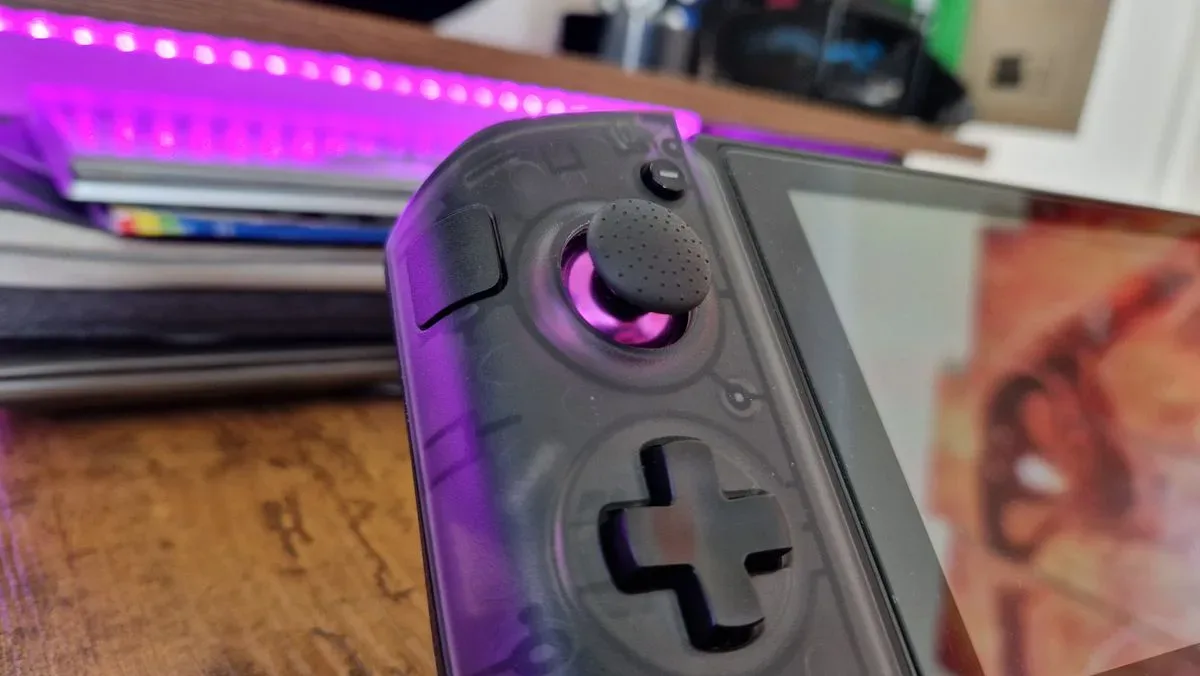
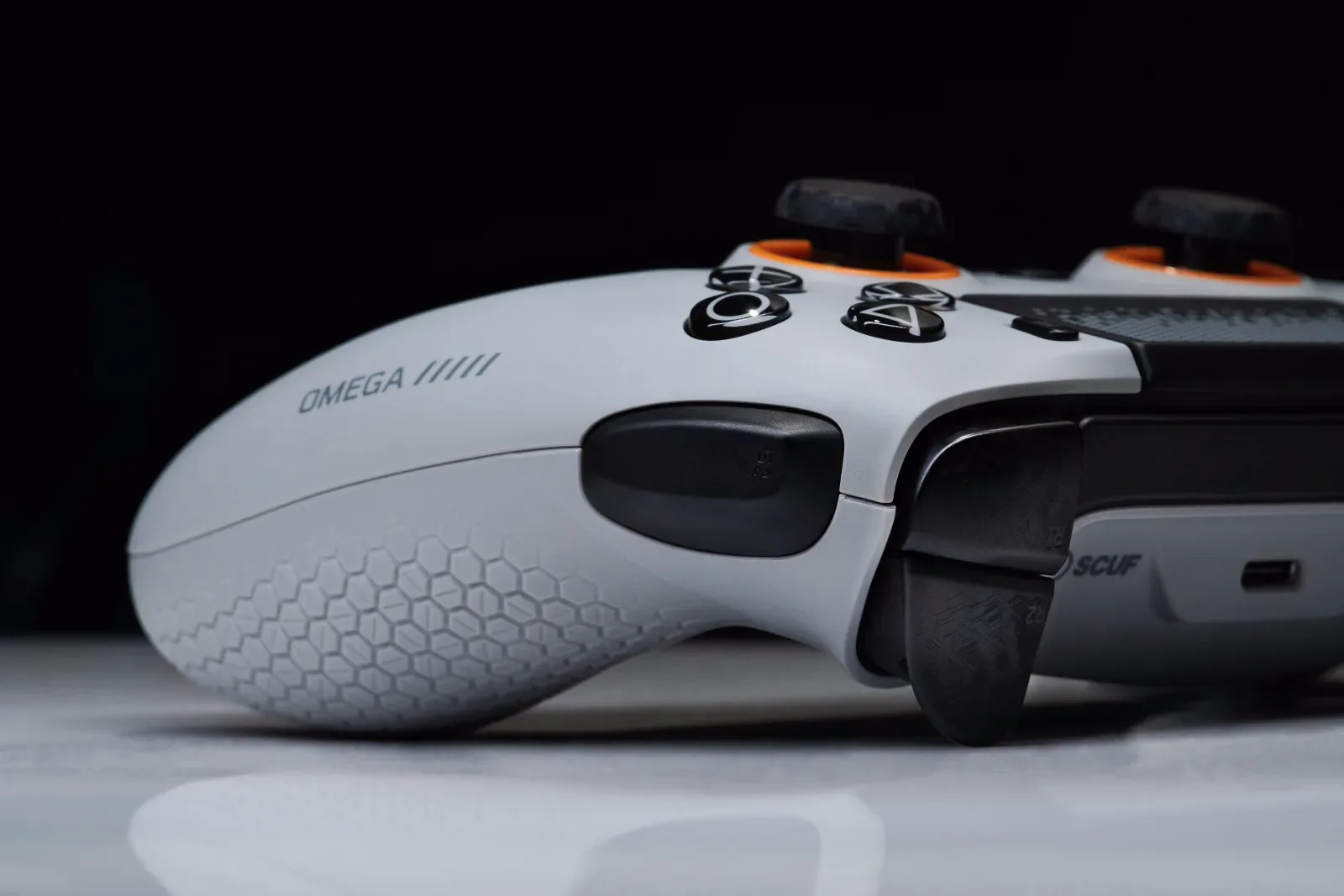
The Omega’s most distinctive addition is its pair of side bumpers. These sit where a player can reach them with the inner part of an index finger or knuckle, rather than placing every extra input on the top edge or rear grips. It is a clever idea. Depending on hand size and grip style, side inputs can be easier to reach than extra top bumpers.
Related coverage includes Scuf Omega vs. Razer Raiju V3 Pro: Which PS5 Pro Controller Comes Out Ahead?.
But implementation matters more than novelty. The reported issue is that the Omega’s side buttons are angled in a way that makes them too easy to activate accidentally, while requiring little force to trigger. Crucially, this was found across different hand sizes and was also observed with the PC-focused Scuf Envision Pro, which shares the Omega’s body and nearly all of its underlying elements.
An accidental press is more than a small annoyance in a controller built around additional commands. A wrongly triggered mapped action can mean a stray reload, unwanted ability use or other input at precisely the wrong time. Even if a player can learn to alter their grip, a control that needs conscious management is working against the reason to buy a pro-style pad in the first place: it should make complicated input demands feel less complicated.
The Omega includes blank covers, so users can remove the problem buttons rather than live with them. That is a legitimate workaround, but it weakens the value proposition. Once those inputs are disabled, the Raiju’s usable set of six extra buttons becomes the more persuasive advantage.
Razer’s rear controls are better suited to quick decisions
The two manufacturers also take fundamentally different approaches to rear controls. Scuf’s recognizable layout wraps around the middle fingers, with buttons stretching horizontally across the back. Razer instead uses two vertically arranged pairs integrated into the controller’s grip area, intended for middle and ring fingers.
There is no universal rear-button layout. Hand shape, finger length and habitual grip can change what feels natural. Yet the Razer design has the stronger practical case in this comparison. Its buttons align more closely with a familiar grip-based arrangement, and their clicky microswitch feel matches the quick actuation of the rest of the pad’s controls.
The Raiju’s rear buttons are not presented as perfect: the pairs sit somewhat close together. Still, being close is a different issue from being hard to locate or requiring extra adjustment. The reported result is that Razer’s buttons feel more immediate under pressure, while the angle and position of Scuf’s rear controls take more thought to use consistently.
That distinction matters most for players mapping movements or frequent actions to rear inputs. Extra buttons only deliver a competitive benefit when the player can press them without disrupting stick control. A layout that asks for more finger repositioning, or makes the user pause to confirm placement, limits that benefit.
Thumbstick texture is not a cosmetic detail
Another important difference is the surface of the sticks themselves. The Omega’s thumbsticks are described as having extremely little texture out of the box. Swappable stick tops supplied in its carry case can improve matters somewhat, but the basic surface remains a concern.
This is especially relevant for first-person shooters. Fine aim correction is made through very small changes in stick pressure and direction. A slick surface can make it harder to maintain a confident, steady contact point, forcing the player to press down more deliberately or devote attention to not slipping. That may sound minor, but it cuts directly against the precision promise associated with TMR sticks.
In other words, sensor technology and physical grip are separate parts of the aiming equation. A capable stick mechanism does not eliminate the need for a thumb surface that feels secure. For players shopping specifically for a competitive FPS controller, the Raiju V3 Pro’s more confidence-inspiring stick feel is one of the strongest reasons to favor it.
Small usability choices reinforce the Raiju advantage
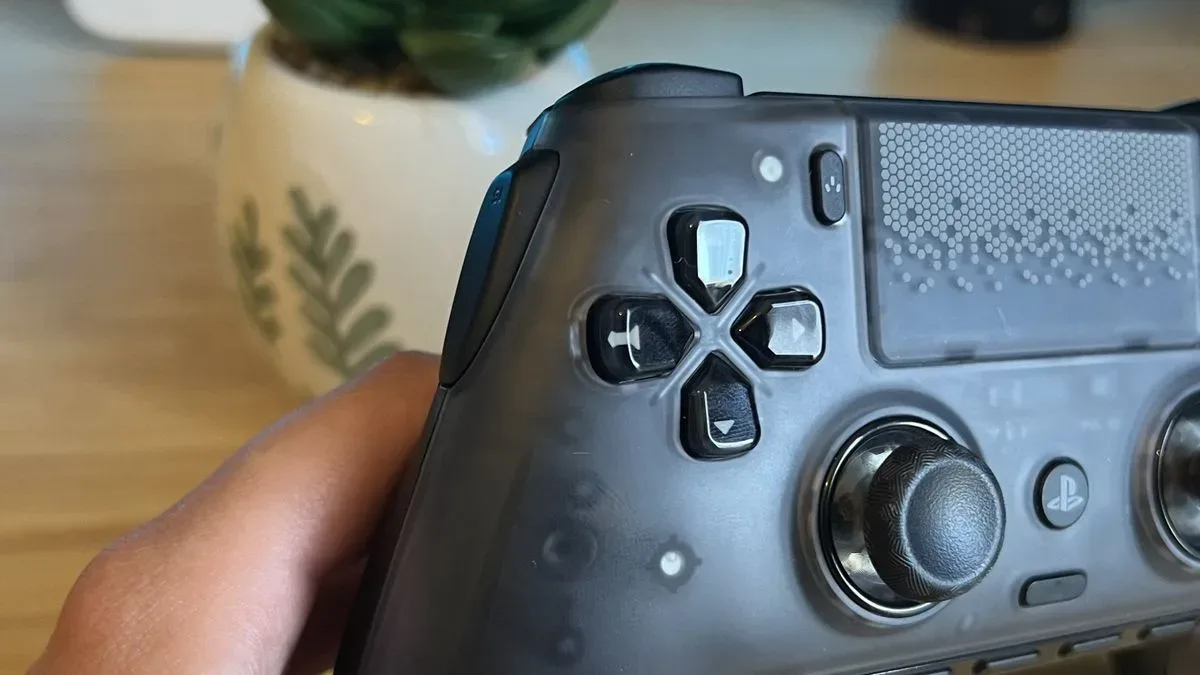
The smaller design decisions point in the same direction. The Omega uses a four-way D-pad, which may feel visually familiar to PlayStation users. The Raiju instead has a floating eight-way D-pad, a design considered more practical in this comparison. For games that rely on diagonals or need rapid directional selection, that broader directional approach can be a material quality-of-life difference.
Trigger stops are another case where placement has as much value as the feature itself. A trigger stop reduces the distance a trigger travels, potentially making rapid trigger presses quicker. On the Omega, the switches are built into the triggers in a tidy, sleek-looking fashion. However, their discreet placement makes them less convenient to switch while play is underway. Razer’s trigger-stop controls are easier to access, a more useful arrangement for somebody who changes settings between game types or wants to adjust without breaking momentum.
These details should not be overstated. Neither controller is fundamentally short on features, and a buyer who already knows they prefer Scuf’s rear-button philosophy could reasonably choose the Omega. But premium controllers live or die by ergonomics. Their purpose is not merely to add switches; it is to arrange those switches so that they work predictably at speed.
Which PS5 players should choose each controller?
Choose the Razer Raiju V3 Pro if you want the safest all-around recommendation for competitive play. It is the stronger option for people who expect to use all six extra buttons, need a dependable grip on the sticks for precise aim, or value rear buttons that are easier to hit in tense moments. Its accessible trigger-stop switches and floating eight-way D-pad add further practical advantages.
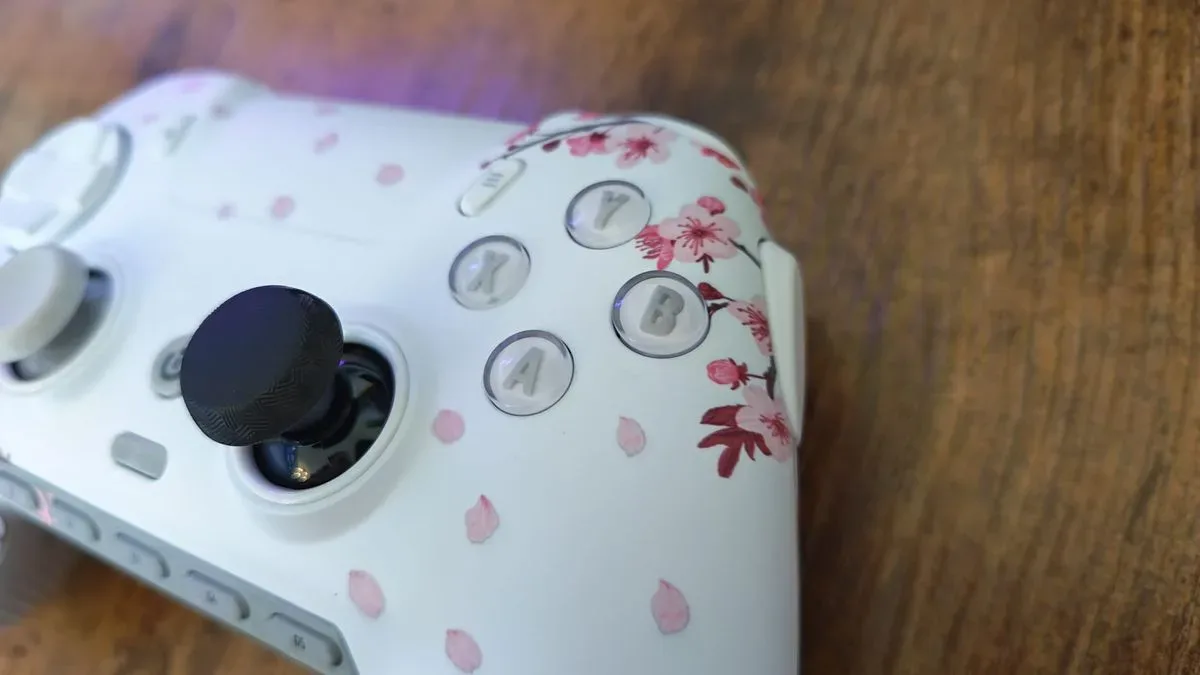
Consider the Scuf Omega if Scuf’s wraparound rear-button layout is already proven comfortable for your hands, or if custom colour choices are a deciding priority. Its side-bumper concept may also appeal to players whose grip naturally suits those inputs. The caveat is substantial: prospective buyers should be prepared for the possibility of accidental activations and should recognize that covering the side buttons removes part of the controller’s central appeal.
For those tracking the wider PS5 ecosystem, controller preferences are likely to remain relevant as PlayStation’s catalogue evolves, including the reported Ape Escape revival in development at Evening Star. The best fit will always vary by game and player, but this comparison is clear about the present hardware choice: Razer’s Raiju V3 Pro turns its ambitious extra-input design into a more consistently usable controller than the Scuf Omega.
Shop the products
Check current price, model and availability at the retailer.