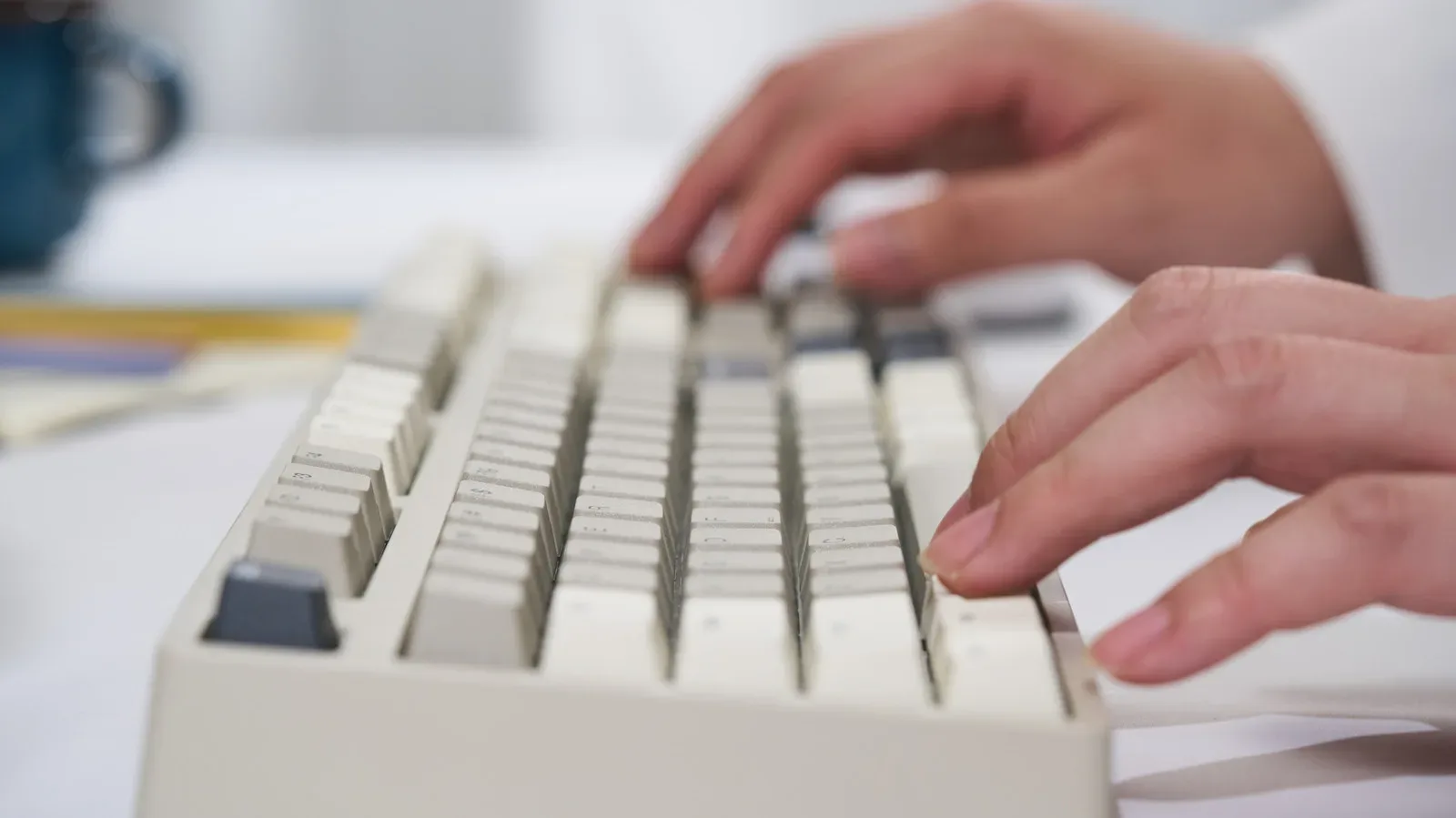
A keyboard choice can look deceptively simple: pick the one with the right layout, plug it in and start playing. But the mechanical-versus-membrane decision changes how every press is registered, how much noise reaches the people around you, how easily the board can be repaired, and how much room there is to tailor its feel later.
For PC players, neither type is an automatic win. A membrane keyboard remains the lowest-cost, quietest route to a working desktop setup. A mechanical keyboard can offer a longer service life, more simultaneous-input capability and a much wider set of parts and feel options, but it is commonly bulkier, louder and more expensive. The useful question is not which category has the louder fan base. It is what trade-offs fit the way and place you play.
The core difference is underneath each key
Both keyboard types ultimately send a keypress to a circuit board. The distinction is the mechanism that bridges the key and that circuit.
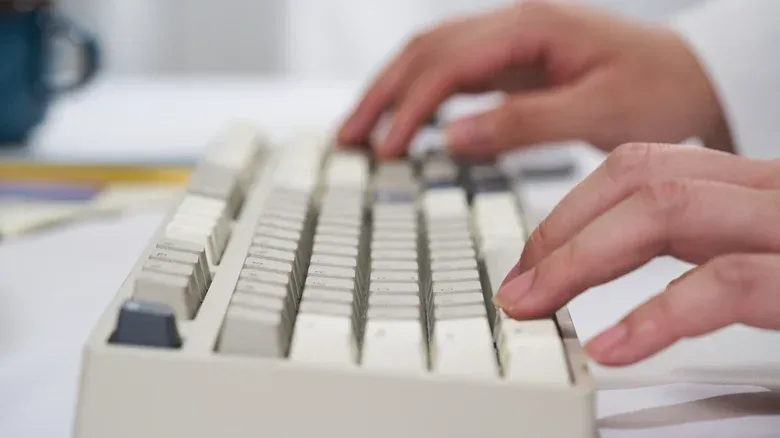
In a membrane keyboard, pressing a key pushes down on flexible plastic and rubber layers. The input is registered when that press reaches a conductive surface beneath the membrane. This construction is familiar because it is widespread in school and office keyboards, as well as inexpensive home models.
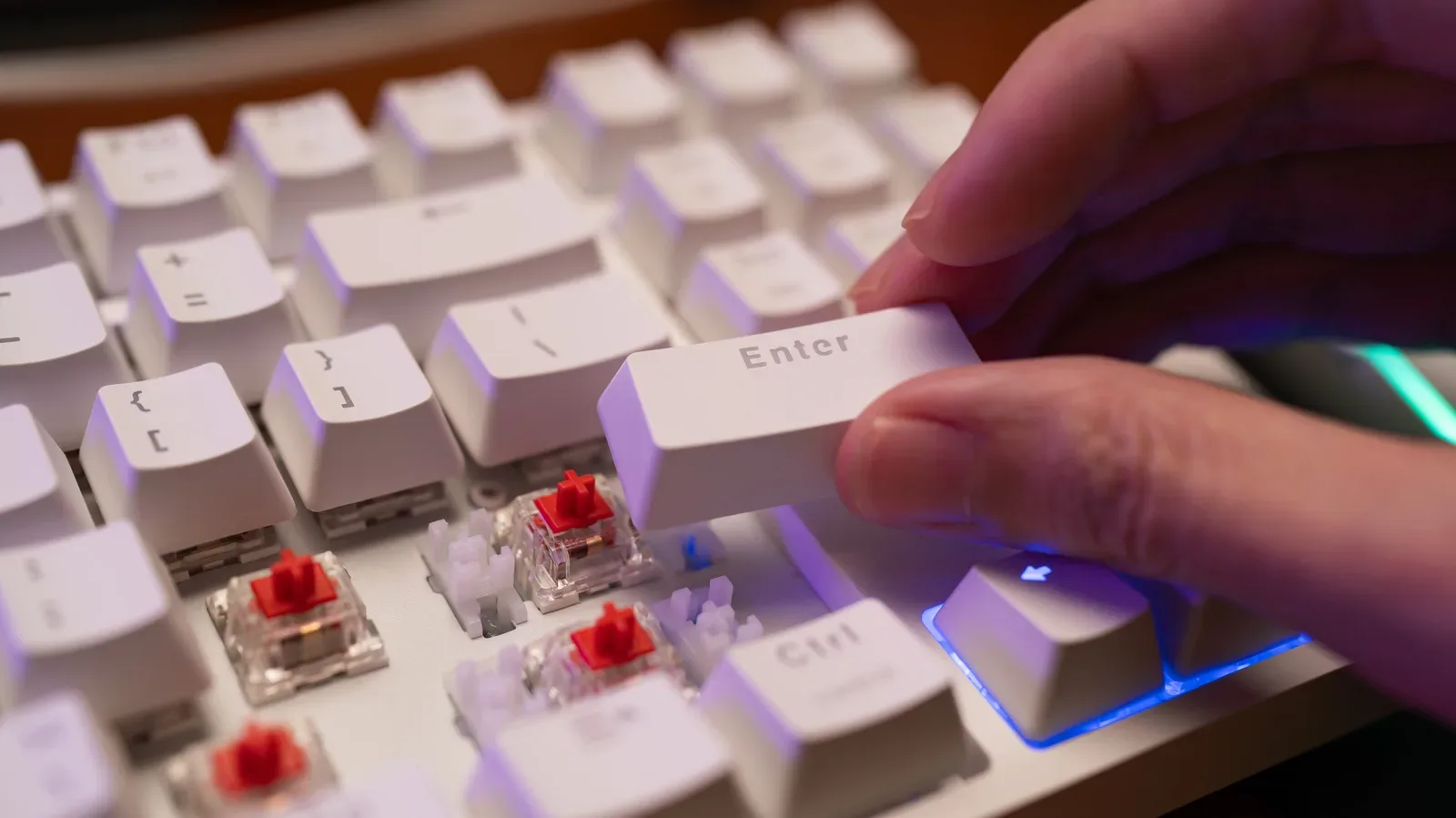
In a mechanical keyboard, each key uses its own switch. The switch registers the press at a defined position during its movement. That position is called the actuation point: the point in a keypress at which the keyboard recognizes an input. It does not necessarily require pushing the key all the way down.
That difference explains much of the practical appeal. A membrane board generally prioritizes a simple, low-cost, subdued experience. A mechanical board makes the individual key mechanism a major part of the product, opening the door to different feedback styles and, on many current models, easier switch replacement.
Why membrane keyboards still make sense
The most straightforward membrane advantage is price. Basic models are widely available for under $20, making them the sensible answer for a first setup, a backup keyboard or anyone who simply needs dependable text entry and basic controls without a larger purchase. Lower-priced mechanical options are more common than they once were, narrowing the gap, but membrane still has the clearest edge when the priority is spending as little as possible.
Noise is the other major strength. Membrane keyboards are virtually silent while typing compared with the audible character commonly associated with mechanical switches. That matters more than marketing often admits. Shared rooms, office-adjacent spaces, late-night gaming and voice chat can all make quiet operation a real quality-of-life feature. A keyboard that other people can tolerate is not a compromise if silence is part of the requirement.
Related coverage includes Mechanical vs. membrane keyboards: Is it worth switching?.
Membrane designs also avoid a decision maze. There is no need to compare switch types, select replacement parts or consider whether a board supports hot-swapping. For a player who regards a keyboard as a tool rather than a hobby, less choice can be a benefit. Choose a layout that works, connect it and move on to the game.
The limitations are meaningful, however. The membrane responsible for registering presses wears out more quickly than a set of mechanical switches. Membrane keyboards are also not especially repairable; one failed key can turn a full keyboard replacement into the practical outcome. They tend to offer less scope for changing keycaps, switches or other physical elements after purchase.
Mechanical keyboards focus on longevity and feel
The durability gap is a central mechanical-keyboard selling point. Membrane keyboards are typically rated for up to 10 million keystrokes, while mechanical keyboards can be rated for 100 million or more. A rating is not a promise about the lifespan of every individual unit, but it does show the different expectations attached to the underlying mechanisms.
Mechanical boards also make maintenance and personalization more approachable. Keycaps, the physical tops marked with letters and symbols, can generally be removed for cleaning or swapped for a different appearance or feel. On boards with hot-swap switches, an individual damaged switch can be replaced without soldering. Soldering is the process of permanently joining components with molten metal; avoiding it lowers the barrier to a small repair.
That repairability has a practical value beyond customization. A buyer who wants a keyboard for the long term may prefer being able to address a single bad switch rather than discarding an entire board. But hot-swap support is a feature found on many modern mechanical keyboards, not an assumption to make about every mechanical model. Anyone buying for this reason should verify it before treating switch replacement as part of the plan.
Feel is the more subjective mechanical benefit. Switches can provide an audible click, a tactile bump, or another form of feedback as the key moves. Some people find feedback helps them type more consistently because there is a distinct sensation or sound associated with a registered press. Others find the same response distracting, especially when it is repeated rapidly during a game or a long chat.
This is why “mechanical” does not describe one universal experience. It describes the individual-switch approach. The specific switch behavior and its actuation point shape the result. Shoppers who know they dislike noisy keyboards should not assume that every mechanical option will suit them merely because mechanical boards have gaming appeal; noise and tactile preference remain personal considerations.
Key rollover matters when several commands overlap
One technical term that comes up frequently in keyboard discussions is key rollover. It means a keyboard’s ability to detect multiple presses at once. Mechanical keyboards usually offer better key rollover, which can matter when a player is holding movement keys while pressing other commands or entering inputs rapidly.
In plain terms, better rollover reduces the chance that a keyboard will fail to recognize a press because several other keys are already held. It can also benefit fast typing. That is one reason mechanical models are common among gaming keyboards: games can demand several concurrent inputs, and missed commands are frustrating whether the moment is a competitive match, a difficult platforming sequence or a hectic action encounter.
Still, rollover should be treated as one decision factor rather than a magic performance label. The source-supported advantage is the ability to register more inputs at once. A player who values that capability has a concrete reason to consider mechanical. A player whose games and habits rarely involve dense combinations may place greater weight on quietness, price or desk space instead.
Ergonomics and portability can reverse the expected answer
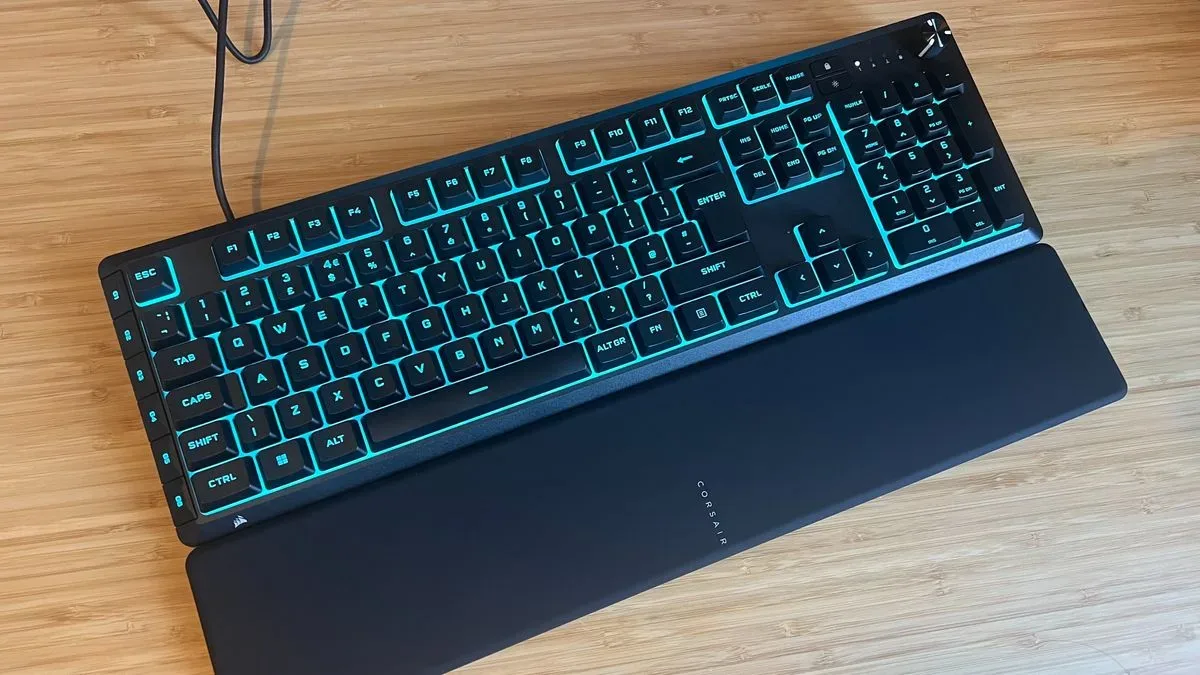
Mechanical keyboards are commonly larger and heavier than membrane alternatives. That makes them less convenient to carry, an important drawback for anyone who regularly moves between rooms or wants their keyboard to travel. A board intended to stay in one place can justify a larger footprint more easily than one that needs to be packed often.
Height also deserves attention. Mechanical boards tend to sit taller, and poor wrist positioning can contribute to arm and hand fatigue or pain. The same basic care applies to membrane keyboards, too: wrists should be properly elevated rather than left in an uncomfortable angle. The important point is that a taller board can make desk setup more consequential, not that mechanical keyboards inherently guarantee discomfort.
Before prioritizing a switch’s sound or a set of replacement keycaps, consider the physical reality of the desk. Is there enough space? Will the keyboard remain in one location? Can the wrists be positioned appropriately? Those questions are mundane, but they can have a bigger everyday effect than the excitement of choosing between feedback styles.
Customization is a feature only if you want to use it
Mechanical keyboards invite tinkering. Buyers can choose cases, keys and switches, then alter parts later. For some players, that is part of the enjoyment: the keyboard becomes a durable platform rather than a sealed accessory. For others, it is extra research and expense attached to an object that only needs to send commands reliably.
There is no need to pay for an ecosystem of options simply because it exists. A mechanical keyboard can still be a sensible pick for its durability or rollover even if it remains unchanged after setup. Likewise, a membrane keyboard is not an inferior choice when its low cost and near-silent operation solve the actual problem.
Thinking about the keyboard as part of a broader gaming station can help keep the purchase in proportion. Players who also capture and share their sessions may be interested in other setup tools, such as the iPhone camera features that can help with gaming nights and better clips. But the keyboard decision itself remains grounded in a few direct questions: how it registers presses, how many simultaneous inputs it handles, how much noise it makes, and how comfortable it is at the desk.
A practical way to choose
- Choose a membrane keyboard when the budget is tight, quiet operation is essential, or you want a straightforward keyboard with no interest in changing parts.
- Consider a mechanical keyboard when long-term durability, stronger multi-key input detection, switch feedback or repairability are important to you.
- Check hot-swap support specifically if the ability to replace a damaged switch without soldering is a key reason for buying mechanical.
- Account for the room before choosing a clicky or tactile experience. The same feedback that feels satisfying to one user can be disruptive to a roommate, colleague or voice-chat group.
- Account for the desk by considering keyboard height, wrist position, size and whether the board will need to be transported.
Mechanical keyboards are more accessible than they were when they were primarily an enthusiast niche, and there are more affordable choices now. That does not erase the reasons membrane boards persist. One is a customizable, potentially long-lasting collection of individual switches; the other is a quiet, inexpensive and uncomplicated input device. The better keyboard is the one whose strengths match the way you play and whose drawbacks will not bother you every time you sit down.