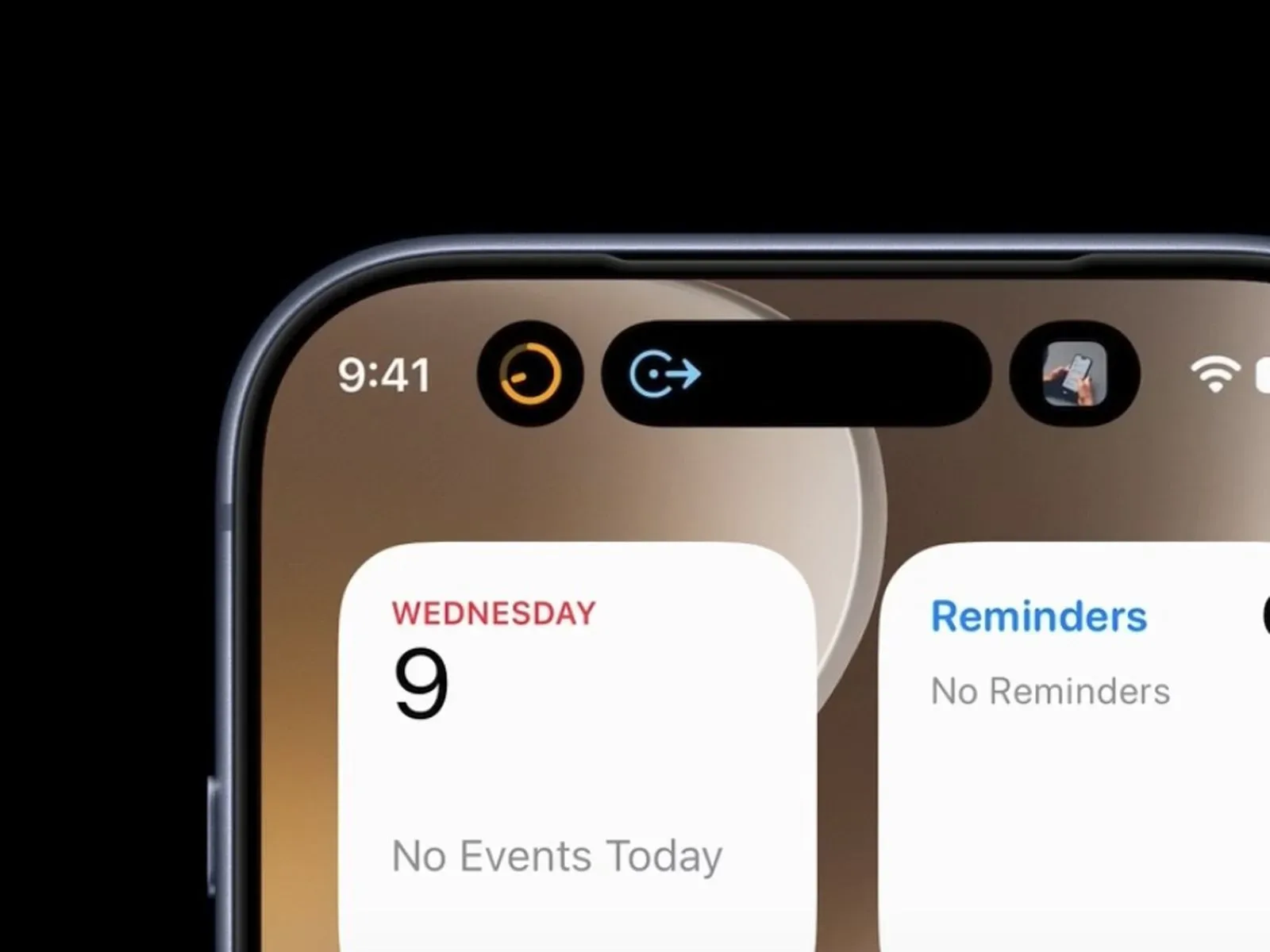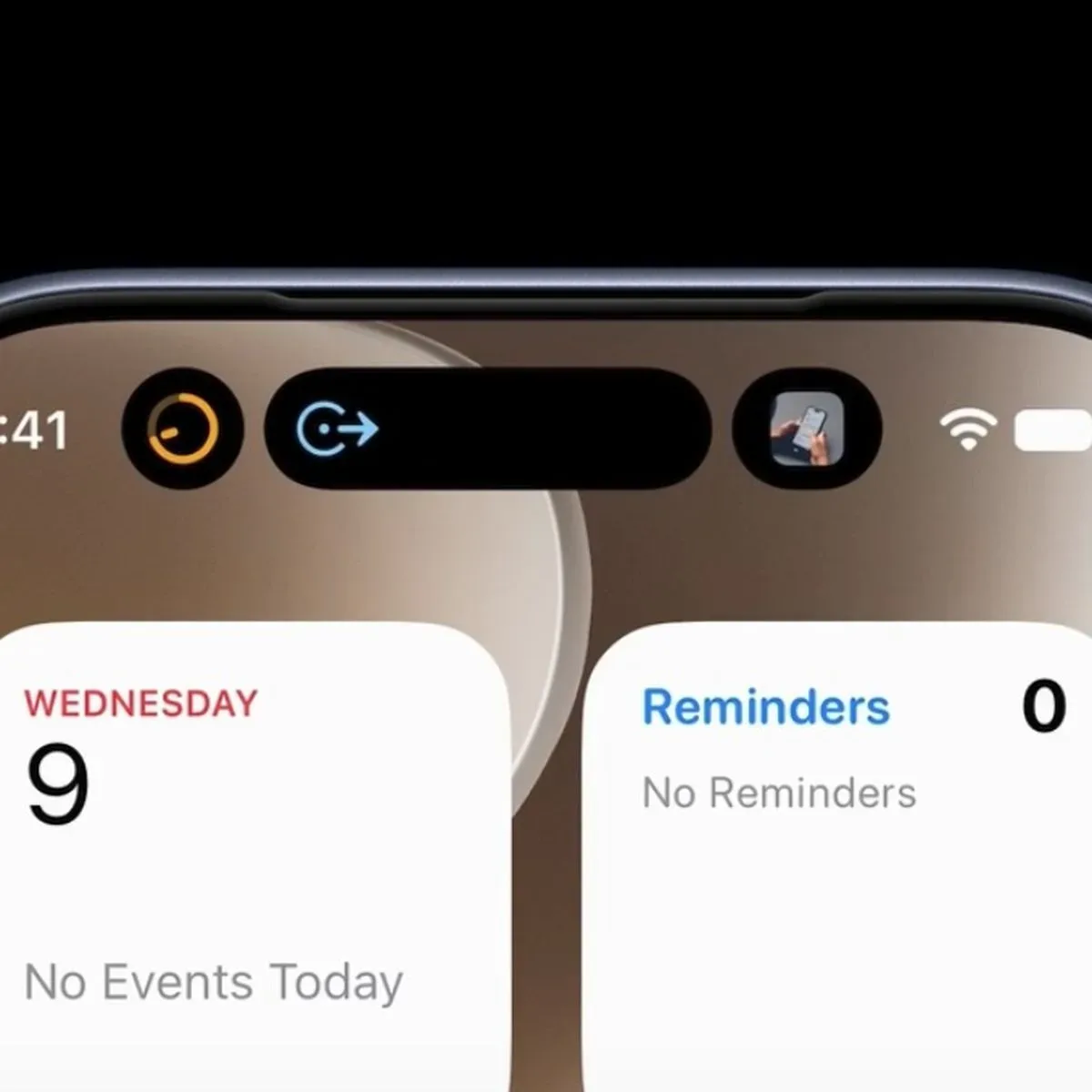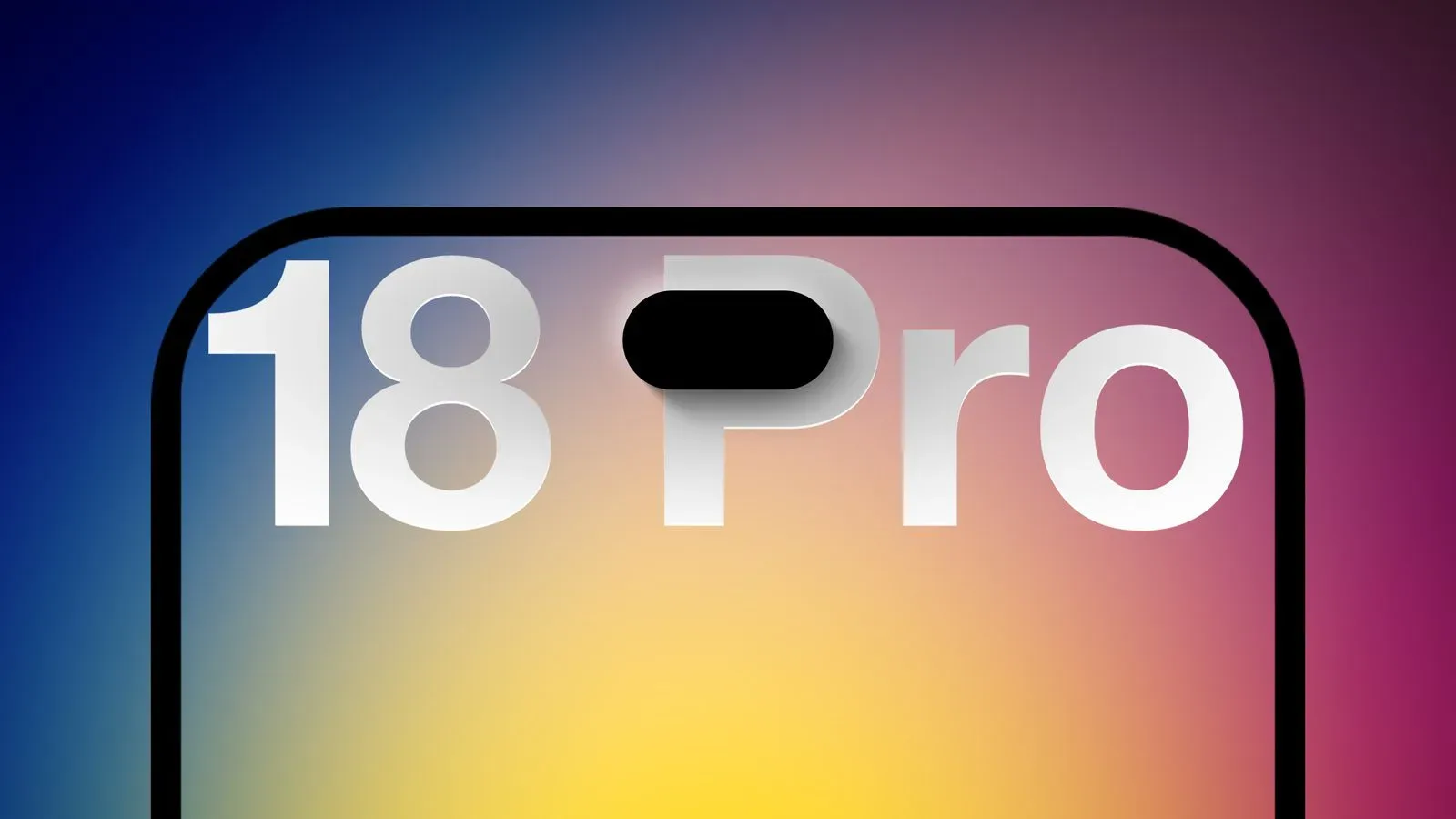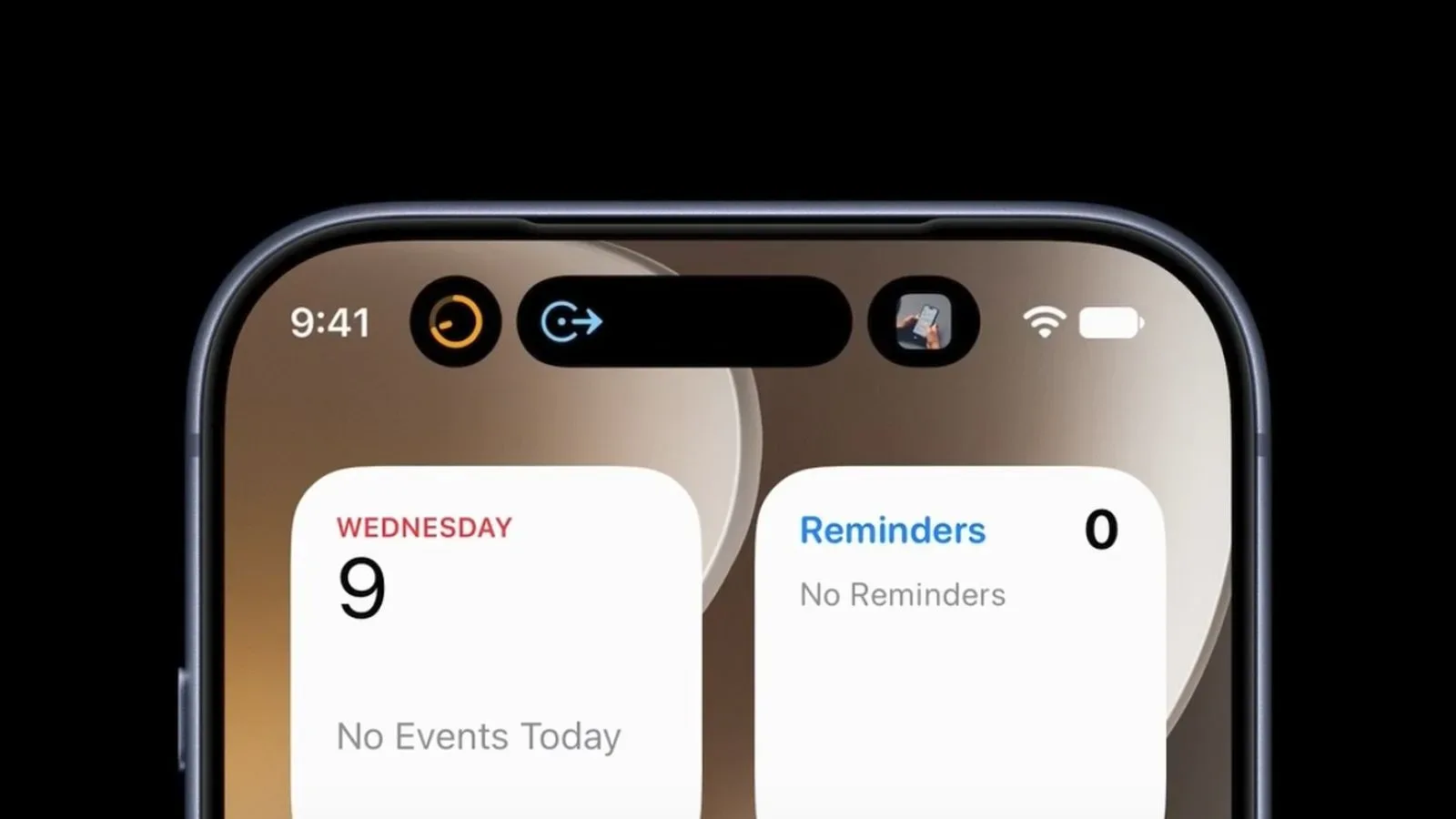
The iPhone 18 Pro’s smaller Dynamic Island cutout makes room for as many as three simultaneous Live Activities in iOS 27. That sounds like a straightforward expansion of the multitasking space at the top of the display, but the practical limit for third-party apps is more restrictive: the third visible activity can only be a system activity.
In other words, an iPhone 18 Pro may show two app-provided Live Activities alongside something controlled by the operating system, such as Now Playing or navigation. It cannot display three separate third-party app Live Activities at once. The behavior was identified through iOS 27 code inspection, and it explains why owners expecting three app updates in the Dynamic Island may instead see fewer than anticipated.
What the three-activity limit actually means
A Live Activity is a compact, updating status display intended for time-sensitive information. Its purpose is not to replace an app’s full interface; it is to put a glanceable progress update somewhere immediately visible. On a phone, that can mean an active route, audio playback, or another ongoing task whose state changes while the user is doing something else.
The Dynamic Island is the display area around the front camera and sensor cutout that can present those updates. iPhone 18 Pro models have a slimmer cutout in this area, which allows the interface to accommodate a third Live Activity. However, the extra capacity should not be read as an unrestricted third slot for any app.
The observed rule is specific:
- Up to three Live Activities can appear simultaneously on iPhone 18 Pro models.
- Two of those can be supplied by apps.
- The third must be a system activity, including examples such as Now Playing or navigation.
- A third-party app cannot occupy that third position, even when three app activities are otherwise available.
That distinction matters because the headline number—three Live Activities—describes the total number the interface can render, not the number of independent apps that can place ongoing updates there. A person with two app activities running and music playing could see all three. A person with three separate app activities has no indication, from this limitation alone, that all three will be presented in the Dynamic Island together.
System activity versus an app activity
The key technical term here is system activity. This refers to activity managed by iOS itself rather than a Live Activity delivered by a third-party app. Now Playing is the clearest example: the operating system tracks and presents playback information. Navigation is another example named in the observed behavior, because it is an active system-level function that benefits from prominent, continuously updating status.
By contrast, an app activity is an ongoing status surface from an installed application. Its data and presentation may be handled within the rules Apple provides for Live Activities, but it is not equivalent to iOS reserving a slot for its own navigation or media controls.
It is tempting to view the third position as merely an empty lane that Apple has chosen to police. Functionally, though, it is better understood as reserved interface real estate. iOS is keeping room for a category of information it considers especially central to device use: system playback and routing status. The software can therefore make space for important operating-system context without turning the top of the screen into a stack of unrelated app notifications.
Why the limitation is easy to miss
Most people do not routinely have three ongoing third-party Live Activities that all need attention at precisely the same time. As a result, the limitation is most noticeable not as an obvious missing feature but as a mismatch between an expectation and what appears on screen. Someone may know the iPhone 18 Pro supports three Live Activities, start several eligible app tasks, and reasonably expect all three to surface. They may instead find that the third only materializes when a system function such as playback or navigation is active.
The difference also illustrates why interface capacity and developer access are separate questions. A device can have physical and visual room to render something while the operating system imposes rules about what is allowed to use it. Here, the narrower cutout enables the layout, while iOS 27 determines which kind of activity receives the additional space.
That is not necessarily a usability flaw. A phone is a shared screen, and its most prominent space has to balance immediate utility against visual overload. But it is a meaningful caveat for users who interpreted the feature as a broad expansion of app multitasking.
Practical implications for everyday iPhone use
The most useful way to think about the iPhone 18 Pro behavior is as a possible three-part status view: two app updates plus one operating-system update. If navigation or audio playback is active, that system information can occupy the extra position while two separate apps retain Live Activity presence. Without a qualifying system activity, the third position does not become a general-purpose app slot.
For users, that means the value of the feature depends on their habits. People who frequently listen to audio or use navigation while tracking app-based activity may get the clearest benefit from the expanded layout. People primarily hoping to monitor a larger number of unrelated apps at once should set expectations closer to the previous two-app ceiling.
It also suggests a simple troubleshooting check for owners who believe their Dynamic Island is not using its promised capacity. The relevant question is not only whether three activities have been started. It is whether one of them is a supported iOS system activity. If all three originate from apps, the absence of a third display is consistent with the current iOS 27 behavior.
What this says about the Dynamic Island’s priorities
Dynamic Island is often discussed in terms of how much information it can show, but priority is just as important as quantity. A top-of-screen status area is especially valuable because it remains accessible while the user is in another app. The operating system’s decision to reserve one of three slots gives system-level context a guaranteed place in that limited area.
Navigation and media playback are sensible examples because they can remain relevant across almost any task. A route can matter while replying to a message; current playback can matter while browsing or switching applications. The limitation does not establish a hierarchy among all possible app activities, but it does establish that third-party updates do not receive identical treatment to those system functions in the expanded arrangement.
For developers, the practical message is similarly constrained: support for Live Activities remains valuable, but an app cannot assume the iPhone 18 Pro’s third visible activity position will be available to it. An app’s Live Activity may compete for one of the two app-capable positions, while iOS retains the additional capacity for its own use.
What remains uncertain
The available information identifies the rule in iOS 27 and gives Now Playing and navigation as examples of qualifying system activities. It does not establish a broader catalogue of every system activity that may use the third position, nor does it indicate whether Apple plans to change the rule in a later software update.
It also does not mean every iPhone task will automatically become visible as a Live Activity. The reported behavior concerns how many can appear concurrently in the Dynamic Island and which category may claim the third spot. It should not be mistaken for a promise that all apps, or all ongoing tasks, will create an eligible activity.
For now, the fairest description is that iPhone 18 Pro gains an expanded three-activity Dynamic Island layout with a deliberate reservation: the added slot belongs to iOS system activity, not to a third app. That is a useful enhancement for playback and navigation-heavy use, but a narrower one than a simple “three app activities at once” reading would suggest.
The detail arrives amid continued attention on how Apple’s software changes affect daily iPhone behavior, including reports around the timing of upgraded Siri AI features for iPhone and iPad owners in the EU. In the case of Dynamic Island, the important takeaway is less about a hidden setting than an intentional boundary in iOS 27’s interface rules.