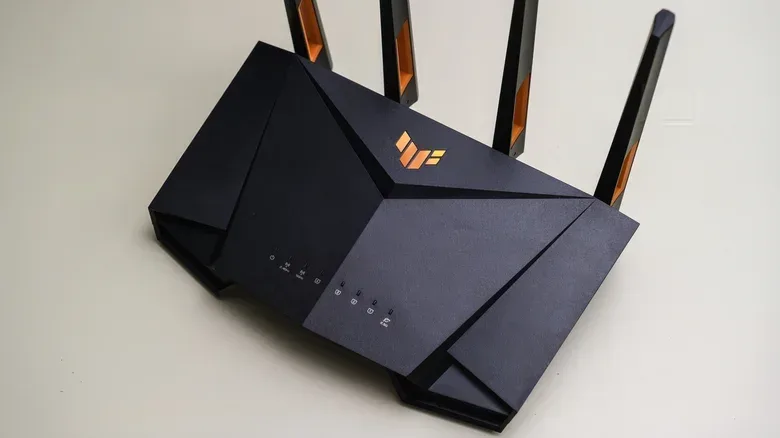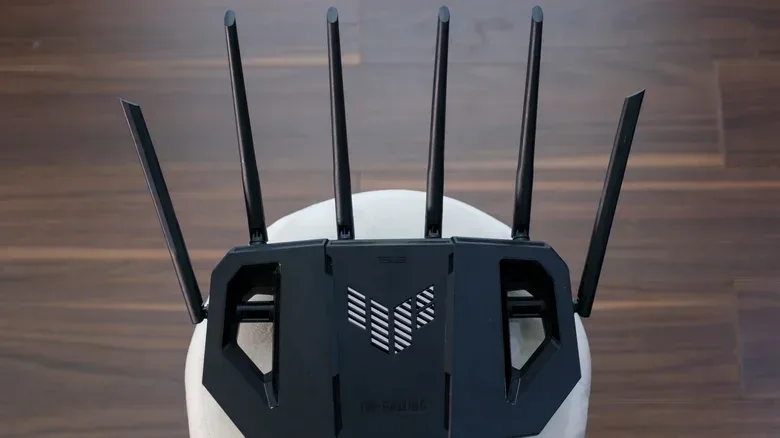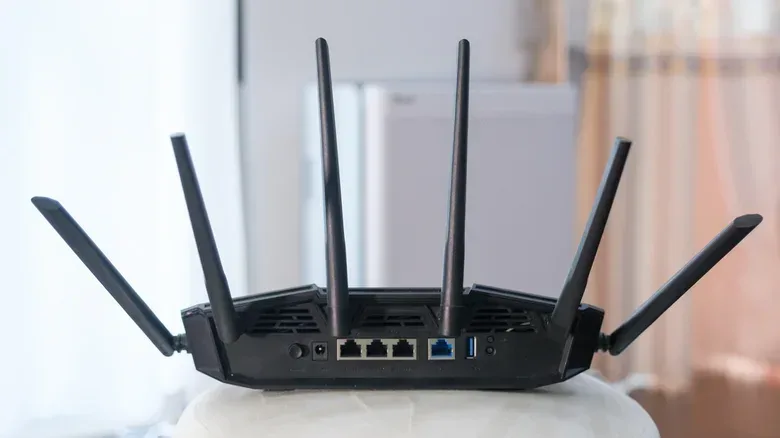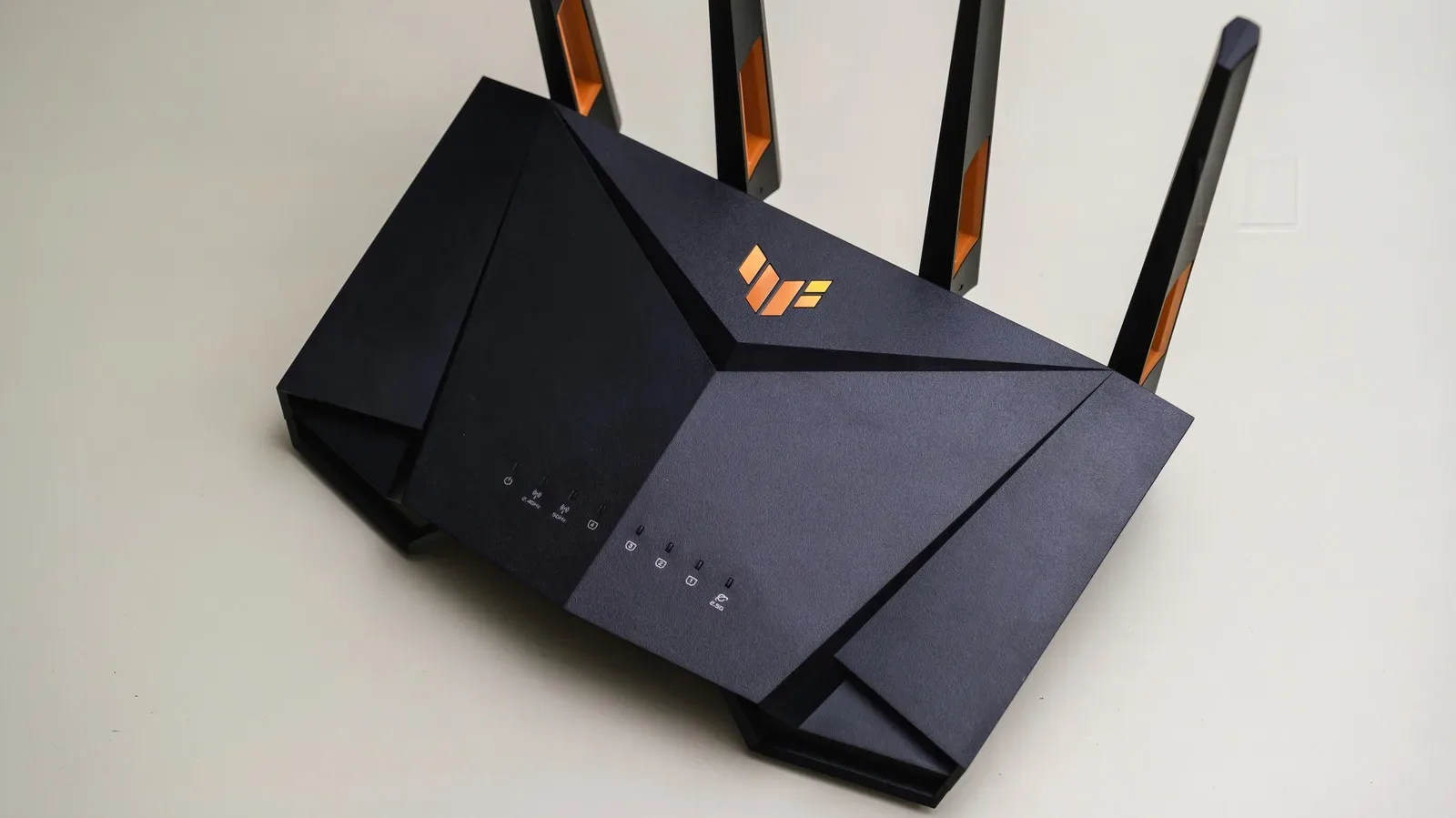
“Gaming router” is one of those phrases that can make a perfectly ordinary piece of networking equipment sound like it comes with a built-in rank boost. The oversized antennas, angular casing and dashboards full of ping graphs imply that the router is the last obstacle between a player and flawless online matches. The less glamorous reality is more useful: gaming-focused routers can improve a specific kind of problem, but they cannot solve every reason an online game feels bad.
The most important distinction is between latency, connection stability and internet speed. A new router may improve local Wi-Fi coverage or manage a busy household’s traffic more intelligently. It cannot erase the time data takes to travel to a faraway game server, and it cannot turn an inadequate internet service into a faster one. Before buying hardware, identify which of those problems is actually happening.
What a gaming router really is
At its core, a gaming router does the same job as any home router: it directs traffic between devices in the home and the internet. Its components and standards are familiar ones, including Wi-Fi, Ethernet ports and often a USB port for connecting external storage. Newer models may offer Wi-Fi 7, tri-band wireless radios and faster Ethernet connections, but those specifications are not exclusive to gaming-branded products.
That matters because a buyer should compare the feature list rather than assume the word gaming guarantees a better network. A non-gaming Wi-Fi 7 router such as TP-Link’s Archer BE550 can also provide tri-band Wi-Fi 7, 2.5 Gbps Ethernet ports and quality-of-service prioritization. The hardware inside a gaming router may be capable, but comparable capability can exist outside the gaming aisle.
Where gaming models may stand apart is their software and presentation. Netgear’s Nighthawk Pro Gaming XR1000, for example, includes connection-performance information and controls for prioritizing games. Its Geo-Filter is intended to limit connections to game servers within a chosen geographical area, with the goal of avoiding unnecessarily distant servers and the extra delay that distance can introduce.
Those are real controls, not mystical silicon. But their value depends on whether they address the user’s actual bottleneck. If a game requires a connection to a distant server, the router cannot shorten the physical route. If Wi-Fi is weak because the router is badly placed behind walls or near interference, an attractive interface will not fix the signal by itself. And if the trouble is a congested internet connection, a new router can manage the queue more effectively without creating more capacity.
Why lag is not one single problem
Players often use “lag” to describe several different failures. In networking terms, ping is a measurement of delay: how long it takes for traffic to make a trip between the player and a server. A high or inconsistent ping can make online actions feel late or erratic. Wi-Fi interference and signal congestion can introduce instability before traffic even leaves the home. Meanwhile, a large download, stream or other heavy use can fill the available connection and force game traffic to wait.
A gaming router is most plausibly helpful in that final scenario: several devices are competing for limited connection capacity at the same time. Imagine one household member starts a large download while someone else is in an online match. Without effective traffic management, the download can consume enough of the connection that game traffic is delayed. The result can be a higher ping while the connection is under load.
That is a different issue from a server being far away. It is also different from a router delivering an unreliable wireless signal to the room where a PC or console sits. Treating every hitch as proof that a gaming router is required is a fast route to buying the wrong remedy.
QoS and SQM: the settings worth understanding
Quality of service, usually shortened to QoS, is the router’s ability to prioritize certain traffic or devices over others. It can be configured so the PC or console used for games is given priority when the household connection is busy. Gaming-focused software may make this easier by offering a gaming preset or by identifying game traffic automatically. Asus’ Adaptive QoS is one example of a system with gaming presets.
Smart queue management, or SQM, is a related approach aimed at keeping a connection responsive under heavy load. Rather than allowing oversized queues of data to build up, SQM keeps those queues under control. The trade-off is that it can sacrifice a little total throughput in return for better responsiveness while traffic is competing. For an online game, a connection that remains responsive during a download can be more valuable than extracting every last bit of download speed at that moment.
There is reason to take these tools seriously without treating them as gaming-only technology. In testing of 11 routers with traffic-management features, nine improved network latency when QoS or SQM was used. Some of the routers were not gaming-branded. That result supports a practical shopping rule: if a new router is needed, look for well-supported QoS or SQM controls rather than paying only for a themed design.
It also establishes the limit. Two routers in that group did not show the same improvement, and no traffic-management setting can help much if the connection is not under meaningful congestion in the first place. A player living alone or using a lightly loaded network may have no queue problem for QoS to solve. Conversely, a busy home at peak times may benefit considerably from device prioritization even if the router has no gaming label at all.
Ethernet is the less exciting, stronger first move
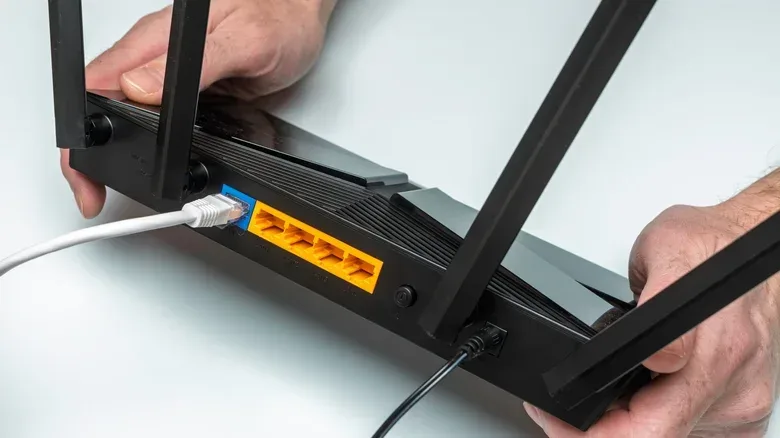
For a PC or console that can reasonably reach the router, a wired Ethernet connection is generally the most reliable place to start. It removes Wi-Fi interference and wireless signal congestion from the path. A high-end wireless setup can work well, but Ethernet avoids a category of variables rather than attempting to overcome them with more sophisticated hardware.
No special cable marketed for games is necessary. A Cat 5e cable or higher supports Gigabit Ethernet across normal household distances. Faster modern Ethernet ports can improve downloads if the internet service is fast enough, but a faster link inside the home should not be confused with an automatic reduction in ping. Latency still depends on the route beyond the router and the game server at the other end.
Players can make a useful before-and-after comparison without guessing. Play the same game on Wi-Fi and then through Ethernet when other household devices are quiet. Repeat while the connection is deliberately busy with a large download or streaming. If the wired result is clearly steadier, Wi-Fi signal quality or interference is likely part of the issue. If trouble emerges mainly when the connection is loaded, traffic management becomes a more promising fix.
This kind of isolation is more productive than replacing every device around a setup. The same approach applies to the rest of a gaming station: rule out straightforward faults before assigning blame to the game or network. For example, a separate practical checklist for a silent AirPod follows that same principle of checking the simple, testable causes before the next queue.
Improve the setup before replacing the router
If a cable is not practical, the next priority is wireless signal quality. Router placement can matter, especially when walls or nearby interference affect the path to the device. Moving the existing router may improve stability without requiring a purchase. A newer router with stronger coverage options or access to the 6GHz band can also help in the right setup, while Wi-Fi 7 is relevant only when the connected devices are compatible.
The order of operations is therefore fairly straightforward:
- Determine whether the problem appears all the time or chiefly when other people are downloading or streaming.
- Compare Wi-Fi with a direct Ethernet connection where possible.
- Check router placement and the quality of the wireless signal before assuming new hardware is needed.
- If the network is congested, use QoS or SQM to prioritize the gaming device or game traffic.
- When replacing an old or insufficient ISP-supplied router, compare Wi-Fi standard, ports, coverage and traffic-management controls—not merely gaming branding.
When a gaming router makes sense
A gaming router is a reasonable purchase for someone who needs an upgrade anyway and values its interface, diagnostics or game-oriented controls. It will often be a mid- to high-tier router with capable hardware, and automatic traffic prioritization or geographic server filtering can be useful tools. There is nothing inherently wrong with choosing one.
It is simply not a universal performance upgrade. It cannot improve an internet plan that lacks enough capacity, overcome the latency of a remote server or guarantee a better match connection. A player with a struggling older router may see a real gain after upgrading, but the cause may be improved Wi-Fi coverage, better local hardware or usable queue controls—not the gaming badge on the box.
The practical takeaway is pleasantly unglamorous. Use Ethernet where it can be used. Diagnose whether Wi-Fi, household congestion or server distance is responsible for the poor experience. Then choose a router with the specific features that address that evidence. The best network upgrade may be a gaming router, but it may just as easily be a properly placed standard router, sensible QoS settings and one dependable Cat 5e cable.