There is a particularly annoying kind of internet problem that waits until the day is over. A game update crawls along, video chat turns blocky, a stream drops quality, or an online match starts responding a beat too late. Then, by the next morning, everything seems normal again.
That pattern is useful evidence. A repeatable slowdown in the evening does not automatically mean a router is failing, but it does point toward a very ordinary cause: more people are trying to use the same limited resources at roughly the same time. For players, the important distinction is that there are two possible traffic jams. One may be outside the home, involving the local internet service shared by nearby households. The other may be inside the home, where devices compete for Wi-Fi spectrum or for the connection’s available capacity.
Neither issue is solved by wishful thinking, and not every workaround addresses both. The productive approach is to identify which part of the journey is crowded, make the local network less chaotic, and avoid asking a busy household connection to perform every large task at the same time.
Why the evening is a predictable pressure point
Evenings gather the same routine in many homes: people return from work or school, start streaming, join calls, download updates, sync files and play online games. The total demand rises, often at the exact time someone wants to settle in with a game or a show.
For households using cable internet, a neighbourhood can share bandwidth. As more homes in that area become active, overall congestion can increase. That makes a decline at a particular time of day plausible even if nobody in your own home changed the router settings. Fiber internet has much more available bandwidth, so this particular kind of neighbourhood pressure is less pronounced there, though it does not eliminate every possible source of a bad connection.
That is only one half of the issue. Wi-Fi itself uses frequency bands that nearby routers and devices also use. In a dense apartment building, there may be dozens or even hundreds of devices competing across the same frequencies. A player can therefore have a perfectly reasonable internet plan and still encounter instability between their console or PC and the router.
It helps to separate these terms. Internet bandwidth is the capacity of the connection reaching the home. Wi-Fi is the wireless link between a device and the router. A wired Ethernet connection can make that second link much steadier, but it cannot create extra capacity if the local cable network is congested. Conversely, moving to a less crowded Wi-Fi band can improve an unstable wireless connection without changing what the internet provider is delivering.
First, rule out the competition in your own home
Before blaming the entire neighbourhood, look at what is happening under your own roof. One person downloading a large game, moving a huge cloud library or torrenting files can leave less bandwidth for a 4K HDR stream, a work call or an online game. It is not necessarily a permanent problem with the service; it can simply be too many demanding tasks operating together.
Related coverage includes Why Wi-Fi Often Slows Down in the Evening and What You Can Do.
For gaming, this matters because connection consistency can be as important as raw download speed. A huge background download may be tolerable when a game is being installed, but it is badly timed if somebody else is playing online or taking an important call. The same goes for cloud synchronization jobs that suddenly decide the evening is the moment to catch up.
A practical household plan does not need to be complicated:
- Let software updates run overnight where possible rather than starting them during prime evening use.
- Schedule or manually begin major downloads before bed if automatic timing is unreliable.
- Avoid large cloud sync tasks while several people are streaming, gaming or working online.
- Delay non-urgent torrents and other large file transfers until the connection is less busy.
- If a game or video release attracts lots of immediate interest, consider starting an hour or two later instead of joining the rush at once.
These steps do not repair infrastructure outside the house, but they prevent self-inflicted congestion. They also make troubleshooting clearer. If evening performance improves once a large internal download stops, the household’s usage pattern was at least part of the problem.
Move high-demand devices away from crowded 2.4GHz Wi-Fi
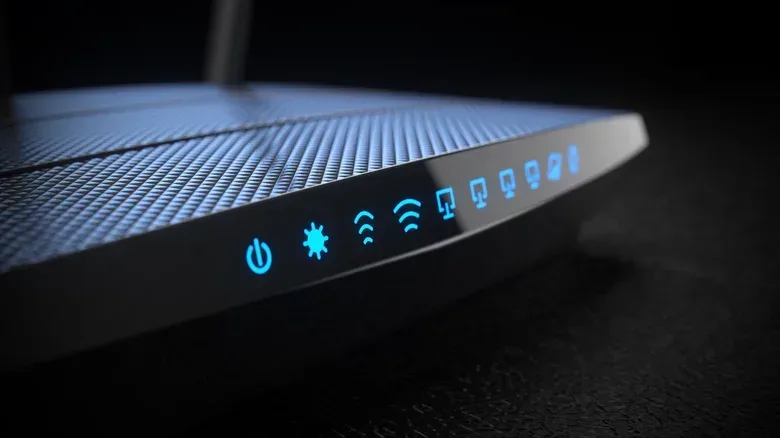
Many modern routers can offer multiple Wi-Fi bands. The familiar 2.4GHz band has reach, which is useful for devices located far from the router. It is also widely used and susceptible to congestion. Its channels can become crowded, and the band can face interference from electronics including appliances and Bluetooth devices.
That makes 2.4GHz a sensible place for smart-home accessories that value range and can tolerate an occasional brief interruption. It is often a less attractive choice for the devices carrying the household’s demanding work: a gaming PC, console, streaming box or computer downloading a major release.
If a router and the device both support them, 5GHz and 6GHz offer alternatives for those high-demand connections. One useful setup is to give each band a separate SSID, meaning a separate network name. Rather than presenting one combined network and leaving the choice opaque, separate names let the household deliberately put compatible high-use devices on 5GHz or 6GHz.
This is not a magic speed boost. A device must support the relevant band, and shifting bands cannot overcome neighbourhood-wide internet congestion. But it can reduce the wireless crowding inside and immediately around the home. It also turns a vague complaint—“the Wi-Fi is bad”—into a testable change: connect the main gaming device to the less congested available band and see whether evening stability improves.
Why this matters for online games
Online games continually exchange data with remote servers. When the wireless leg is crowded or unstable, the player may notice delayed responses even when the game itself is not downloading much data. That makes band selection relevant to more than headline speed-test results. A stable local link is valuable when timing matters.
The same principle applies to a major online release such as GTA VI: a household’s connection can be asked to handle game downloads, patches, streaming and ordinary evening activity at once. Planning big downloads for quieter hours is a modest step, but it may preserve a smoother connection for everyone else.
Power-cycle the modem and router correctly
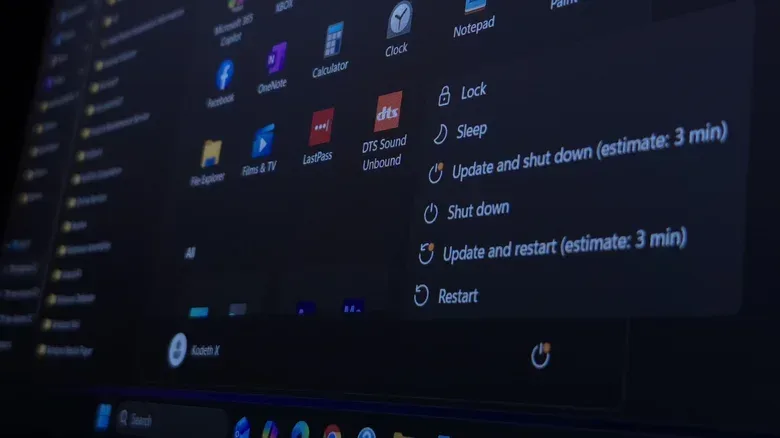
When a slowdown has become a pattern, a power cycle is a low-risk first response. This means actually removing power rather than merely tapping a restart option. Unplug the modem and router for at least 30 seconds. If they are separate devices, reconnect the modem first, wait for it to reconnect, and only then restart the router.
The purpose is to clear their caches and make fresh connections that may be more favourable. Results are not guaranteed, particularly if the core issue is the shared network outside the home, but it can help and should not make performance worse.
Do not treat a successful power cycle as proof that the old router was defective. Networking conditions vary, so a good evening after a restart may simply mean the relevant connections were better at that moment. The stronger signal is whether the improvement persists through the usual trouble period.
Ethernet removes one major source of uncertainty
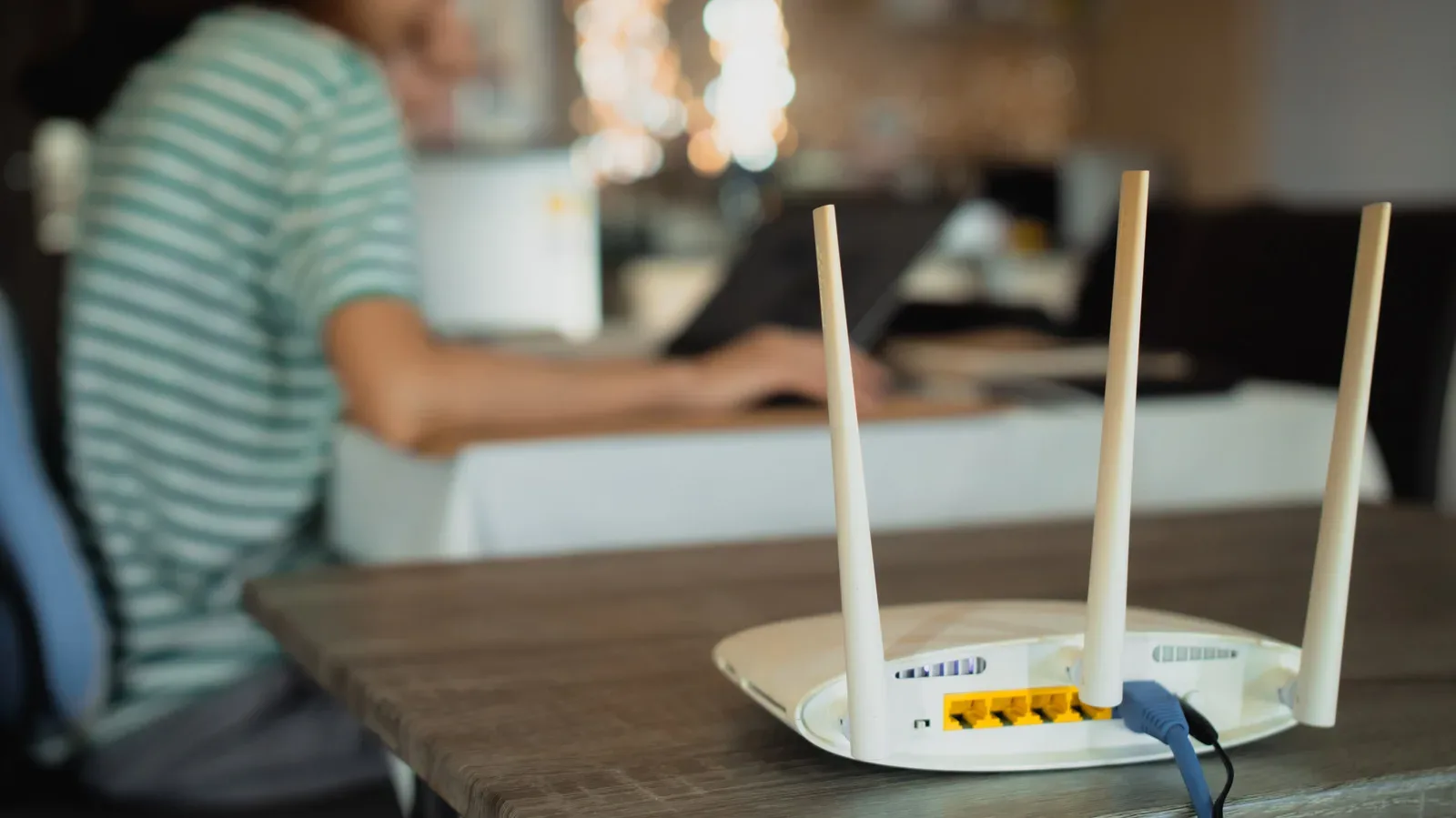
For devices that do not need to move, wired Ethernet is among the clearest practical changes available. Ethernet does not solve general internet traffic or a busy cable network. If the provider-side connection is overloaded, a cable cannot force the wider network to make room.
What Ethernet does remove is the Wi-Fi problem: range limitations and contention for the wireless bands. That can mean a more stable gaming connection and faster downloads on computers. It is especially worth considering for a stationary desktop PC or another fixed device that regularly carries heavy traffic.
The trade-off is physical. A cable has to reach the router, which may not fit every room layout. Still, where routing a cable is feasible, it is a useful diagnostic as well as a long-term setup choice. If a device behaves much better over Ethernet than over Wi-Fi at the same time of night, local wireless congestion or range is a likely contributor. If both connections struggle equally, the cause may lie with household bandwidth demand or the internet connection beyond the router.
Set realistic expectations around shared connections
Some parts of evening slowdown are outside a household’s control. If many nearby homes share a cable connection and become active at once, changing a Wi-Fi name cannot fully remove that pressure. Likewise, a crowded apartment building can be a difficult wireless environment even with thoughtful router configuration.
That does not make the situation hopeless. The best response is layered: restart equipment correctly, reserve 2.4GHz for devices that primarily need range, move supported high-demand devices to 5GHz or 6GHz, use Ethernet for fixed gaming hardware, and shift updates or huge transfers to overnight hours. Each adjustment targets a different possible bottleneck.
The key is not to confuse an internet-wide traffic problem with an in-home Wi-Fi issue. Evening performance may be affected by either, or by both at once. A few deliberate changes can make the gaming setup more stable even when the neighbourhood is at its busiest—and can reveal when the remaining limitation is simply beyond the front door.