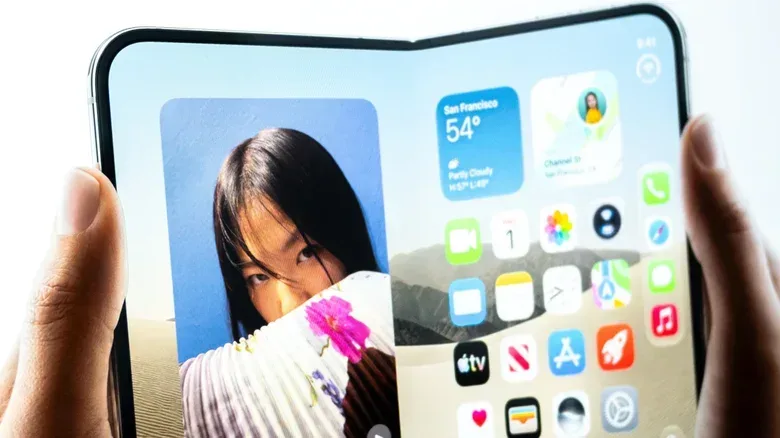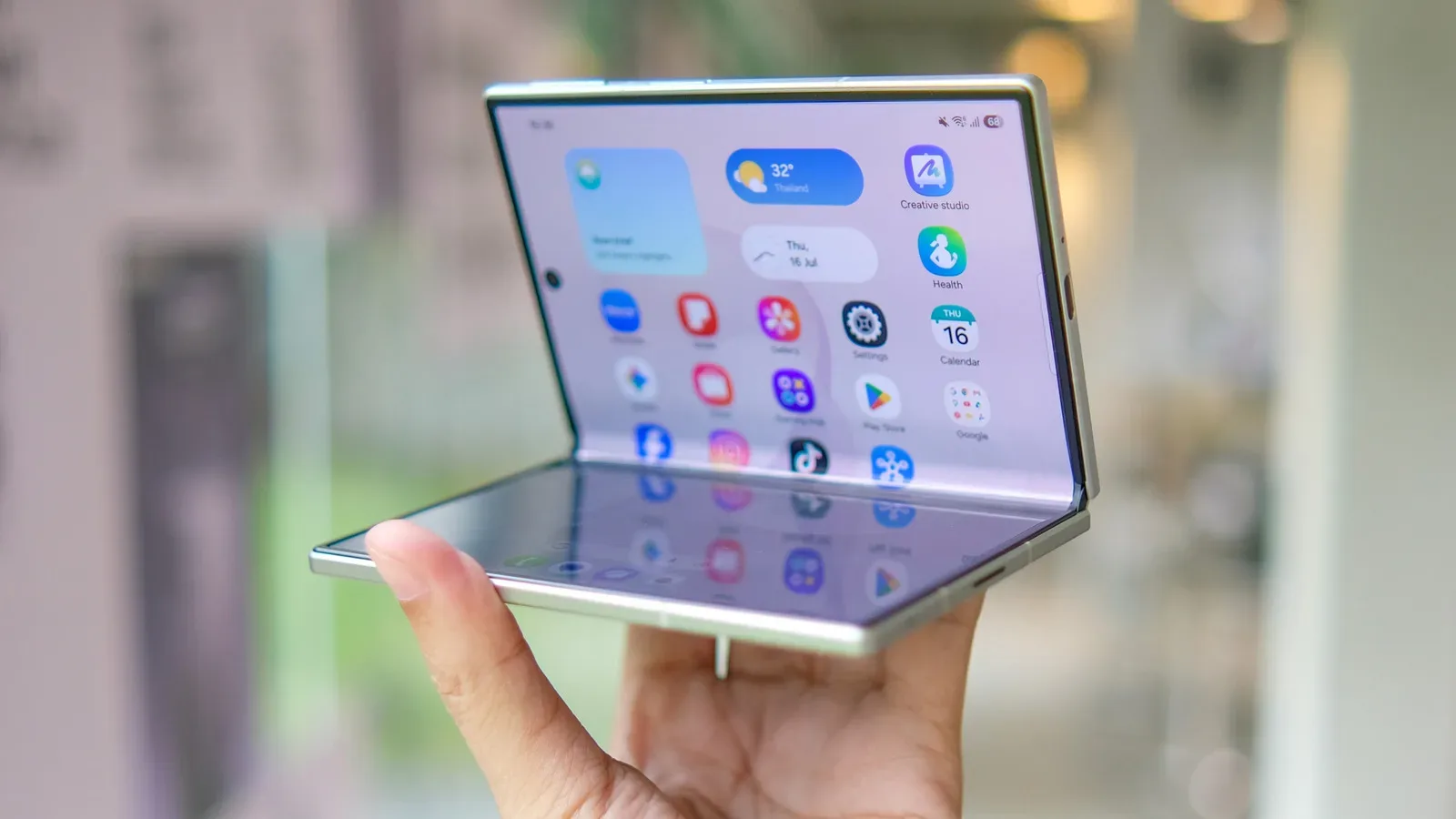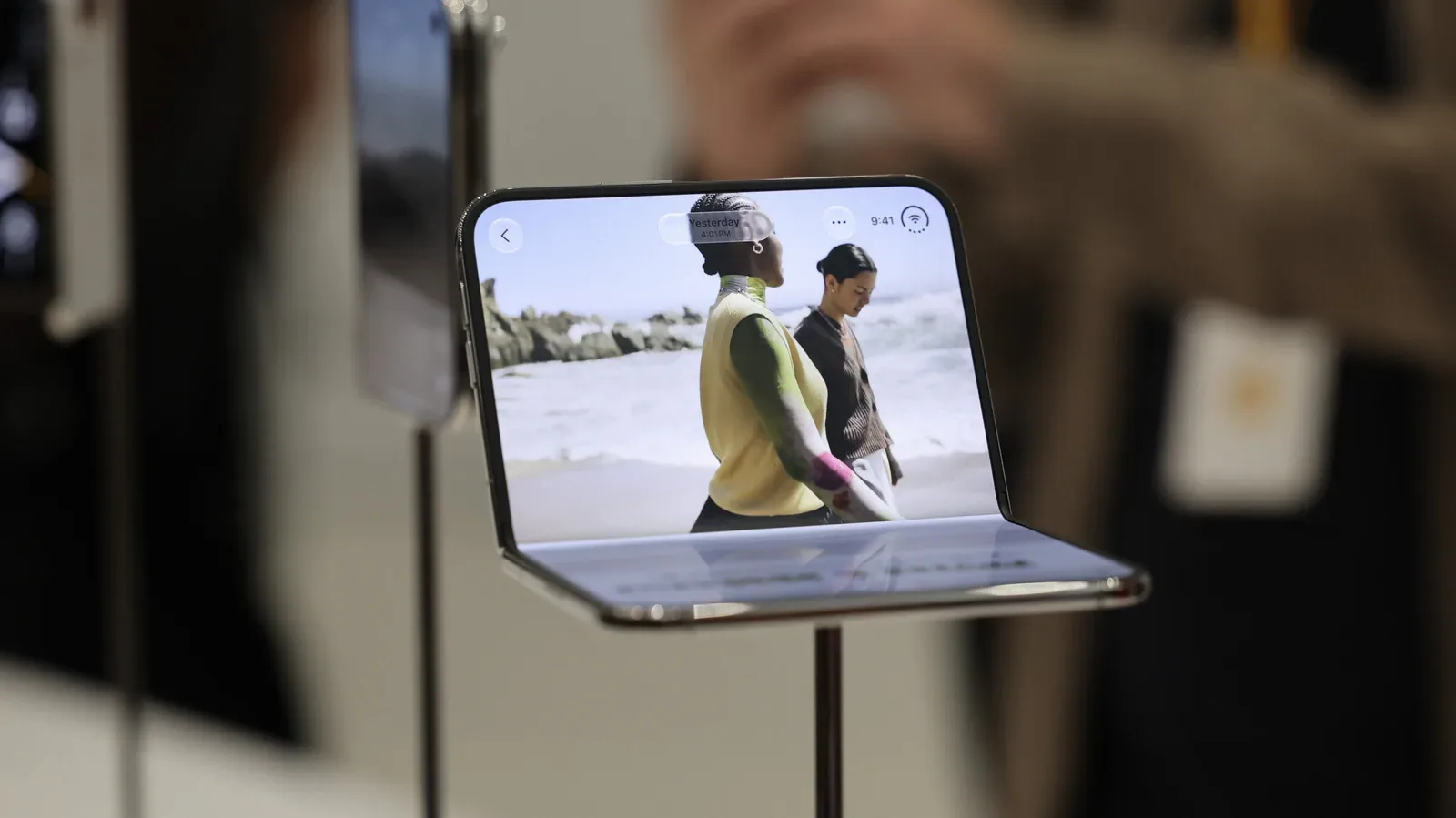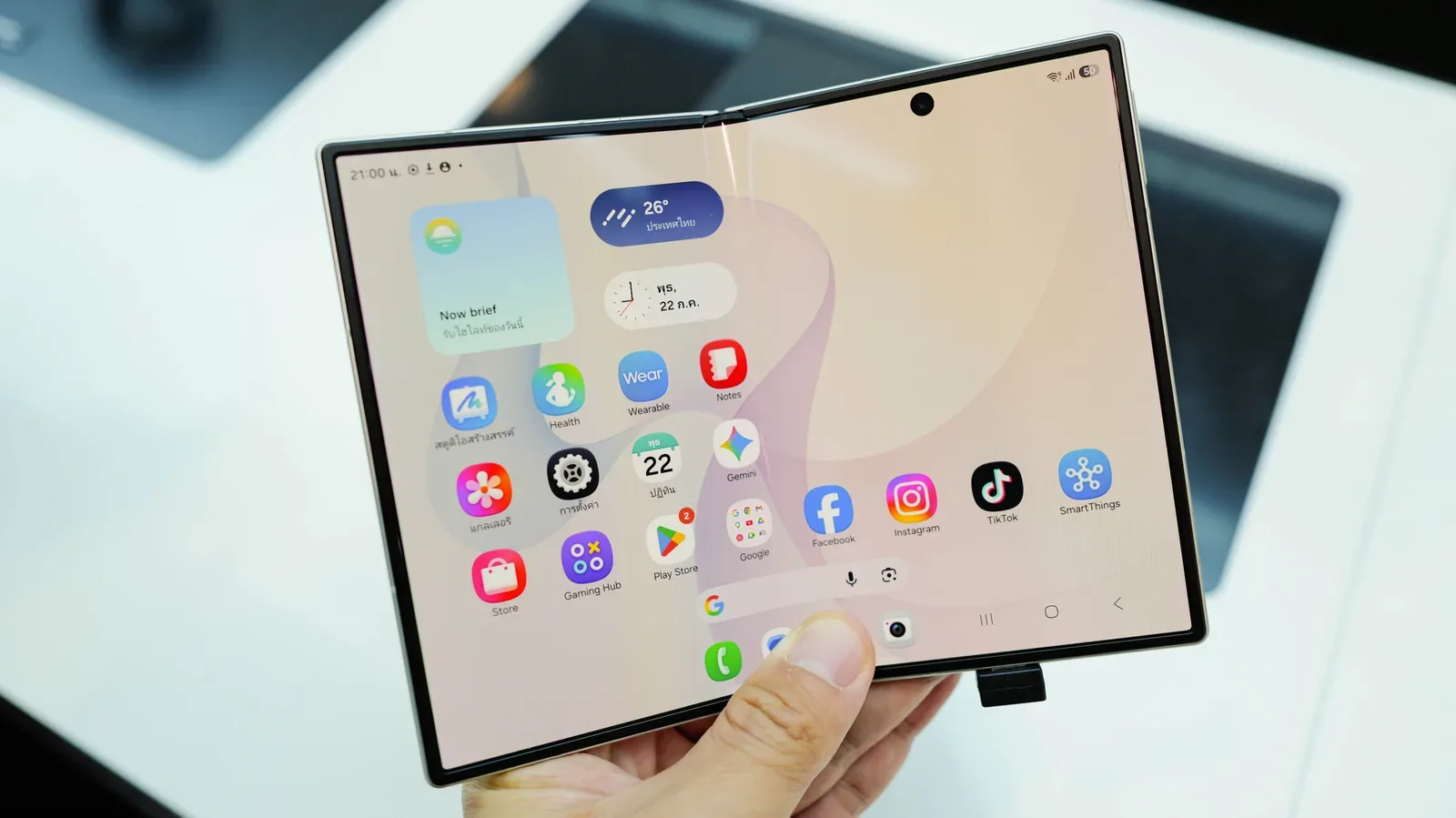
A book-style foldable phone is one of the few gadgets that can make a compact tablet feel suddenly optional. Closed, it behaves as a conventional phone. Opened, it offers a broad inner display that is much closer to a small tablet than to a larger standard handset. That simple transformation addresses the compact tablet’s biggest practical weakness: it is useful, but many people do not carry one everywhere.
The current comparison is striking on paper. The latest iPad Mini has an 8.3-inch display, while the Pixel 11 Pro Fold and Galaxy Z Fold 8 Ultra are listed at just 0.3 inches less. The iPhone Duo, at 7.6 inches, is smaller, but still lives in roughly the same compact-screen conversation. Screen measurements alone do not settle whether devices feel identical in use, but they explain why the question is no longer absurd. A device around this size that can fold down for a pocket changes the usual trade-off between a phone and a travel-friendly tablet.
The short answer is that a foldable can plausibly replace a casual compact tablet. It is much less convincing as a replacement for a tablet that is central to long work sessions, creative projects, or a larger multi-app workspace. The sensible choice is not “foldable versus tablet” in the abstract. It is a question of which frustrations matter most: carrying a second device, managing a second connection, enduring a smaller canvas, protecting battery life, or paying for premium hardware.
The strongest case for a foldable: one device is already with you
Portability is the foldable’s defining advantage. A tablet can be easy to pack, but it is still another object to remember, charge, hold and find space for. A book-style foldable consolidates the ordinary phone role and the occasional larger-screen role. Read something on the outer screen, open it for a video, browsing session, game, document or a couple of apps, then close it and put it away. That continuity is more meaningful than a specification sheet makes it sound.
It also reduces a common mobile-data nuisance. A cellular tablet may require its own plan to stay fully connected when away from Wi-Fi. Without that plan, a person may need to use their phone as a hotspot, potentially at extra cost. A foldable does not have that handoff because it is the phone: its normal mobile connection is already part of the device being used.
That does not mean every tablet buyer needs to swap immediately. A compact tablet can still be a deliberately separate entertainment, reading or work device. But for someone whose tablet is primarily used in short bursts while traveling or away from home, the foldable’s all-in-one premise is unusually persuasive. It removes steps rather than merely adding a new screen shape.
What “casual tablet replacement” actually means
The useful dividing line is not whether a foldable can open a large app. It can. The dividing line is whether the tablet is used as a convenience device or as a workspace.
- Strong fit: people who use a compact tablet for portable entertainment, web browsing, reading, light productivity and occasional split-screen work.
- Potential fit: travelers who want to carry fewer devices and can accept doing basic work on a smaller surface.
- Weak fit: people who regularly rely on a tablet for video editing, graphic design, or sustained work that benefits from a broad, comfortable canvas.
Multitasking is central here. Split-screen multitasking means showing two apps at once, such as a browser beside notes or a video beside a chat. A foldable’s expanded inner panel makes two-app use, and in some cases three-app use, more practical than it is on a standard phone. That is a real capability, not a gimmick. Yet it is still different from having a bigger dedicated tablet display available for hours at a time.
Related coverage includes Can a Foldable Phone Really Replace Your Tablet?.
Why a tablet remains the easier place to do serious work
A larger workspace is not just a luxury. It affects how comfortably someone can see a project, arrange windows and keep controls available without constant switching. Video editing and graphic design are especially clear examples because the work benefits from a larger canvas: footage, timelines, tools, layers and other interface elements compete for room. A dedicated tablet built around that kind of use remains more comfortable than an unfolded phone.
Long sessions expose the difference even in less specialized work. The source material supports foldables as capable travel tools for basic tasks, including use with many of the same peripherals as a tablet. Peripherals are external accessories such as keyboards and other input or display tools. Compatibility helps a foldable become more flexible when a person is away from their usual setup. It does not turn the phone into a no-compromise work machine.
Battery is one major practical reason. When a foldable becomes the only device for phone duties, streaming, browsing and substantial work, all of those demands land on the same battery. That creates a sharper consequence when power runs low: the device is not merely a work screen that can be set aside; it is also the owner’s main phone. A separate tablet distributes that use across two batteries. Consolidation is convenient, but it also concentrates risk.
For users interested in stretching a phone toward computer-like use, Android desktop mode on recent Pixel phones is relevant context. It illustrates the wider appeal of making one mobile device do more. Still, a mode, an accessory and a foldable display do not erase the fundamental ergonomic advantage of a bigger dedicated work surface.
Hardware compromise is still part of the deal
Foldables gain their flexibility through more complicated hardware. The hinge and folding display are essential to the format, but they introduce additional complexity, cost and a further point of wear compared with a conventional slab phone or a non-folding tablet. This is not an argument that the format cannot be useful. It is an argument for treating the expanded screen as a premium convenience rather than free extra utility.
There are daily trade-offs as well. More interior screen area brings a device that can be bulkier and heavier. The inner screen crease may be visible in particular lighting. Foldables have been getting thinner and lighter, but that direction of travel does not mean the compromises have disappeared. Anyone who dislikes a heavier handset, or notices visual irregularities quickly, should regard those points as core purchase considerations rather than tiny footnotes.
The outer and inner screens also solve different problems. The outer display keeps ordinary phone tasks immediately available. The inner display exists for moments when more space helps. The design is clever precisely because it avoids forcing every quick action onto the large screen. But a buyer should not mistake versatility for a guarantee that either mode will be the absolute best version of its category.
Software can determine whether the extra screen feels useful
Screen size only pays off when apps know what to do with it. Android has improved its handling of larger displays and split-screen multitasking, yet the experience can still vary. Some applications make better use of the unfolded panel than others. In less polished cases, an app may effectively stretch a vertically designed layout across a wider area. The result can be awkward rather than genuinely spacious.
This matters because a foldable’s value is tied to the inner screen being more than a blown-up phone. If the apps a person depends on treat the larger panel gracefully, the device can feel like a genuinely useful pocket tablet. If they do not, the person may be paying for screen area that is intermittently wasted. Software behavior is therefore a practical pre-purchase question, particularly for users with a small set of must-have work or creative apps.
A buyer’s checklist before replacing a tablet
- Identify the tablet’s real job. Is it used occasionally for media and browsing, or daily for demanding projects and extended sessions?
- Count the devices you actually carry. The foldable proposition is strongest when leaving a compact tablet at home would make travel simpler.
- Consider connectivity costs. A single connected phone can be tidier than maintaining a second tablet plan or relying on hotspot access.
- Think about battery consequences. If the phone must also be the primary work and entertainment device, its battery becomes more important than ever.
- Check essential app layouts. Larger-screen Android support has improved, but not every app uses the expanded display well.
- Compare the total cost, not the device count. The Pixel 11 Pro Fold and Galaxy Z Fold 8 begin at premium prices, so one combined device is not automatically cheaper than buying separate products suited to separate roles.
- Be honest about comfort. Weight, bulk and a visible crease are everyday characteristics, not occasional edge cases.
The practical verdict: consolidate for convenience, separate for capacity
A foldable makes the most sense when a compact tablet’s job is intermittent and mobile. It can combine a familiar phone with a tablet-like screen that is always in the same pocket, eliminate some connectivity friction and make lightweight multitasking more accessible. For the right person, that is enough to retire a casual tablet without feeling as though they sacrificed much.
But a foldable is not a universal merger of two categories. A dedicated tablet still has the more comfortable workspace for long sessions and visual work, while also preserving the main phone’s battery for being a phone. It avoids hinge and crease trade-offs, and it is not dependent on every app making ideal use of an unusual display shape. The premium starting prices of leading foldables further weaken the idea that consolidation necessarily saves money.
In other words, a foldable can replace the compact tablet you wish you carried more often. It is less likely to replace the tablet you already depend on as a daily workhorse. That distinction is the one worth making before choosing the extra screen that folds—or the extra screen that stays put.