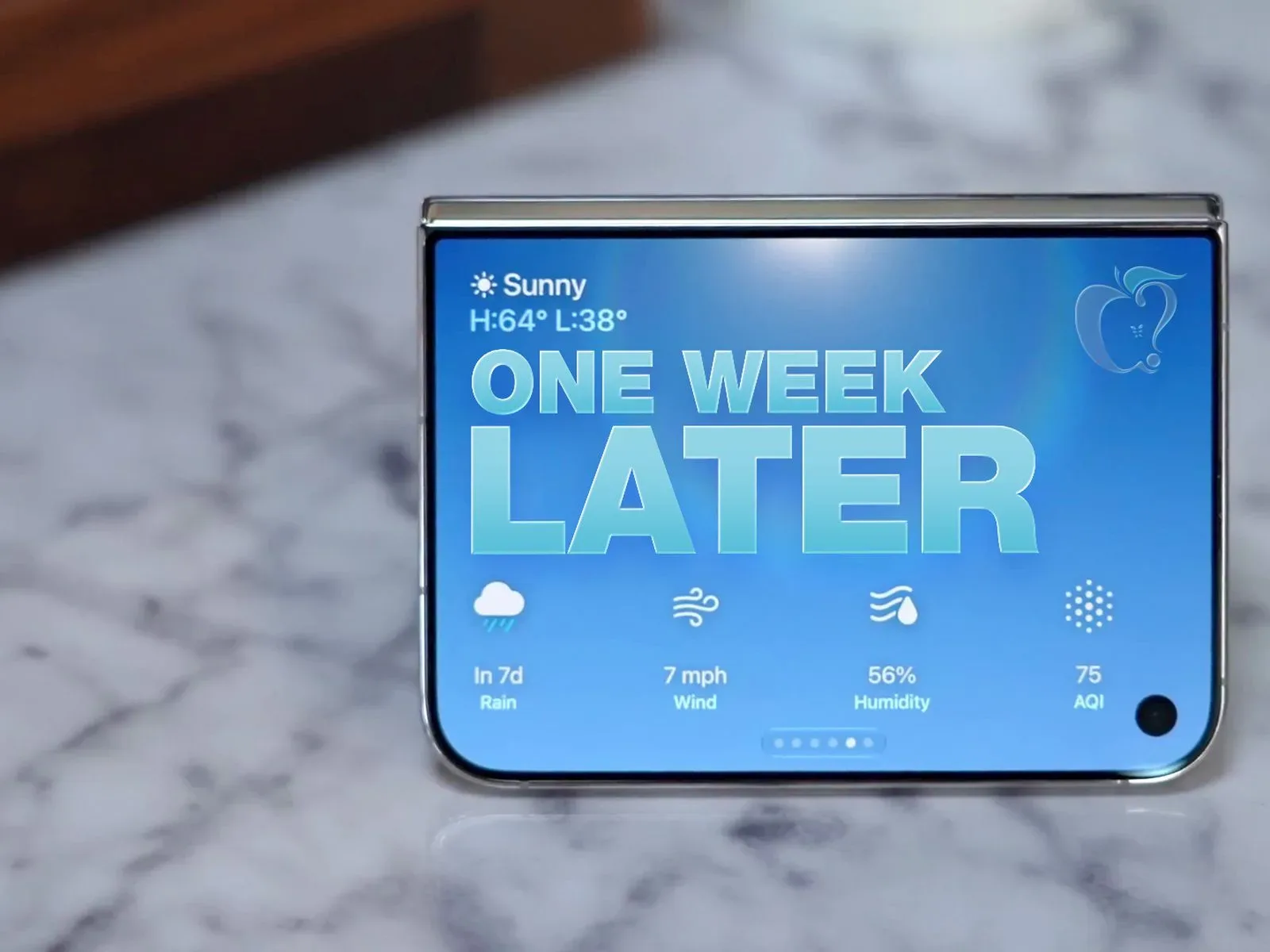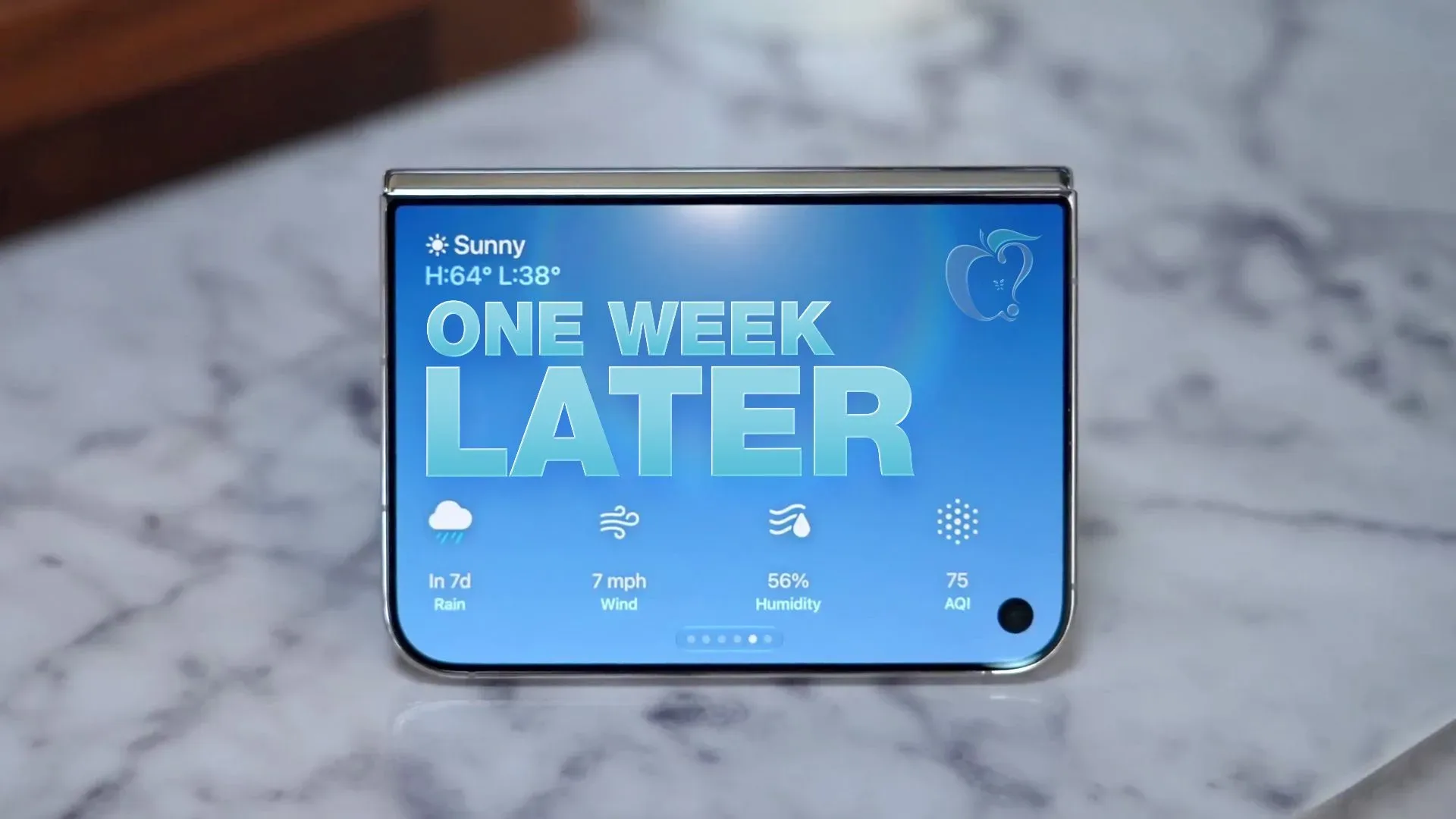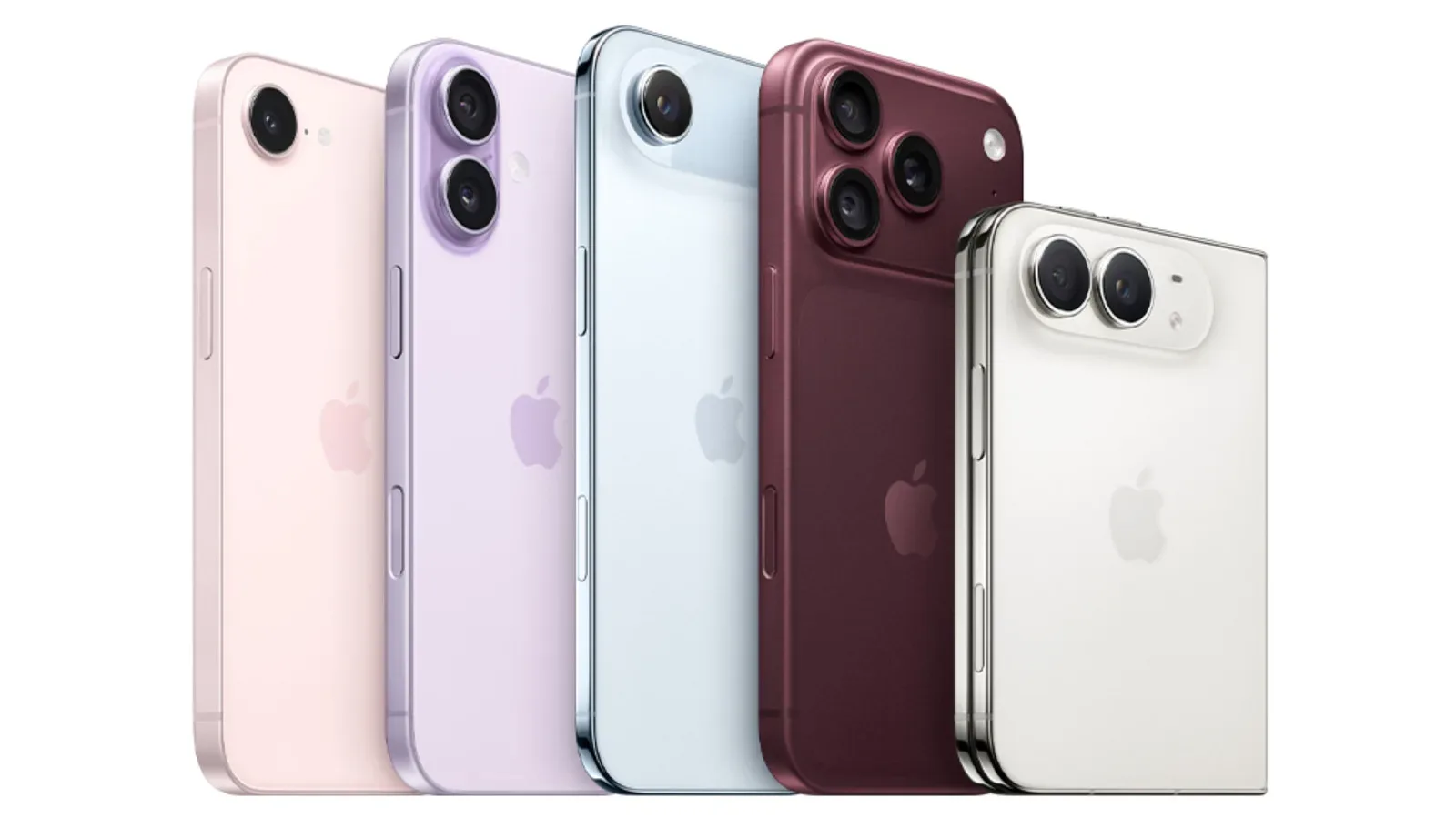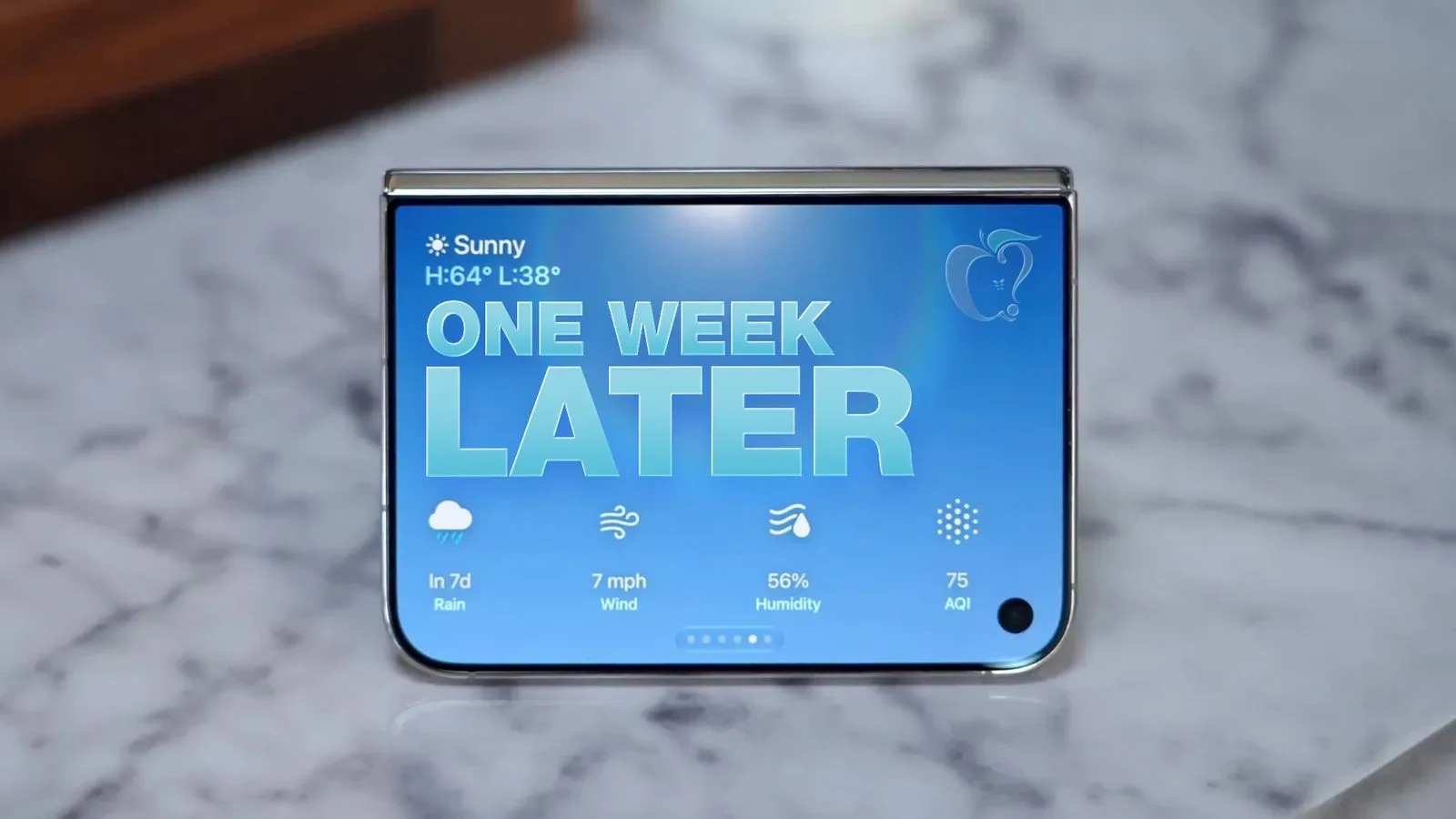
The iPhone Duo’s first week tells a more useful story than a launch-day specification sheet ever could. The central question for a foldable phone is not merely whether its screen folds; it is whether folding changes the rhythm of ordinary phone use for the better. Early longer-term use points to a reasonably clear answer: the Duo’s outer display handles brief tasks, while the unfolded screen earns its place for writing, multitasking and watching video alongside another app.
That is a more grounded proposition than treating a foldable as a tiny tablet that happens to fit in a pocket. Its value depends on transitions: checking something quickly without opening the device, then expanding the workspace only when the task benefits from it. The Duo appears to make that division understandable in day-to-day use, even if its software ecosystem and camera setup still ask buyers to accept conspicuous compromises.
The outer display is small, but not useless
A small cover display is easy to dismiss in isolation. In practice, its usefulness depends on the tasks it keeps from becoming two-handed, unfold-the-phone events. Notifications, message replies, app scrolling and browsing are all reported as workable on the iPhone Duo’s outer screen. That means the folded state is not simply a waiting room before the “real” display appears.
This distinction matters because a foldable has to justify a little more physical interaction than a conventional slab phone. If every notification, reply or link required opening it, the hinge would become friction rather than a feature. The outer display instead sounds suited to the short, frequent interactions that make up a large share of phone use.
There is also an important limit embedded in that assessment: “useful” is not the same as “spacious.” Longer messages and multitasking are better handled unfolded. Potential owners should therefore view the outer display as a quick-access screen, not as a full replacement for the main display. That is not necessarily a flaw. It is the product’s apparent intended division of labor.
Unfolding makes the case for the device
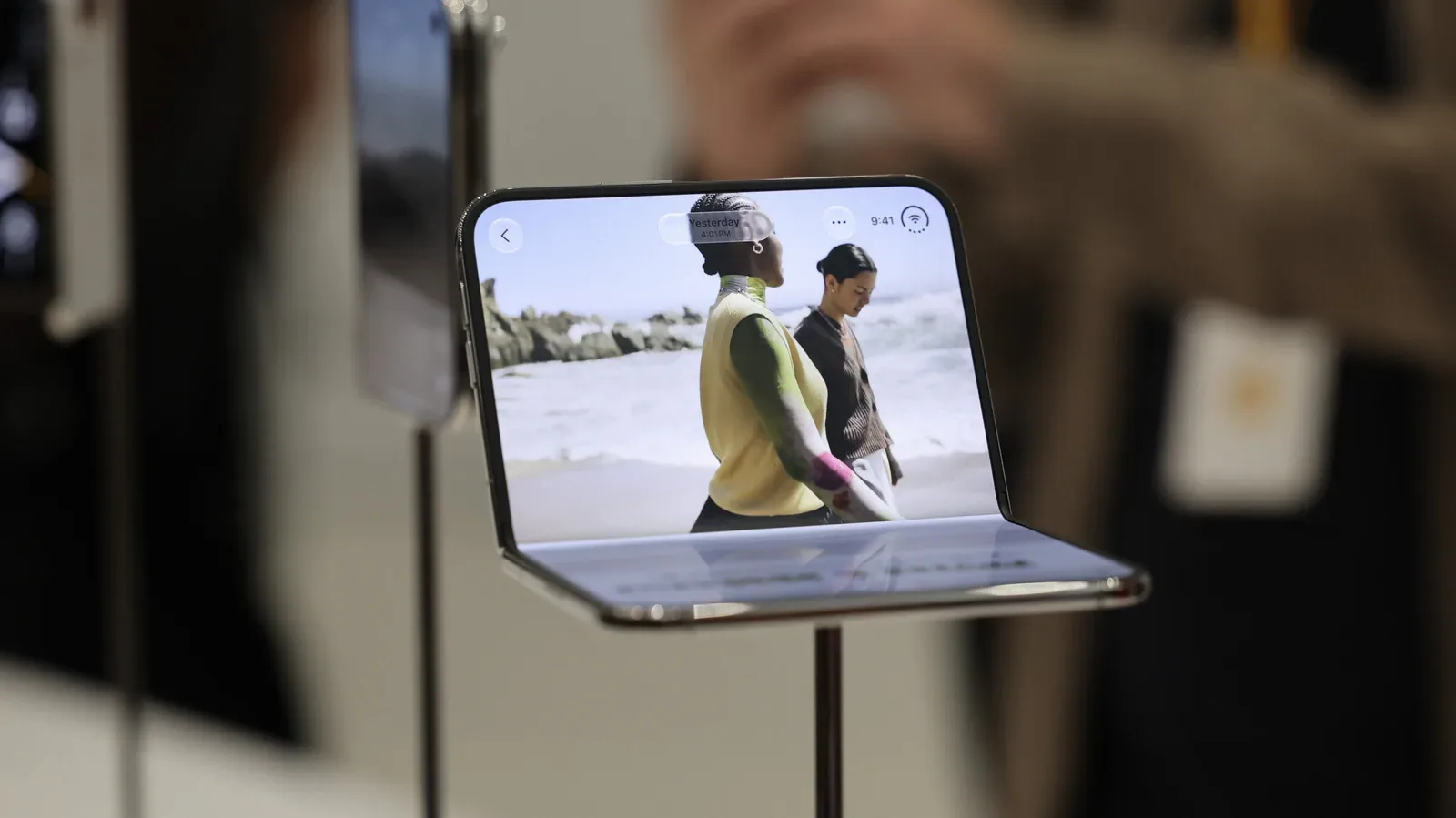
The main attraction emerges when the Duo is opened. The reported preference for using it unfolded in portrait orientation while watching video and running another app at the same time gets to the heart of the form factor. Multitasking, in this context, means keeping more than one app visible and usable rather than repeatedly leaving a video, message thread or web page to check something else.
On a typical phone, these tasks are often serial: pause or minimize one activity, open another, then return. A larger display can turn some of them into parallel activity. The appeal is less about doing office work on a phone and more about reducing the small interruptions that normally break a viewing or browsing session.
Longer messages are another practical example. A bigger canvas is not automatically better for every kind of writing, but it can make extended replies feel less constrained. The reported pattern—outer screen for short responses, unfolded display for lengthy text—sounds like a natural usage habit rather than an artificial demo. That is arguably the strongest signal in a one-week reassessment: people tend to keep using a new form factor only when it slots into familiar behavior without requiring constant justification.
For gaming-adjacent audiences, the lesson is also familiar. Screen space has value when the interface knows what to do with it. Games, companion apps, chats, streams and guides all compete for attention on mobile devices. A larger screen can help, but only if layouts make room for information without making controls or text feel awkward. The broader issue of software adapting to changing platforms is already visible in discussions around how platforms shape what users can actually find and use. Hardware flexibility is only half the equation; the surrounding software has to meet it halfway.
App support remains a real early-adopter consideration
Not every app has been updated for the Duo’s layout. That should be treated as a present limitation, not a minor footnote. A foldable’s screen shape creates different design decisions than a conventional phone: applications may need to determine how content reflows, whether a second pane is helpful, where controls belong and what happens as a user opens or closes the device.
“Reflow” simply means an interface rearranging itself to fit available space. A webpage that changes its columns or line lengths when a browser window grows is reflowing. On a foldable, effective reflow can make an app feel purpose-built; poor reflow can leave excessive empty space, oversized elements or controls that do not make sense in the new proportions.
There are signs of progress rather than a completed transition. An extension called Wider expands Safari to the edges of the Duo’s outer display, and it is described as a substantial improvement. That example is useful because it identifies a concrete problem and a concrete workaround. The cover-screen experience is affected not just by its size, but by whether software fully uses that size.
Extensions are add-ons that modify or enhance an application’s behavior. In this case, Wider changes Safari’s usable window area on the outer screen. Its presence suggests that users may need to pay closer attention to software tools and updates than they would on a more familiar phone design. It also suggests that developers could make further accommodations as they become more accustomed to the layout.
No timetable is established for that process, and buyers should avoid assuming that every favorite app will soon feel native to both Duo states. The relevant practical question is narrower: which apps do a person use most, and how well do those specific apps work on a folded and unfolded device today? For someone whose routine centers on messaging, web browsing and video, the early account is encouraging. Someone dependent on a particular specialized app should not confuse general improvement with a guarantee.
Battery and authentication sound reassuringly conventional
Battery life is placed between the iPhone 18 Pro and iPhone 18 Pro Max, with a full day considered likely for most people. That comparison is meaningful because foldables face an intuitive concern: a second display and a larger unfolded panel might make endurance unpredictable. The early impression does not eliminate variation caused by individual usage, but it does indicate that the Duo is not described as requiring unusually careful battery management.
Authentication also seems designed to become routine. The Touch ID fingerprint sensor is said to be easy to locate, while Apple Watch unlock is characterized as serving a role similar to Face ID. Touch ID authenticates a user through a fingerprint sensor; Face ID is Apple’s facial-recognition method. The key user-experience point is convenience: unlocking should not feel more difficult merely because the device can be used in multiple physical positions.
This may sound mundane beside the hinge and displays, but mundane is a compliment in this area. A novel phone design still needs its most repeated actions—wake, unlock, read, reply—to be dependable and intuitive. The Duo’s reported strengths are most persuasive when they concern those habits rather than spectacle.
Camera trade-offs will matter to zoom users
The cameras are described as merely adequate, and the absence of a telephoto lens is identified as a likely loss for people who zoom frequently. A telephoto lens is a camera lens designed for tighter framing of distant subjects. It is especially relevant when a user wants to bring a faraway scene closer without relying as heavily on digital zoom, which enlarges the image electronically rather than optically.
This is a useful reminder that the Duo is not being framed as a no-compromise flagship for every type of phone owner. The large unfolding display may be the feature a buyer uses more than any camera advantage, but that does not make the imaging omission disappear. Anyone who regularly photographs far-off subjects should weigh that limitation seriously instead of assuming software will make it irrelevant.
The more interesting point is that the trade-off has not erased the device’s appeal for the early user discussed here. That does not prove the same equation will work for everyone. It does demonstrate the core bargain of the foldable concept: a distinct screen experience may be valuable enough that some people willingly surrender hardware they normally expect.
What to make of the hinge and display reports
Reports concerning a hinge-related issue that can crack the display should be approached carefully. There have been images circulating that are described as potentially AI-generated, making the scale of any problem difficult to establish from public posts alone. At the same time, the reported pattern is that units with this defect appear to suffer damage soon after purchase.
That leads to a limited but practical observation: a Duo that has made it through its first week without the issue is said to be unlikely to have this particular defect. It is not proof that no other damage can occur, nor does it establish a broad reliability rate. It is simply an early pattern, based on limited observation, that separates immediate manufacturing or hinge faults from general long-term durability.
Potential buyers should resist two equally unhelpful reactions: declaring every circulating image definitive evidence of a widespread failure, or treating the lack of a problem in a small group of units as proof that no issue exists. The evidence supports uncertainty. That uncertainty is especially important with a hinge-based product, because the hinge is not a peripheral component; it is central to the experience and repeatedly used.
A promising device whose caveats are specific, not vague
The iPhone Duo’s early verdict is compelling precisely because its drawbacks are identifiable. Its cover display is compact. The app ecosystem is still catching up. The cameras do not satisfy a user who depends on telephoto zoom. Reports around possible hinge-related display cracking cannot yet be cleanly quantified.
Its strengths are equally tangible: useful quick tasks when folded, a more expansive environment for longer messages and multitasking when open, solid expected day-long battery life for most people, and authentication that does not seem to demand relearning daily habits. Most importantly, it has generated sustained enthusiasm after the novelty period rather than only excitement at the moment of release.
That does not make the Duo a universal recommendation. It makes the decision clearer. Choose it for the ability to move between a compact phone and a larger workspace, not for camera versatility or the assumption that every app already understands the format. For users whose priorities align with that screen-first proposition, the first week suggests the novelty may have genuine staying power.