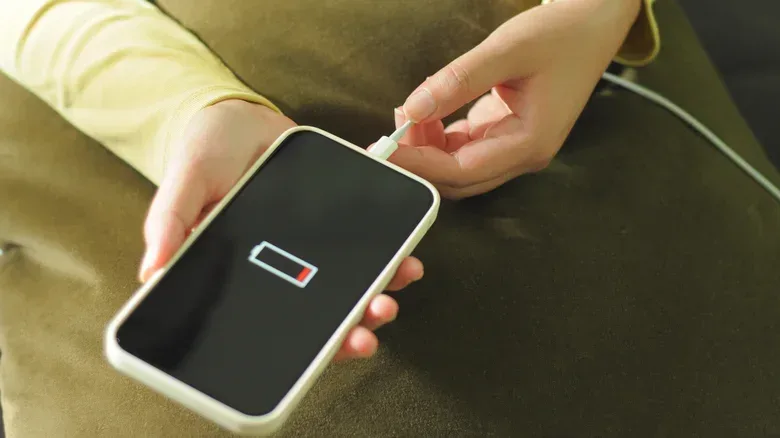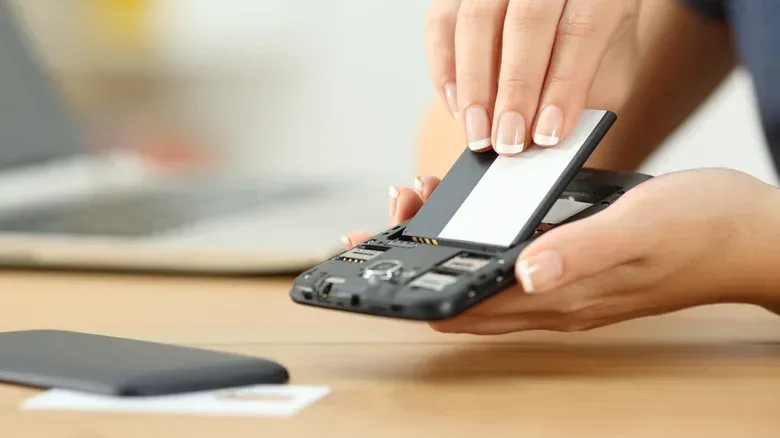
A device with a huge battery can still run out of power surprisingly fast. That sounds like a contradiction until the labels on the spec sheet are separated into what they actually measure: battery capacity, battery life, and battery health.
For players choosing a phone, gaming laptop, handheld-friendly power bank, or simply wondering why an older device no longer survives a commute, the distinction matters. Capacity is stored energy. Battery life is the time that stored energy lasts under a particular workload. Health is how much of the battery’s original storage ability remains after it has aged.
They influence one another, but none is a complete substitute for the others. A larger number on a battery label is useful information, not a promise of a particular number of hours in a game.
Battery capacity: the size of the energy reserve
Battery capacity is the maximum amount of energy a battery can store. In phones and power banks, it is commonly presented in milliampere-hours, written as mAh. Larger devices such as laptops commonly use watt-hours, or Wh.
The practical, plain-language version is that capacity describes the size of a device’s energy reserve before it needs to be refilled. All else being equal, a 5,000mAh phone battery has more stored capacity than a 4,200mAh battery. It therefore has the potential to run longer between charges.
But “all else being equal” does a tremendous amount of work in that sentence. Two devices are rarely equal in the ways that decide runtime. They may have different screen sizes, different hardware efficiency, different software behavior, and entirely different jobs to do. A larger battery is an advantage, but it is only one side of the runtime equation.
This is also why a capacity rating on a power bank should be treated as a starting point rather than an exact charge-count guarantee. The U.S. iPhone 18 Pro is listed with a 4,288mAh battery. On simple arithmetic, a 10,000mAh power bank seems capable of charging it a little more than twice. In real use, energy is lost in the transfer. Normal charging can lose roughly 20% to 30%, while fast and wireless charging can lose more because they produce additional heat.
So capacity tells buyers that a power bank has a larger or smaller reserve, but it does not by itself establish precisely how many complete phone charges they will receive. Cable charging method, heat and the charging process all affect the result.
Related coverage includes Battery Capacity vs. Battery Life: What the Numbers Really Mean.
Battery life: how long the reserve lasts
Battery life measures runtime: how long a device operates before it needs another charge. It is usually given in hours. This is the number people generally care about when they ask whether a laptop will last through a trip or whether a phone can handle a long session away from an outlet.
The catch is that battery life changes with use. A laptop with a substantial battery may still drain quickly while running a modern game at high graphics settings. That same laptop can last considerably longer while handling word processing. The battery did not become larger or smaller between those tasks; the device’s demand for energy changed.
Gaming makes this especially obvious. Higher graphical settings can mean more work for the machine, and more work means a faster draw on the battery. A battery-life claim based on video playback is consequently useful as a standardized comparison point, but it should not be read as a promise of identical gaming runtime. Video playback and a graphically demanding game are not the same workload.
Manufacturers commonly describe battery life using video-playback hours, and some also provide a “typical battery life” number. These figures can be helpful, provided they are treated as a test scenario rather than a personal forecast. No two days of use are identical: a person may play games, take photos, browse, use background apps, or leave the screen active for very different amounts of time.
Screen size illustrates why capacity alone can mislead. An iPad has a bigger battery than an iPhone, but it also has a much larger display that consumes more energy. Comparing only the battery figures would omit one of the device’s major power demands.
Efficiency is the missing half of the comparison
Capacity is the supply. Efficiency and workload determine the rate at which that supply is used. Operating-system and hardware efficiency can materially change real-world endurance, which is one reason newer hardware can outlast older hardware even when a quick glance at specifications does not tell the full story. Apple silicon MacBooks, for example, are noted for lasting much longer than older Intel-based models.
For a gaming buyer, the useful question is not merely “Which device has the biggest battery?” It is closer to: How much energy does this device use while doing the specific things I expect to do? A player mostly using a laptop for documents and web browsing has a different battery-life case than someone playing high-settings games. A phone used occasionally for messaging faces a different demand than one continuously driving a bright display, games and wireless connections.
Temperature belongs in that real-world picture as well. Hot conditions can make a phone drain faster; taking photos outdoors on a hot day is a familiar example. In other words, a battery-life estimate is affected by the environment as well as the device and its workload.
Battery health: why 100% charge does not always mean the same thing
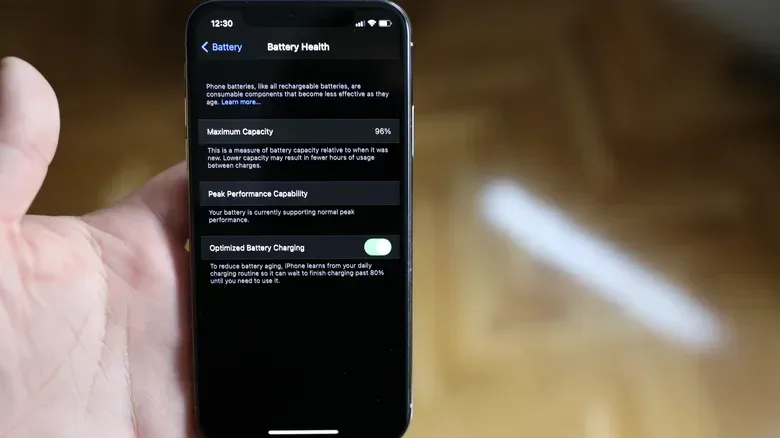
Battery health is closely connected to capacity, but it is not the same as the on-screen charge percentage. Health is generally expressed as a percentage of the capacity the battery had when it was new. As a battery chemically ages, it stores less energy than it did at the beginning.
That distinction is easy to miss. A battery icon at 100% means the battery has been charged to its current maximum. It does not mean the battery still holds the same amount of energy it held on day one. A battery with reduced health can reach 100%, yet provide less runtime because its maximum reserve has shrunk.
Charge cycles are one way to understand this aging. A full cycle occurs when a total of 100% of charge is used, even if that usage is split across multiple partial discharges. Going from 100% to 50% one day and then using another 50% later amounts to one full cycle in total; it does not have to happen in a single uninterrupted drain.
Google Pixel devices beginning with the Pixel 8a are rated to retain up to 80% capacity after 1,000 full charge cycles. If a user adds the equivalent of 100% charge every day, that benchmark works out to roughly two and a half years before a replacement may be needed. It is a useful illustration of why cycle totals and battery health are more informative than a battery icon alone.
An 80% health reading is a meaningful warning sign that replacement should be considered. It does not say that a device will instantly stop working. It says that the original capacity has materially declined, which can show up as more frequent charging and less reliable time away from a power source.
How to compare devices and power banks without falling for one number
A sensible comparison uses the three terms together, while recognizing what each can and cannot answer.
- Use capacity to understand the potential size of the energy reserve. For phones and banks, look for mAh; for laptops, look for Wh.
- Use battery-life estimates to see how long a device lasted in a stated test. Check what that test involved, particularly if gaming is your priority.
- Use battery health when evaluating a device already in service. It indicates how much of the original capacity remains.
- Account for charging loss when estimating what a power bank can actually deliver. A bank’s printed capacity is not a guarantee of an equal amount arriving in a phone.
- Match the claim to the workload. Video playback, office work and high-settings games do not put the same demand on a battery.
This approach prevents a pair of common mistakes: assuming the biggest capacity automatically produces the longest runtime, and assuming an aging battery at 100% charge is as capable as it was when new.
Practical ways to stretch a charge and protect long-term capacity
Some battery-life improvements are about reducing immediate demand. Lowering screen brightness, closing unnecessary background activity, checking which apps consume the most power, and keeping the operating system up to date can all help a device run longer before the next charge.
For laptop users who also stream, make video calls, or record content between game sessions, reducing needless display and background load may matter just as much as it does in everyday work. For related setup advice beyond power management, see this guide to making a laptop webcam look better before a call or stream.
Long-term health is a separate goal from simply extracting every available minute today. Keeping a battery between 20% and 80% as much as possible, instead of regularly draining it completely and charging it to 100%, can help preserve it. That is not a guarantee against aging: batteries chemically age over time regardless. It is a habit intended to reduce avoidable strain.
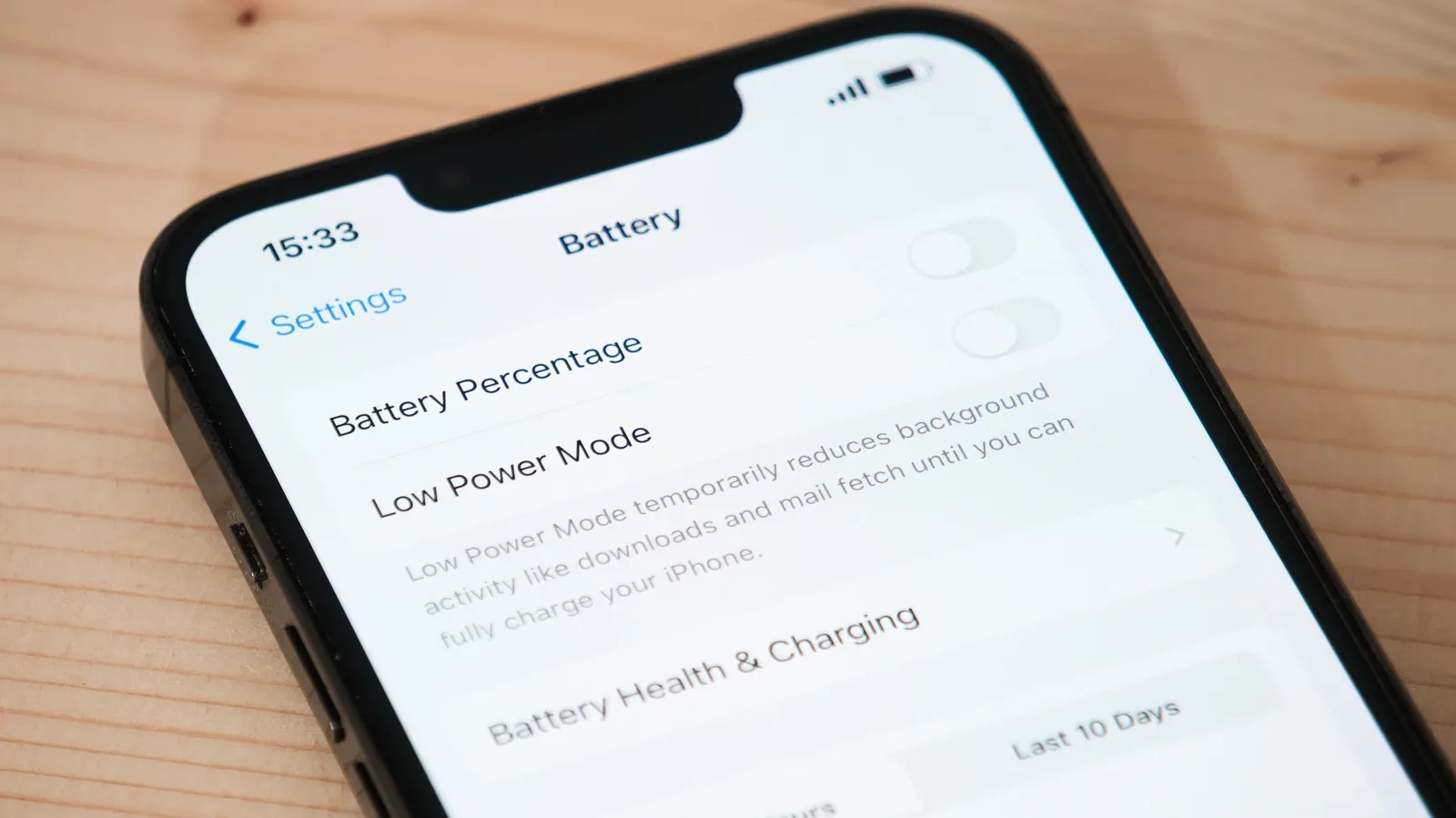
Checking the Battery section of a phone’s Settings menu can reveal a health percentage on many smartphones. Some devices may also alert the owner when degradation becomes substantial. That information can turn a vague feeling that a phone is “dying faster” into a clearer maintenance decision.
What newer battery designs could change—and what they do not
Some newer devices are moving toward silicon-carbon batteries, which can fit greater capacity into a smaller space. The appeal is straightforward: manufacturers may be able to offer more stored energy without making a device thicker or heavier.
That could improve the capacity side of the equation, but it does not erase the difference between capacity and battery life. A more compact, higher-capacity battery can create room for longer runtime, yet actual endurance will still depend on screen demands, software and hardware efficiency, temperature, charging behavior, and what the owner asks the device to do.
For now, the most useful battery literacy is also the least glamorous: read mAh or Wh as storage, hours as workload-dependent runtime, and health percentage as the condition of that storage after use. Those three readings together give a much more realistic picture than any one headline number on its own.