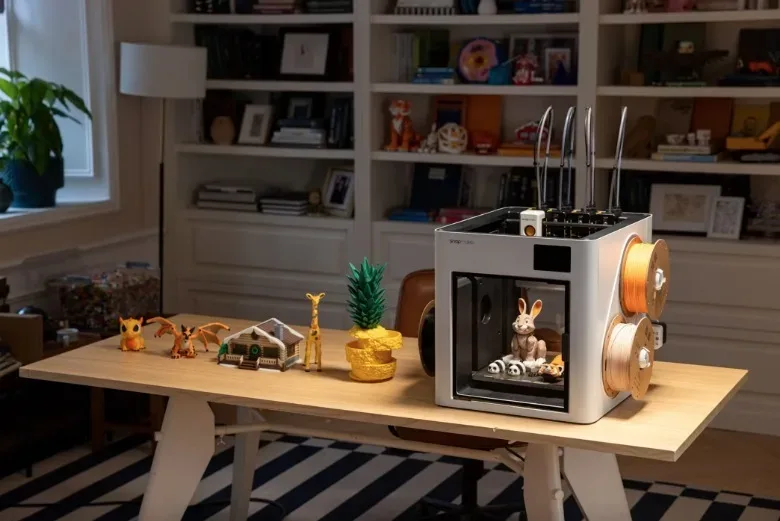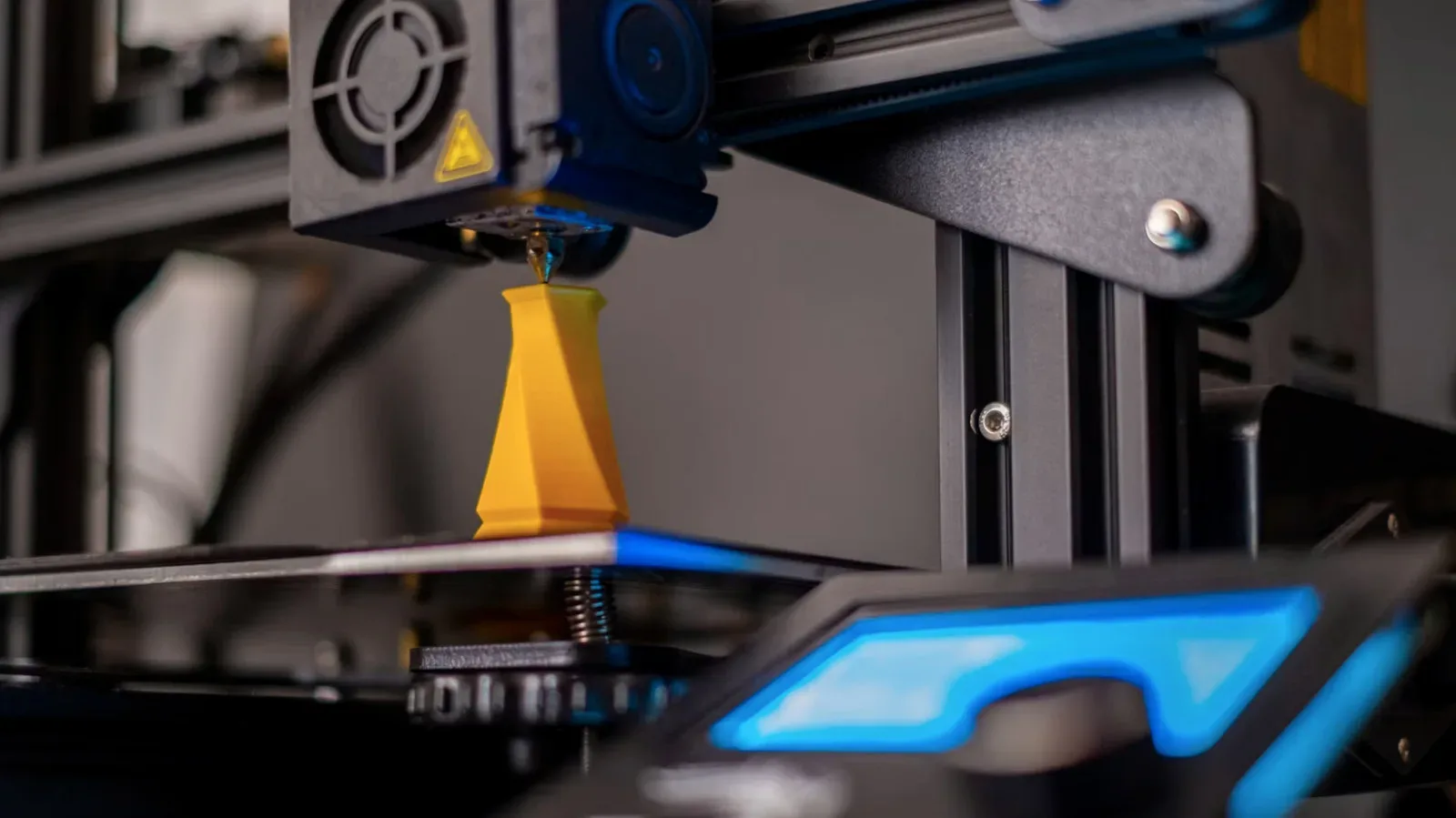
A home 3D printer can feel like the ultimate side-quest machine: one minute it is making a replacement clip, the next it is producing dungeon walls, custom storage trays or a soap dish shaped like a fish. Prices have made that temptation more plausible in 2026. Entry-level machines sit roughly in the $200 to $400 range, while mid-tier units are around $750 to $1,500.
But an affordable printer is not automatically a good purchase. The real question is not whether a person can print an endless supply of plastic objects. It is whether they have recurring needs that make ownership more useful than commissioning the occasional job. A 3D printer is best understood as a small fabrication tool, not an appliance that produces value merely by sitting on a desk.
For tabletop gamers, hobbyists, repair-minded households and people developing physical products, the answer can be an enthusiastic yes. For someone attracted mostly by novelty, a local or online printing service is often the smarter first move. The difference comes down to frequency, patience, materials and the willingness to learn a technical workflow.
The strongest reason to buy: recurring, specific problems
3D printers shine when an ordinary object is unavailable, poorly sized or needed more than once. The technology is particularly suited to plastic parts with unusual shapes: knobs, clips, hinges, latches, spacers, shims and adapters. A shim is a thin piece used to fill a gap or bring an item into alignment. A spacer holds two components a fixed distance apart. An adapter lets two pieces with incompatible sizes or shapes work together.
Those are humble jobs, but they explain the appeal better than a shelf full of novelty figures. A doorstop may not justify a machine on its own. Multiple doorstops, custom fixture adapters, replacement pieces and small repairs over time may be a different story. The value is in solving a fit problem on demand rather than accepting that a small missing part makes a larger item inconvenient or unusable.
That convenience can also matter for niche replacement parts. If an otherwise expensive replacement component can be made at home, the potential savings can be substantial; the cited example is avoiding $100 on a camera part. That does not mean every part should be printed. It means that an owner who repeatedly encounters small plastic failures has a concrete reason to investigate the tool.
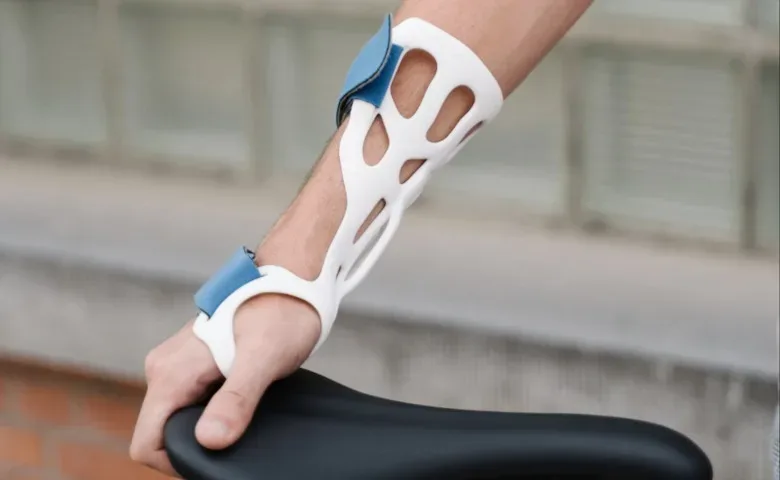
Some users also make hand braces and other medical accessories. That demonstrates the broad range of shapes a printer can create, but it should not be mistaken for a promise that every home print is suitable for health-related use. A machine’s ability to form a shape is different from establishing that object’s suitability for a particular purpose.
Tabletop gaming is a compelling use case—if it is regular
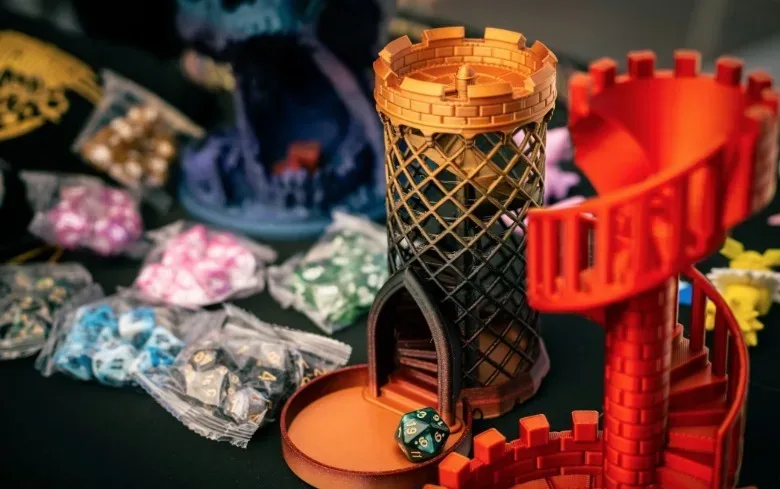
Among gaming-adjacent hobbies, tabletop play offers one of the clearest arguments for owning a printer. A campaign can benefit from custom figures, terrain, boards, storage trays and organizers. These projects are not merely decorative. Terrain can make a game space more legible, organizers can speed setup and packing, and tailored storage can keep small components from becoming an administrative boss battle before the session even starts.
Related coverage includes Are 3D Printers Worth Buying in 2026?.
The important technical choice is between resin and filament printing. Resin printers are generally the better fit for small character figures that need high detail. Filament printers are better at larger builds, though with less detail. Filament is the material fed into the printer to construct an object; it is well suited to larger terrain pieces and structures. Resin is used where fine details on small figures matter more.
That creates a sensible division of labor. A player who mainly wants detailed miniatures should look closely at resin printing. A game master building larger rooms, walls, dungeon sections or terrain may find a filament printer the more practical choice. Someone expecting one printer to do everything perfectly should reset that expectation: material and machine type influence what kind of projects are most satisfying.
It is also worth being honest about scale. Printing an entire dungeon is possible, but it is still a production project. The practical benefit is greatest when a group plays frequently enough to reuse terrain or when the creator actively enjoys building a bespoke setting. If the goal is one special set piece for a single session, paying a print shop can make more sense than buying hardware, tools and supplies.
Prototyping turns the printer into a working tool
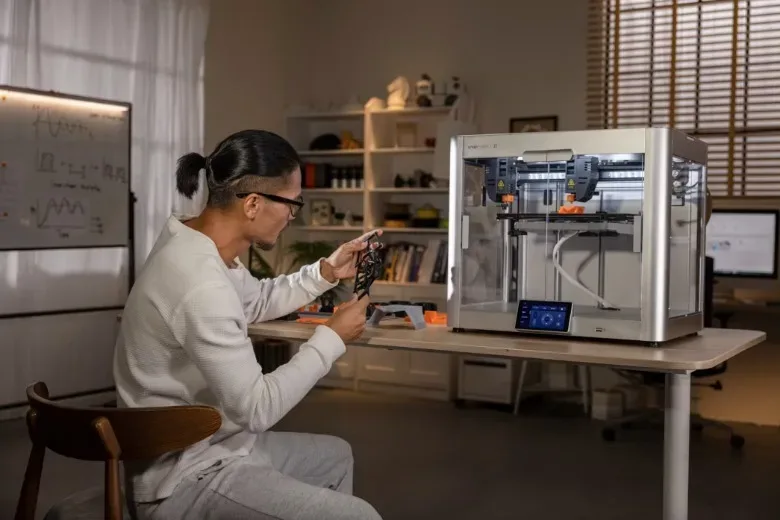
A printer becomes easier to justify when it is part of a design process. For a small business or an aspiring product designer, it can make prototypes quickly without shipping an idea to a dedicated prototyping company. A prototype is an early physical version of a design, used to inspect its shape, fit and function before committing to a final version.
The advantage is iteration. A creator can print a version, identify a problem, alter the design and try again. This is especially useful when the unknown is physical: whether a clip grips properly, whether an adapter fits, or whether a product’s dimensions need another pass. Avoided outsourcing and shipping costs can matter, but speed is equally important. The machine shortens the loop between “I think this will work” and “now I can see what needs changing.”
That does not erase the cost of mistakes. Prototyping inherently produces failed versions, and failed versions consume material. Still, someone who expects to revise physical designs often has a much sturdier ownership case than a person who only wants a few pre-made decorative models.
What has improved, and what has not disappeared
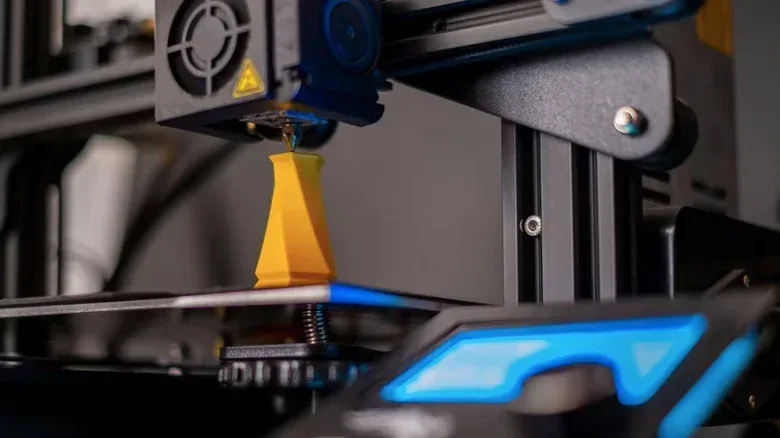
Modern consumer machines have become more approachable than many models from the 2010s. Automatic bed leveling is one important improvement. The build plate, often called the bed, is the surface on which an object is printed. Leveling helps make that surface consistent for the job. Some newer printers can also work with multiple types of filament, opening the door to designs that use different materials.
Speed has improved as well, including in budget-friendly and mid-tier hardware. Some current machines include cameras that watch a print and can stop it when something appears wrong. That is a useful safeguard because it may save both time and material during an unsuccessful job.
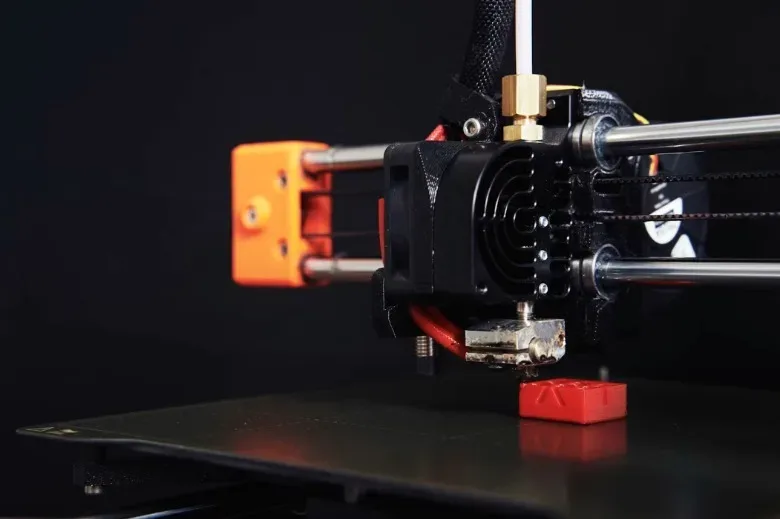
These advances should be treated as friction reducers, not miracle cures. Automatic calibration cannot clean a dirty nozzle, tighten loose belts, dry wet filament or correct an incorrectly installed build plate. A nozzle is the component that delivers material during printing; belts are part of the motion system. Each can affect the result. The owner still needs to notice problems, perform maintenance and understand why a job failed.
There is a broader buying lesson here. Feature lists matter, but they do not replace a realistic assessment of how much troubleshooting a buyer accepts. This is similar to deciding whether a specialized device belongs in a home at all: the right question is not simply how capable it is, but whether its advantages match the owner’s actual routine. That same practical lens applies when weighing which EV charging speed fits a driver’s needs.
The learning curve has a material cost
Buying the printer is only the opening expense. Filament and resin are estimated at roughly $15 to $30 per pound, and early failed prints can use up a meaningful portion of that material. Owners may also need spare nozzles and tools. Software can cost money, and so can some downloadable design files.
Several terms commonly encountered in the workflow are worth understanding before purchase:
- Slicer software: software that prepares a design for printing by turning it into instructions the printer can follow.
- Print orientation: the direction in which an object is positioned for printing. This can influence the result and the likelihood of a successful job.
- Bed adhesion: whether the print stays attached to the build plate while it is being made.
- Temperature settings: settings that require attention as part of the printing process.
These are not obscure concerns reserved for experts. They are part of ordinary ownership. Some beginner-focused printers offer an experience close to plug-and-play, but that simplicity may come with fewer higher-end features. A buyer should decide which compromise sounds less frustrating: more up-front learning and flexibility, or easier operation with a narrower feature set.
Where to find designs—and why “free” is not the whole calculation
Design-sharing sites such as Sketchfab, CGTrader and Free3D offer a starting point for useful objects and creative projects. The range can include practical parts and decorative pieces, reflecting a community that frequently experiments with new solutions. Some designs cost money, however, so an ownership budget should include files as well as hardware and materials.
More importantly, a digital design is not the same as a finished object. It must be prepared in slicer software, oriented appropriately and printed successfully. A printer owner benefits from seeing this as a craft process rather than a vending machine for objects. The ability to customize a knife rack for a particular space or make a very particular household item is the reward; the setup and occasional failure are part of the trade.
A simple decision test before spending
Potential buyers can avoid the closet-bound-printer outcome by answering a few blunt questions:
- What will I make repeatedly? List actual repair parts, tabletop projects, organizers or prototypes—not vague “cool stuff.”
- Do I need high-detail small pieces or larger structures? That points toward resin or filament as the more appropriate fit.
- Can I accept failed prints while learning? Failures cost material and require troubleshooting.
- Have I included supplies and tools in the budget? The machine price is not the full cost of ownership.
- Would outsourcing the first project be enough? If the answer is yes, test a print service before buying a machine.
The last question is especially valuable. A local 3D print shop or an online printing service can demonstrate what is possible without immediately committing to a printer. Ordering a project first can clarify whether the person enjoys design choices and physical customization, or simply wants one item made.
Bottom line: a 3D printer is worth buying in 2026 for people who will use it as a repeatable problem-solving, tabletop-building or prototyping tool. Lower entry prices, faster printing, automatic bed leveling and monitoring cameras improve the proposition. They do not remove supply costs, maintenance or the need to learn the workflow. If the intended output is a steady stream of useful parts, terrain or prototypes, ownership can be rewarding. If it is mostly a single novelty object, letting someone else print it is likely the better play.