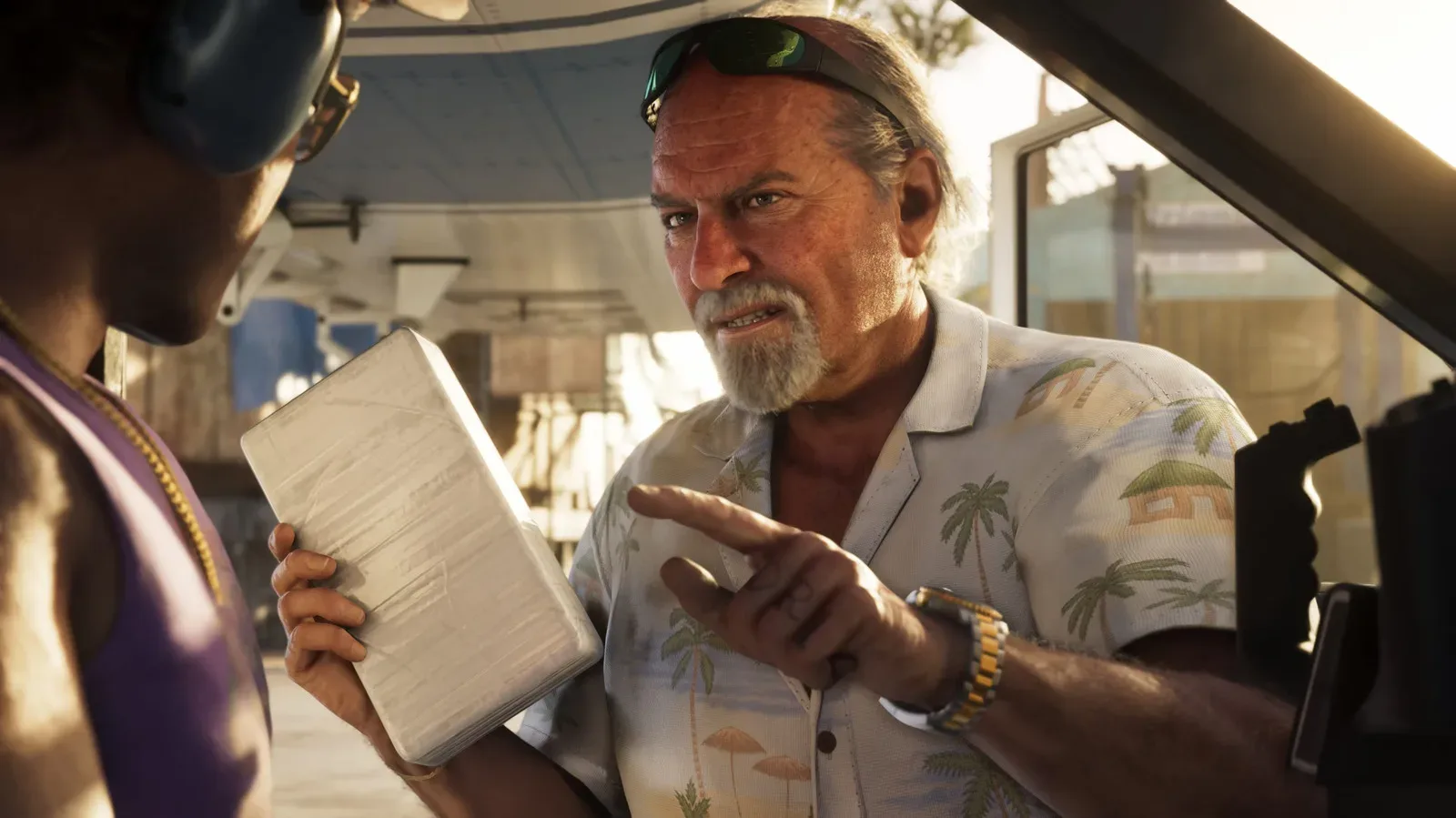

Buying one copy of Grand Theft Auto 6 and splitting the cost with a trusted friend is possible on PlayStation 5 and Xbox Series X|S through each platform’s built-in library-sharing tools. The basic arrangement is simple: the purchaser configures the other person’s console to access their digital game library, then the friend plays GTA 6 from their own account.
That last point matters. Game sharing is not the same as handing over an account, and it does not mean two people should try to use the purchaser’s profile at once. On both platforms, the practical goal is to authorize a second console for the owner’s games, download GTA 6 there, and let the other player return to their own profile before playing.
The feature can make an $80 standard edition or $100 ultimate edition easier for two players to afford, provided they are on the same console family. A PS5 copy is shared through PlayStation’s system and an Xbox copy through Xbox’s system; these instructions do not create cross-platform ownership. They also apply to digital-library access, not a general promise that every extra purchase attached to a game will transfer.
For broader GTA 6 coverage, including the scale of the game’s early commercial momentum, see our report on estimates surrounding GTA 6 preorders.
What game sharing actually does
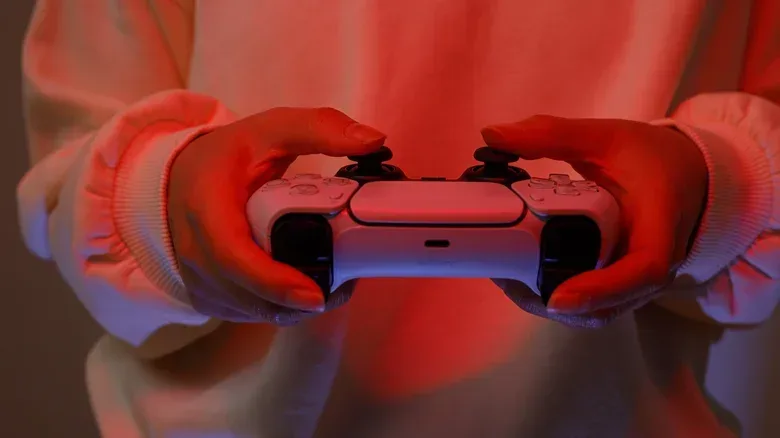
On PS5, the relevant option is called Console Sharing and Offline Play. When it is enabled on another PS5 while the purchaser is signed in, that console can access the purchaser’s game library. The friend can download GTA 6, sign out of the purchaser’s profile, and launch it using their own PlayStation account.
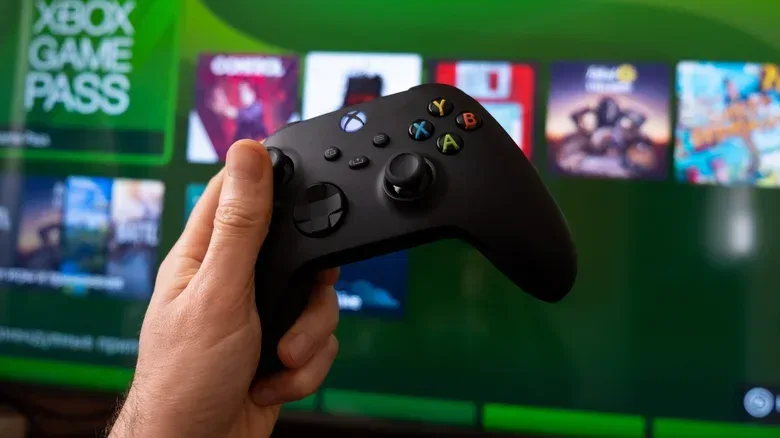
On Xbox Series X|S, the equivalent idea is My Home Xbox. The purchaser marks the friend’s console as their home Xbox. That designation lets people using that specific Xbox access games associated with the purchaser’s account without the purchaser needing to remain signed in on the machine.
In each case, one person owns the game digitally and another console receives access through a platform setting. It is a useful distinction because the settings affect more than GTA 6. Once configured, the second console may be able to access the owner’s broader game library. That is why this should only be done with somebody both parties trust.
Before setting up GTA 6 sharing
- Use the same platform family: Both players need PS5 consoles, or both need Xbox Series X|S consoles.
- Decide who purchases the game: The buyer’s account is the account whose library is being shared.
- Agree on the arrangement first: If the cost is being split, work out payment between yourselves before changing account or console settings.
- Use separate player accounts: The friend should play on their own account after downloading the game. The purchaser’s account cannot be used on two consoles simultaneously.
- Be cautious with account security: Setup requires the purchaser to sign in on the other console. Do not treat this as a casual favor for someone you do not know well.
- Expect limits for add-ons: Full games can generally be shared, but DLC and other in-game items can carry restrictions. Do not assume that every GTA 6 add-on, entitlement, or in-game purchase follows the base game automatically.
How to share GTA 6 on PlayStation 5
PlayStation’s method requires the game owner to enable Console Sharing and Offline Play on the friend’s PS5. The setting is found in the system settings rather than inside the game itself.
- Purchase GTA 6 from the PlayStation account that will own the game.
- On the PS5 belonging to the friend who will share access, sign in with the purchaser’s PlayStation account.
- From the PS5 home screen, open Settings.
- Select Users and Accounts.
- Choose Other.
- Open Console Sharing and Offline Play.
- Turn the feature on.
- While signed in as the purchaser, download GTA 6 to that PS5.
- Once the download has started or completed, sign out of the purchaser’s account and have the friend switch back to their own PlayStation account to play.
The key operational limit is that a PlayStation account can share games with only one other console at a time. If the purchaser later changes this setting to another PS5, the original sharing arrangement is affected. That makes this a one-friend setup, not a way to distribute a library across several different households.
What “Offline Play” means in this setting
The name can sound as if it is a GTA 6-specific gameplay mode, but it is a console authorization setting. It controls whether that PS5 can use the purchaser’s shared library and play available titles offline. It does not mean that every GTA 6 feature, especially any feature that depends on online connectivity or separate entitlements, is included.
Because the friend will be using their own profile, their play activity remains associated with their own account rather than the purchaser’s. The important restriction is simply that the same purchaser account cannot actively be used on two consoles at the same time. Switching back to the friend’s profile avoids that conflict.
PS5 access and trust considerations
Once Console Sharing and Offline Play has been enabled, the other PS5 keeps access to the owner’s library unless the owner changes their password. This is convenient for a long-term arrangement, but it also raises the stakes of signing in on someone else’s hardware. The purchaser should understand that the choice exposes their library to that console for as long as the sharing state remains in place.
That permanence is not an argument against game sharing; it is a reason to treat it as a deliberate account decision. If circumstances change, review the sharing setup rather than assuming an old arrangement has ended on its own.
How to share GTA 6 on Xbox Series X|S
Xbox uses the “home console” model. To let a friend use the purchaser’s GTA 6 license on their own Xbox Series X|S, the purchaser designates the friend’s machine as their home Xbox.
- Purchase GTA 6 with the Xbox account that will own it.
- Sign in with that account on the friend’s Xbox Series X|S.
- Open Settings from the top menu.
- Select General.
- Choose Personalization.
- Open My home Xbox.
- Select Make this my home Xbox.
- Download GTA 6 on that console.
- Have the friend use their own Xbox account to play the game.
After the friend’s console has been set as the purchaser’s home Xbox, people using that Xbox can download games from the purchaser’s account without the purchaser having to sign in again. In practical terms, the console—not merely a temporary login session—is receiving the owner’s sharing designation.
Why the friend’s Xbox becomes the home Xbox
The Xbox menu recommends making your own machine the home Xbox. That is sensible for the usual case, because it grants people on your own console access to your library. For game sharing, though, the objective is different: the purchaser wants the friend’s console to be the device that can use GTA 6 without the purchaser present.
Making the purchaser’s own Xbox the home Xbox would only share the game with another user on that same physical console. It would not deliver the intended two-console arrangement. This is the most important concept to understand before changing the setting.
Xbox changes are limited
Xbox permits only five home-Xbox switches per year. That cap makes planning more important than it may initially appear. Do not move the home designation back and forth casually, and do not use changes as a temporary workaround for several different friends. A player who anticipates changing consoles or sharing partners should factor the five-switch yearly limit into the decision.
Base games, DLC, and in-game purchases are not identical
The strongest case for sharing is the main GTA 6 game license. Both console systems can share full games, and GTA 6 is included in that approach. However, extra content and in-game items have restrictions. “DLC” means downloadable content: additional content associated with a base game rather than the core game purchase itself. “In-game items” can refer to purchases or content tied to an individual account.
The practical takeaway is straightforward: split the cost with the expectation that both players can access the main game, but do not base the agreement on an assumption that every future expansion, bonus, or account-linked item will be shared. If one player intends to buy extras later, treat that as a separate decision.
A sensible two-player setup
A clean arrangement minimizes confusion. One person buys GTA 6 on their account. They sign in only long enough on the friend’s console to enable the relevant PS5 or Xbox setting and begin the download. The friend then returns to their own account for ordinary play. The purchaser keeps their account credentials private beyond what is necessary for setup.
On PS5, remember that the owner has selected one additional console for sharing and that changing the password ends the other console’s continuing access. On Xbox, remember that the friend’s machine has become the owner’s home Xbox and that home-console changes are capped at five annually.
These are not minor administrative details. They define who can use the purchaser’s library and how difficult it may be to rearrange access later. If both players understand that up front, game sharing is a practical way to divide the upfront cost of GTA 6 without trying to play through a single account or repeatedly swapping console access.