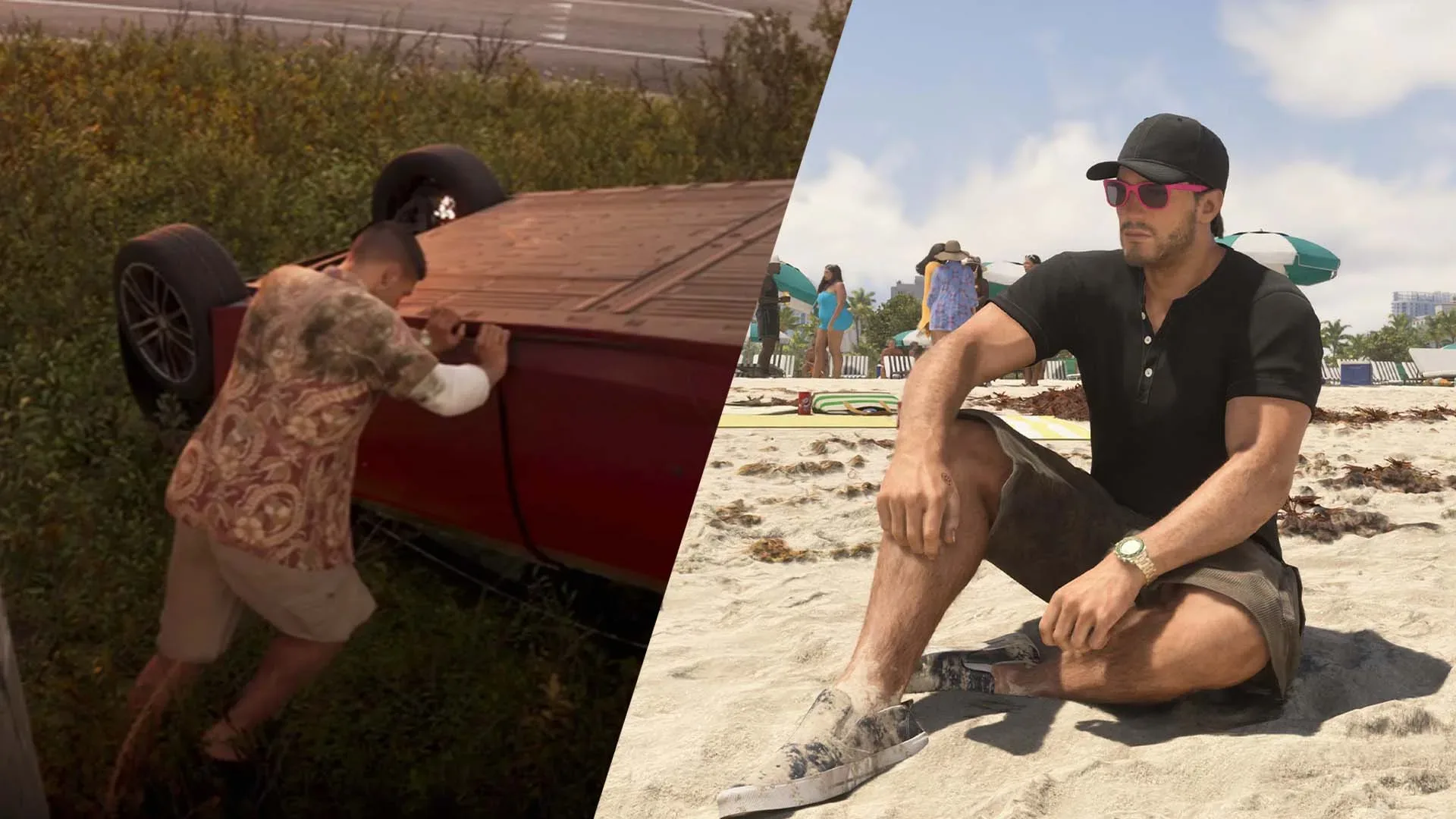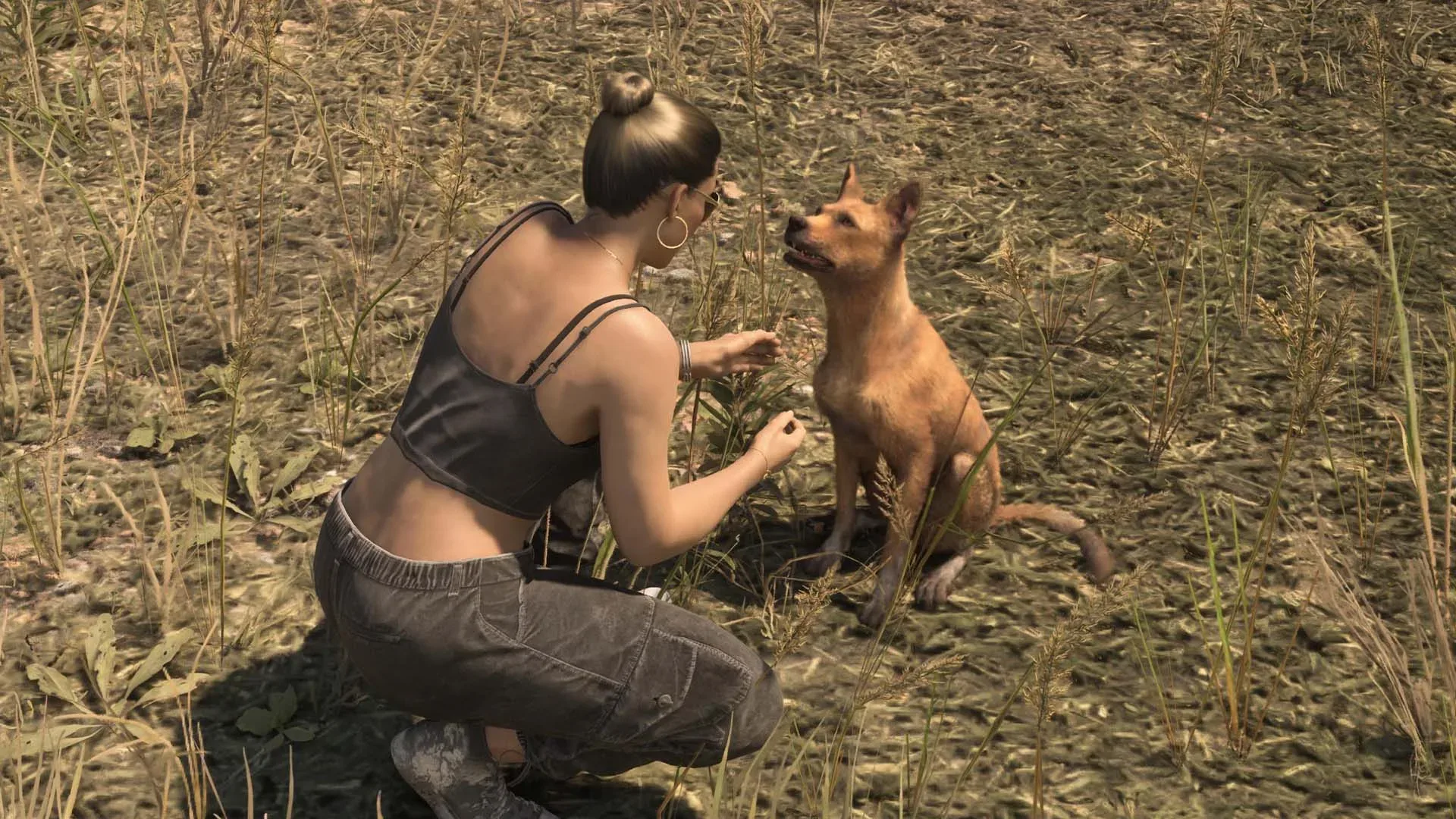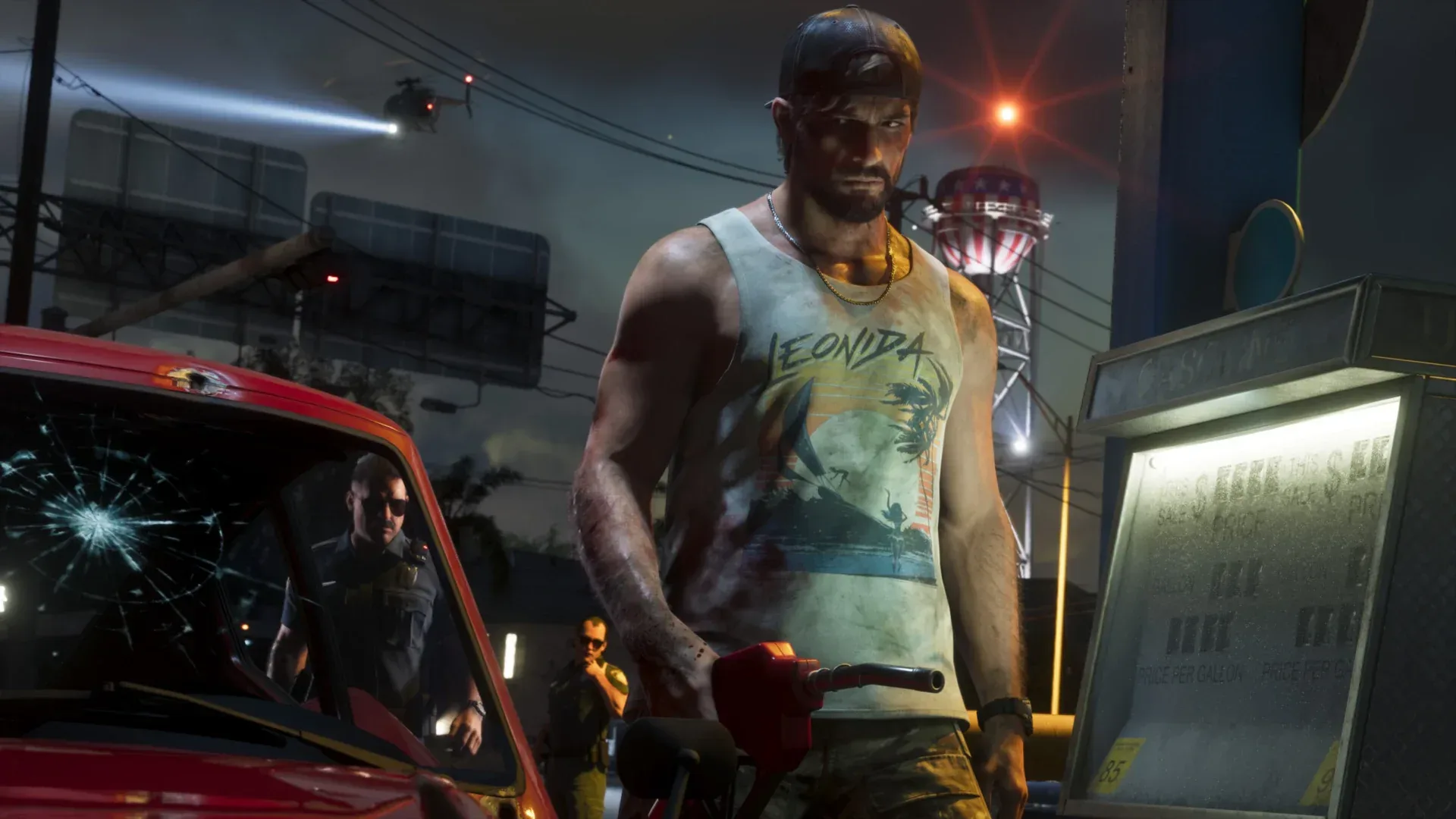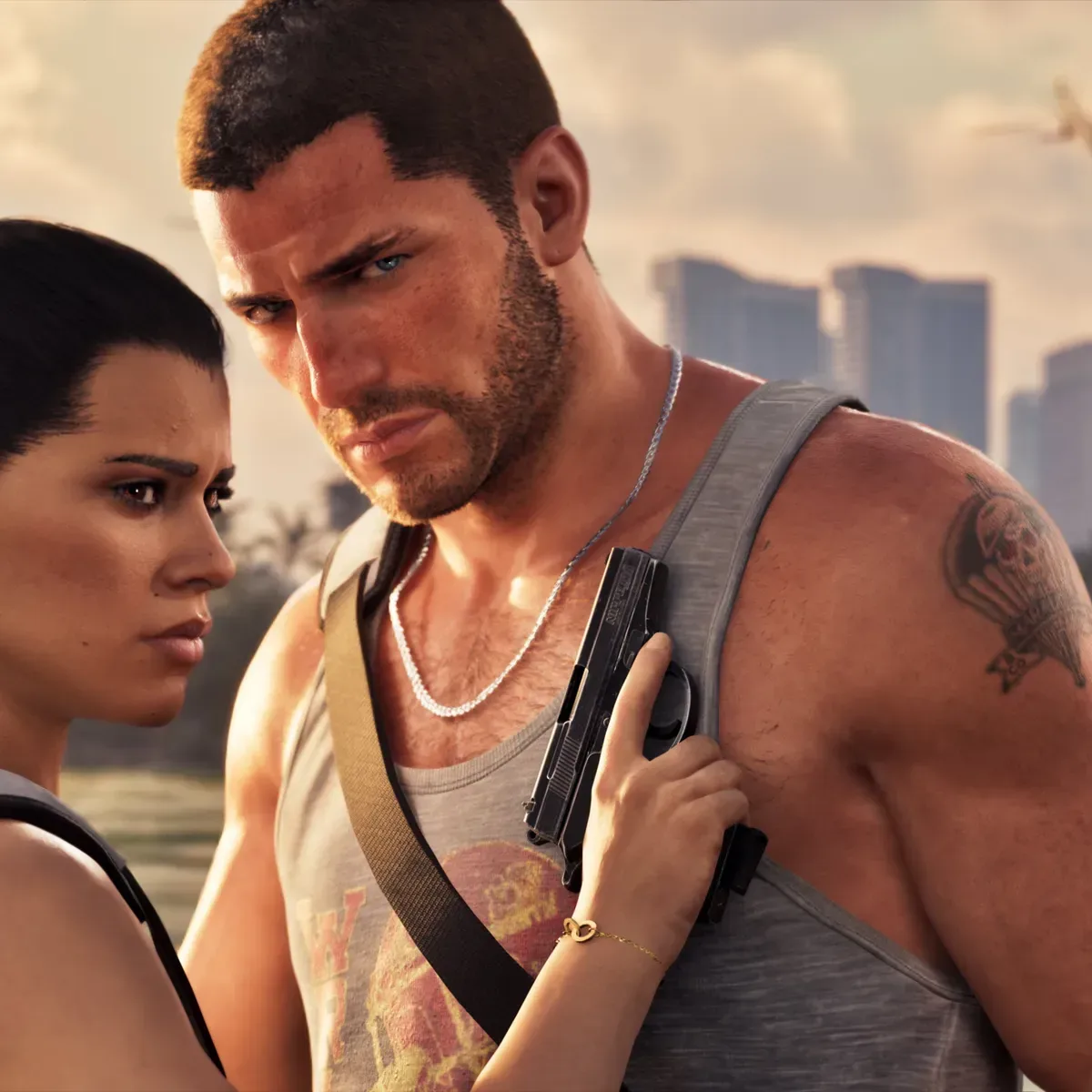
Grand Theft Auto 6 has a pair of easy-to-miss on-foot interactions that are far more interesting than their simple inputs suggest. Jason and Lucia can physically push certain vehicles—including an overturned car—and they can rest almost anywhere outdoors. One is a situational recovery tool for a bad crash; the other is a small, atmospheric way to stop treating Vice City as nothing but a route between objectives.
Neither mechanic appears to be explained prominently during ordinary play. A contextual prompt can appear when a character approaches an overturned vehicle closely enough, but it is possible to spend a great deal of time in the game without ever noticing it. The rest action is similarly unobtrusive: holding the same button that might otherwise be mistaken for a crouch or prone input produces a relaxed pose rather than putting the character flat on the ground.
They are not the kind of systems that will transform every mission. Still, both add a welcome sense that the world responds to a player’s position and surroundings rather than only to driving, shooting and mission markers. Here is what the controls do, where they matter, and what can stop them from working.
How to flip an overturned car in GTA 6
If a vehicle lands on its roof or side, walk Jason or Lucia up to its flank and press the left stick in. This begins the pushing interaction when the character can get into position. Then hold Square on PlayStation or X on Xbox to make the character attempt to heave the vehicle back onto its wheels.
For more context, explore Reed Waller, Creator of Omaha the Cat Dancer, Dies at 77.
In controller terminology, pressing the left stick inward is often called clicking the stick, or L3. It is distinct from moving the stick in a direction. The second part of the action is a held face-button input: Square is the left face button on a PlayStation controller, while X is the left face button on an Xbox controller.
Quick control rundown
- Get close to the side of the overturned vehicle.
- Click the left stick to initiate the push stance.
- Hold Square / X to try to roll the vehicle upright.
This is not a guaranteed reset button. Vehicle weight matters, as does the character’s stamina. A heavy vehicle may not budge, and an attempt can fail when stamina runs out. Steep inclines can also prevent a successful flip. In practical terms, the system asks players to treat the overturned vehicle as an object in the environment with physical limitations, rather than a car that can be instantly corrected by a universal input.
That approach differs from the recovery method in Grand Theft Auto V, where the vehicle could be rocked upright using the left thumbstick. Older games in the series could be especially punishing when a vehicle ended up inverted, with the stranded car liable to catch fire and explode. GTA 6’s method is less magical: the player leaves the car, gets alongside it, and tries to apply force. It can be slower, but the limitation is part of why the interaction feels appropriate to the mishap.
The same push interaction works on more than cars
The vehicle move is not restricted to rolling a wrecked car back onto its tires. Jason and Lucia can also push a car along the road if it has run out of gas. Near water, the interaction can be used to shove a boat or jet ski from sand and into the water. A small boat on a trailer can also be pushed free and launched this way.
That broader functionality is useful to remember because the context changes what “push” means. Beside an upside-down car, it is a recovery attempt. Behind a disabled vehicle, it is a way of moving it forward. At the shore, it becomes a launch assist for watercraft that has been left beached or otherwise sits just outside the waterline.
There is an alternate solution for a player’s own vehicle: the Scooter Bros app can repair a car or respawn it for a fee. But the app is not always an option. Police pursuit can block access to it, making a flipped stolen car a more immediate concern. If that car is a reasonably quick escape vehicle and the terrain allows it, physically returning it to its wheels could be the difference between continuing the getaway and abandoning the vehicle.
That makes the mechanic most valuable in edge cases, which is exactly why it can remain hidden. During routine free-roam, calling up an app may be more convenient. During the kind of messy, unscripted moment that GTA games produce—an accidental rollover, an empty tank, a vehicle on sand, police pressure—the hands-on alternative suddenly has a clear use.
For another concise overview of these lesser-known interactions, see this GTA 6 vehicle and rest-controls guide.
How to sit, lean and rest in GTA 6
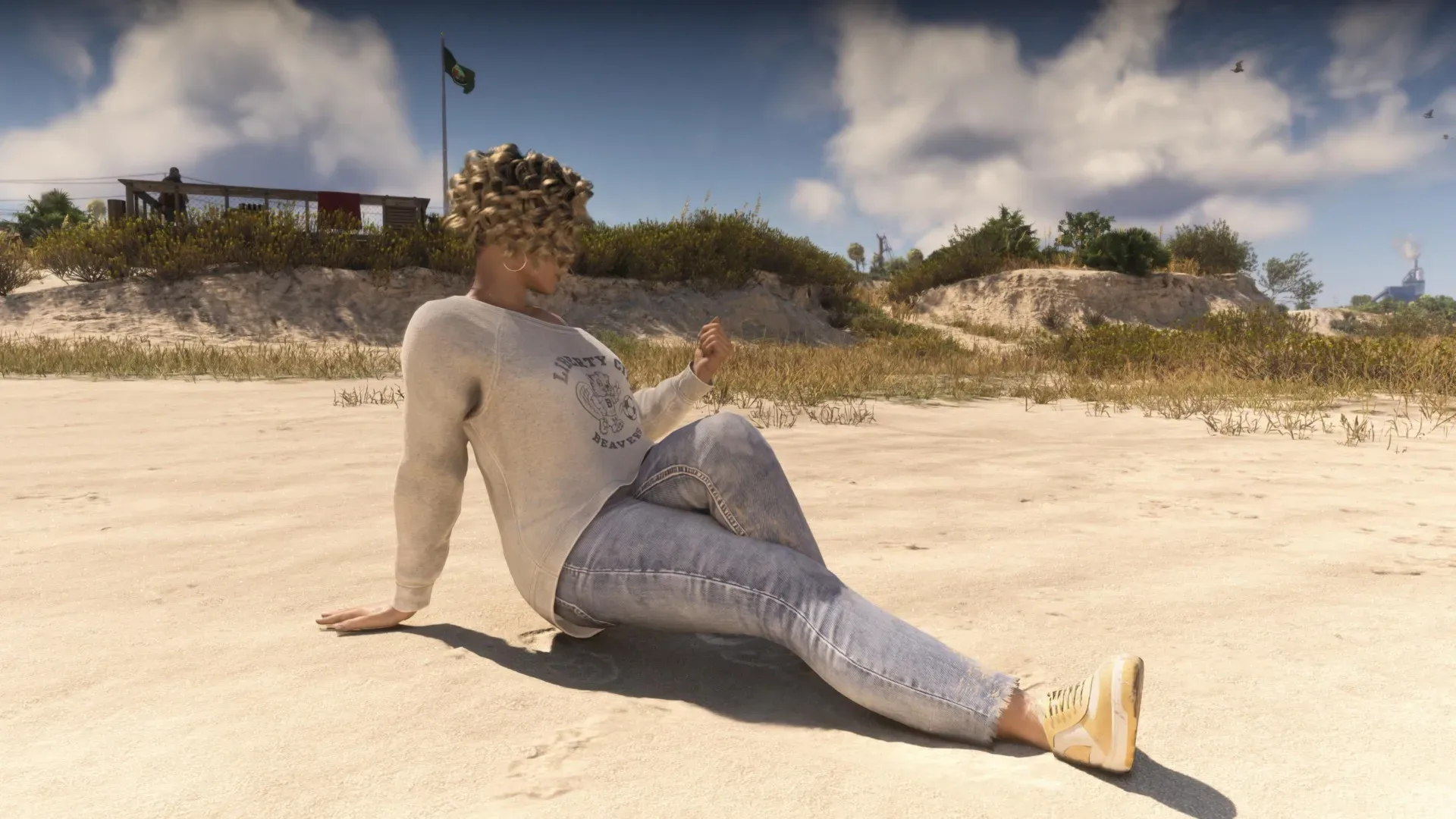
The second overlooked action is considerably quieter. While on foot, hold Circle on PlayStation or B on Xbox. Jason or Lucia will attempt to rest, with the final animation shaped by the surface and nearby scenery.
On grass or sand, that can mean sitting down. In other spots, the character may settle into a standing, relaxed pose. Near a wall, they can lean against it. The result is not a prone stance, so players looking for a way to lie flat should not read the animation as confirmation that such a movement has been triggered. It is a rest action: a contextual bit of body language rather than a combat posture.
Rest control at a glance
- On foot: hold Circle / B.
- Grass or sand: the character may sit.
- Near a wall: the character may lean against it.
- Elsewhere: the character may adopt a standing rest pose.
This is chiefly an immersion feature, meaning it supports the feeling of inhabiting the game world rather than directly delivering a mission advantage. That does not make it meaningless. Open-world games encourage players to pass through striking locations rapidly, often because the next objective, chase or shootout is always available. Giving characters a way to pause changes the pace without requiring a special bench, scripted scene or designated interaction point.
A busy stretch of Vice City beach becomes a place to watch pedestrians move through the scene rather than simply a backdrop to drive past. A campfire in the woods can become a place to stop in the dark and listen to the surrounding world. The mechanic is modest, but it gives player-made downtime a physical form. The characters are not merely standing idle because the controller has been put down; they are visibly taking a break.
Why these small controls are worth learning
The car push and rest actions serve opposite moods. One is practical, potentially rescuing a vehicle after a crash or helping get watercraft moving. The other has no obvious material reward and exists largely to let players inhabit a place for a moment. Together, they show how GTA 6 can support both the unpredictable consequences of open-world physics and the quieter space between major activities.
There is also a useful habit embedded in both mechanics: try context-sensitive actions when the environment presents an unusual situation. An overturned car, a stranded jet ski and an inviting patch of sand are not merely set dressing. GTA 6 may offer a response even if a major tutorial never stopped to advertise it.
Just keep the limitations in mind. A vehicle that is too heavy, an exhausted character or an awkward slope can prevent the flip. Resting will produce different poses depending on the ground and nearby wall geometry. In both cases, position is important. Move around, approach the object or surface carefully, and give the animation room to trigger.
For players who spend most of their time chasing objectives, the vehicle maneuver is the one to memorize. For players who enjoy wandering, people-watching and taking in Vice City’s scenery, Circle or B may become one of the game’s most unexpectedly pleasant inputs. And for everyone else: it is worth knowing that a disastrous rollover does not automatically mean the car is finished.