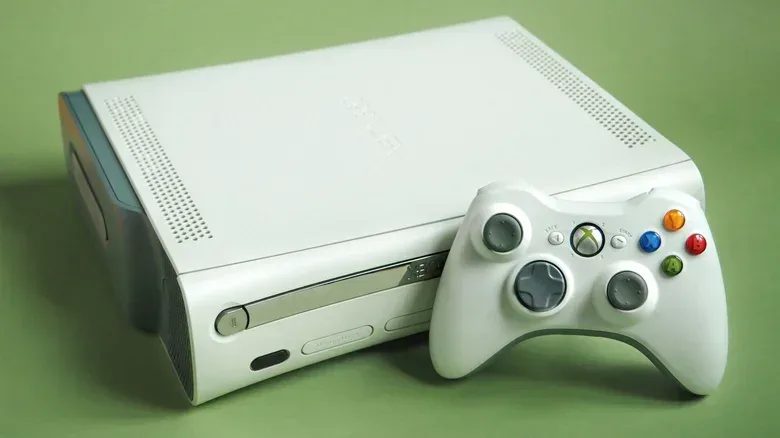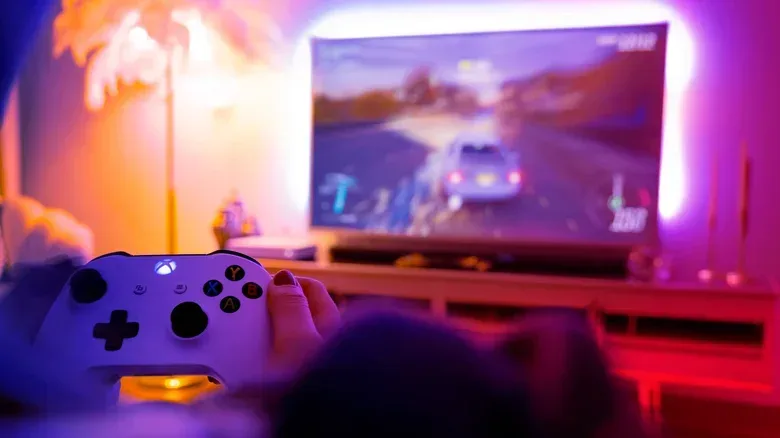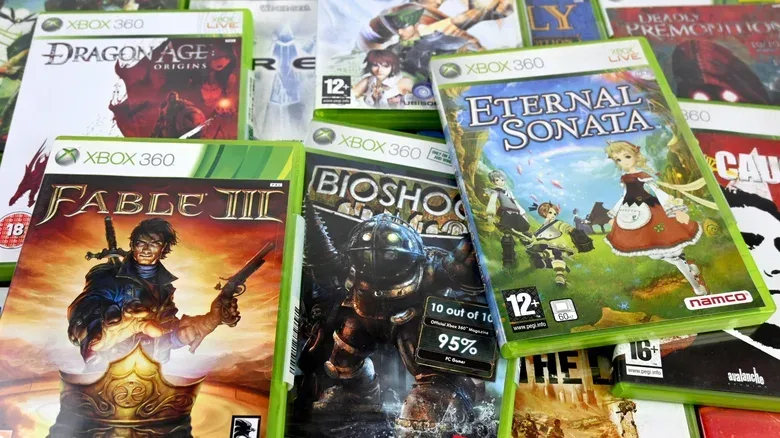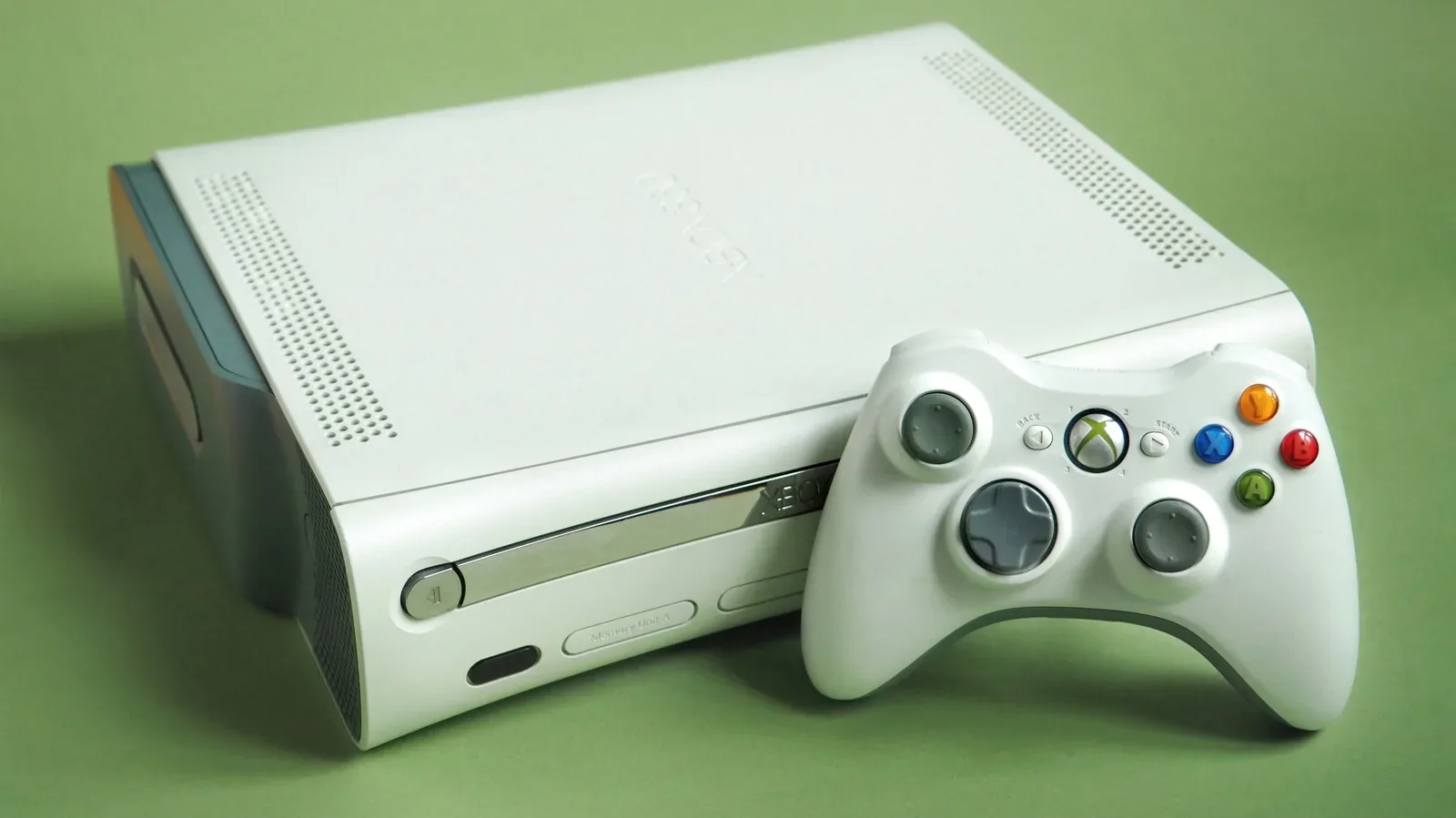
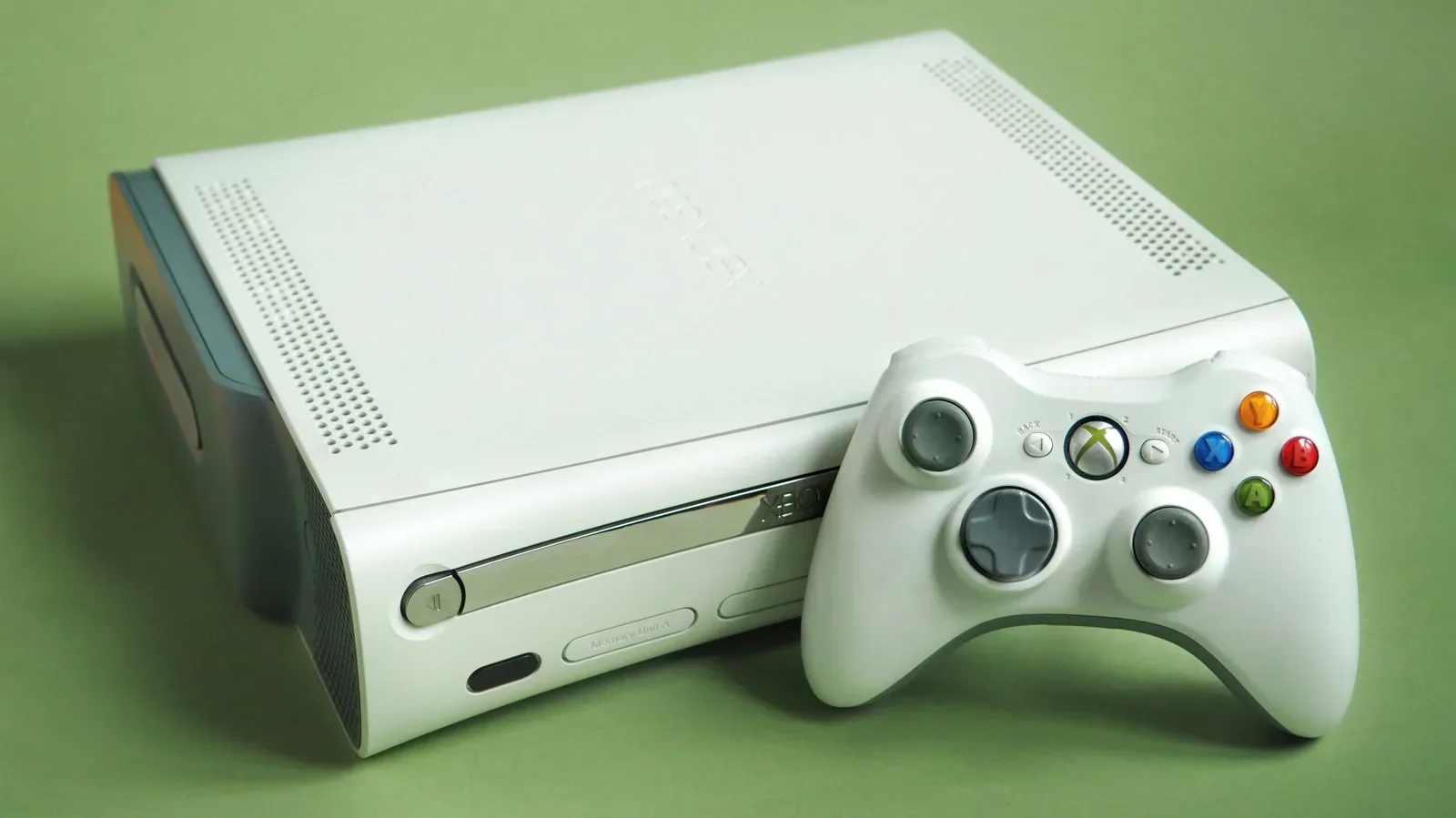
An old Xbox does not need to be an everyday console to remain useful. Whether it is an original Xbox, an Xbox 360 or an Xbox One collecting dust near the television, a functioning machine can still play games, handle some media duties, provide a controller for PC play, or become someone else’s gateway into games.
The sensible next step depends heavily on which Xbox is in question. An original Xbox is principally a piece of retro hardware. The Xbox 360 remains unusually capable for playing its own library and a substantial set of original Xbox titles. An Xbox One is the most versatile of the three as a modern-enough streaming and disc player, while also supporting a large backwards-compatible catalogue.
Before making room in a cupboard—or listing a console for sale—take stock of its condition, its cables, its controller and the games already on hand. Then choose a role that makes sense rather than assuming old hardware has no job left to do. A useful overview of working-Xbox options makes the central point well: retirement is not the same thing as disposal.
Match the Xbox to the job it can still do
There is no single answer for every generation. Keeping an Xbox One connected in a bedroom is a much different proposition from holding onto a 360 for old discs, and neither should be confused with preserving an original Xbox as period hardware.
For more context, explore Vault’s February 2027 Comics Include Tarot Spies, Alpine Survival and Dungeon Crawler Carl.
Xbox One: a second-room streaming and disc machine
An Xbox One can remain practical as a dedicated streaming device. Netflix, Disney+, Amazon Prime Video, Hulu and Paramount+ are among the services available on the platform. That makes a spare console a reasonable fit for a bedroom or other television where the priority is simply having familiar apps and an easy controller-based interface.
It also retains value as a physical-media player. Xbox One consoles can play DVDs and Blu-rays, and 4K Blu-ray playback is available with the free Blu-ray app from the Microsoft Store. That is particularly useful for households that still have shelves full of discs and want a backup player rather than another device doing only one task.
There is a gaming benefit, too. A console set up for movies does not stop being a game console. Forza Horizon 3, for example, remains an appealing reason to keep compatible Xbox One hardware attached to a second screen. The key practical point is that this route gets the most from an Xbox One already in good order; it is not a claim that every older console will meet every current streaming need indefinitely. App support can be different between platforms, and the Xbox 360 is notably less useful on that front.
Xbox 360: DVDs and an extensive era-specific library
The Xbox 360 is a straightforward DVD player: no separate playback kit is required. For people with older television setups, spare displays, or a pile of DVDs they still watch, that alone can give the console a concrete purpose.
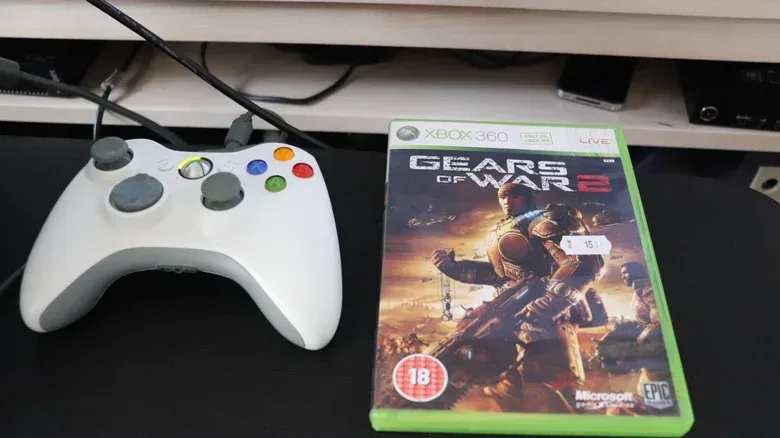
Its stronger case, however, is games. The Xbox 360 plays its own catalogue and can also run around 480 original Xbox games when it has a hard drive available to store the required emulation profiles. Emulation here means the newer console uses software designed to reproduce enough of the earlier system’s behavior to run selected original Xbox games. Compatibility is substantial, but it is not identical to having every original Xbox release available.
That distinction matters when deciding whether to sell. If a person owns discs from either generation, the 360 can be a compact way to revisit them with the appropriate hardware. It is also a less disposable option than its resale value might suggest. A low trade-in quote does not necessarily reflect the usefulness of a console to its owner, a young family member, or a local charity.
Original Xbox: preserve the retro purpose
The original Xbox is best considered a dedicated retro console, not an all-purpose media hub. It can play DVDs, but requires the official Xbox DVD Movie Playback Kit, including a dongle connected through a controller port. That extra requirement makes it a clumsy choice for disc movies compared with a 360 or Xbox One.
Its lasting appeal is its own game library and the experience of using the original hardware. If that is why the console has been kept, it makes more sense to retain it for those games than to force it into a job that later machines perform with less friction. The same thinking applies to the large original “Duke” controller: it is part of the system’s particular character, but not necessarily the easiest controller to repurpose elsewhere.
Backwards compatibility gives Xbox One hardware another advantage
Backwards compatibility is the ability for a newer console to run games made for an earlier one. It is one of the clearest reasons an Xbox One, Xbox One S or Xbox One X can remain relevant after a newer system arrives.
Those Xbox One models can play 632 Xbox 360 games. The Xbox One X also received enhancements for selected older titles: 13 original Xbox games and 21 Xbox 360 games received 4K-focused upgrades. Among the supported games are Crackdown, Conker: Live & Reloaded, Halo: Reach, Red Dead Redemption and Mirror’s Edge, assuming the player already owns the relevant game.
The technical headline often attached to Xbox One X is its 6 TFLOPS of graphics processing power, compared with 12.15 TFLOPS for Xbox Series X. A TFLOP, or trillion floating-point operations per second, is a rough measurement of computing throughput. It is useful for describing broad graphics-hardware capability, but it should not be treated as a universal score for how every game will look or run. The practical result here is simpler: select older games received visual upgrades on Xbox One X.
There is one important limitation to bear in mind. Microsoft’s effort to add original Xbox and Xbox 360 games to Game Pass has largely slowed since late 2021. Consequently, keeping compatible discs or existing digital ownership can matter more than expecting the catalogue to keep expanding. For a retro-minded player, this makes an older console and a library of owned games a more self-contained proposition.
Do not overlook the controller
The console may be ready to leave, but its controller can earn a second life. Xbox controllers from the Xbox 360 generation onward are generally much easier to reuse with PCs than the original Xbox Duke.
A wired Xbox 360 controller can connect to a Windows 11 PC through USB. Steam, including its Big Picture Mode, remains well suited to recognizing older controller layouts. Wireless 360 controllers need the appropriate Microsoft wireless receiver rather than merely a charging cable. That difference is worth checking before assuming a wireless pad will pair with a computer.
Xbox One controllers are more flexible. They can be connected to a PC with a USB cable, Bluetooth or an Xbox Wireless Adapter. The adapter provides a wireless alternative that may be more dependable than Bluetooth in some setups. Xbox One controllers also work with Xbox Series X and Series S consoles, so there is little reason to discard a good pad simply because the console it came with is no longer in regular use.
The original Duke is the exception that proves the rule. There may be ways to make it work with Xbox Series hardware using a special adapter and third-party software, but that is a more involved project than simply plugging a 360 controller into a PC. Keep the Duke for original Xbox use unless there is a specific reason to take on that extra setup.
Sell, donate or recycle—but choose deliberately
If the console will not be used, it can still be useful to another person. A relative, a charity shop, a children’s hospital or another community-minded recipient may get far more value from a working Xbox than a recycling bin ever could. Donation is especially compelling for Xbox 360 hardware, whose buy-back value can be minimal even when the machine and controller are in good condition.
Selling can make more sense for an Xbox One X or an unusually complete, well-kept setup. Xbox One X units have sold for more than $150 on auction sites, while a trade-in service may offer an amount that depends on condition, included controller and storage configuration. Those figures are not guarantees; they are a reminder to compare a quick trade-in offer with auction-site prices before committing.
For an Xbox 360, auction marketplaces may offer more potential than a trade-in service. But potential sale value should be weighed against the effort of cleaning, photographing, listing, packing and shipping an older device. A donation may be the better outcome if the expected return is tiny.
If a console no longer works and cannot be repaired or passed on, it should be recycled through an appropriate electronics route rather than thrown into ordinary household waste. Working hardware deserves reuse first; broken electronics deserve disposal that recognizes they are not regular rubbish.
Protect your account before any handoff
A console should never be sold or donated with personal information, payment details, downloaded games or local saves still attached. The final owner needs a clean device, and the former owner needs their privacy protected.
Xbox One: sync saves, then reset
With an Xbox One connected online, game saves are backed up when the account signs in. Before wiping the console, sign in with the usual account and briefly open every game whose save data is important. Wait until its Syncing data message completes, then save and exit. This ensures the console has had a chance to place the latest save in the cloud for retrieval on a future Xbox Series X or S.
After confirming saves, use this path: Profile & system > Settings > System > Console info > Reset console. Select Reset and remove everything. That removes apps, games and local saves from the system.
Xbox 360: copy saves to USB, then format
For Xbox 360 saves, insert an empty USB drive, then go to Settings > System > Storage and select Configure Now. The console formats the drive using its proprietary FAT32 arrangement. After that, return to Storage > Hard Drive > Games and Apps, select the relevant data, and choose Copy > USB Storage Device.
To erase the 360, follow Settings > System > Storage, select the hard drive, press Y for Device Options, then choose Format. The console may request its serial number; it can be found at System > Console Settings > System Info.
Finally, remove the console from the Microsoft account through the Microsoft Devices page. Sign in, open the Devices tab, select the departing console and choose Remove this device. This account step belongs alongside—not instead of—the factory reset.
A short decision checklist
- Keep an Xbox One if a second-room streaming, DVD, Blu-ray or compatible-game machine would be useful.
- Keep an Xbox 360 if you still own 360 or compatible original Xbox games, or need a simple DVD player.
- Keep an original Xbox for its native library and original-hardware experience, rather than treating it as a modern media device.
- Keep the controller if it can serve a PC or newer Xbox console.
- Sell or donate a working system only after syncing or copying saves, factory-resetting it and removing it from the Microsoft account.
- Recycle responsibly when reuse is no longer possible.
Old Xbox hardware need not compete with the latest console to justify the space it occupies. A clear role—retro games, physical media, PC controls, resale or donation—is enough to turn an unused box into something deliberately useful again.