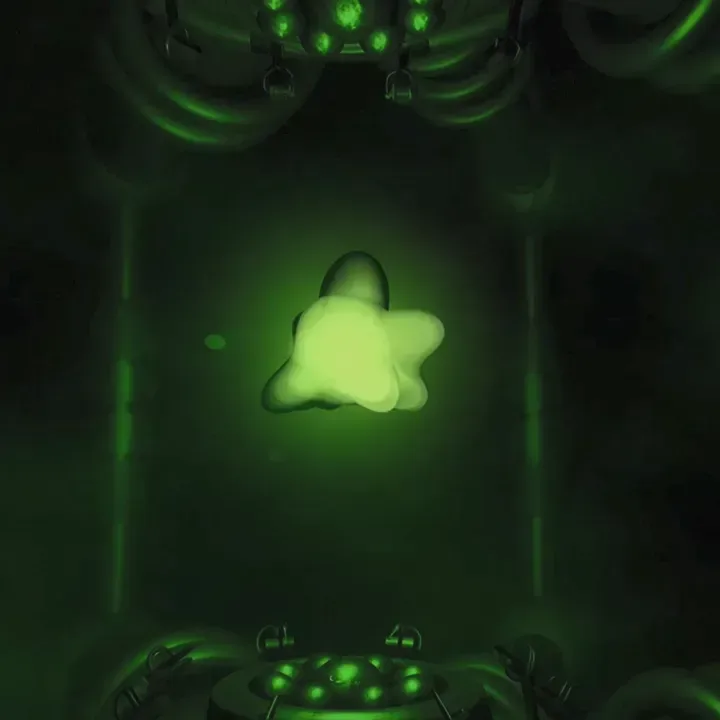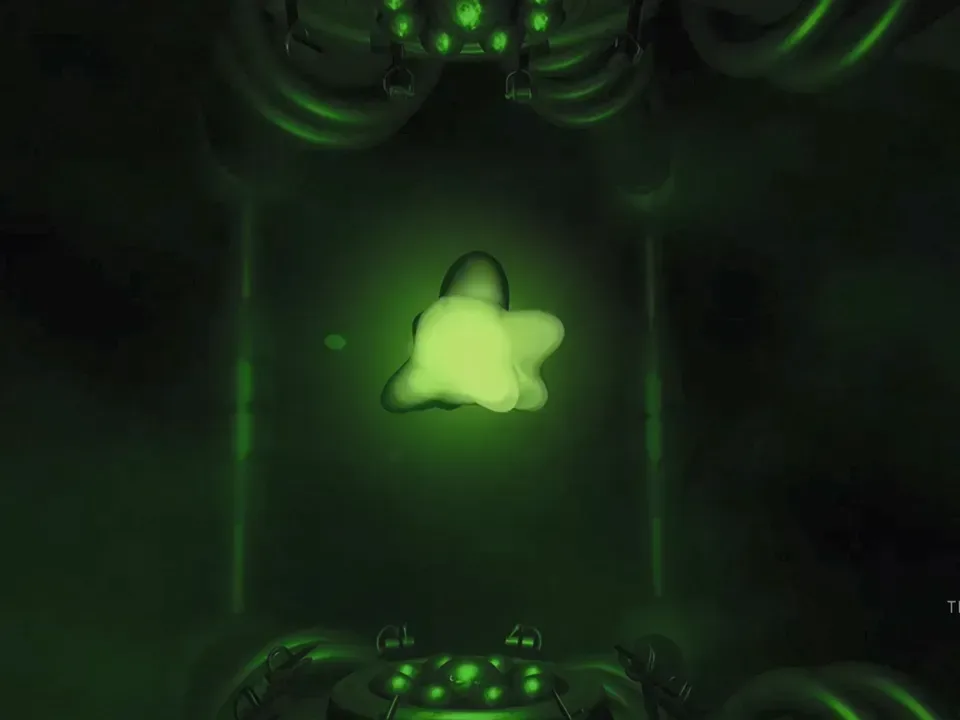
Xbox’s 25th-anniversary celebration is reaching one of the smallest but most recognizable parts of the console experience: the few seconds before a game, dashboard, download, or troubleshooting session begins. A new update for Xbox Series X|S and Xbox One adds three nostalgic boot-up animation options drawn from earlier Xbox hardware generations.
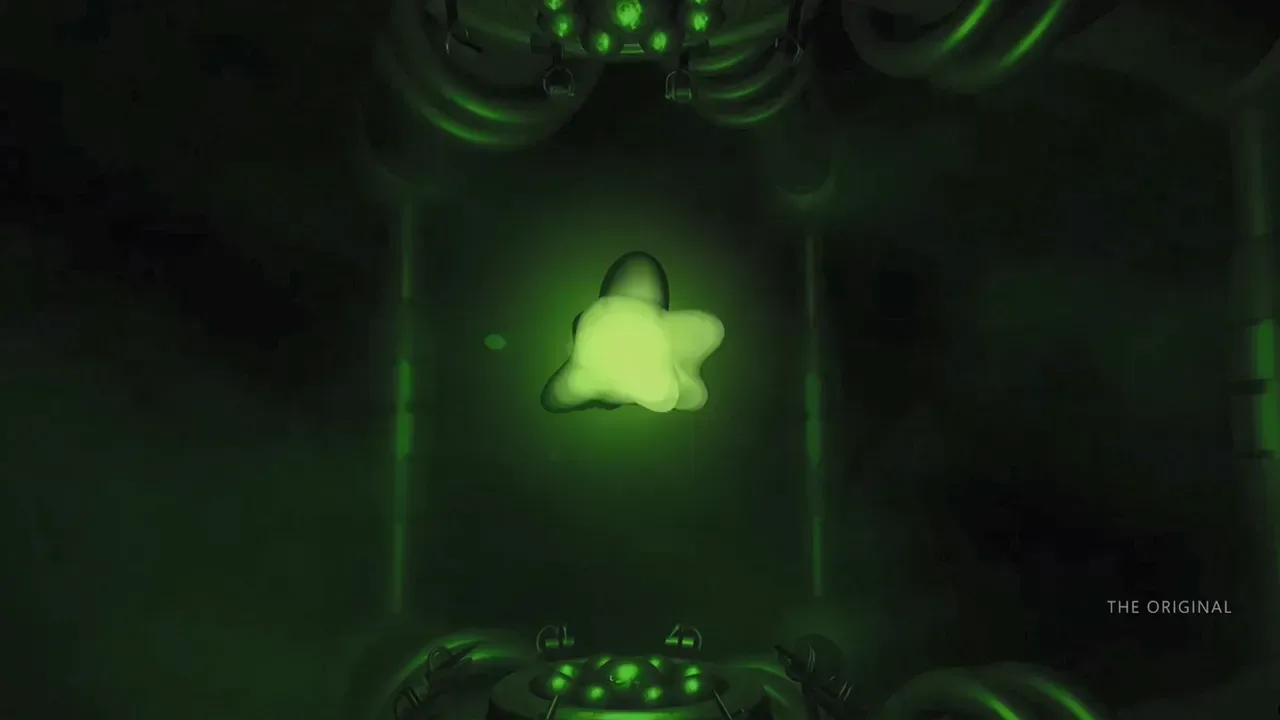
The choices comprise a version of the original Xbox startup sequence, alongside two Xbox 360-inspired alternatives. One reflects the 2005 Xbox 360 startup, while the other is based on the 2010 version. The update is rolling out on the anniversary date, so availability may arrive at different times for different consoles.
It is an unusually direct kind of anniversary feature. Rather than merely borrowing a logo, sound effect, or color palette, Xbox is bringing back animations that were once inseparable from turning on the hardware itself. For players who owned the earlier machines, the change is intended to make a modern console’s first on-screen moment feel a little closer to a specific period of Xbox history.
What the update adds
A boot-up animation, sometimes called a startup sequence, is the visual presentation shown as a console starts its operating system. It is distinct from a dashboard theme, a game intro, or a loading screen. The supplied details describe the three additions as largely unchanged versions of their predecessors, rather than entirely new anniversary reinterpretations.
- Original Xbox: the science-fiction-styled startup associated with the first Xbox console.
- Xbox 360 (2005): an option based on the startup presentation used when the Xbox 360 launched.
- Xbox 360 (2010): an option based on the later Xbox 360 startup refresh.
The feature is for Xbox Series X|S and Xbox One systems. Nothing in the available information indicates that the update changes game performance, backward compatibility, storage, the dashboard’s broader feature set, or any aspect of the startup process beyond these animation choices. That distinction matters: this is a cosmetic and experiential update, not a new platform capability.
There is also no supplied detail on precisely where the selection control appears in the system interface, whether each animation can be enabled under every power configuration, or whether the sequences are tied to a particular system-update branch. Owners should therefore wait for the update to reach their console and consult the options presented there rather than relying on unverified menu instructions.
Why old startup screens carry so much weight
Console boot sequences occupy a peculiar place in game culture. They are short, functional pieces of interface design, but repeated exposure makes them part of the emotional memory of a platform. A title screen belongs to one game; a startup animation belongs to every game played through that machine. It can evoke long download queues, late-night multiplayer sessions, a favorite controller, or simply the anticipation of having a new game to play.
That makes the original Xbox animation an especially logical inclusion for an anniversary package. The first Xbox’s intro was overtly futuristic, presenting the system as a distinct identity rather than simply another device in a living-room rack. The 360 options capture a later stage in the brand’s history, and offering both a 2005 and 2010 variant acknowledges that even a single console generation can develop more than one visual language over time.
Related coverage includes Xbox Adds Original and Xbox 360 Startup Animations for Its 25th Anniversary.
There is a practical benefit to the approach, too. A hardware maker can celebrate legacy without asking owners to track down old equipment, connect aging cables, or give up the conveniences of their current library and system software. The nostalgia is delivered through an update to consoles people already use.
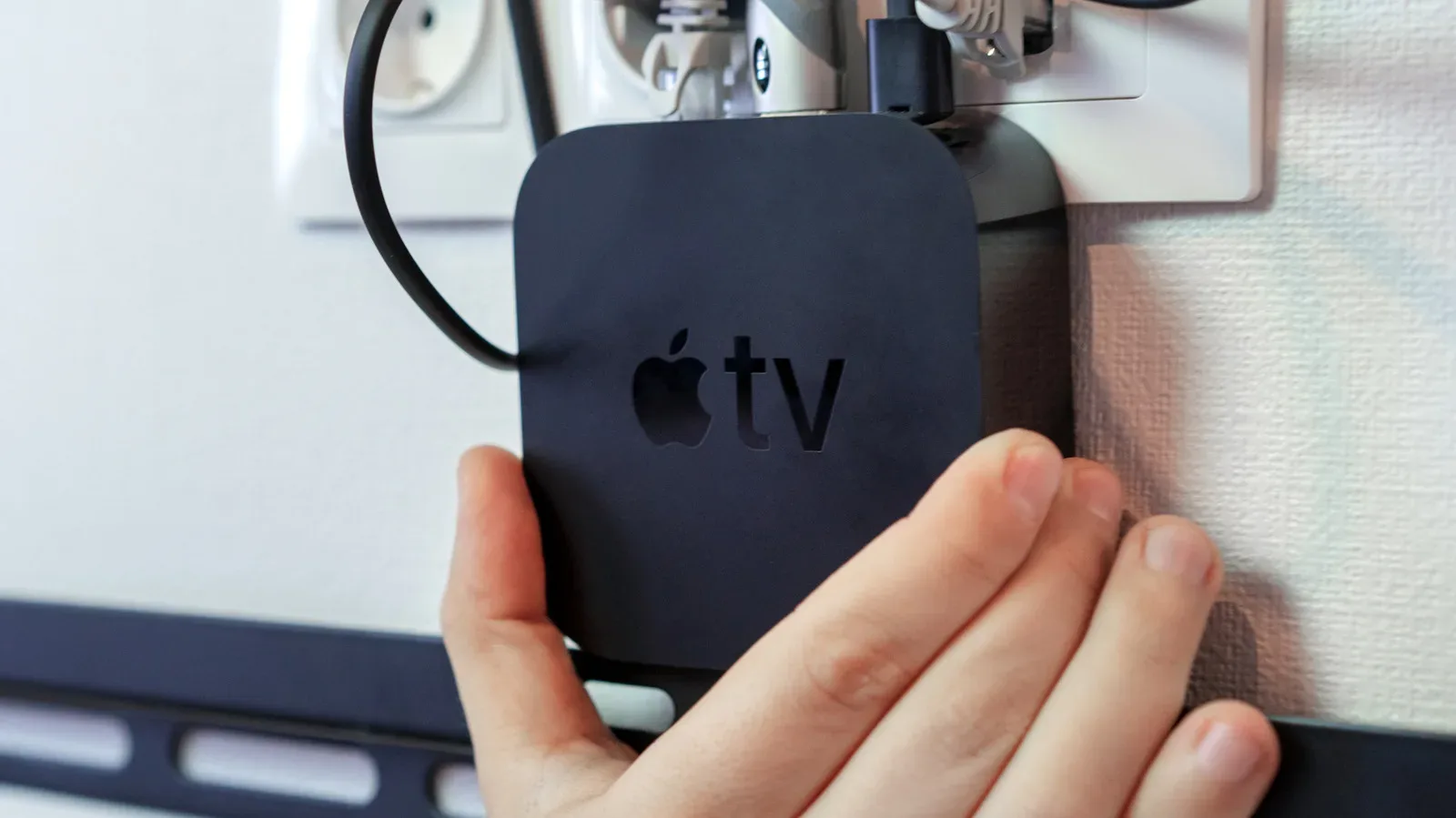
That idea parallels the appeal of repurposing older living-room technology rather than immediately discarding it. For a separate example of how a retired media device can retain gaming and display uses, see our guide on keeping an old Apple TV useful as a games box, AirPlay screen and smart-home hub. The Xbox update takes the opposite route: instead of preserving an old device, it preserves a recognizable piece of an older device’s character on current hardware.
An anniversary gesture, not a substitute for preservation
The update is meaningful as a piece of presentation, but it is worth being clear about what it is and is not. A recreated startup sequence does not make an Xbox Series X|S or Xbox One function as an original Xbox or Xbox 360. It does not itself establish whether a specific older game is playable, reproduce an old dashboard, or retain all the quirks of the earlier hardware and software environment.
That is not a criticism of the feature. It is simply the boundary between interface nostalgia and hardware preservation. Interface nostalgia brings a remembered visual or audio cue into a current product. Hardware preservation concerns the original system, its behavior, its accessories, and the conditions needed to run its software as it once did. The former can be delivered neatly through a firmware or operating-system update; the latter is much more complicated.
For this anniversary release, the simpler goal is likely the point. Players can choose a startup identity that matches the era they remember without needing to maintain another console. The animation becomes a personal preference, much like picking a profile image or background, but with stronger historical associations.
The wider 25th-anniversary program
The boot-up choices arrive alongside an Xbox 25th Anniversary Magazine, which presents a broad look back at the company’s quarter-century in games and addresses what lies ahead. The pairing of retrospective material and a system-level homage makes the celebration feel deliberately split between memory and forward planning.
On the forward-looking side, Xbox has previously characterized Project Helix as a family of devices that could represent a different direction for the brand. The information available does not define final hardware, functions, timing, or a release plan for that project, so it is best understood as a stated area of future planning rather than a set of product specifications.
The anniversary also comes during a difficult year for the organization, one that has included a change in leadership with Asha Sharma becoming CEO and the announcement of thousands of layoffs. Those circumstances give a small nostalgic update a more complicated backdrop than its cheerful premise suggests. A boot sequence is not a response to business disruption, nor should it be framed as one. But it does show the continued value Xbox places on its long-running identity while the broader business considers its next phase.
What owners should reasonably expect
For Xbox One and Series X|S owners, the immediate takeaway is straightforward: watch for the update and look for the three additional startup options once it has arrived. The original Xbox animation and the two 360-era selections are the specific confirmed additions. If they are not present right away, the rollout language indicates that timing can vary.
It is sensible not to infer extra details beyond that confirmed scope. The update does not come with supplied information about custom boot animations, additional legacy generations, a permanent versus limited-time status, or settings instructions. The most reliable expectation is a choice among the three named historical looks on supported Xbox One and Series systems.
For everyone else, the appeal is easy to understand even without changing a setting. Startup sequences are tiny artifacts of game history: designed to be passed through quickly, then remembered for years. Xbox is treating those artifacts as worth revisiting, giving current consoles a brief opening act from the original Xbox and two chapters of the Xbox 360 era before the modern dashboard takes over.