Sale events are built to make every purchase feel urgent. For retro players, that urgency can be especially misleading: a banner promising huge savings does not guarantee meaningful price cuts on the expensive items people may actually be watching, such as original consoles, handhelds, remakes or premium emulation hardware.
There is a more practical way to approach a sale that is light on major retro bargains. Instead of treating it as a once-only chance to rebuild an entire collection, look at the smaller parts of an existing setup that affect how often and how comfortably you play. A controller that removes an inconvenient cable, a video device that gives an older console a cleaner connection to a current display, or a storage-focused accessory that supports legitimate homebrew experimentation can be a more useful purchase than a headline-grabbing but only modestly reduced machine.
That does not make every inexpensive accessory a deal. It means retro buyers should judge the item first, the discount second, and the clock counting down last.
Why the headline deal may not be the useful deal
A low percentage off a high-cost product can still leave it outside a buyer’s budget. Conversely, a smaller saving on an accessory may solve a specific problem in a setup that is already owned and working. This distinction matters because retro gaming is not a single product category. A player using original Nintendo 64, PlayStation, or PlayStation 2 hardware has different needs depending on their television, available cables, controllers, games and tolerance for tinkering.
The current sale picture is particularly uneven. Higher-priced retro handhelds and consoles are not broadly represented by compelling reductions, while some lower-cost setup hardware is. That makes a targeted approach more sensible than waiting for a supposed blockbuster bargain that may not arrive.
Before adding anything to a basket, write down the friction point it is meant to fix. The list might be short:
- Original controllers are worn, scarce, or simply inconvenient for a particular play session.
- A modern TV or monitor does not make the console’s output look or behave as desired.
- The system produces an interlaced signal that needs better processing.
- You want a reversible way to explore homebrew or backups on hardware you already own.
If an accessory cannot be matched to one of those real needs, a sale label is not a reason to buy it. And if a product is not discounted enough to fit the budget, waiting is a perfectly valid move. Not every product associated with a major retailer’s sales promotion is cheaper, and availability of niche accessories can be inconsistent.
A new controller can complement, not replace, original hardware
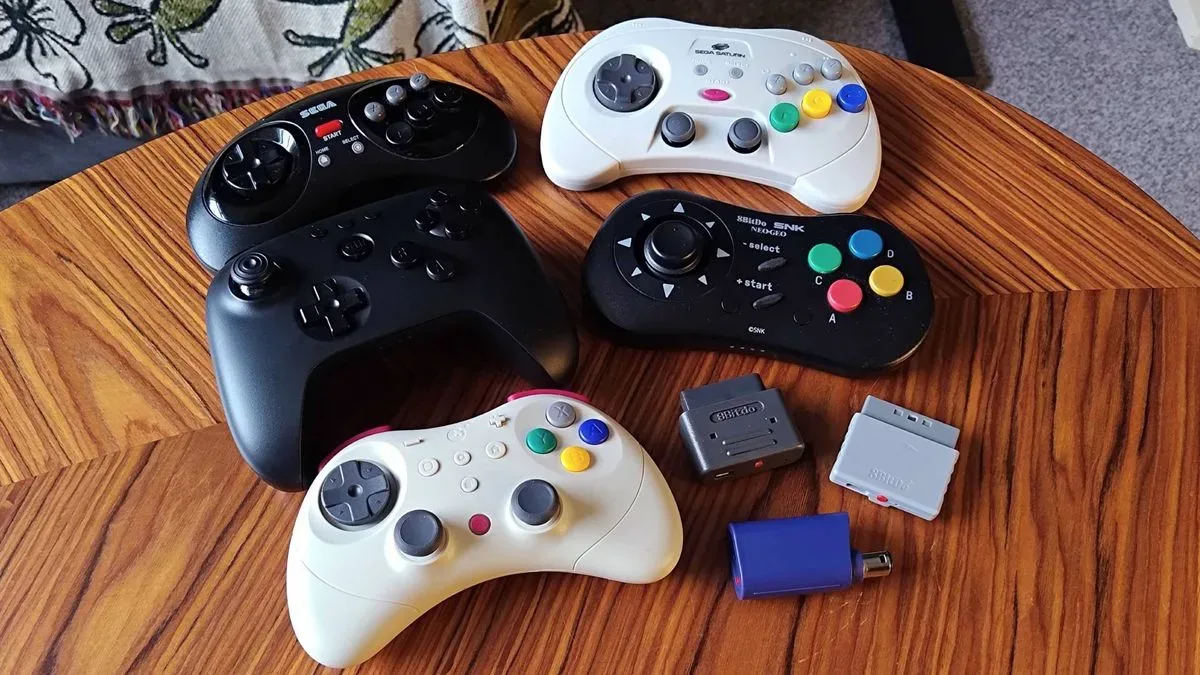
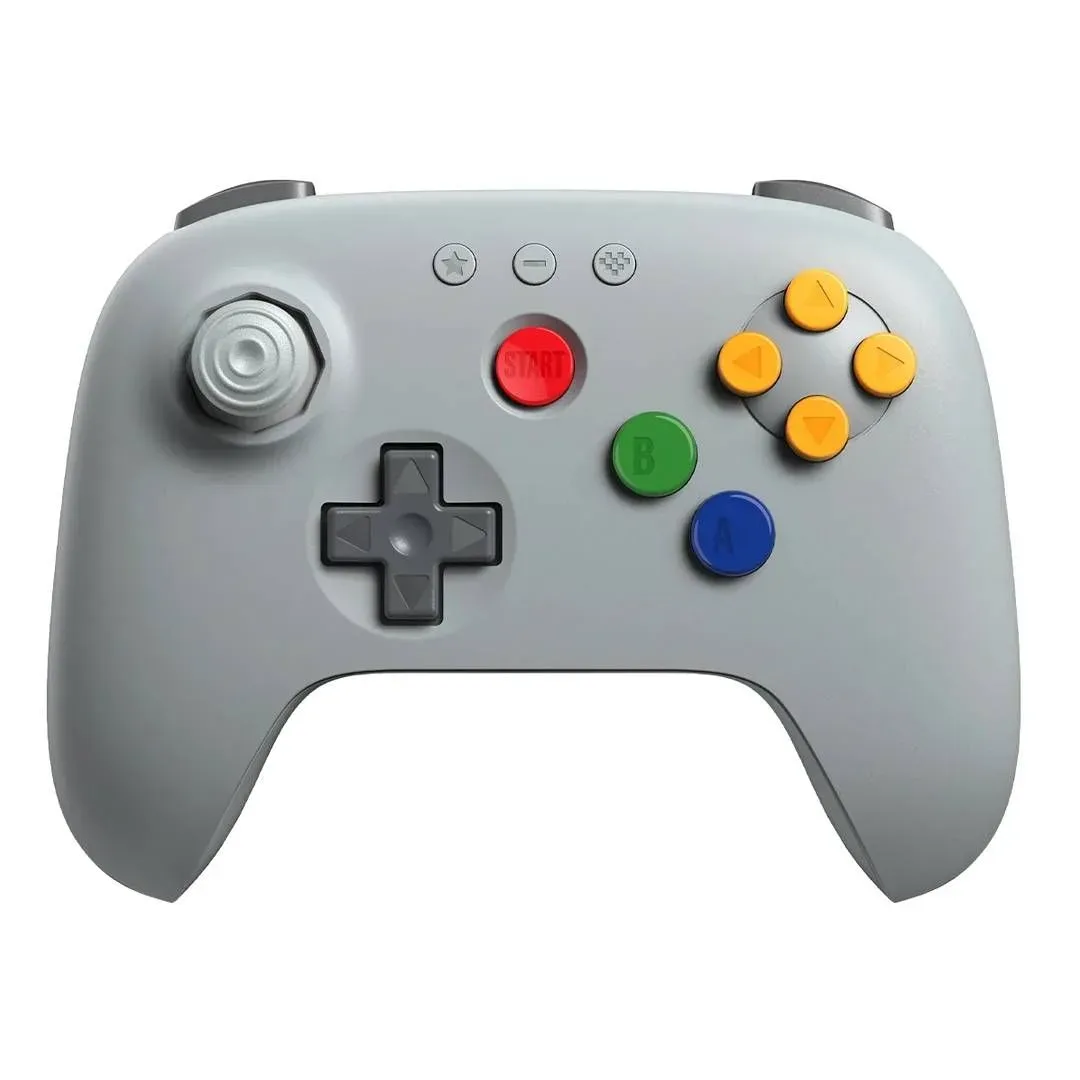
For collectors, original controllers are part of the appeal of an authentic setup. Keeping them does not prevent someone from adding a modern alternative. A wireless pad can be a useful second option for longer sessions, a different seating arrangement, or a time when avoiding another cable across the room is worth more than strict period accuracy.
Related coverage includes Prime Day Retro Gaming Deals Are Better for Setup Upgrades Than Big Purchases.
Modern retro gamepads may connect to older machines with a supplied dongle or a separate Retro Receiver. In simple terms, a receiver is the hardware that translates the wireless controller’s signal for the console. Compatibility is the first question to answer: a controller designed around one console’s inputs or receiver arrangement should not be assumed to work on another.
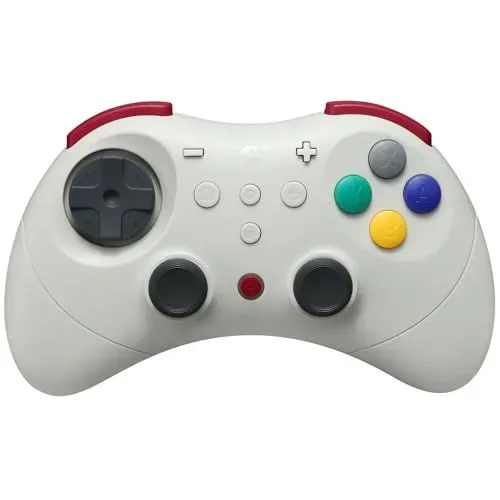
Two options identified as worth considering are the 8BitDo N64 controller and the Gulikit Elves 2 Pro. Their value is not that they erase the need for original pads; rather, they offer an alternative when a wireless controller is desirable. That is a healthier way to shop for retro peripherals than treating every new controller as an automatic replacement for vintage hardware.
Controller checks worth making before checkout
- Connection method: Confirm whether the controller includes the necessary receiver or requires a separately purchased Retro Receiver.
- Console fit: Check that the pad and its receiver support the exact original system being used.
- Purpose: Decide whether it is a backup, a multiplayer addition, or the default pad for wireless play.
- Sale reality: Compare the current price with the product’s usual price rather than relying only on a displayed percentage.
For an N64 owner in particular, a controller change can make social play easier to arrange without changing the console itself. The games remain the point; the accessory simply removes a small obstacle to playing them. Anyone looking for a reason to put the system back into rotation can start with these Nintendo 64 multiplayer games, then decide whether an extra or wireless pad would genuinely improve the occasion.
Upscalers: the technical purchase that needs the most homework
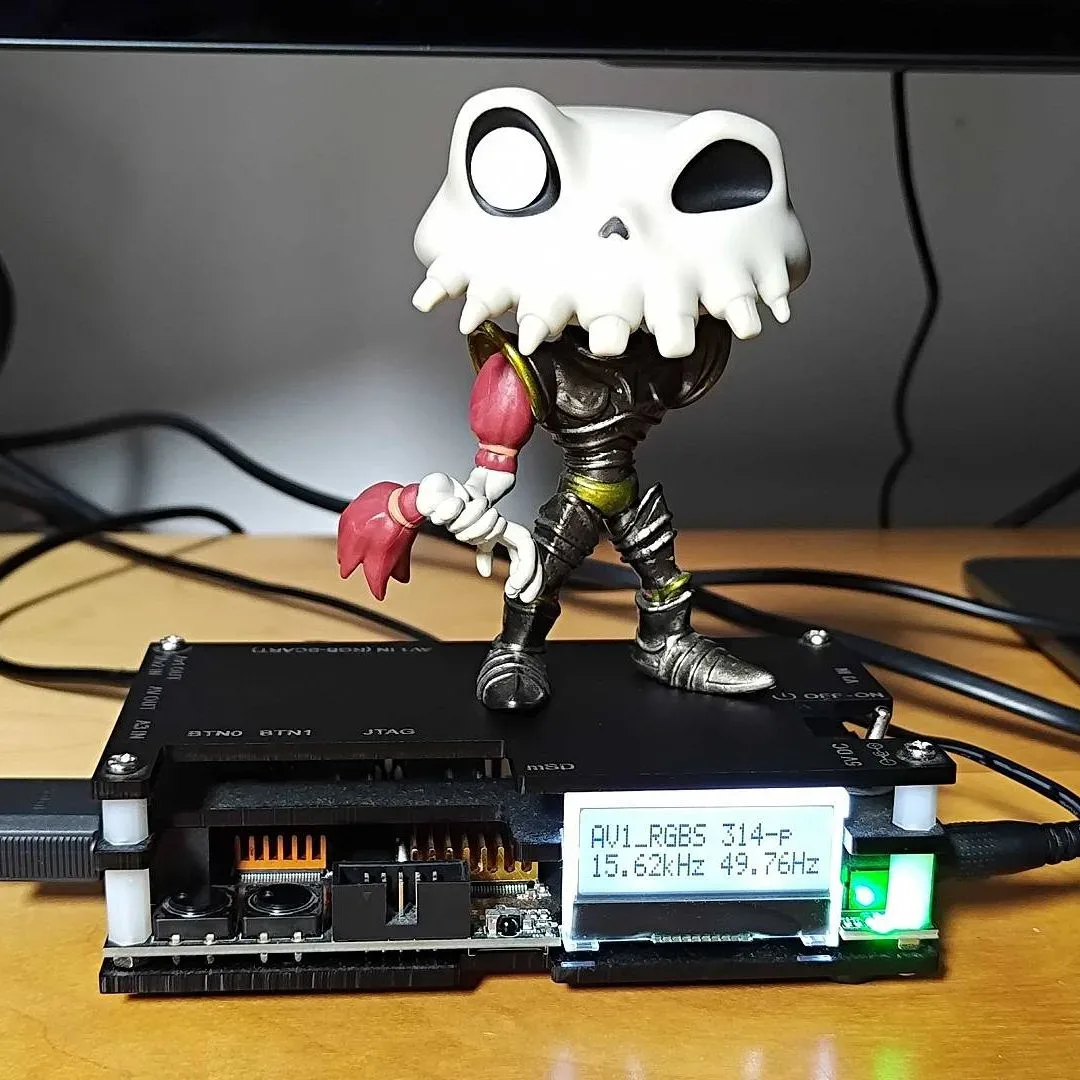
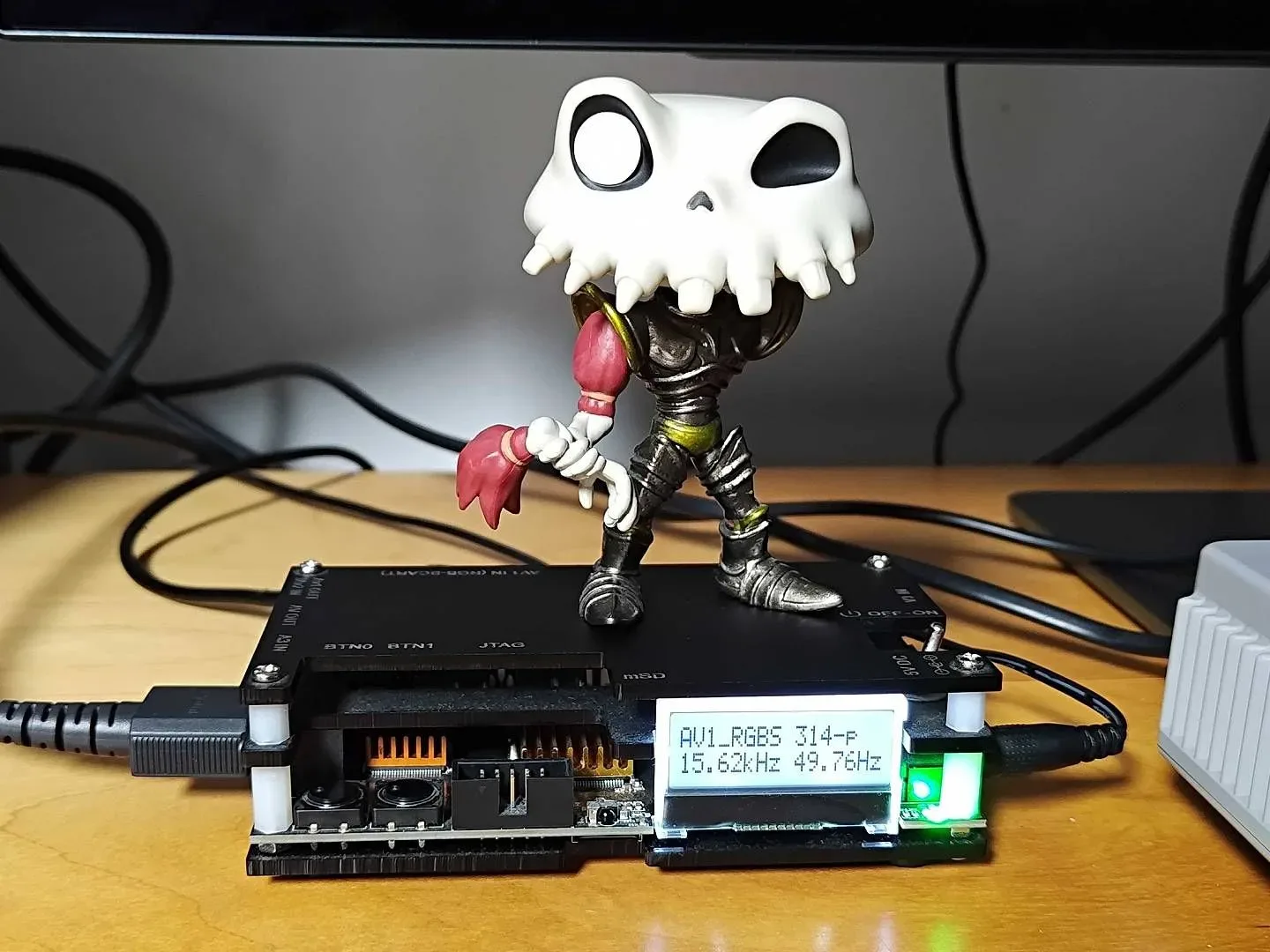
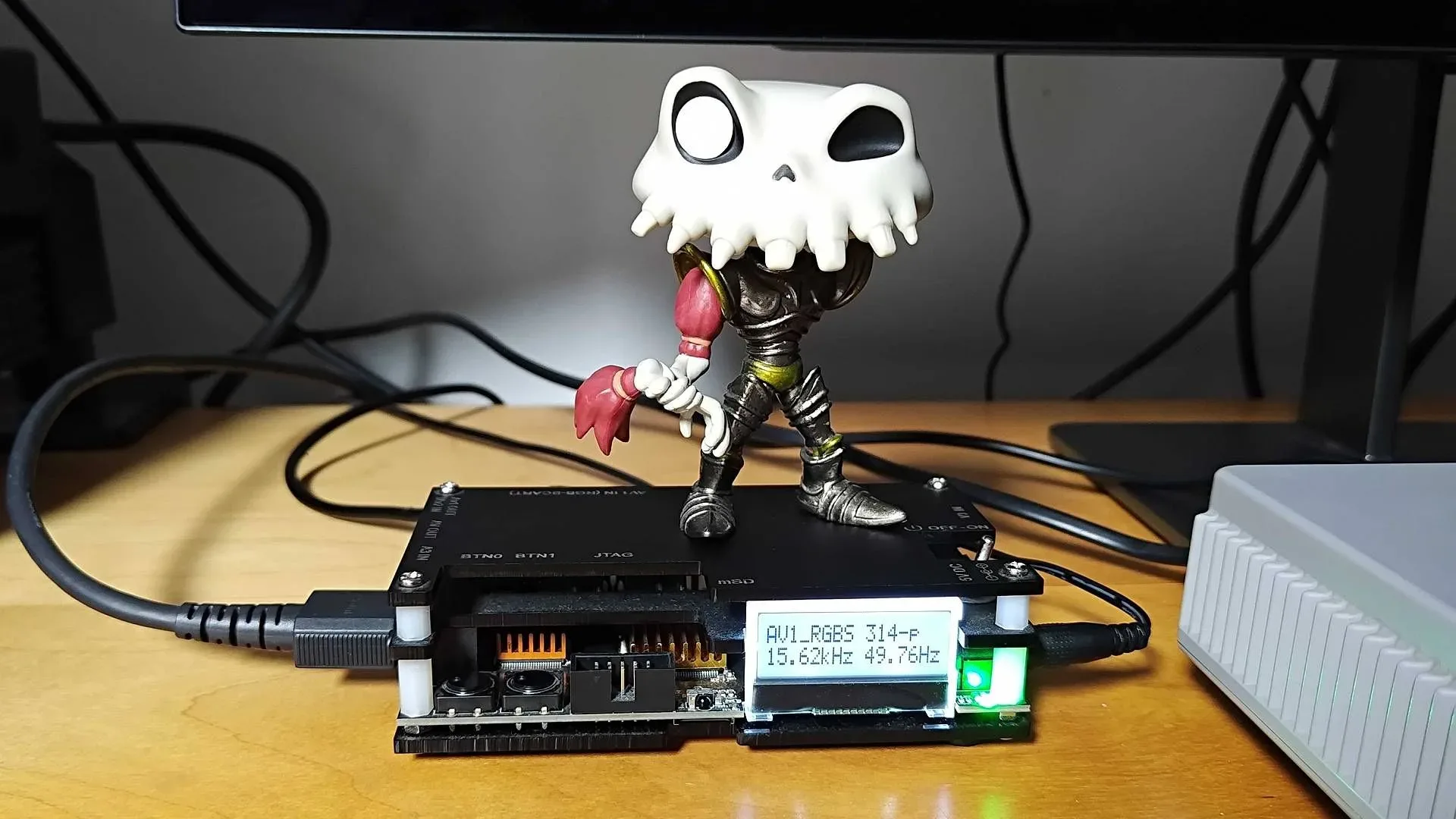
Video hardware can produce the largest visible improvement in a retro setup, but it is also where buyers can make the costliest compatibility mistakes. Premium HDMI upscalers can be a substantial investment. More accessible options cited in the current sale include the OSSC and GBS-C, both listed below $100. That price point makes them notable for players who want to improve their connection to a modern display without committing to a more expensive 4K-capable solution.
The terms surrounding this equipment can sound more intimidating than they need to be. An upscaler processes an older console’s video signal for a modern TV or monitor. It does not create detail that was absent from the original game, but it can provide a cleaner or more compatible presentation. Whether it is useful depends on the console’s output, the display, and the processing mode selected.
The OSSC is described as a line doubler. Line doubling is a form of video processing that increases the number of lines delivered to the display, aiming for a cleaner scaled image with very little added delay. That delay is called input lag: the time between pressing a button and seeing the result onscreen. Low input lag matters in any game with timing-sensitive control, and it is one of the central reasons enthusiasts care about how retro video is handled.
The GBS-C is particularly relevant to systems that use interlaced output, including the PlayStation 2. Interlaced video draws alternating lines in successive fields rather than presenting the full image at once. On modern displays, that can look unstable or distracting. The GBS-C’s cited strength is motion-adaptive deinterlacing, a method of converting that signal for progressive displays while taking movement in the image into account. In practical terms, it is intended to make interlaced material look steadier, including the jittery appearance that can arise with PlayStation 2 visuals.
Do not skip the input and output question
Neither an OSSC nor a GBS-C is a universal cure-all. A console without RGB output may need an additional composite transcoder. A transcoder converts one type of video signal into another compatible form; it is not merely another cable. That extra requirement can change the total cost and complexity of the upgrade.
This is why a buyer should map the entire signal path before purchase: console output, cable type, any needed converter or transcoder, the upscaler, and the television or monitor. “HDMI” at the end of the chain does not reveal what the console is feeding into it at the start. The affordable device can become less affordable if it requires several other components, while a more expensive all-in-one option may make more sense for a complicated setup.
There is also no need to buy an upscaler merely because it is discounted. If the present display works well and the player is happy with it, the correct saving is the money not spent. But for someone already struggling to connect original hardware cleanly to a current screen, a sub-$100 OSSC or GBS-C can be the kind of targeted improvement that changes the experience of using a console they already own.
Storage and homebrew accessories are a separate kind of upgrade
Some retro accessories do not alter the picture or replace a controller at all. They change how software and saves are accessed on original machines. This category calls for both care and clarity because devices that look superficially similar can work in very different ways.
The Summercart64 is a flash cart used with the Nintendo 64 cartridge slot, including for Zelda ROM hacks. A flash cart is hardware that presents software stored on removable media to a console through its cartridge interface. The central appeal is using the original machine while accessing compatible content from storage rather than swapping a stack of physical cartridges.
The PSXMemcard Gen 2 takes a different route. It is a modern memory-card-style device using SD-card storage; it is also associated with pre-installed Free McBoot methods for access to PlayStation 2 softmodding. Softmodding means modifying a system through software rather than physically changing its hardware. The two products therefore should not be treated as interchangeable: one works through a cartridge-slot approach, while the other centres on memory-card storage and PlayStation 2 software access.
They do share a broader appeal for tinkerers who want to do more with original hardware. Yet this is not a category to buy on impulse. Read the device documentation, verify console compatibility, understand the setup process, and use software only where you have the rights or permission to do so. Homebrew generally refers to independently made software for a platform; it is not automatically the same thing as every file someone may try to run through a flash cart or softmod.
A small-upgrade buying plan
The strongest sale strategy is modest and specific. Pick the one issue that stops the console from being used as much as it should be, then calculate the actual cost of resolving it.
- Audit the setup. Identify whether the problem is controls, video, storage, or something else.
- Check all required parts. A controller may need a receiver; an upscaler may need the correct cable or a composite transcoder.
- Separate a need from a novelty. Wireless convenience and improved deinterlacing can be needs. A duplicate gadget without a role is usually not.
- Compare against normal pricing. A sale event’s language is not proof of a rare price.
- Keep the original hardware in the plan. New accessories can make an authentic console easier to play without displacing its original controllers, cartridges, or personality.
For retro gaming, the best purchase is often not the biggest box or the flashiest claimed discount. It may be the less glamorous component that lets an aging console sit more comfortably beside a modern display, makes a multiplayer session less cable-bound, or opens a clearly understood tinkering project. When marquee bargains are thin, that kind of improvement is more than a consolation prize—it is often the purchase with the longest useful life.
Shop the products
Check current price, model and availability at the retailer.
- Gulikit Elves 2 Pro Wireless Game Controller for Switch,pc,ios,android on Amazon
- 8bitdo M30 Wireless Bluetooth Controller Retro Gamepad - Black on Amazon
- 8bitdo Retro Bluetooth Receiver for the Original Sega Genesis and Mega Drive on Amazon
- 8bitdo Bluetooth Retro Receiver for Saturn & Windows on Amazon
- 8bitdo Bluetooth Retro Receiver for Ngc, Wii and Windows, Compatible With Xbox Series Controller, Xbox One Bluetooth Controller, Switch Pro and Ps5/ps4 Controll on Amazon
- Mcbazel Odv-Gbs-C Rgbs/scart/ypbpr/vga to Hdmi/vga Scan Converter for Retro Gaming Console With Us Plug - No Av/composite/rca | Vga Max 60hz on Amazon