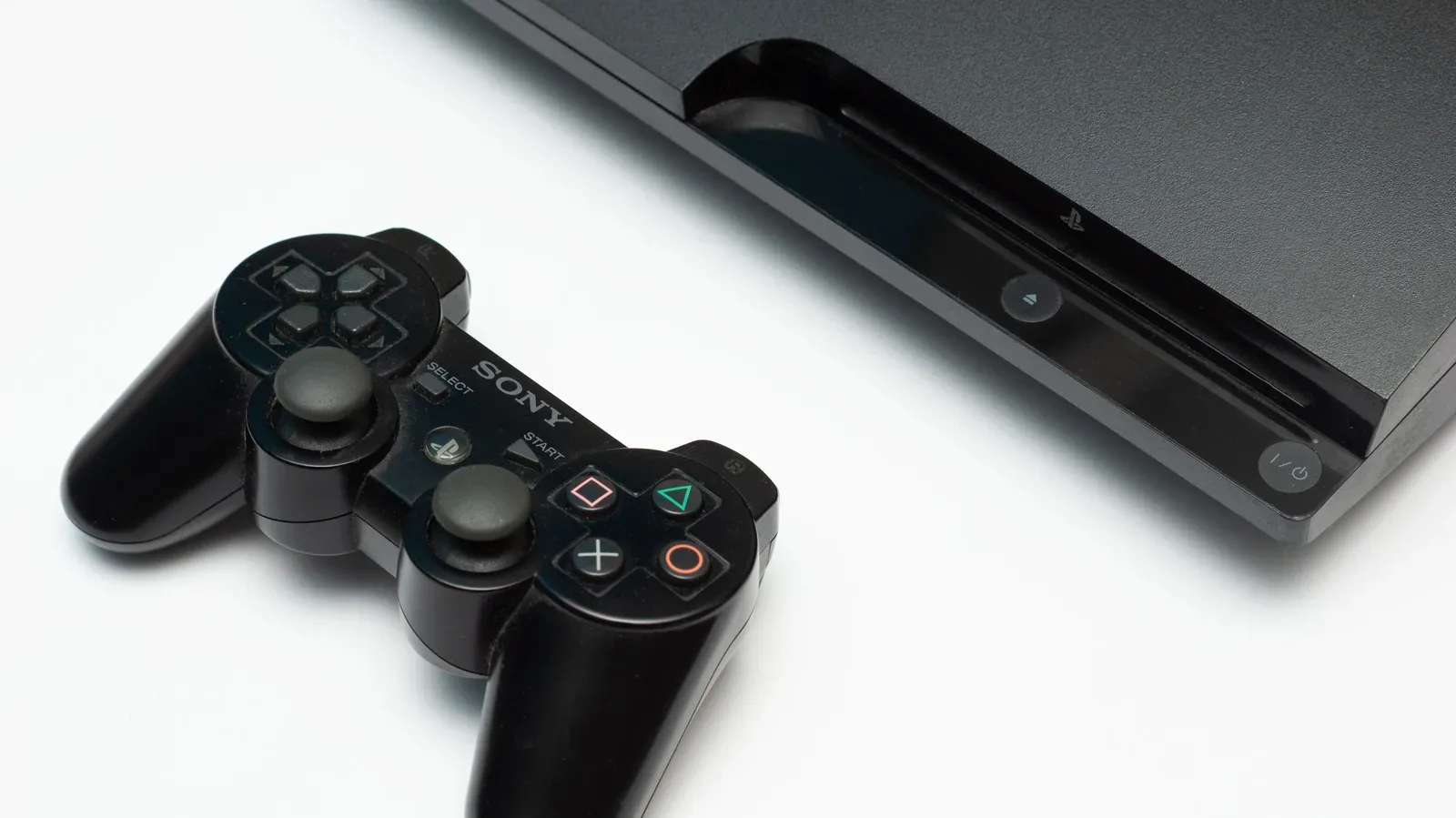
The PlayStation 3 is reaching its 20th year, an age at which original hardware can become less like a dependable console and more like a temperamental museum exhibit with a power cord. That makes a new RPCS3 capability particularly significant for people who still own PS3 games on disc: the open-source emulator can now work directly with physical PS3 discs inserted into compatible Blu-ray drives on a PC.
It is not quite the frictionless fantasy suggested by the words “put disc in, game happens.” There are compatibility requirements, a first-use setup step involving the disc’s decryption key, and all the usual practical realities of emulation. Still, this is a notable expansion of what a physical PS3 library can do. A disc that has spent years in a shelf case may now potentially be used from a modern desktop setup rather than requiring the original console to remain operational.
More importantly, the feature arrives while arguments about game ownership, preservation and the future of physical media are increasingly difficult to ignore. Sony has said it intends to stop producing discs for new PlayStation games from 2028. That policy has drawn concern from players, developers and publishers who see a disc as more than a delivery format: it is a tangible item that can be retained, collected, resold and revisited without a storefront’s continued cooperation.
What RPCS3’s new disc-drive support actually changes
RPCS3 is an emulator built to run PlayStation 3 software on other systems. Its recent work extends direct disc-drive play beyond Windows to Linux, macOS and FreeBSD. It also improves installation times when handling package installations from the disc drive.
For users with a supported Blu-ray drive and a compatible PS3 game disc, that means the physical disc can serve as the game source directly. Instead of treating an old boxed game purely as something to archive or display, the disc can take a more active role in accessing the game through the emulator.
The supported-drive detail matters. Not every Blu-ray drive is able to read the specific information required for PS3 discs, so a standard optical drive should not be assumed to work. RPCS3 maintains a compatibility list for drives, and prospective users should check that list before expecting a particular internal or external unit to do the job. “Blu-ray” on the box is not a universal passport into seventh-generation console archaeology.
The cross-platform expansion is also meaningful. Direct drive support had been limited to Windows, but users of Linux, macOS and FreeBSD can now use the relevant workflow as well. That broadens the number of systems that can potentially keep a PS3 collection useful, particularly for enthusiasts who build dedicated emulation machines or prefer an operating system outside the mainstream PC default.
Plug-and-play has one important asterisk
RPCS3 describes the capability as plug and play, but new users should understand the qualification. The initial time a particular PS3 disc is used, the emulator still requires that disc’s decryption key. The key must be placed in the emulator’s data/redump location. Once that information is present, RPCS3 can boot the disc while reading and decrypting it on the fly.
Related coverage includes RPCS3 Adds Direct PS3 Disc Playback From Compatible PC Drives.
That distinction is worth making because it keeps expectations realistic. This is not a case of connecting any disc drive, inserting any PS3 disc, and immediately landing at the title screen with zero preparation. It is a direct-disc workflow with an authentication and setup component. For preservation-minded players accustomed to dumping, organizing and verifying older media, that may be a manageable step. For someone expecting console-like simplicity, it is an extra task to learn.
Users should also pay attention to applicable laws and the rights tied to the software and media in their region. Emulation conversations often flatten a complicated area into slogans. In practice, ownership of a physical disc, acquiring required keys, copying data and bypassing technical protection can involve different legal questions depending on where a person lives. The technical achievement is real, but it does not erase the need for users to make informed decisions about their own circumstances.
A physical disc is more than a download code in a shiny hat
Physical games have limitations. Discs can scratch, drives fail, patches may be unavailable, and some titles depend on online services that no local disc can permanently preserve. A PS3 disc is not a magic ward against every problem that affects old games.
But it does provide a durable, user-held starting point. It can be stored independently of an account, a subscription or an online shop listing. It can be loaned, traded, catalogued and tested on future compatible equipment. Direct disc support through an emulator gives that object an additional purpose: it can remain connected to the act of playing, not just the nostalgia of owning.
That is especially relevant for collectors. A shelf full of PlayStation 3 cases is often discussed in financial or visual terms—rarity, condition, cover art, complete-in-box status—but its practical value matters too. Being able to access a legitimately owned library without leaning on increasingly elderly console hardware is a compelling reason to preserve the discs themselves carefully.
Collectors considering an emulation setup should continue handling the media as media, not as invincible artifacts. Keep discs in appropriate cases, avoid harsh cleaning methods, protect them from heat and direct sunlight, and label storage in a way that makes titles easy to locate. If a title is important enough to preserve, its packaging, manuals and inserts may also be worth protecting. The playable disc and the complete historical object are related, but not identical, forms of preservation.
Why the timing sharpens the preservation debate
In the wake of Sony’s plan to end disc production for new PlayStation games from 2028, one persistent concern has been the long-term status of purchased games in an increasingly digital-only marketplace. Digital distribution is convenient, and it can make games available to people who would never visit a specialist shop. Yet convenience is not the same as permanence.
A digital purchase is commonly tied to a platform account, a storefront’s policies, server infrastructure and licensing agreements. A disc has its own dependencies, including compatible hardware and, for modern games, potentially downloaded updates or server access. The two models are not perfect opposites. Still, an owned disc leaves the buyer with a physical copy that does not disappear from the shelf when a listing changes.
RPCS3’s direct-drive feature does not settle the larger argument, and it should not be oversold as a universal answer. Emulator compatibility varies by title, supported drives are necessary, setup is required, and original console hardware remains the intended environment for the PS3 catalogue. Yet the feature demonstrates something important: when people retain physical media, later technical tools can create new ways to use it.
That possibility becomes harder to maintain when games exist only as licenses delivered through remote services. Preservation is not one feature, one company or one community project. It is a chain involving rights holders, archives, developers, collectors, repair specialists, compatible hardware and software projects. A physical release is one link in that chain. Removing it does not automatically destroy preservation, but it does remove a useful and familiar link.
Good news for a library, not an excuse to ignore backup habits
Anyone who builds a PC emulation library should take care of their saved progress. Directly accessing a disc does not automatically protect save data, configuration files or emulator settings. The distinction between emulator save states and a game’s own save system can be especially important before changing versions or migrating to another PC. Our guide to save states versus in-game saves before an emulator update explains why both kinds of progress deserve attention.
For PS3 owners, the practical takeaway is straightforward. Check whether your Blu-ray drive is supported, understand that a disc-specific decryption key is required before first boot, and recognize that direct playback does not promise universal game compatibility or eliminate the need for responsible data management. Then appreciate the larger win: a physical library can retain useful life beyond the console it was originally bought for.
There is a certain fitting comedy in old discs becoming newly useful just as the industry’s physical future looks less certain. The PS3 era was full of bulky consoles, shiny cases and enormous installs; now its games may help illustrate why the humble plastic circle still matters. For players who kept their shelves intact, RPCS3’s advancement makes those shelves feel a little less like a time capsule and a little more like an active library.