A multi-disc Dreamcast game can make a tidy collection look broken. A frontend that scans every supported file may show Shenmue three or four times, while Skies of Arcadia may appear as two separate entries. The files are valid, but the library is representing discs instead of games.
The clean solution is to preserve each disc image and add one M3U playlist that acts as the parent launch target. The playlist does not merge, compress or replace the disc files. It records which discs belong together and the order in which the emulator should present them. RetroArch’s Libretro documentation specifically supports this workflow with the Flycast core, while also explaining that an M3U must be loaded or added manually rather than discovered through the normal content scanner.
Shenmue and Skies of Arcadia make useful examples because they demonstrate two different organizational decisions. Skies of Arcadia has two story discs that form one straightforward sequence. Shenmue has three story discs plus a Shenmue Passport companion disc, so a clean library requires you to distinguish the main game from an included extra.
Why separate disc files become duplicate games
A frontend usually begins with a file scan. If a folder contains a GDI, CDI, CHD or other supported Dreamcast image for each disc, the scanner may create one launch record per file. From the scanner’s perspective, that is consistent: it found several playable-looking files. From a collector’s perspective, it is clutter, because the files are components of one release.
An M3U introduces a second layer. The disc images remain the actual content, while the playlist becomes the parent-level representation shown in the library. When the playlist is loaded, the emulator can expose the ordered discs through its disc-control system. Selecting the parent therefore launches the complete multi-disc set without pretending that the individual images are different games.
This distinction also prevents a common mistake: launching Disc 2 as though it were a standalone sequel or alternate edition. Some games may boot that way, but a direct launch can bypass the save-based handoff the original software expects. The goal is not merely fewer icons. It is a library entry that preserves the game’s intended disc sequence.
- Keep every original disc image available.
- Use the M3U as the normal launch target.
- Treat individual disc files as components, not separate games.
- Do not assume that launching a later disc directly is equivalent to swapping discs during play.
Count the discs before renaming anything
Disc counting should happen before file cleanup. For the North American Dreamcast release of Shenmue, the main story uses three game discs. The release also includes Shenmue Passport, a separate companion disc with additional information and other material. Passport should not be placed after the story discs in the main M3U as though it were story Disc 4.
That distinction matters because the playlist order becomes the emulator’s disc index order. A four-line Shenmue playlist containing Disc 1, Disc 2, Disc 3 and Passport presents an inaccurate sequence. It may also make later troubleshooting harder because the library label suggests that all four files belong to one continuous game progression.
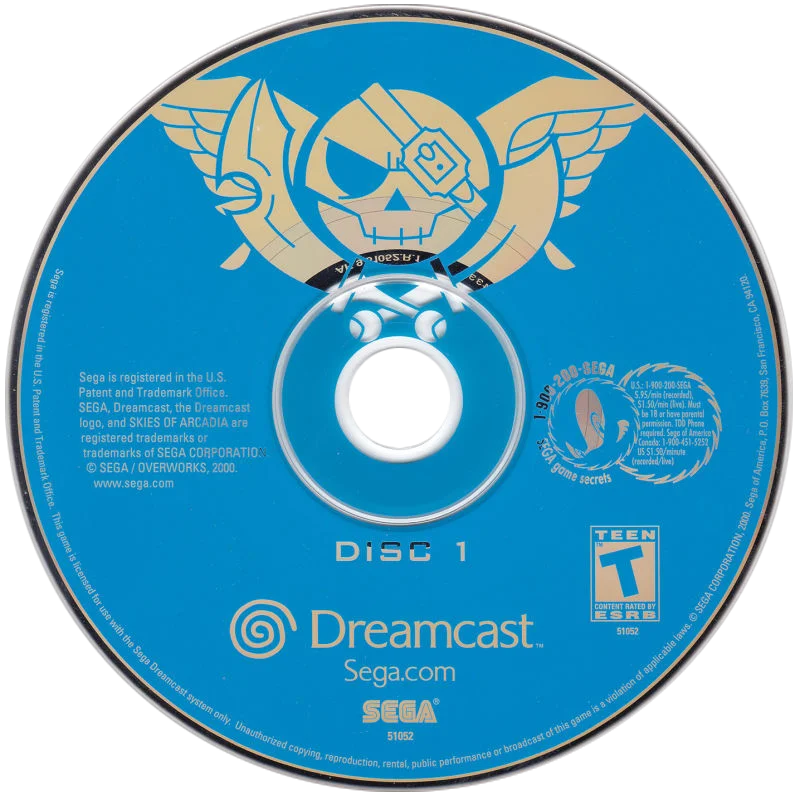
Skies of Arcadia is simpler. Its original Dreamcast release consists of two discs. The North American manual explains that the player saves when prompted, changes to Disc 2, and then allows the second disc to verify the save before continuing. That is exactly the kind of transition an M3U and disc-control feature are intended to support.
Always organize one specific release at a time. Do not combine North American and European files, original Dreamcast discs and later ports, or different revisions merely because the filenames share a title. A playlist is an index for a matched set, not a general-purpose container for every related file.
- Shenmue story playlist: Disc 1, Disc 2 and Disc 3.
- Shenmue Passport: separate companion entry or collection item.
- Skies of Arcadia playlist: Disc 1 followed by Disc 2.
- Keep region, revision and platform consistent.
- Confirm the disc count for the exact edition being organized.
Choose one naming convention
A consistent naming pattern makes the folder readable and reduces playlist errors. Include the shared game title, the region or edition marker when needed, and a disc number. A North American Shenmue set might use names such as Shenmue (USA) (Disc 1), Shenmue (USA) (Disc 2) and Shenmue (USA) (Disc 3). The extension belongs at the end of each real filename.
Skies of Arcadia can use the same structure: Skies of Arcadia (USA) (Disc 1) and Skies of Arcadia (USA) (Disc 2). The exact punctuation is not important. What matters is that every disc uses the same title and edition label, with only the disc number changing.
Use a fixed-width number if your collection includes games with many discs. Disc 01, Disc 02 and Disc 03 sort safely even if another set eventually reaches Disc 10. For the two examples here, Disc 1 and Disc 2 are perfectly readable, but a single convention across the whole Dreamcast library is easier to maintain.
Name the playlist after the parent game rather than after a particular disc. Shenmue (USA).m3u and Skies of Arcadia (USA).m3u are clearer than Shenmue (USA) (Disc 1).m3u. The parent filename should tell you that the entry represents the complete set.
- Use the same game title on every story disc.
- Keep region or edition labels identical.
- Include the actual extension in playlist entries.
- Use a consistent Disc 1 or Disc 01 convention.
- Give the M3U the shared parent title.
Keep the playlist beside the disc images
A simple folder layout reduces path problems. Create one folder for Shenmue and place the three story images and the M3U together. Create another folder for Skies of Arcadia and place its two images and M3U together. Passport can remain in the Shenmue folder if you want it nearby, but its separate status should be obvious from its filename and library entry.
The Libretro instructions describe putting the content discs in one folder, creating the text file in that same folder, and listing the complete filenames with extensions. Keeping the files together also makes the M3U portable when you move the game folder to another drive or computer.
Avoid casually writing absolute paths into the M3U. A drive-letter path may work on one Windows installation but fail after a drive change or backup restore. Filenames relative to the playlist’s folder are easier to understand and maintain. The important part is that each line matches the file that actually exists beside the playlist.
Do not rename or move only one disc after creating the M3U. If you change a filename, update the corresponding playlist line at the same time. A missing extension, an extra space or a spelling difference can be enough to make the set fail to load.
- Place each M3U beside its referenced disc files.
- Prefer simple filenames relative to the playlist folder.
- Match every playlist line to an existing file.
- Keep the original arrangement until testing is complete.
- Do not mix unrelated releases in one directory.
Create the M3U as a plain-text index
An M3U is a plain-text file with one disc filename on each line. For Shenmue, the story playlist should contain the three story files in order. For Skies of Arcadia, it should contain the two story files in order. The playlist should not contain explanatory prose, artwork names or save-file names.
A Shenmue story playlist would follow this structure, using your exact filenames: Shenmue (USA) (Disc 1).gdi, Shenmue (USA) (Disc 2).gdi and Shenmue (USA) (Disc 3).gdi. If your set uses CHD, CDI or another supported format, list those actual files instead. Do not copy the extension from an example if it does not match your files.
A Skies of Arcadia playlist follows the same pattern with two lines: Skies of Arcadia (USA) (Disc 1).gdi and Skies of Arcadia (USA) (Disc 2).gdi. The first line becomes the first disc index, and the second line becomes the second disc index.
Use a basic text editor that saves plain text. A word processor can add formatting or hidden characters that do not belong in an M3U. Save the file with the .m3u extension, then reopen it and compare each line with the directory listing. This check is quick and catches many avoidable mistakes before RetroArch is involved.
- Write one disc filename per line.
- Put story discs in their original order.
- Use the actual extension for every referenced file.
- Save as plain text with an .m3u extension.
- Keep Shenmue Passport out of the main story playlist.
Use RetroArch with the Libretro Flycast core
The verified example for this workflow is RetroArch using the Libretro Flycast core. The Flycast documentation lists Dreamcast content extensions including CDI, GDI, CHD, CUE, BIN, ZIP, 7Z, LST, DAT and M3U. It also has a dedicated multiple-disc section that recommends creating an M3U index file for disc swapping.
Load the M3U as content rather than selecting a story disc as the normal library target. RetroArch’s disc-swapping documentation says an M3U can be loaded through Load Content or added to a playlist manually. The standard content scanner does not automatically add the M3U entry in the documented workflow, so do not treat a failed scan as proof that the playlist is invalid.
If your frontend scans the folder and shows both the M3U and the individual disc files, that does not mean the playlist failed. It means the frontend created records for every recognized file. The solution is frontend organization: add the M3U to the curated library, exclude the child files from automatic scanning if the frontend supports that option, or keep the source folder outside the automatic scan and add the parent manually.
There is no universal hide-children setting that applies to every frontend. The names and behavior of filters vary, so use the documentation for the frontend you actually maintain. Keep the technical claim limited to RetroArch and Flycast unless you have separate current documentation for another emulator.
- Use the Libretro Flycast core for the documented example.
- Load the M3U as the parent content.
- Add the M3U manually if normal scanning does not find it.
- Expect individual files to remain visible until the frontend is curated.
- Do not generalize this workflow to every standalone Dreamcast emulator.
Swap discs through Disk Control
The playlist organizes the set, but the game still decides when the next disc is needed. In Skies of Arcadia, follow the manual’s save prompt before changing from Disc 1 to Disc 2. The second disc then verifies the save data before continuing. Starting Disc 2 directly from the library is not the same organizationally or procedurally as changing the disc within the running session.
Shenmue’s manual likewise explains that the player begins with Disc 1 and follows on-screen instructions when the game requires another disc. A save-based transition should be treated as part of the game’s normal flow. Do not swap early simply because the next image is available in the playlist.
RetroArch’s Quick Menu includes a Disc Control section for supported disc-based cores. With an M3U loaded, the current disc can be changed by cycling through the disc index. The exact button or hotkey depends on your RetroArch input configuration, so avoid publishing a controller shortcut as though it were universal.
RetroArch also documents Disc Image Append as an alternative when a playlist cannot be used. That option adds another disc image to the current disc list during a session. It is useful as a fallback, but it does not provide the same clean, reusable parent entry as a correctly named M3U.
- Wait for the game to request the disc change.
- Save when the original manual requires it.
- Use RetroArch’s Disc Control for the running session.
- Check your own input configuration before assigning a hotkey.
- Use Disc Image Append as a fallback, not as a reason to create permanent duplicates.
Keep Shenmue Passport separate
Shenmue Passport is the special case that most often causes an inaccurate playlist. It belongs to the Dreamcast release package, but it is not one of the three story discs. Treating it as story Disc 4 makes the physical set look simpler while making the playable sequence less accurate.
There are two reasonable collection choices. You can keep Passport outside the main playable folder and catalog it as a companion disc, or you can keep it in the Shenmue folder with a clearly separate filename and entry. The second choice is useful if you want every disc associated with the release to remain discoverable. In either case, leave it out of Shenmue (USA).m3u.
If you want Passport to appear in the frontend, give it a separate display label such as Shenmue Passport. Do not attach it to the story playlist merely to avoid an extra icon. One additional, accurately labeled companion entry is better than a single misleading four-disc sequence.
This is also a metadata problem. Automatic matching may identify Shenmue but cannot necessarily understand your decision to separate the companion disc. Correct the parent label manually if required, and record a short collection note stating that the story playlist contains three discs while Passport is separate.
- Treat Passport as a companion disc.
- Keep it out of the three-disc story M3U.
- Use a separate entry if you want it visible.
- Do not let a scraper decide the disc sequence.
- Record the exception in your collection notes.
Apply metadata to the parent entry
Metadata should decorate the M3U parent, not multiply the library. Once the playlist launches correctly, identify it as the original Sega Dreamcast release of Shenmue or Skies of Arcadia, using the correct region and edition. If automatic scanning creates records for Disc 1 and Disc 2, keep those records out of the main curated view rather than assigning each one separate game metadata.
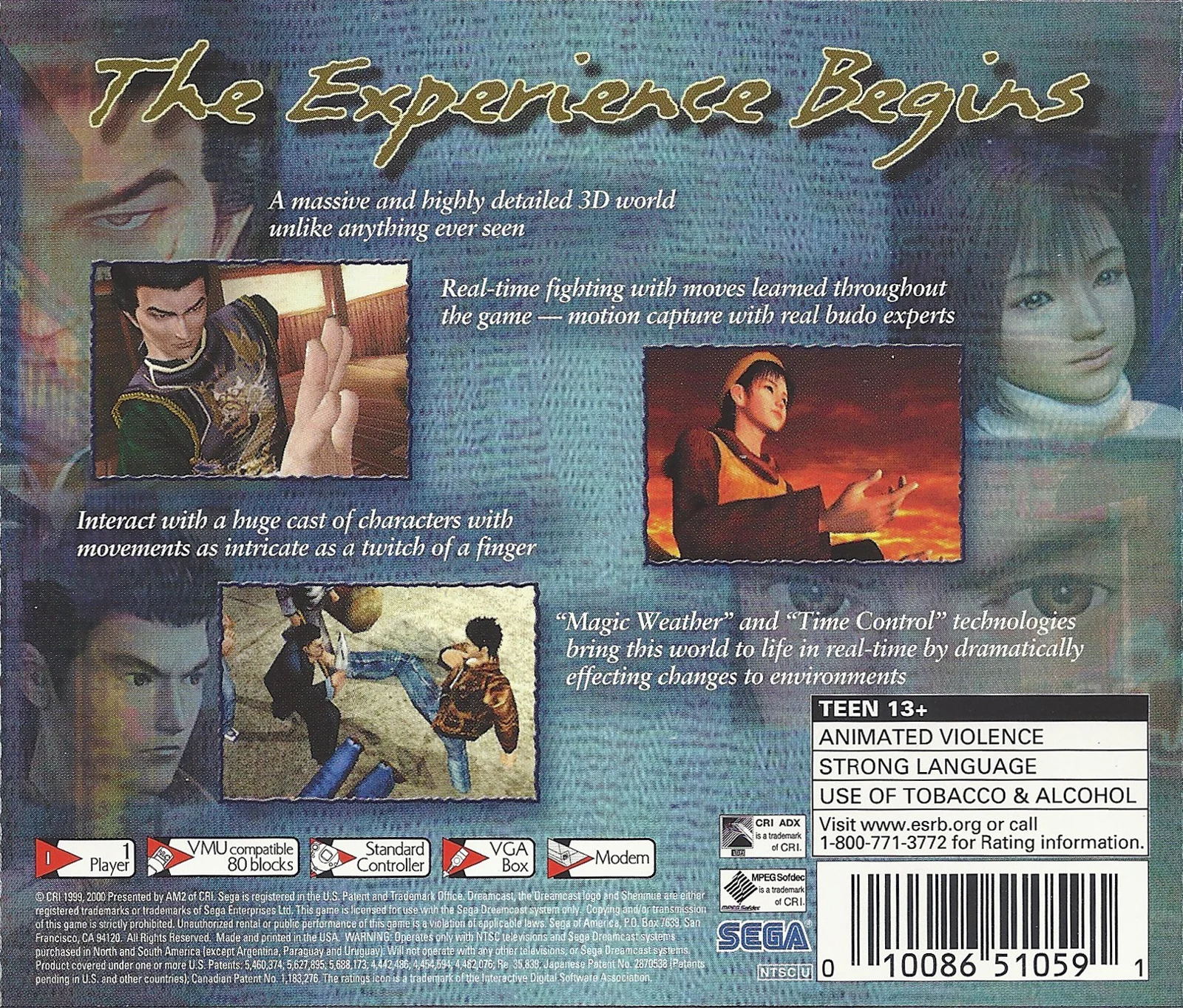
The supplied cover and gameplay artwork can help identify the parent release, but artwork is not evidence of disc order, emulator support or a successful playlist. Match Shenmue artwork to the Shenmue parent and Skies of Arcadia artwork to its own parent. Do not use Passport artwork in a way that makes the companion disc appear to be a numbered story disc.
Keep original Dreamcast releases separate from later ports and remasters. A shared title does not guarantee shared file structure, save behavior or disc handling. A clean library should tell you not only what the game is called, but also which platform release will launch.
If your frontend allows manual labels, use a parent name that does not expose the implementation detail. Shenmue (USA) is more useful as a library label than Shenmue (USA) (Disc 1) because the former communicates that the selection represents the whole game.
- Apply metadata to the M3U parent.
- Keep platform, region and edition accurate.
- Use supplied artwork only as identification.
- Separate Dreamcast releases from ports and remasters.
- Hide or exclude child records according to the frontend’s documented tools.
Test without deleting the originals
Library cleanup should remain reversible until the new entry is proven. Keep the original disc files and, if possible, the previous folder structure while testing. Creating an M3U is not a reason to delete the files it references; the playlist depends on them.
First confirm that the M3U opens with the intended Flycast core. Check that the first disc is the expected starting point and that the playlist exposes the correct number of story discs. Then test a save-based transition when practical. Skies of Arcadia provides a clear checkpoint because its manual explicitly instructs the player to save before changing to Disc 2. Shenmue should be tested at the point where the game requests the next disc, without forcing an early swap.
If the playlist fails, compare every line with the actual filenames. Check the extension, spaces, punctuation, region label and folder location. Also check that the file was saved as plain text rather than as a word-processing document. If the emulator opens the M3U but cannot find a later disc, the problem is usually an incorrect entry or a moved file rather than the concept of the playlist.
Only after the parent entry launches, the order is correct and the disc transition works should you archive the old arrangement. Even then, preserve a backup or clearly labeled source copy. The goal is a cleaner presentation without sacrificing the underlying collection.
- Keep original disc images during testing.
- Confirm the intended core opens the M3U.
- Check the first disc and total story-disc count.
- Verify a save-based transition where practical.
- Compare playlist lines with the directory listing if loading fails.
- Archive only after the new arrangement is proven.
The reliable pattern is straightforward: preserve the individual Dreamcast disc images, use one consistent naming scheme, place the files together, create an ordered M3U, and make that playlist the library’s parent entry. RetroArch with the Libretro Flycast core provides a documented example, while frontend filtering remains a separate organization task.
Skies of Arcadia demonstrates a normal two-disc story sequence with a save-based handoff. Shenmue requires one extra decision because its three story discs are accompanied by Shenmue Passport. Keep Passport separate from the main playlist, even if you retain it beside the story files.
Test before moving or deleting anything. A playlist is only an index, so the original files remain important. Once the M3U launches correctly and the game can reach its next disc through the emulator’s disc controls, the library can show one useful game entry instead of a row of misleading duplicates.